How to Create a Digital Escape Room with ThingLink Scenario Builder
Are you ready to captivate your audience with an immersive, interactive experience? Digital escape rooms offer a unique way to engage, educate, and entertain your students, staff, or target market. This guide will walk you through the process of creating your very own digital escape room, focusing on clarity, ease of use, and maximum impact, using the versatile ThingLink Scenario Builder.
Unlock Creativity: What is a Digital Escape Room?
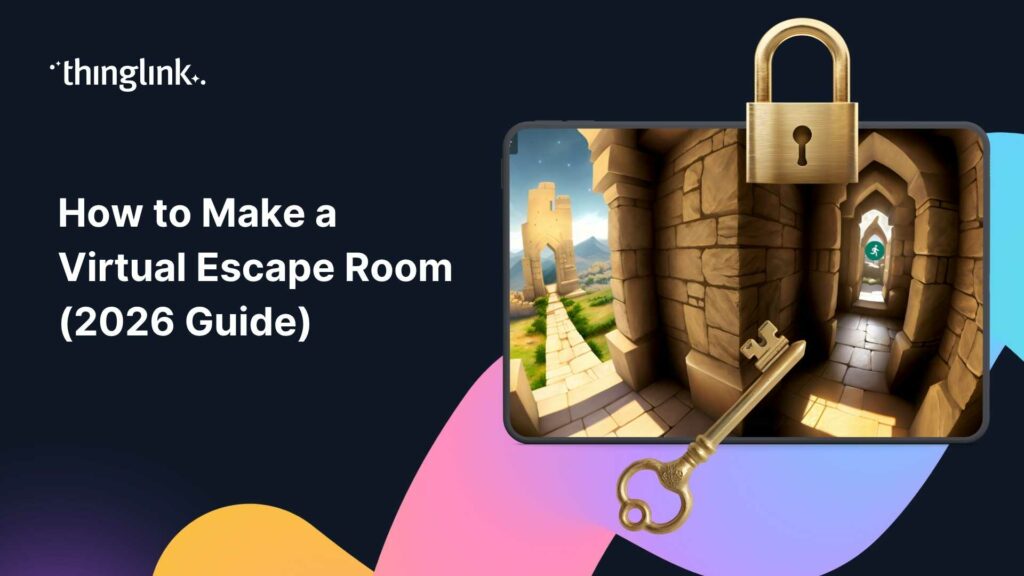
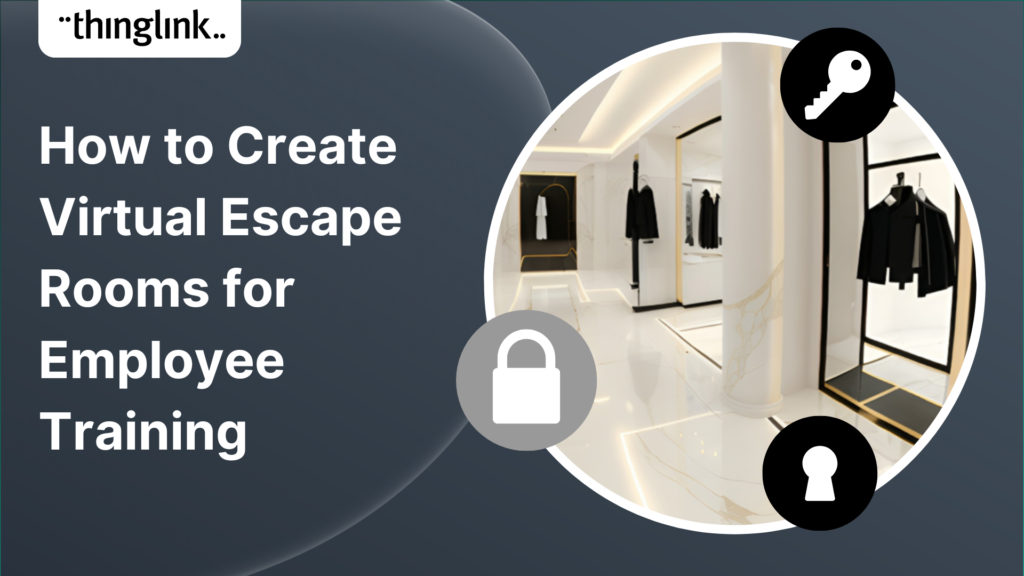
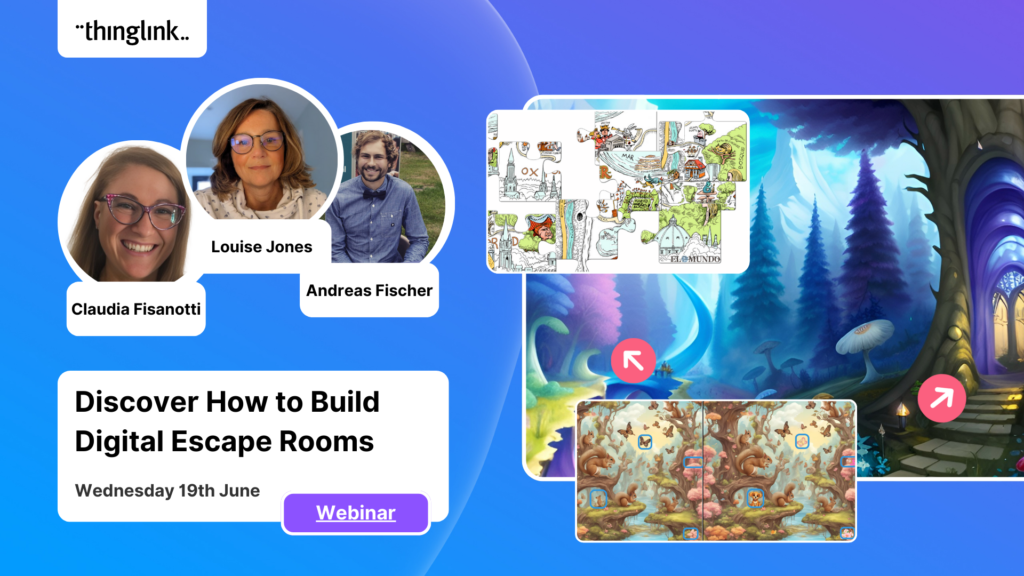
A digital or virtual escape room is an interactive online experience where participants solve puzzles, decipher clues, and overcome challenges to “escape” a virtual environment. Think of it as a virtual adventure game, often designed with a specific narrative or theme. Unlike physical escape rooms, digital versions can be accessed from anywhere, making them incredibly flexible for various applications, from educational tools to marketing campaigns.
Engage and Educate with Interactive Experiences
Why are digital escape rooms so effective? They tap into our innate desire for challenge and discovery. By presenting information in a puzzle format, you encourage active learning and critical thinking. Participants aren’t just passively consuming content; they are actively interacting with it, making the experience more memorable and impactful.
Why Choose ThingLink Scenario Builder for Your Escape Room?
While there are many tools available, ThingLink Scenario Builder stands out for its user-friendly interface and robust features. With ThingLink, you don’t need to be a tech expert to create a professional and engaging digital escape room.
Simplicity Meets Powerful Design
ThingLink Scenario Builder simplifies the creation process without compromising on functionality. Its intuitive interface allows you to easily incorporate various media types and design complex interactions. Imagine building intricate puzzles with just a few clicks, which ThingLink makes entirely possible.
Unleash Your Imagination with Advanced Features
Beyond basic interactions, ThingLink Scenario Builder offers advanced features that elevate your escape room. You can integrate branching scenarios, conditional logic, and multimedia elements (either your own multimedia, content from the ThingLink multimedia library, or using ThingLink’s AI integrations to generate media) that respond to user actions. This means you can create truly dynamic and personalized experiences that adapt as players progress.
Our Featured Example: See What’s Possible
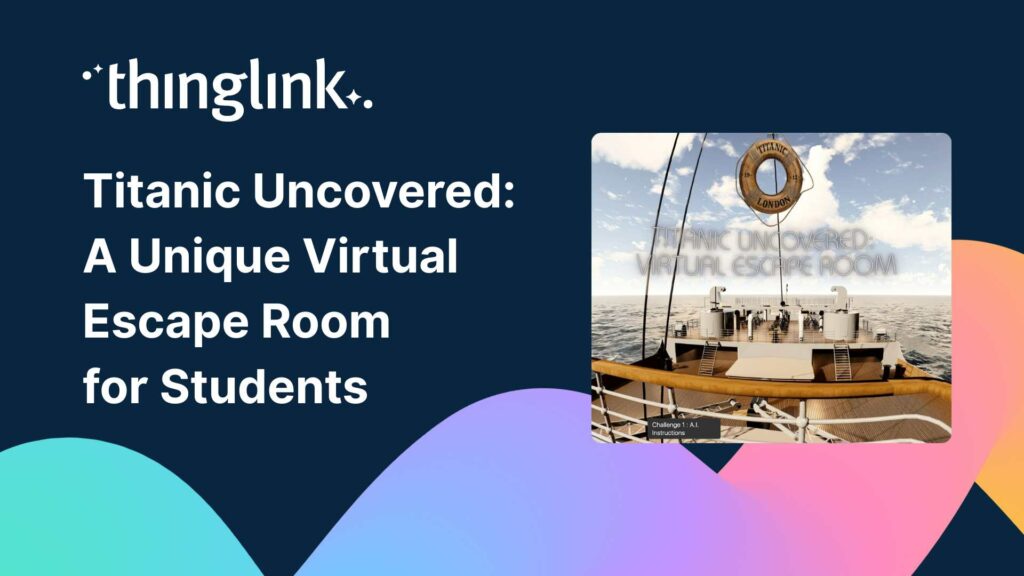
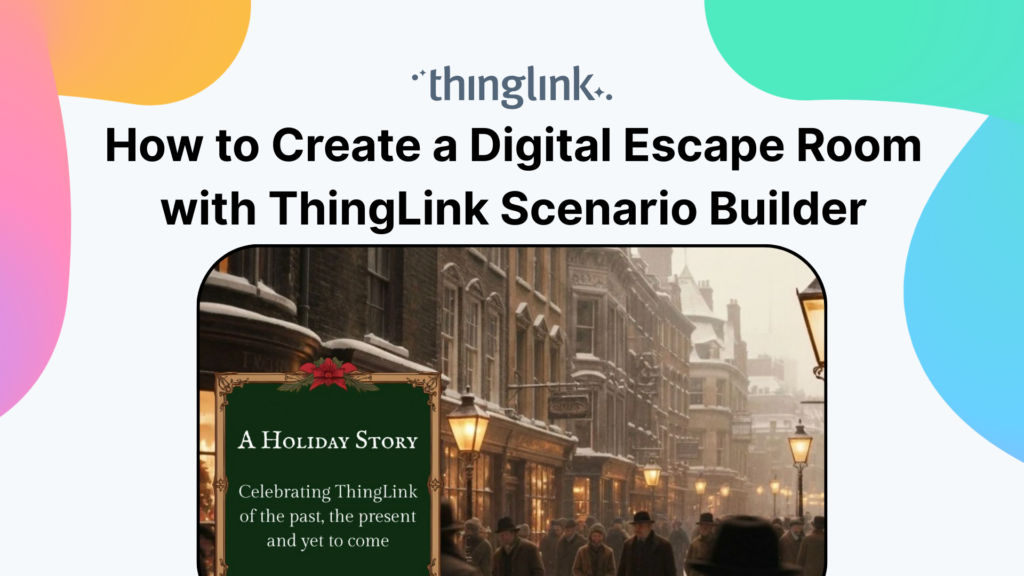
To truly understand the potential, we invite you to explore “A ThingLink Holiday Story,” an example of a digital escape room built with ThingLink Scenario Builder to celebrate ThingLink’s past, present, and yet to come.
Step-by-Step Guide: Building Your Digital Escape Room
Creating a digital escape room might seem daunting, but by breaking it down into manageable steps, you’ll find it surprisingly accessible and straightforward, even if you are a complete newcomer to building interactive experiences.
1. Crafting Your Concept: The Heart of Your Escape Room
Every great escape room starts with a compelling story and clear objectives.
- Define your theme: What is the overarching narrative? Is it a mystery, a historical journey, or a futuristic quest? In the example above, the inspiration was the story of “A Christmas Carol” by Charles Dickens, which also provided the simple story arc. In the novel, the character Scrooge is visited by three spirits, representing the past, the present, and the future. This became the model for the scenes in this escape room, allowing us to show the features from ThingLink’s past, present day, and a sneak peek of what’s coming in the future.
- Establish your goal: What do players need to achieve, learn, understand, or apply to “escape” or complete the experience? Will this act as a gamified training or onboarding tutorial? Is it a fun lesson for students, including puzzles that involve knowledge takeaways from a recent subject matter? Or are you interested in creating a branded escape room experience to immerse customers in your brand story?
- Outline your puzzles and clues: Brainstorm a series of challenges that align with your theme and lead players logically from one step to the next, with the response validation features. You may want to consider different types of puzzles to maintain engagement, such as riddles, observation tasks, scavenger hunts, and logic problems. Alternatively, as in the example above, it may just require a close reading of the information provided. You can make your puzzles as simple or complex as you’d like to fit the needs of your goals.
2. Designing Your Digital Space: Visuals and Sounds
The environment sets the mood and provides the backdrop for your escape room.
- Select engaging background images or videos: These will serve as the “rooms” or scenes of your escape room. Think about how visuals can subtly convey clues or create a specific atmosphere. In this example, we have used a combination of 2D images sourced from the integrated ThingLink Unsplash library and from Canva.
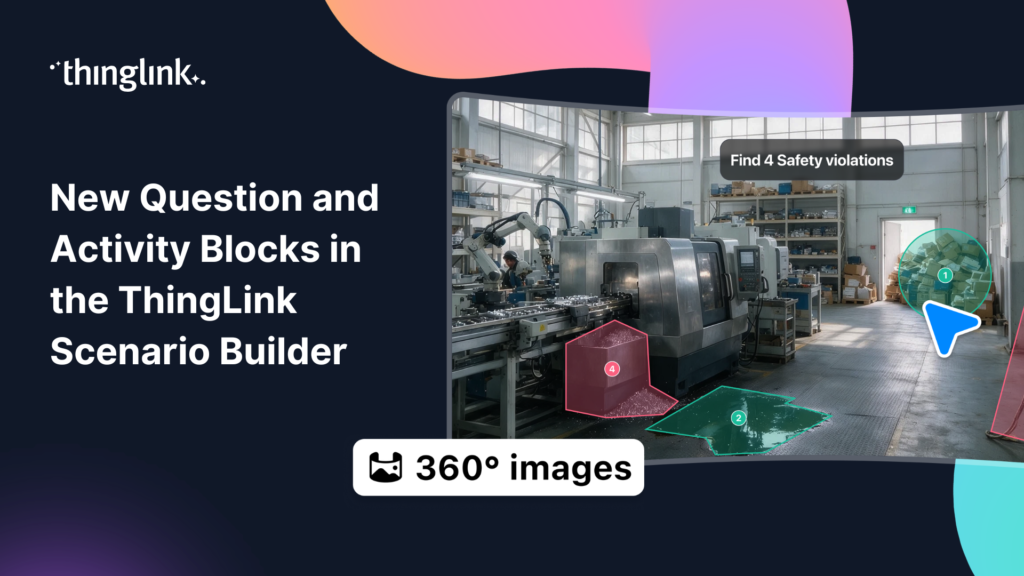
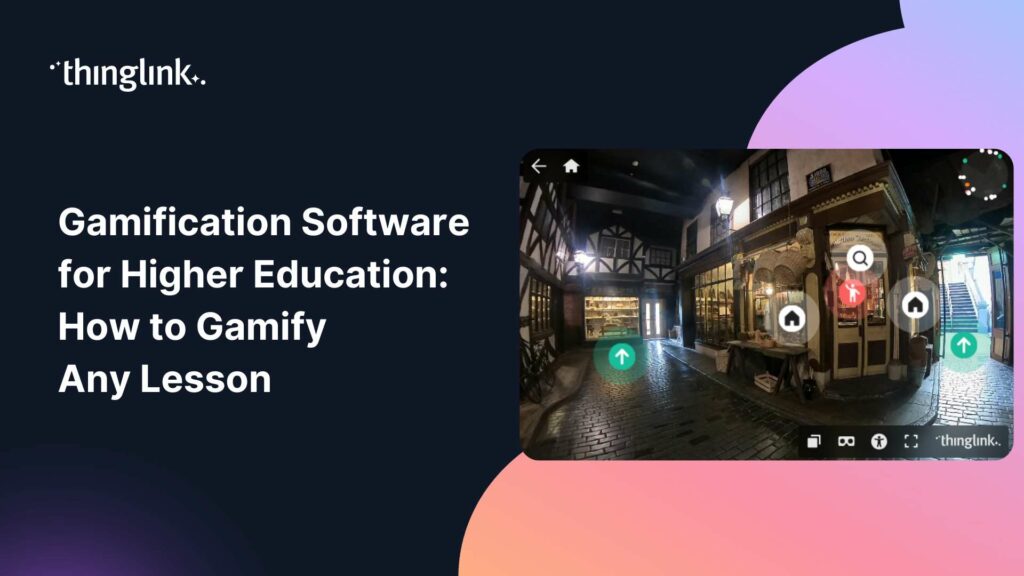
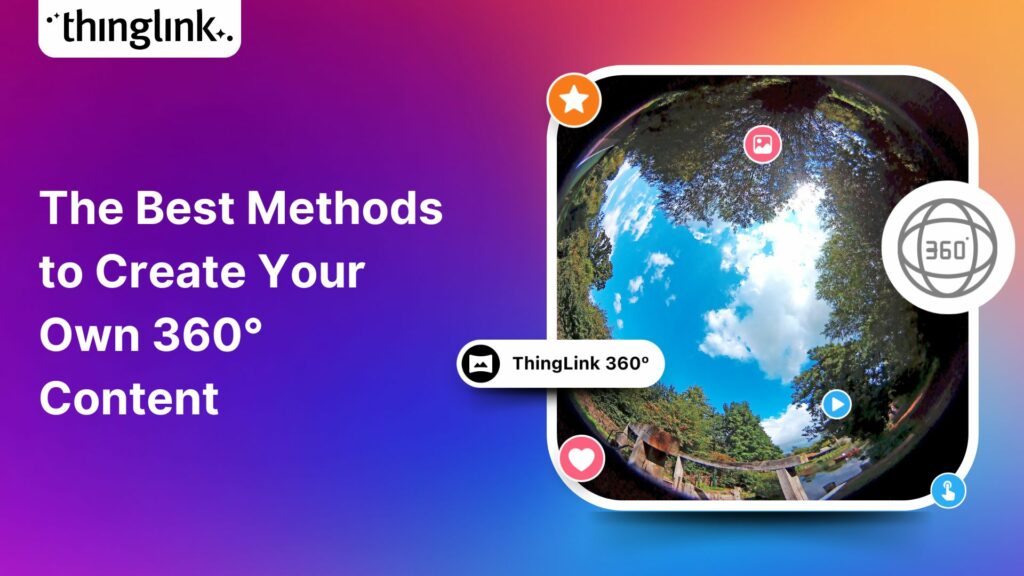
- Increase the immersion aspect by using 360° media. In ThingLink, the background of your scenes can be 2D images (like the first two scenes), 360° images (like the scenes of ThingLink present and future), videos, or even 360° videos. Simply add your interactive tags to your base media to guide users through your immersive escape room using tags and hotspots, as described in the next section of this blog post. For our 360° images, we have used the ThingLink 360° library for the “present” scene, and generated a 360° image in the ThingLink creation flow using a simple text prompt for the “future” scene.
- Incorporate ambient sounds and music: Audio elements can significantly enhance immersion, adding suspense, excitement, or a sense of calm. ThingLink allows you to easily embed these elements into each scene. In the escape room experience above, the music and sound effects for the scenes and for interactive tags were both sourced from Pixabay, a site for downloading fee-free, royalty-free media.
3. Enhancing Engagement: Multimedia and Hotspots
This is where the magic of interactivity comes alive.
- Utilize ThingLink hotspots: These clickable icons on your images or videos are crucial for your escape room. Each hotspot can trigger a different action:
- Reveal a clue: Text with customizable font, images, or audio files can pop up when a hotspot is clicked. In the example above, we have used the versatile Text and Media tag, which can contain text, images, videos, 3D objects, or any combination of all four.
- Present a puzzle: Link to a separate interactive element or a question within a text and media tag.
- Embed external content: Embed videos, Google Slides, or other web-based resources in an Embed tag.
- Implement conditional logic: Design your escape room so that certain actions or correct answers unlock pathways or clues, guiding players through the experience in a structured way.
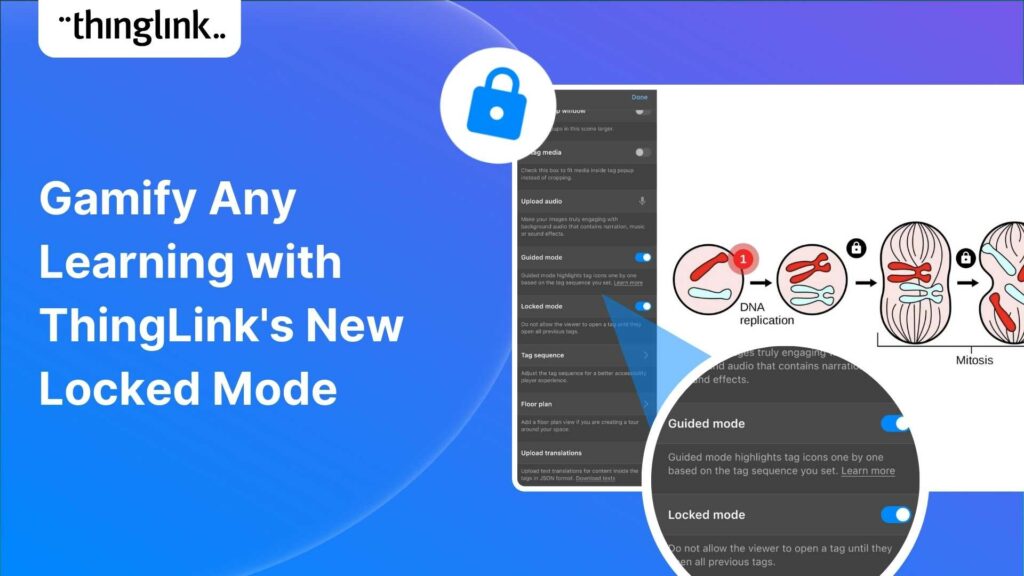
- In this example, we have used two methods to do this. Firstly, we have used ThingLink’s Locked Guided Mode for each of the tags, meaning that players have to open every tag, and in the correct set order, before moving out of one scene to the next. This feature acts as a digital lock that forces participants to move through every step of the experience.
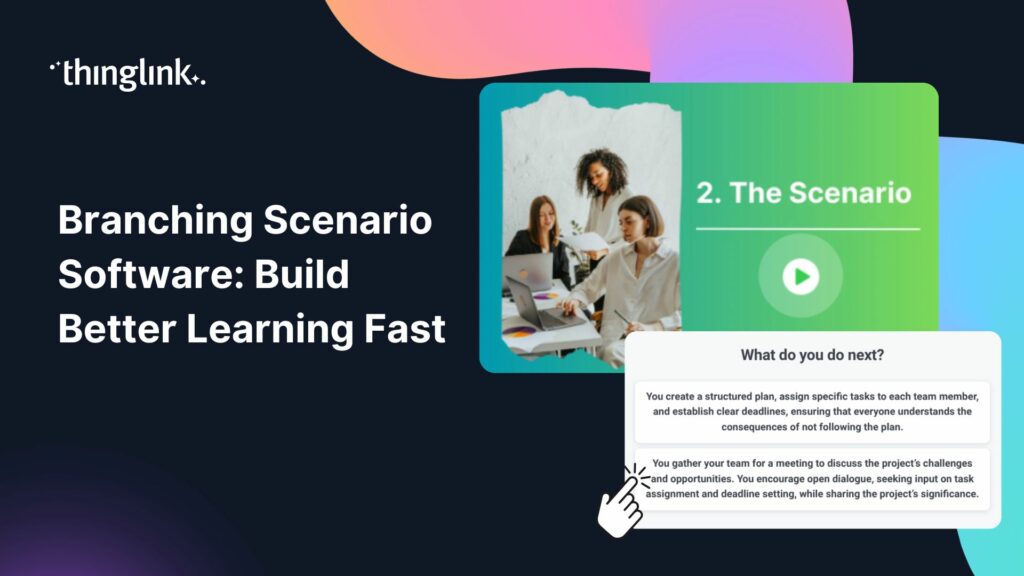
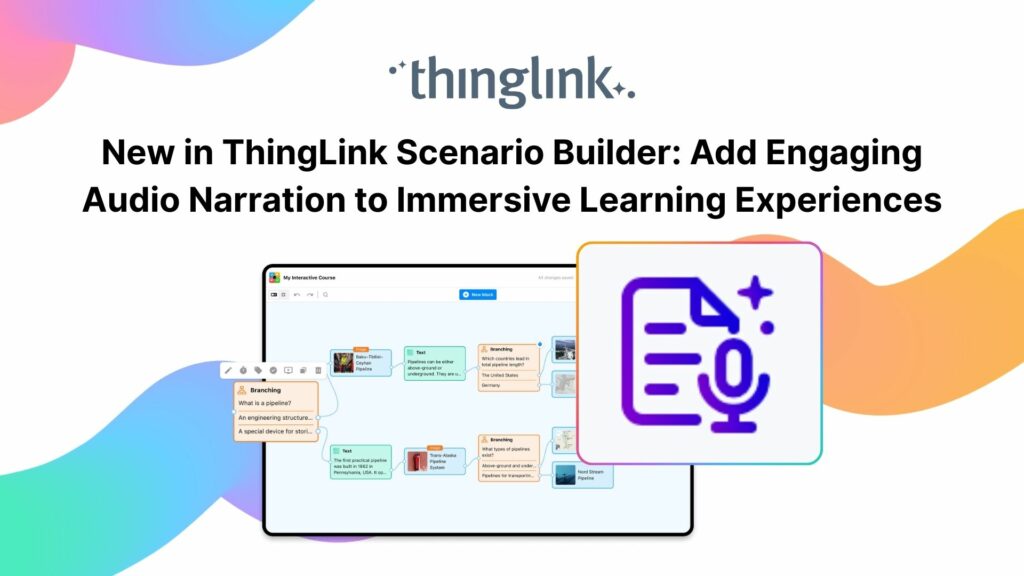
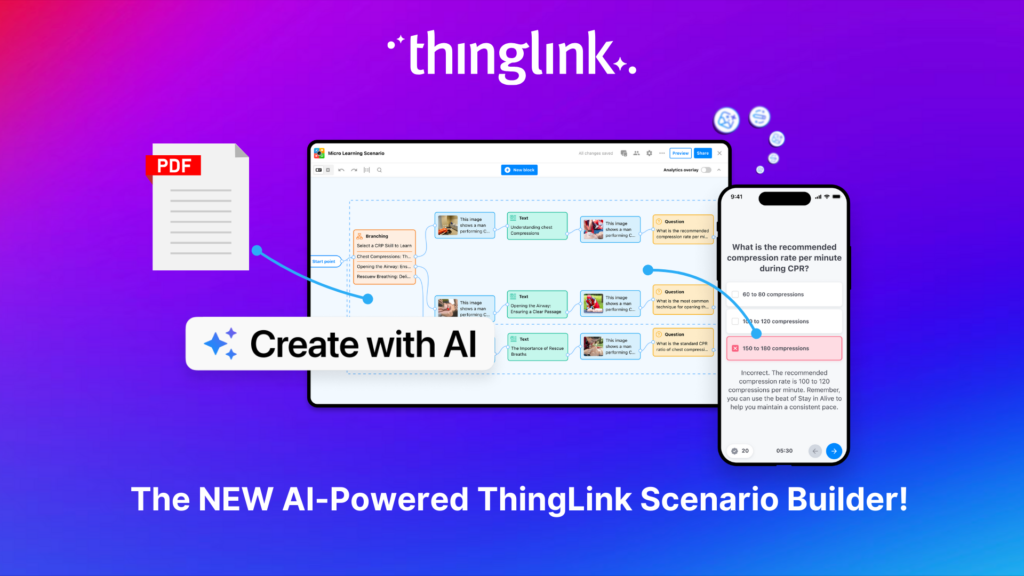
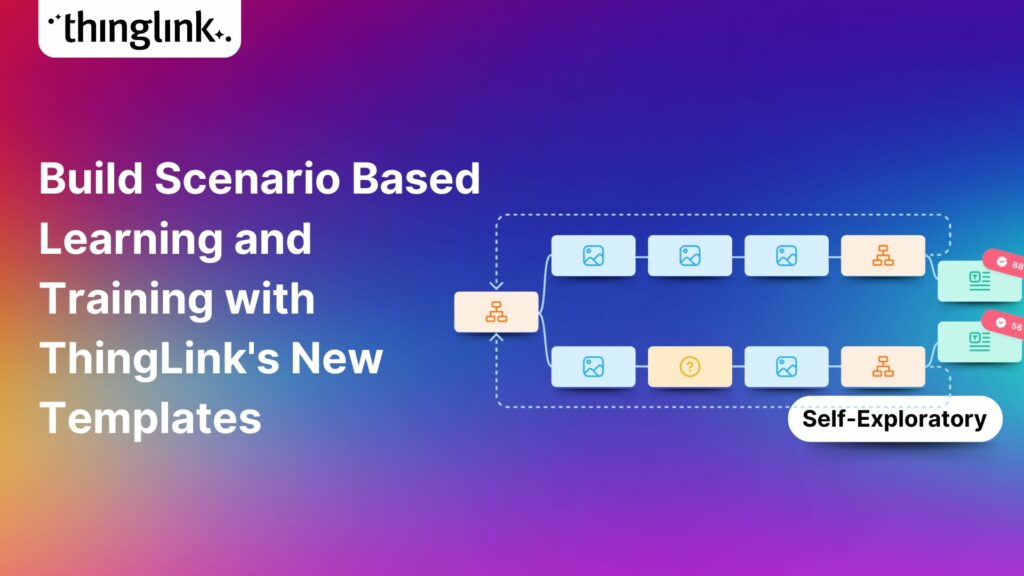
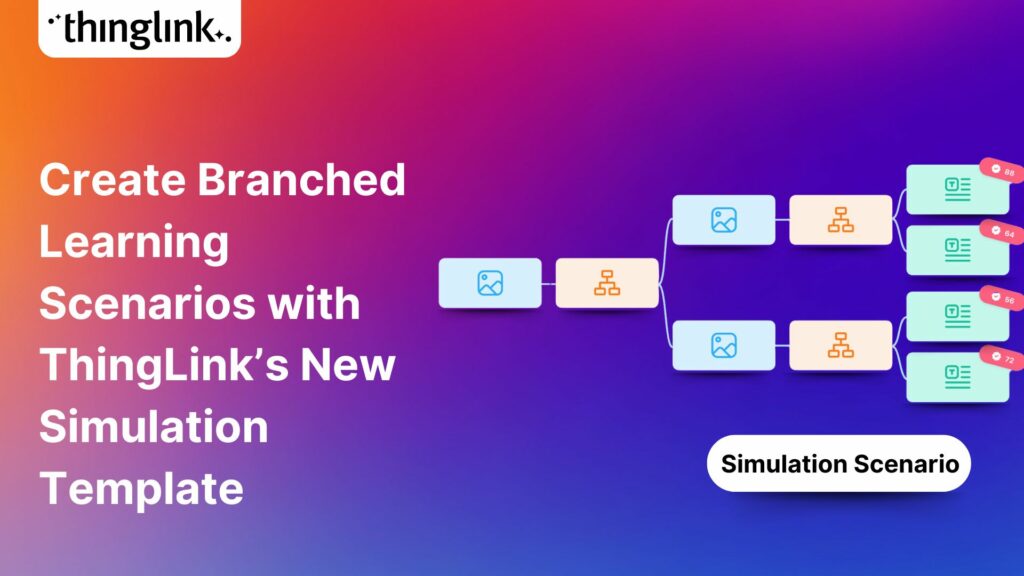
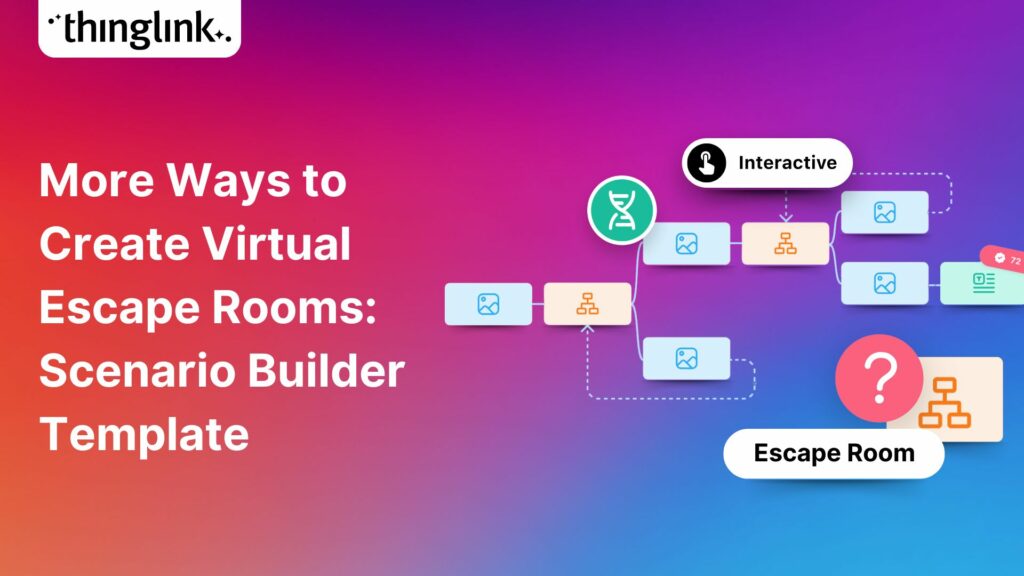
- In addition, because we have created the escape room using Scenario Builder, we have the ability to add branching logic. Simply, the player must choose the correct answer from a multiple-choice question to move to the next scene. A wrong answer sends them to a supplementary scene where they can refresh their knowledge before trying again. We have provided only two choices at each branching point, although you can add many more branches to add complexity to your own escape room!
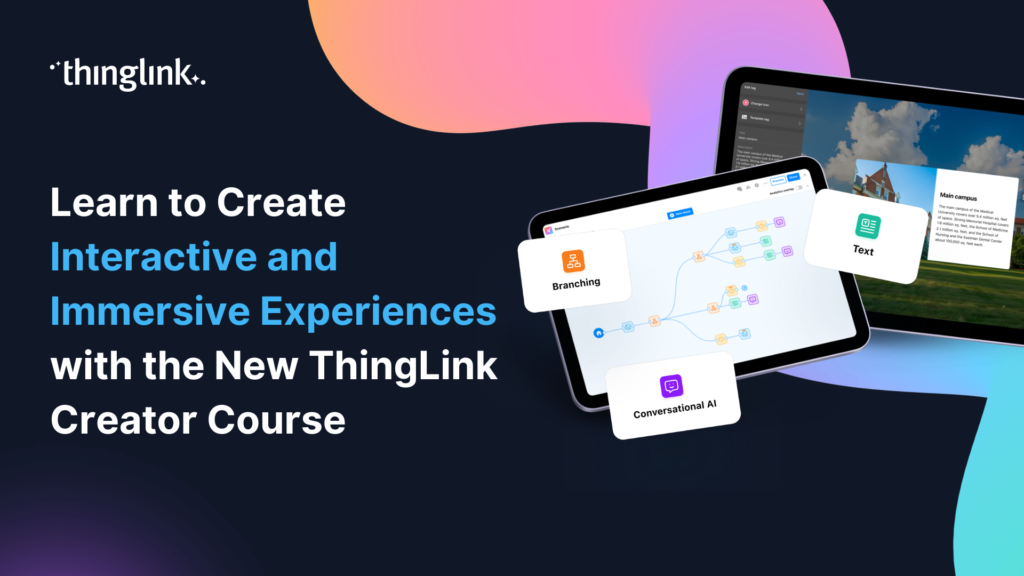
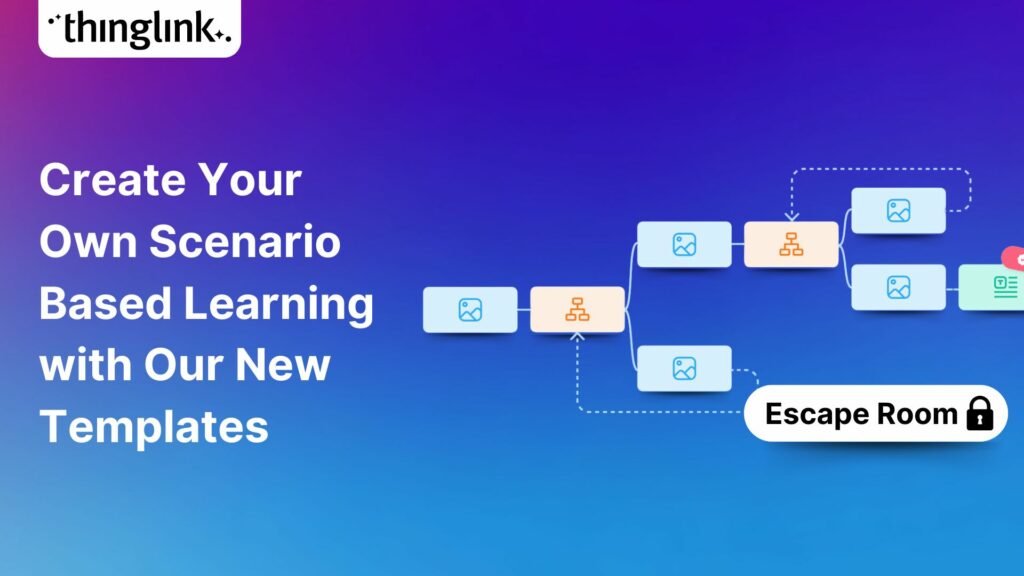
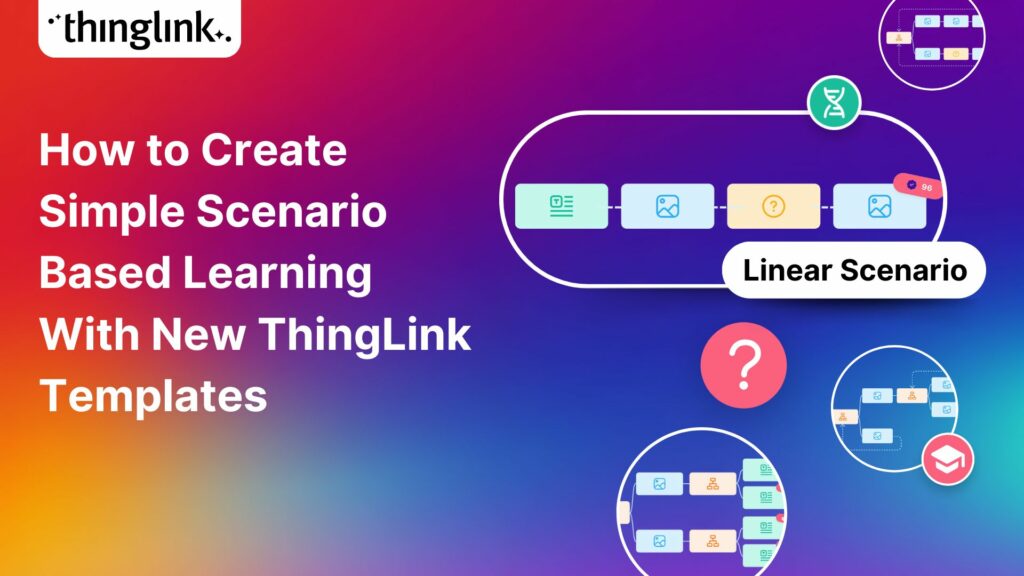
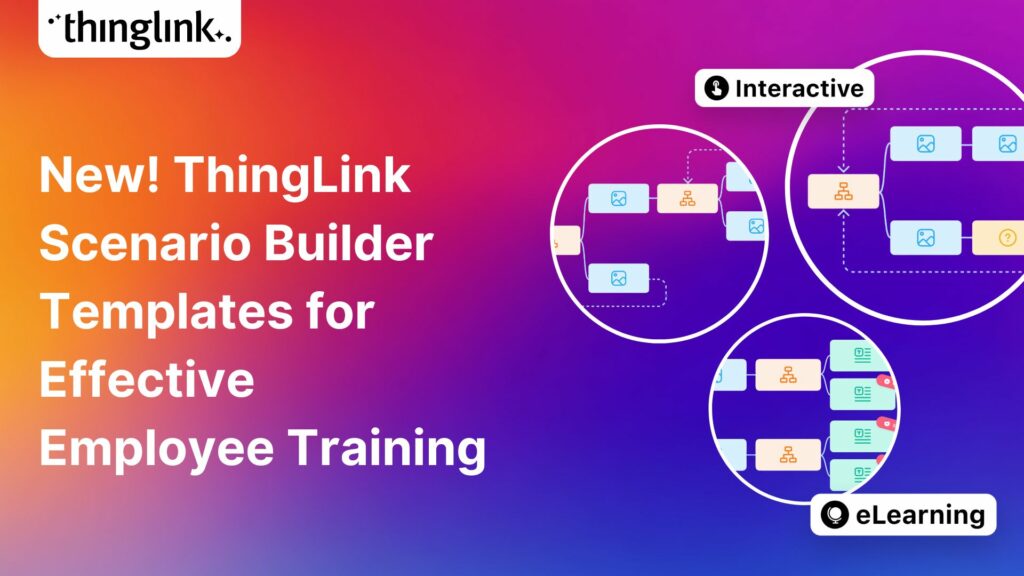
- The example above uses the Escape Room template available in Scenario Builder: one of 4 ready-made templates that you can choose from to have a quicker start in creating the structure of your digital escape room experience. Read more at the blog below.
4. Testing and Refining: Ensuring a Seamless Experience
Thorough testing is critical for a smooth and enjoyable user experience.
- Playtest your escape room multiple times: Put yourself in the shoes of a participant. Are the clues clear? Is the difficulty level appropriate for your audience?
- Gather feedback from others: Ask friends, colleagues, or potential users to test it out. Their fresh perspective can reveal areas for improvement.
- Check for broken links or glitches: Ensure all interactive elements function as intended.
The Digital Escape Room Game as a Marketing Experience
Beyond education, digital escape rooms can be powerful for marketing and brand experiences. They transform passive audiences into active participants, building stronger connections with your brand.
What sort of interactive digital marketing experiences can I create?
Imagine a product launch where customers solve puzzles to unlock sneak peeks, or a brand storytelling experience where they uncover the history of your company. The possibilities are endless, ranging from virtual tours to interactive product demos. They could be attempted solo or in small groups. Offer your digital escape rooms for all customers, as gated content for lead generation, or at physical locations through a tablet, touchscreen, or immersive space.
Educating and rewarding your customers via interactive experiences
Digital escape rooms can subtly educate customers about your products or services while rewarding them for their engagement. Offer exclusive content, discounts (like this example, where the player is rewarded with a 25% discount upon completion), or early access to a product or feature as a reward for completing challenges, all while fostering loyalty, driving conversions, and generating buzz.
Creating a two-way experience: data and feedback opportunities
As users interact with your escape room, you can gather valuable data on their engagement patterns, common difficulties, and preferences. This feedback is invaluable for refining your marketing strategies and understanding your audience better. In our example, we have added a simple Google Form where users can provide suggestions for future features and developments.
Frequently Asked Questions About ThingLink Digital Escape Rooms
Do I need coding skills to create a virtual escape room?
Absolutely not! Tools like ThingLink Scenario Builder are designed for ease of use, allowing you to create complex interactions without writing a single line of code.
What types of content can I use in my escape room?
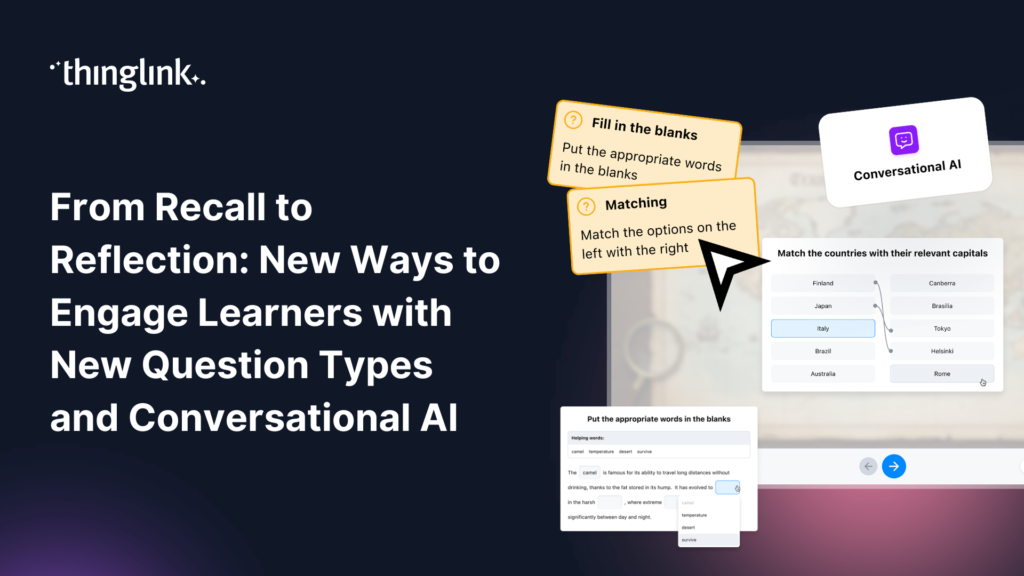
You can use a wide variety of content, including images (2D, 360°), videos (2D, 360°), audio clips, text, quizzes, embedded web content, and even external forms or surveys.
How do I share my escape room with others?
Once created, your digital escape room can be easily shared via a direct link. You can embed it on your website (as above), share it on social media, or distribute it through email campaigns.
What are the benefits of using a digital escape room for learning or training?
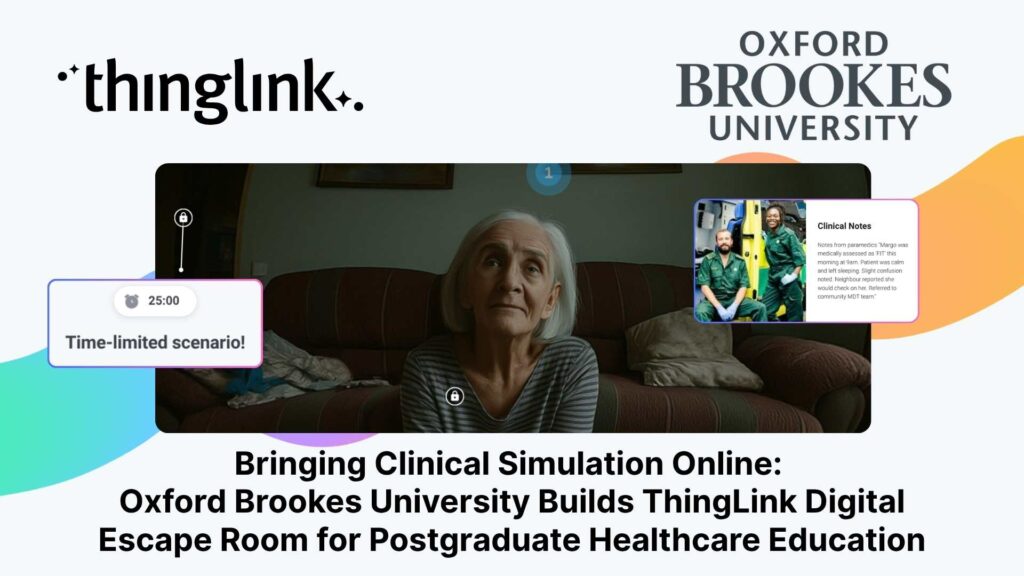
Online escape rooms (also known as “breakout rooms”) promote active learning, critical thinking, problem-solving skills, and teamwork (if played collaboratively). Gamification of learning in this way makes it both engaging and memorable, leading to better knowledge retention through your elearning materials. As a side benefit, if learners tackle the challenge together in real time, it can help with team building.
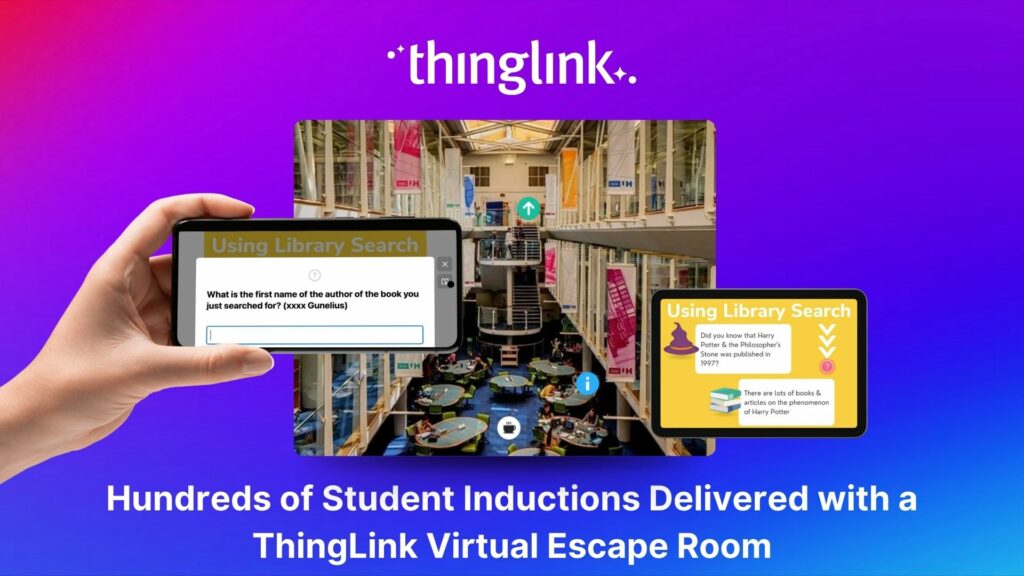
You could even try building a hybrid example! Take a look at this case study to see this in action: Hertfordshire University built a hybrid escape room where clues had to be found in person, incorporating QR codes to lead to solutions that had to be entered into the digital escape room to open the digital locks.
Start Your Free Trial Today!
Are you ready to bring your ideas to life and create an unforgettable interactive experience? Click here to start your free trial of ThingLink Scenario Builder and begin building your very own digital escape room today. The adventure awaits!