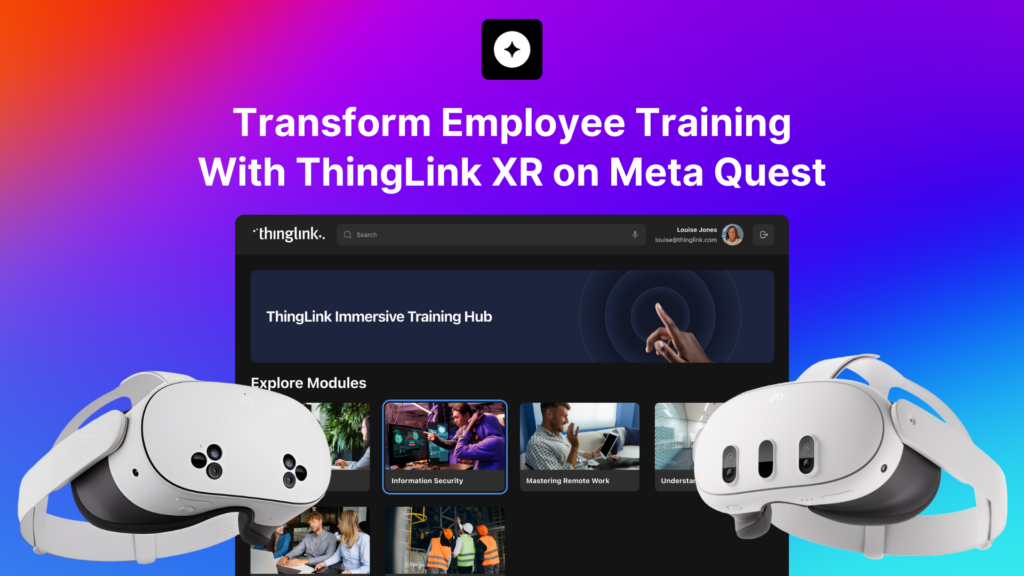
Transform Employee Training With ThingLink XR on Meta Quest
Why Organizations Are Moving Their Training Into XR
Traditional training methods struggle when you need people to remember complex procedures, navigate unfamiliar environments, or practice safety-critical tasks.
Slides and static e-learning can explain what to do, but they rarely show how it feels to do it. That gap between theory and practice is where confidence and performance are often lost.
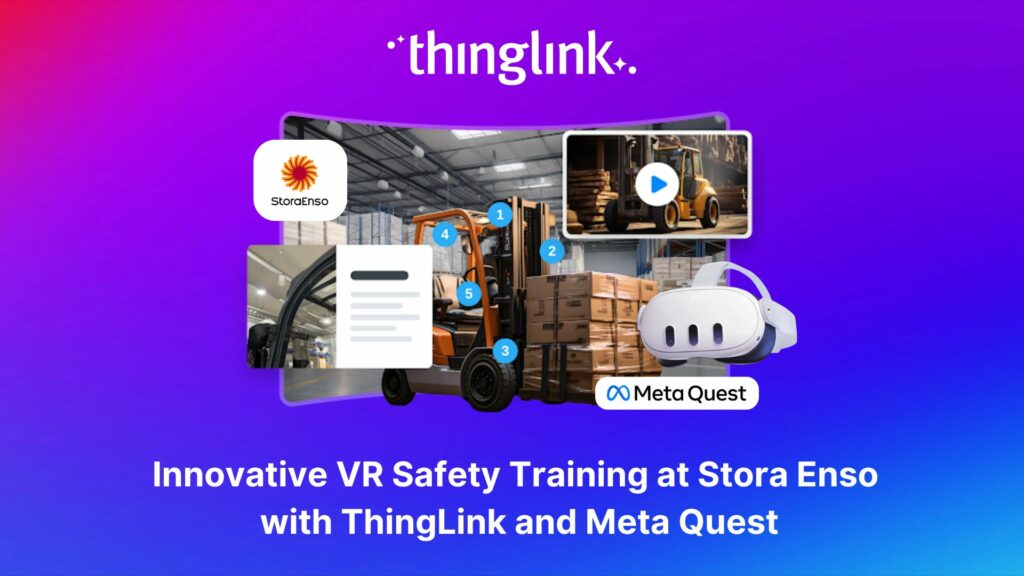
ThingLink XR for Meta Quest closes that gap by letting learners step into realistic, repeatable simulations that mirror real workplaces. Whether you are training people to operate equipment, follow safety protocols, or serve customers, XR gives them a space to practice safely and build muscle memory before they step on site.
What Is ThingLink XR for Meta Quest?
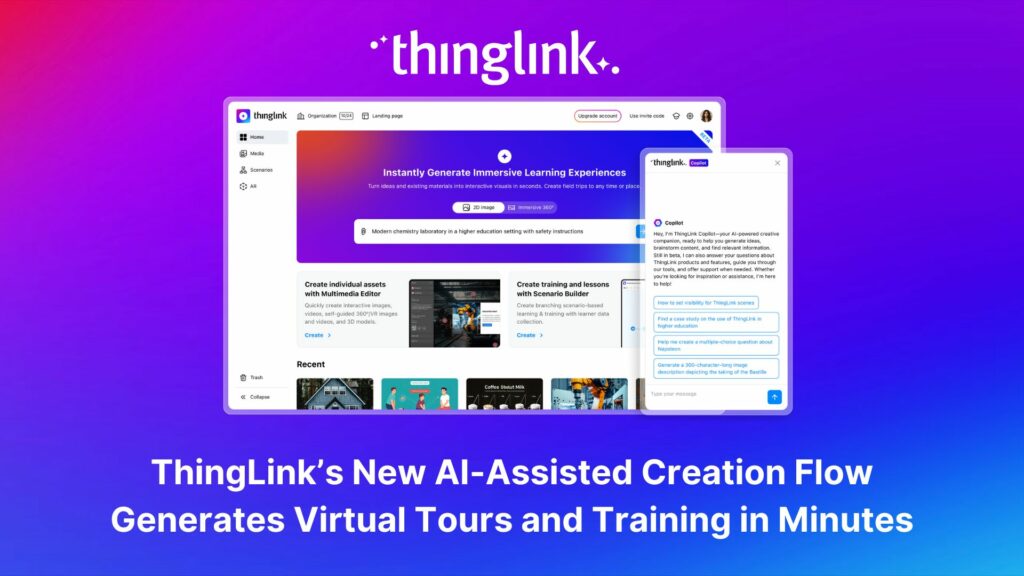
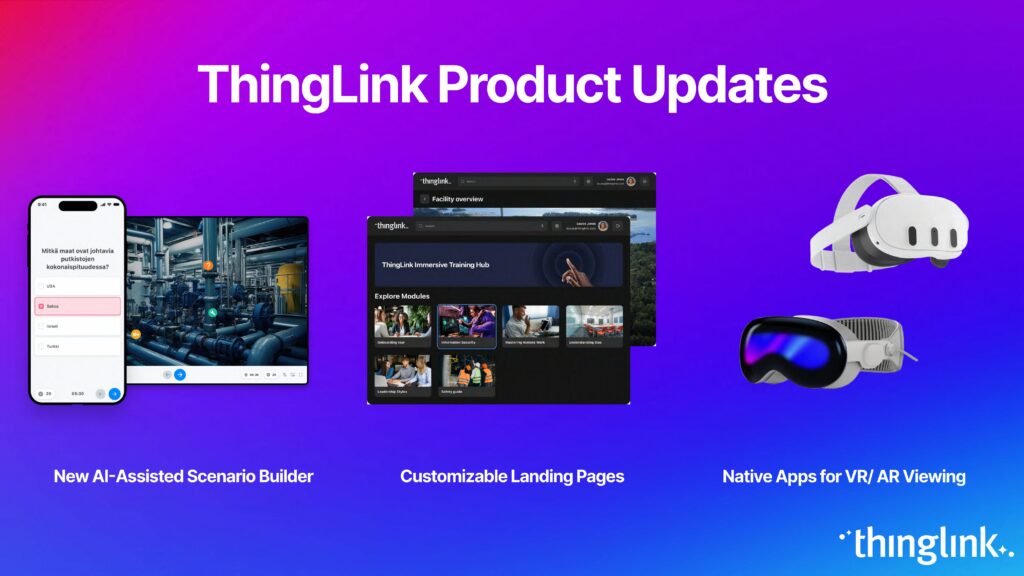
ThingLink XR is an app that lets you bring any ThingLink learning content directly into Meta Quest headsets, while still working perfectly on desktop and mobile.
From a single ThingLink account, you can publish immersive experiences that combine:
- 360° images and tours of real locations
- 360° videos
- 2D images, process diagrams, and standard videos
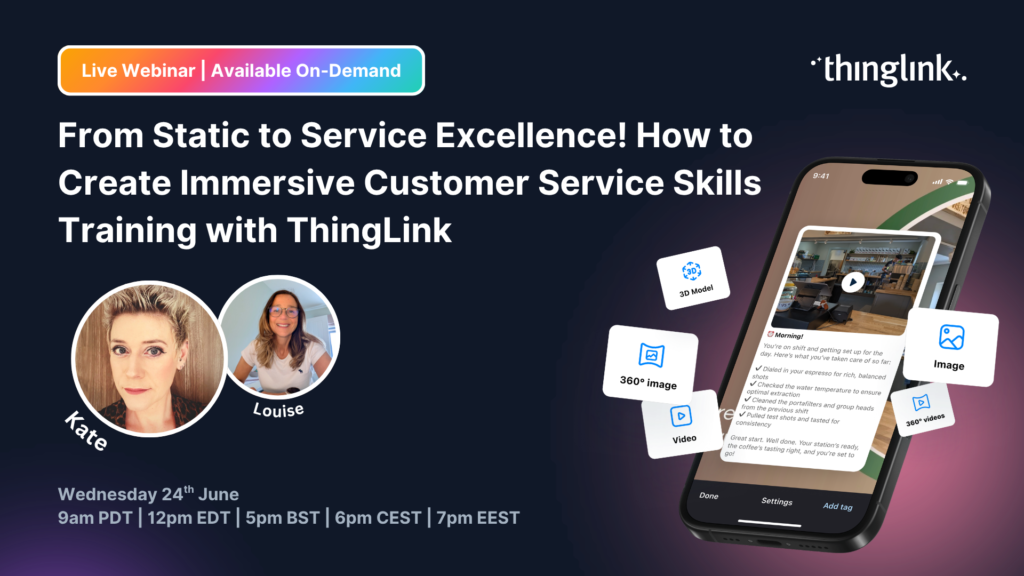
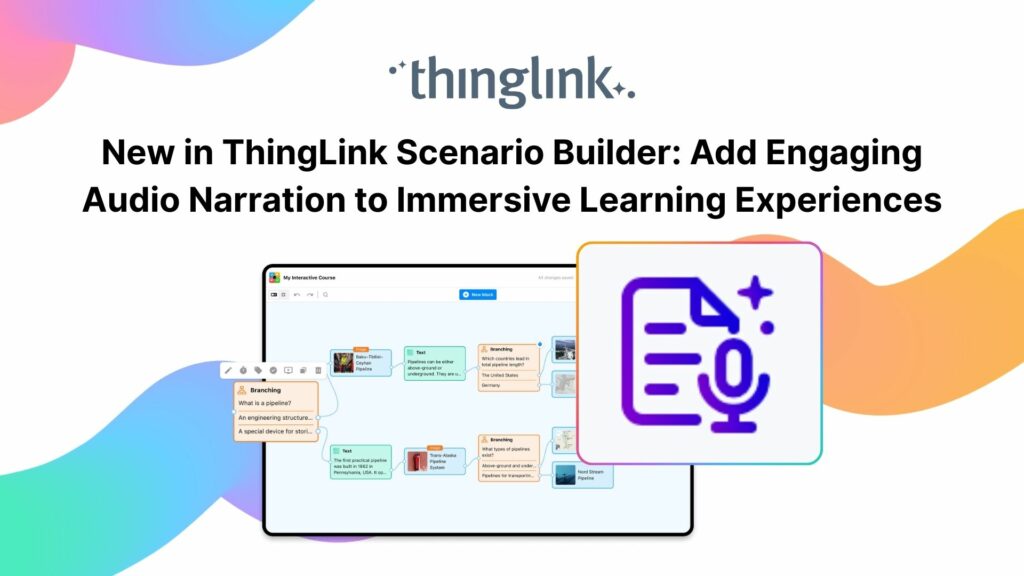
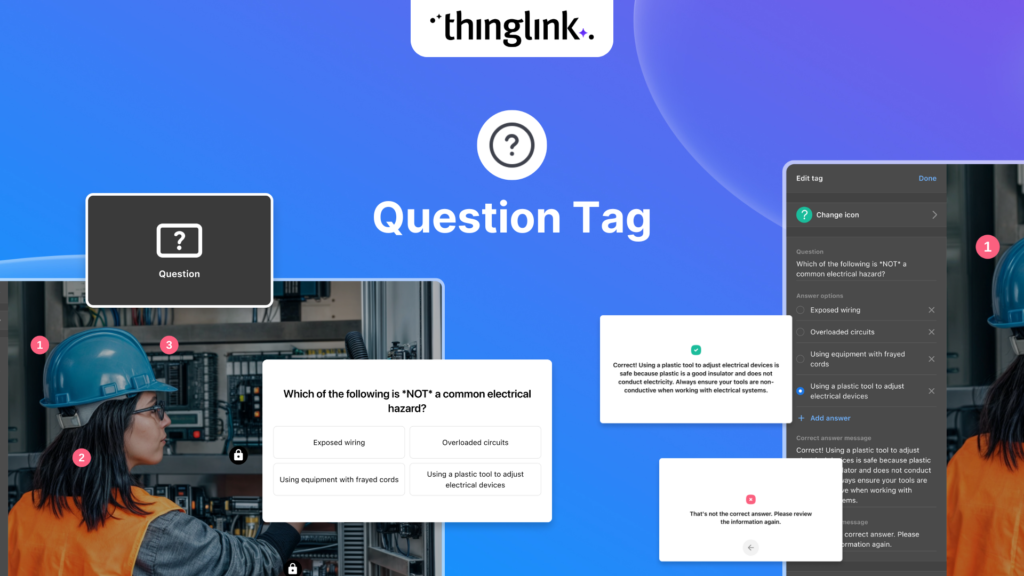
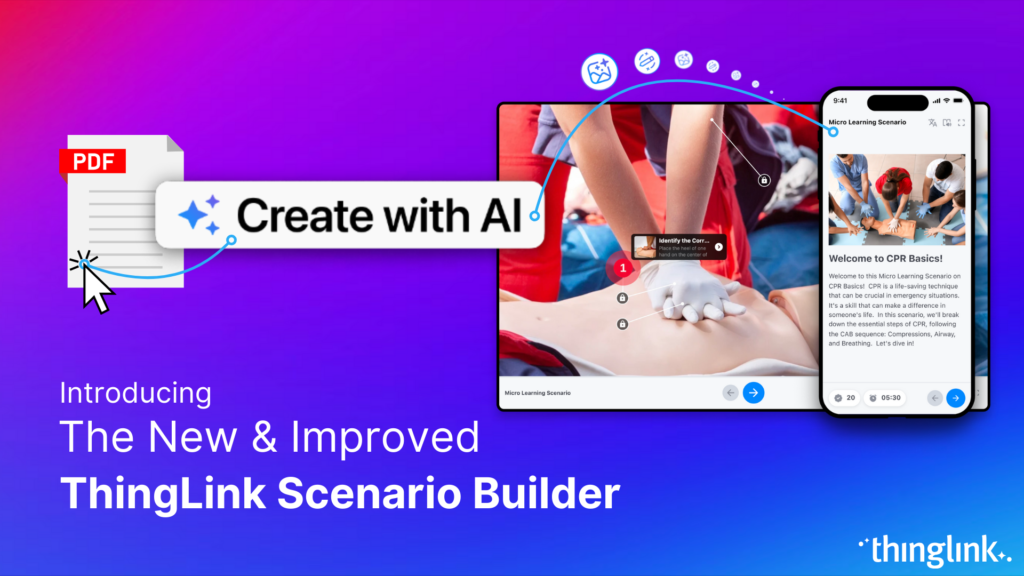
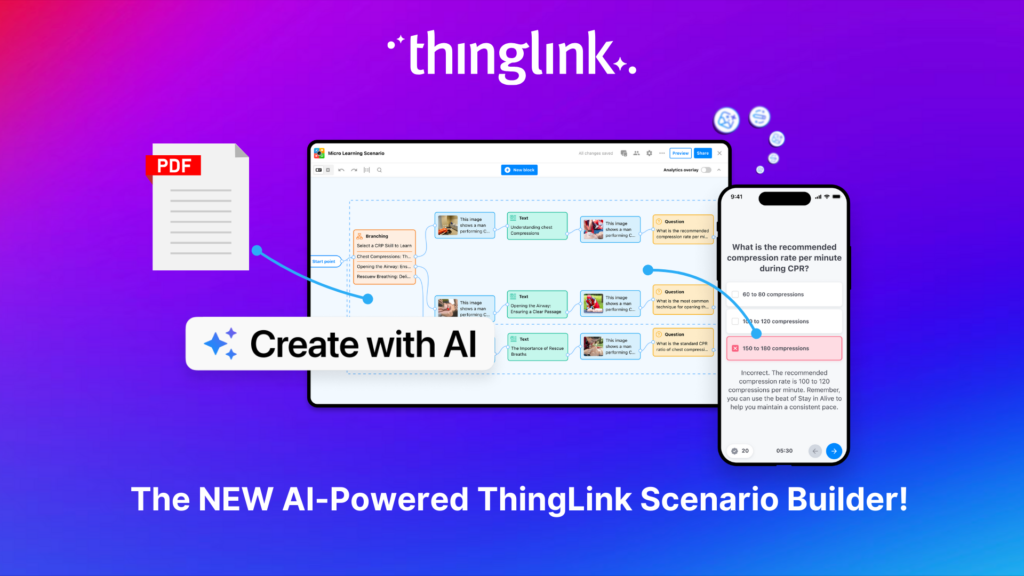
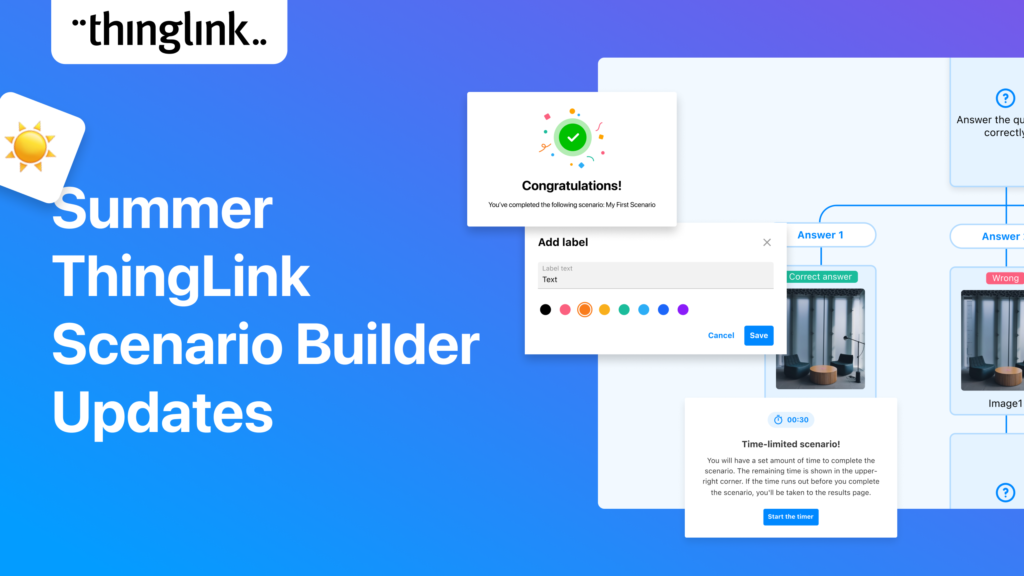
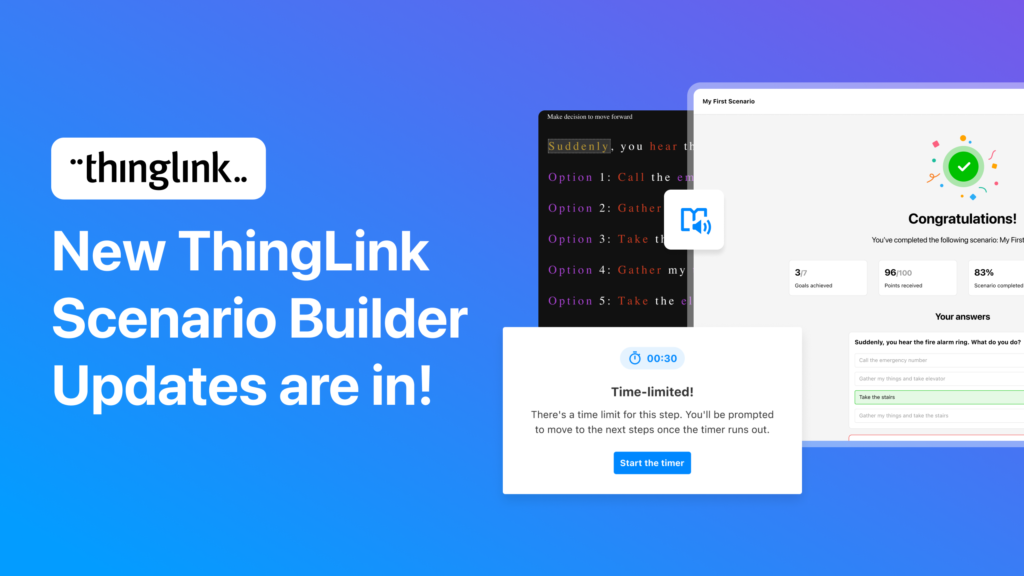
- Rich scenarios created with ThingLink Scenario Builder
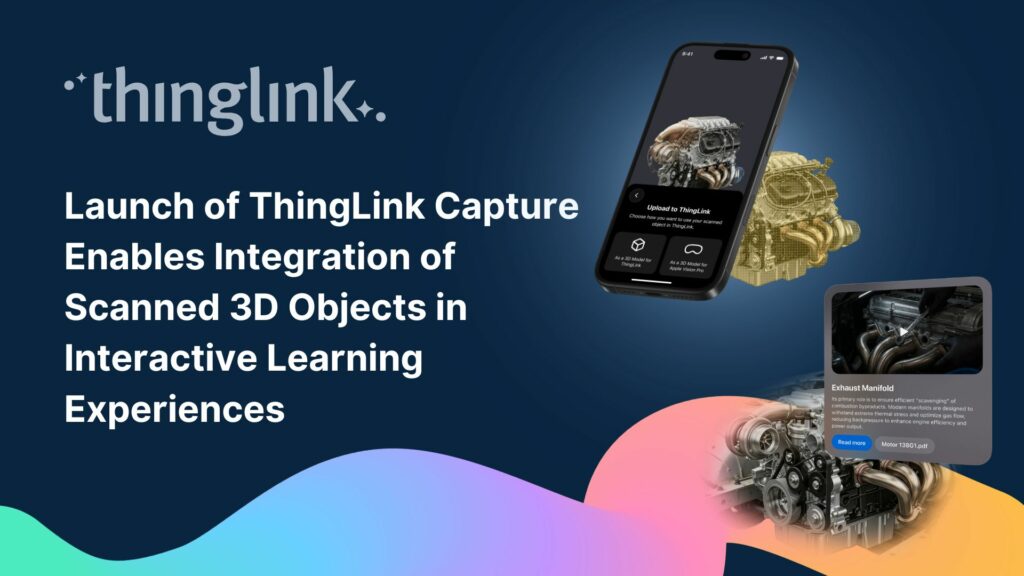
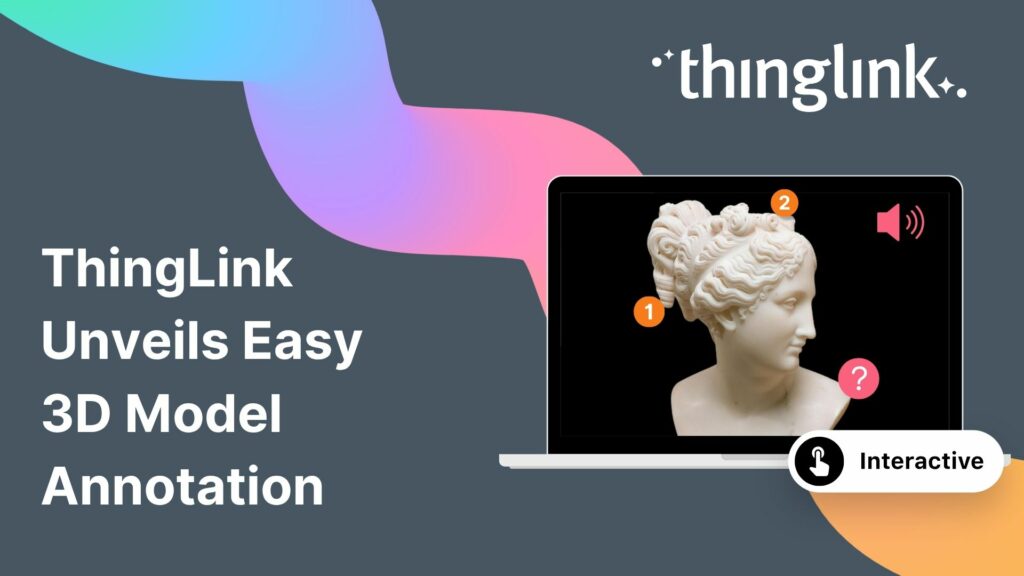
- Interactive 3D models that learners can inspect in context
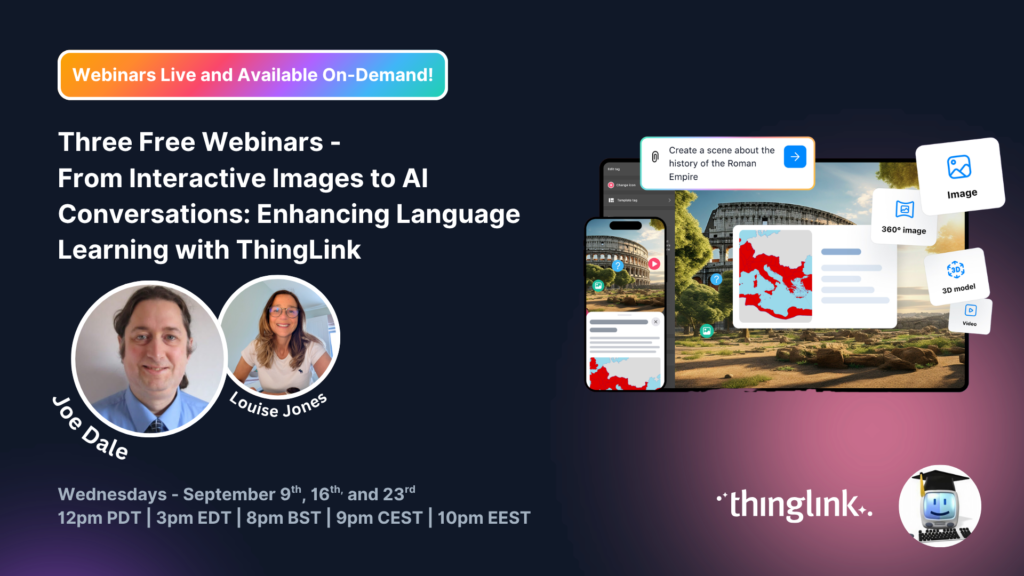
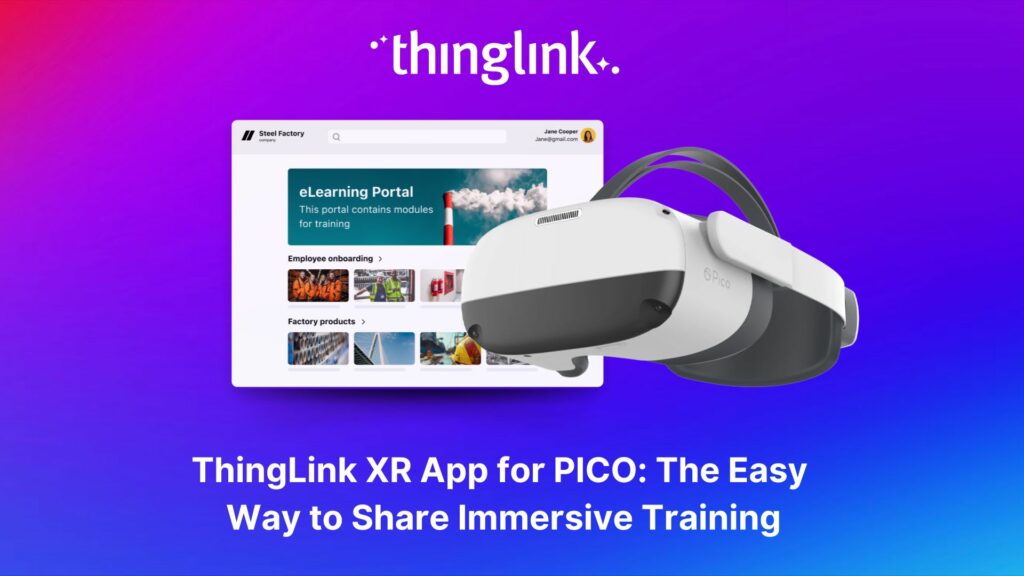
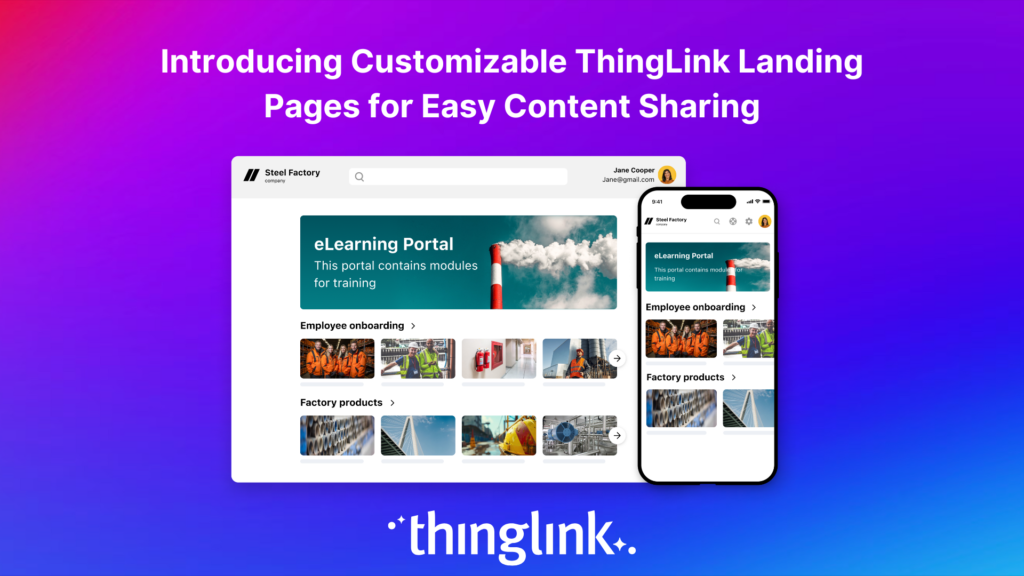
Once you’ve assembled your training in ThingLink’s web based creation tools, you can easily share it via a branded landing page or LMS, and your teams can open the same content on Meta Quest, laptops, tablets, or phones.
There is no custom coding or game engine required, which means learning teams can build and update content themselves.
Introducing the ThingLink XR Redesign
Higher fidelity, stronger 3D tools, and full passthrough support
The latest redesign of ThingLink XR for Meta Quest focuses on one thing: making immersive training feel even more real, without adding complexity for creators or learners.
Higher visual fidelity
- Updated graphics and UI for a cleaner, more modern look in the headset
- Improved rendering of images, video, and 3D models so that content appears sharper and more readable
- Better depth and contrast that make hotspots and key information easier to see in training environments
All of this sits on the same navigation patterns that learners already know, providing you with a visual upgrade with no need to retrain your workforce.
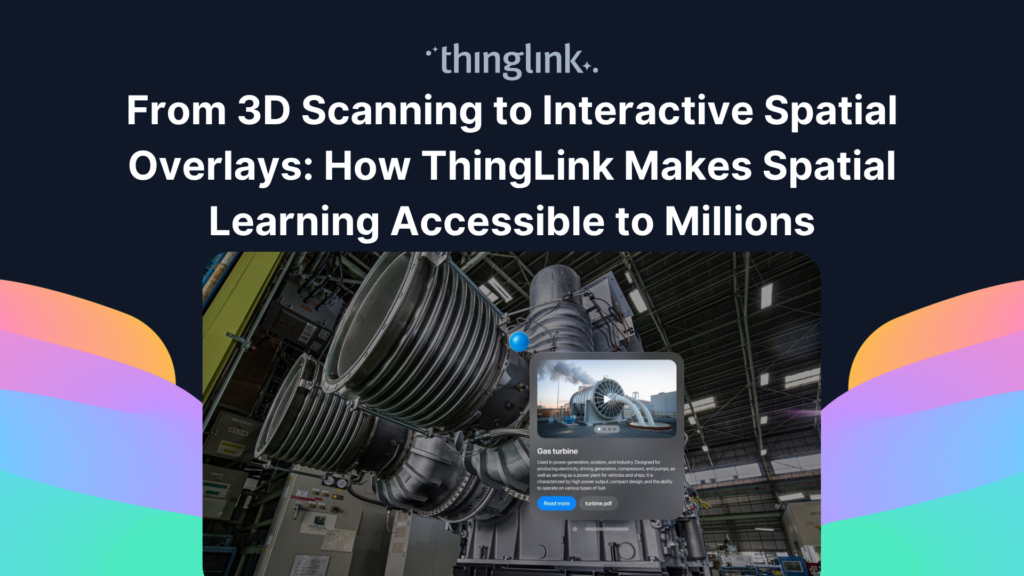
More powerful interactive 3D models
3D models allow you to really bring theoretical learning to life. The new ThingLink XR release adds a suite of capabilities for 3D models so you can turn them into guided learning tools instead of static objects:
- Tag list for 3D models
Attach a structured list of tags that can double as a task list or inspection checklist. Learners can move through steps in order and see which items are complete. - Support for animated 3D models
Use animated models to show movement, operation, or change over time. For example, demonstrate how a machine cycles through states, or how a safety mechanism engages. - Exploded and take-apart views
Allow learners to view a model in separate pieces to understand how components fit together. Perfect for understanding assemblies, maintenance procedures, and internal parts that are hard to see in real life.
These features turn your 3D assets into detailed micro lessons that live inside broader XR scenarios.
Passthrough for non-360 content
With this redesign, ThingLink XR now supports passthrough for all non-360 content, including:
- Scenarios
- 2D images and videos
- 3D models
This lets learners see digital overlays while staying aware of the real world around them. They can:
- Look at a 3D model or scenario while still seeing their hands and physical tools
- Stay oriented in a real training room or workshop
- Engage with mixed reality style content that blends learning and environment
The goal is to help people interact with training more naturally and safely while remaining grounded in their physical surroundings.
Easier scenario support and content discovery
A set of smaller improvements help learning teams manage larger XR content libraries:
- Additional support and optimizations for ThingLink Scenarios inside the XR app
- A search function on the landing page inside the headset so learners can quickly find the right module or scenario
- Under-the-hood bug fixes that improve stability and viewing performance across devices
What Stays the Same: Simple Navigation and Familiar Flows
Whilst the visuals and 3D capabilities are significantly upgraded, there are no changes to the core navigation or interaction patterns in the ThingLink XR app.
- Menus and layout remain where your learners expect them
- Controls feel familiar if they have used ThingLink XR on Meta Quest before
- Content you have already created will still open from your landing pages and LMS links
The experience is designed so that existing deployments keep running, and your teams notice the improved fidelity rather than new friction.
Use Cases: From Onboarding to Expert Skills
Organizations use ThingLink XR on Meta Quest across the employee journey:
- Onboarding and orientation
Give new employees an immersive first visit to sites and facilities, including safety walkthroughs, customer areas, or restricted zones they cannot yet access in person. - Safety, compliance, and risk training
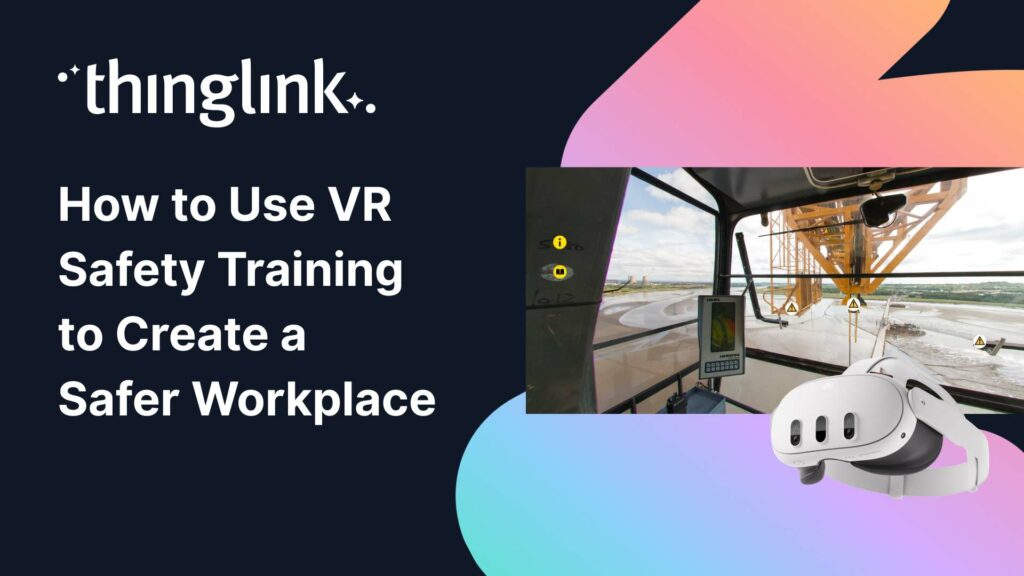
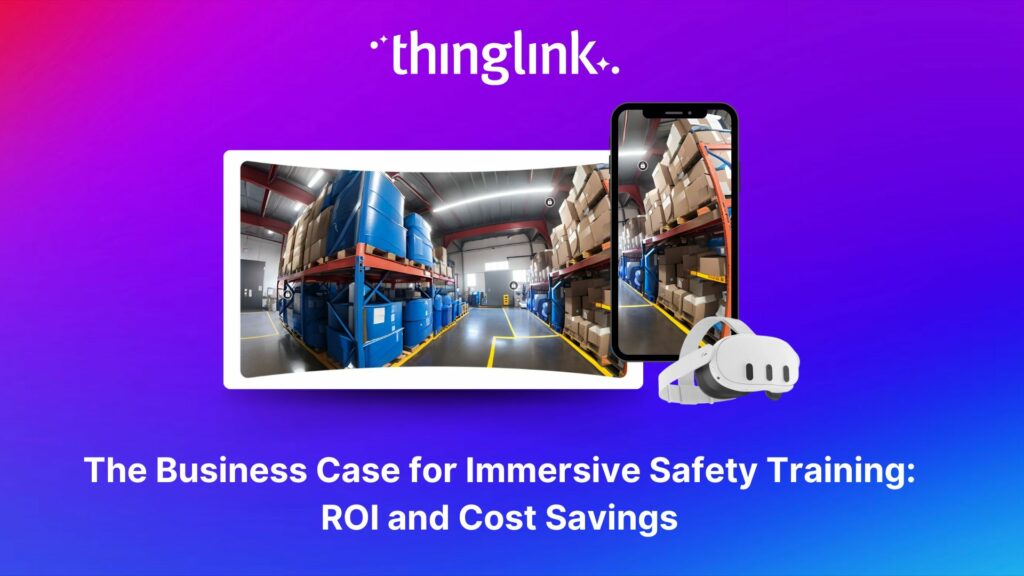
Simulate hazardous scenarios that would be difficult or unsafe to recreate physically, so learners can practice the decisions before that may need to be taken in an emergency. - Maintenance, operations, and equipment training
Use 360° media, diagrams, and 3D models to guide people through step-by-step procedures. - Customer education and product training
Present products in 3D with interactive hotspots and animated sequences that show how they work.
Because the same ThingLink projects can run on Meta Quest, desktop, and mobile, you can blend self paced online modules with facilitator led VR sessions whenever you need.
“The great thing about ThingLink’s VR content is that it doesn’t HAVE to be viewed through a VR headset. Users can still access this immersive content via desktop or mobile devices.”
Steve Clark, Technical Trainer at Mitsubishi Electric UK
Scalable XR That Fits Your Existing Stack
ThingLink XR is built to plug into your current learning ecosystem rather than replace it.
- Create once, distribute everywhere
Publish to a branded landing page, LMS, or direct links that work on headsets and standard devices. - Analytics and xAPI support
Track views and interactions, and connect to learning records when you use ThingLink Elevate plans. - Headset fleet management
Deploy the Meta Quest app using your preferred MDM platform such as Meta Horizon Managed Services, ArborXR, ManageXR, and others.
This makes it possible to start with a few test headsets and expand as more teams adopt XR, without rebuilding content.
Installing ThingLink XR on Meta Quest
You can install ThingLink XR on:
- Meta Quest 2
- Meta Quest 3
- Meta Quest 3S
- Meta Quest Pro
There are several ways to deploy the app:
- Meta Quest Store
- Open the Store app on the headset
- Search for “ThingLink”
- Select “Get” to install
- Meta Quest for Business
- Open the Meta Admin Center
- Go to Apps, then Discover apps
- Search for “ThingLink” and deploy it as a managed app to your chosen devices
- Mobile device management (MDM)
- Use platforms such as ArborXR or ManageXR
- If you need an APK file, please contact ThingLink Support at support@thinglink.com.
Once the app is installed, sign in, connect your landing page, and your current ThingLink projects are ready to view in XR.
Get Started With the New ThingLink XR Experience
If you are looking for a practical way to bring immersive training to Meta Quest without building a custom VR application, the redesigned ThingLink XR app gives you:
- Higher quality visuals in the headset
- Robust interactive 3D model support
- Passthrough for non-360 content so learning stays connected to the real world
- The same familiar workflows that keep training teams productive
Discover more about ThingLink XR with a free demo
To explore how ThingLink XR could support your workforce development, safety training, or customer education programs, book a demo or schedule a consultation with the ThingLink team.
Updated December 2025
This article has been updated to include the redesigned ThingLink XR experience for Meta Quest with higher visual fidelity, powerful 3D model tools, and expanded passthrough support. Navigation and core workflows remain the same, so existing users can continue without retraining.