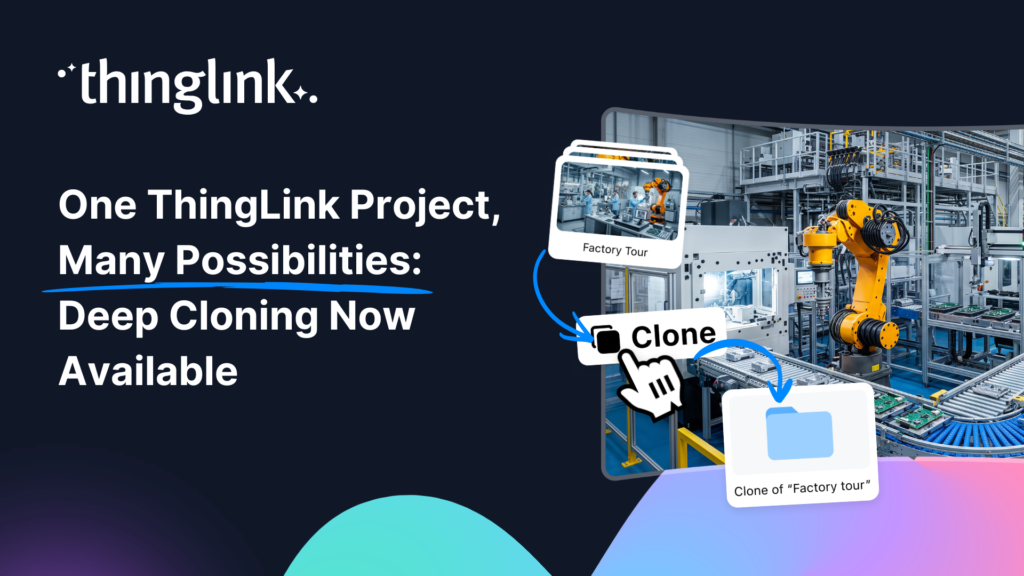
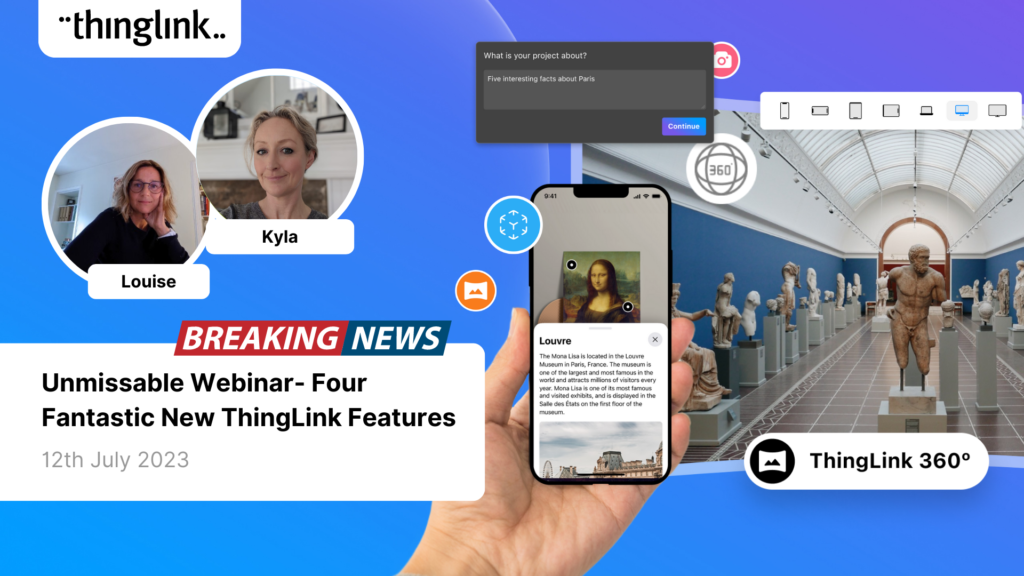
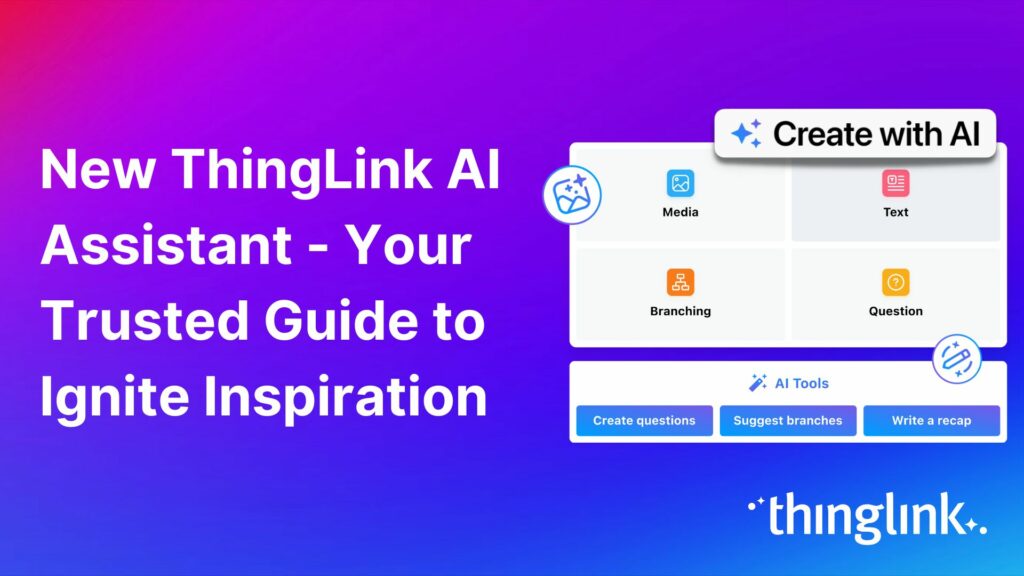
Your best ThingLink project should not have to stay in one form forever. Whether you want to tailor it for a new audience, refresh it for an upcoming school year,...
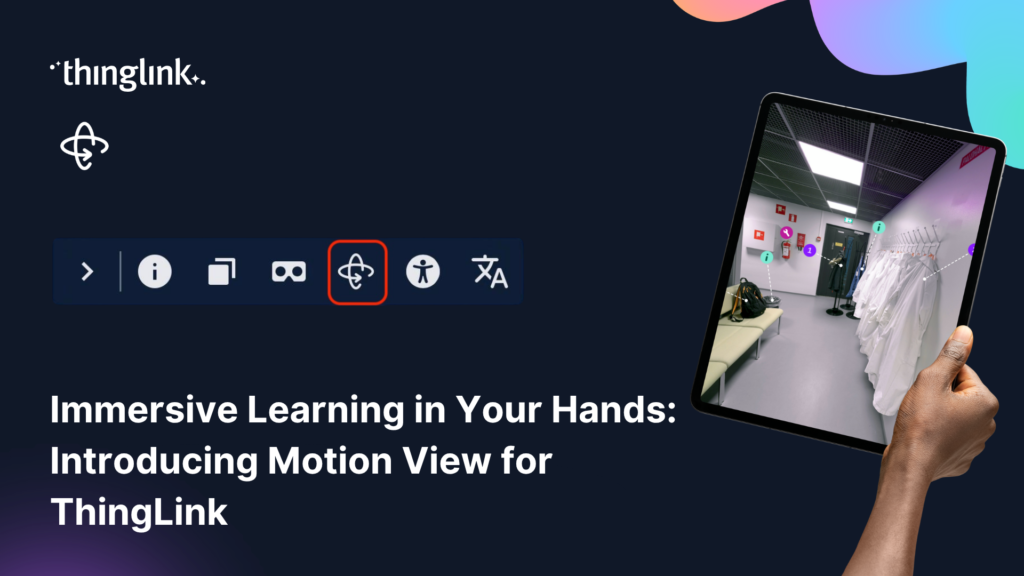
Virtual reality headsets are an incredibly powerful way for learners to explore immersive learning experiences. By placing learners inside an environment and allowing...
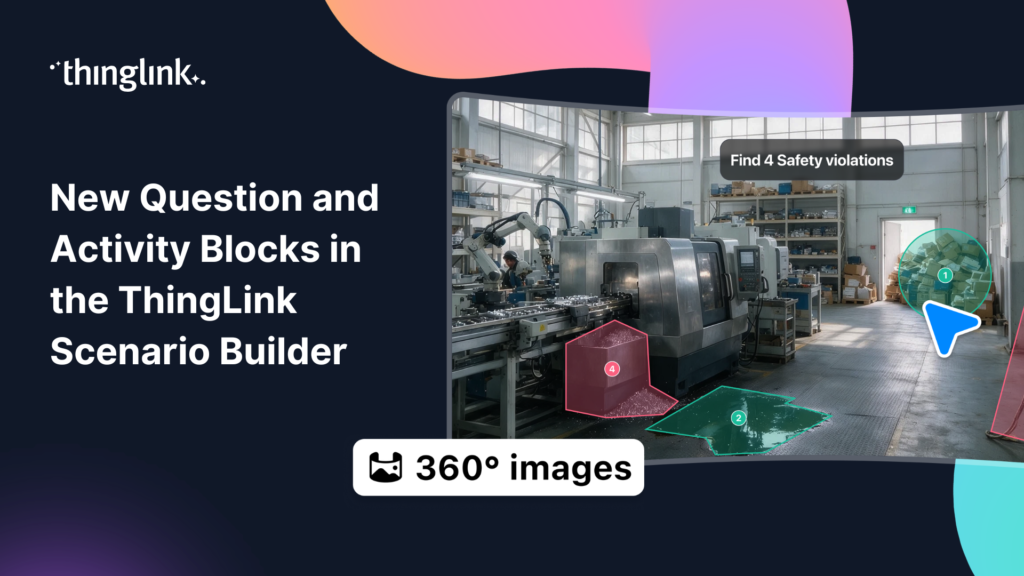
ThingLink Scenario Builder now includes an expanded range of Question and Activity blocks, giving creators more ways to collect learner responses and build interactive...
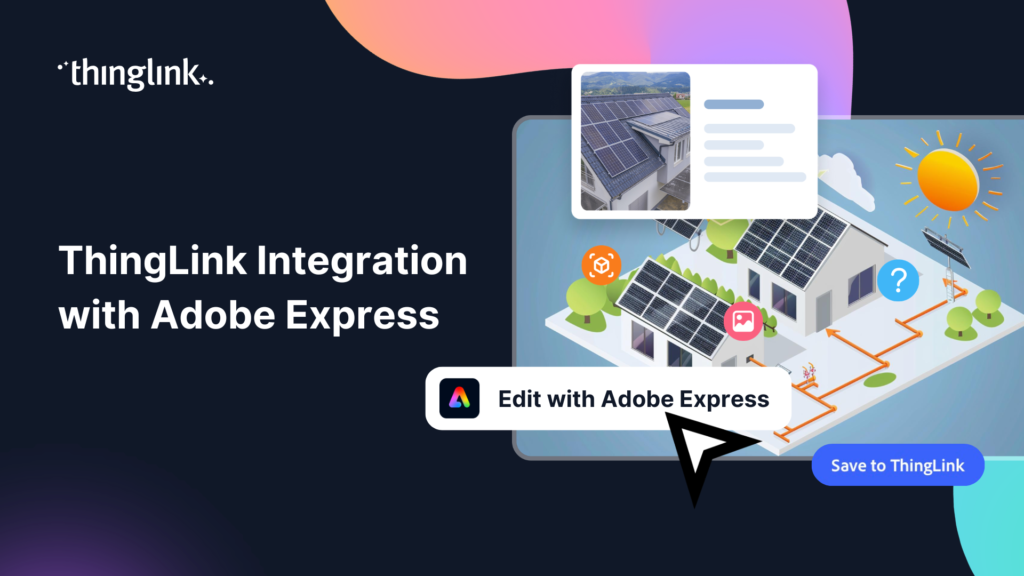
We’re thrilled to announce a brand-new integration between ThingLink and Adobe Express, making it easier than ever to design stunning visuals and turn them...
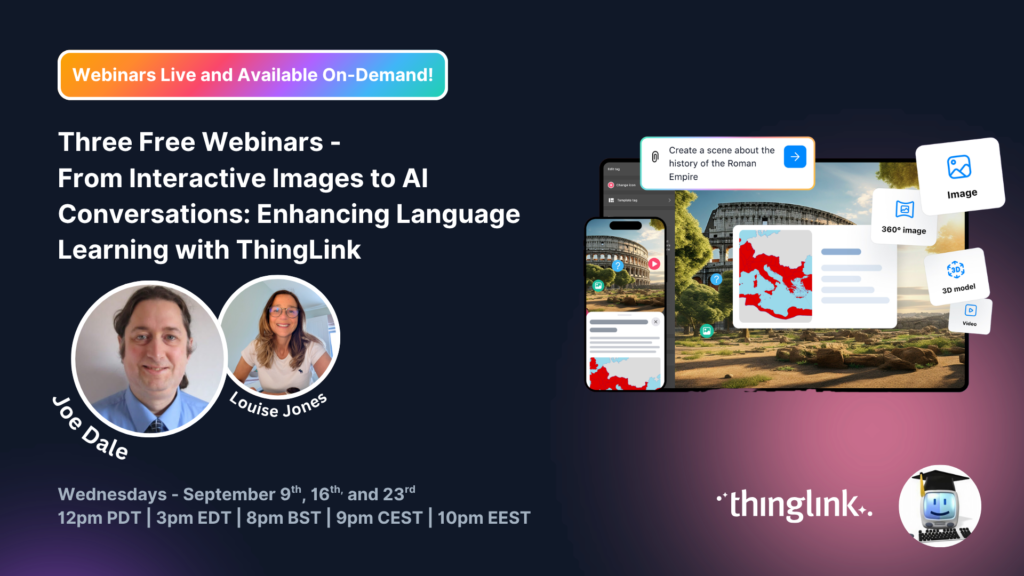
A totally unmissable free three-part webinar series with Joe Dale and Louise Jones Language learning is entering an exciting new chapter. As educators explore how...
Static infographics are great at grabbing attention. But what if your audience could click into the data, watch a product demo, or explore a process at their own...
Turn Your iPhone Into a 360 Virtual Tour Creator What if the most powerful 360 virtual tour software you need is already in your pocket? With ThingLink’s ...
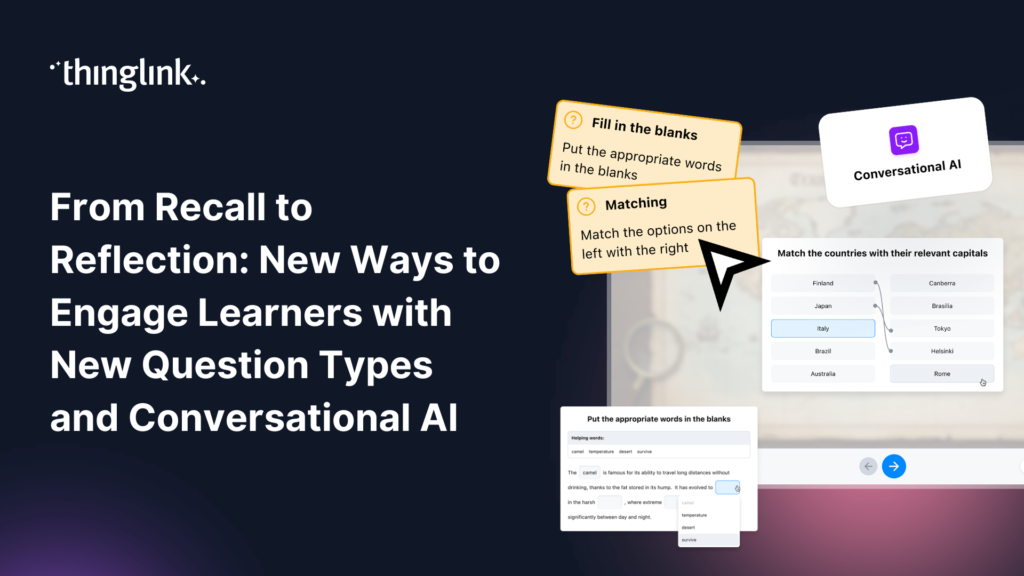
Great learning experiences don’t rely on a single type of interaction. Sometimes learners need to recall key facts. Sometimes they need to recognize patterns,...
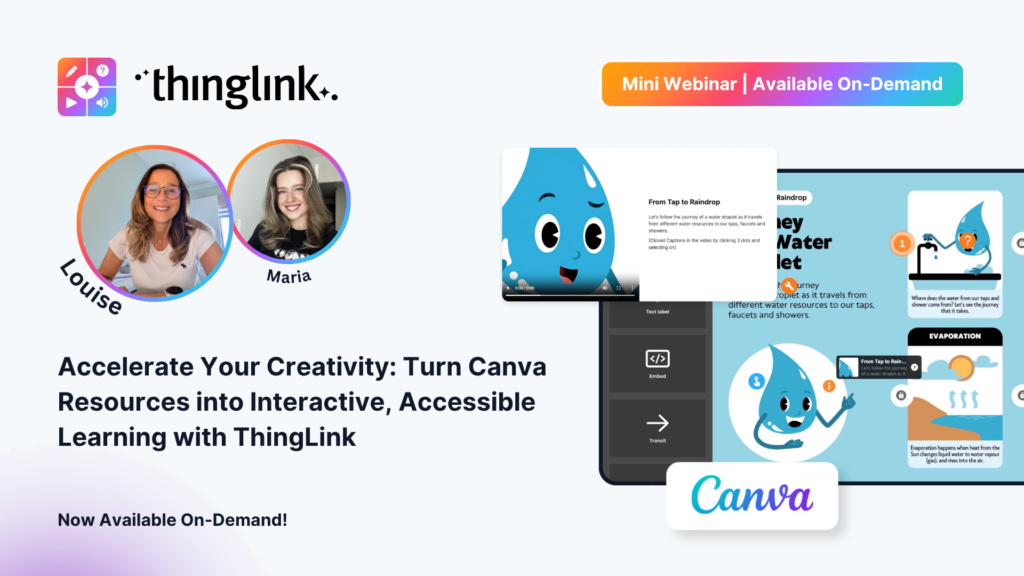
Your Canva Resources Deserve to Do More You have already put in the work. You have designed the posters, built the infographics, and created the visual guides. ...
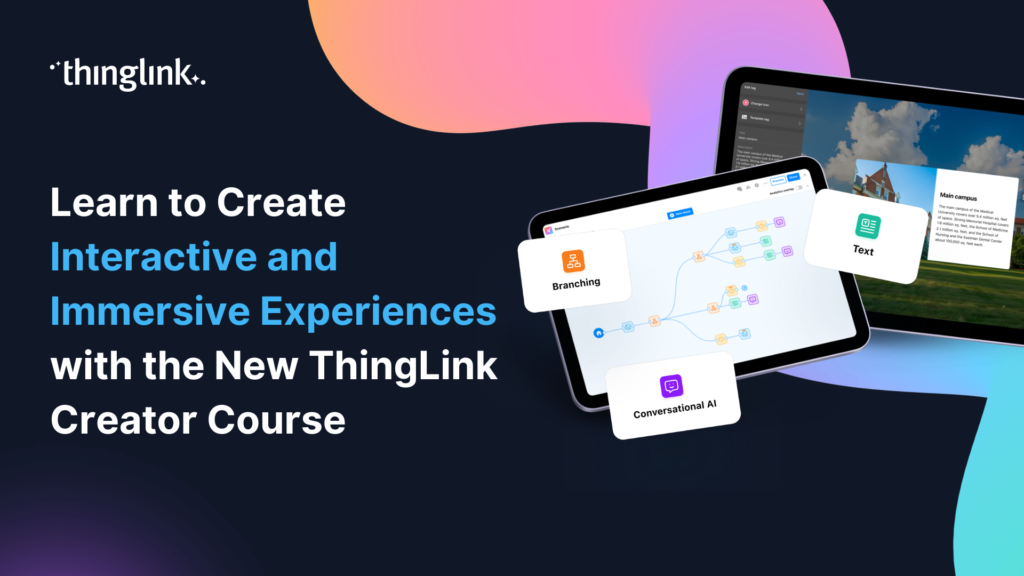
🚀 The Official ThingLink Certified Creator Course is now live! Whether you’re completely new to ThingLink or looking to deepen your skills, the new Certified...
On 01 June 2026, ThingLink’s updated Terms of Use and Privacy Policy will come into effect. These updates are intended to make our legal documents clearer, better...
 Ivan Kiprin
3 min read
Ivan Kiprin
3 min read
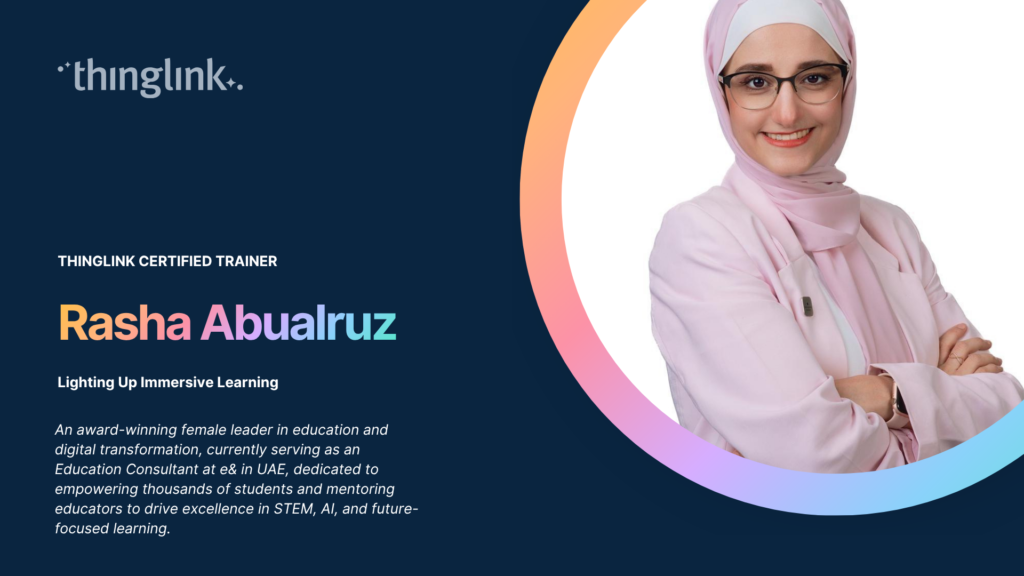
ThingLink Luminaries is a series of guest blog posts highlighting certified trainers who are creating interactive and immersive experiences to make learning...
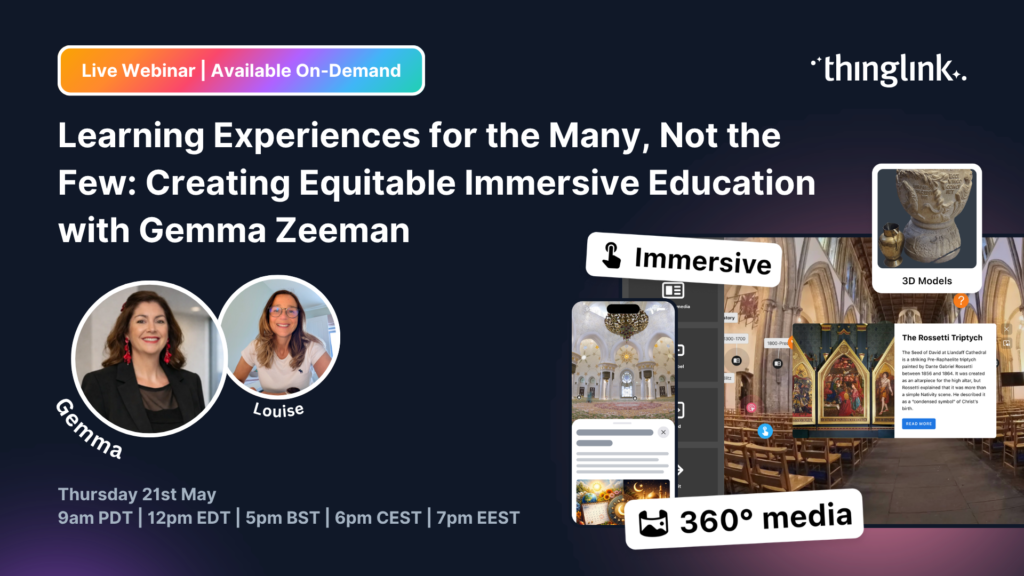
Join us for a very special ThingLink Spotlight webinar with Gemma Zeeman, founder of Immersive Discoveries and a ThingLink Certified Trainer, as we explore how ...
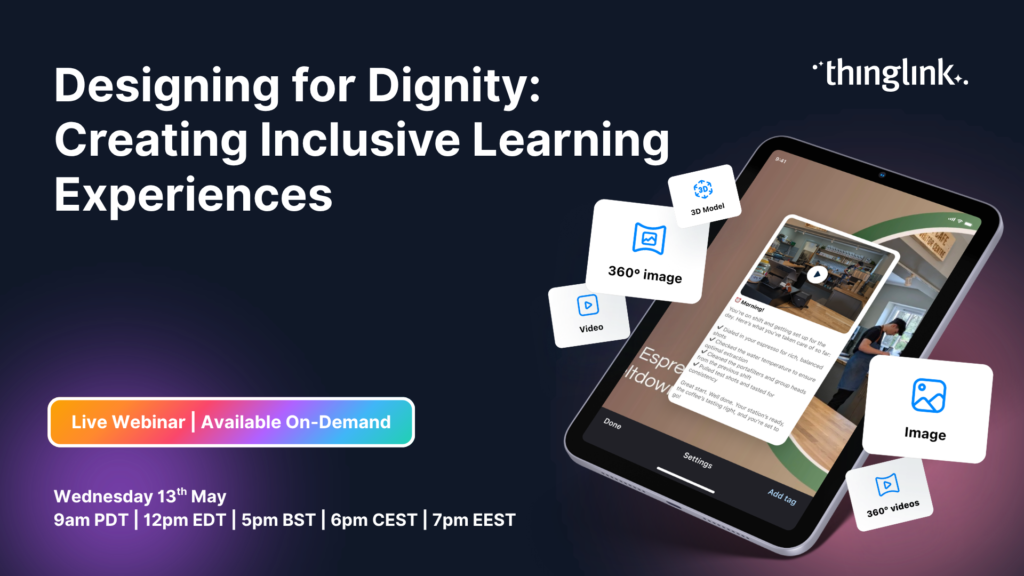
Accessibility is often discussed through the lens of compliance, but inclusive learning requires something truly deeper. In this webinar, hosted by Louise Jones...
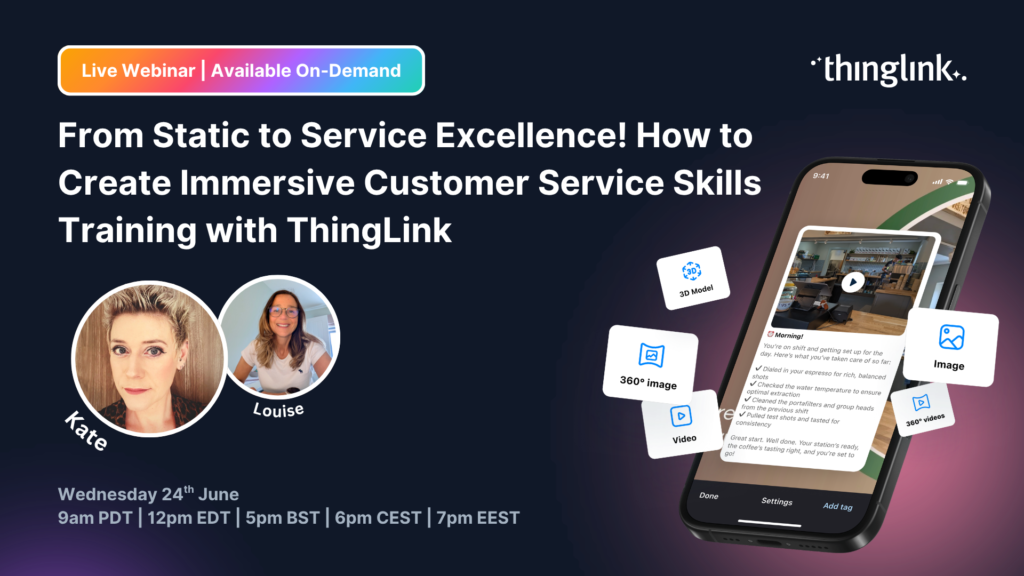
Join Kate Whyles, Digital Innovation and Development Coach at Nottingham College, and Louise Jones, Chief Community Officer at ThingLink, for an inspiring webinar...
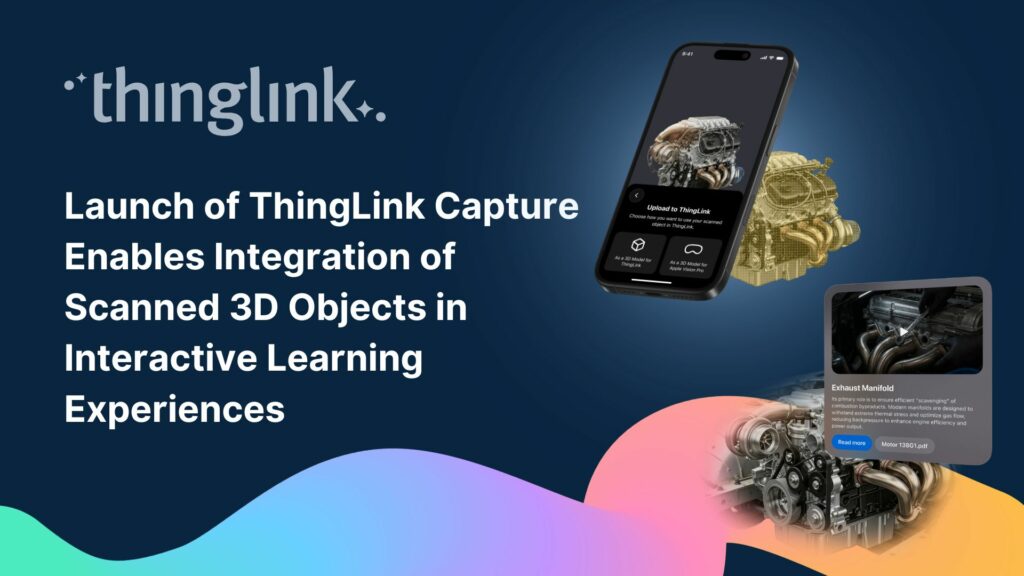
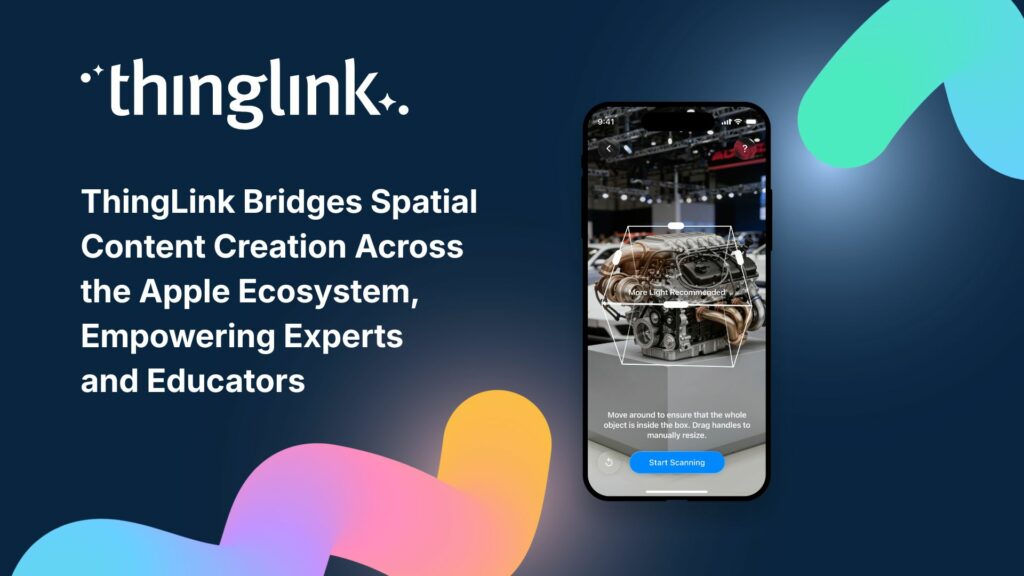
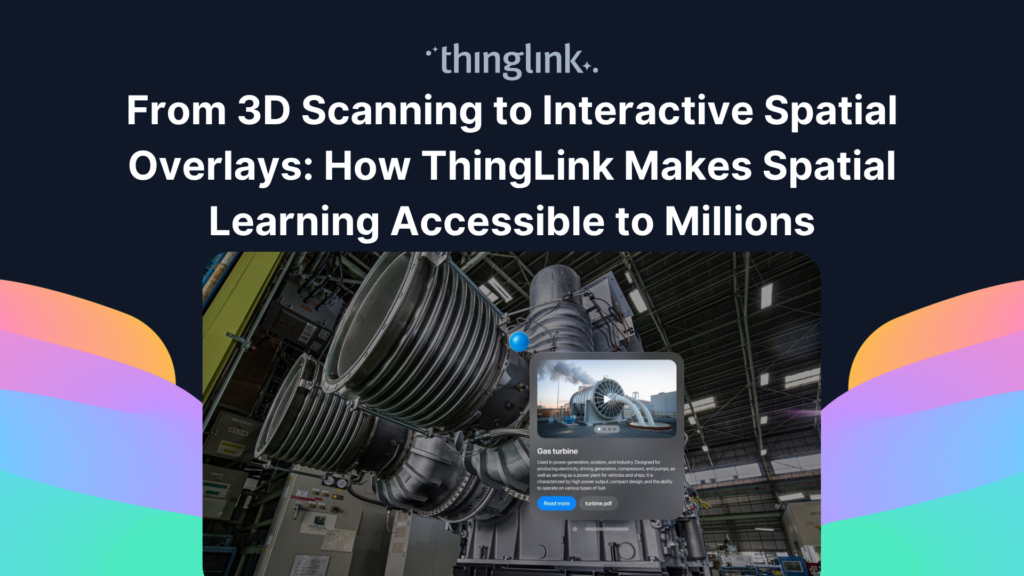
Helsinki, Finland – 7 April 2026 New end-to-end workflow allows organizations to scan physical objects with iPhone or iPad and turn them into interactive ...
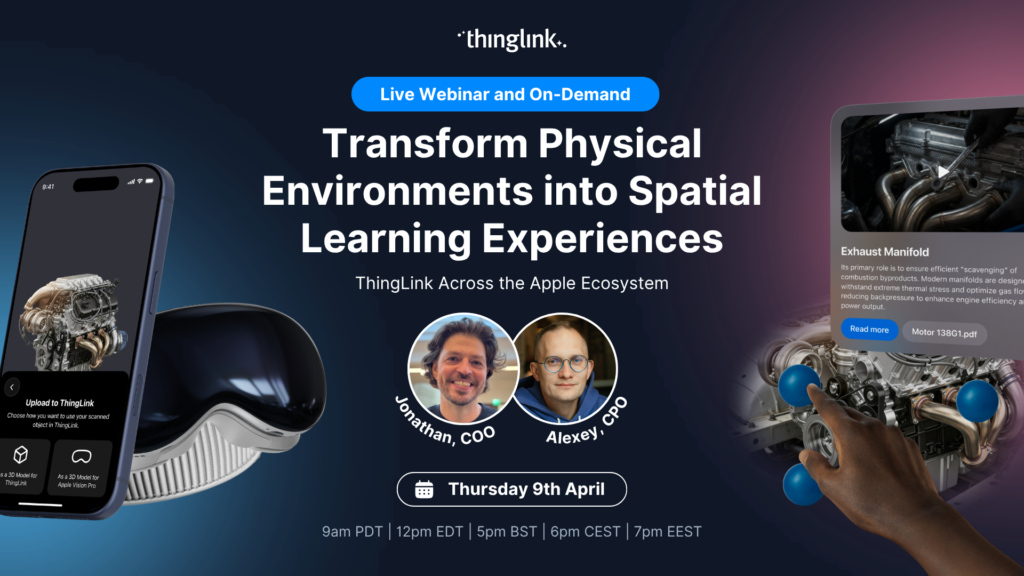
From iPhone to iPad to Mac to Apple Vision Pro Today, we are officially introducing ThingLink Capture, our new iOS 3D-scanning app, alongside an enhanced version...
You didn’t miss out! Watch our extra special launch webinar introducing ThingLink Capture, our new iOS 3D scanning app, alongside the latest version of ThingLink...
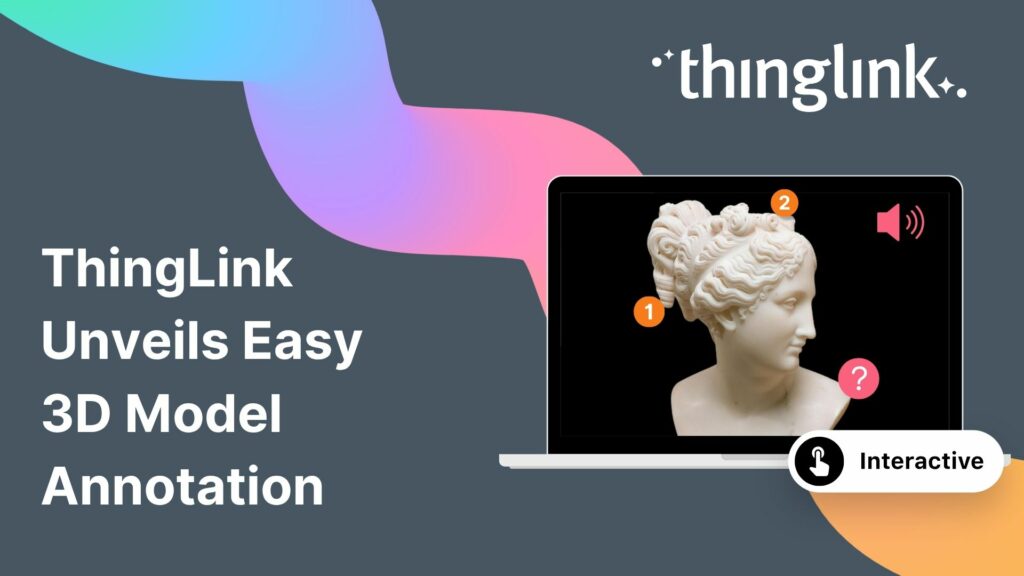
The interactive media platform ThingLink now supports 3D model annotation. In addition to images and videos, ThingLink content creators can now also enhance 3D ...
Helsinki, 12 March 2026 ThingLink has entered into a strategic partnership with Vervenest Technologies Private Limited to support the expansion of immersive learning...
Helsinki, 2 March 2026 ThingLink has signed a Memorandum of Understanding (MoU) with the National Skill Development Corporation (NSDC), under the Ministry of Skill...
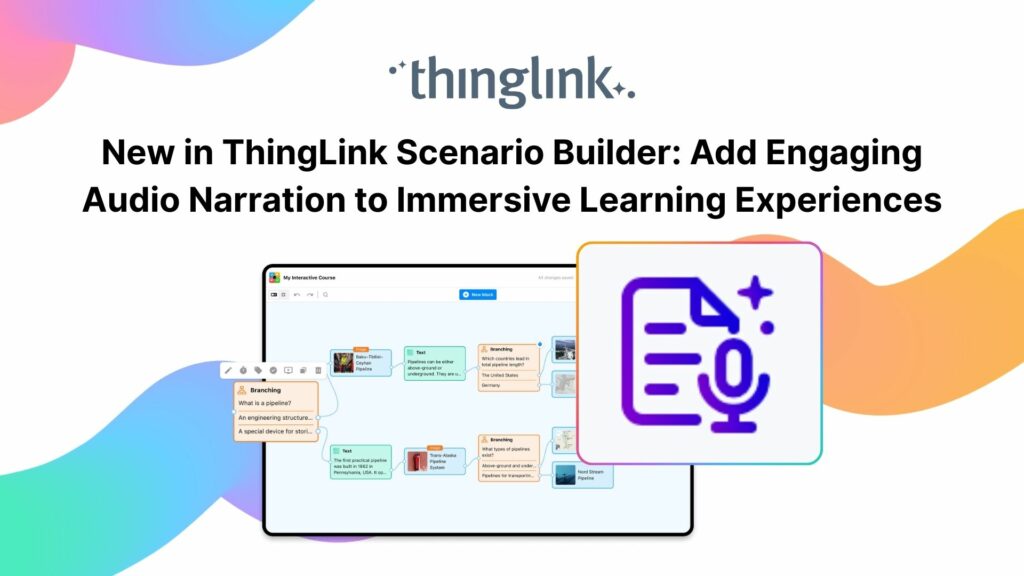
Your text becomes a part of your learning experience, create immersive, podcast-worthy audio every time. We’re excited to introduce a new audio narration feature...
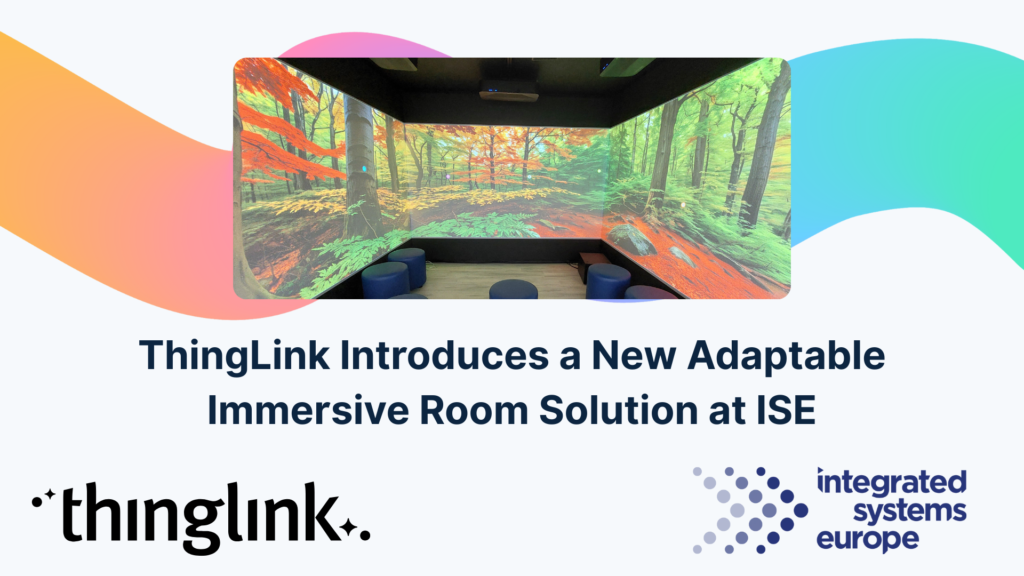
At ISE Barcelona this week, in collaboration with Epson Europe, we are introducing ThingLink’s new adaptable immersive room solution, designed for AV hardware...
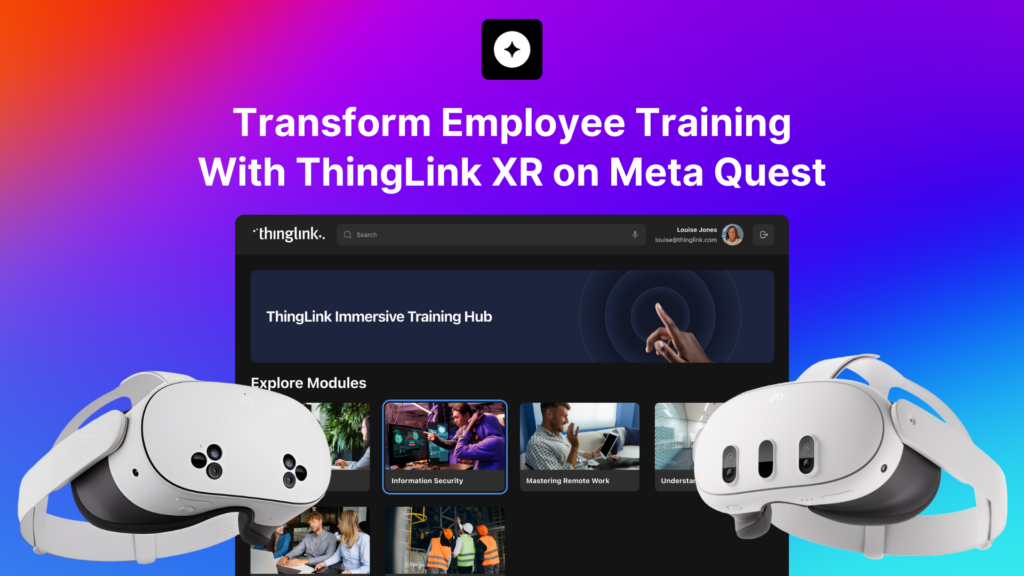
Why Organizations Are Moving Their Training Into XR Traditional training methods struggle when you need people to remember complex procedures, navigate unfamiliar...
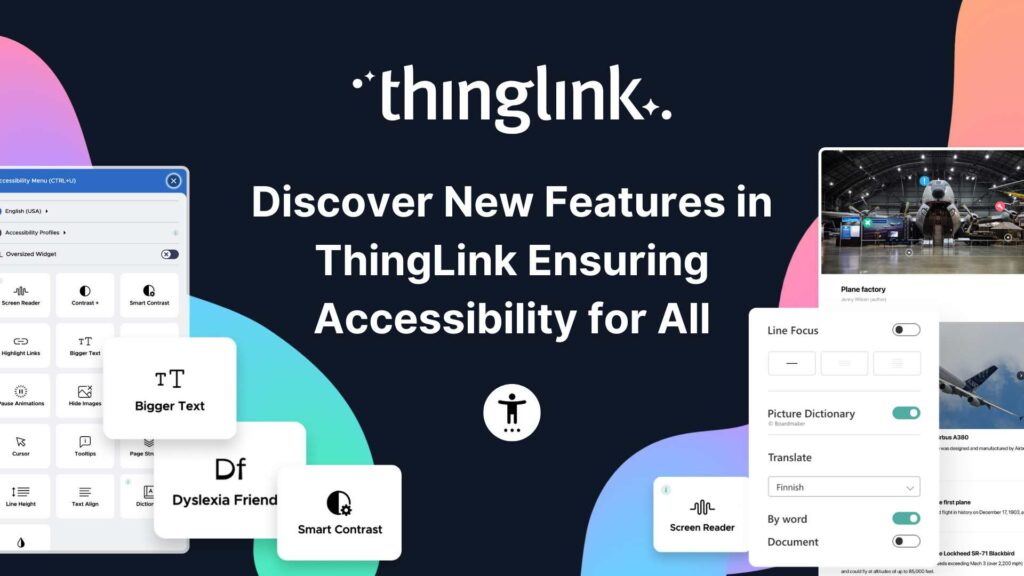
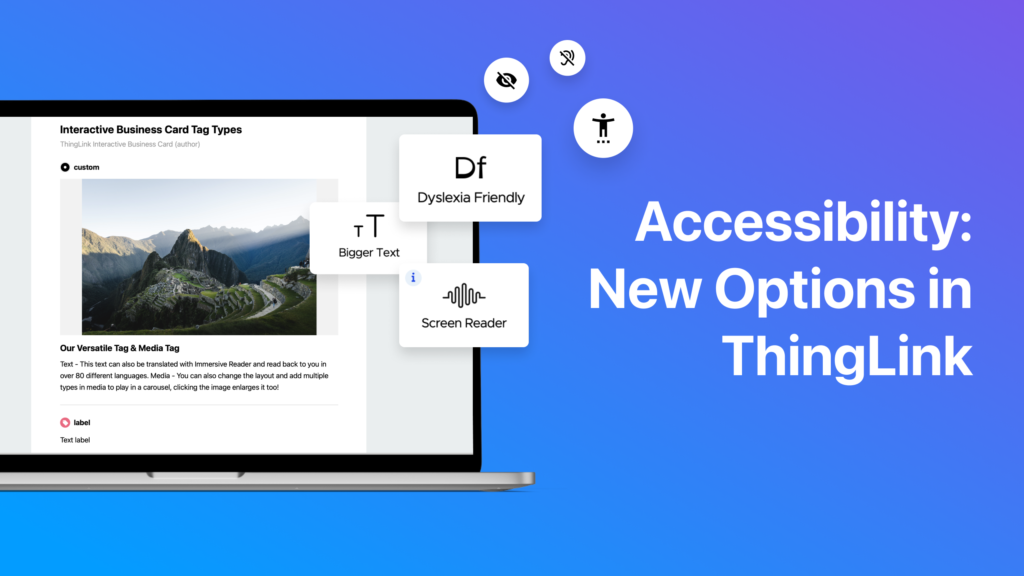
Creating accessible learning experiences is critical for educators, trainers and student creators, but it need not be daunting! ThingLink is a platform that allows...
For over a decade, we have been on a mission: to make the world easier to understand by connecting digital knowledge to real-life environments. From interactive...
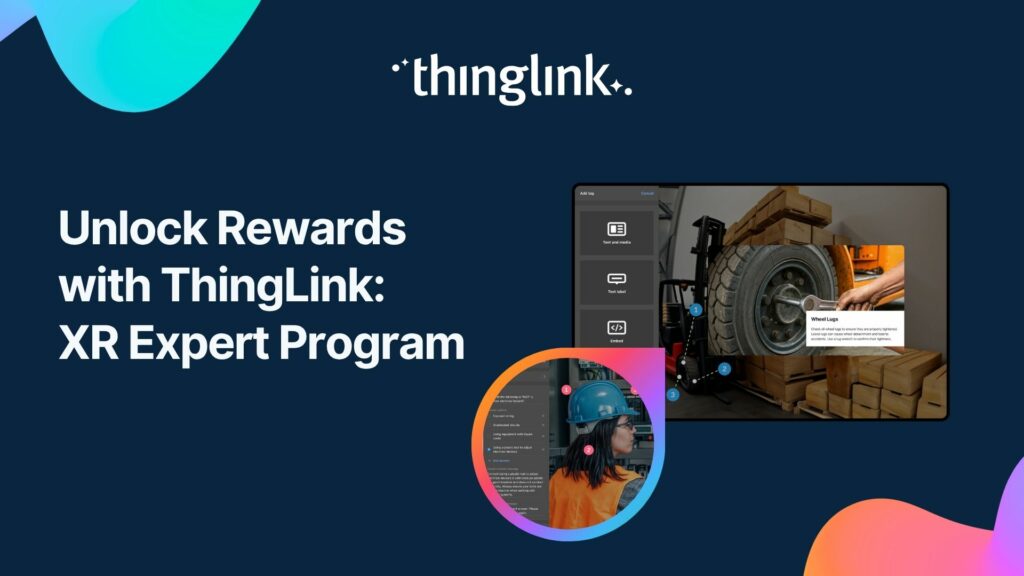
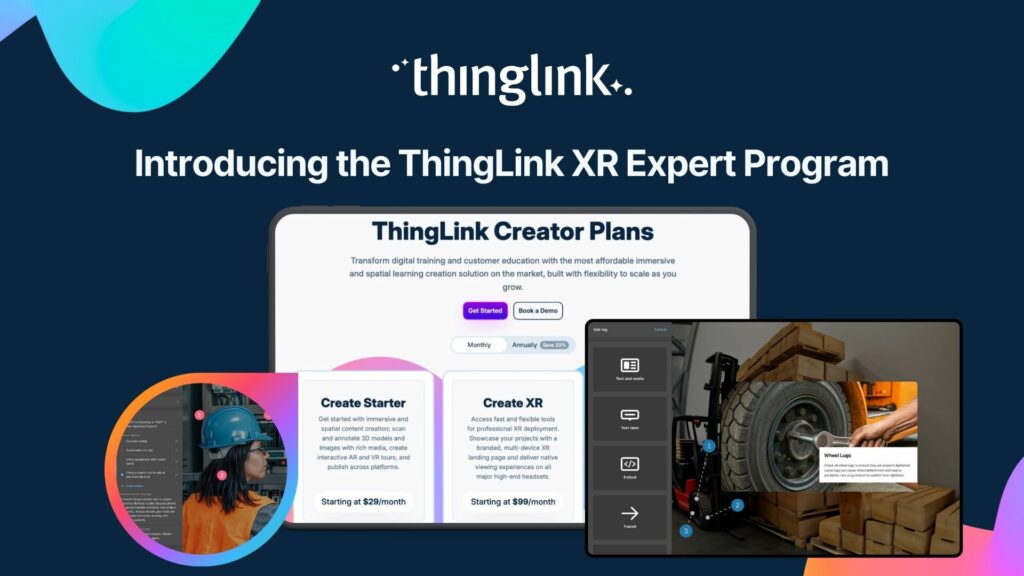
ThingLink now offers a program to reward you for sharing immersive learning with others: the XR Expert Program. Here’s more information on how it works. ThingLink...
Customer education is core to marketing, not a separate tactic. It can be as simple as helping customers learn that your brand or product exists, or as deep as ...
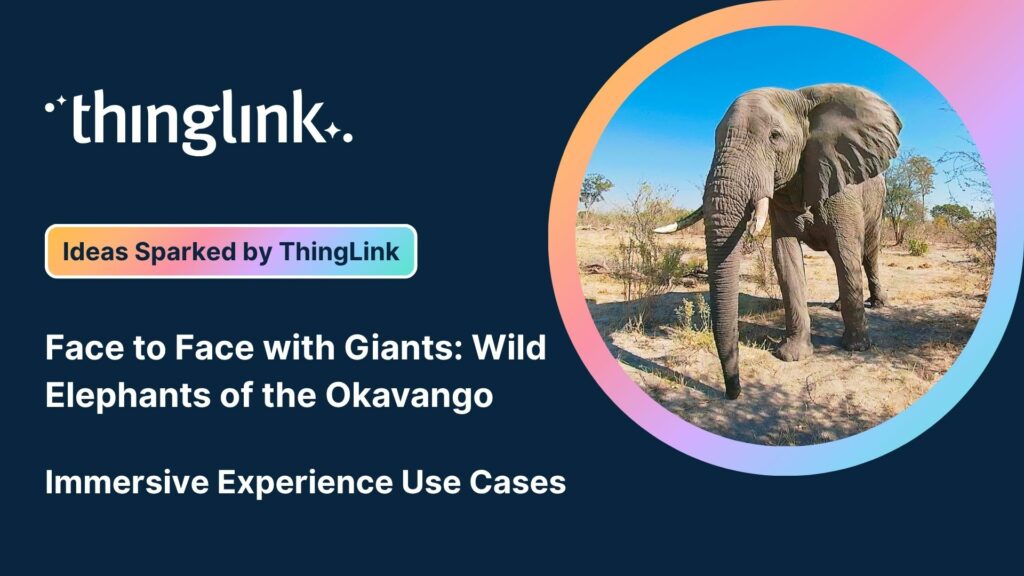
We’re delighted to collaborate with Elaine Ford to bring you a truly unique collection of 360° video footage captured in the wild. These immersive scenes offer...
We’re excited to launch the ThingLink XR Expert Program, a new initiative designed for consultants, trainers, and influencers who want to be at the forefront ...
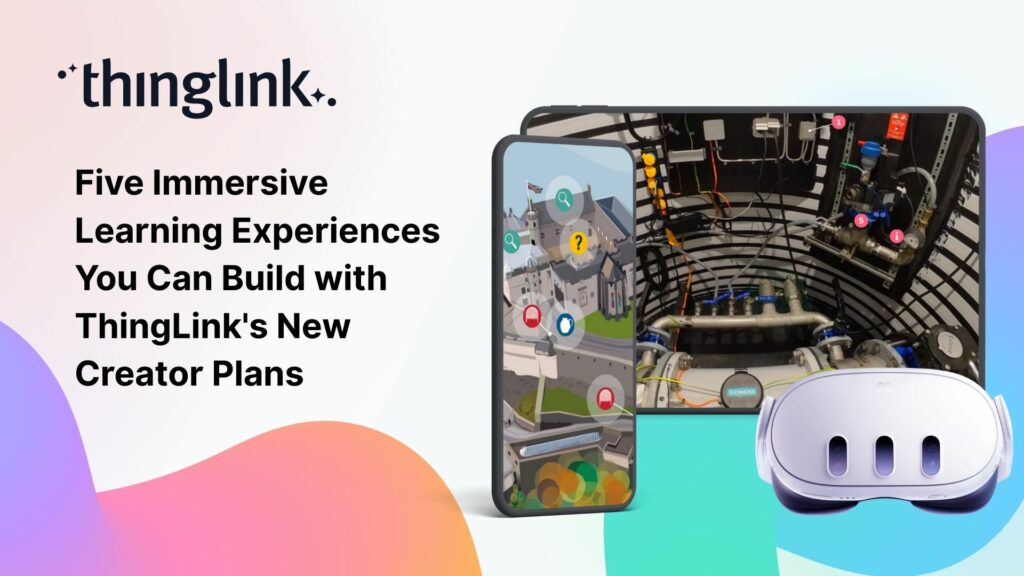
We believe immersive learning should be within reach for everyone, not just large organizations and institutions. That’s why ThingLink’s new Creator plans are...
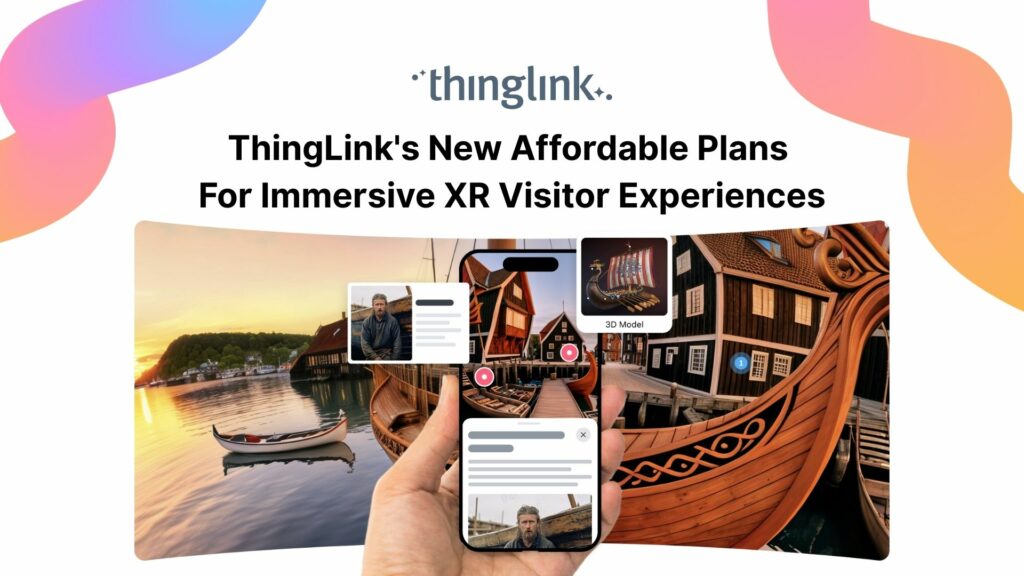
Flexible monthly subscriptions now make it easier for cultural institutions to bring collections and exhibitions to life with interactive tours and spatial storytelling....
The New ThingLink Creator Plans are available as flexible monthly subscriptions, widening access for creators, trainers, and educators worldwide. Today, ThingLink...
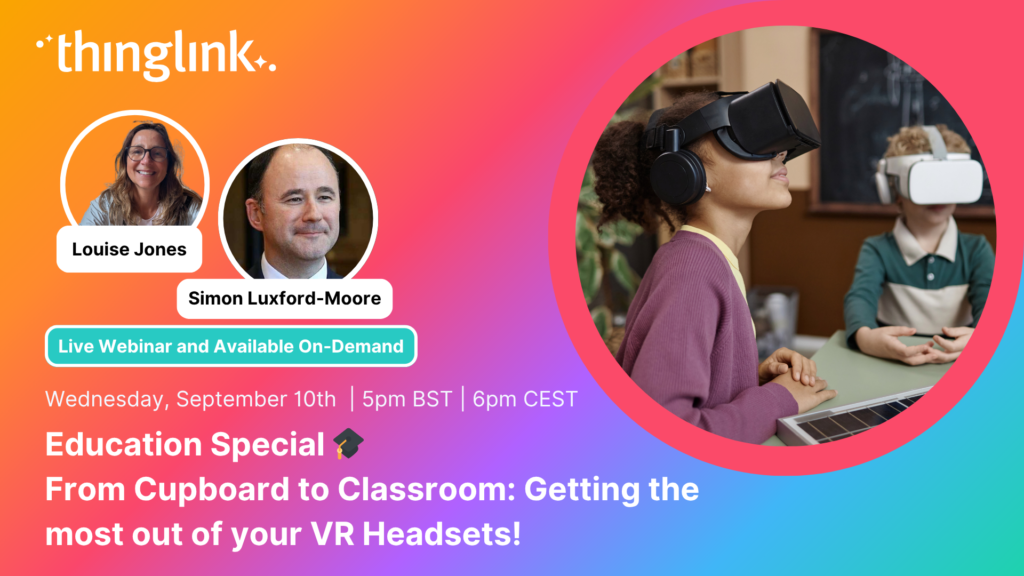
Education Special | From Cupboard to Classroom: Getting the most out of your VR Headsets! Have a set of VR headsets sitting in the cupboard, barely touched since...
2025 is already a landmark year for ThingLink and we’re only halfway through! Join us for this exclusive mid-year webinar hosted by Louise Jones (ThingLink) and...
At ThingLink, our mission is to empower educators, trainers, and content creators to build truly impactful digital learning experiences. We believe that great learning...
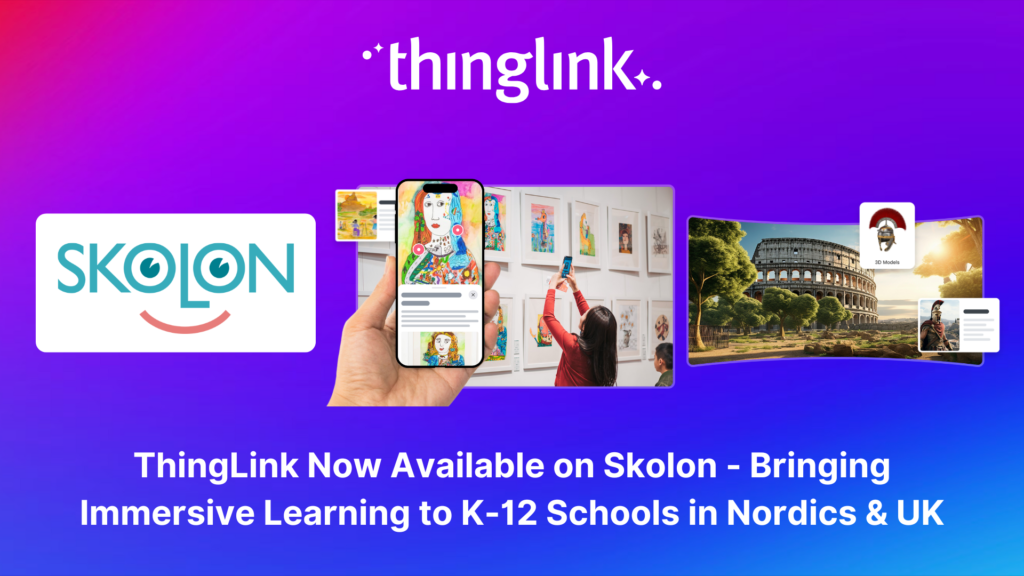
Stockholm, April 8th, 2025 – ThingLink, the leading platform for creating and sharing immersive learning experiences across platforms and devices, is now available...
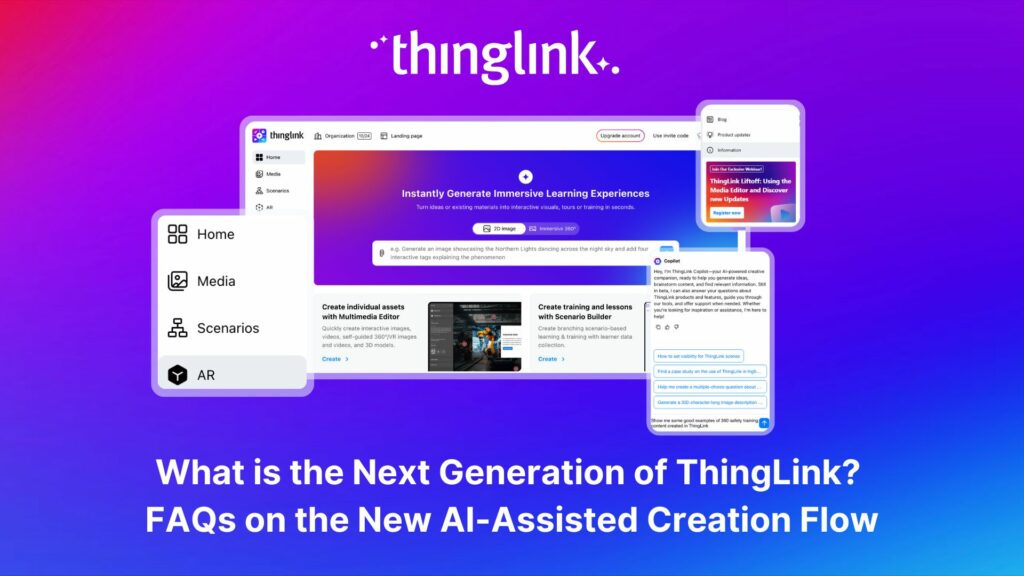
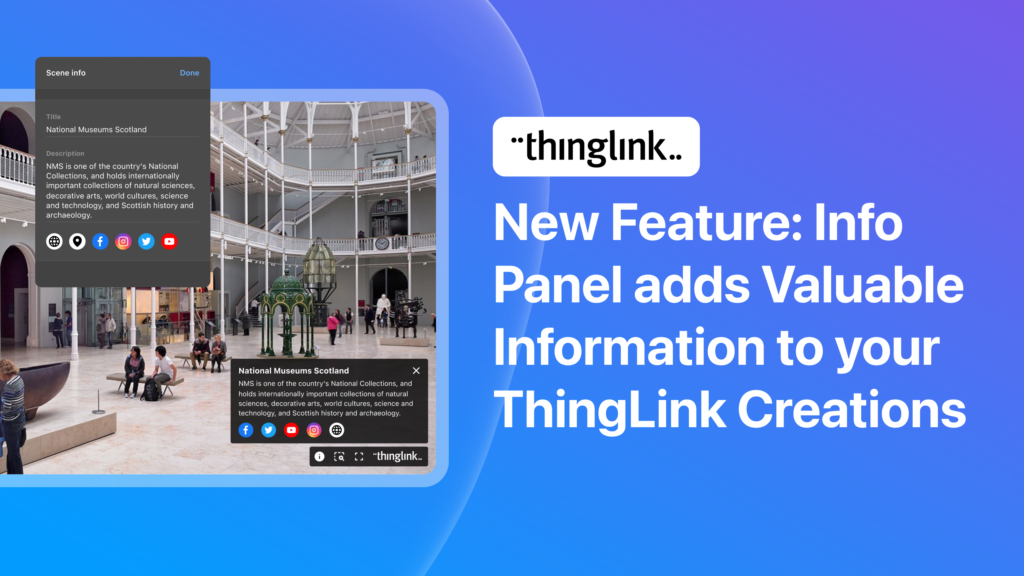
The next generation of ThingLink has launched, with the same easy-to-use immersive learning creation tools now accessible via a fresh new interface. Create...
ThingLink, the AI-assisted immersive content creation platform for training and education, continues to grow its global team alongside the expansion and development...
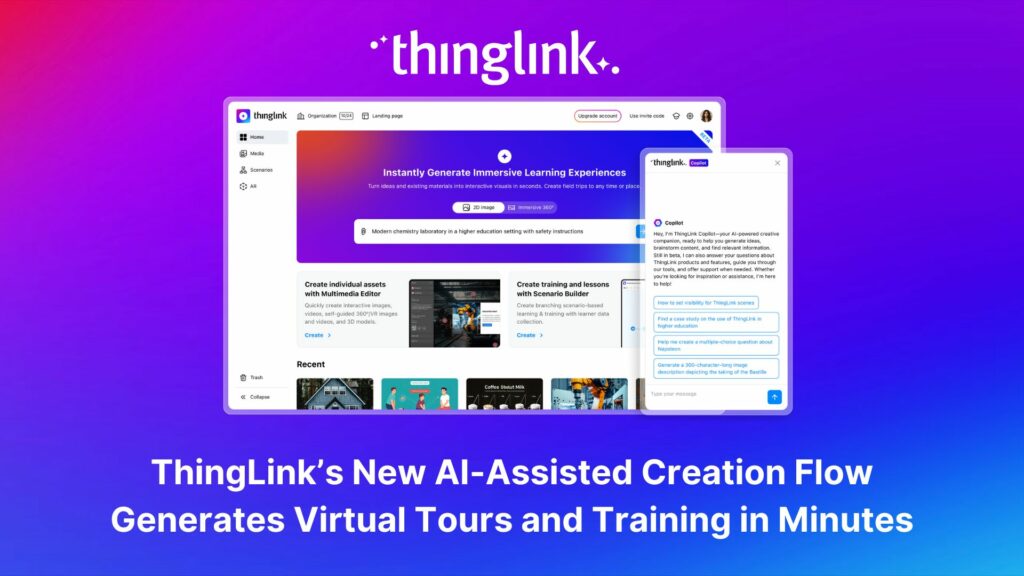
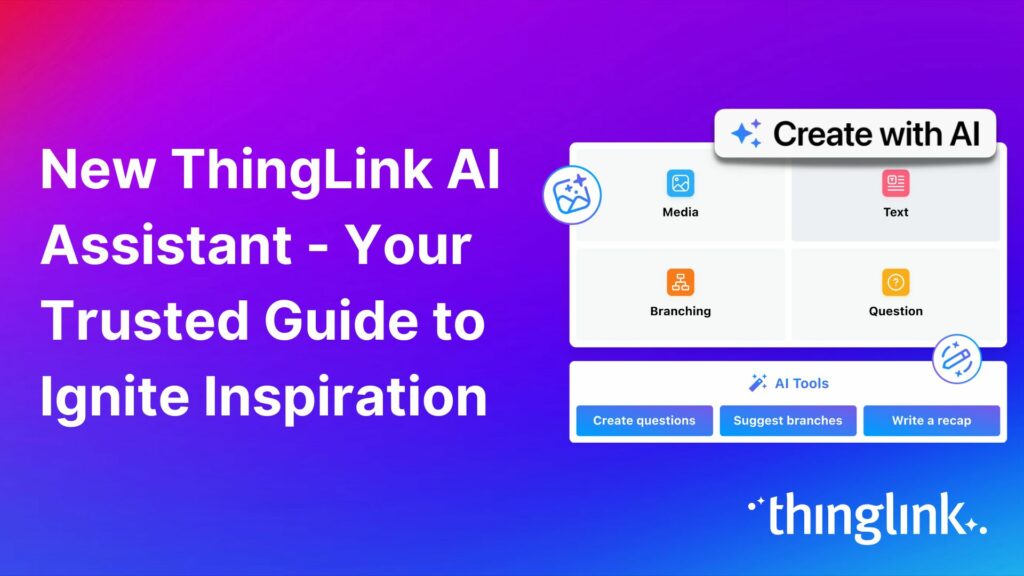
As digital transformation accelerates across industries, the demand for intuitive AI tools that empower non-technical users to create sophisticated learning experiences...
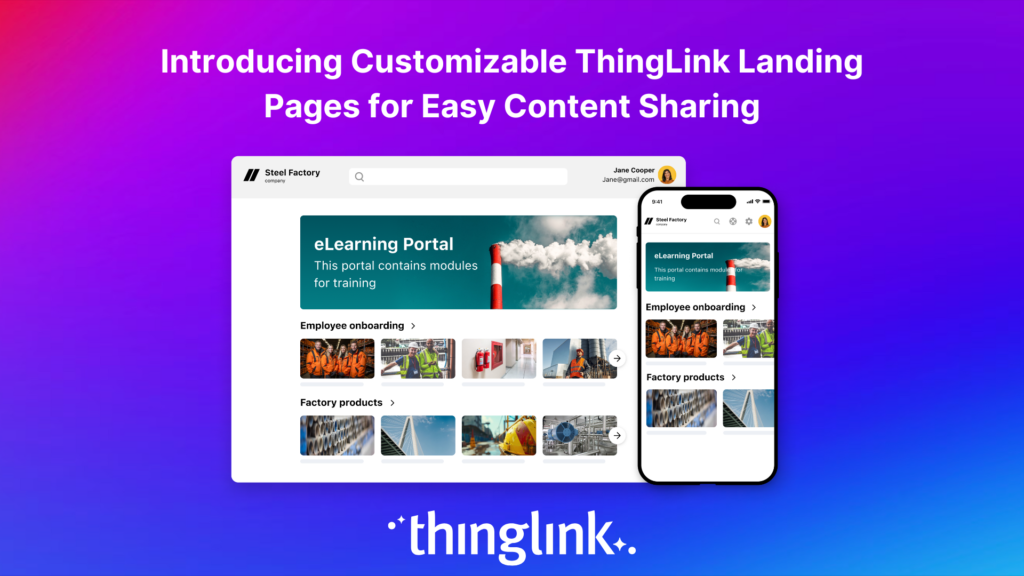
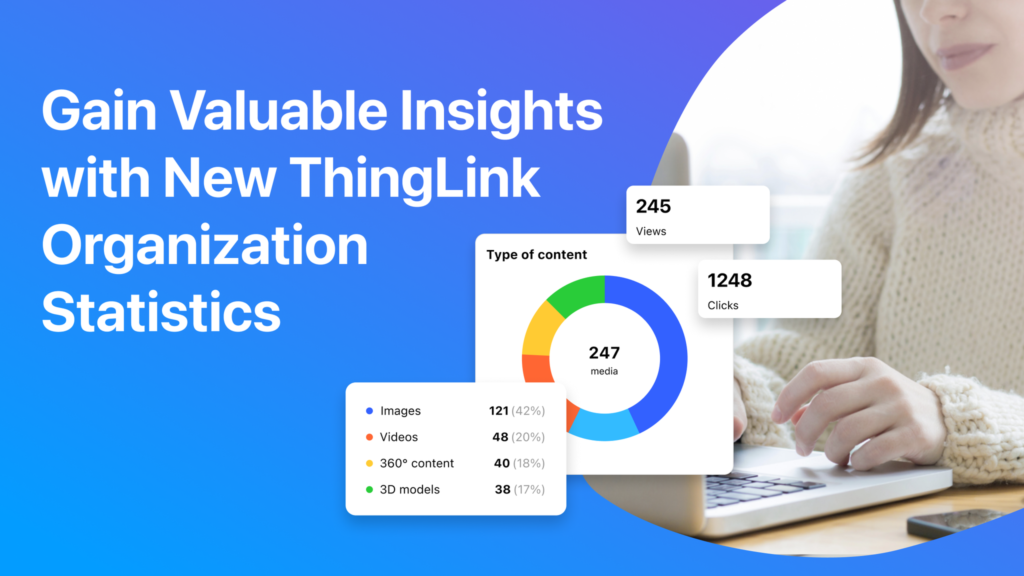
Following recent updates and improvements to ThingLink Scenario Builder, ThingLink now allows organizations to create customizable landing pages for easy sharing...
Here are some commonly asked questions and answers, if you do not find an answer that resolves your question please do not hesitate to get in touch with us at support@thinglink.com...
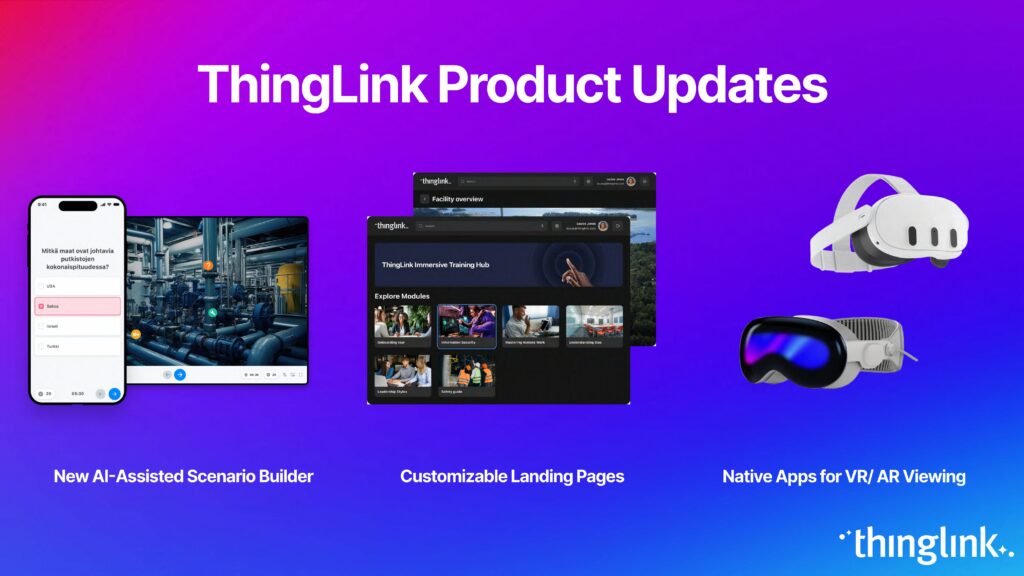
Over the next few weeks, ThingLink will be rolling out a series of new or updated products that are essential for any organization that is looking to modernize ...
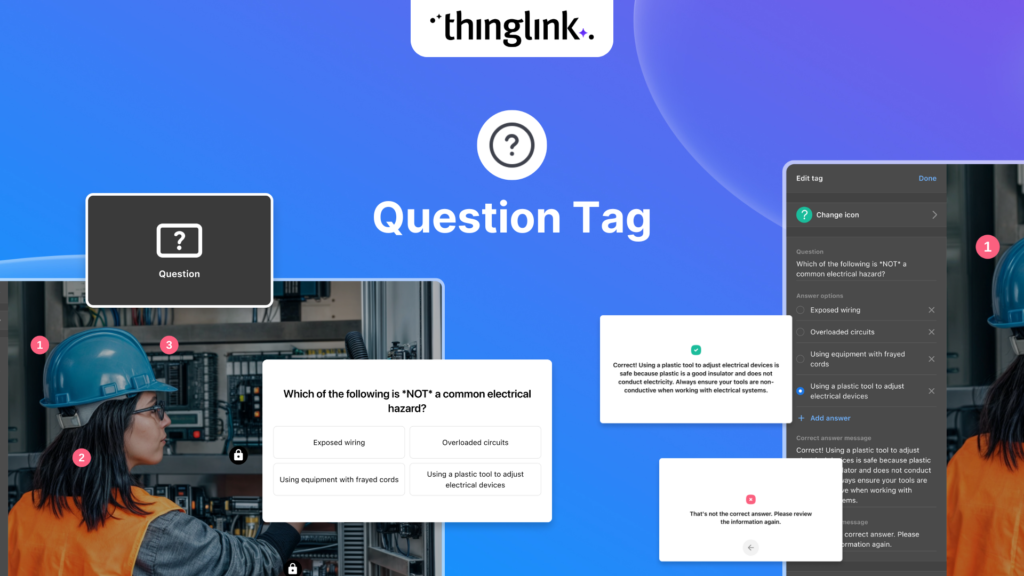
We’re thrilled to introduce a brand-new feature to enhance your learning experiences – the new question tag type for the ThingLink Multimedia Editor! Whether...
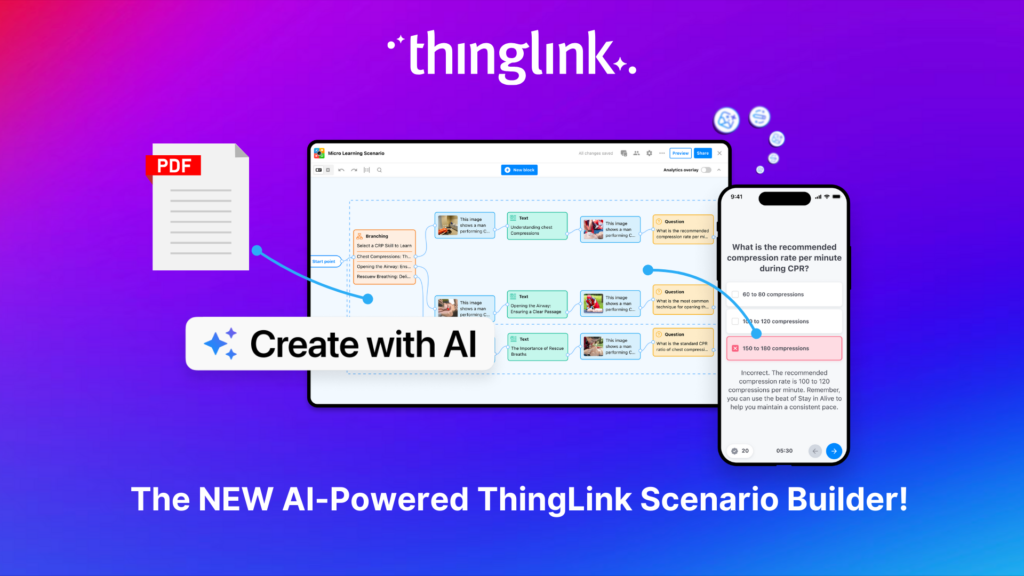
Updates and improvements to ThingLink’s Scenario Builder offer a quick and easy solution for creating immersive learning and interactive training experiences,...
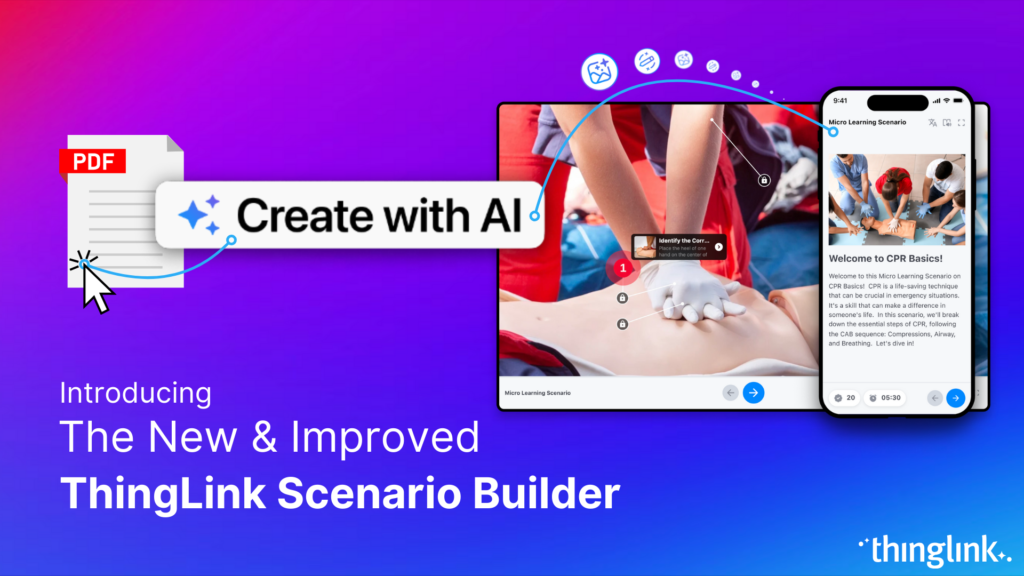
Meet the new and improved ThingLink Scenario Builder, your ultimate tool for transforming static content into immersive, interactive experiences. With AI-powered...
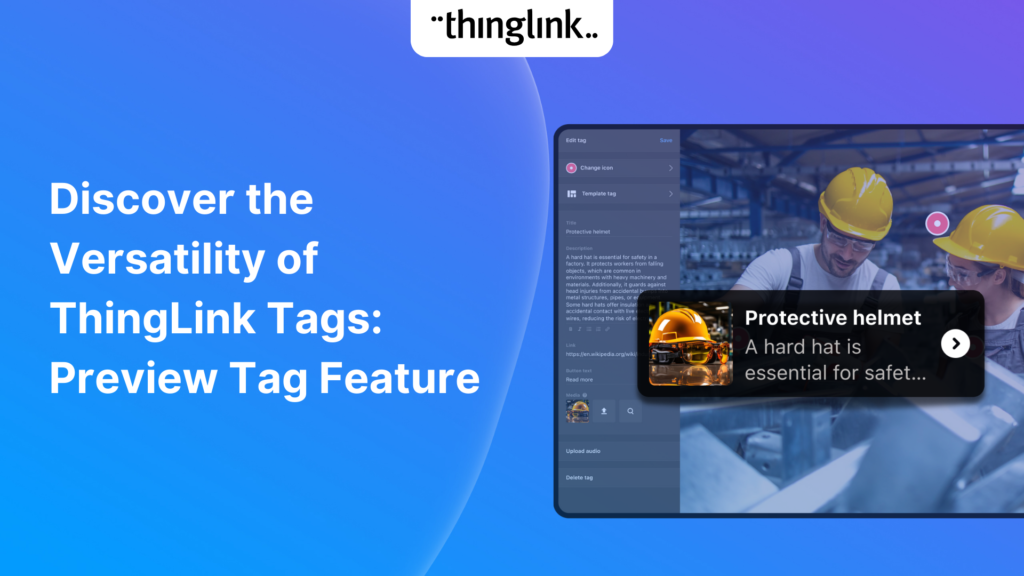
We’re excited to introduce a feature that helps reduce cognitive overload by offering a quick preview of what’s inside text and media tags. Now, when viewers...
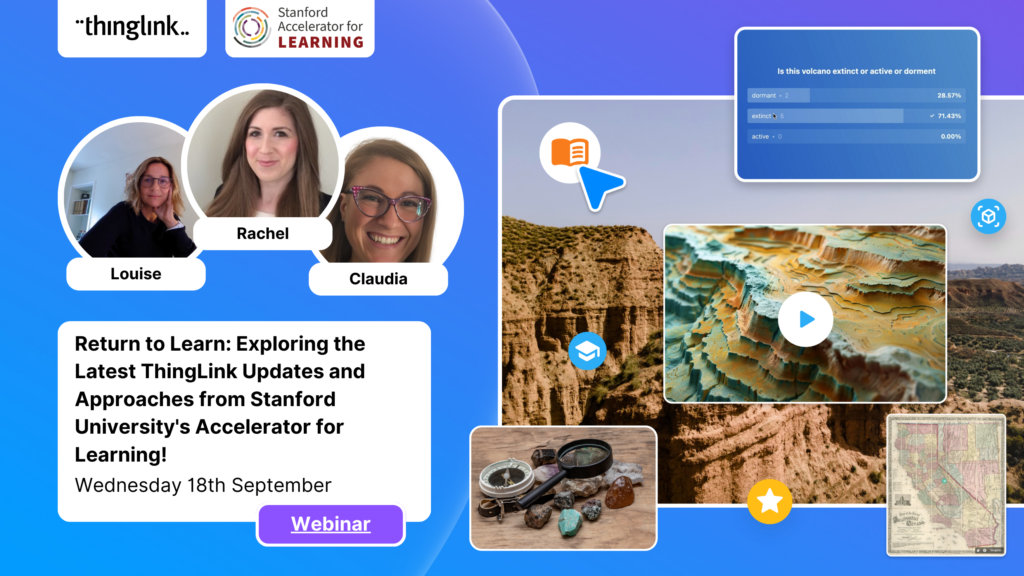
It’s that time of year for the FREE annual ‘Return to Learn’ webinar! Join us for an exciting and informative webinar as we present the latest ThingLink updates,...
ThingLink now holds the ISO 27001 certification, a globally recognized standard for information security management. This accomplishment underscores our commitment...
Our team is excited to be back at ISTE, and we look forward to reconnecting with old friends and meeting new ones in Denver, Colorado! Here are some topics and ...
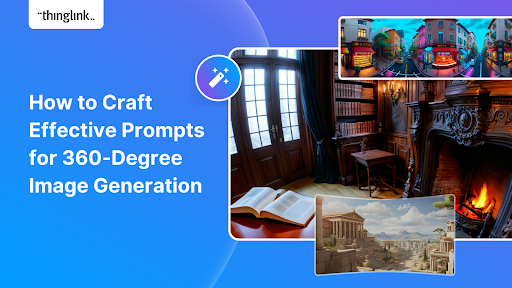
Creating compelling prompts for your immersive 360-degree AI-generated images requires descriptive language that captures the scene’s essence and style as...
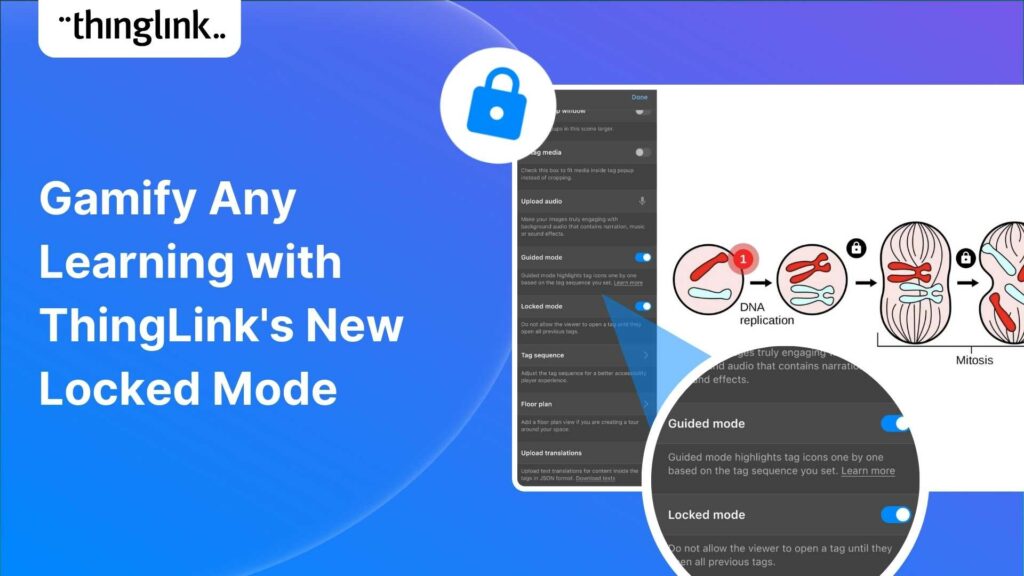
Creators can now enable new Locked Mode for tags, allowing learners to unlock new information as they progress through a scene in a set sequence. In this post we’ll...
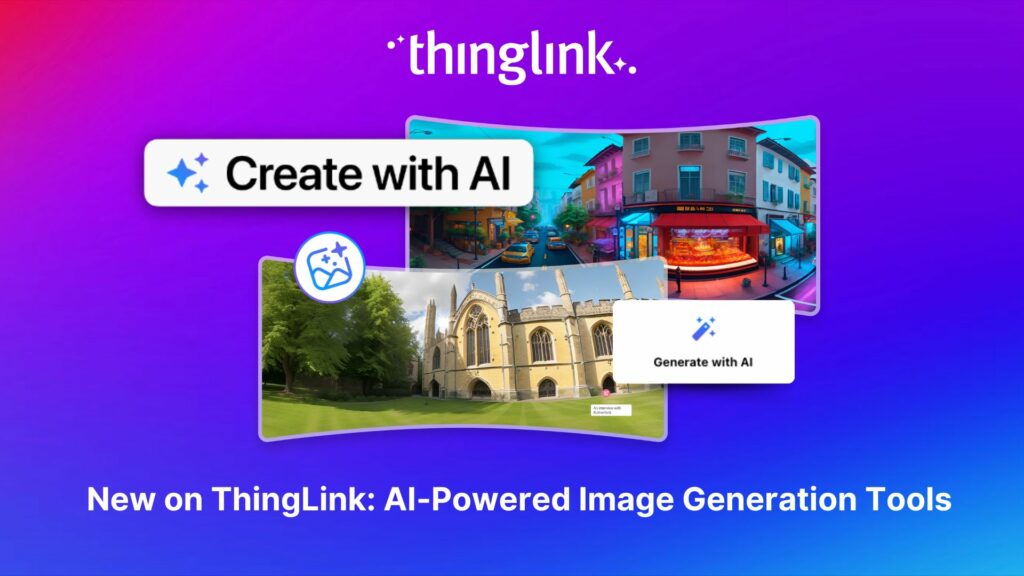
All ThingLink accounts will now include AI-powered tools (with controls) to enable educators and learners to generate images to use with the ThingLink editor. Effective...
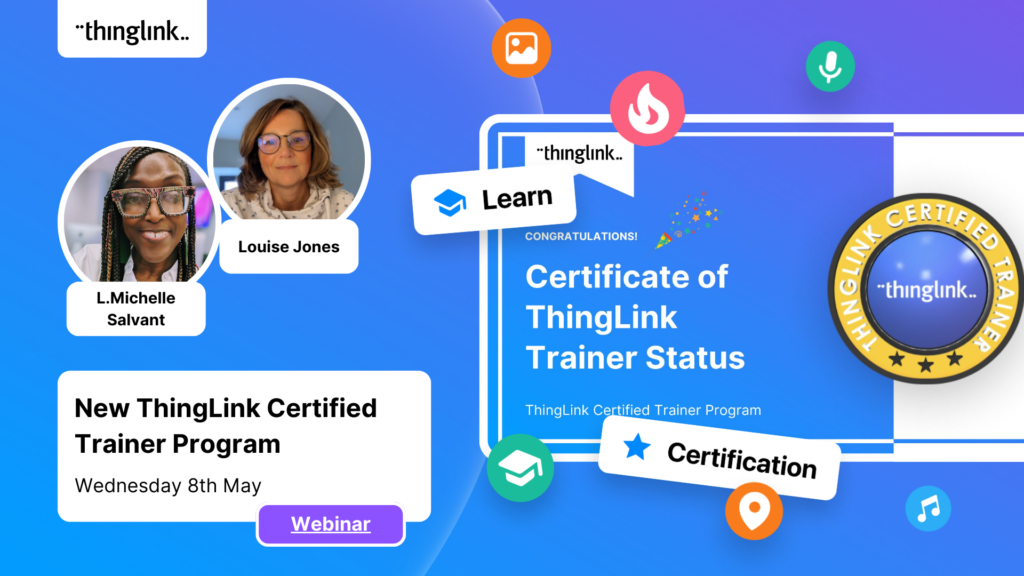
We’re excited to invite you to our special webinar, unveiling the new ThingLink Certified Trainers Program. Louise from ThingLink and L. Michelle Salvant,...
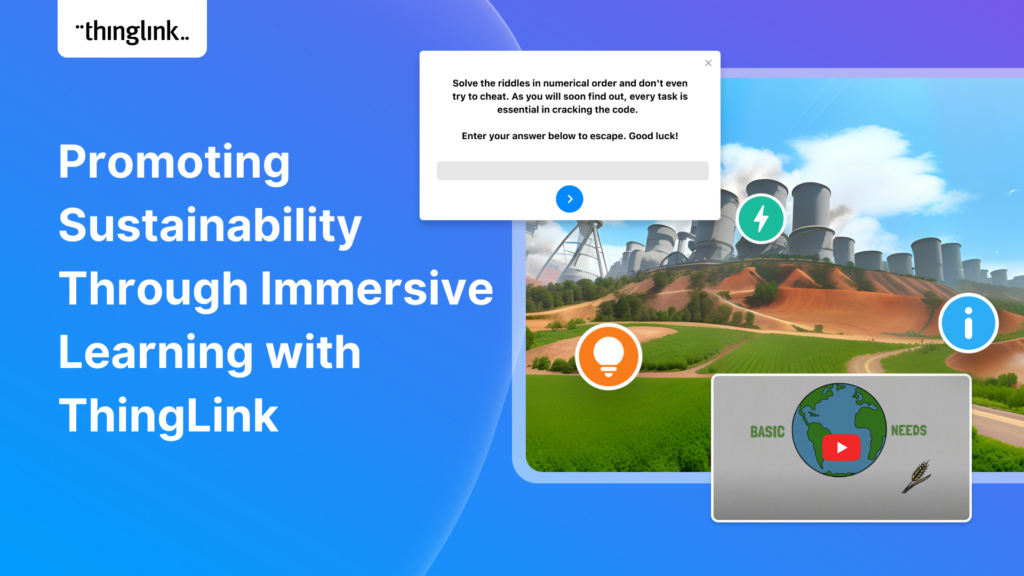
The world faces numerous sustainability-related challenges, threatening the future of our planet. Those issues are often hard to grasp without direct exposure to...
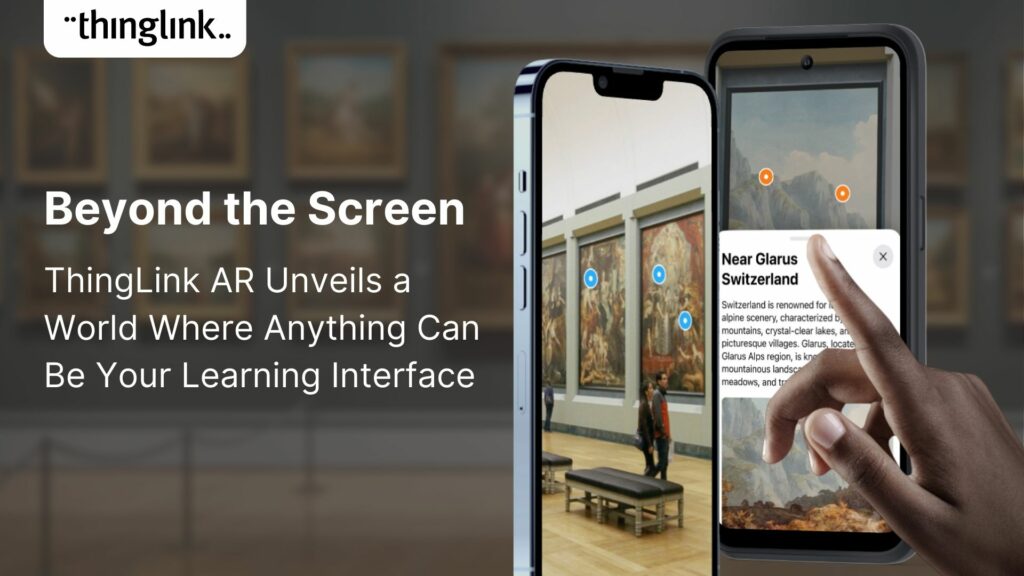
💡 ThingLink Launches their AR Solution: Augmented Reality Simplified for All 📱 Breathe life into the ordinary with ThingLink’s brand new Augmented Reality...
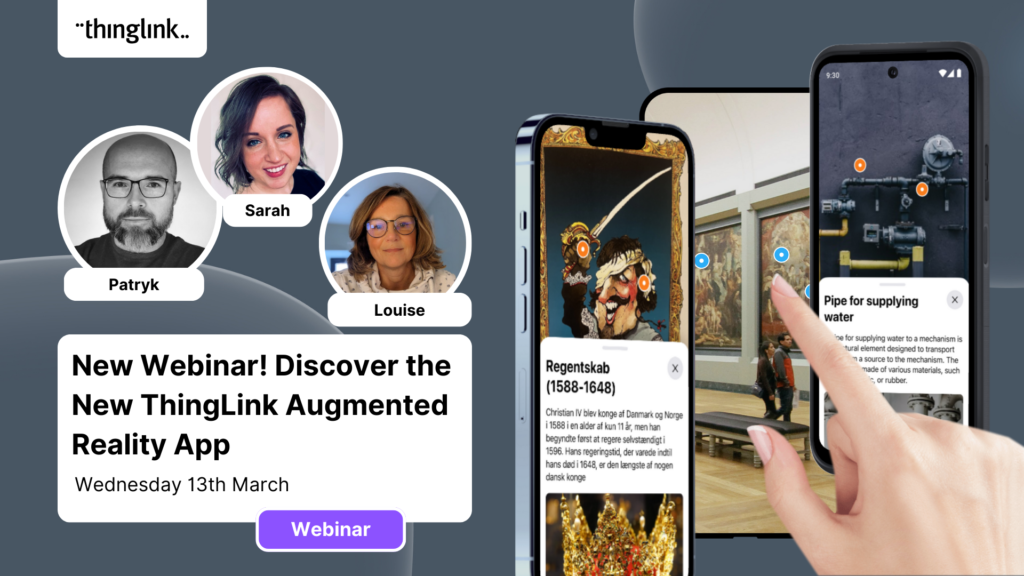
Discover the new ThingLink Augmented Reality App! In this exclusive free webinar Louise from ThingLink is joined by Special Guests Patryk Wójtowicz, Savonia University...
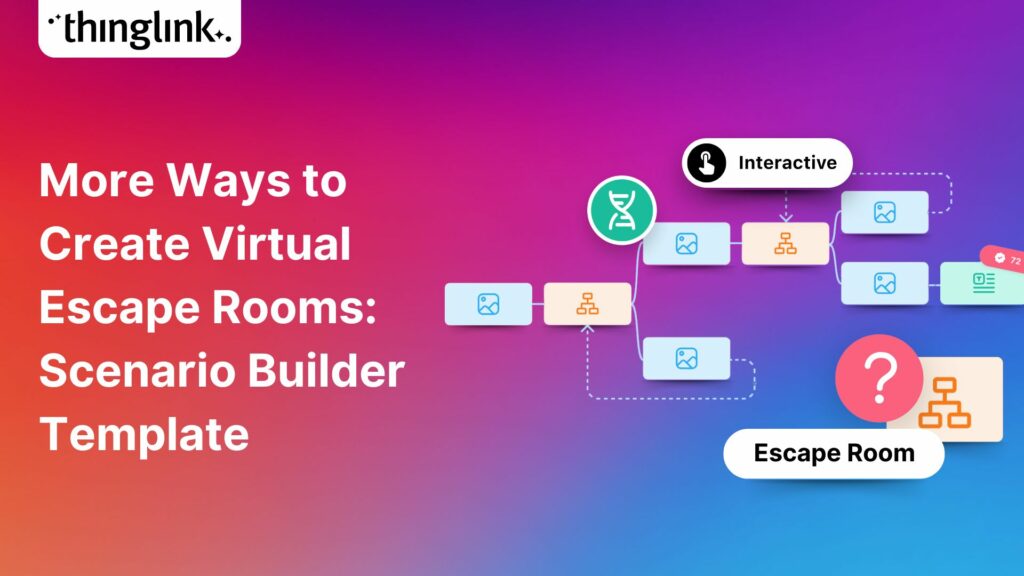
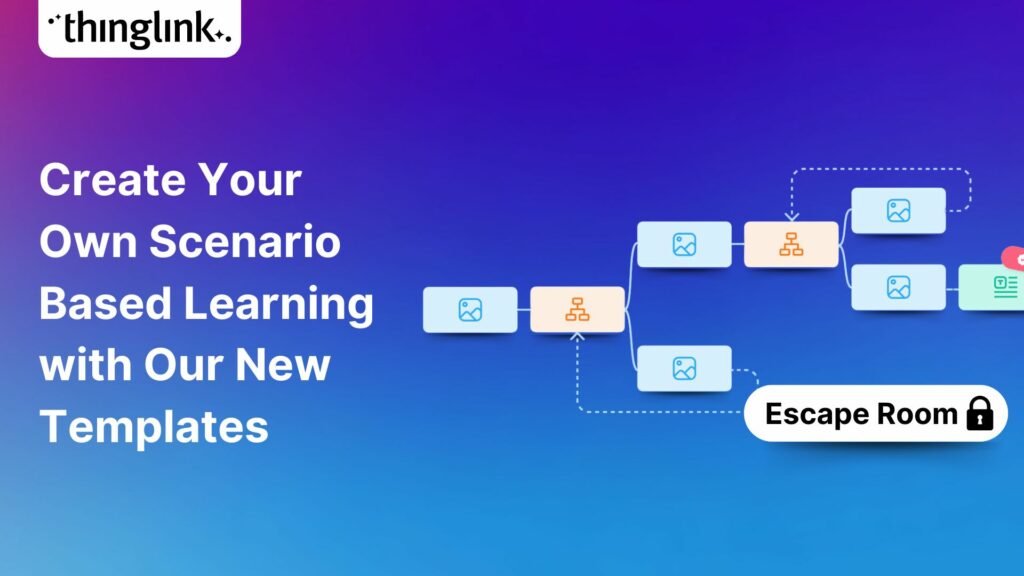
Creating a Virtual Escape Room is now even easier with ThingLink’s Scenario Builder ready-made template! Escape rooms (sometimes called breakout rooms) have...
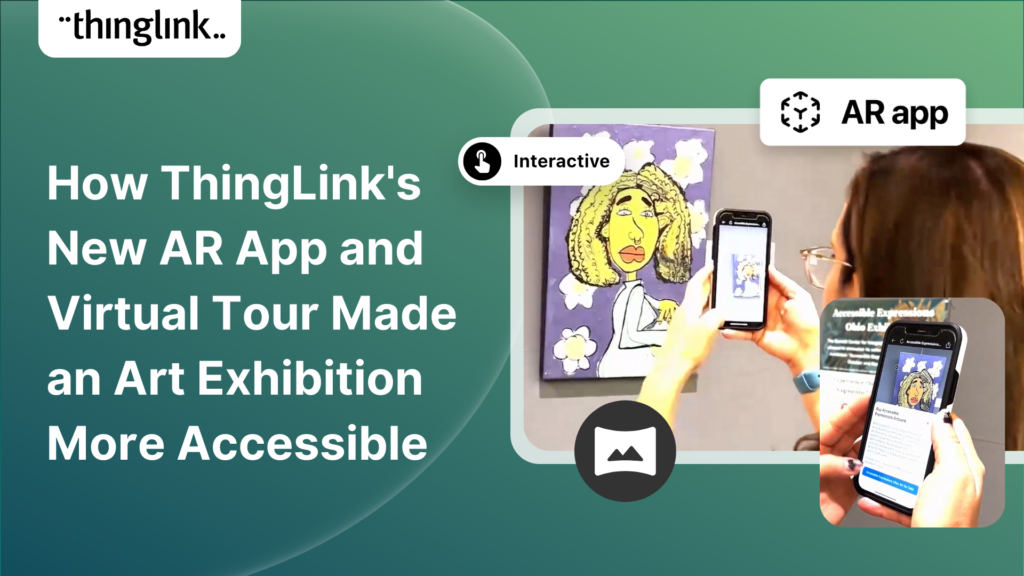
In the fall of 2023, Ohio State University’s College of Arts and Sciences Office of Distance Education (ASC ODE) began a collaboration with the college’s...
Creating an online course or module is now easier than ever using ThingLink Scenario Builder templates In the world of elearning and corporate training, creating...
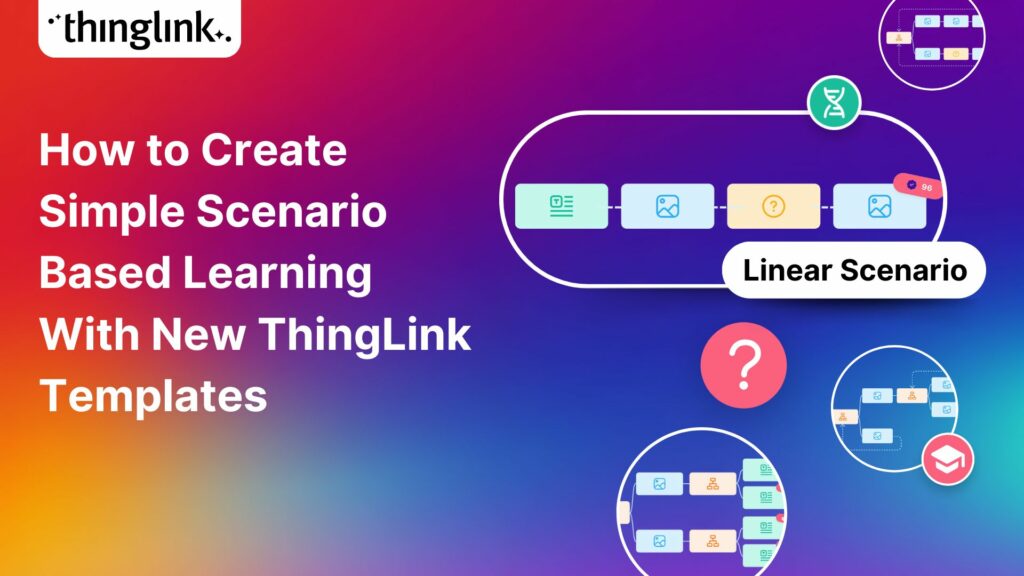
We recently launched new ThingLink Scenario Builder Templates – our latest tools to help you create impactful interactive, scenario-based training. In this...
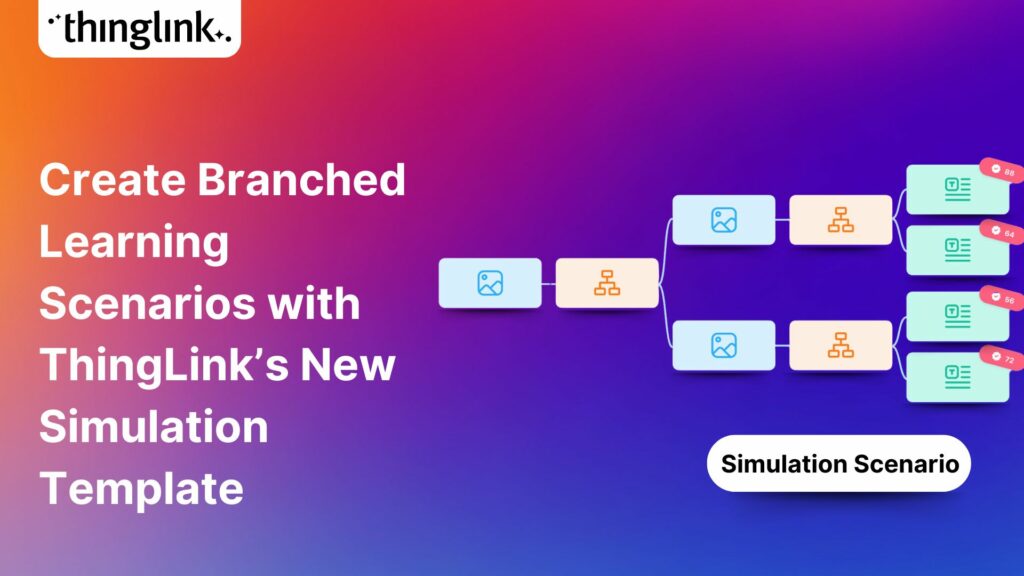
ThingLink’s Scenario Builder Templates are the newest arrival in our ever-growing set of assistant tools to help you build your own bespoke training and learning...
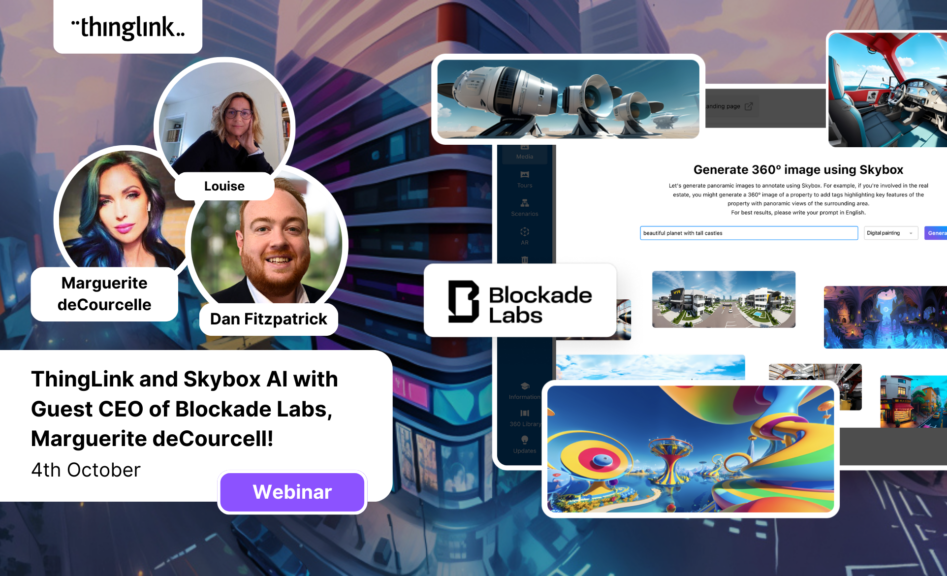
ThingLink and Blockade Labs Skybox AI 360 Image Generation = Infinite Uses! We’re excited to extend an invitation to watch our special webinar that aims to...
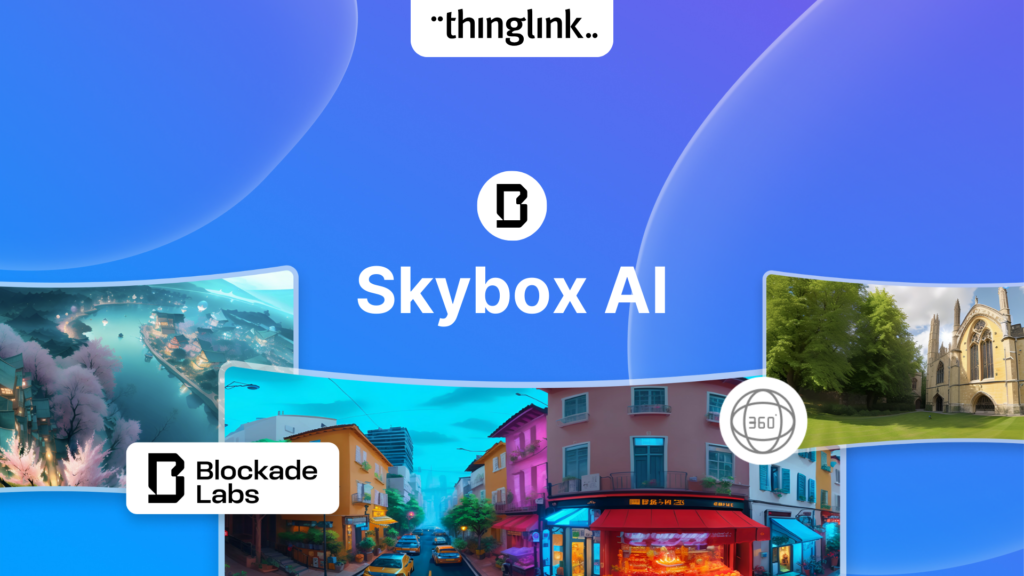
Unleash imagination to design unique environments inspired by literature, mythology, historical periods, and more. With Skybox AI and ThingLink, you’re not...
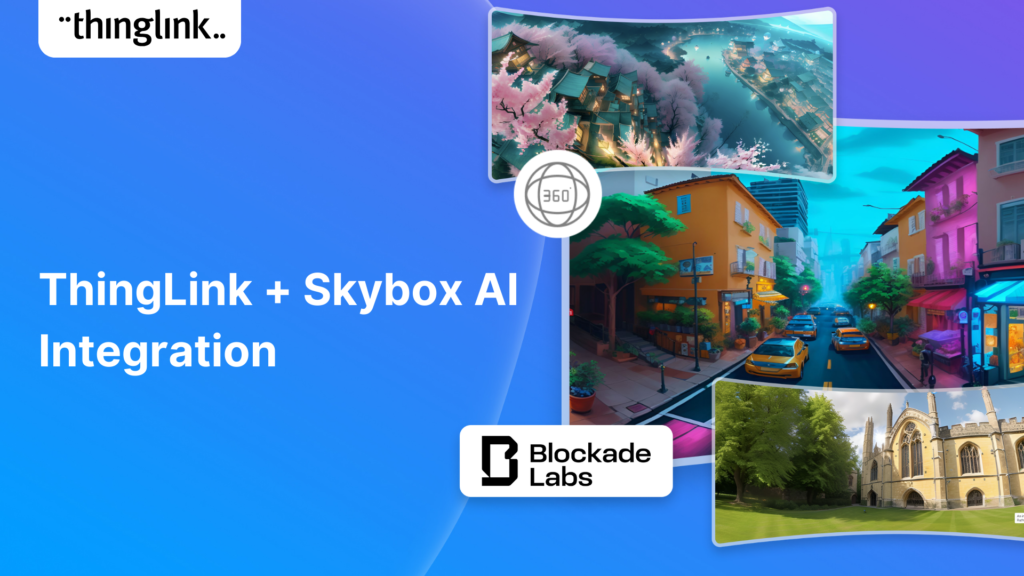
ThingLink, an award-winning immersive learning technology platform is announcing a strategic partnership with Blockade Labs, creators of Skybox AI, an innovative...
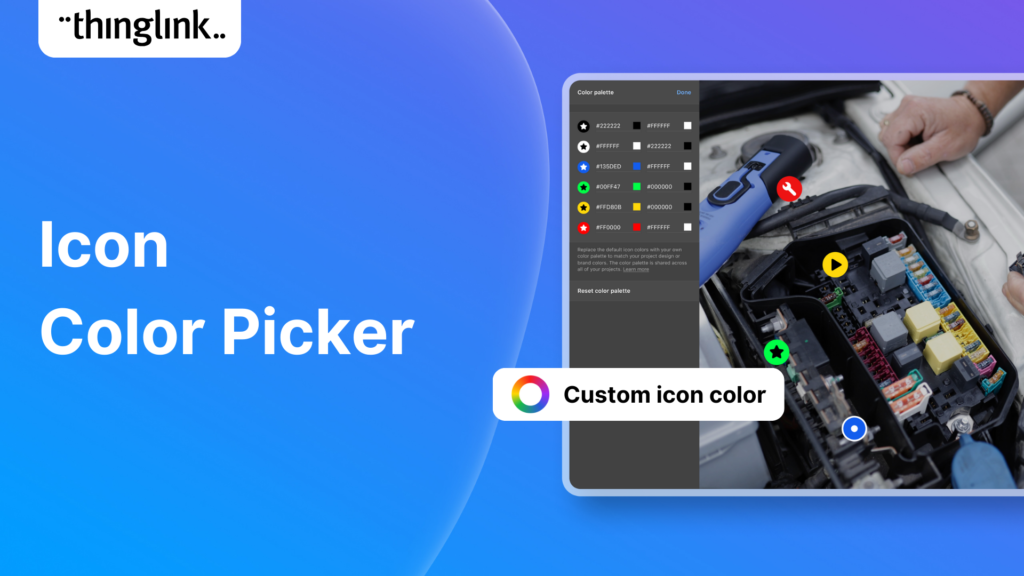
We’re thrilled to announce the launch of our much-anticipated feature: the Icon Color Picker! This great new update comes as a direct response to the invaluable...
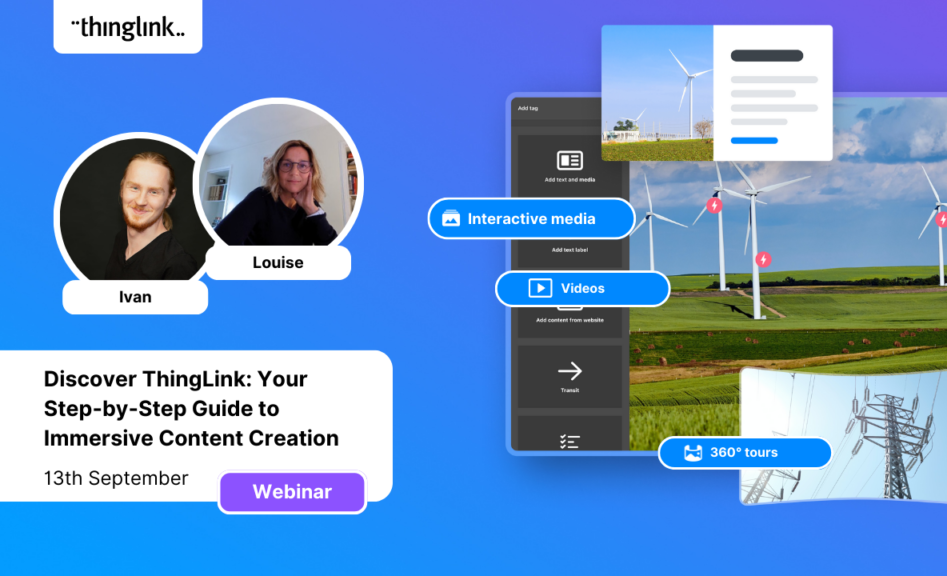
Dive into “Discover ThingLink: Your Step-by-Step Guide to Immersive Content Creation.” This webinar introduces ThingLink, a game-changing platform that...
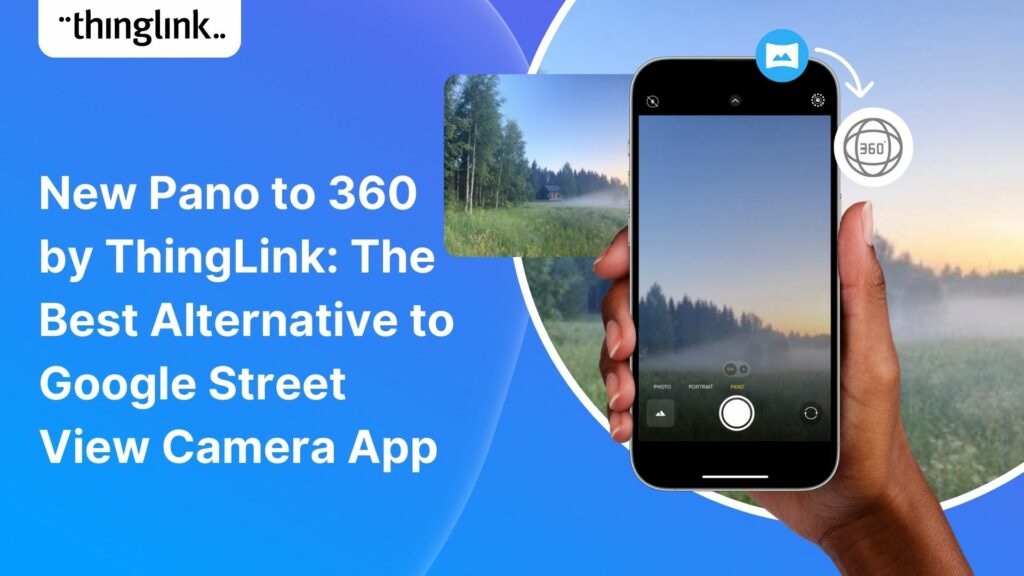
Dive into a universe of detail with Pano to 360: no more multiple shots, just easy, fully immersive 360 photospheres! Since Google decided to retire the beloved...
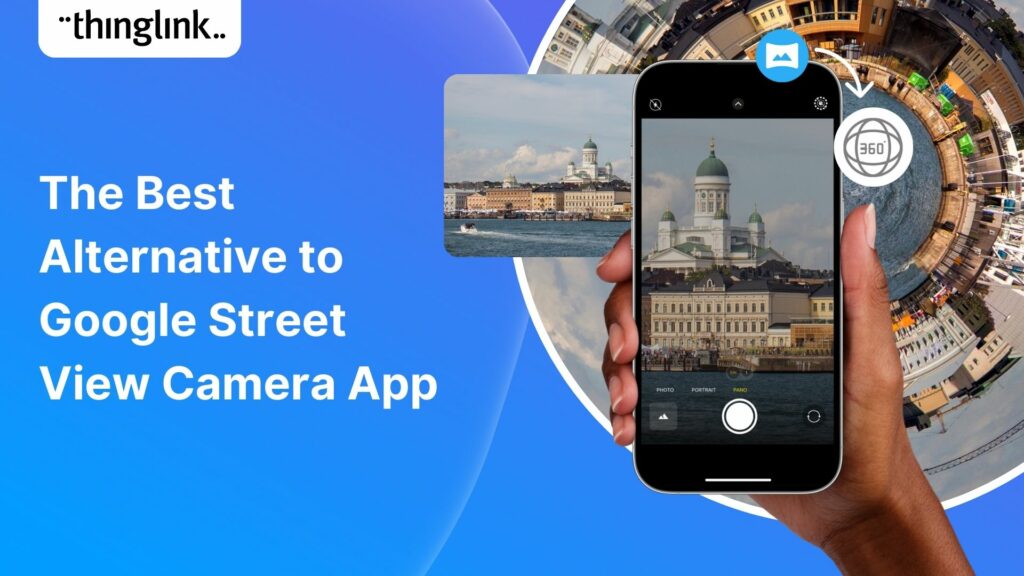
Ever since Google discontinued its much-loved Street View Camera App, users around the world have been searching for a worthy alternative. The good news? Your search...
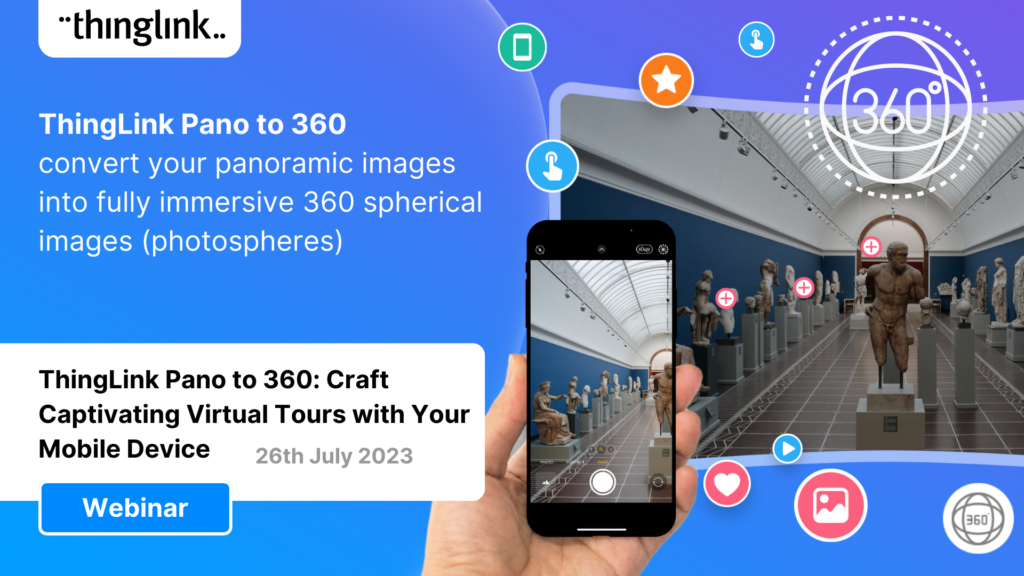
ThingLink introduces Pano to 360: a revolutionary and cost-effective solution for capturing 360 images – using an iPhone or android mobile device. Join our...
Everyday Applications of AI We are living in an era where artificial intelligence (AI) is becoming a seamless part of many aspects of our daily life. Whilst we ...
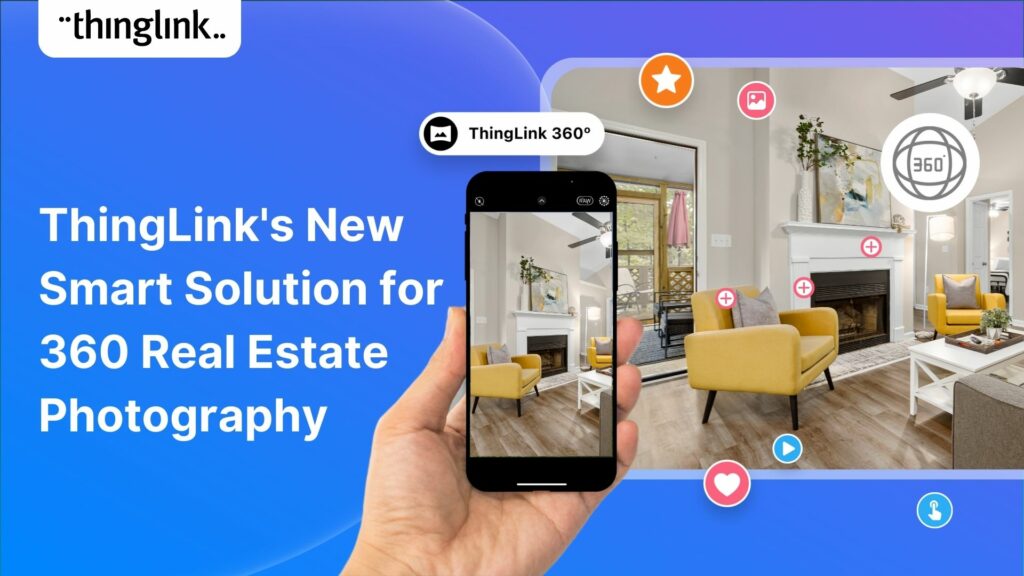
Virtual tours are now one of the cornerstones of real estate marketing, giving potential buyers the opportunity to view a property at a convenient time and place...
ThingLink Launches a Revolutionary Solution for Capturing 360 Images In light of the discontinuation of the Google Street View Camera app, ThingLink has answered...
In response to the growing demand for a mobile-friendly solution to capture Photosphere images after the discontinuation of the Google Street View Camera app, ThingLink...
ThingLink has been a leader in learning technologies, consistently seeking innovative ways to stay ahead of the curve. Not only are we bringing you new ways to ...
In 2023 our team initiated a series of webinars, fostering a dialogue with creators on the integration of Artificial Intelligence (AI) tools into their work. ThingLink...
This webinar was live on the 14th June! ThingLink has been a leader in learning technologies, consistently seeking innovative ways to stay ahead of the curve. When...
ThingLink has been a leader in learning technologies, consistently seeking innovative ways to stay ahead of the curve. When it comes to AI, we wish to take a more...
Mitigate Risk with Two Factor Authentication ThingLink has released a new feature enabling ‘Login Verification’ for your individual account and also as a setting...
This week we have especially great news FOR YOU, our wonderful community and our team. In this special round-up we bring news of our stand-out achievements this...
The ThingLink Unity Plugin makes it easy for developers to annotate and share their Unity projects on any platform or device with just a couple of clicks. ...
Updated 9.6.2025 If you are a developer working on a Unity project, at some point you most likely want to share it with another user for feedback. If the other ...
ThingLink and global learning super platform Classera are today announcing they have developed a technical integration to offer educators a simple solution for ...
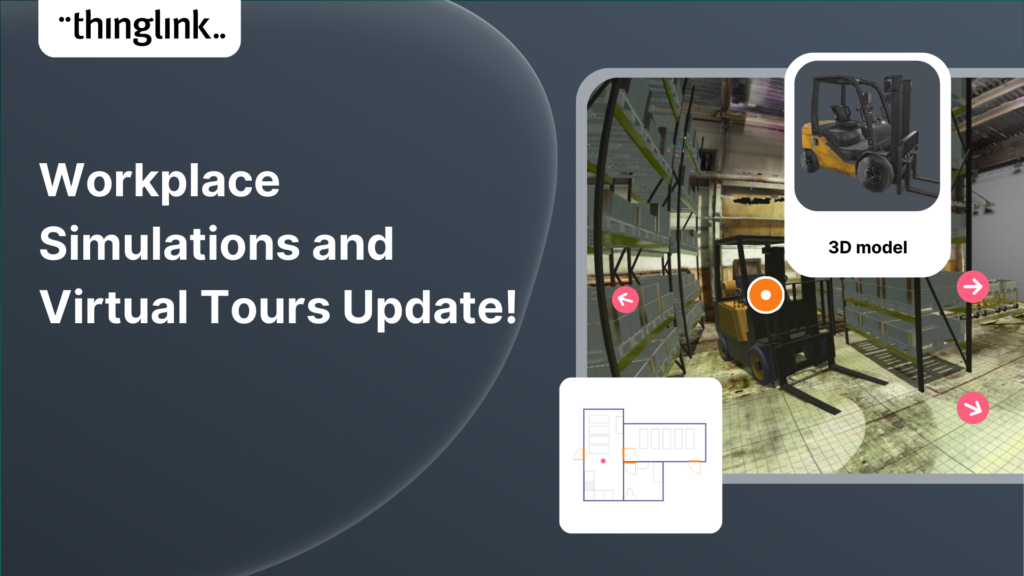
Increase the effectiveness of your online training with multimedia interactive simulations and virtual tours. eLearning course content creation is easy with ThingLink!...
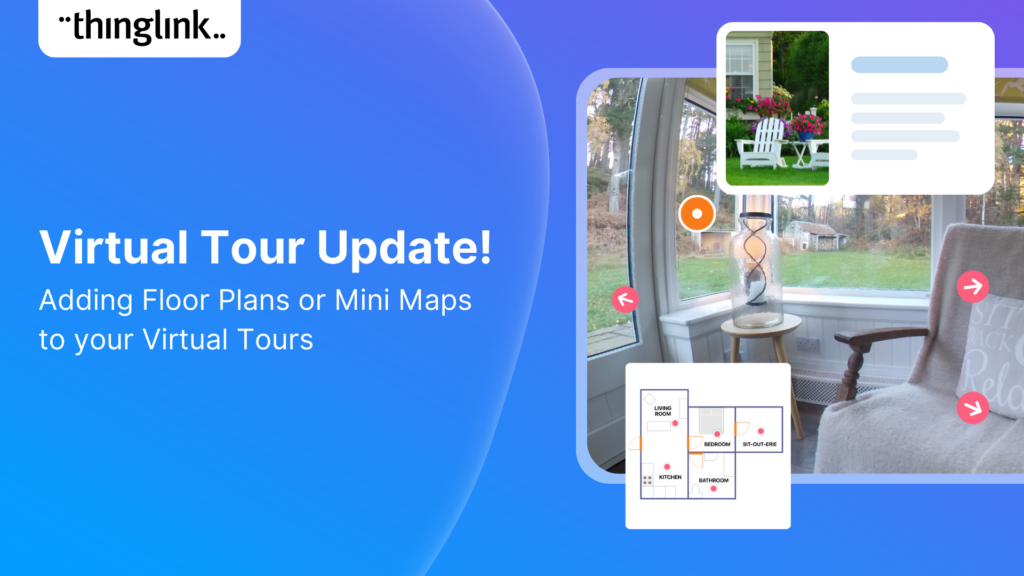
Your viewers won’t get lost with this brilliant new virtual tour feature from ThingLink! Our latest ThingLink update enables you to add a floor plan or ‘mini...
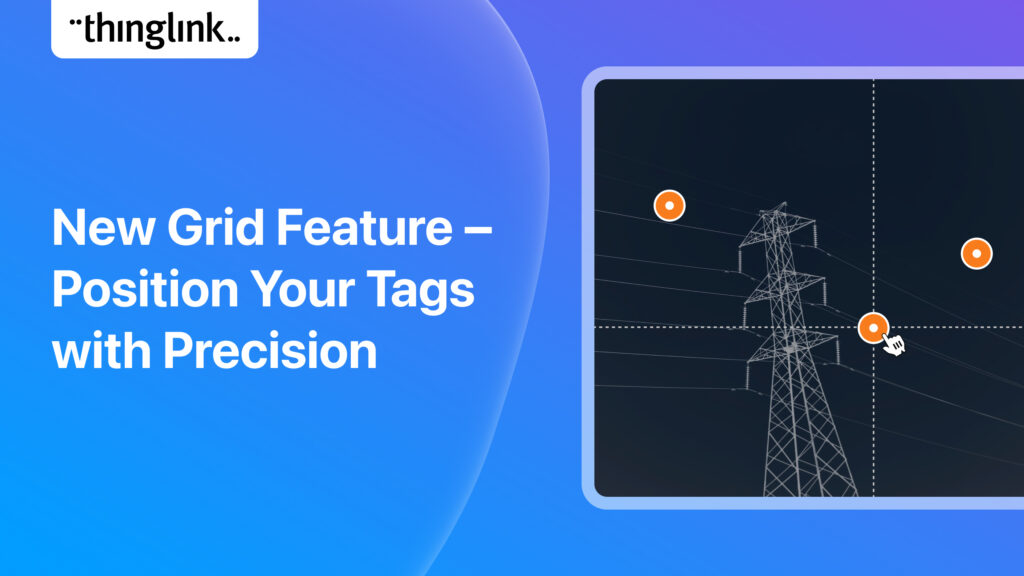
It’s now even easier to create slick and professional-looking interactive content with another of ThingLink’s handy new content tools. The Grid Feature allows...
ThingLink has been placed in an impressive three separate categories by Capterra, the free online service that helps organizations choose the right software. In...
There’s a reason ThingLink is rated the best virtual tour software! And, we just keep getting better and better! A new feature is available now for all our ThingLink...
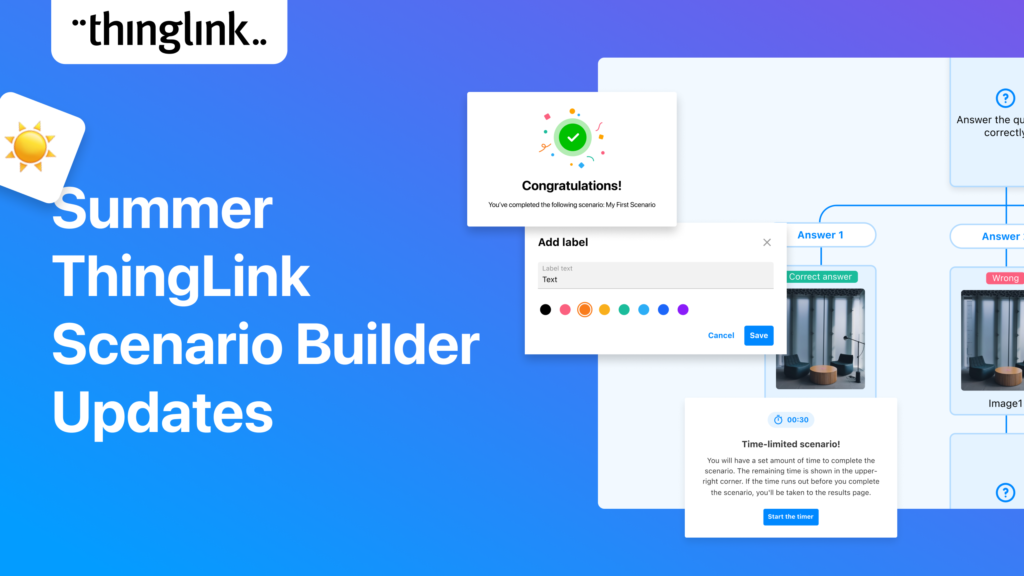
ThingLink Scenario Builder Updates The ThingLink Scenario Builder improves with your feedback and we are delighted to announce a few more ‘you said – we...
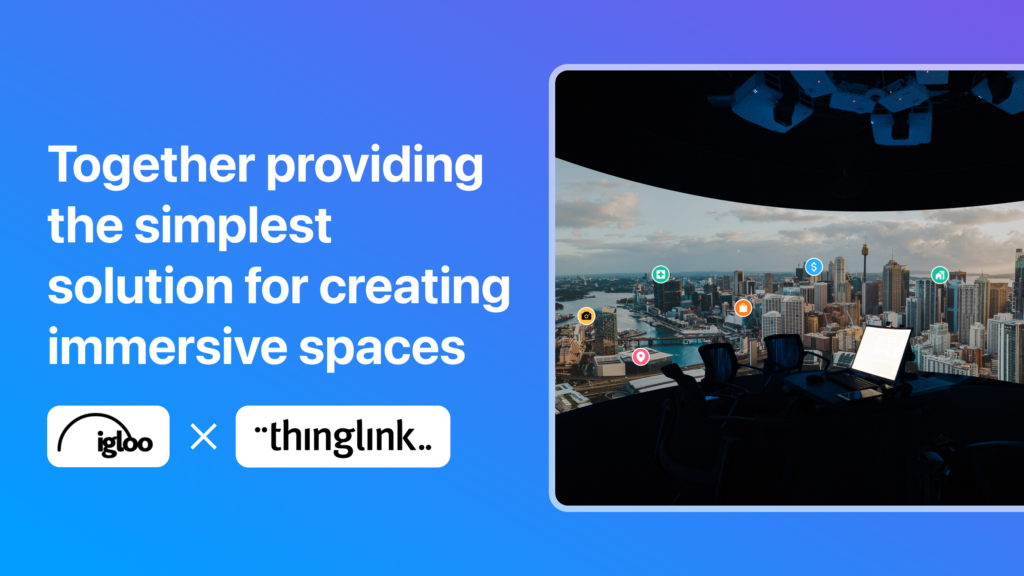
With over 20 years of visionary experience between them, ThingLink and Igloo Vision have crafted a reality for the future of immersive spaces. ThingLink is the ...
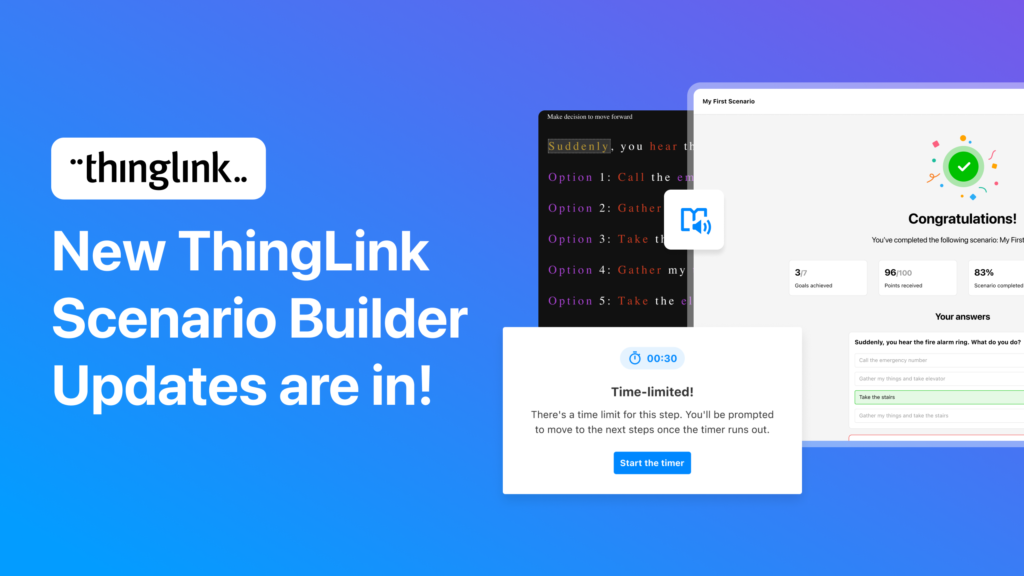
Adding time pressure to create realistic scenario based learning and two other great features We’ve just added three key updates to the ThingLink Scenario Builder....
ThingLink and 3D Talo announced a strategic partnership and a new model for building agile XR simulations for learning and development. Demand for experiential...
 Matias
2 min read
Matias
2 min read
Interaktiivinen kuva-alusta ThingLink ja teollisuuden virtuaalitodellisuus-ratkaisuihin erikoistunut 3D Talo julkistivat strategisen kumppanuuden, jonka kautta ...
Matias
2 min read
Want to create immersive and awe-inspiring content for your audiences but not sure where to start? We have the perfect course for you – ThingLink Certified...
Web View Now Available! ThingLink has an additional ‘Web View’ function available for enhanced usability. This offers your viewers more options for how...
We know that understanding how to create engaging content for learning or marketing is critically important to you and your organization. For this reason ThingLink...
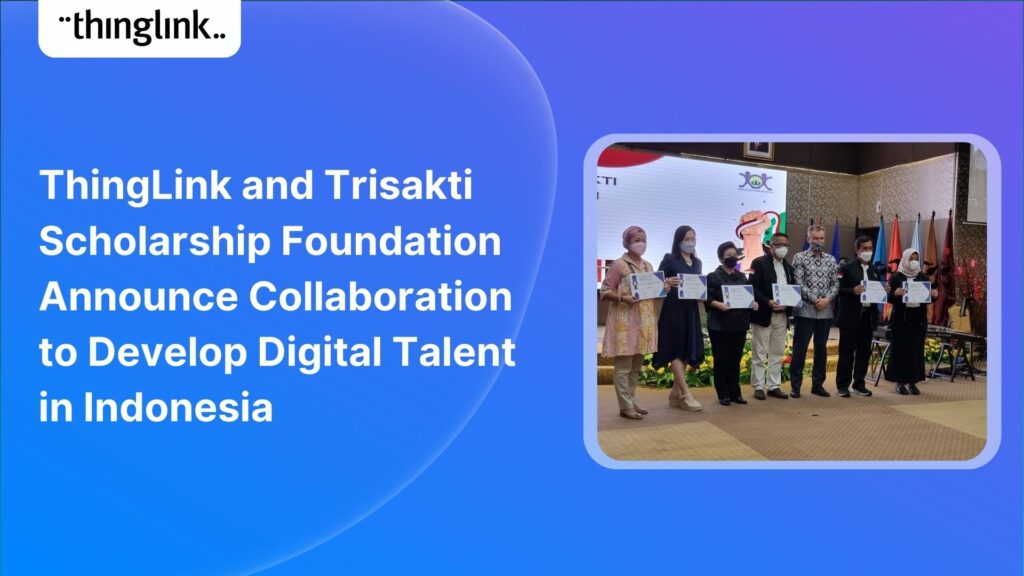
Press release Jakarta 21.01.2022 The Finnish immersive learning technology company ThingLink and the Trisakti Scholarship Foundation announce collaboration to support...
Matias
2 min read
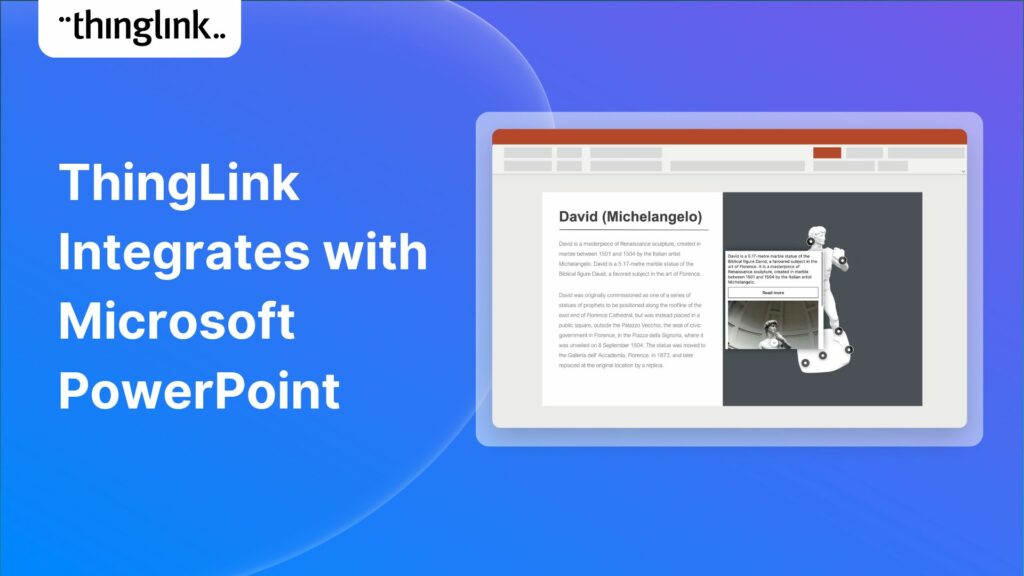
Add a new dimension to your presentations with interactive media embeds, virtual tours, and real-life simulations. ThingLink, a leading interactive media solution...
ThingLink and Instructure are delighted to announce that they are working together to offer educators easily managed and accessible, interactive learning experiences....
We’re excited to share 3D Bear has joined ThingLink’s Certified Partner program. 3D Bear, the provider of immersive classroom technologies and professional ...
Matias
1 min read