Higher Education Interactive Learning: Ideas for Lecturers
Lecturing to a room of disengaged students is one of the oldest frustrations in higher education. You know the material matters. Getting students to genuinely connect with it is the real challenge.
Interactive learning changes that equation. When students can explore content at their own pace, make decisions in realistic scenarios, and revisit complex concepts through immersive media, engagement goes up and so does retention. This post shares practical higher education interactive learning ideas you can start using right now, illustrated by real universities already doing it well.
Why Interactive Learning Belongs in Higher Education
Passive content delivery, slides, recorded lectures, static PDFs, asks very little of the learner. Interactive learning asks more, in the best possible way. It invites students to click, explore, respond, and reflect.
For lecturers, the good news is that creating interactive content no longer requires a specialist production team or a large budget. Platforms like ThingLink put professional-quality interactive and immersive experiences in your hands, whether you are building a 360° field trip, an annotated diagram, or a branching scenario that simulates a real professional environment.
Explore how interactive learning experiences can be built for your whole academic community.
1. Turn Static Course Materials Into Interactive Visual Experiences
In action! Explore this example.
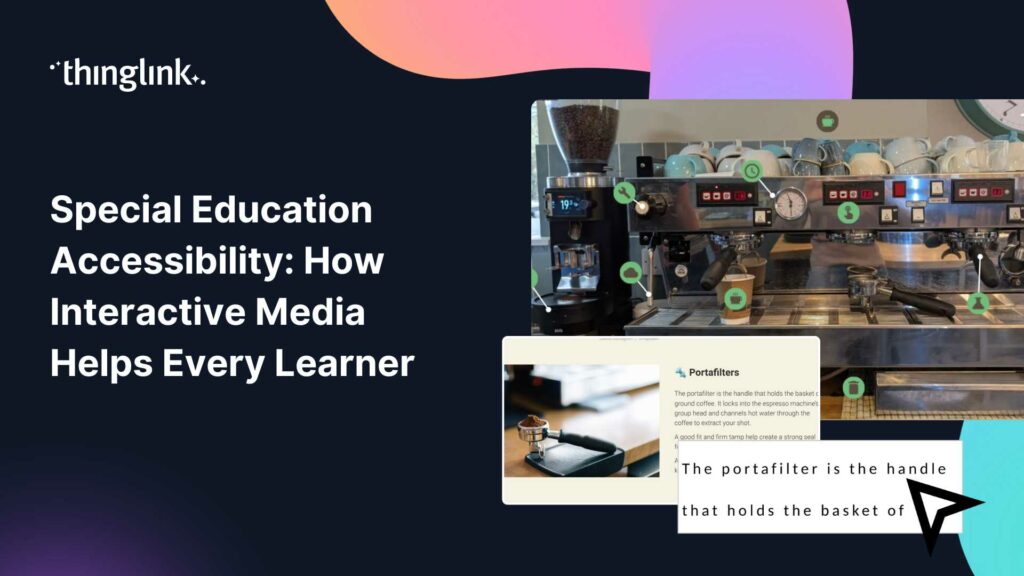
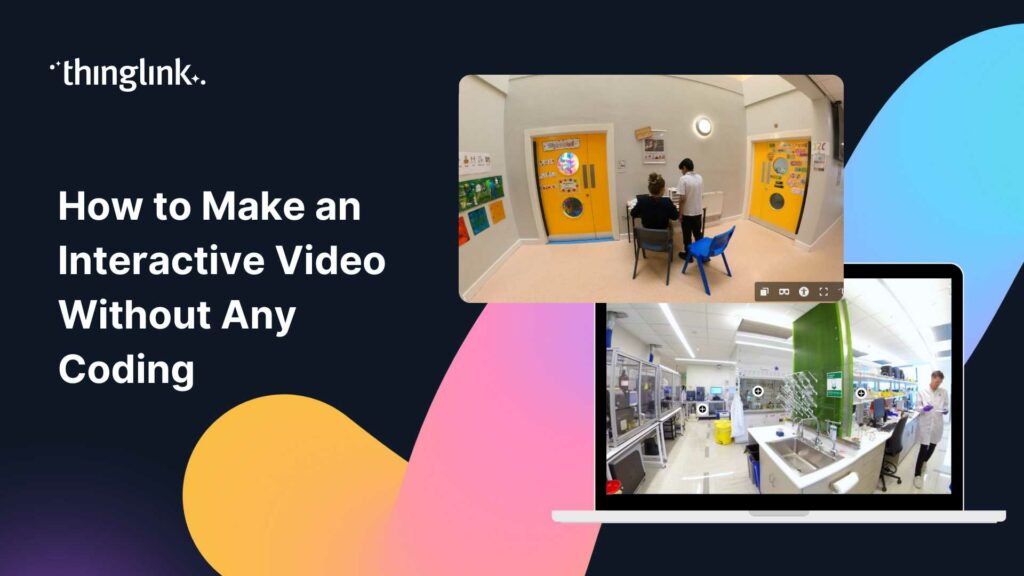
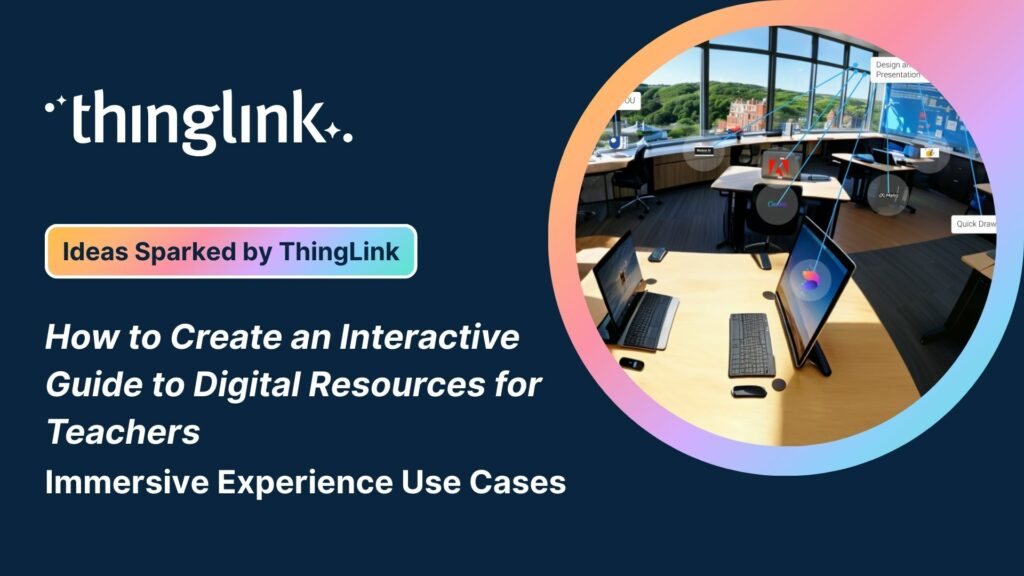
One of the quickest wins for any lecturer is taking an existing image, diagram, or photograph and adding interactive layers to it. With ThingLink, you can embed text explanations, audio clips, video links, and external resources directly onto an image. Students hover or tap to explore, rather than scrolling through a wall of text.
This approach works especially well for subjects with complex visual content: anatomy, architecture, engineering, geography, and the sciences. Instead of a static diagram of a cell or a building cross-section, students get a layered, self-guided experience.
This approach can also be used to support the university teaching team – such as in the interactive AV user guide created by Dr Danielle Millea at University of Leeds – below. This resource immediately helped save lecturers time in AV set up, increasing teaching hours and reducing support calls to the AV team!
2. Create Immersive 360° Learning Environments
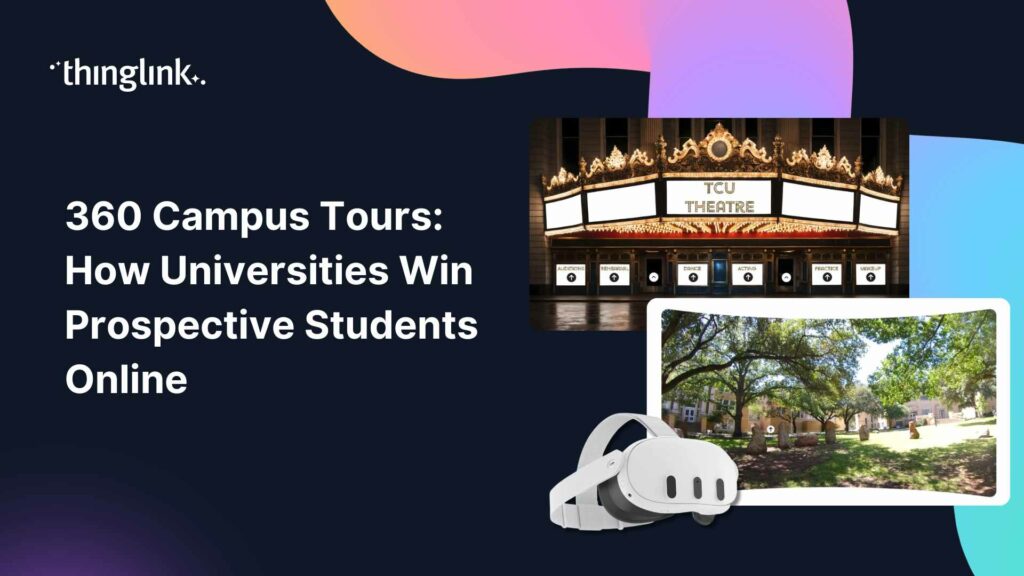
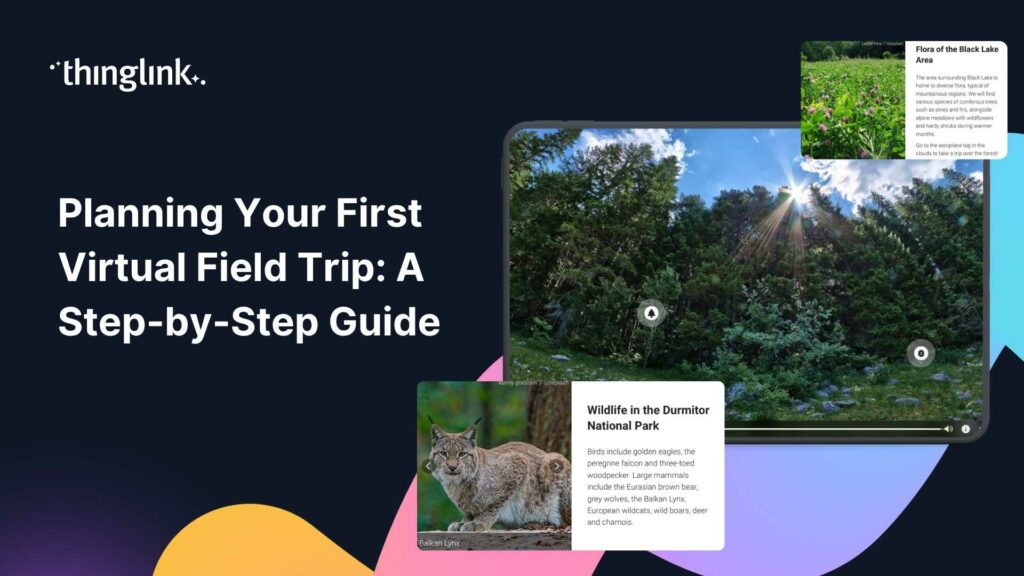
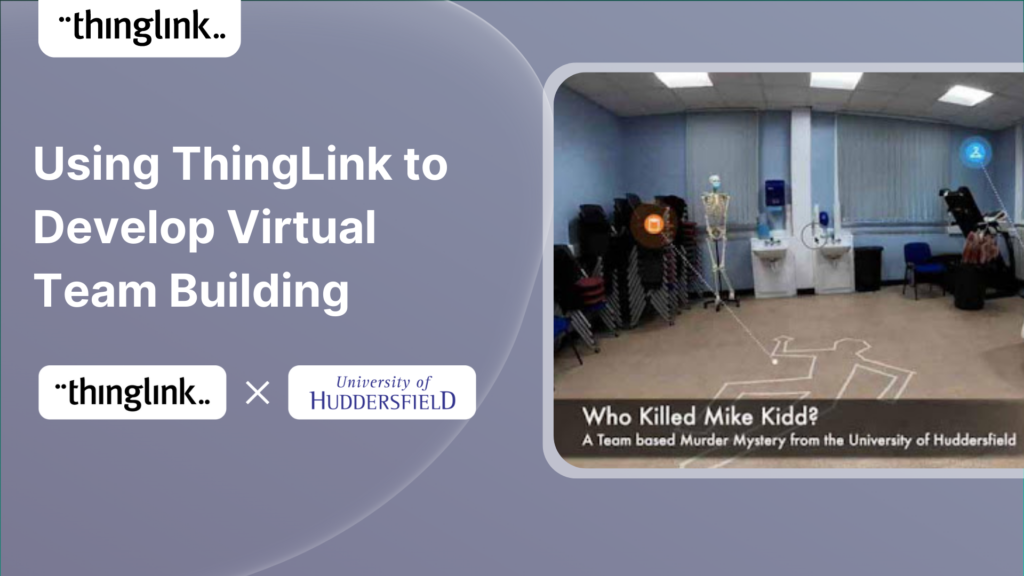
Some concepts are nearly impossible to teach from a flat screen. Clinical placements, construction sites, cultural heritage sites, laboratory environments, these are contexts where students learn by being present. When physical presence is not possible, 360° virtual environments are the next best thing.
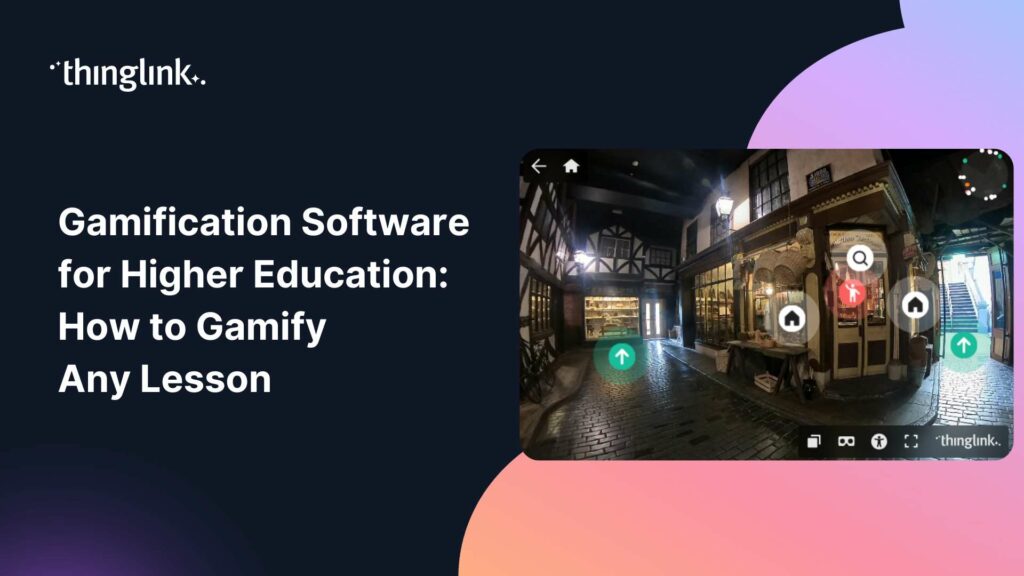
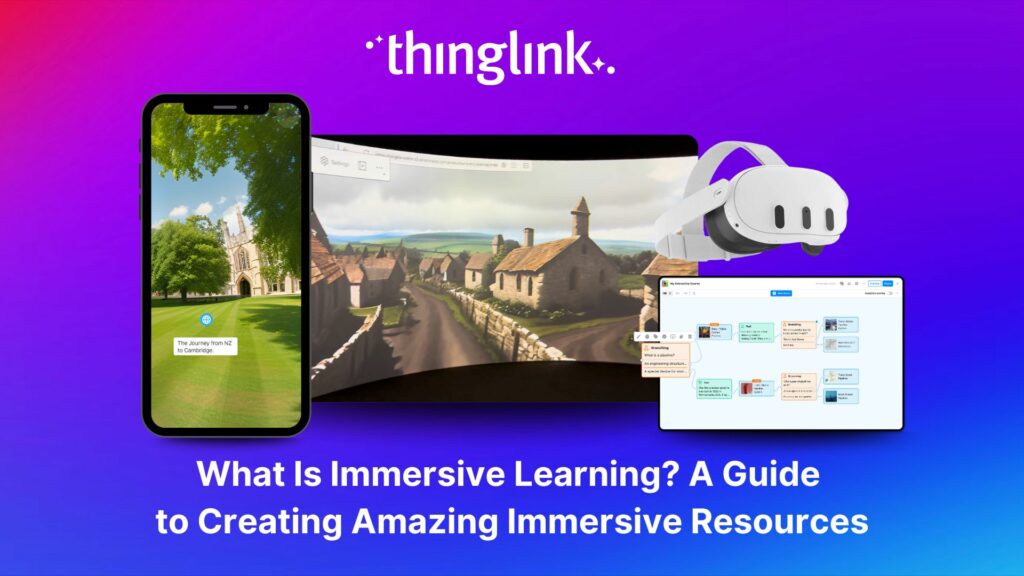
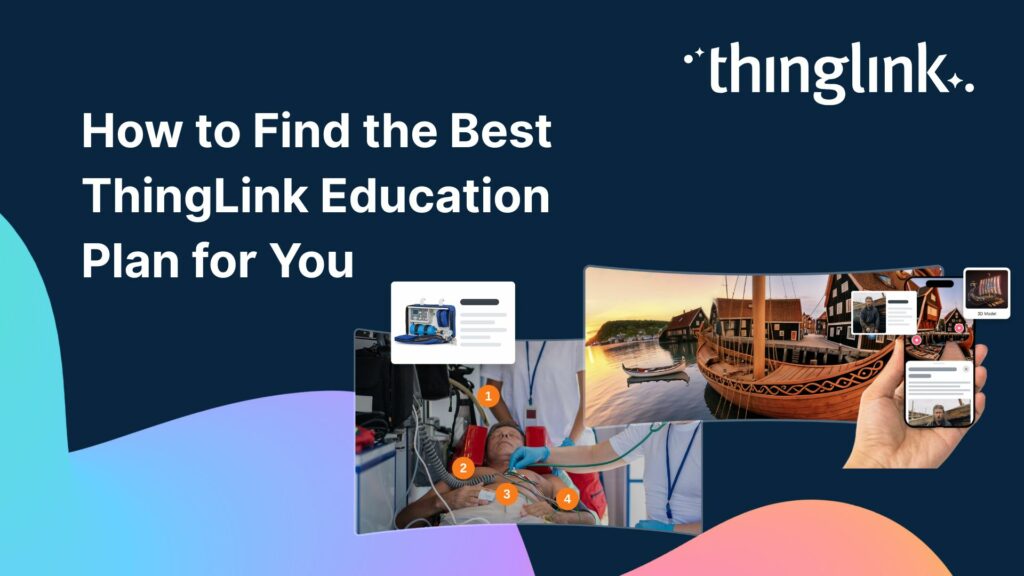
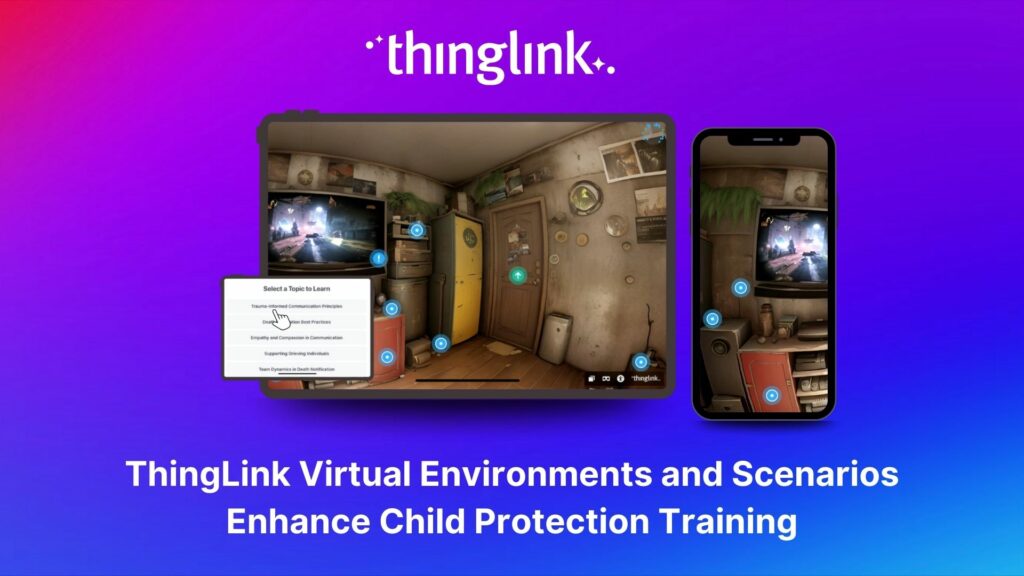
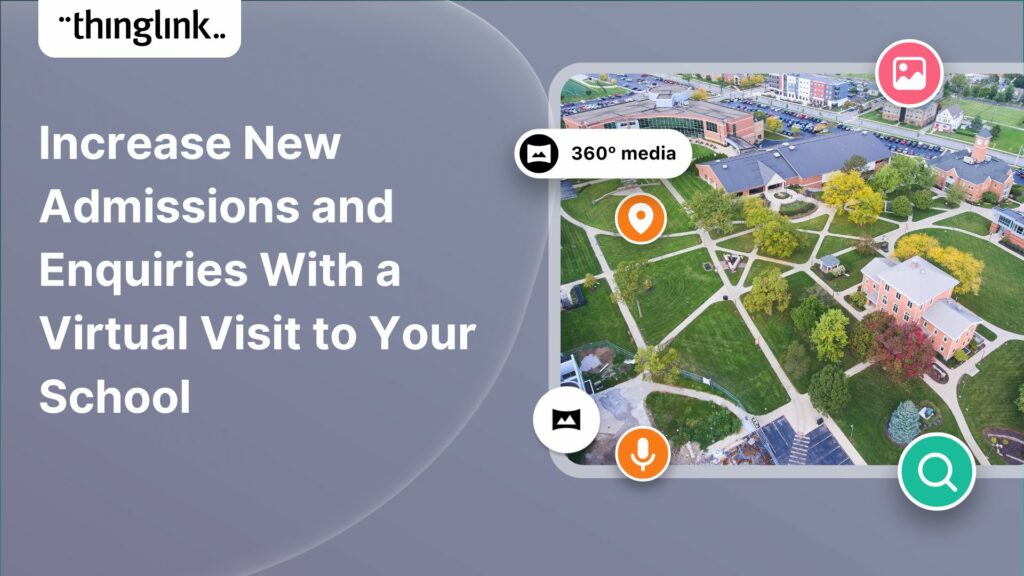
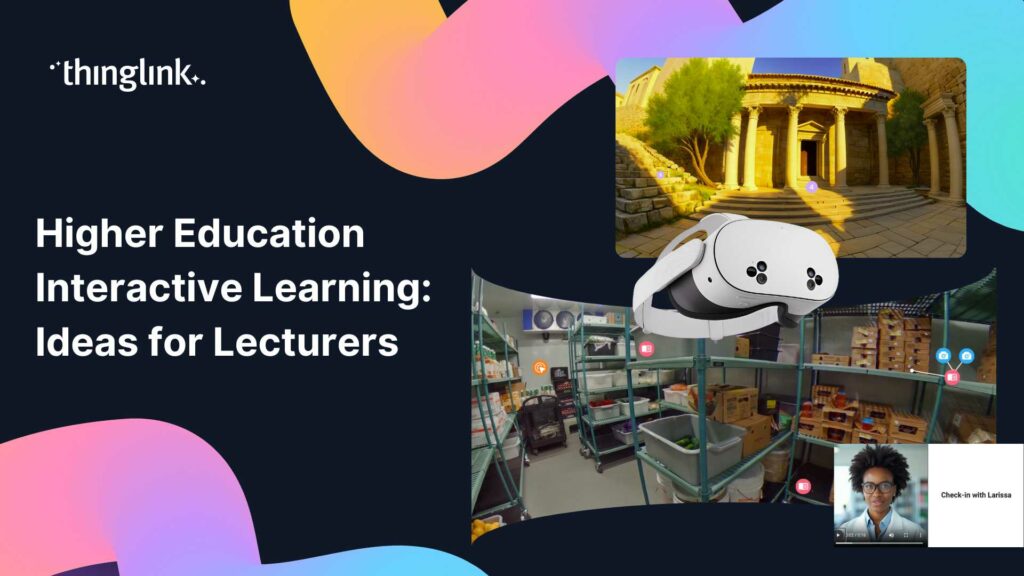
ThingLink allows you to build interactive 360° scenes where students can look around a space and click on tagged points to access information, prompts, or linked resources. These environments are accessible on a standard browser, a mobile device, or even a VR headset.
Taking 360° Further: Immersive Spaces and VR
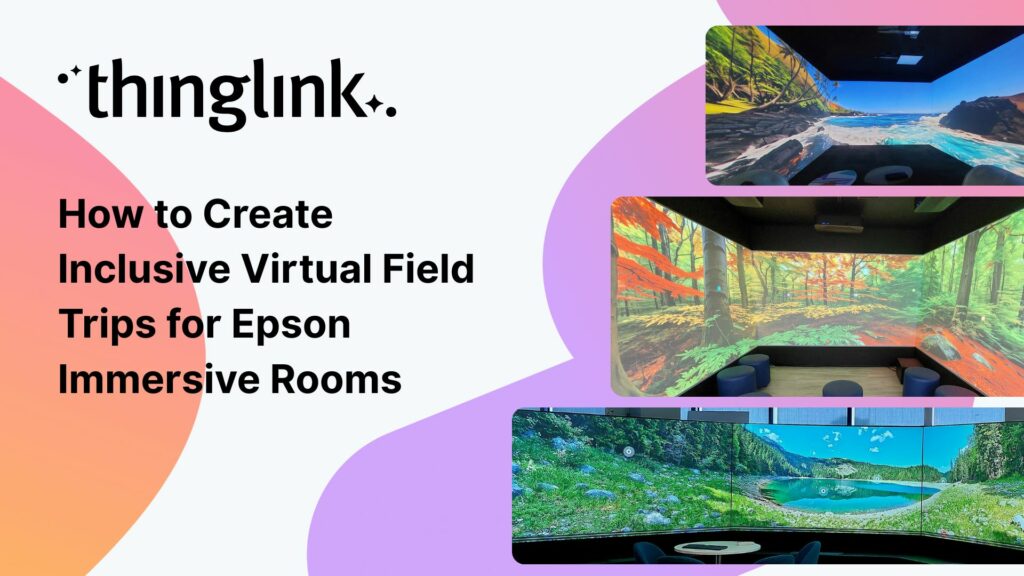
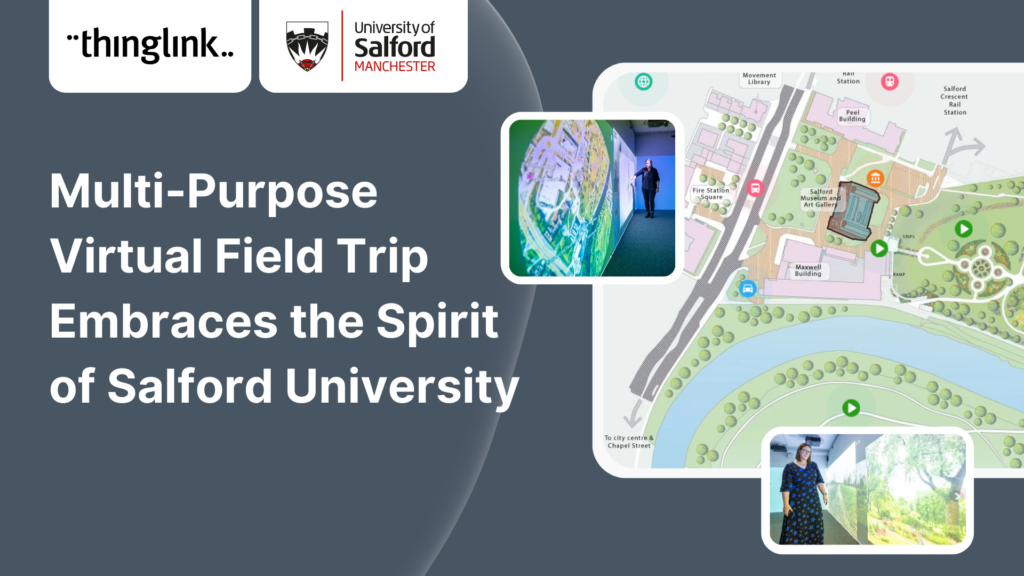
If your institution has access to immersive spaces or VR hardware, ThingLink content can go even further. ThingLink integrates with platforms like Igloo Vision, allowing your 360° scenes to be displayed in large-format immersive rooms used for group learning and discussion. See how to use ThingLink with Igloo Vision immersive spaces.
For institutions exploring headset-based learning, ThingLink content is also compatible with Meta Quest devices. Discover three powerful ways educators can get started with Meta Quest headsets.
3. Build Scenario-Based Learning for Professional Preparation
Higher education is not just about knowledge, it is about preparing students for real professional situations. Scenario-based learning places students inside a decision-making context: a difficult client conversation, a clinical assessment, a design brief, a crisis communication challenge.
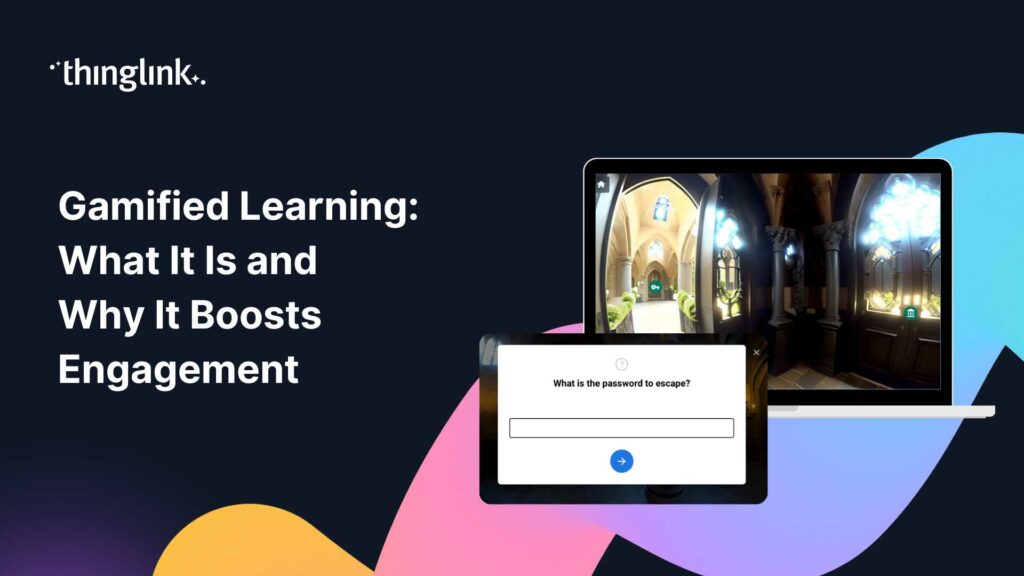
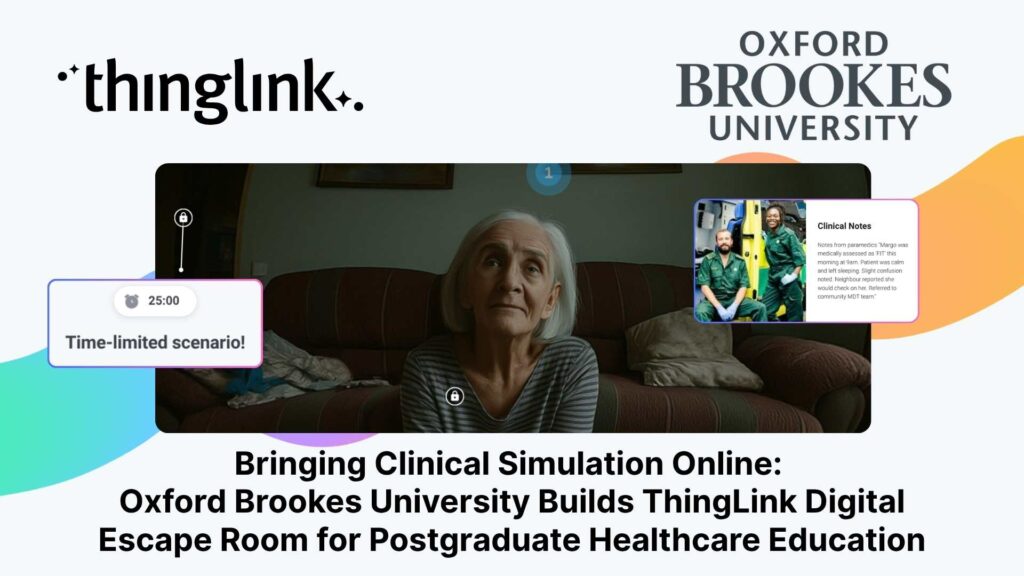
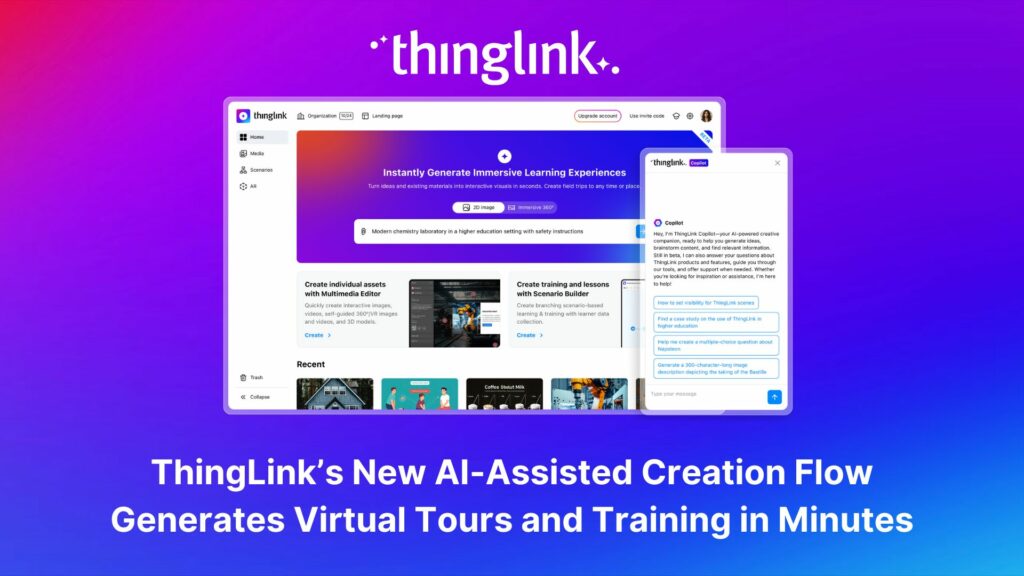
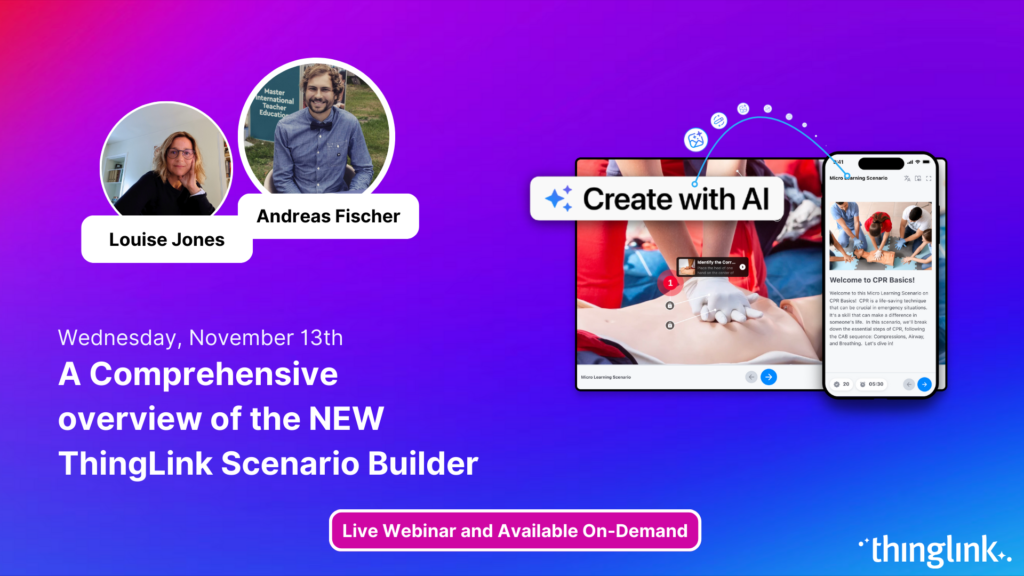
ThingLink’s AI-assisted scenario builder lets you create branching scenarios where student choices lead to different outcomes, mimicking the complexity of real-world situations. This is particularly powerful for professional programmes in nursing, business, law, education, and social work.
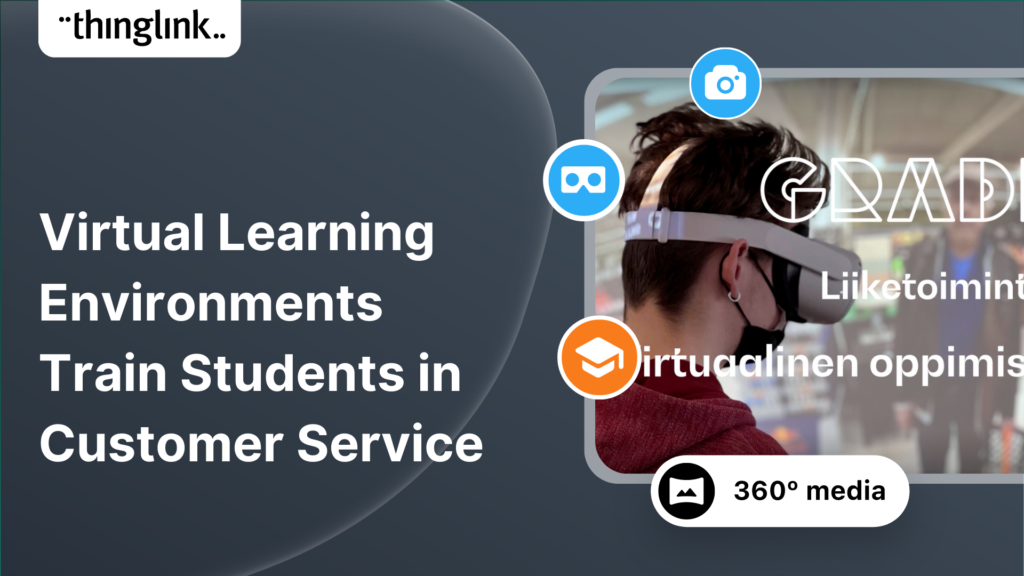
One excellent example comes from a university that used ThingLink to build virtual learning environments specifically designed to train students in customer service skills. Students navigated realistic scenarios and practised their responses in a safe, repeatable environment. Read about using virtual learning environments to train students in customer service.
4. Enhance Your LMS With Embedded Interactive Content
You do not need to rebuild your courses from scratch. ThingLink integrates directly with the learning management systems most universities already use. If your institution uses D2L Brightspace, for example, you can embed ThingLink content using a native LTI 1.3 integration. A ThingLink button appears directly in the content editor, making it simple to add interactive scenes, 360° tours, or scenario assessments without any complex technical steps. Find out how to set up LTI 1.3 integration with D2L Brightspace.
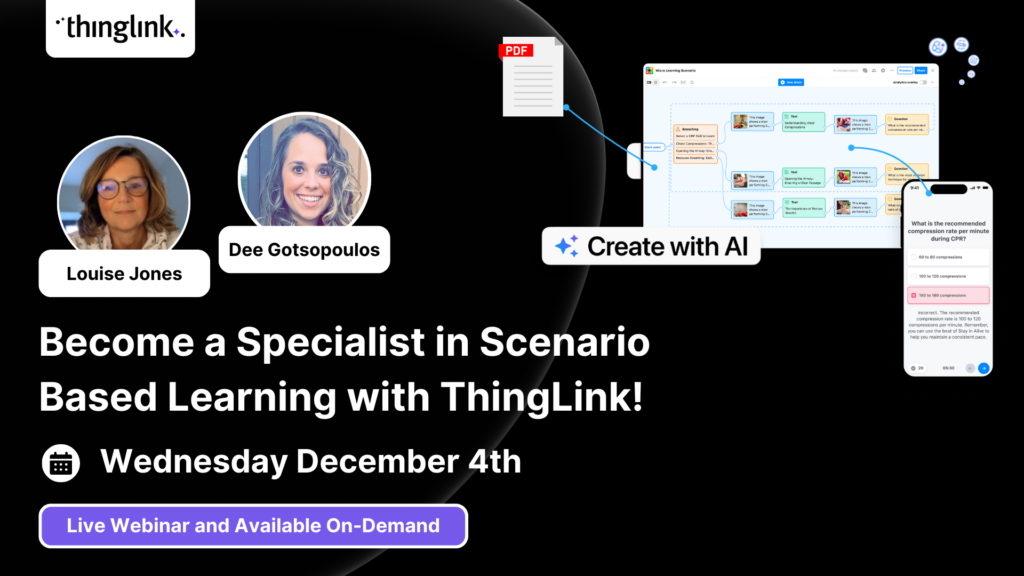
Get ideas for enhancing your existing courses with immersive and authentic learning assets in this on-demand webinar.
5. Real Universities, Real Results
The most convincing argument for higher education interactive learning is seeing what other universities have already achieved. Here are three examples worth knowing.
West Chester University
West Chester University in Pennsylvania used ThingLink to create interactive, immersive content that brought course material to life for their students. Their approach demonstrated how straightforward it is for lecturers to move from static slides to rich, multi-layered learning experiences without specialist technical skills.
University of Arizona
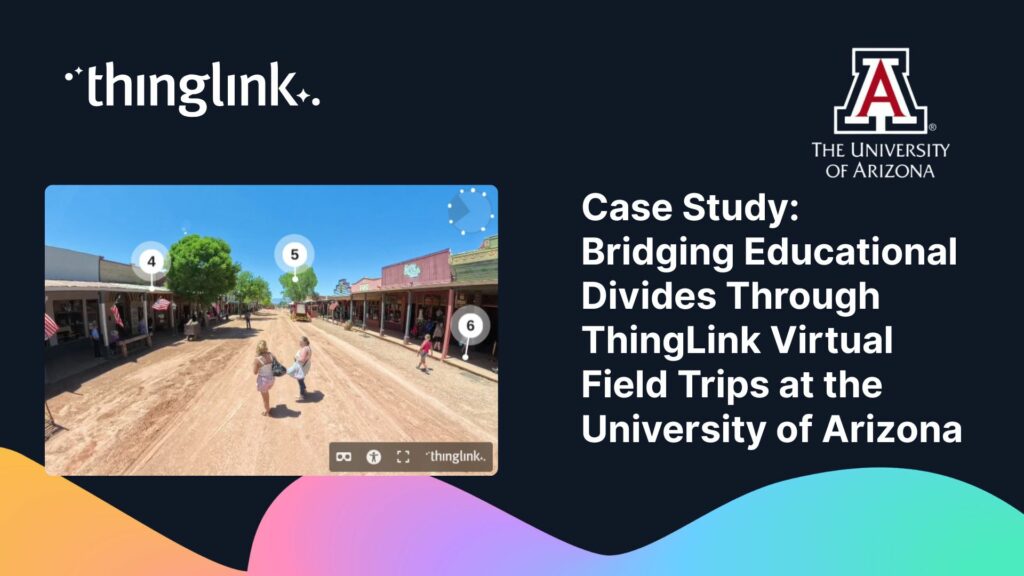
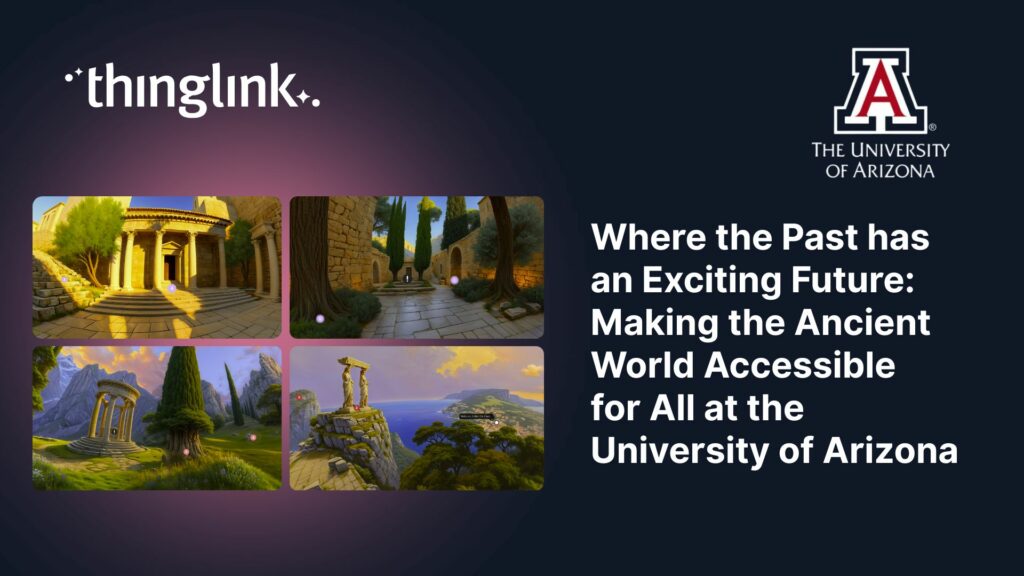
Academics across the University of Arizona create interactive visual resources to support student learning across disciplines, not only embedding rich media directly into course content but also challenging students to create their own interactive and gamified materials to more deeply explore and understand the course content. Read more here.
Queen’s University Belfast
Queen’s University Belfast used ThingLink to develop interactive experiences that support student engagement with complex material. Their work is a strong example of how a research-intensive university can use accessible technology to modernise course delivery without compromising academic rigour. Read more here.
6. Support Flipped and Blended Learning Models
Interactive content is a natural fit for flipped learning models, where students engage with material before class so that lecture time can focus on discussion, application, and problem-solving. A ThingLink interactive image or 360° scene works brilliantly as a pre-class activity: students explore at their own pace, click into the detail they need, and arrive ready to engage.
Read about new tools for the flipped classroom and interactive visual media in remote learning.
7. Make Presentations More Interactive
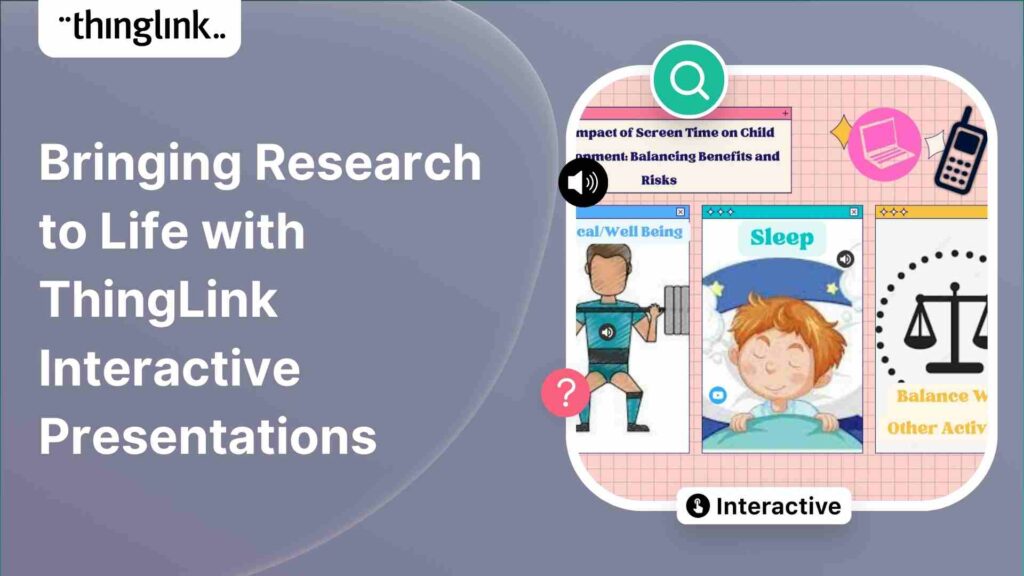
If you present regularly, whether at conferences, in seminars, or in large lectures, ThingLink can transform how you share ideas. Instead of a static slide deck, you can build an interactive presentation where audience members explore content in their own way, follow links to deeper resources, or navigate a 360° environment you have designed.
Discover ideas for interactive presentations that go beyond the slide deck.
Get Started With ThingLink in Your Lectures
You do not need to redesign your entire curriculum to start benefiting from higher education interactive learning. Pick one module, one diagram, one field trip that students find hard to engage with. Turn it into something interactive and see what happens to the conversation in your next class.
ThingLink offers a free Creator Course to help you get up to speed quickly. Learn to create interactive and immersive experiences with the ThingLink Creator Course.
Ready to see what interactive learning can do for your students? Explore ThingLink for education and see why institutions are upgrading their approach.