The Background Barnsley College is a Further Education college in South Yorkshire, England, which caters for over 8000 students across a number of campuses. It...
Virtual reality headsets are an incredibly powerful way for learners to explore immersive learning experiences. By placing learners inside an environment and allowing...
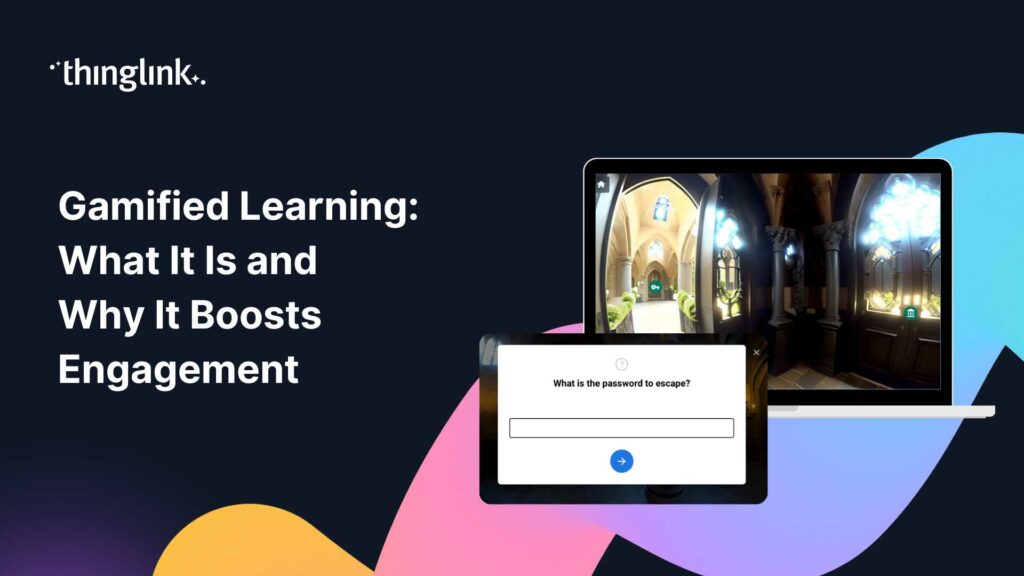
What if your students were so absorbed in a learning activity that they forgot they were being assessed? That is the promise of gamified learning, and it is more...
What if you could go from blank canvas to a fully immersive online employee training program in less than a working week? For most learning and development teams,...
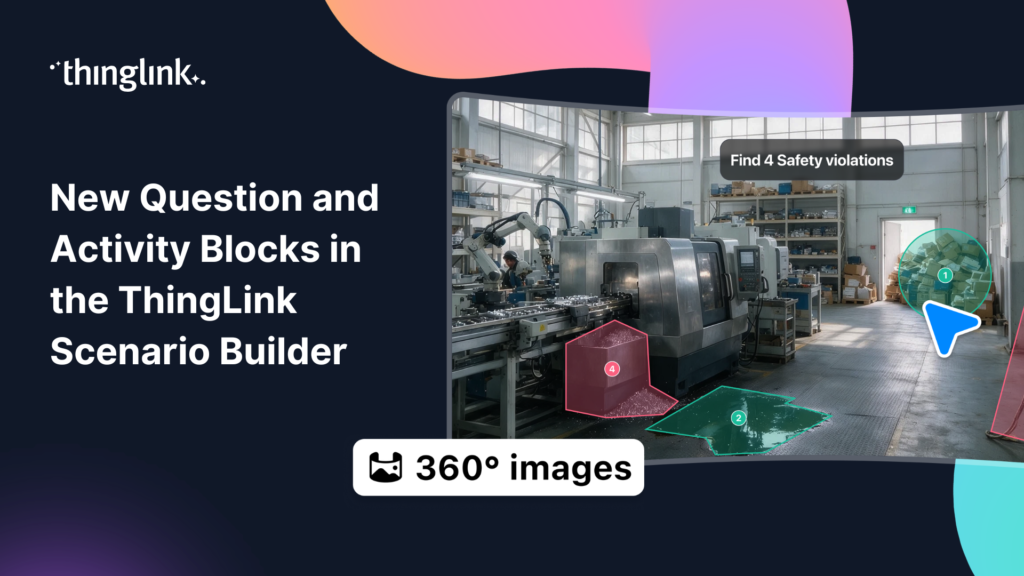
ThingLink Scenario Builder now includes an expanded range of Question and Activity blocks, giving creators more ways to collect learner responses and build interactive...
We’re thrilled to announce a brand-new integration between ThingLink and Adobe Express, making it easier than ever to design stunning visuals and turn them...
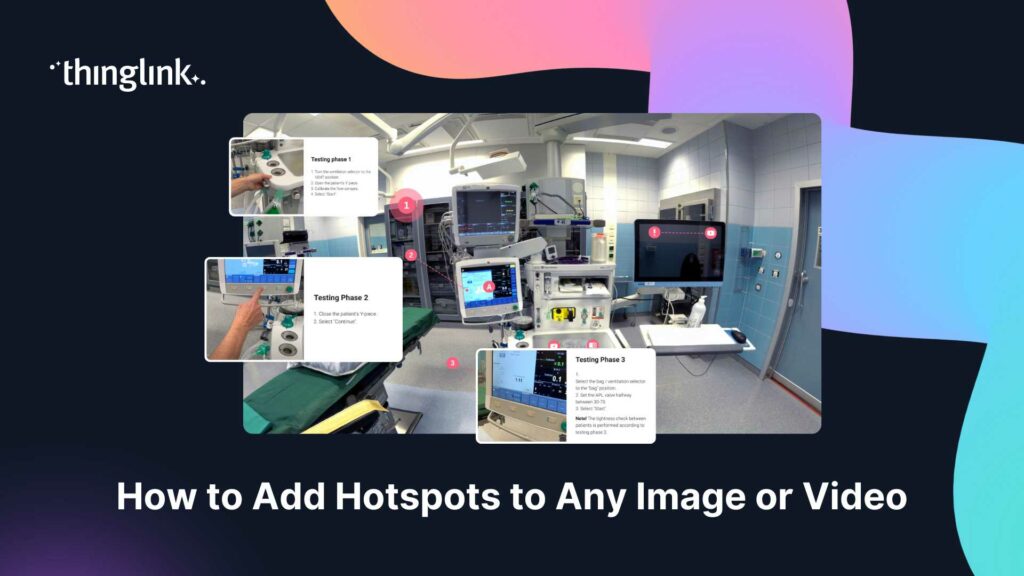
You have a great image or video. You know there is more to say about it. But a static file sitting inside a course or on a webpage can only do so much. What if ...
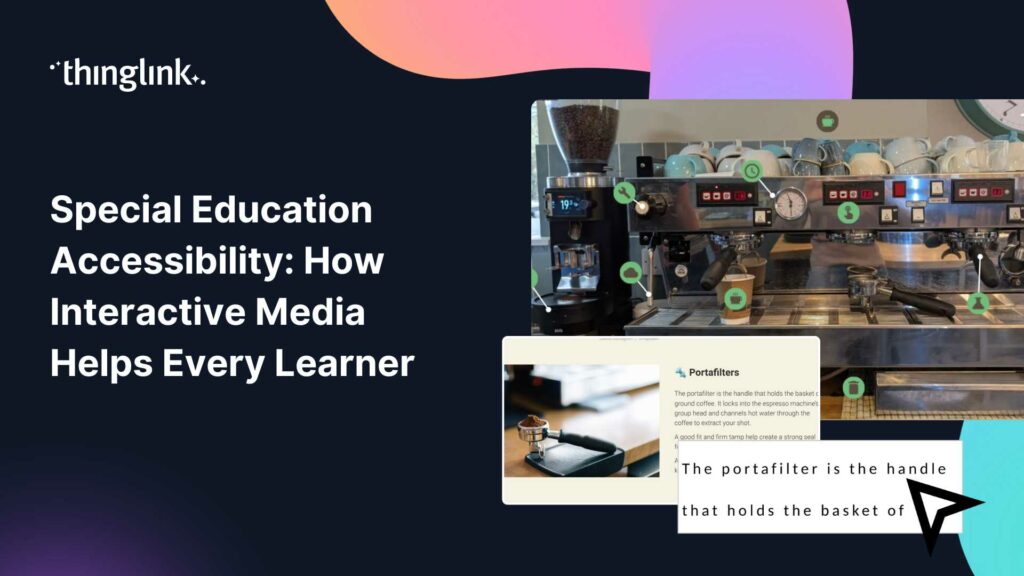
What if every student in your classroom could access the same learning experience, regardless of their communication style, sensory needs, or cognitive profile?...
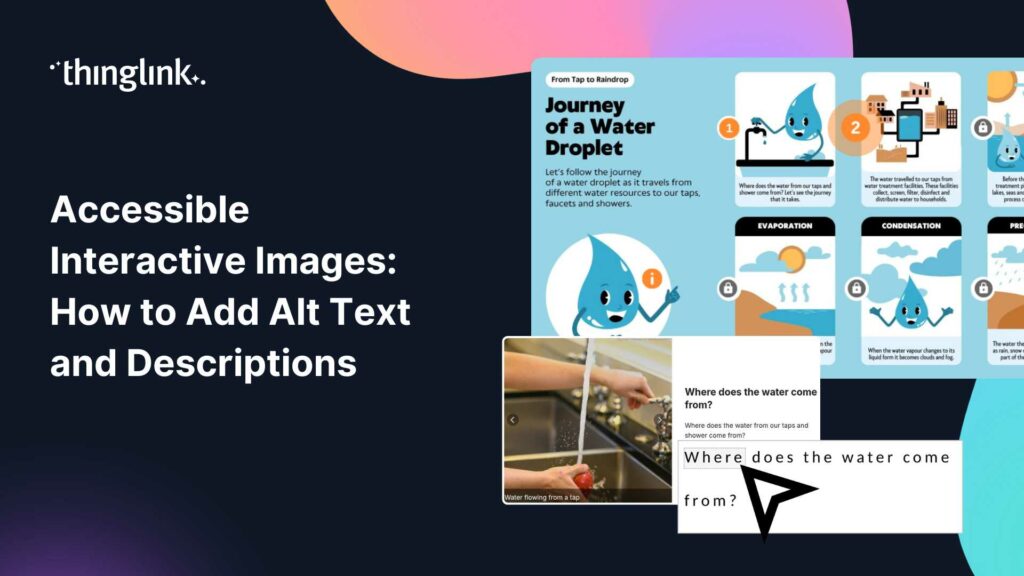
You’ve built a beautiful interactive image. Tags are placed, content is layered in, and the learning journey feels intuitive. But here’s the question...
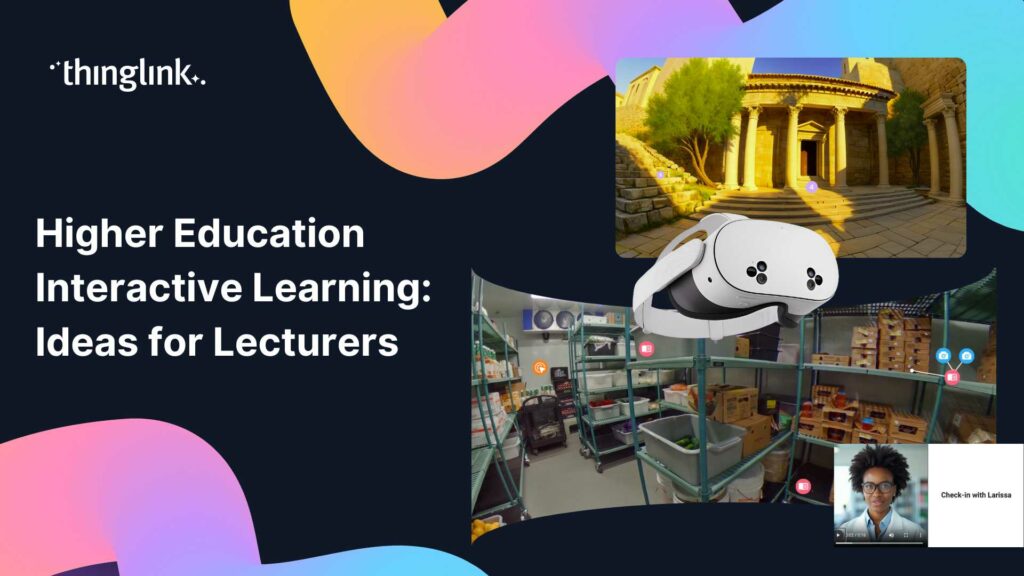
Lecturing to a room of disengaged students is one of the oldest frustrations in higher education. You know the material matters. Getting students to genuinely connect...
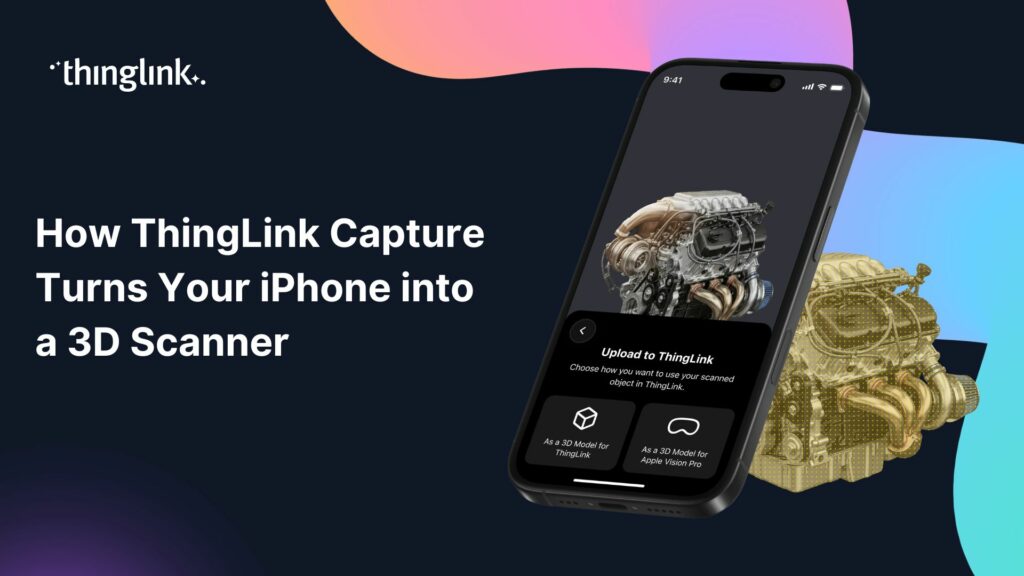
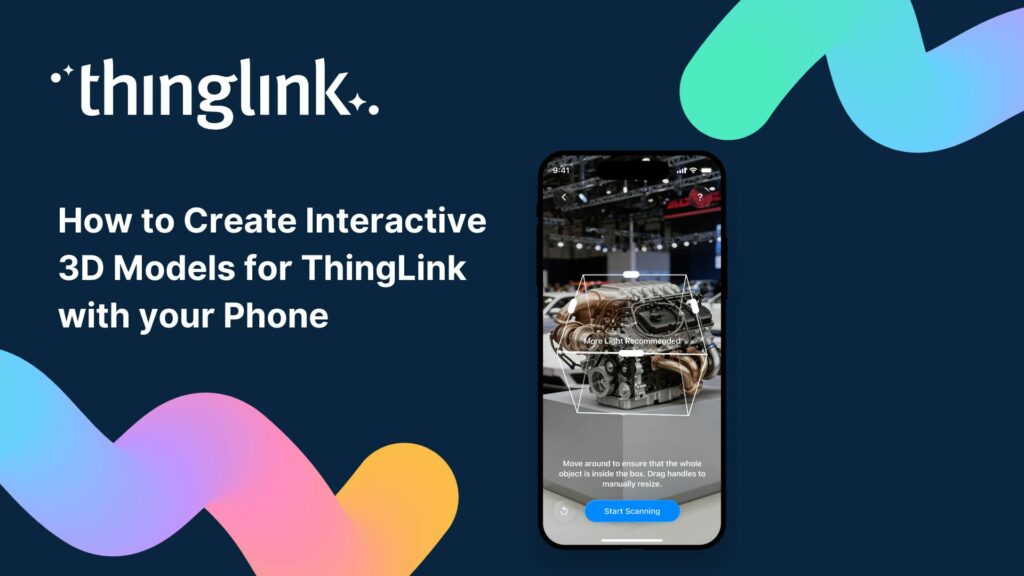
What if the most powerful 3D scanning device in your organisation was already in your pocket? For learning designers and instructional designers, capturing real-world...
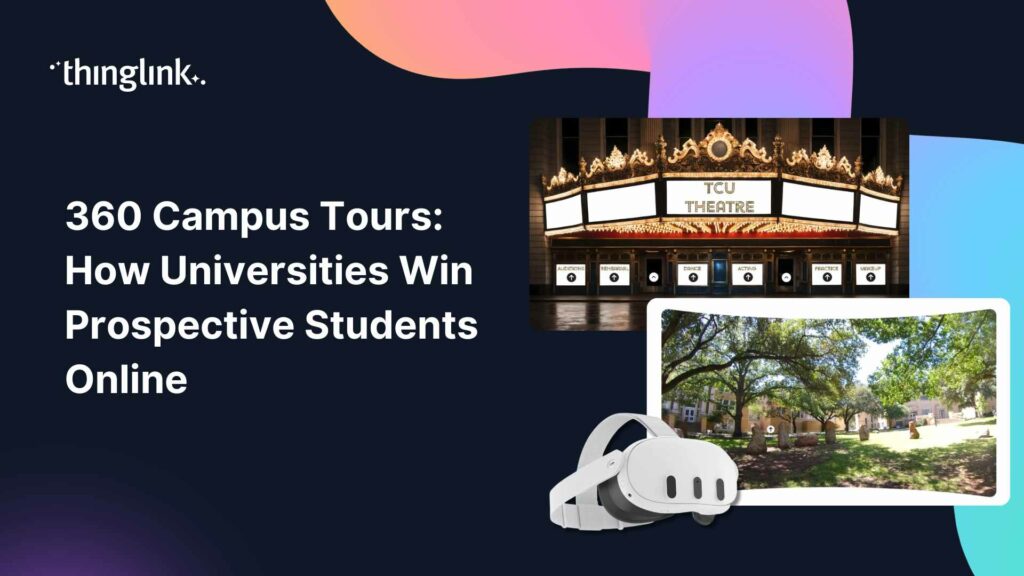
What if a prospective student could walk your campus, peek inside your labs, and feel the energy of your student union, without ever leaving their bedroom? That...
What if your students were genuinely reluctant to stop learning? Not because you threatened a grade penalty, but because the lesson itself felt too good to quit?...
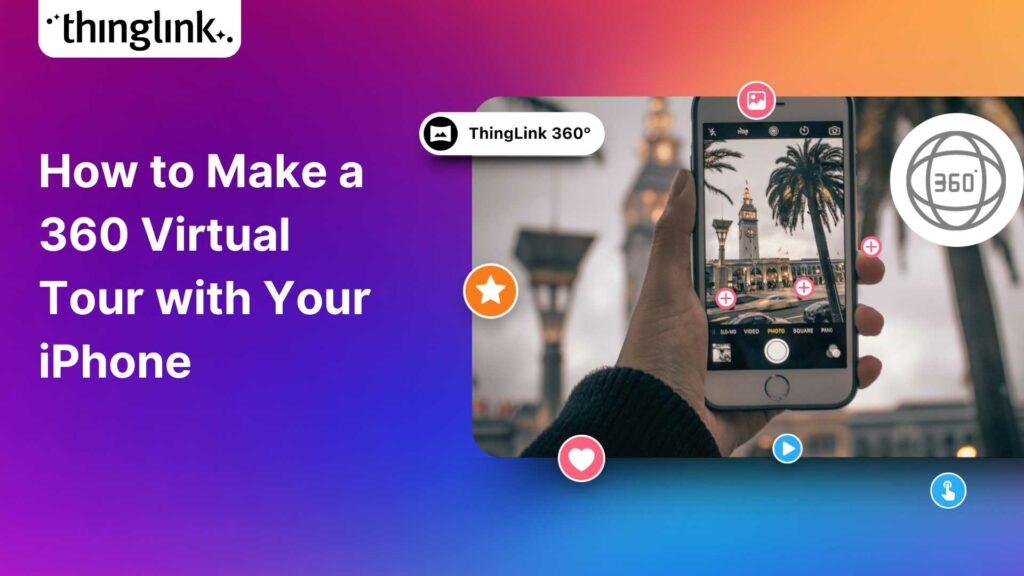
Turn Your iPhone Into a 360 Virtual Tour Creator What if the most powerful 360 virtual tour software you need is already in your pocket? With ThingLink’s ...
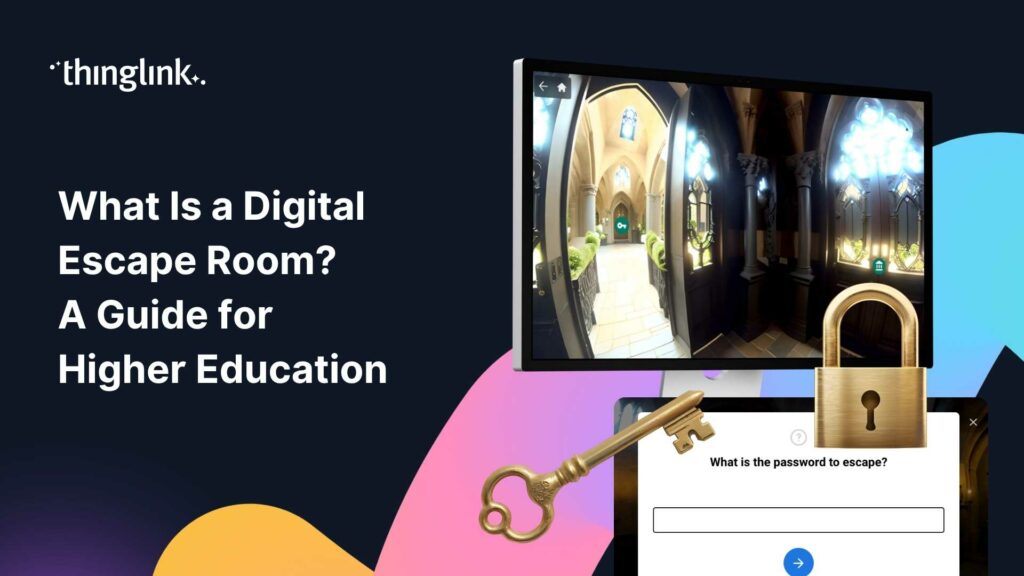
What Is a Digital Escape Room, and Why Are Educators Talking About It? Your students are disengaged. Lecture slides are going unread. Formative assessments feel...
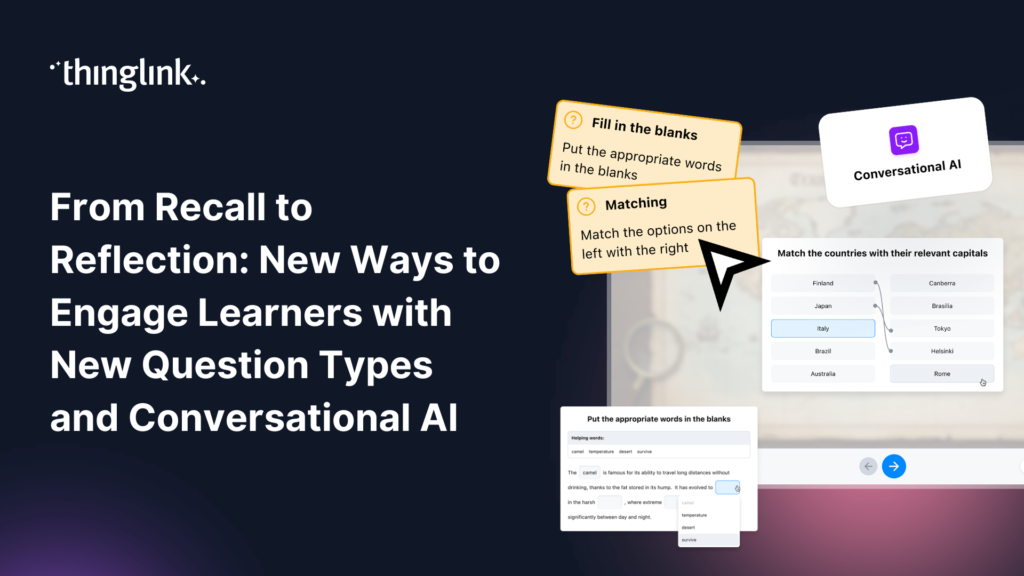
Great learning experiences don’t rely on a single type of interaction. Sometimes learners need to recall key facts. Sometimes they need to recognize patterns,...
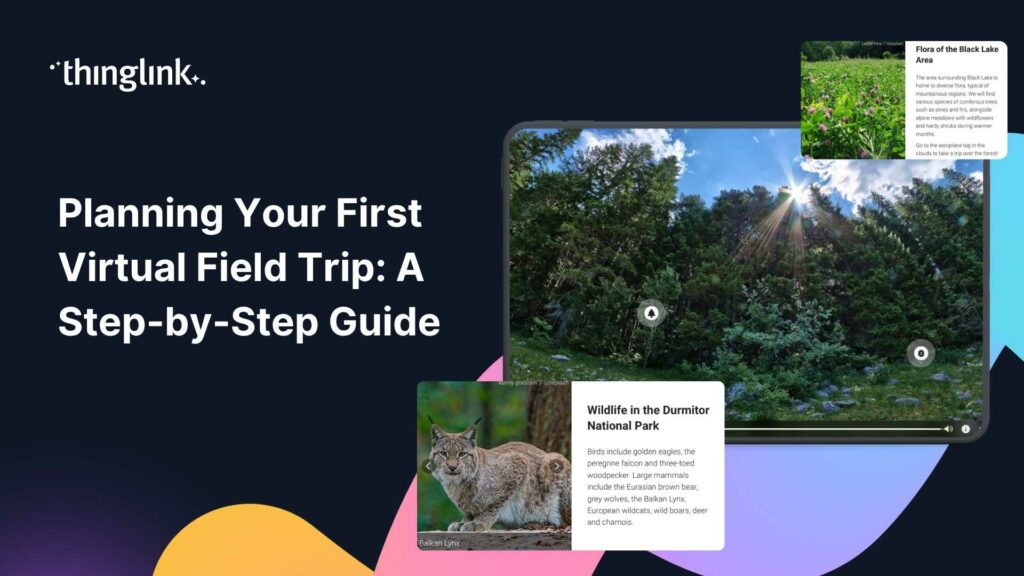
What if your students could stand inside a volcano, walk the halls of a world-class museum, or explore a university campus without leaving the classroom? Virtual...
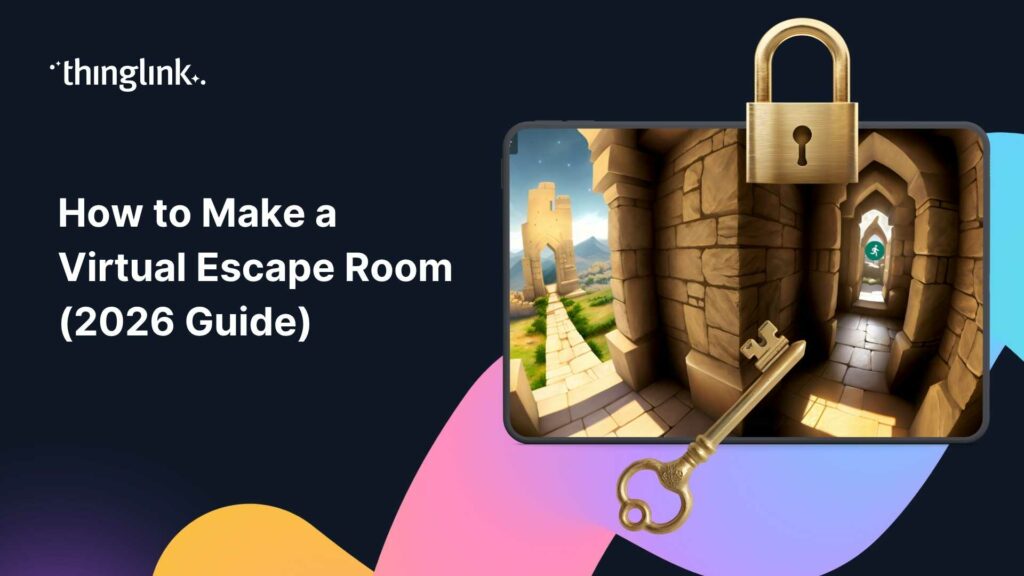
What if your next training module felt less like a slideshow and more like a mission? Virtual escape rooms are one of the most engaging formats in digital learning...
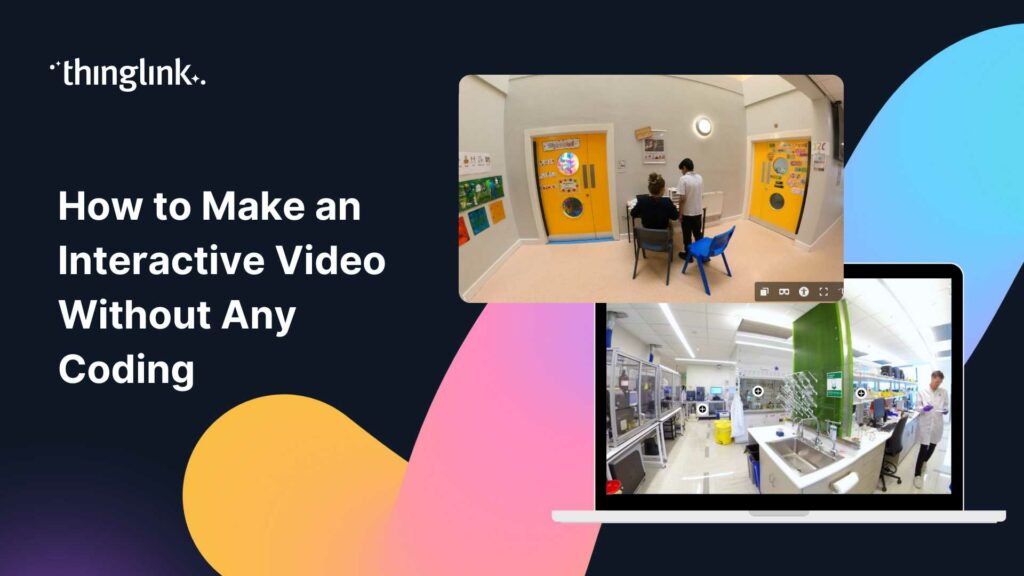
You have great training content. You also have a team of busy learners who click away from passive video within the first two minutes. Sound familiar? Interactive...
What If Learning Felt More Like Playing? Imagine your students leaning forward in their seats, eager to find out what happens next. Imagine a lecture hall where...
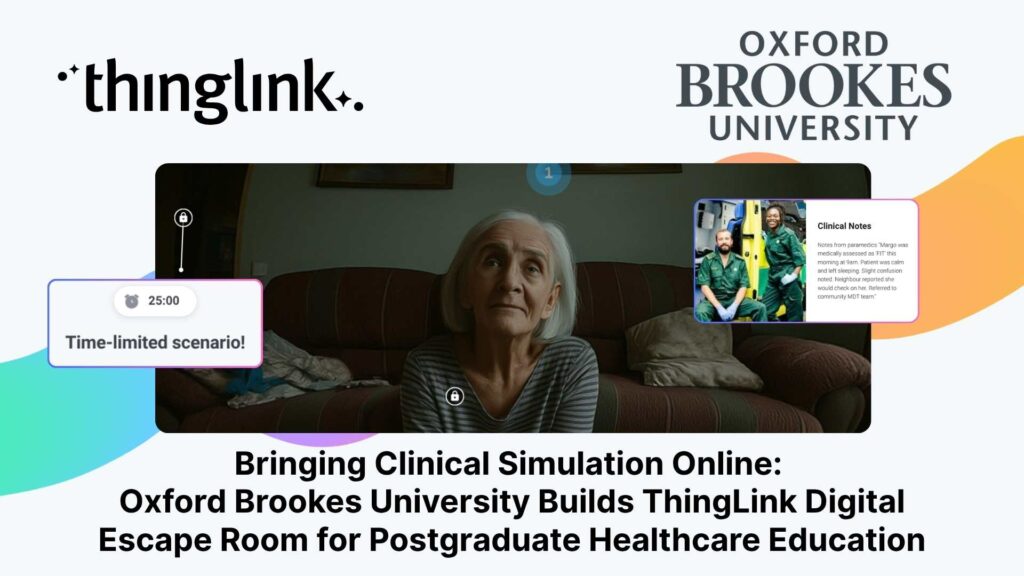
Institution: Oxford Brookes University, Faculty of Health Science and Technology Lead: Emma Mellors, Senior Lecturer Advanced and Specialist Practice / CPD Programmes...
ThingLink Luminaries is a series of guest blog posts highlighting certified trainers who are creating interactive and immersive experiences to make learning...
Christopher Sanderson, PhD, is a Senior Lecturer in the Department of Teaching, Learning, and Sociocultural Studies in the College of Education at the University...
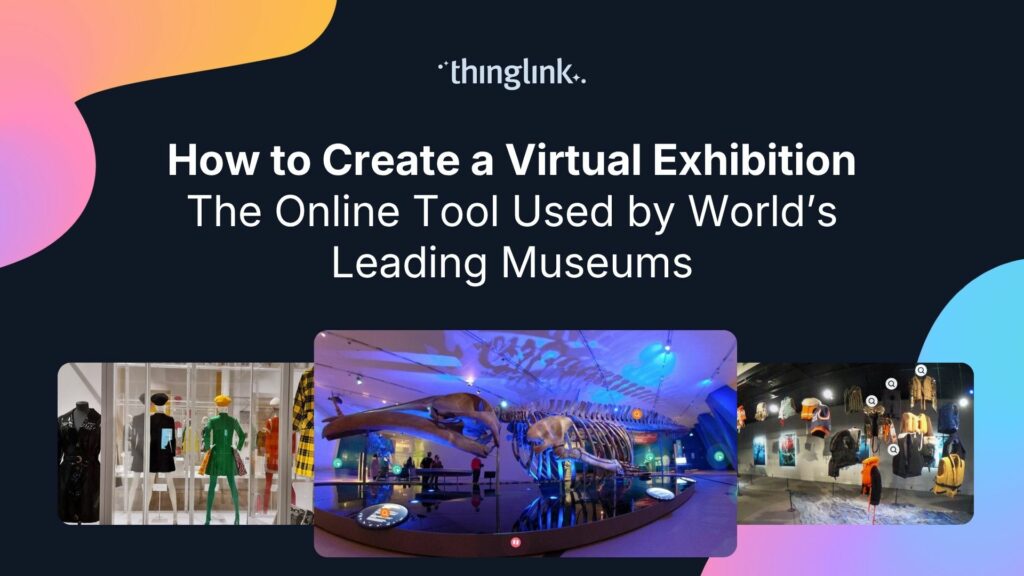
Regardless of size, museums worldwide face challenges related to funding, staffing, and audience engagement. One way that museums are overcoming these challenges...
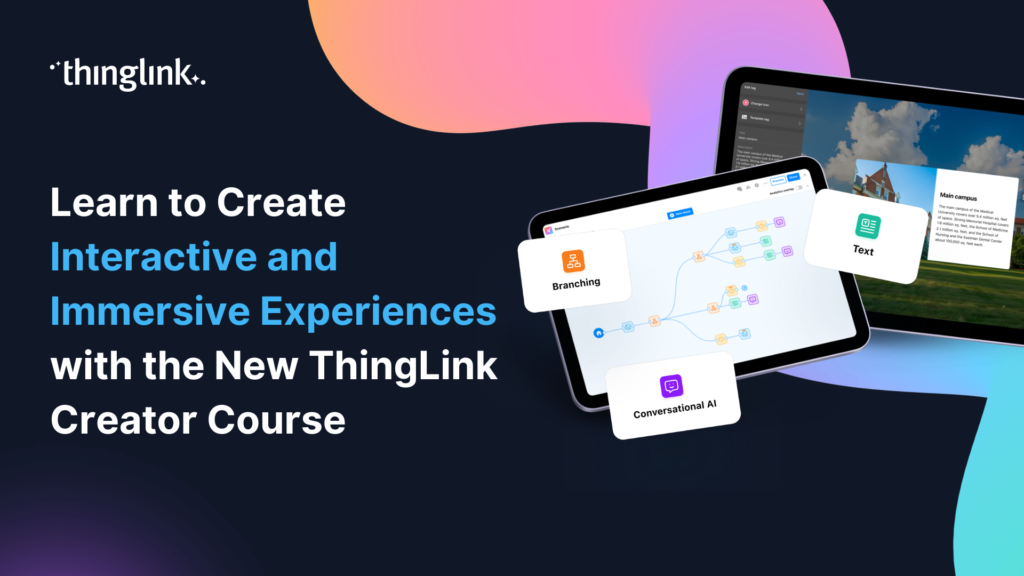
🚀 The Official ThingLink Certified Creator Course is now live! Whether you’re completely new to ThingLink or looking to deepen your skills, the new Certified...
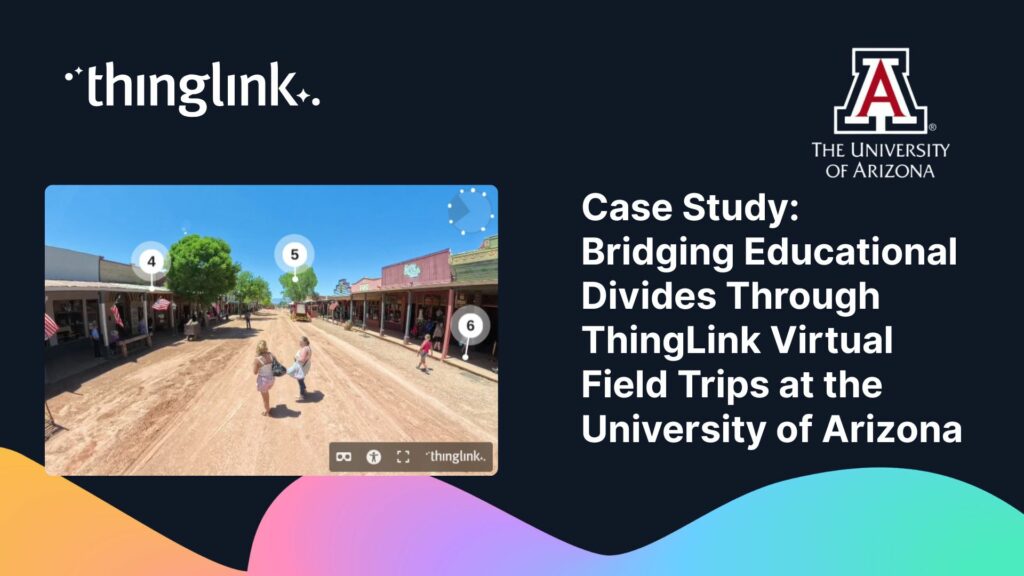
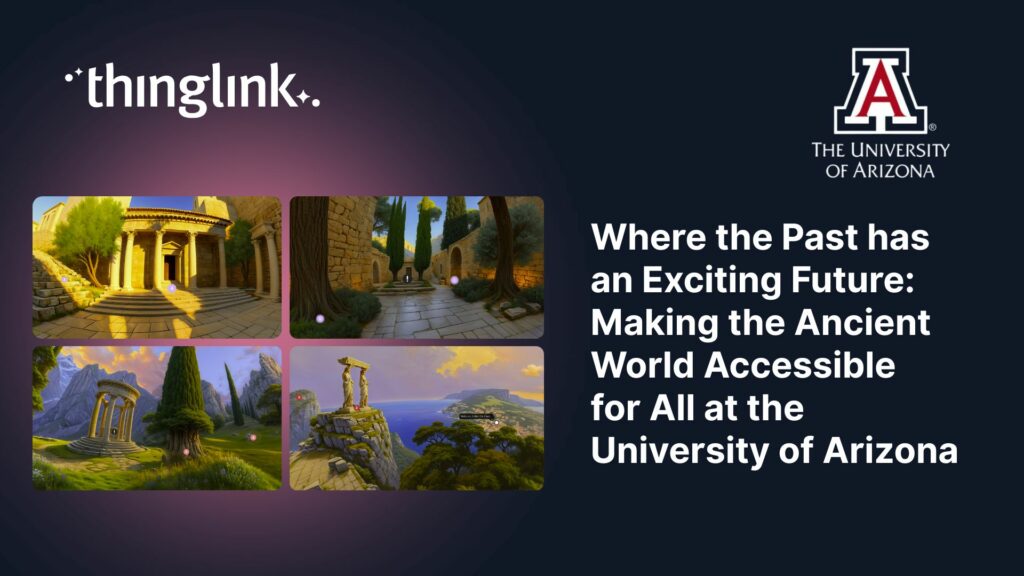
Background Dr. Rob Stephan is a classical archaeologist and Associate Dean of the Franke Honors College at the University of Arizona, whose teaching centers on ...
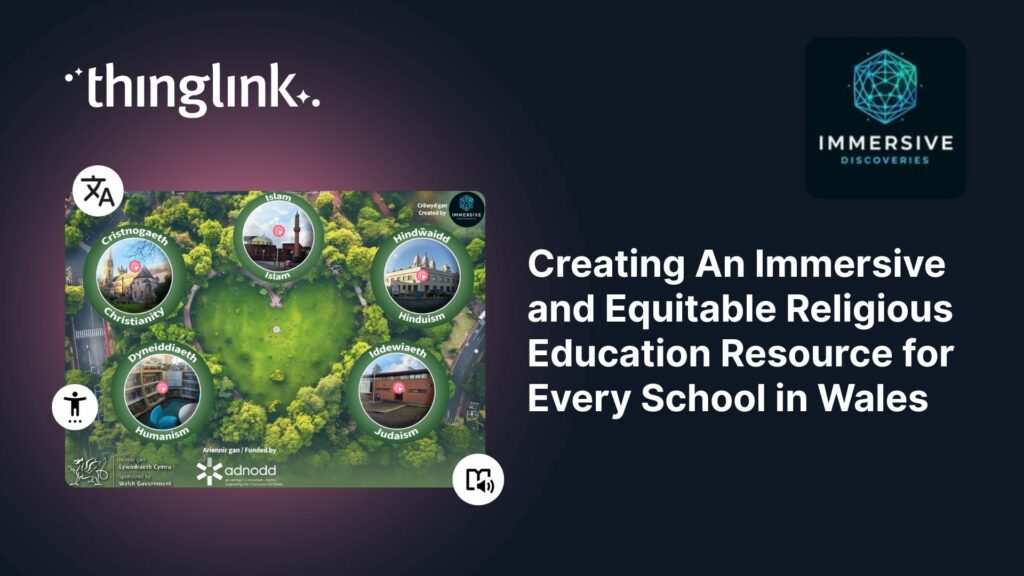
Educator Gemma Zeeman is founder of Immersive Discoveries, and a Qualified Teacher who has taught from Reception to Year 6. She currently works as a Research Assistant...
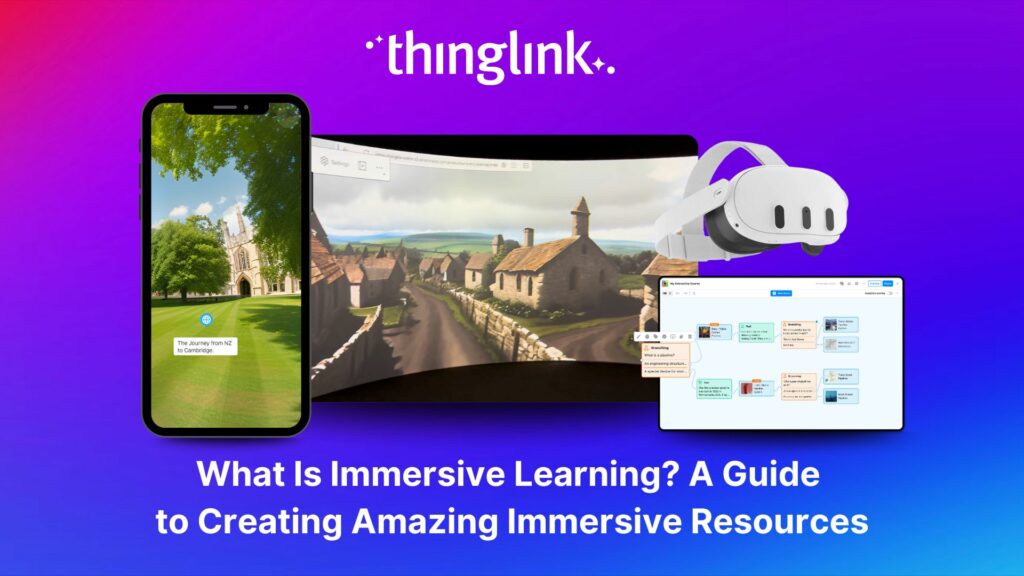
What is Immersive Learning? Immersive learning is a modern approach to education and training that uses interactive, spatial experiences to place learners in real-world...
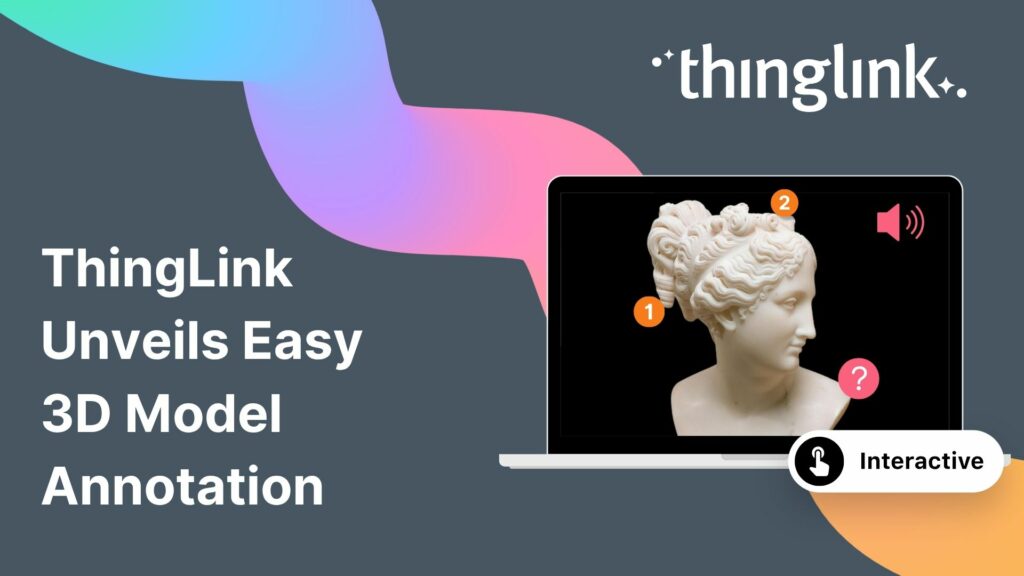
The interactive media platform ThingLink now supports 3D model annotation. In addition to images and videos, ThingLink content creators can now also enhance 3D ...
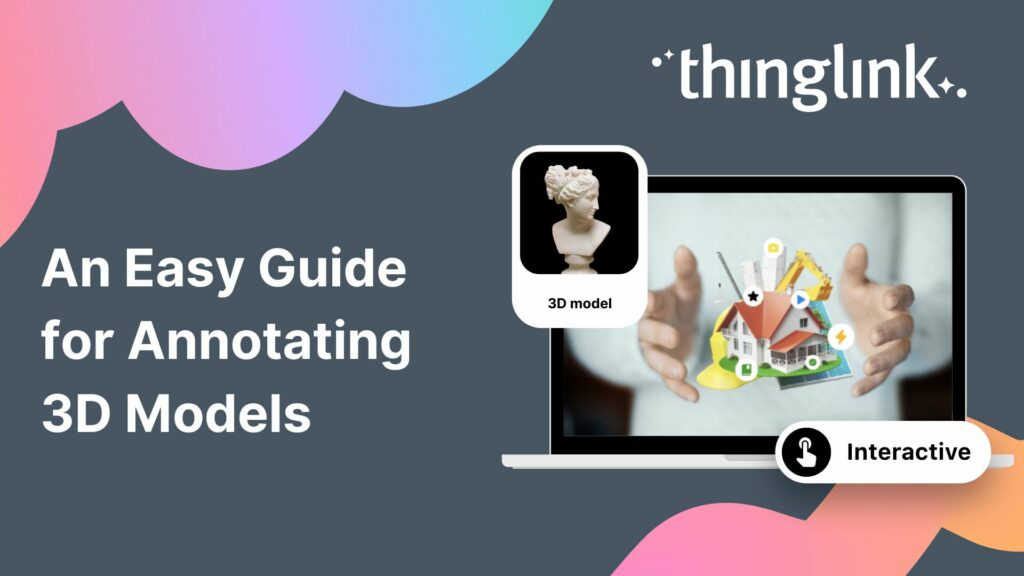
3D models are gaining popularity as the process of creating them has become more user-friendly. A few years ago you needed dedicated 3D modelling software, and ...
What is 3D Model Annotation? ThingLink allows users to create interactive 3D models as easily as they create interactive images, videos and virtual tours. The feature...
Helsinki, 12 March 2026 ThingLink has entered into a strategic partnership with Vervenest Technologies Private Limited to support the expansion of immersive learning...
Are you seeking innovative solutions to elevate your vocational education programs? Do you find traditional methods struggle to keep pace with the demands of a ...
Helsinki, 2 March 2026 ThingLink has signed a Memorandum of Understanding (MoU) with the National Skill Development Corporation (NSDC), under the Ministry of Skill...
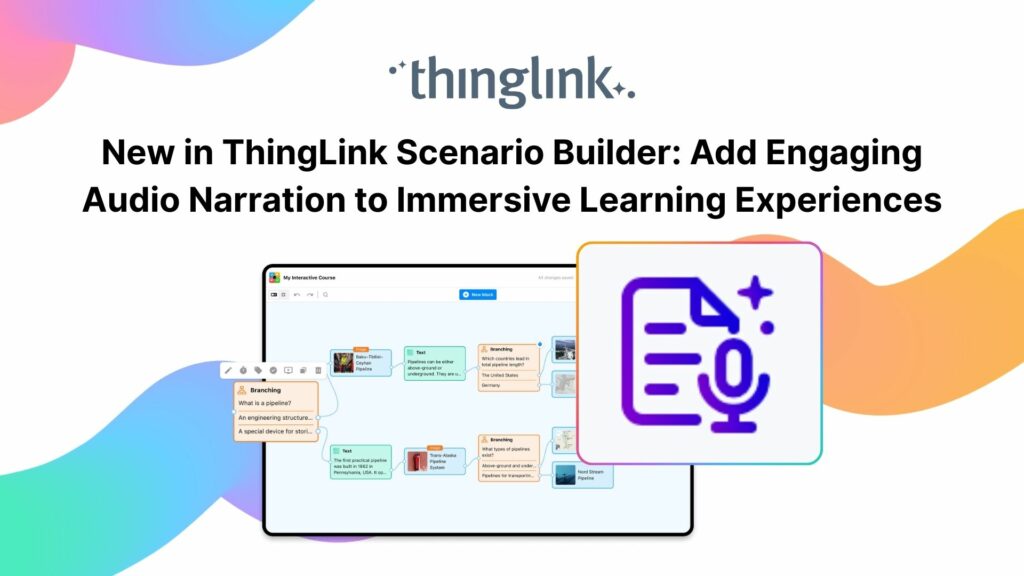
Your text becomes a part of your learning experience, create immersive, podcast-worthy audio every time. We’re excited to introduce a new audio narration feature...
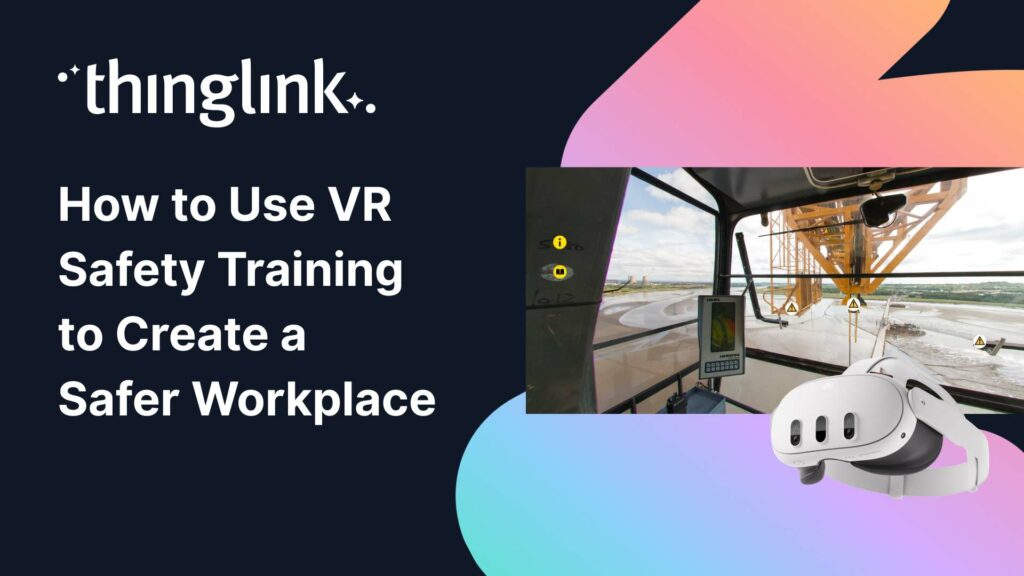
Protecting employee health and safety is one of the most fundamental responsibilities of any organization. Especially in high-risk industries, even a single incident...
ThingLink’s powerful integration with Canva, the global visual communications platform, is now slicker than ever. You can now create and edit your base images...
For students at Spesia vocational and special education college, ThingLink isn’t just a learning platform, but a tool for designing and building their own interactive...
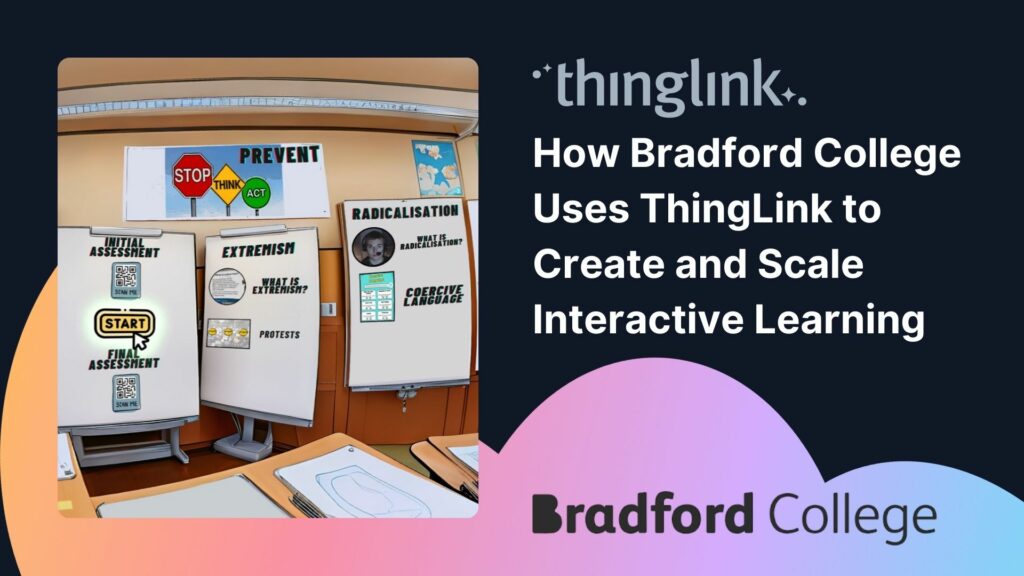
With more than 7,000 learners but only two dedicated digital learning designers, Bradford College faces a challenge familiar to many Further Education institutions:...
Transforming Education with Gamified Learning Experiences Education stands on the edge of a significant transformation, driven by innovative technologies that redefine...
Are you ready to captivate your audience with an immersive, interactive experience? Digital escape rooms offer a unique way to engage, educate, and entertain your...
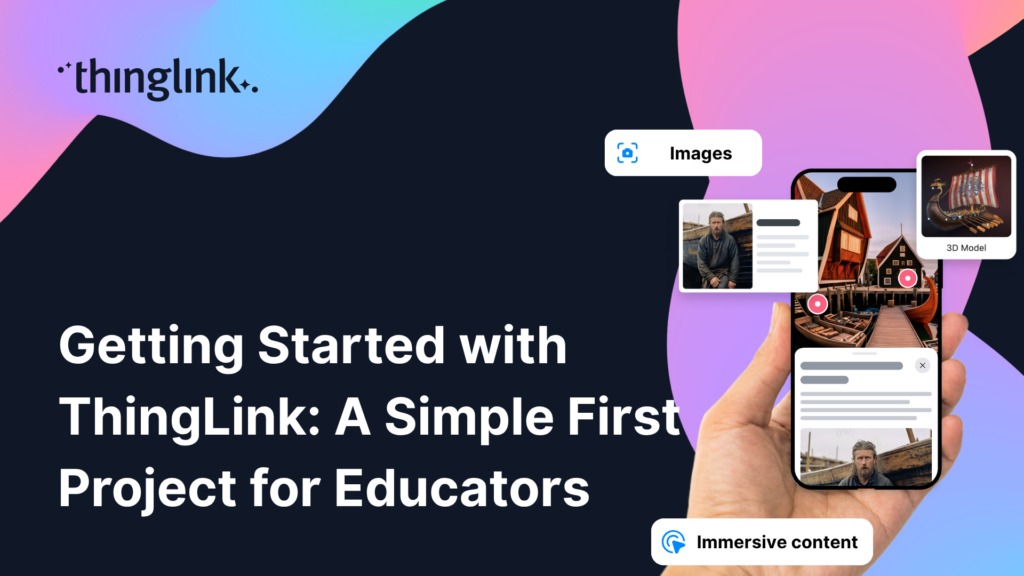
This teacher training resource for students on the PGCE course (Post Graduate Certificate in Education) demonstrates how ThingLink can be used to create interactive...
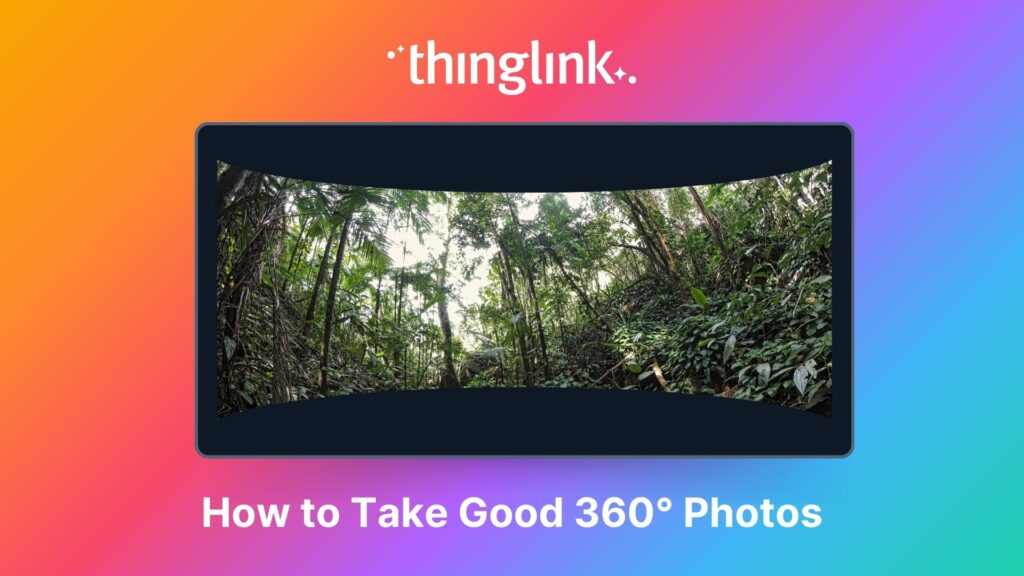
An Introduction to 360° Photography for Beginners 360 degree images or photospheres capture the entire surrounding environment in a single shot, allowing viewers...
For many higher and further education institutions, the integration of new technologies like AV equipment often presents a double-edged sword. While advancements...
Plans for Every Educator and Every Institution We’ve listened to educators about what they need from their ThingLink plans for their students, school districts,...
Nutrition and dietetics higher education programs face a critical challenge common across healthcare studies: effectively connecting theoretical knowledge with ...
Looking for an easy way to create immersive 360° virtual tours or virtual expeditions that work seamlessly in Virtual Reality (VR)? ThingLink is the ultimate all-in-one...
Some further education courses can move online easily, but how do you engage your online students in hands-on subjects involving machinery, materials and complex...
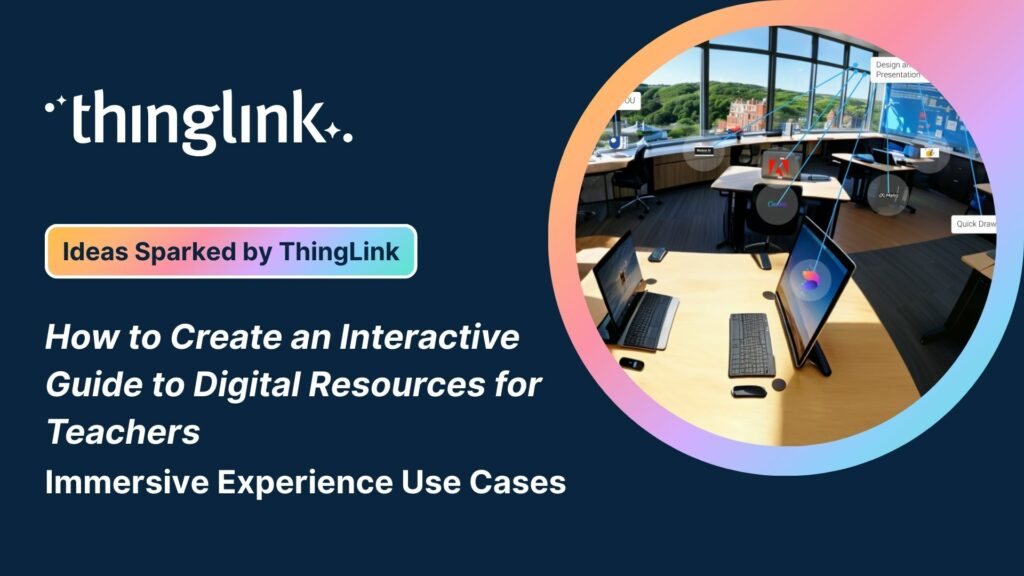
Creating accessible learning experiences is critical for educators, trainers and student creators, but it need not be daunting! ThingLink is a platform that allows...
¿Alguna vez has deseado llevar a toda tu clase a la selva amazónica, a la superficie de Marte o a los pasillos del Louvre o del Smithsonian… todo antes del ...
Ever wished you could take your entire class to the Amazon rainforest, the surface of Mars, or the halls of the Louvre or the Smithsonian… all before lunch? ...
A medida que el aprendizaje inmersivo continúa transformando las aulas en todo el mundo, cada vez más escuelas y universidades están comenzando a explorar el...
Para que tu camino en la creación de contenido educativo en XR sea lo más sencillo posible, hemos seleccionado una colección de recursos gratuitos que te ayudarán...
To make your journey through XR learning content creation as easy as possible, we’ve curated a collection of free resources that will help get you started. Packed...
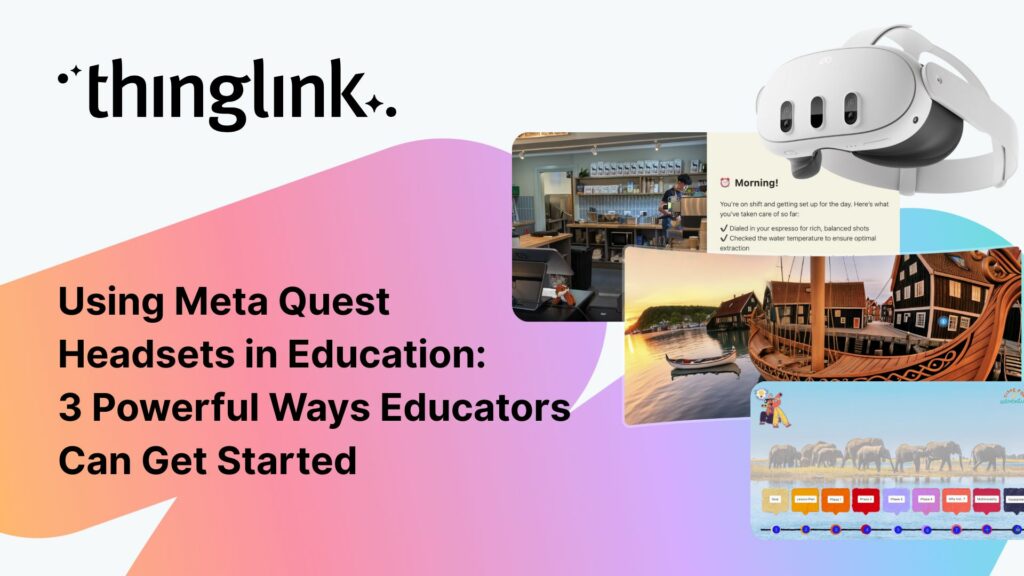
As immersive learning continues to transform classrooms around the world, more schools and colleges are beginning to explore the potential of Meta Quest headsets...
ThingLink has recently made available an inspiring set of three conservation-based 360° videos, designed for learners, educators, and anyone curious about how ...
ThingLink is a fantastic tool for creating interactive and immersive images, videos, and virtual tours. It allows you to bring visuals to life by adding hotspots,...
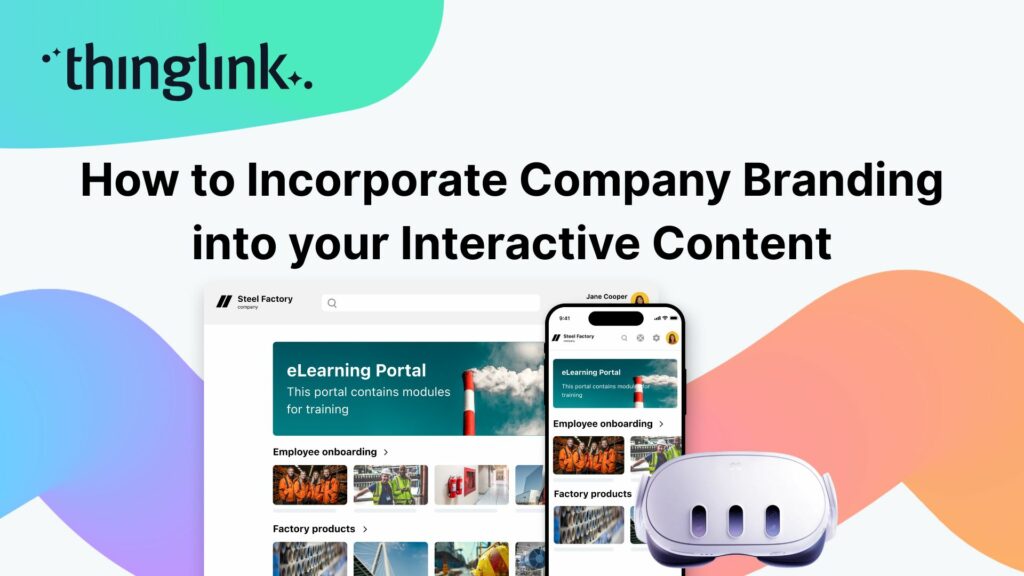
When creating any visual content for your business, it’s vital that your brand is reflected properly throughout the work. That goes for any content you create...
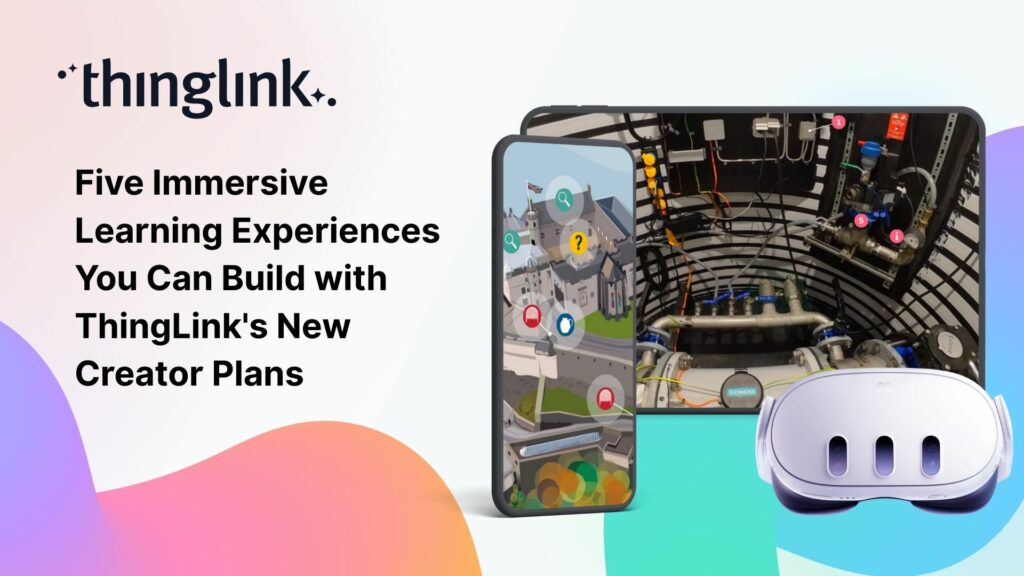
We believe immersive learning should be within reach for everyone, not just large organizations and institutions. That’s why ThingLink’s new Creator plans are...
Join Nottingham College’s Digital Innovation and Development Coach (and ThingLink Certified Trainer) Kate Whyles to hear about two inspiring case studies where...
Education Special | From Cupboard to Classroom: Getting the most out of your VR Headsets! Have a set of VR headsets sitting in the cupboard, barely touched since...
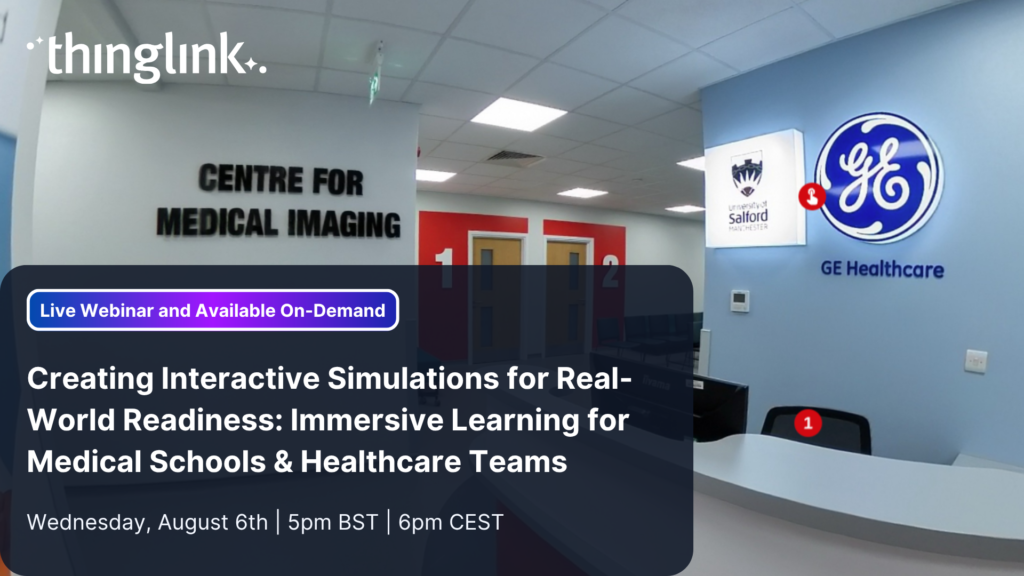
Creating Interactive Simulations for Real-World Readiness: Immersive Learning for Medical Schools & Healthcare Teams Where and When 📅 Date: Now On-Demand...
LEO, a forward-thinking British multi-academy trust, has pioneered a structured, pedagogy-first approach to digital learning that has driven significant gains in...
 Louise Jones
10 min read
Louise Jones
10 min read
At ThingLink, our mission is to empower educators, trainers, and content creators to build truly impactful digital learning experiences. We believe that great learning...
The foundations of ThingLink are rooted in the socio-cultural theory of learning developed by Lev Vygotsky. My own journey began in 2003 at the Center for Activity...
When their usual arts venue became unavailable for Nottingham College’s end-of-year show, the organizers found the ideal way to recreate and share the works...
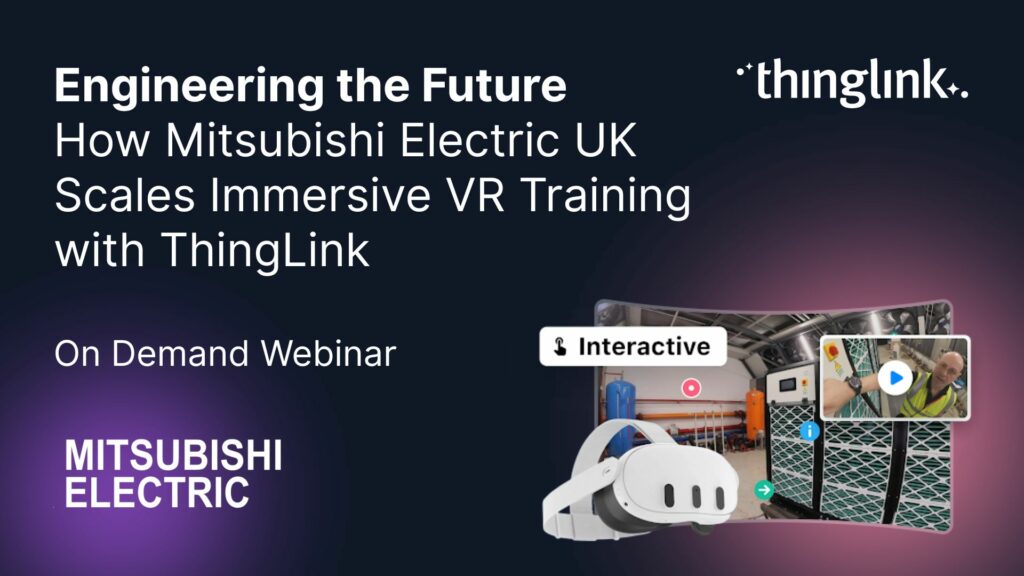
How Mitsubishi Electric UK Scales Immersive VR Training with ThingLink Securing the Next Generation of Engineers: How Mitsubishi Electric is Solving the Talent ...
Turn Summer Experiences into Story-Driven Learning: How Students Can Capture and Reflect using Immersive Journals Make it a Summer to Remember Join Louise Jones...
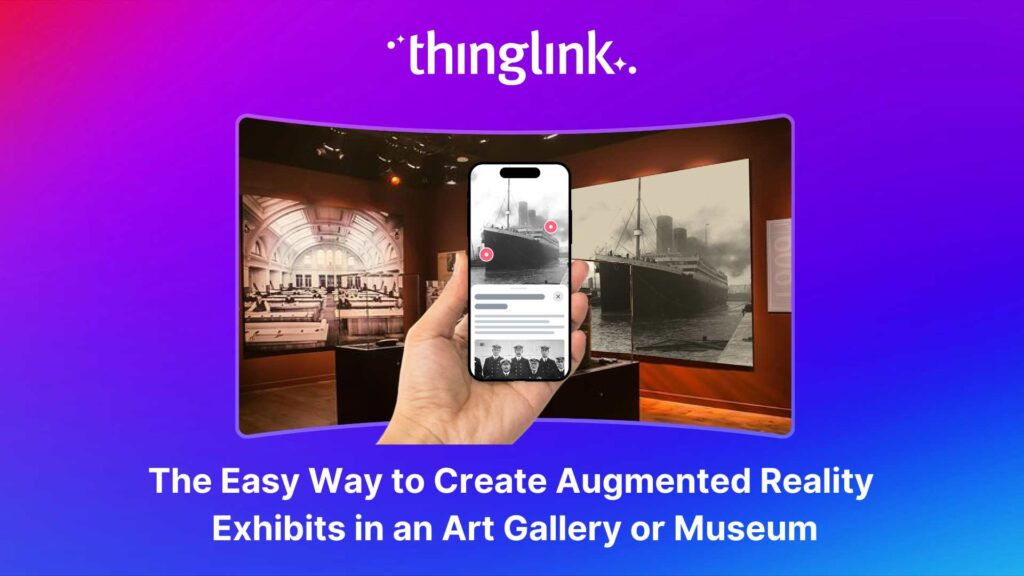
Over the last decade, mixed reality experiences using immersive technology have become increasingly commonplace throughout museums and art galleries worldwide. ...
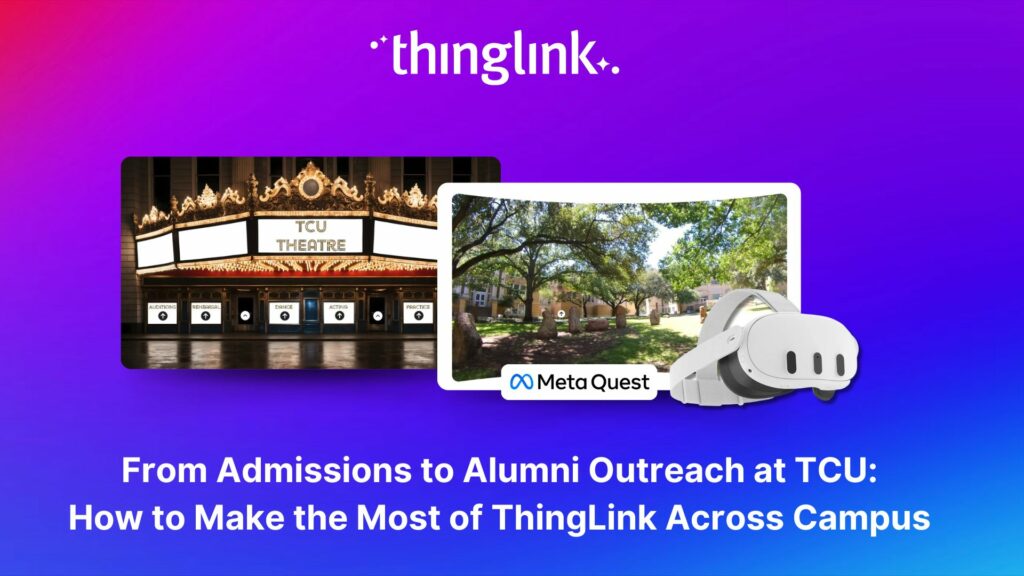
Background Texas Christian University (TCU) is a private university of around 9000 undergrads, situated in the city of Fort Worth within the Dallas Fort Worth metroplex....
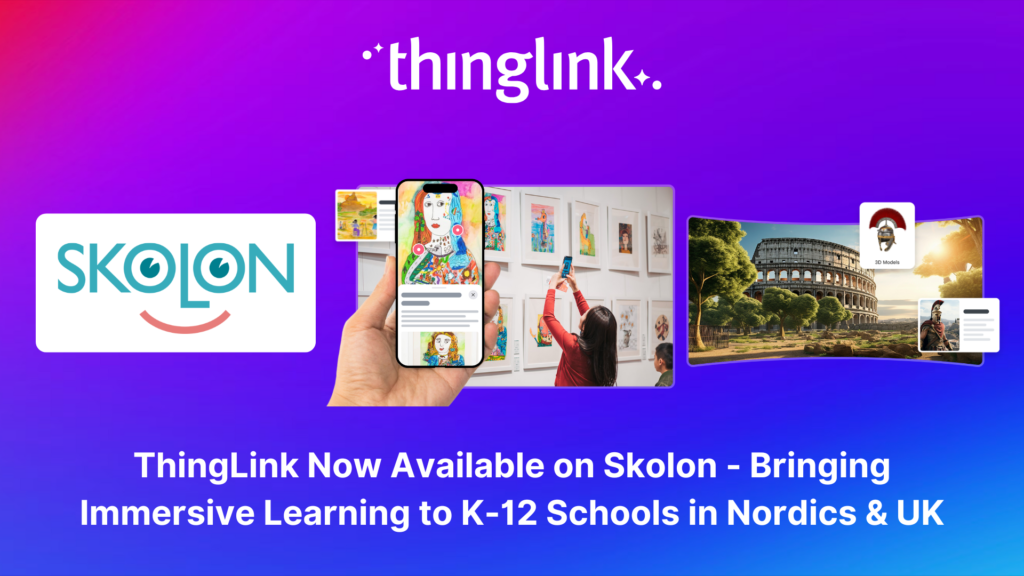
Stockholm, April 8th, 2025 – ThingLink, the leading platform for creating and sharing immersive learning experiences across platforms and devices, is now available...
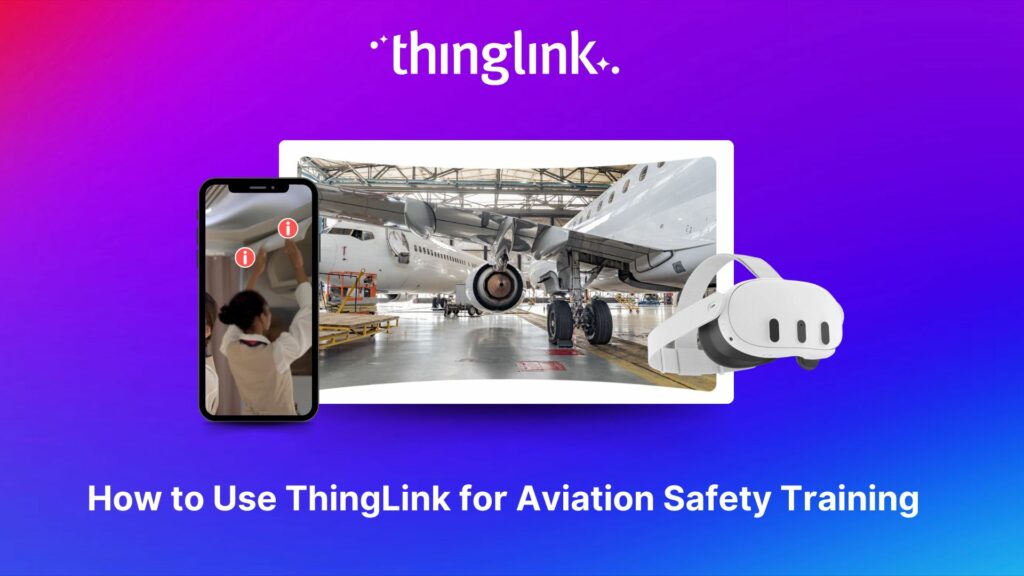
The high-stakes nature of aviation safety demands effective and engaging training methods. Traditional employee training approaches such as instructor-led training...
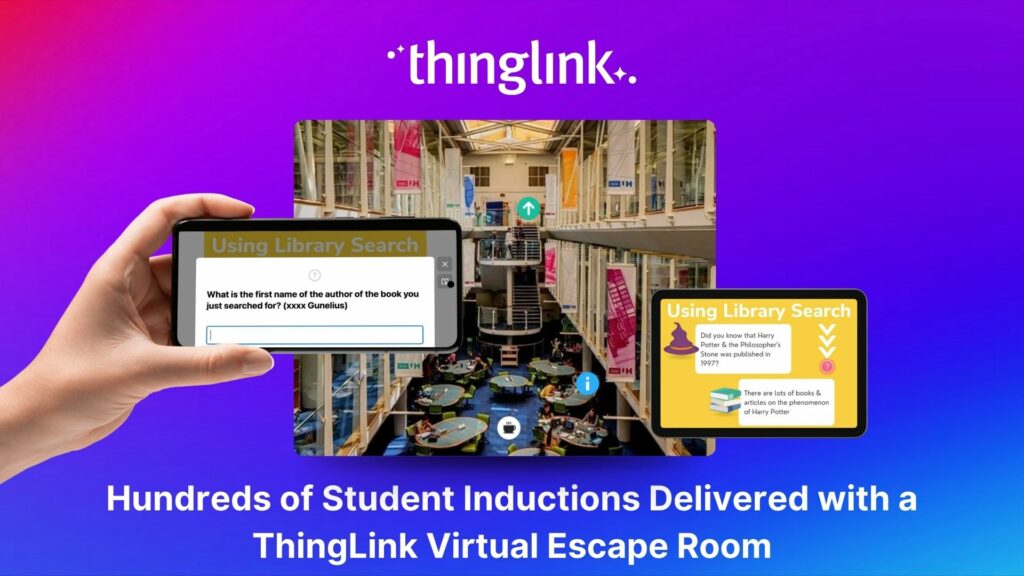
Louise Conway, Information Manager at the University of Hertfordshire (UK) has created an ingenious, engaging virtual escape room to ensure that new students are...
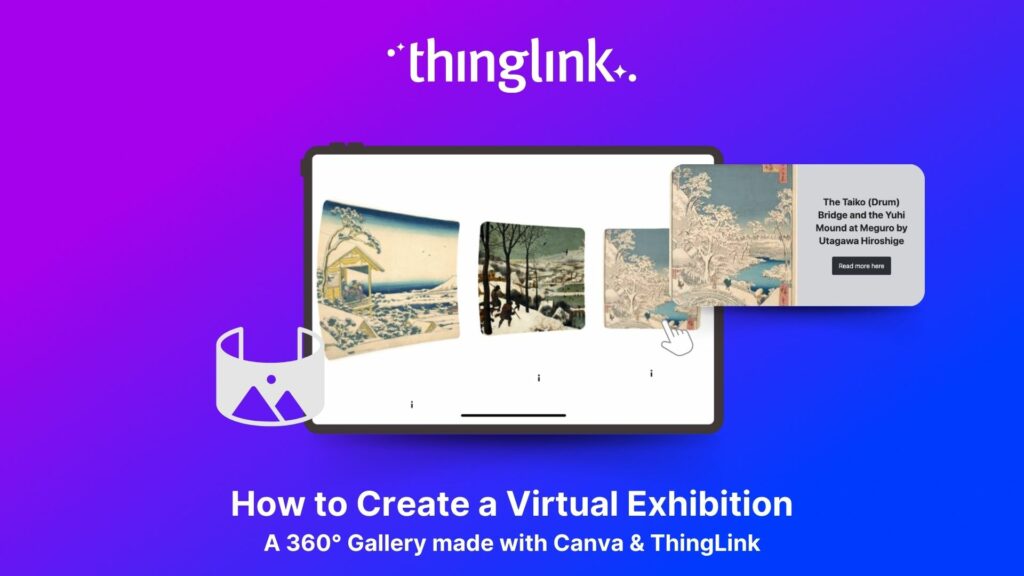
We show you how to make your own interactive 360° virtual art gallery with our Canva template and ThingLink The ThingLink Team have devised a quick and easy way...
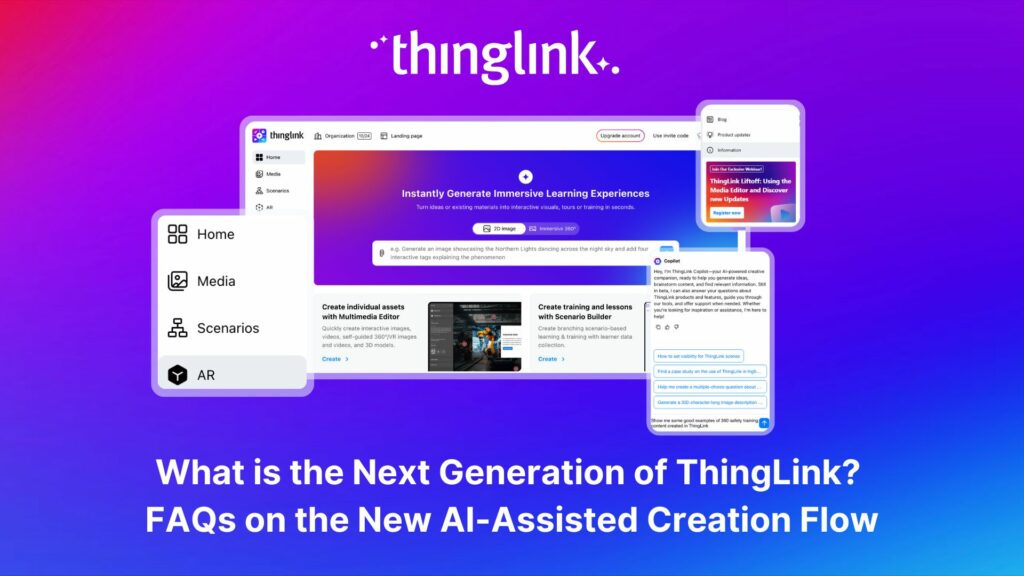
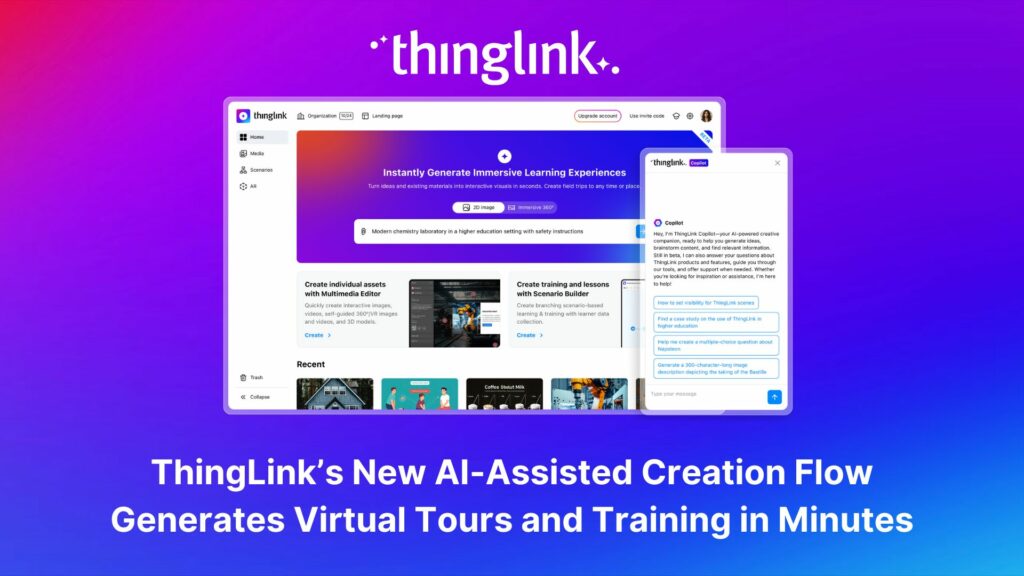
The next generation of ThingLink has launched, with the same easy-to-use immersive learning creation tools now accessible via a fresh new interface. Create...
ThingLink, the AI-assisted immersive content creation platform for training and education, continues to grow its global team alongside the expansion and development...
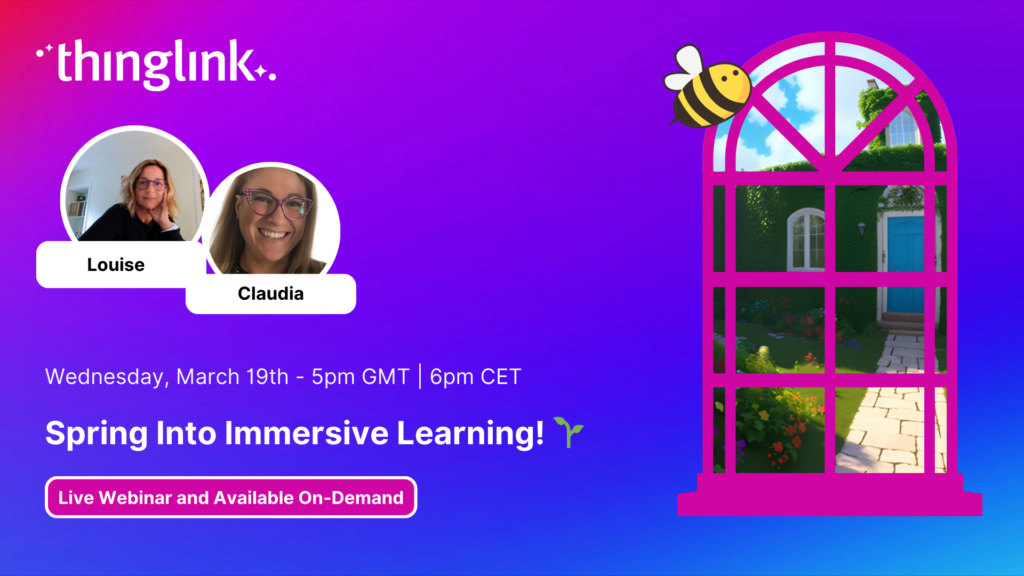
Spring into Immersive Learning! 🌱 Join your hosts Louise and Claudia for a playful and engaging session on the rise of immersive learning! We’ll explore new...
As digital transformation accelerates across industries, the demand for intuitive AI tools that empower non-technical users to create sophisticated learning experiences...
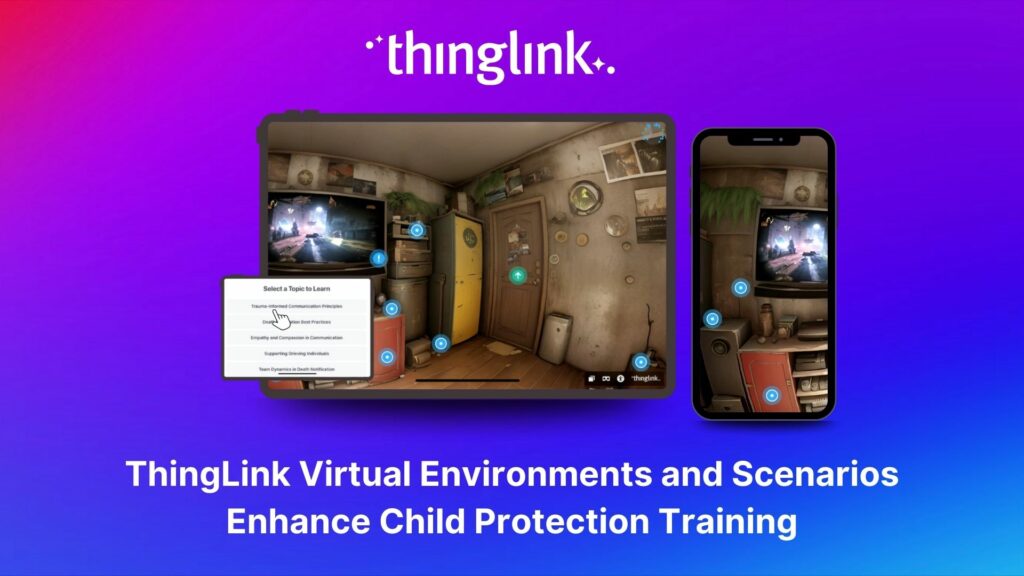
Background Zero Abuse Project (founded in 2018) is a non-profit organization based in the US. Their mission is “To protect children from abuse and sexual assault,...
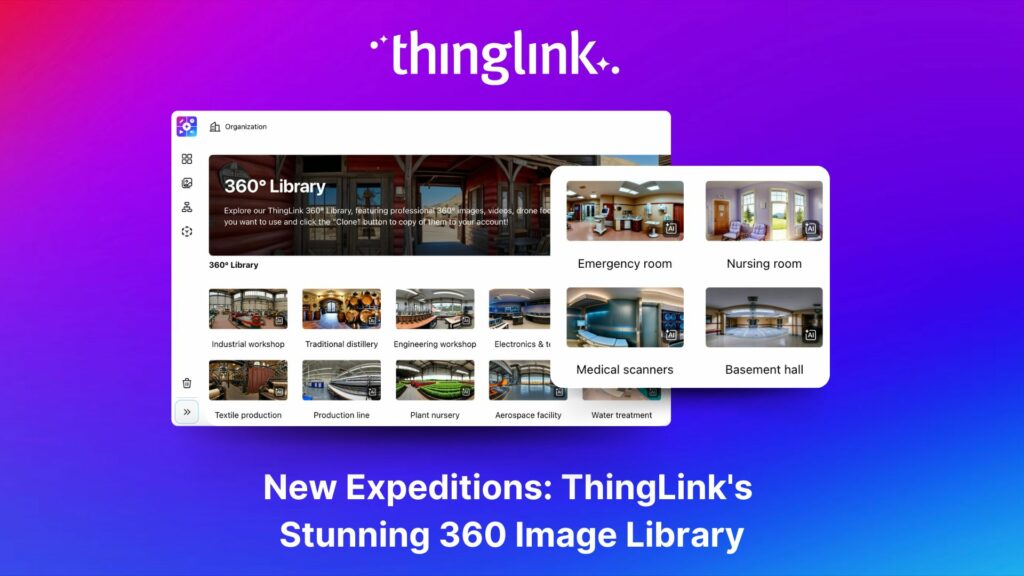
ThingLink’s 360 Image Library is a curated collection of professional 360 images from culturally relevant natural and historic sites. You can use the images...
Are you ready to move beyond the classroom and explore the world of Learning and Development (L&D)? Join us for an exciting free webinar featuring two esteemed...
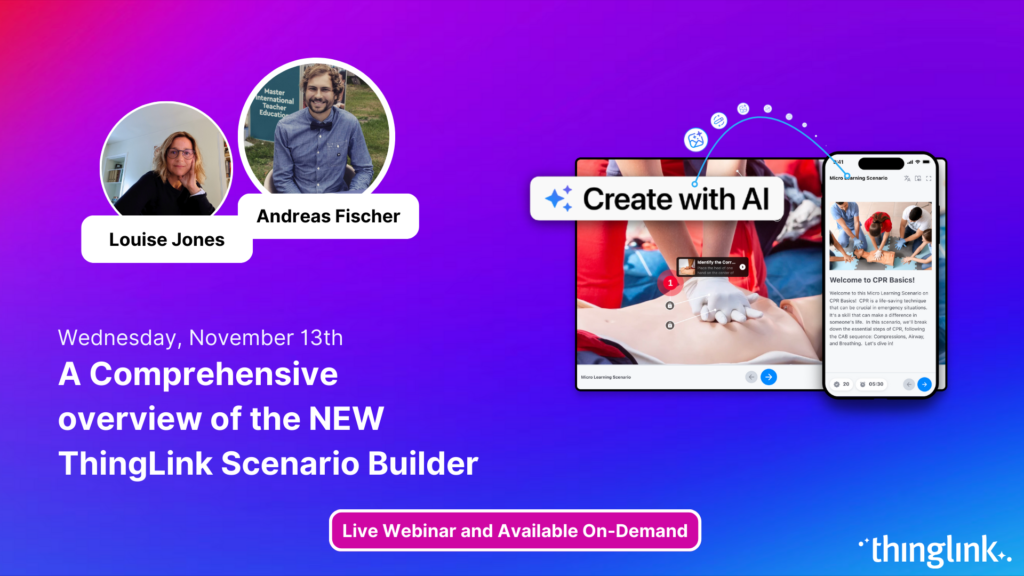
Join us for an exciting exploration of ThingLink’s updated Scenario Builder! In this session, we’ll showcase two powerful paths for scenario creation: building...
Education is changing fast, and immersive learning is playing an important role in shaping the future of how we teach and engage students. Watch our exciting...
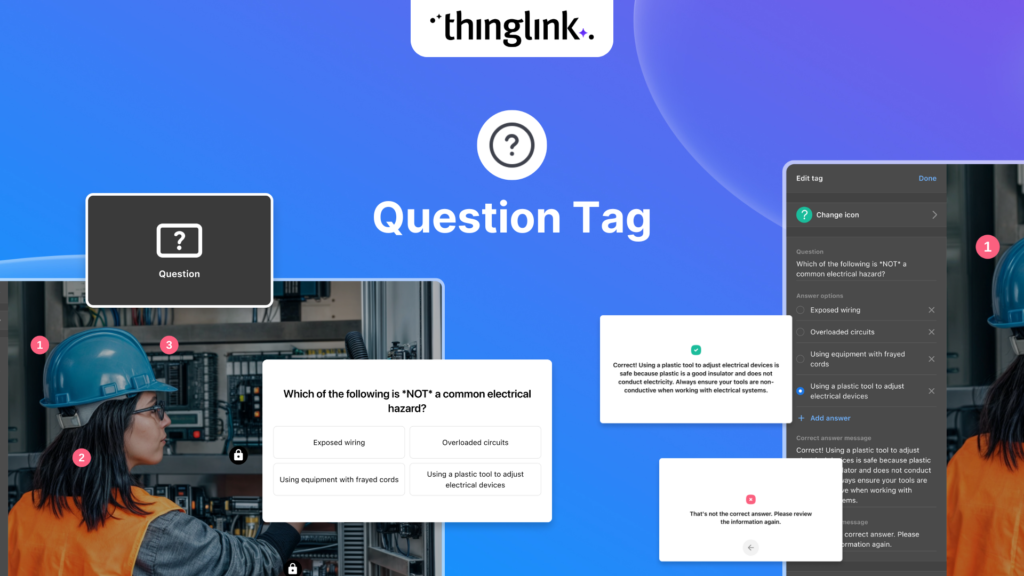
We’re thrilled to introduce a brand-new feature to enhance your learning experiences – the new question tag type for the ThingLink Multimedia Editor! Whether...
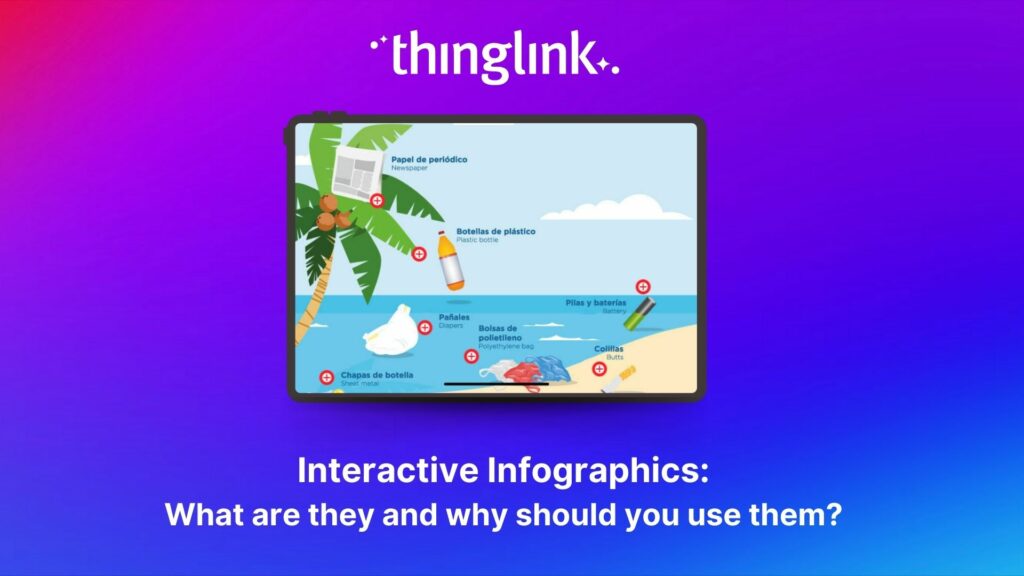
Infographics are the fastest and easiest way to present any complex information. In this blog we’ll show you how to create interactive infographic designs even...
Discover the New ThingLink Scenario Builder and Ways to Transform the Static to Interactive In Fall 2024, ThingLink revolutionized the world of Scenario Based Learning...
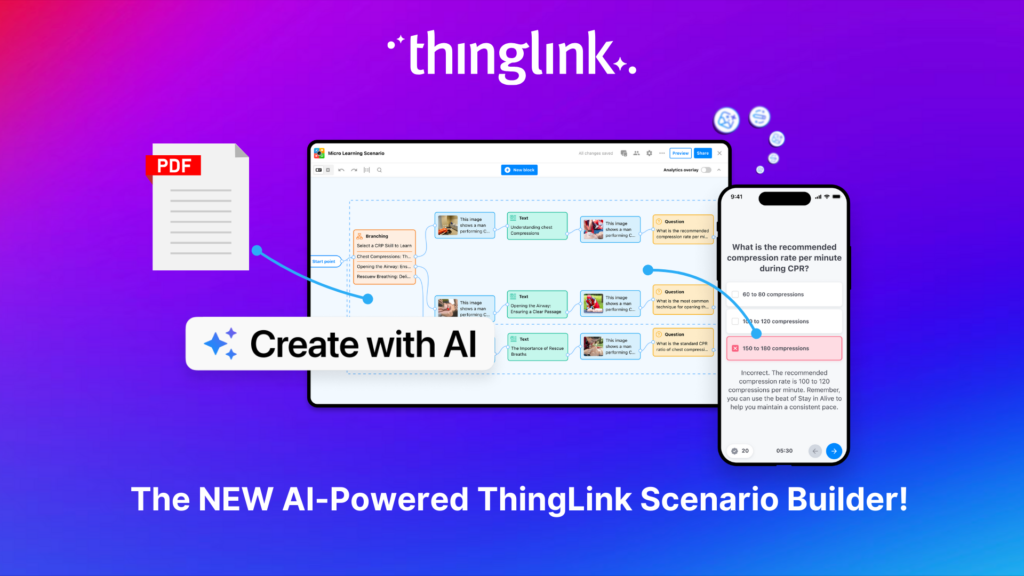
Meet the new and improved ThingLink Scenario Builder, your ultimate tool for transforming static content into immersive, interactive experiences. With AI-powered...
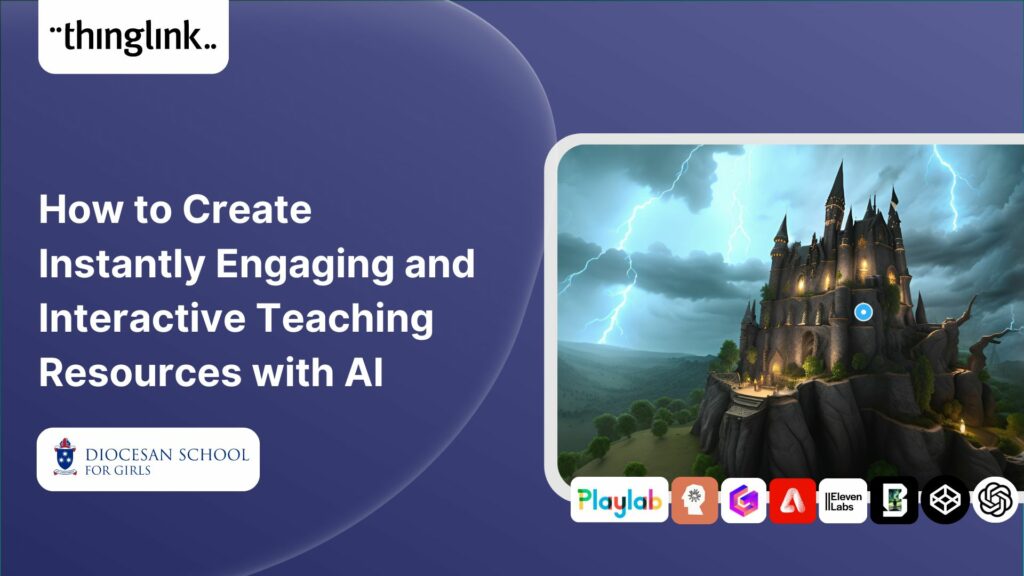
Rob McCrae is the AI Lead and ICT Director at Diocesan School for Girls in Auckland, New Zealand, an independent school of 1600 students aged 5-18. Earlier this...
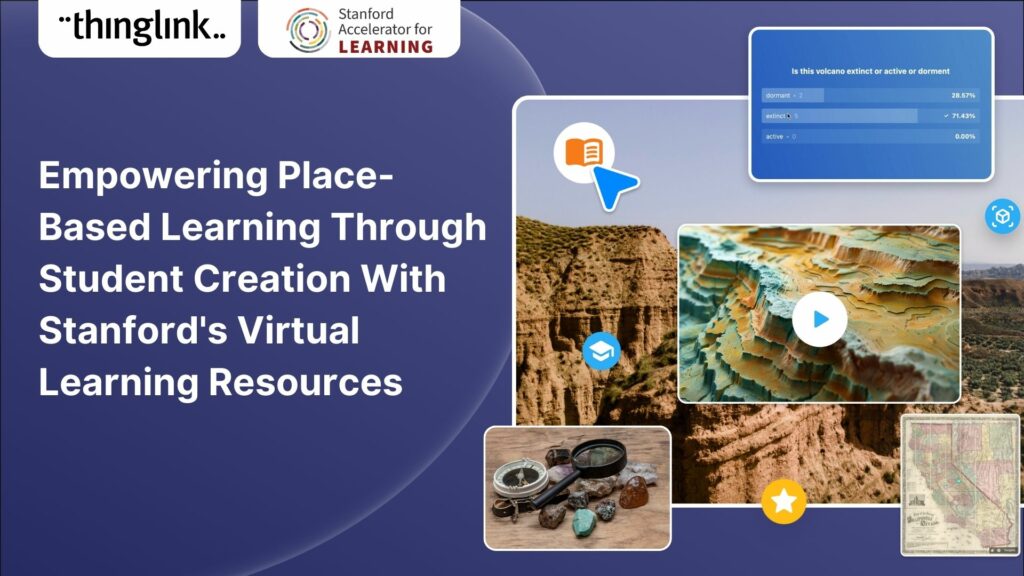
For educators looking to encourage student creation, Stanford University’s essential guide will show you how to use content from real-life Field Trips in ...
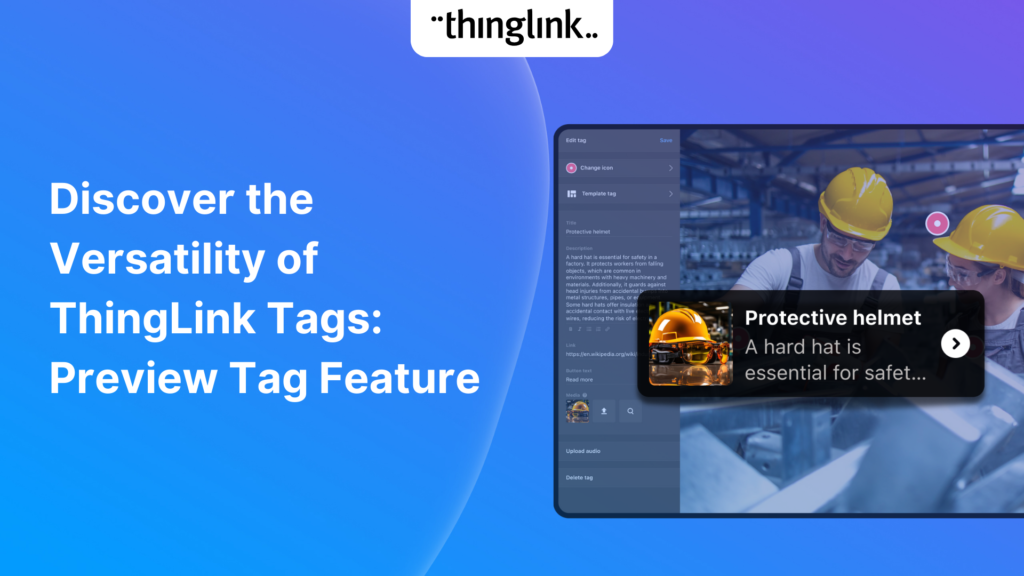
We’re excited to introduce a feature that helps reduce cognitive overload by offering a quick preview of what’s inside text and media tags. Now, when viewers...
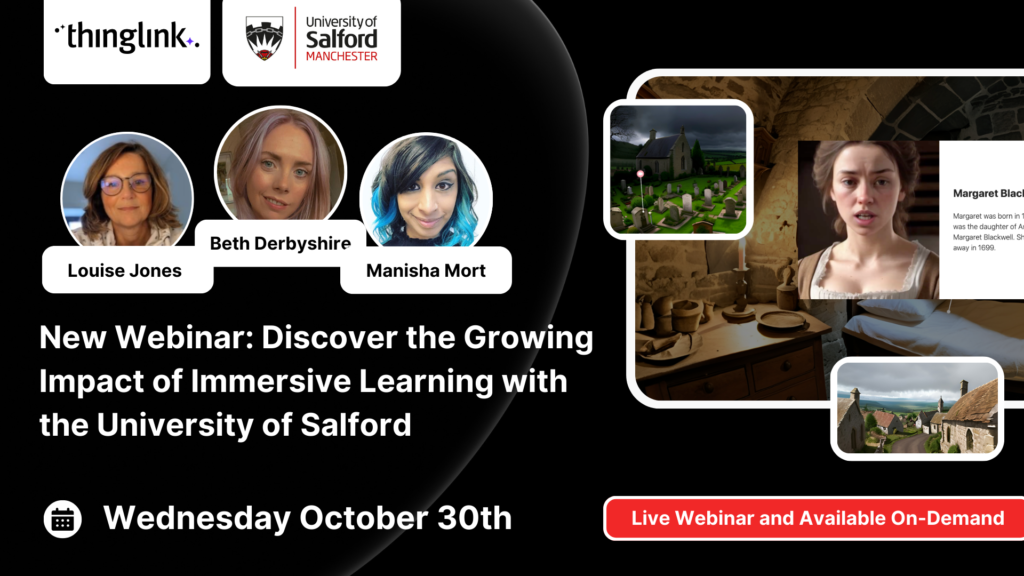
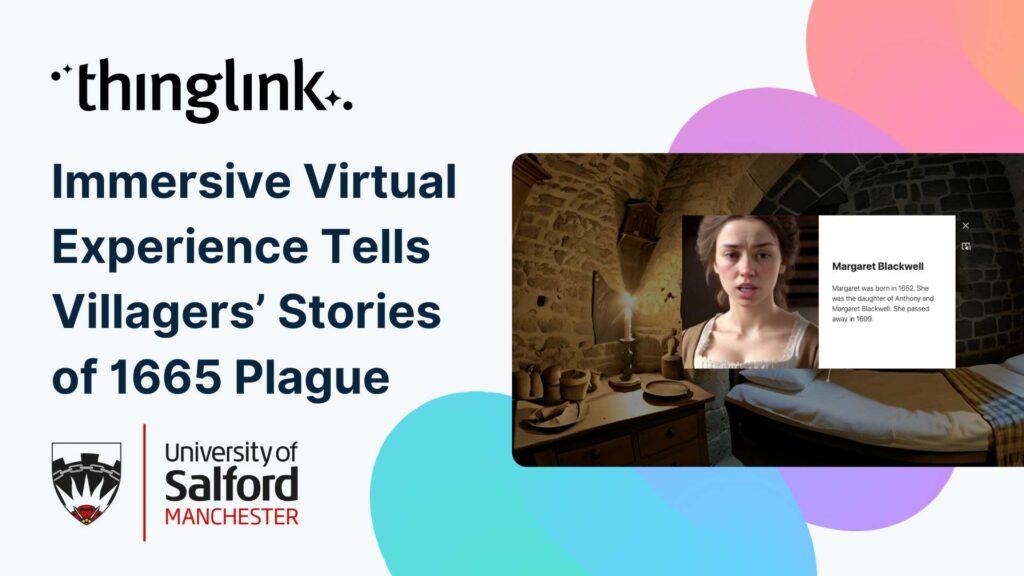
Immersive Virtual Experience Tells Villagers’ Stories of 1665 Plague A team at the University of Salford have created an immersive virtual experience of Eyam,...
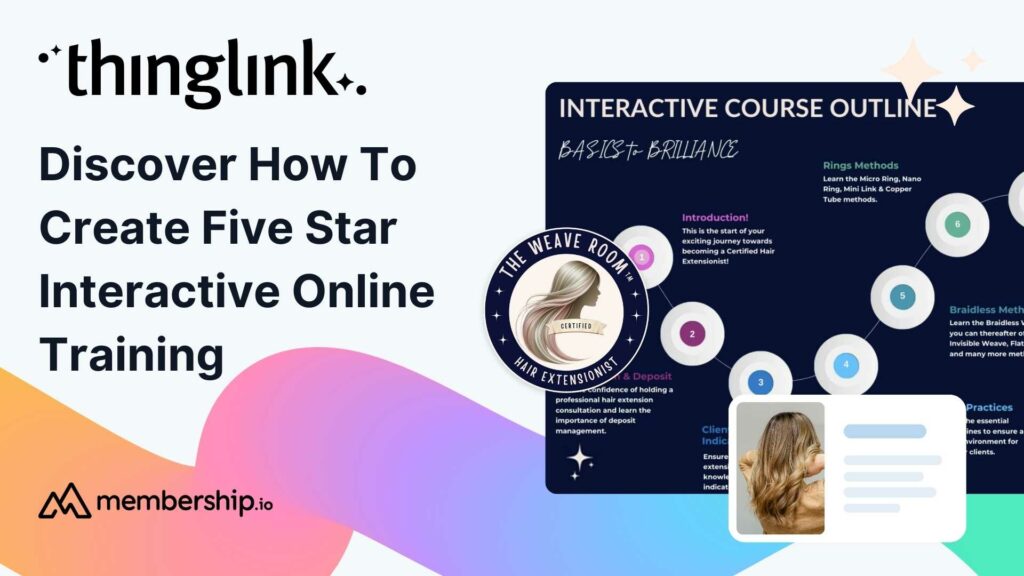
This post presents the background of how the The Weave RoomTM created an engaging, interactive and polished online training course with ThingLink, which was so ...
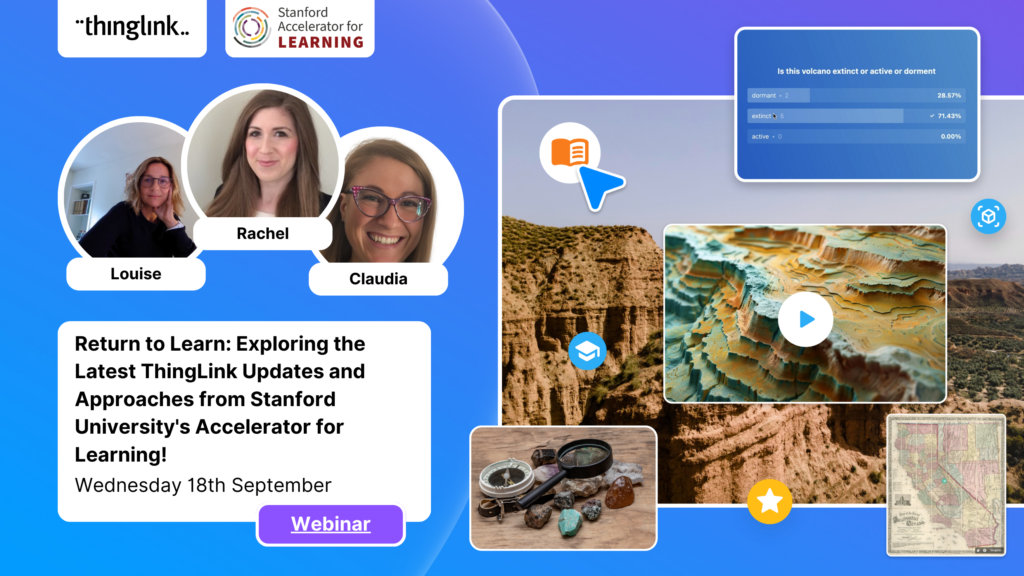
It’s that time of year for the FREE annual ‘Return to Learn’ webinar! Join us for an exciting and informative webinar as we present the latest ThingLink updates,...
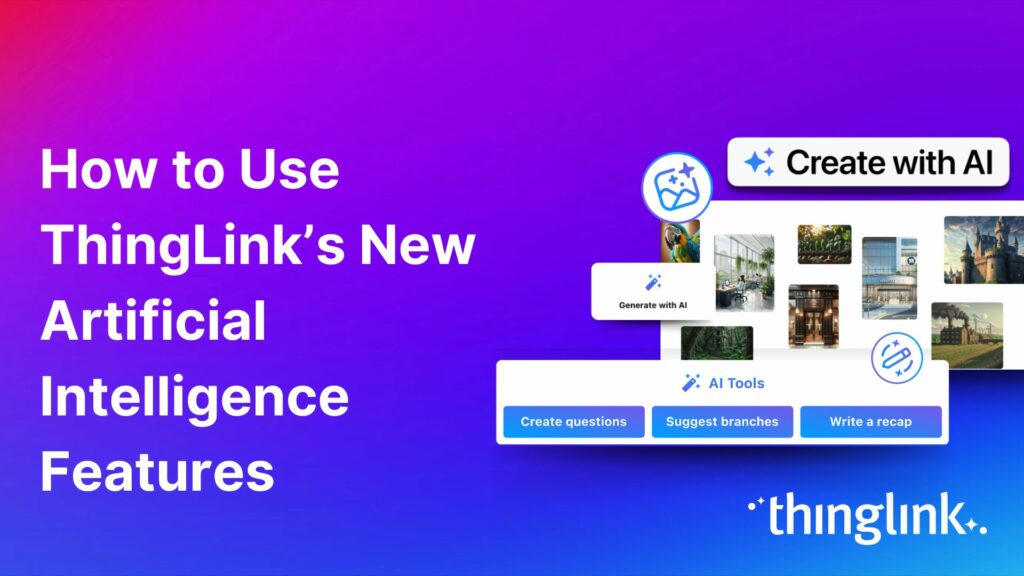
In 2023, we launched an exciting group of webinars, to engage with ThingLink creators and explore how AI could be integrated into their work. ThingLink Founder ...
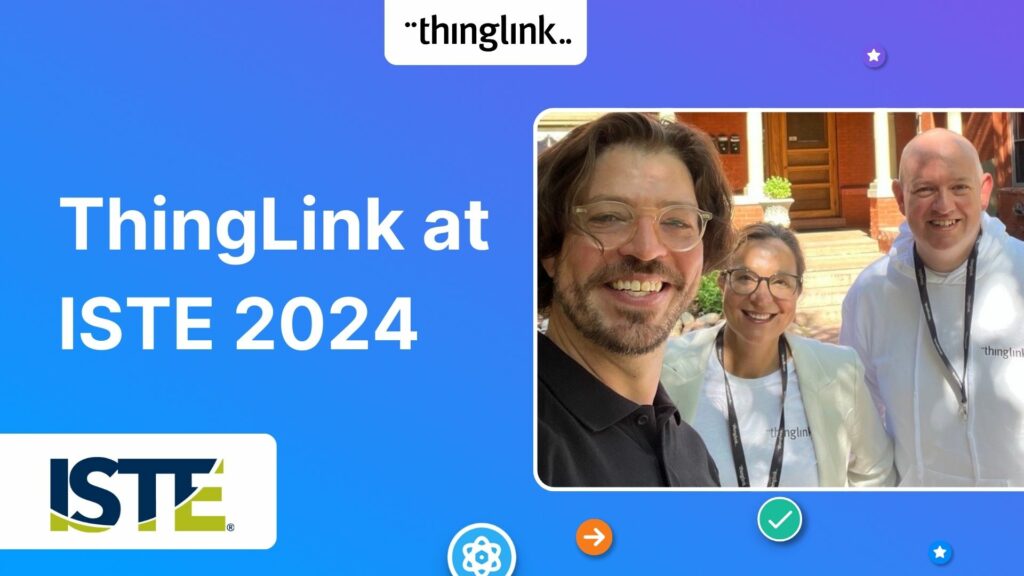
Our team is excited to be back at ISTE, and we look forward to reconnecting with old friends and meeting new ones in Denver, Colorado! Here are some topics and ...
If you’re heading out on an educational trip this end of term, don’t forget your 360 camera to ensure you can re-create the trip as a virtual tour. ...
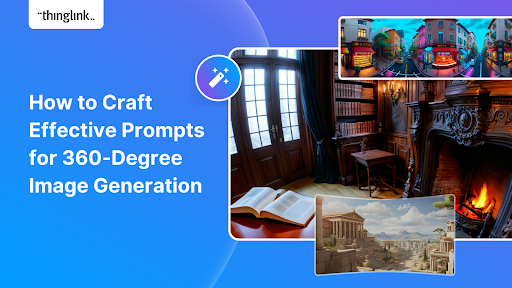
Creating compelling prompts for your immersive 360-degree AI-generated images requires descriptive language that captures the scene’s essence and style as...
Finding engaging and effective methods to train employees is crucial for both individual skill development and team cohesion in any organisation. An escape room...
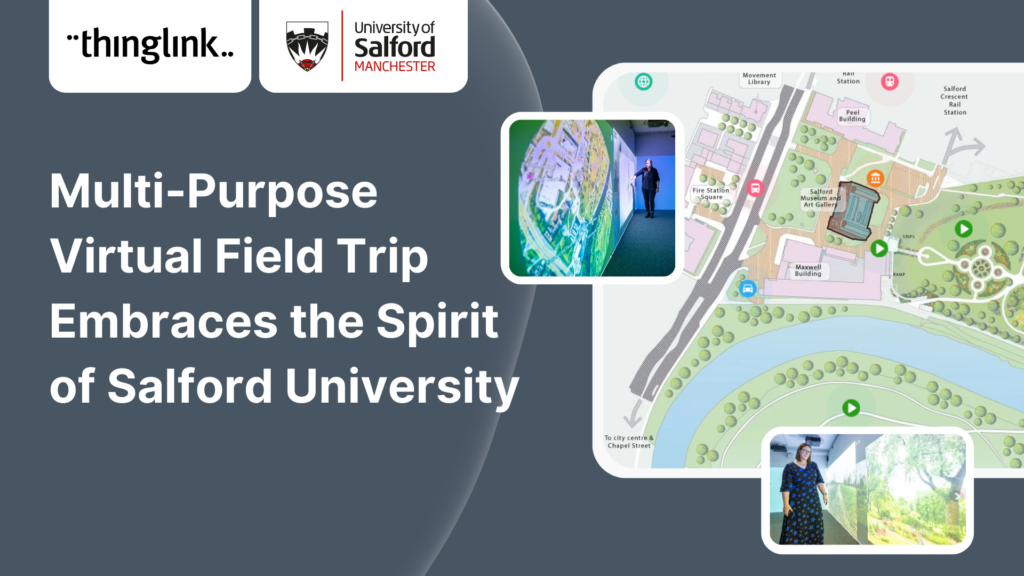
In this case study we look at an inspiring example of collaboration between a university and its local community. The university has created a multi-purpose interactive...
Are you an educator, instructional designer, or higher education professional seeking innovative ways to engage your students? Our upcoming webinar, “Discover...