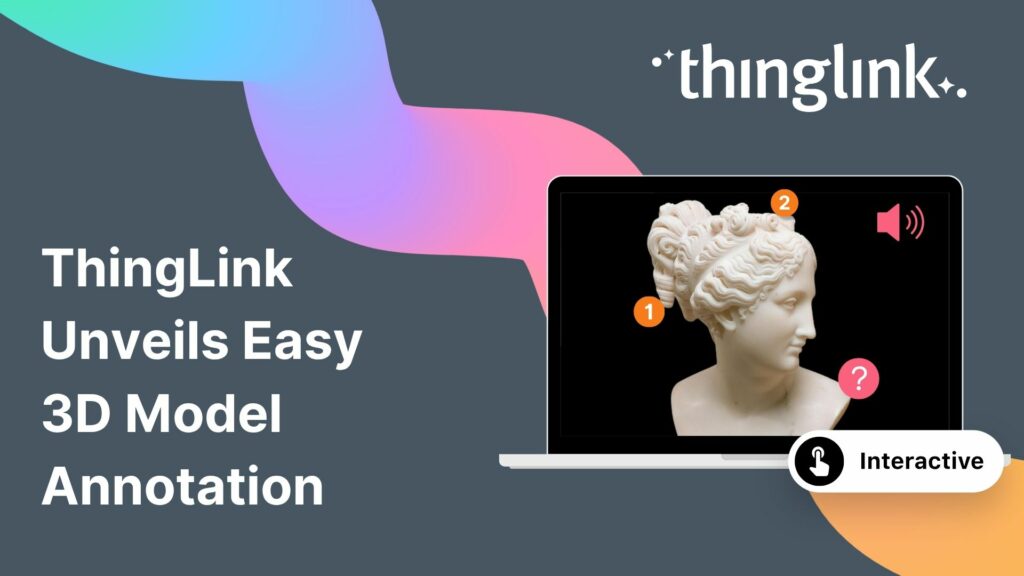
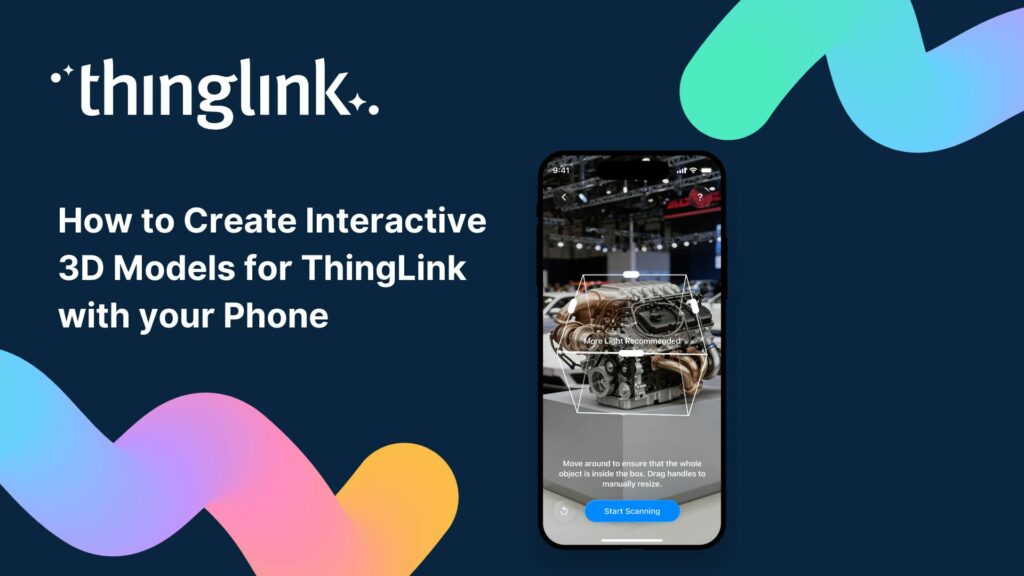
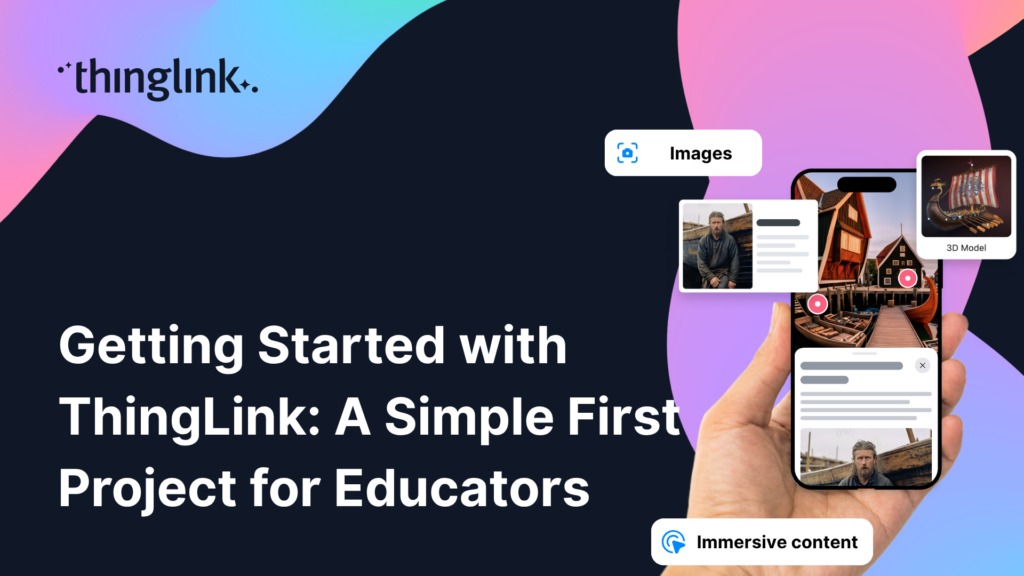
The interactive media platform ThingLink now supports 3D model annotation. In addition to images and videos, ThingLink content creators can now also enhance 3D ...
 Kyla Ball
2 min read
Kyla Ball
2 min read
3D models are gaining popularity as the process of creating them has become more user-friendly. A few years ago you needed dedicated 3D modelling software, and ...
What is 3D Model Annotation? ThingLink allows users to create interactive 3D models as easily as they create interactive images, videos and virtual tours. The feature...
Kyla Ball
3 min read
Helsinki, 12 March 2026 ThingLink has entered into a strategic partnership with Vervenest Technologies Private Limited to support the expansion of immersive learning...
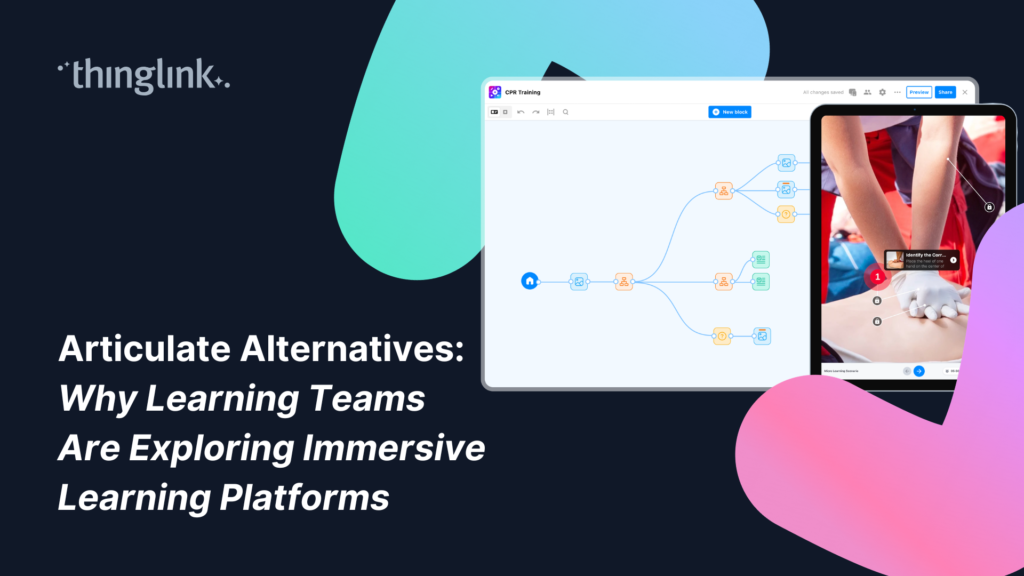
For more than a decade, Articulate has been one of the most widely used eLearning authoring platforms. Many organizations rely on tools like Articulate Storyline...
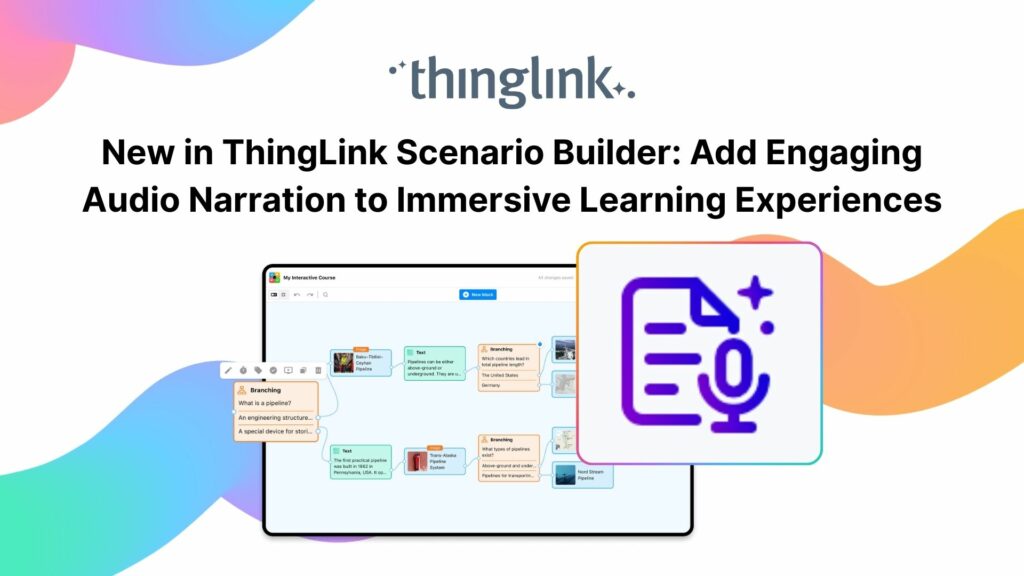
Your text becomes a part of your learning experience, create immersive, podcast-worthy audio every time. We’re excited to introduce a new audio narration feature...
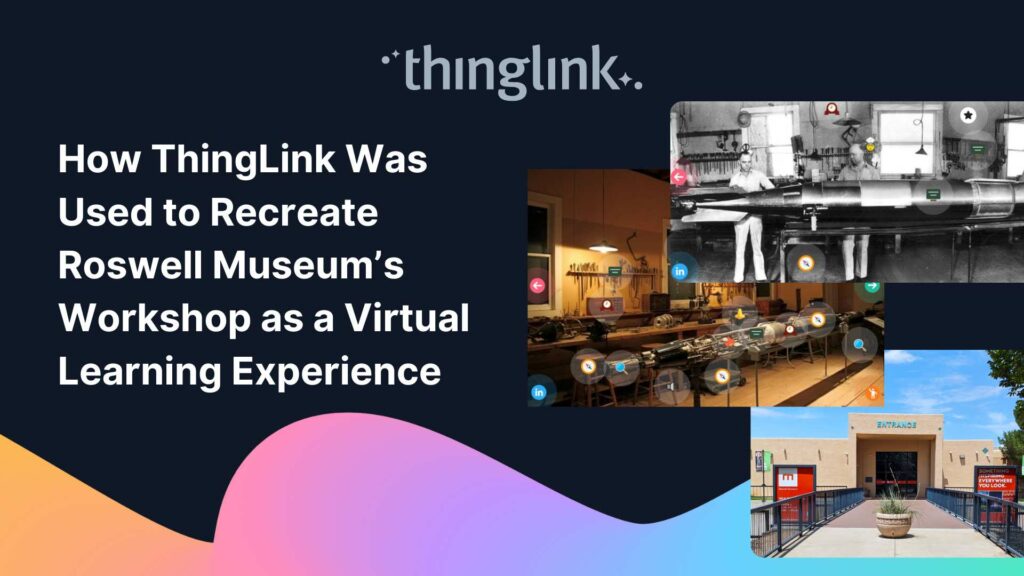
Background: A Museum Lost to Flooding When catastrophic flooding occurred at the Roswell Museum in New Mexico in October 2024, the loss went far beyond physical...
Kyla Ball
6 min read
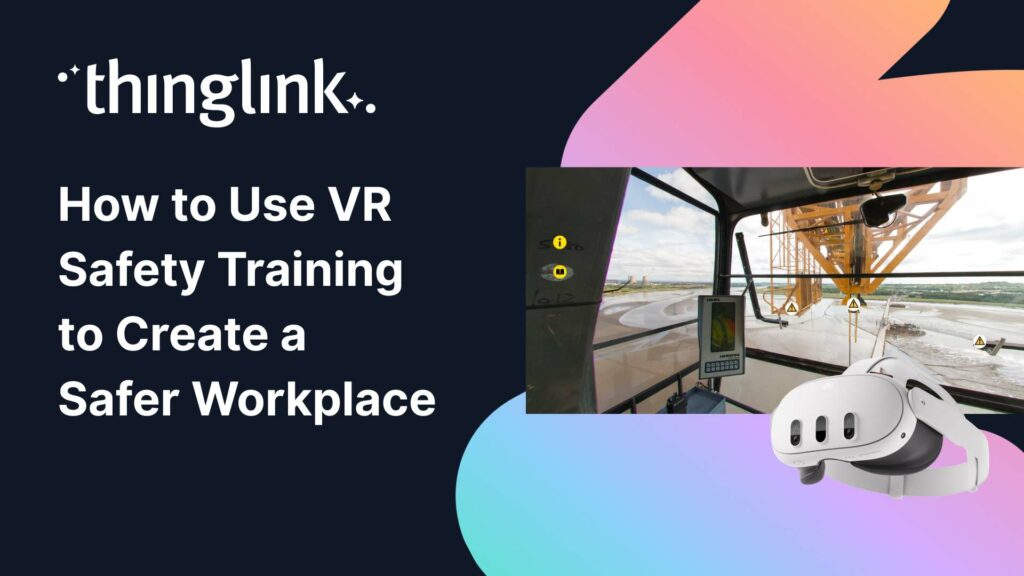
Protecting employee health and safety is one of the most fundamental responsibilities of any organization. Especially in high-risk industries, even a single incident...
Kyla Ball
6 min read
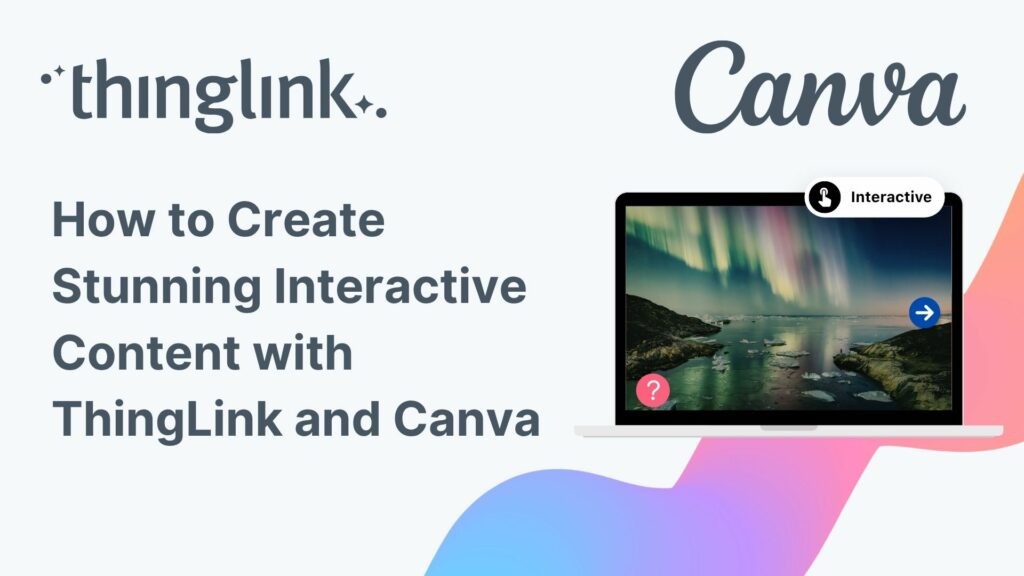
ThingLink’s powerful integration with Canva, the global visual communications platform, is now slicker than ever. You can now create and edit your base images...
Kyla Ball
5 min read
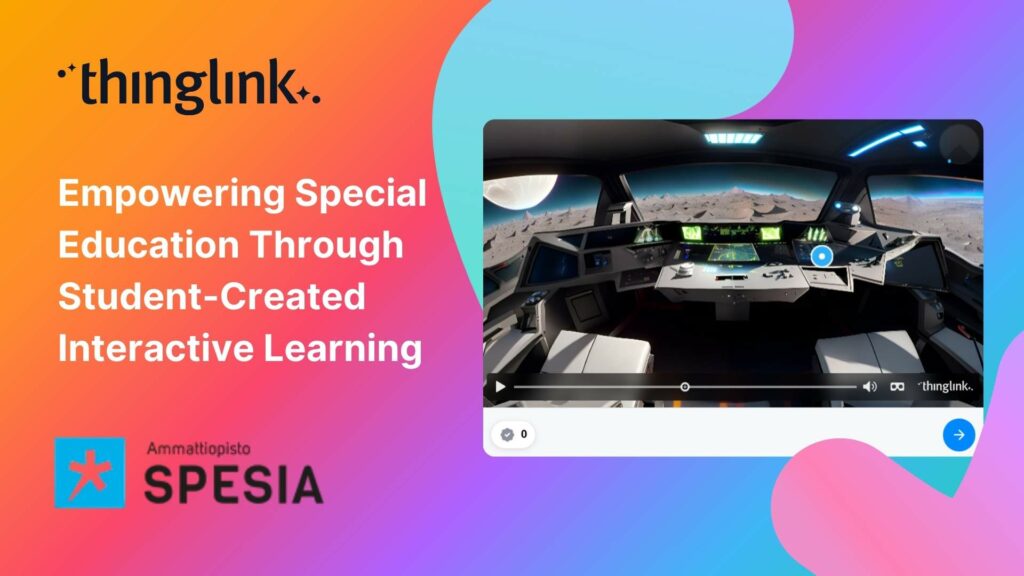
For students at Spesia vocational and special education college, ThingLink isn’t just a learning platform, but a tool for designing and building their own interactive...
Kyla Ball
5 min read
Instructure is the global EdTech organization used by over 19 million unique users annually. It’s probably best-known as the home of Canvas, their flagship product...
Kyla Ball
5 min read
Transforming Education with Gamified Learning Experiences Education stands on the edge of a significant transformation, driven by innovative technologies that redefine...
Kyla Ball
5 min read
Are you ready to captivate your audience with an immersive, interactive experience? Digital escape rooms offer a unique way to engage, educate, and entertain your...
An Introduction to 360° Photography for Beginners 360 degree images or photospheres capture the entire surrounding environment in a single shot, allowing viewers...
For many higher and further education institutions, the integration of new technologies like AV equipment often presents a double-edged sword. While advancements...
Kyla Ball
6 min read
Nutrition and dietetics higher education programs face a critical challenge common across healthcare studies: effectively connecting theoretical knowledge with ...
Kyla Ball
9 min read
Looking for an easy way to create immersive 360° virtual tours or virtual expeditions that work seamlessly in Virtual Reality (VR)? ThingLink is the ultimate all-in-one...
How can marketers truly attract and engage consumers in the saturated world of digital marketing? Attention is hard to earn and easy to lose. Audiences want something...
¿Alguna vez has deseado llevar a toda tu clase a la selva amazónica, a la superficie de Marte o a los pasillos del Louvre o del Smithsonian… todo antes del ...
 Joseph Mayo
4 min read
Joseph Mayo
4 min read
Ever wished you could take your entire class to the Amazon rainforest, the surface of Mars, or the halls of the Louvre or the Smithsonian… all before lunch? ...
Joseph Mayo
4 min read
A medida que el aprendizaje inmersivo continúa transformando las aulas en todo el mundo, cada vez más escuelas y universidades están comenzando a explorar el...
Para que tu camino en la creación de contenido educativo en XR sea lo más sencillo posible, hemos seleccionado una colección de recursos gratuitos que te ayudarán...
To make your journey through XR learning content creation as easy as possible, we’ve curated a collection of free resources that will help get you started. Packed...
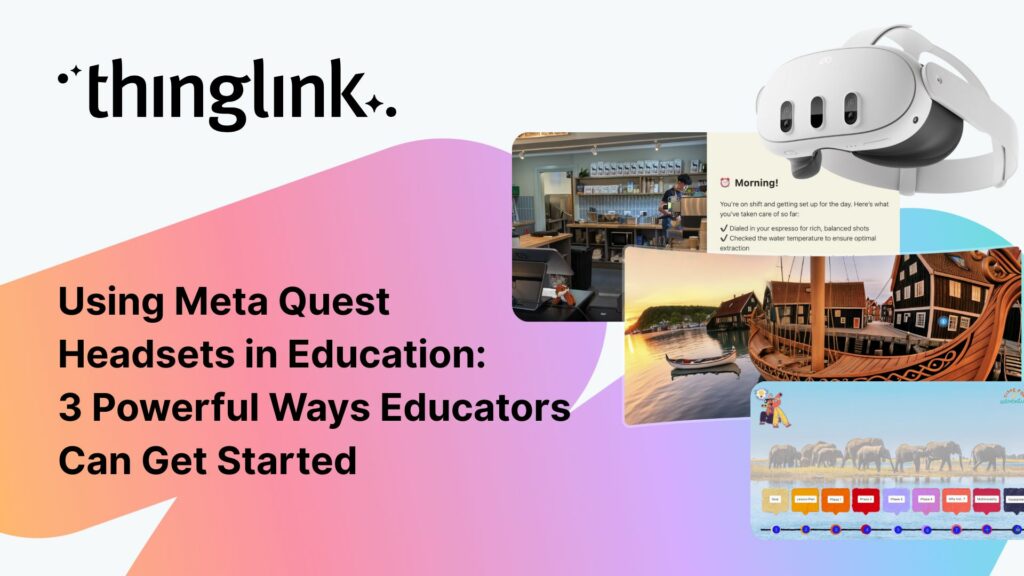
As immersive learning continues to transform classrooms around the world, more schools and colleges are beginning to explore the potential of Meta Quest headsets...
ThingLink has recently made available an inspiring set of three conservation-based 360° videos, designed for learners, educators, and anyone curious about how ...
Kyla Ball
4 min read
ThingLink is a fantastic tool for creating interactive and immersive images, videos, and virtual tours. It allows you to bring visuals to life by adding hotspots,...
Customer education is core to marketing, not a separate tactic. It can be as simple as helping customers learn that your brand or product exists, or as deep as ...
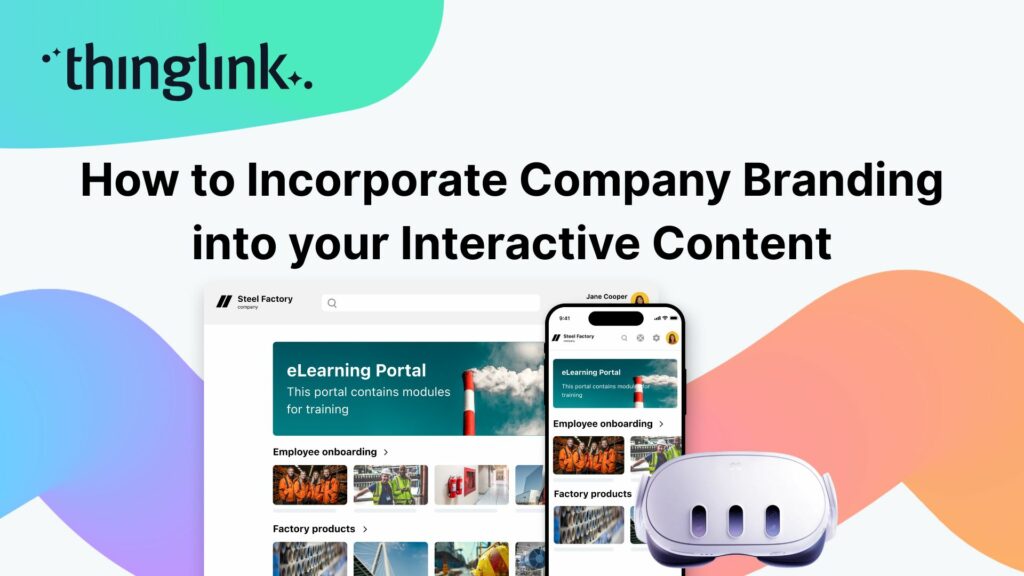
When creating any visual content for your business, it’s vital that your brand is reflected properly throughout the work. That goes for any content you create...
Are marketers a type of educator? As the Marketing Manager here at ThingLink, I’ve been pondering this question after I recently told one of my colleagues, “I...
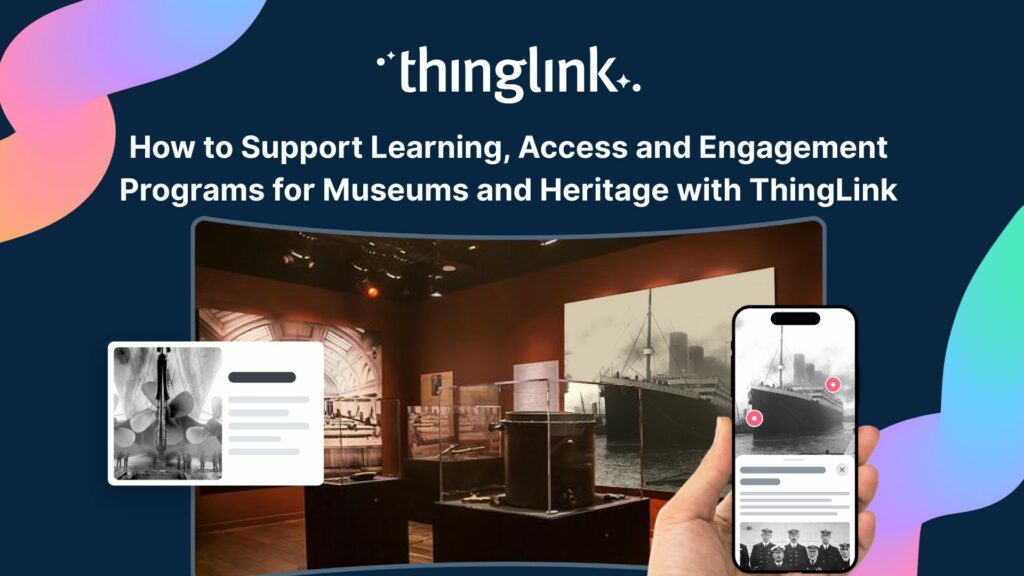
Museums and heritage organizations have always faced the challenge of making their collections both accessible and engaging, while also safeguarding them for future...
Kyla Ball
5 min read
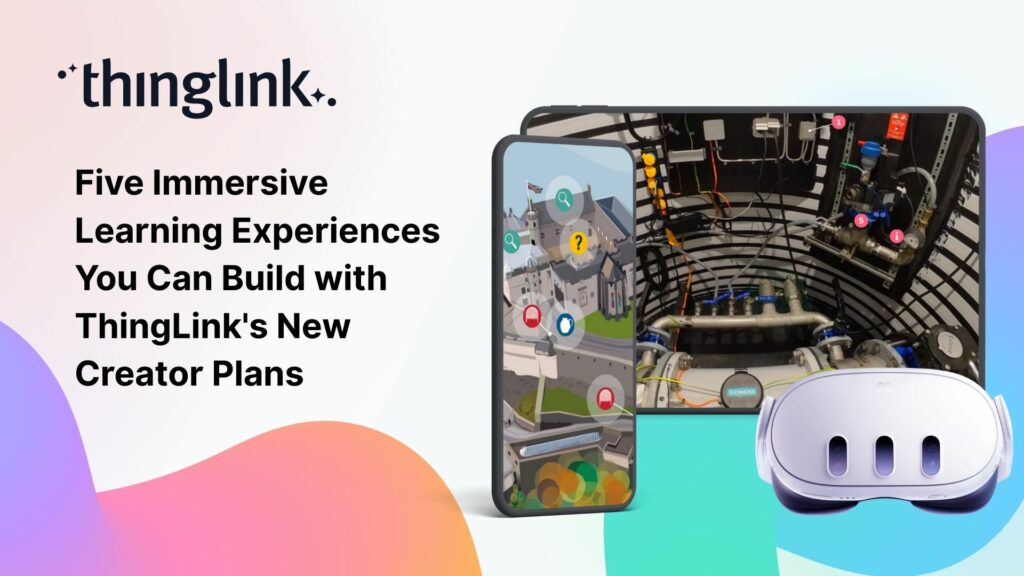
We believe immersive learning should be within reach for everyone, not just large organizations and institutions. That’s why ThingLink’s new Creator plans are...
Flexible monthly subscriptions now make it easier for cultural institutions to bring collections and exhibitions to life with interactive tours and spatial storytelling....
Kyla Ball
3 min read
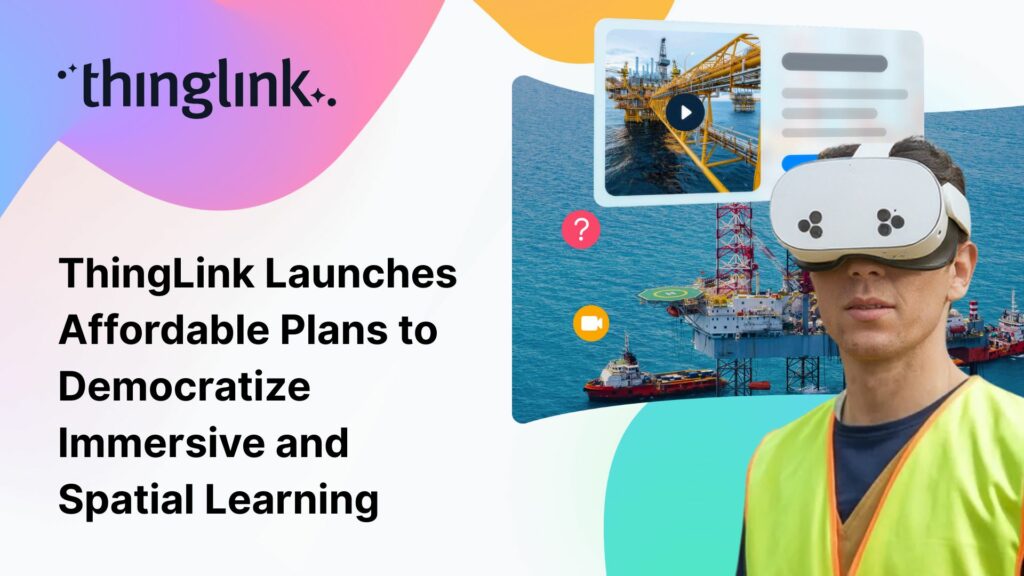
The New ThingLink Creator Plans are available as flexible monthly subscriptions, widening access for creators, trainers, and educators worldwide. Today, ThingLink...
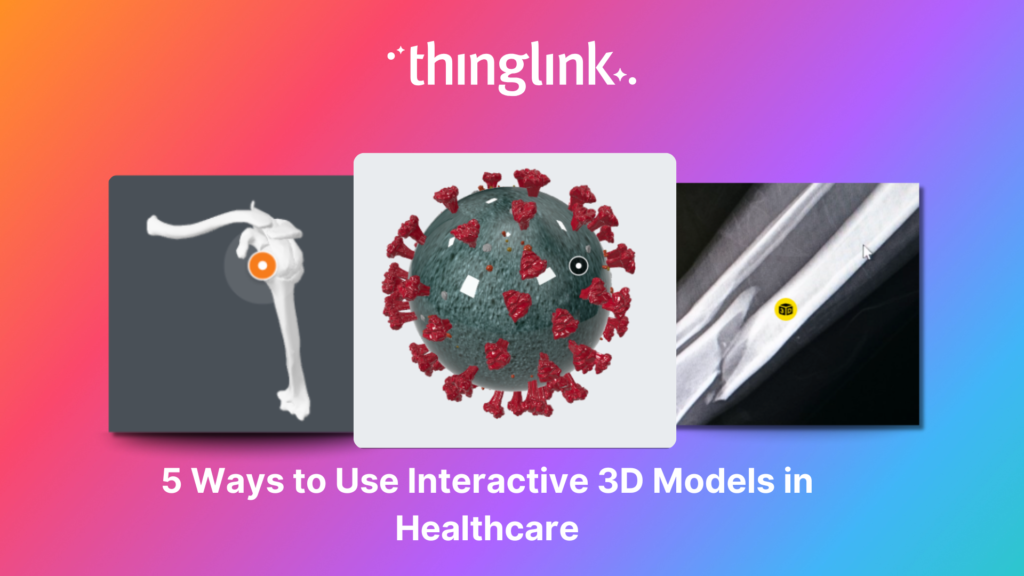
As technology continues to advance, virtual reality, augmented reality and 3D models are becoming much more commonplace across all industries, particularly healthcare. ...
As organizations continue to invest in digital learning, awareness and demand for immersive learning experiences in employee training are at an all-time high. Traditional...
Kyla Ball
6 min read
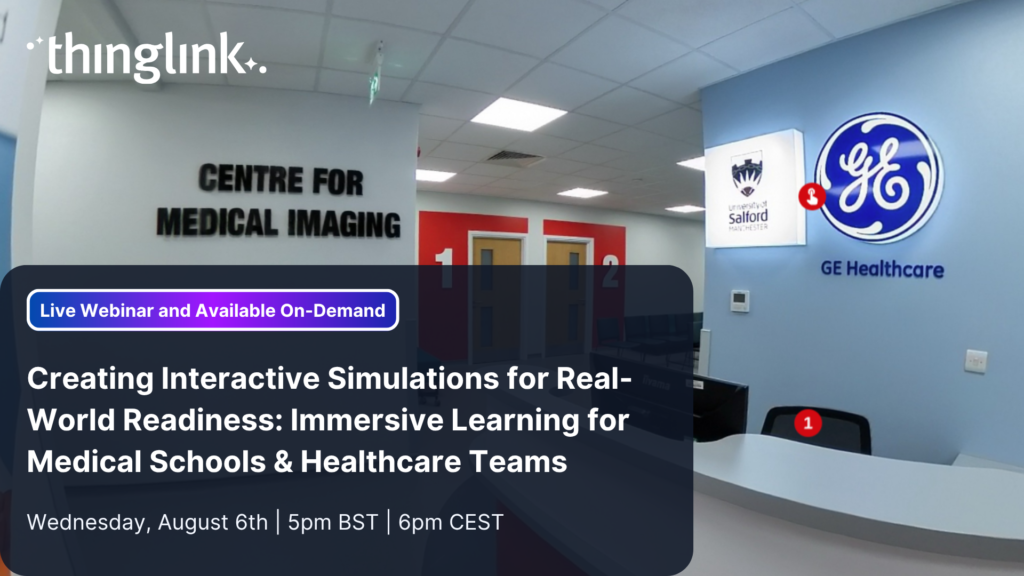
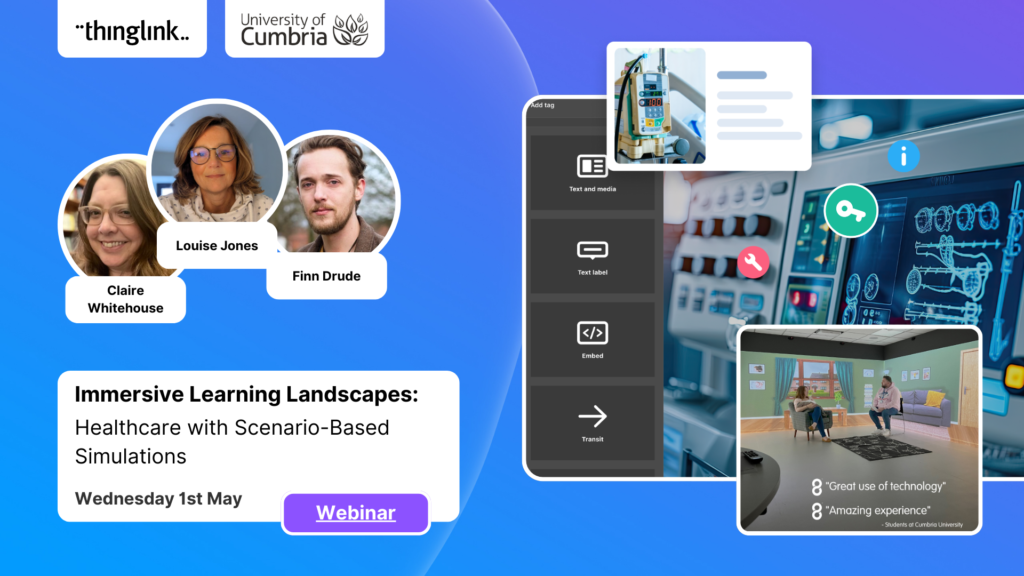
Creating Interactive Simulations for Real-World Readiness: Immersive Learning for Medical Schools & Healthcare Teams Where and When 📅 Date: Now On-Demand...
LEO, a forward-thinking British multi-academy trust, has pioneered a structured, pedagogy-first approach to digital learning that has driven significant gains in...
 Louise Jones
10 min read
Louise Jones
10 min read
At ThingLink, our mission is to empower educators, trainers, and content creators to build truly impactful digital learning experiences. We believe that great learning...
The global workforce is constantly evolving, which means that the strategies that companies use to attract and retain top talent have to evolve to keep pace. As...
Kyla Ball
5 min read
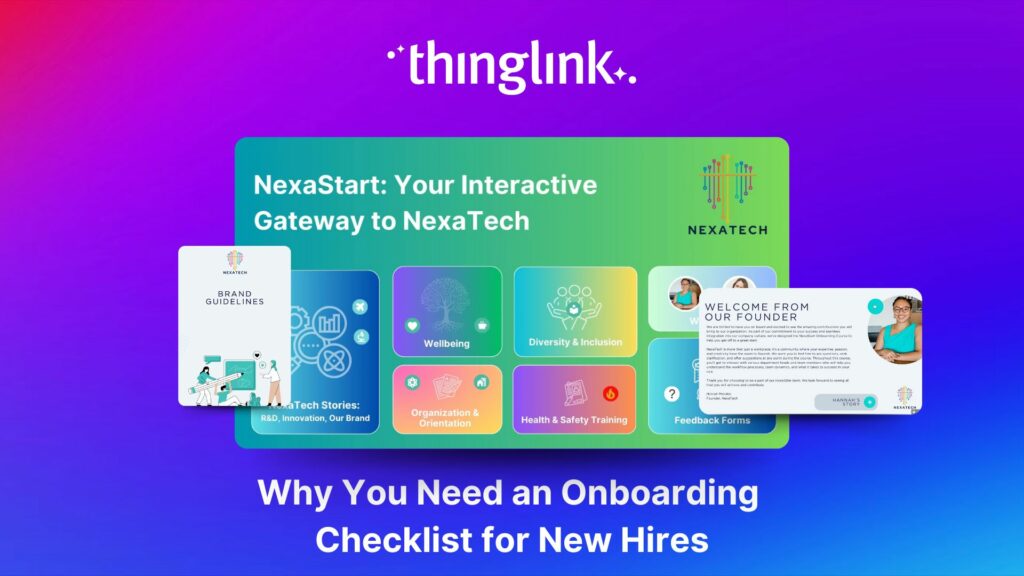
Welcoming a new employee should be an exciting time for any organization — but without a clear onboarding checklist, it can quickly become overwhelming for both...
Kyla Ball
5 min read
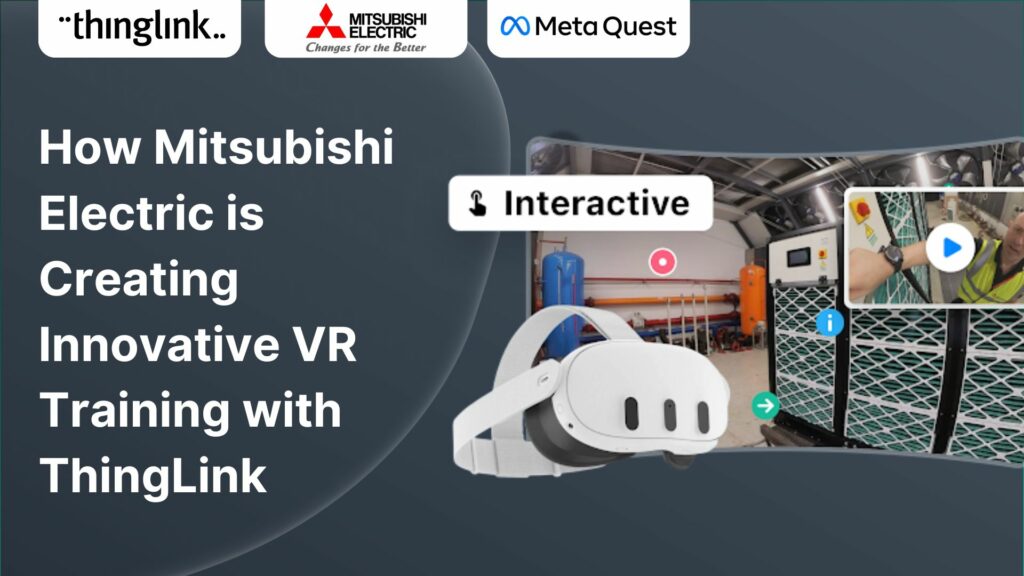
How Mitsubishi Electric UK Scales Immersive VR Training with ThingLink Securing the Next Generation of Engineers: How Mitsubishi Electric is Solving the Talent ...
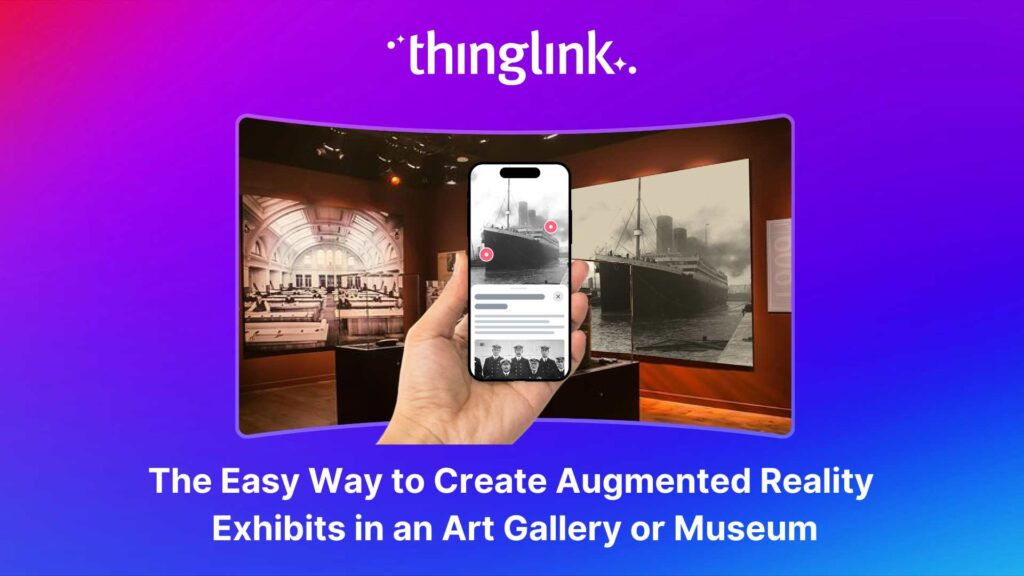
Over the last decade, mixed reality experiences using immersive technology have become increasingly commonplace throughout museums and art galleries worldwide. ...
Kyla Ball
5 min read
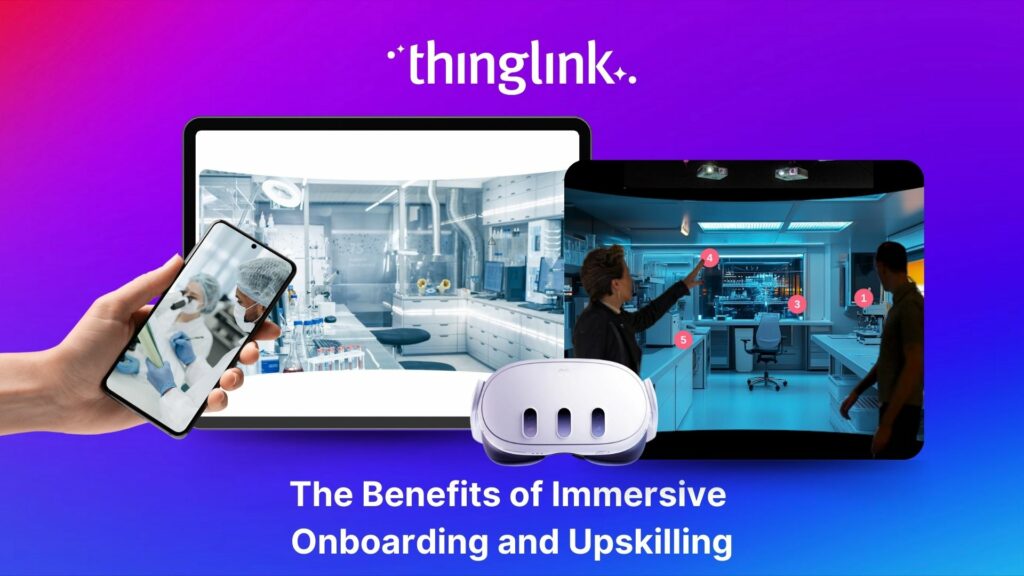
Whether bringing new hires up to speed or developing existing talent, an immersive approach to onboarding and upskilling delivers more engaging, memorable and scalable...
Kyla Ball
9 min read
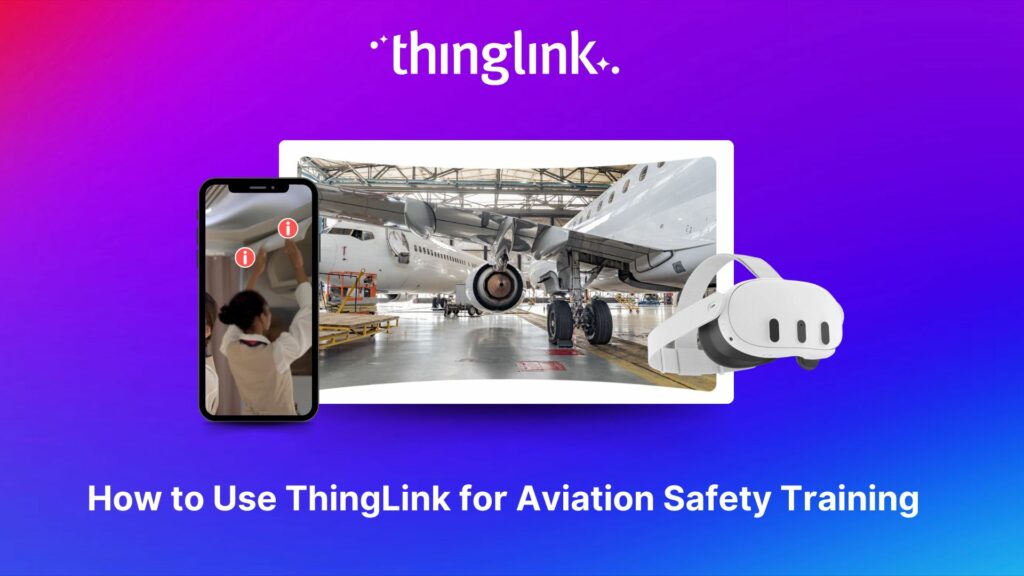
The high-stakes nature of aviation safety demands effective and engaging training methods. Traditional employee training approaches such as instructor-led training...
Kyla Ball
5 min read
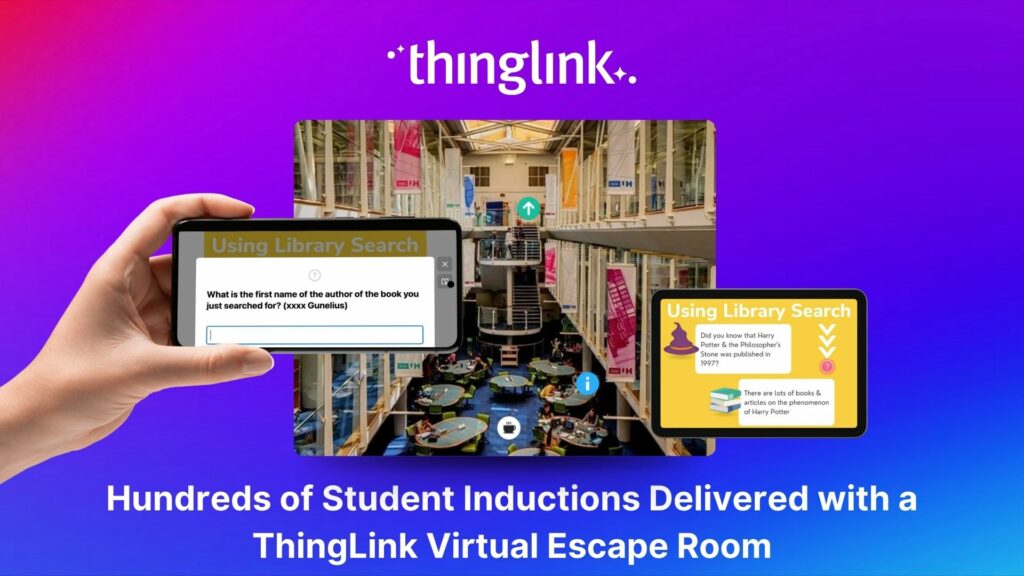
Louise Conway, Information Manager at the University of Hertfordshire (UK) has created an ingenious, engaging virtual escape room to ensure that new students are...
Kyla Ball
7 min read
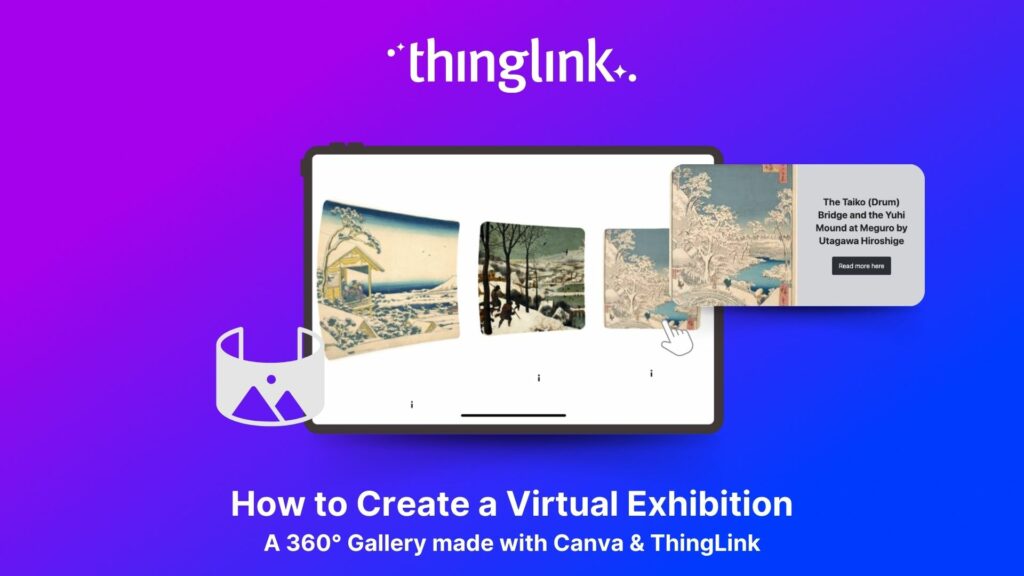
We show you how to make your own interactive 360° virtual art gallery with our Canva template and ThingLink The ThingLink Team have devised a quick and easy way...
Kyla Ball
4 min read
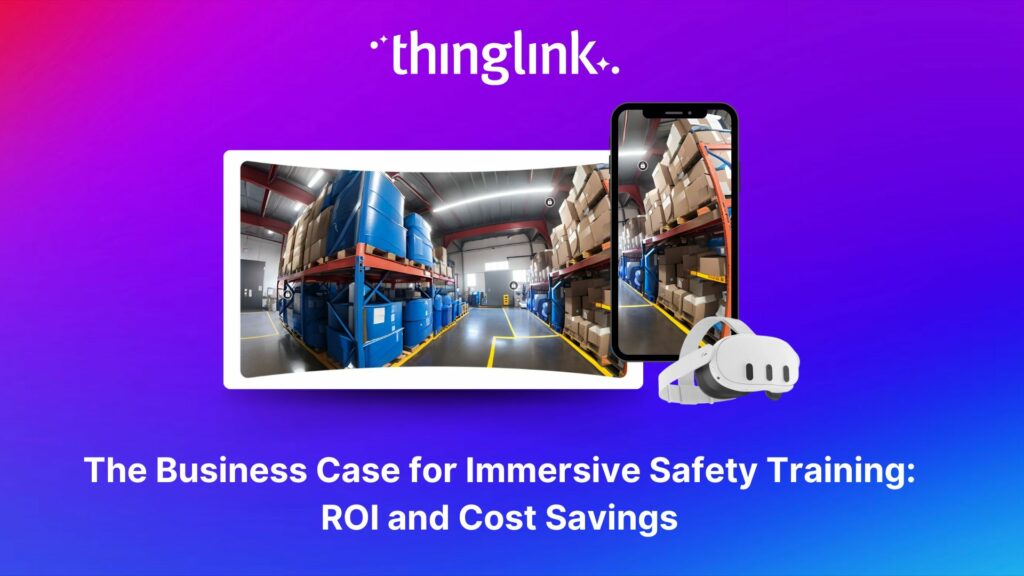
The human and financial costs associated with an accident at work are potentially catastrophic for any business, both in the immediate term and in terms of reputational...
Kyla Ball
11 min read
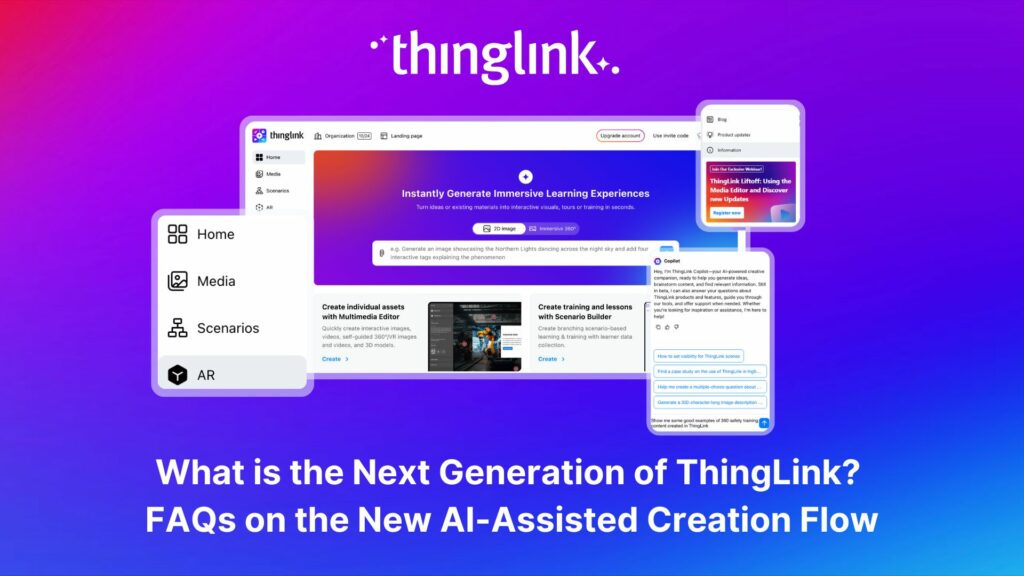
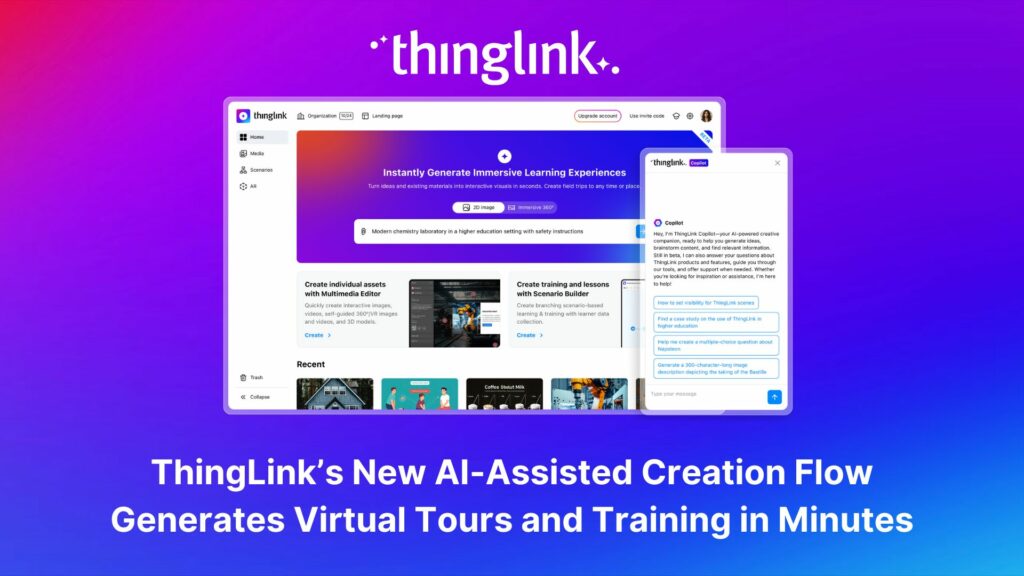
The next generation of ThingLink has launched, with the same easy-to-use immersive learning creation tools now accessible via a fresh new interface. Create interactive...
Kyla Ball
4 min read
💡 Did you know that organizations with a strong onboarding process improve new hire retention by 81% and productivity by over 50%?!* The days before and at the...
ThingLink, the AI-assisted immersive content creation platform for training and education, continues to grow its global team alongside the expansion and development...
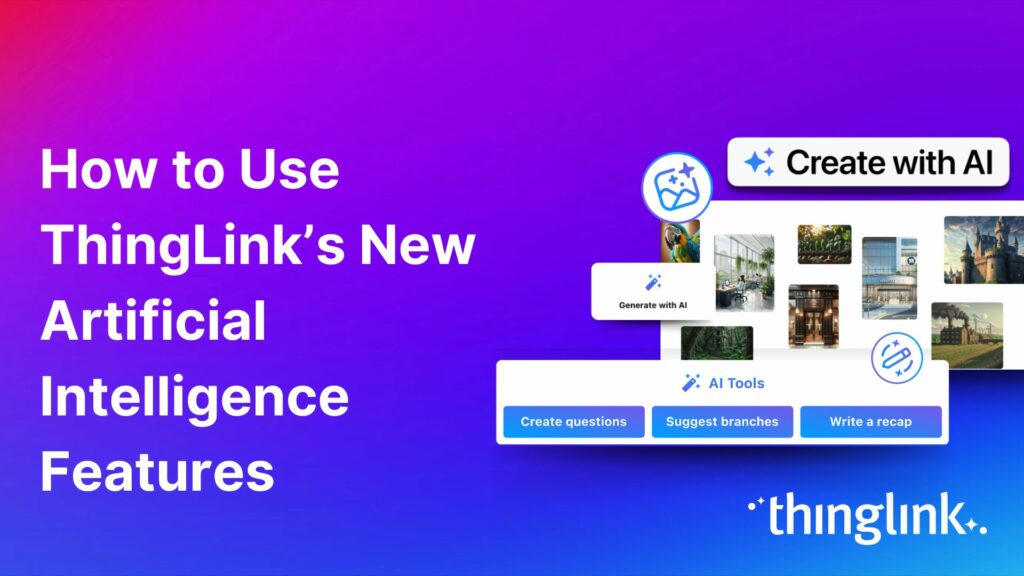
As digital transformation accelerates across industries, the demand for intuitive AI tools that empower non-technical users to create sophisticated learning experiences...
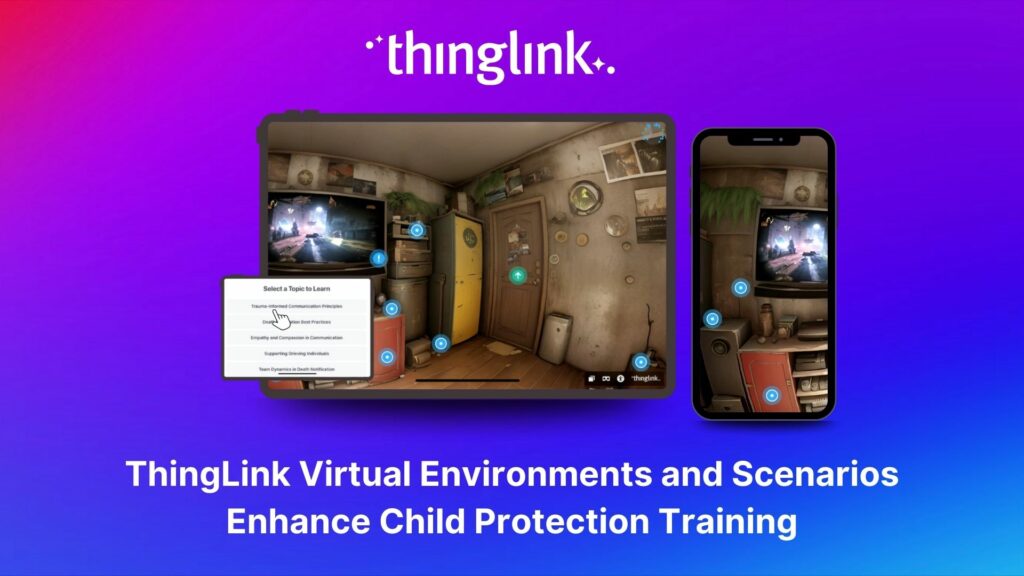
Background Zero Abuse Project (founded in 2018) is a non-profit organization based in the US. Their mission is “To protect children from abuse and sexual assault,...
Kyla Ball
8 min read
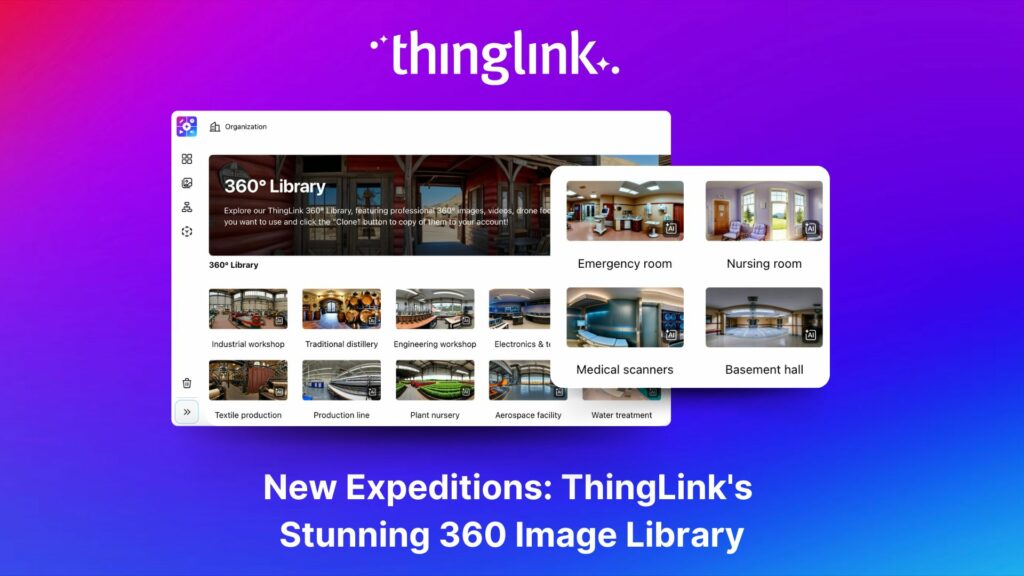
ThingLink’s 360 Image Library is a curated collection of professional 360 images from culturally relevant natural and historic sites. You can use the images...
Kyla Ball
4 min read
As the modern workforce evolves, creating employee training programs that are engaging, impactful, and scalable has been a growing challenge for organizations. ...
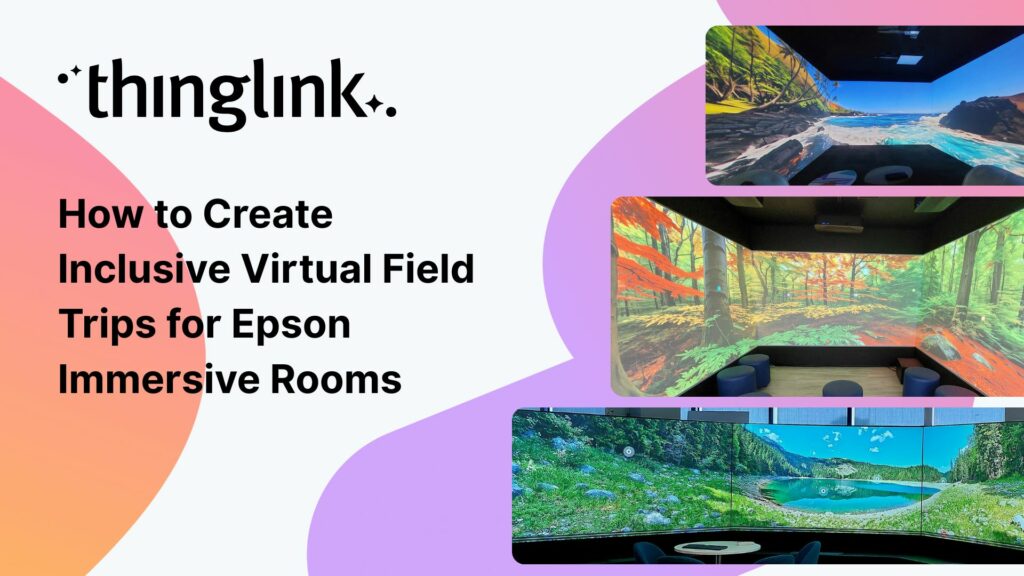
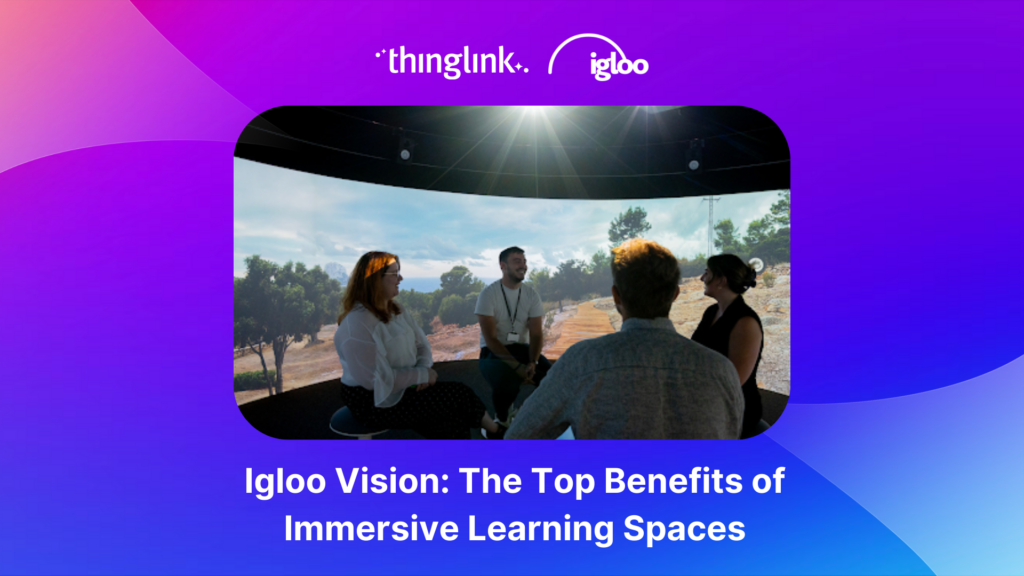
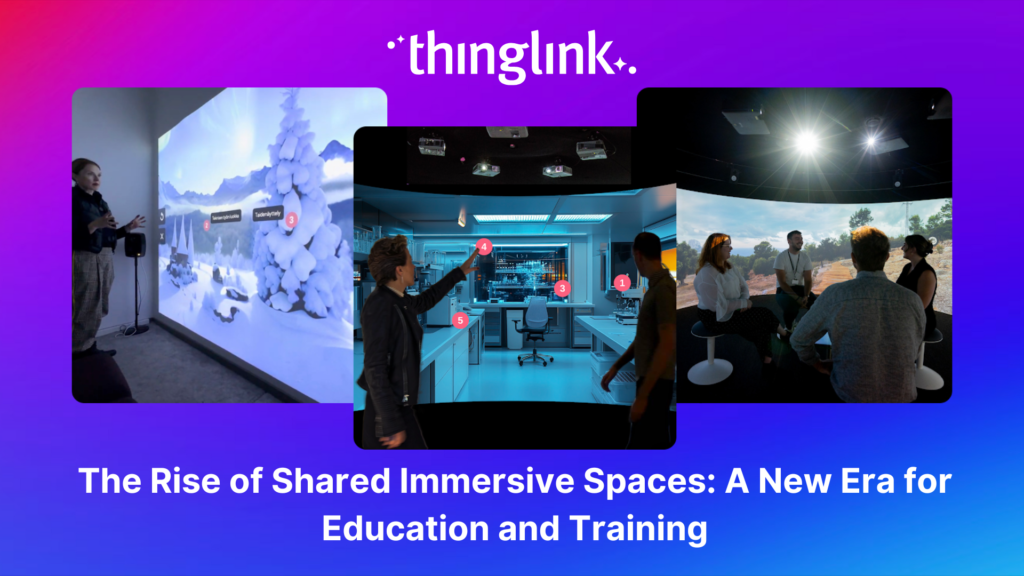
The increasing interest and adoption of shared immersive spaces in recent years reflects a shift in the way we see the future of learning, future of education, ...
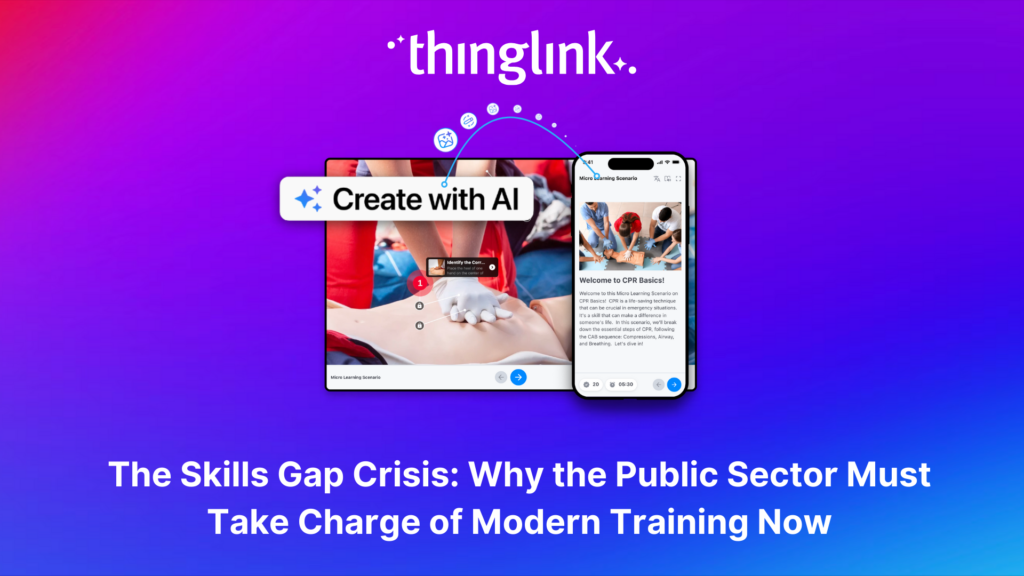
The world of work is evolving faster than ever, transforming industries and creating new demands on the workforce. While the private sector and higher education...
As organizations transition from a Generation X-dominated workforce to one led by Millennials and Generation Z, the need to modernize training programs has become...
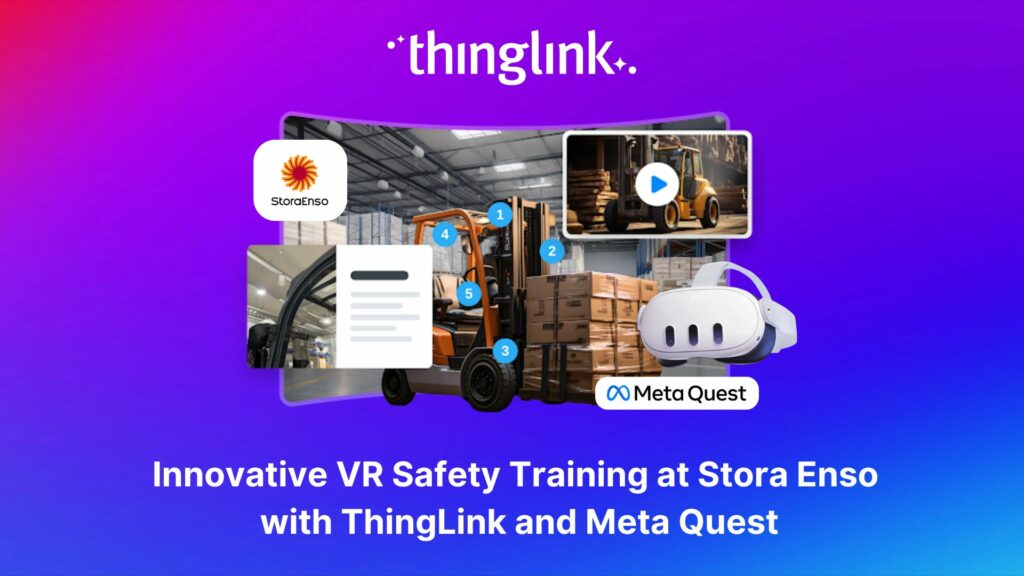
Updated 18.6.2025 Background Stora Enso is a company based in Finland and Sweden, and develops solutions based on wood and biomass for a diverse range of industries...
Kyla Ball
5 min read
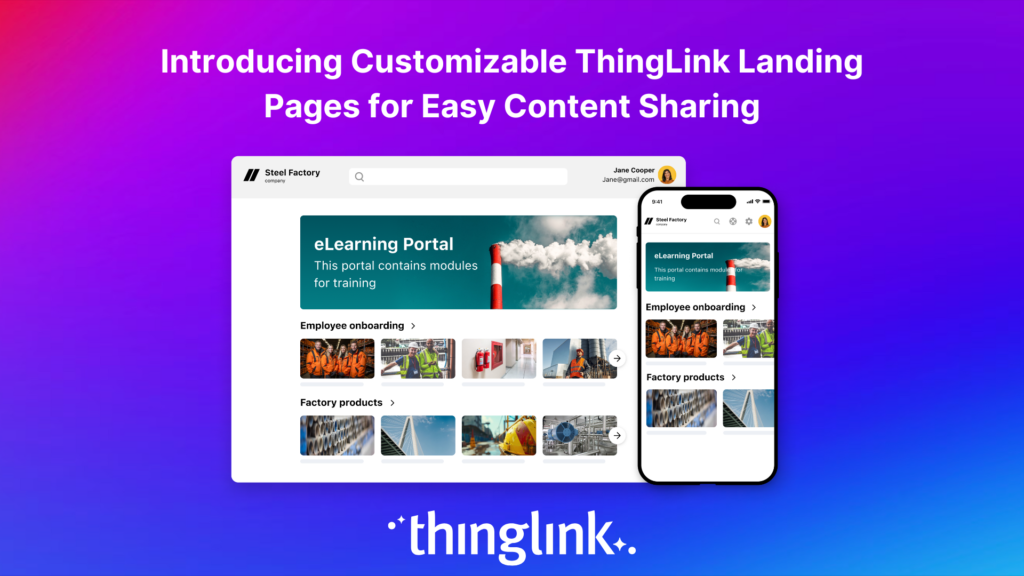
Following recent updates and improvements to ThingLink Scenario Builder, ThingLink now allows organizations to create customizable landing pages for easy sharing...
Here are some commonly asked questions and answers, if you do not find an answer that resolves your question please do not hesitate to get in touch with us at support@thinglink.com...
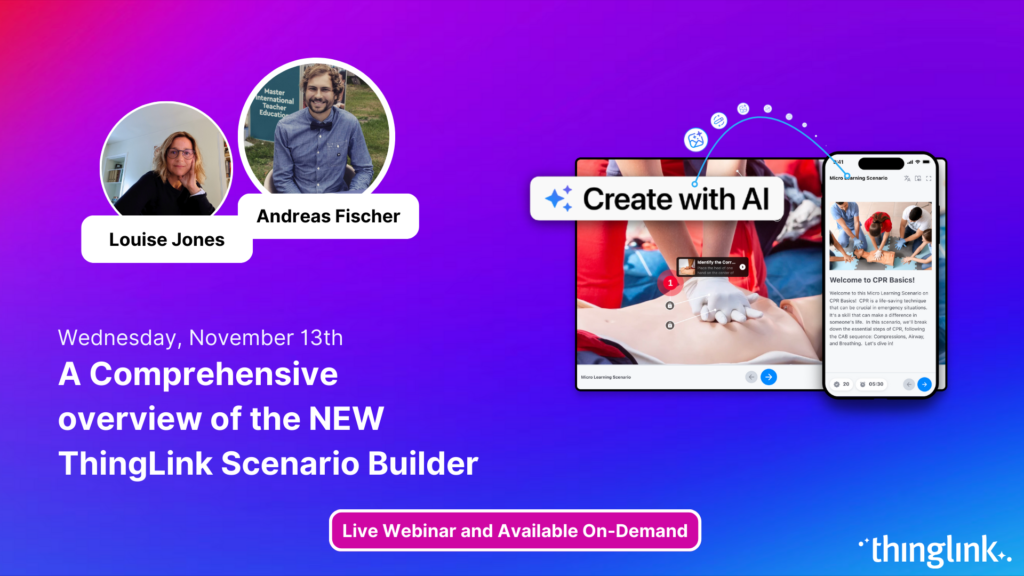
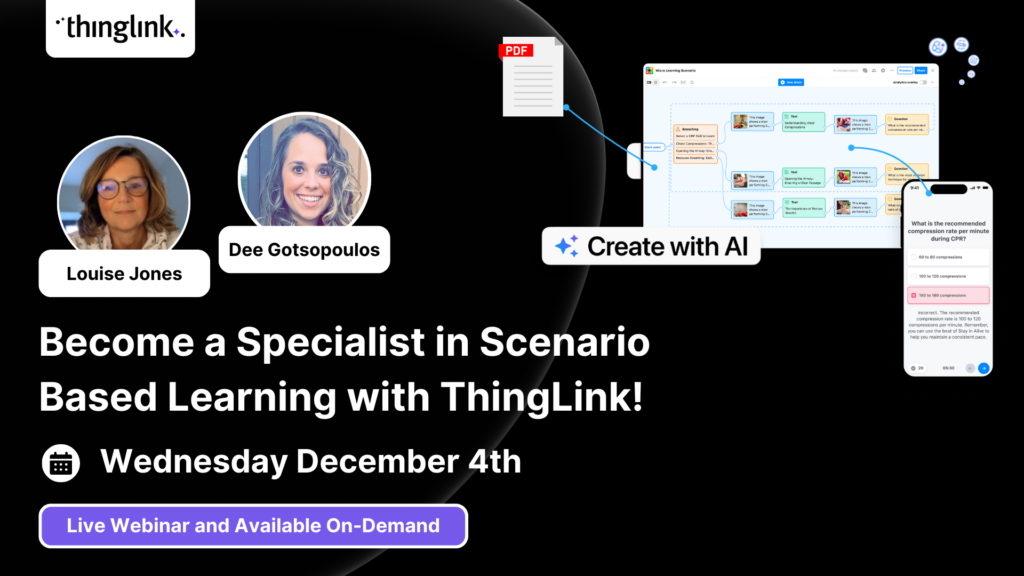
Join us for an exciting exploration of ThingLink’s updated Scenario Builder! In this session, we’ll showcase two powerful paths for scenario creation: building...
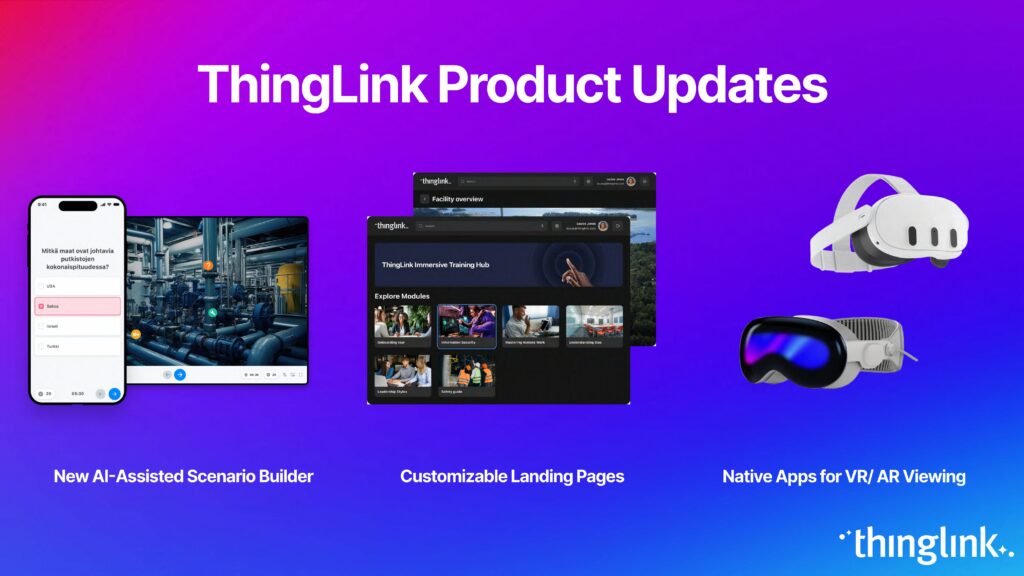
Over the next few weeks, ThingLink will be rolling out a series of new or updated products that are essential for any organization that is looking to modernize ...
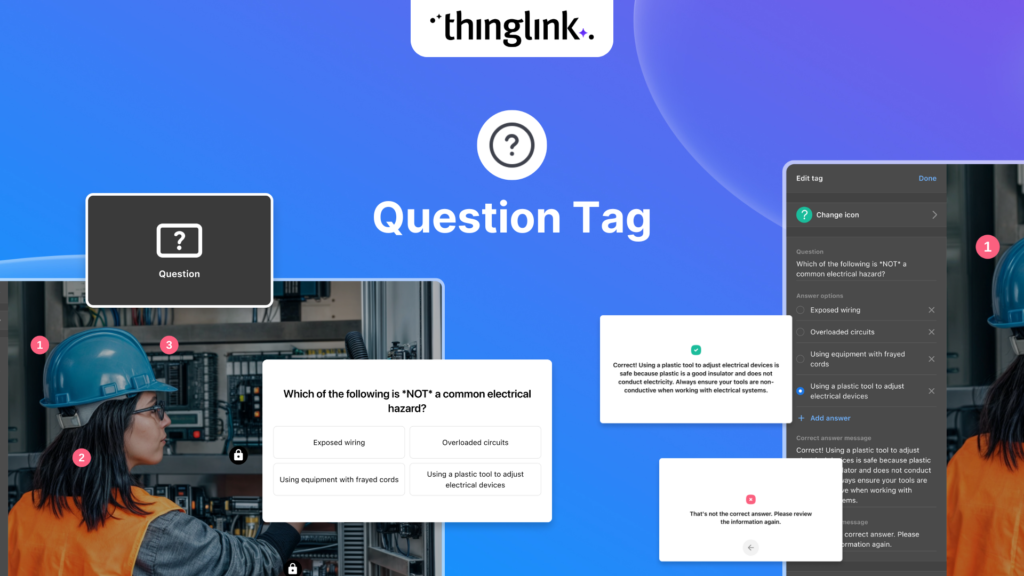
We’re thrilled to introduce a brand-new feature to enhance your learning experiences – the new question tag type for the ThingLink Multimedia Editor! Whether...
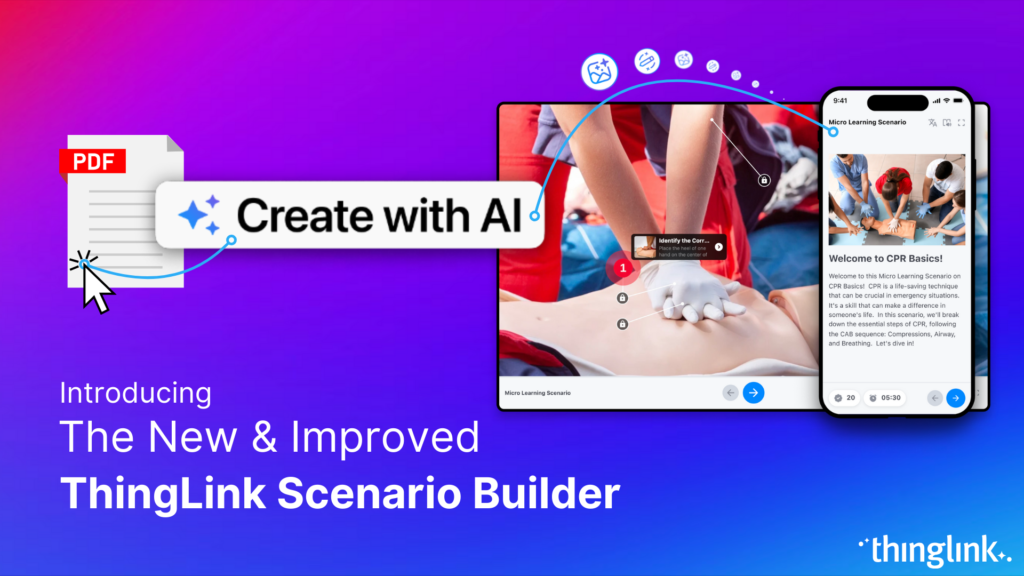
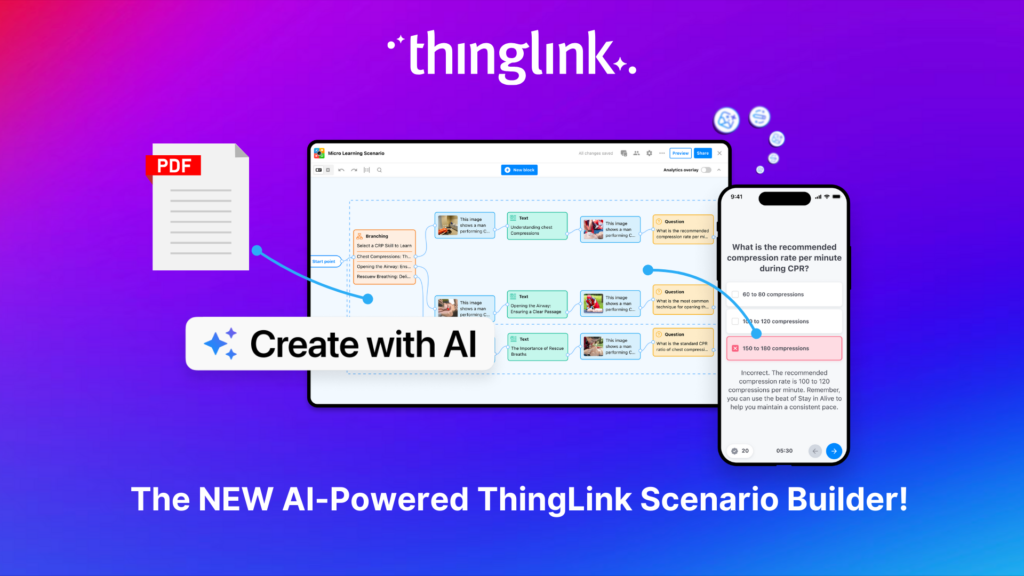
Updates and improvements to ThingLink’s Scenario Builder offer a quick and easy solution for creating immersive learning and interactive training experiences,...
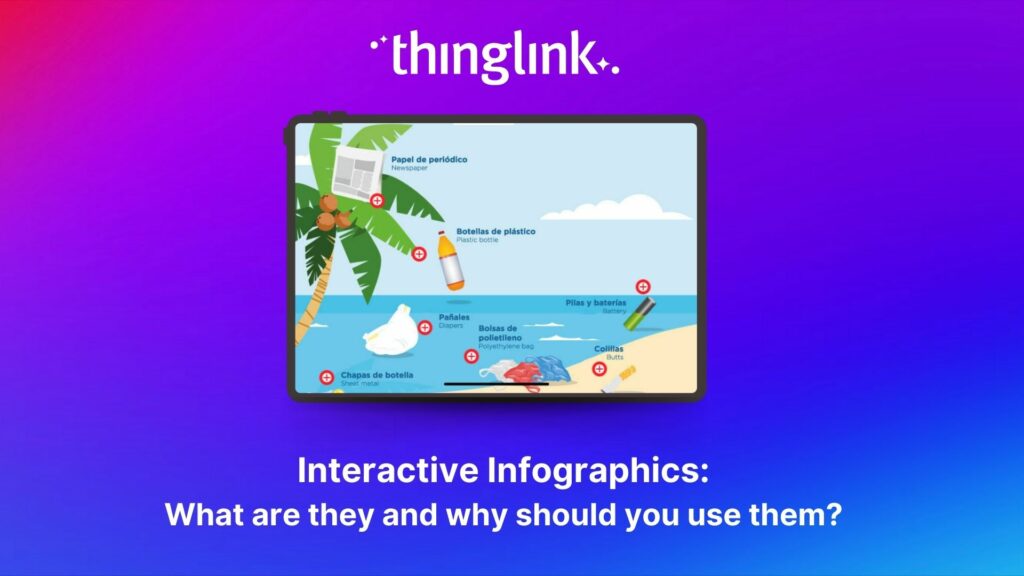
Infographics are the fastest and easiest way to present any complex information. In this blog we’ll show you how to create interactive infographic designs even...
Discover the New ThingLink Scenario Builder and Ways to Transform the Static to Interactive In Fall 2024, ThingLink revolutionized the world of Scenario Based Learning...
Meet the new and improved ThingLink Scenario Builder, your ultimate tool for transforming static content into immersive, interactive experiences. With AI-powered...
Rob McCrae is the AI Lead and ICT Director at Diocesan School for Girls in Auckland, New Zealand, an independent school of 1600 students aged 5-18. Earlier this...
Kyla Ball
5 min read
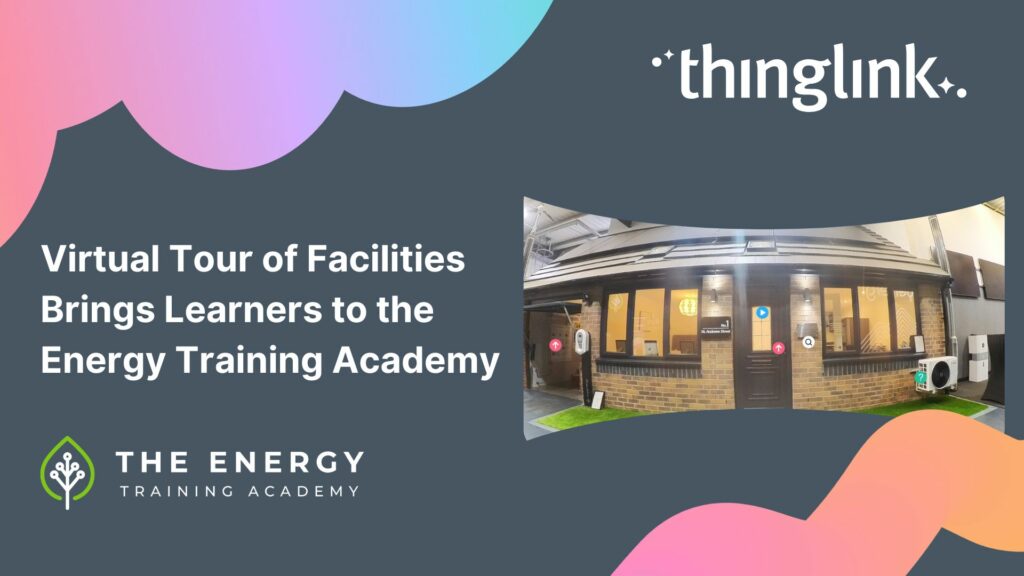
In this case study we explore how an innovative training provider is using ThingLink to help attract and develop the next generation of heating engineers ready ...
Kyla Ball
6 min read
To help you stay ahead, we’re excited to present our webinar “Innovation in Learning and Development”, where we’ll explore these emerging trends...
Mitsubishi Electric was founded over a century ago and now has offices around the world. The first Mitsubishi Electric UK (MEUK) office opened in 1969 and since...
Kyla Ball
7 min read
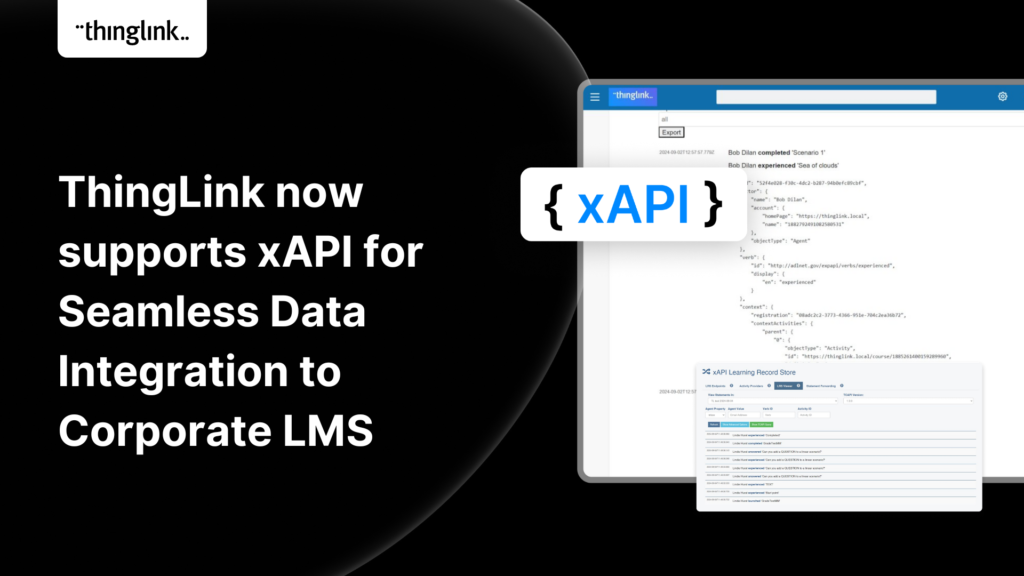
We are delighted to share that ThingLink now supports xAPI for tracking and sharing analytics from immersive learning experiences with other learning systems. This,...
Unlocking the Power of xAPI: Enhancing ThingLink’s Integration Capabilities Introduction: In the fast-evolving world of digital learning, tracking and analyzing...
Introduction: Operational resilience is no longer just about maintaining business continuity; it’s about staying adaptable and responsive to evolving challenges....
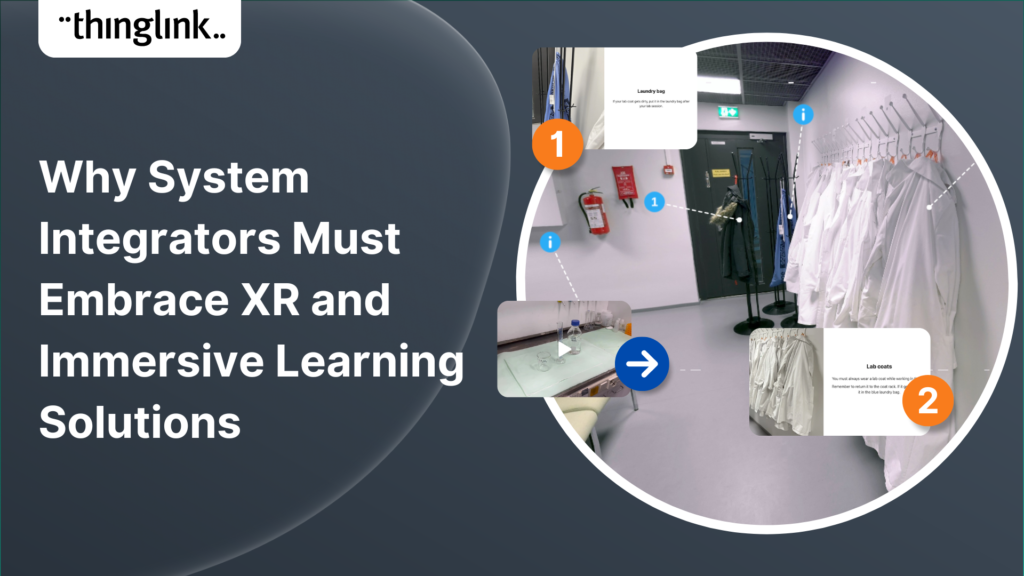
In an era where learning experiences are rapidly evolving, system integrators hold a critical role in helping organizations upgrade their digital learning infrastructures....
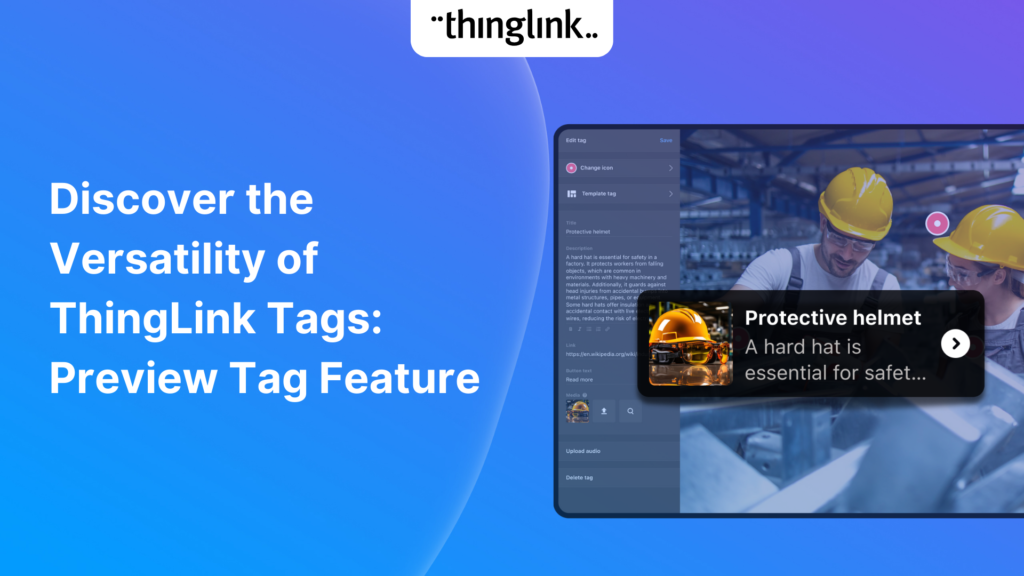
We’re excited to introduce a feature that helps reduce cognitive overload by offering a quick preview of what’s inside text and media tags. Now, when viewers...
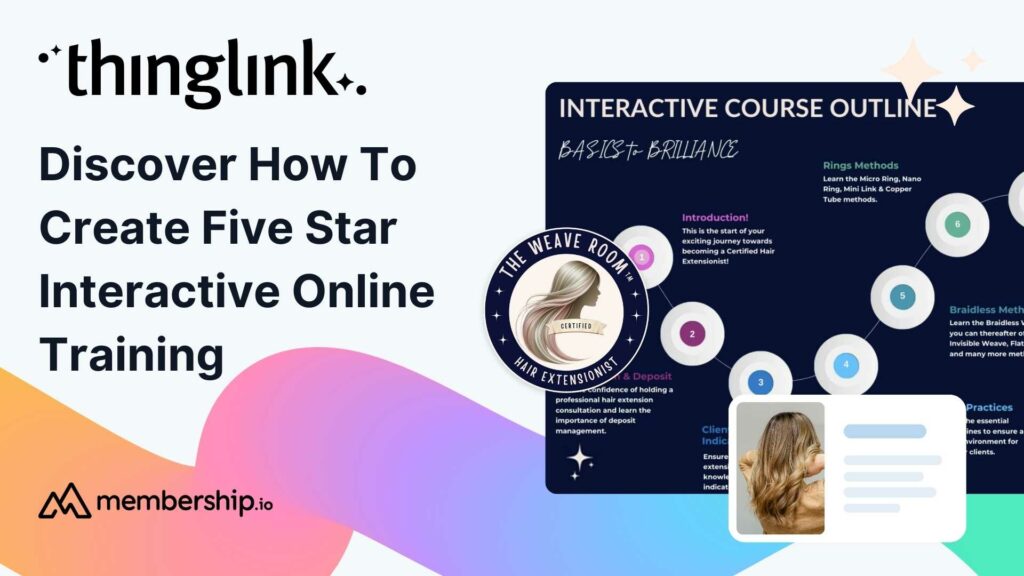
This post presents the background of how the The Weave RoomTM created an engaging, interactive and polished online training course with ThingLink, which was so ...
ThingLink now holds the ISO 27001 certification, a globally recognized standard for information security management. This accomplishment underscores our commitment...
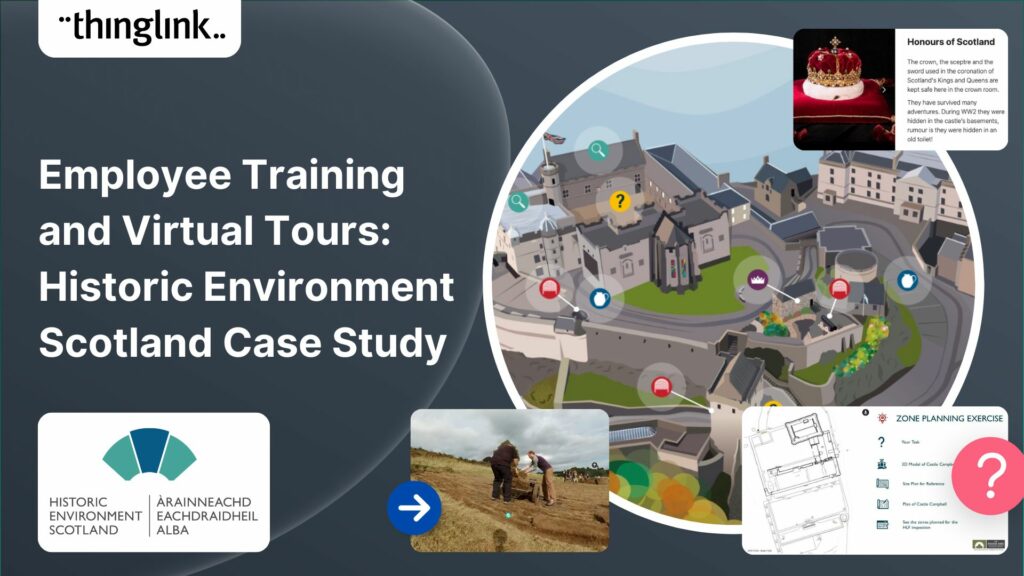
Caring for Scotland’s Heritage Historic Environment Scotland (HES) was formed in 2015 when Scottish Government agency Historic Scotland merged with the Royal ...
Kyla Ball
9 min read
In 2023, we launched an exciting group of webinars, to engage with ThingLink creators and explore how AI could be integrated into their work. ThingLink Founder ...
Creating accessible online course content is critical for educators, trainers and content creators, but it need not be daunting! ThingLink is a platform that allows...
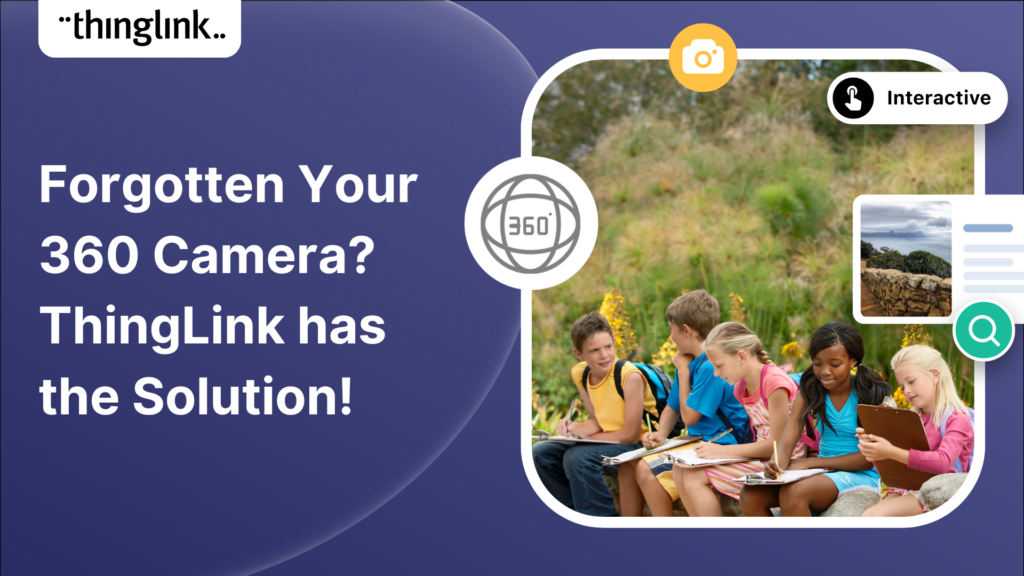
If you’re heading out on an educational trip this end of term, don’t forget your 360 camera to ensure you can re-create the trip as a virtual tour. ...
Kyla Ball
3 min read
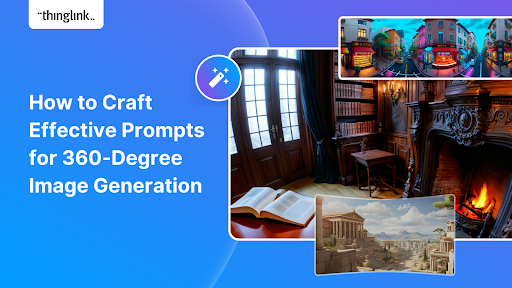
Creating compelling prompts for your immersive 360-degree AI-generated images requires descriptive language that captures the scene’s essence and style as...
Finding engaging and effective methods to train employees is crucial for both individual skill development and team cohesion in any organisation. An escape room...
Kyla Ball
7 min read
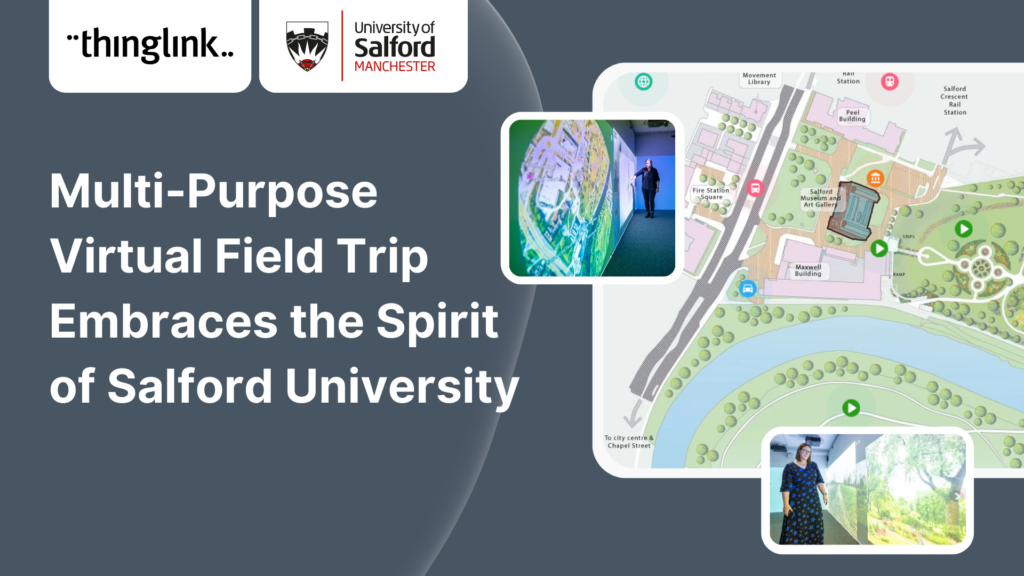
In this case study we look at an inspiring example of collaboration between a university and its local community. The university has created a multi-purpose interactive...
Kyla Ball
6 min read
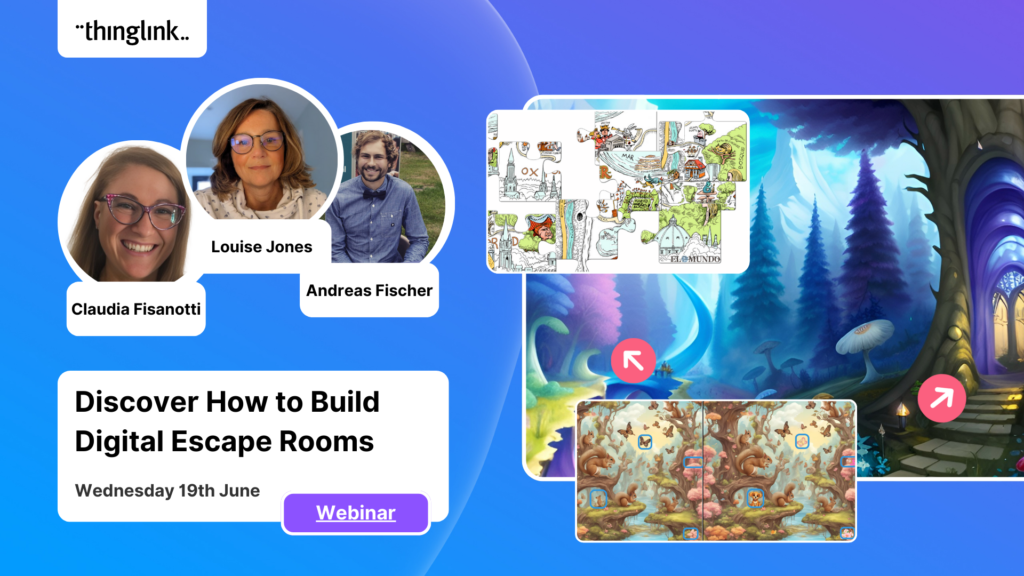
Are you an educator, corporate trainer, or just someone passionate about innovative immersive learning experiences? Our upcoming webinar, “How to Build Digital...
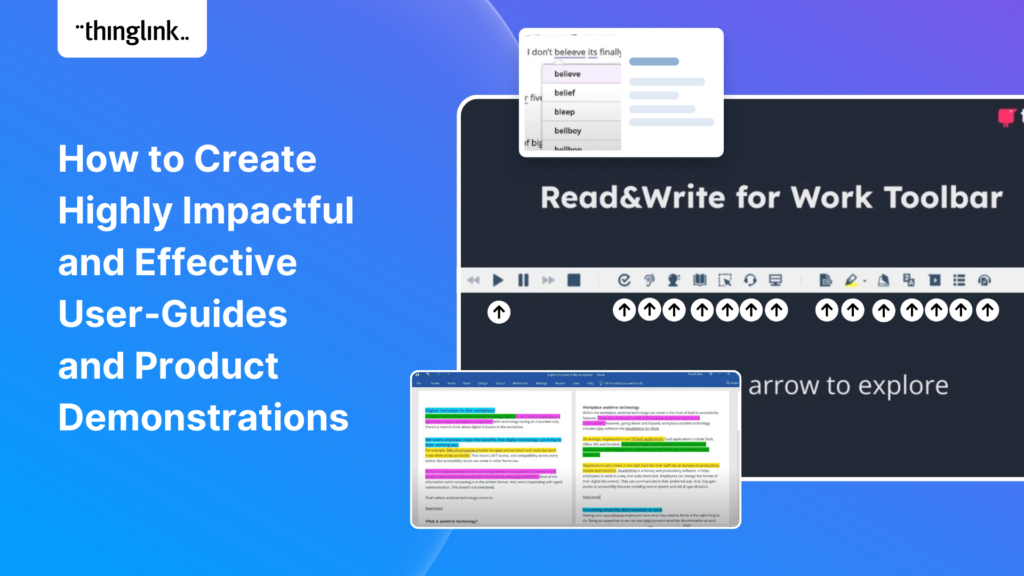
Optimize Your User Guides or Product Marketing Strategies with Interactive Product Demonstrations Using ThingLink Capturing your target audience’s attention...
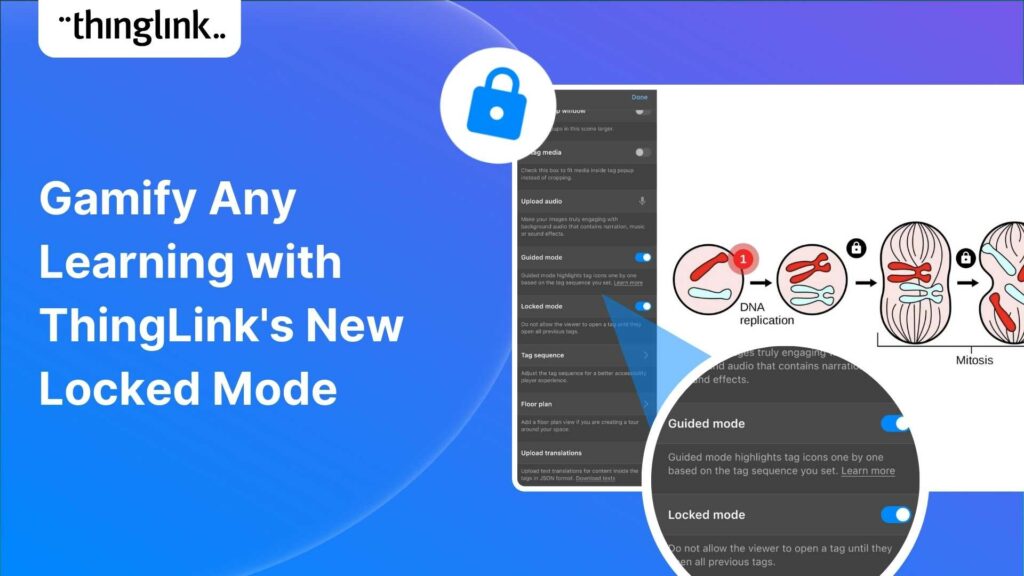
Creators can now enable new Locked Mode for tags, allowing learners to unlock new information as they progress through a scene in a set sequence. In this post we’ll...
Kyla Ball
4 min read
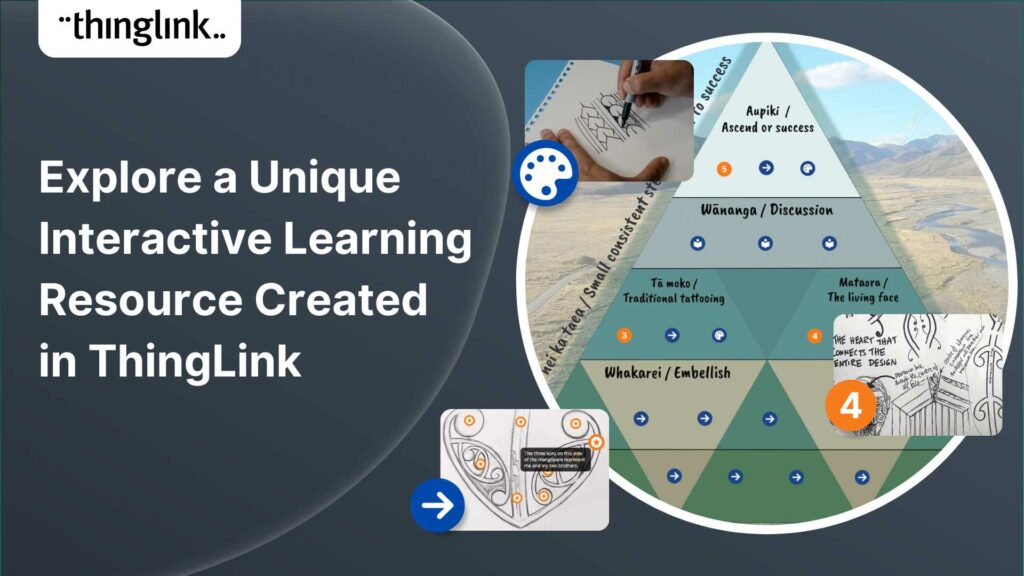
Katrina Lilly is a teacher at Te Aratai College in New Zealand, and recently finished a Masters in Contemporary Education at AcademyEx. As part of her masters she...
Kyla Ball
6 min read
ThingLink has become an essential tool across numerous industries, making the learning experience more relevant and relatable at every stage. The impact in healthcare...
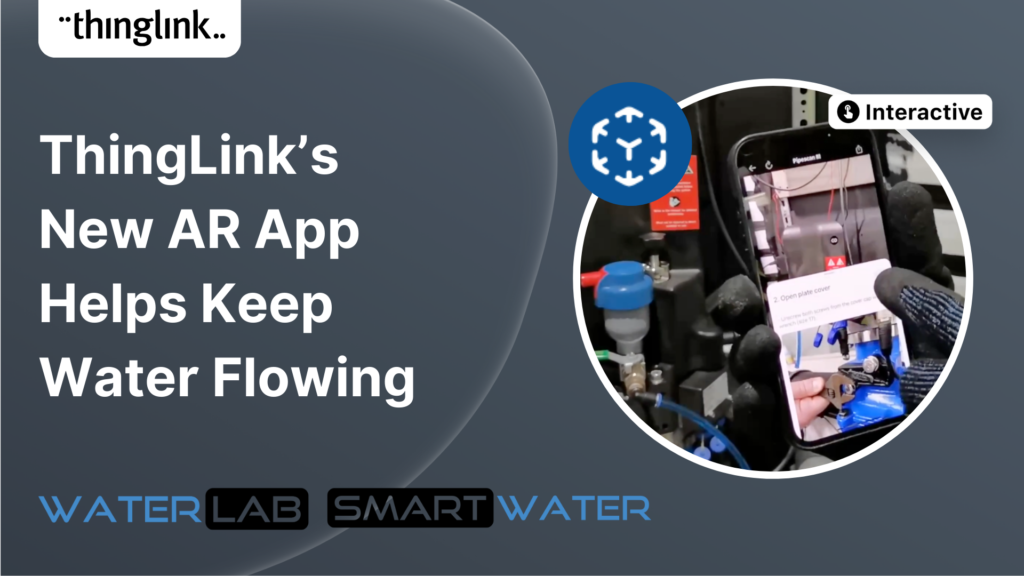
ThingLink’s AR Solution Helps Operators Troubleshoot Critical Water Network Issues Clean, safe water on demand is a fundamental expectation and mainstay...
Kyla Ball
7 min read
Discover the future of nursing education with the “Care for Europe” project, where immersive tours and interactive modules seamlessly prepare students...
💡 ThingLink Launches their AR Solution: Augmented Reality Simplified for All 📱 Breathe life into the ordinary with ThingLink’s brand new Augmented Reality...
We are delighted to invite you to our webinar! ThingLink Host Louise Jones welcomed special guest star Jon Neale from Quizizz for a fun discussion and live demonstration...
Discover the new ThingLink Augmented Reality App! In this exclusive free webinar Louise from ThingLink is joined by Special Guests Patryk Wójtowicz, Savonia University...
Scalable XR Project, spearheaded by ThingLink Oy, embarks on a transformative journey to redefine the landscape of XR technology in learning and development. This...
Creating a Virtual Escape Room is now even easier with ThingLink’s Scenario Builder ready-made template! Escape rooms (sometimes called breakout rooms) have...
Kyla Ball
4 min read
What a webinar! “Discover Immersive Learning with ThingLink and Adobe Express,” draws upon insights from the recent BETT Education Technology Show. ...
Museums worldwide are finding innovative ways to enhance their visitor experiences both on and offline. One such innovation is the virtual museum tour. Perhaps ...
Kyla Ball
4 min read
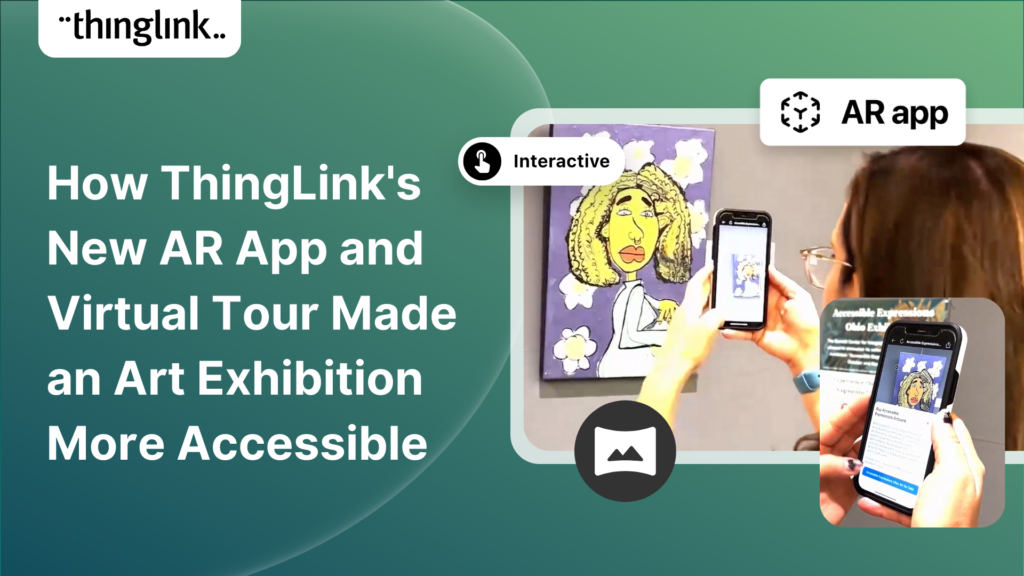
In the fall of 2023, Ohio State University’s College of Arts and Sciences Office of Distance Education (ASC ODE) began a collaboration with the college’s...
Kyla Ball
6 min read