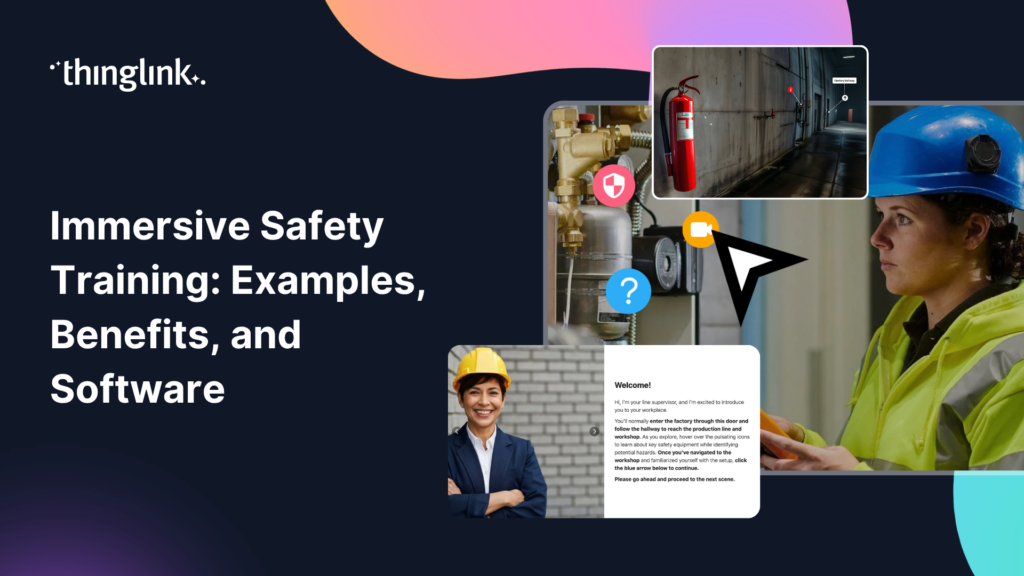
Immersive Safety Training: Examples, Benefits, and Software
What if your employees could practise a hazardous procedure, make a wrong decision, and experience the consequences without anyone getting hurt? That is the promise of immersive safety training, and it is one that more Learning and Development teams are starting to deliver.
Immersive safety training uses interactive environments, simulations, VR, AR, and scenario-based learning to prepare employees for real-world risks in a completely safe setting. For organisations operating in high-risk industries, traditional slides and classroom sessions can struggle to provide the realism, practice, and engagement that employees actually need.
The scale of the challenge is significant. The International Labour Organization estimates that more than 2.3 million workers die each year from work-related causes, while hundreds of millions experience non-fatal injuries. Beyond the human cost, workplace incidents carry substantial financial and operational consequences.
ThingLink helps L&D teams create and deliver immersive safety training quickly, without coding or specialist development skills. This guide walks you through what immersive safety training looks like in practice, why organisations are investing in it, and how you can get started.
What Is Immersive Safety Training?
Immersive safety training recreates real workplaces, equipment, processes, or hazardous situations inside interactive digital environments. Rather than reading about a procedure or watching a passive video, learners can explore, interact, make decisions, and practise responses in a space that mirrors the real world.
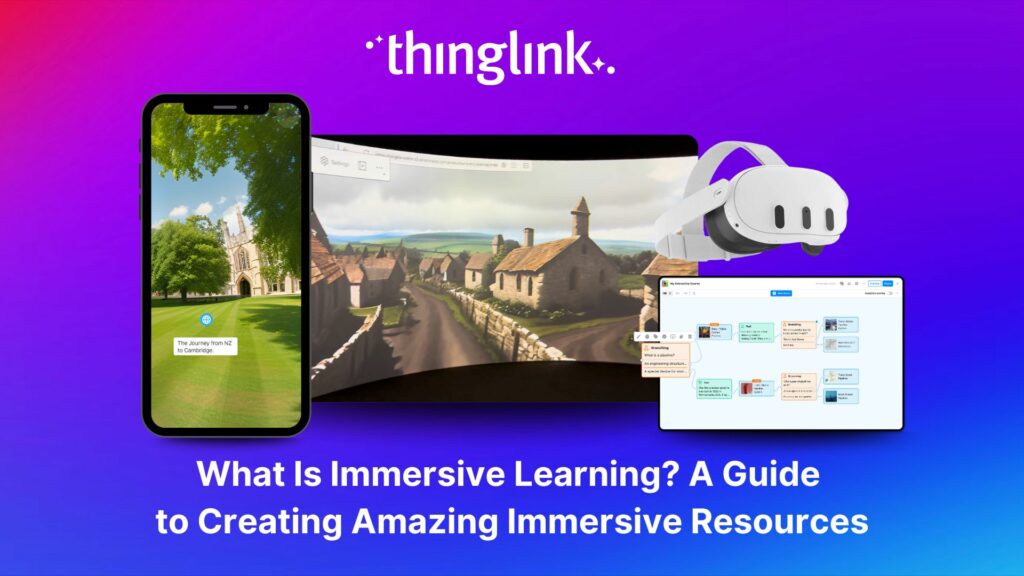
If you are new to the concept, What Is Immersive Learning? A Guide to Creating Amazing Immersive Resources is a good place to start before diving into safety-specific applications.
360° Environments and Virtual Workplace Tours
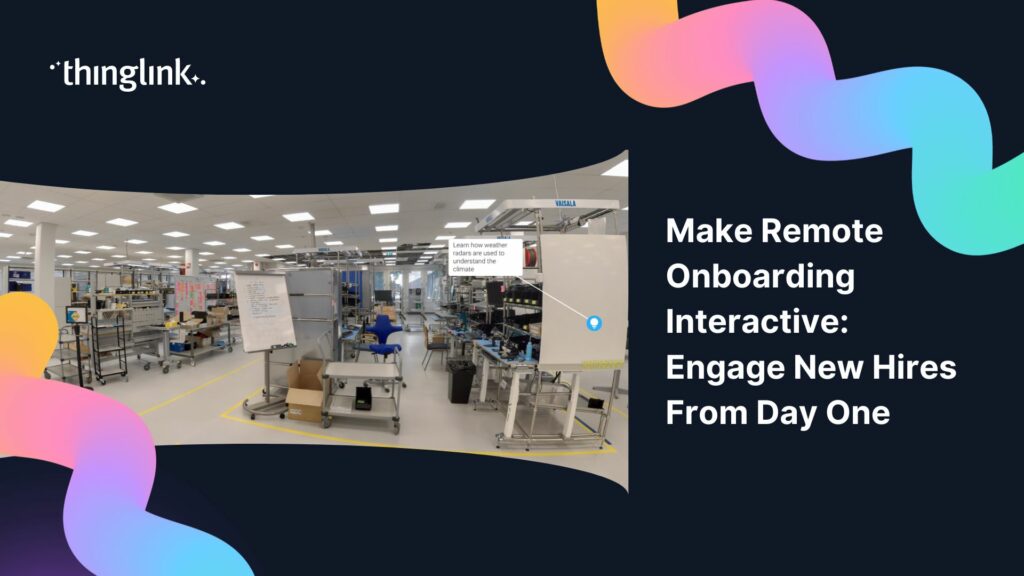
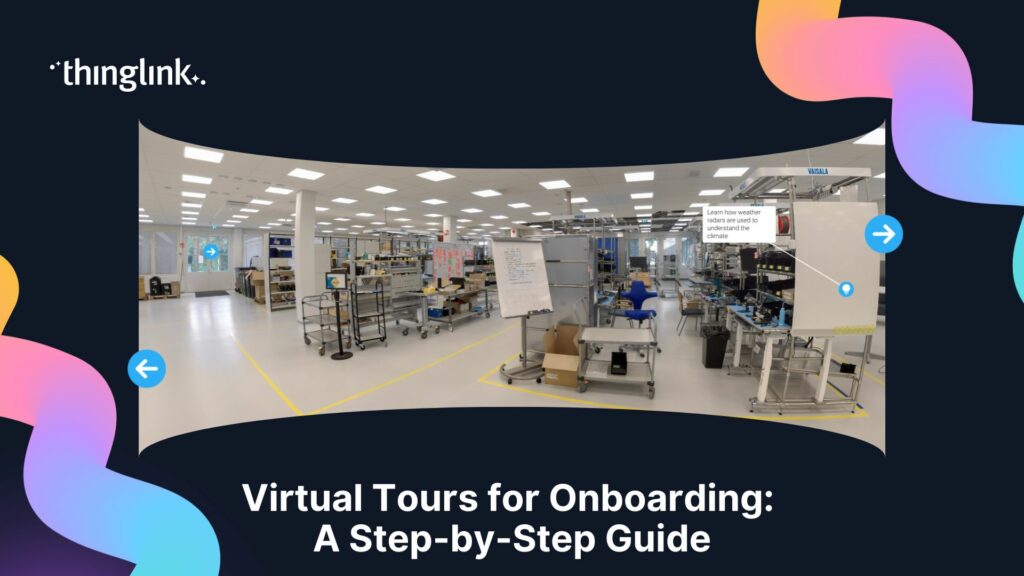
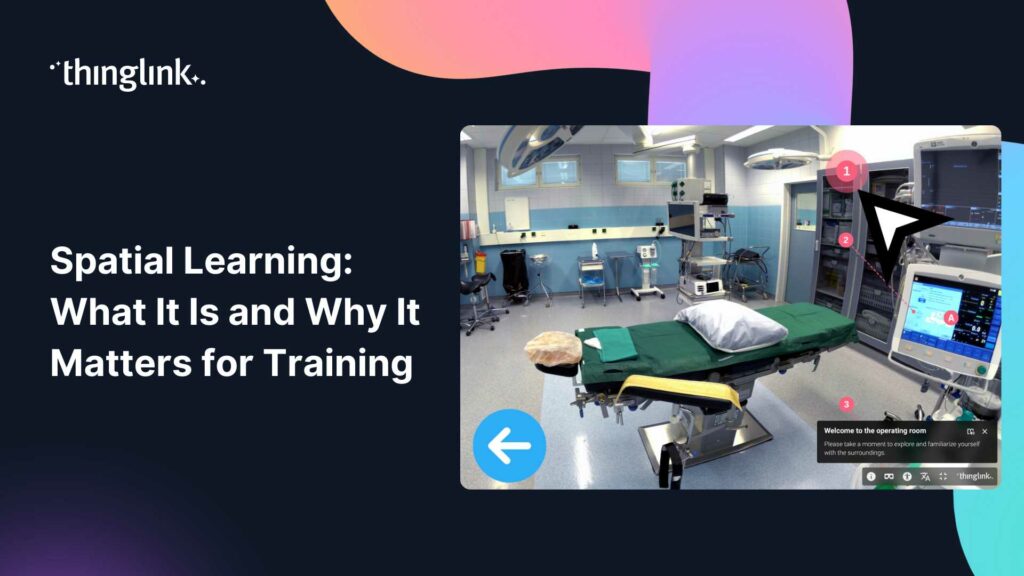
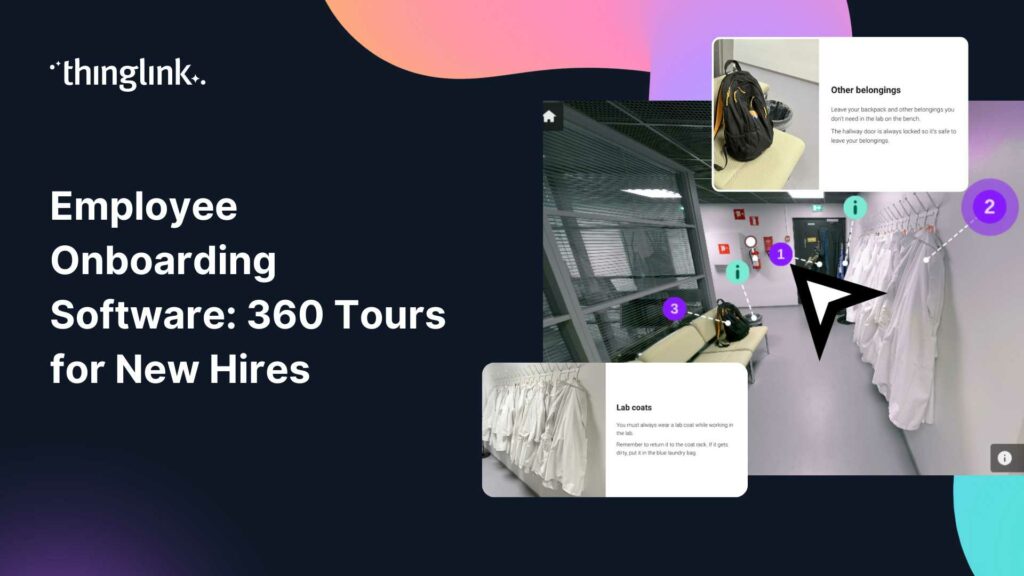
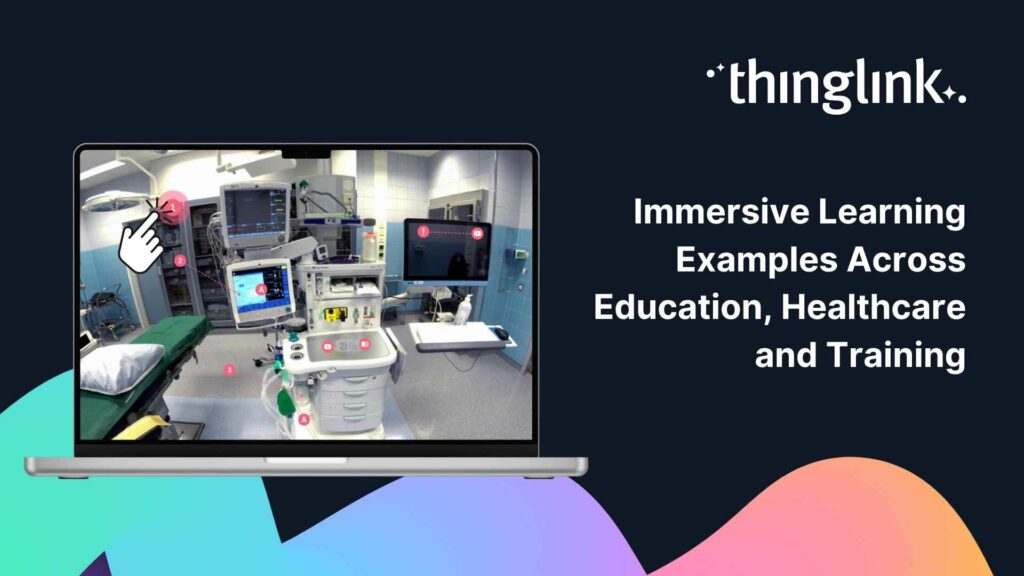
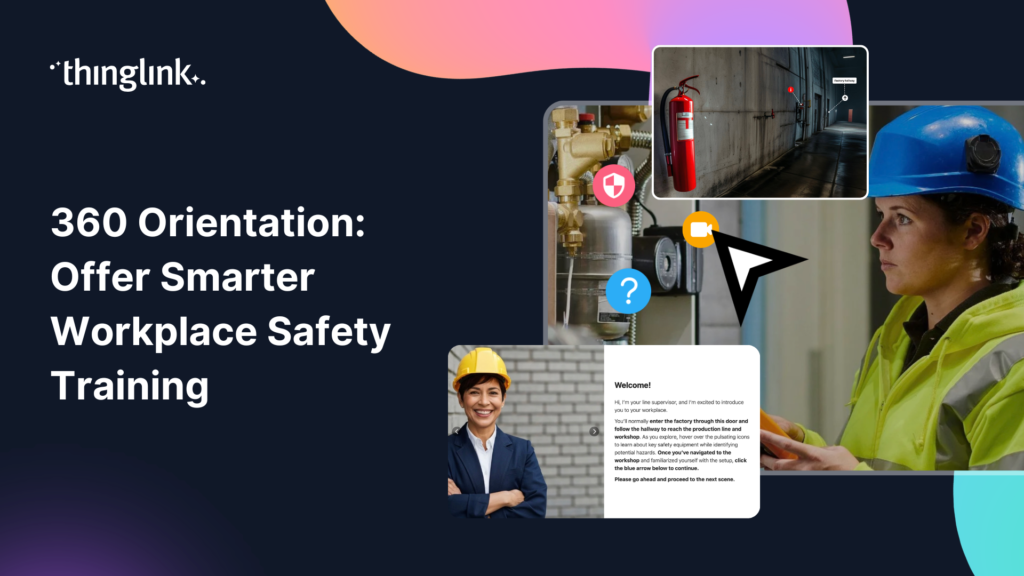
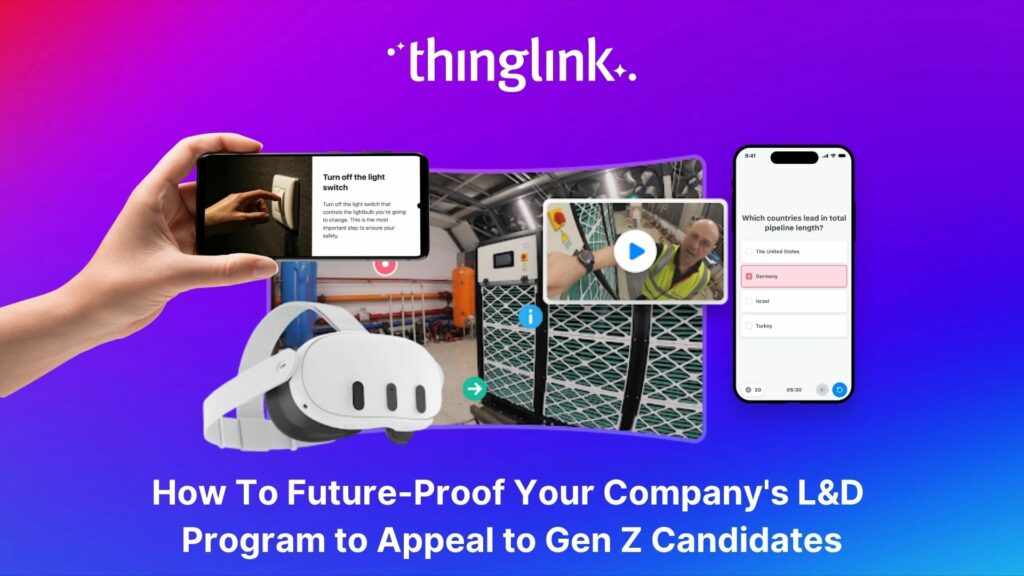
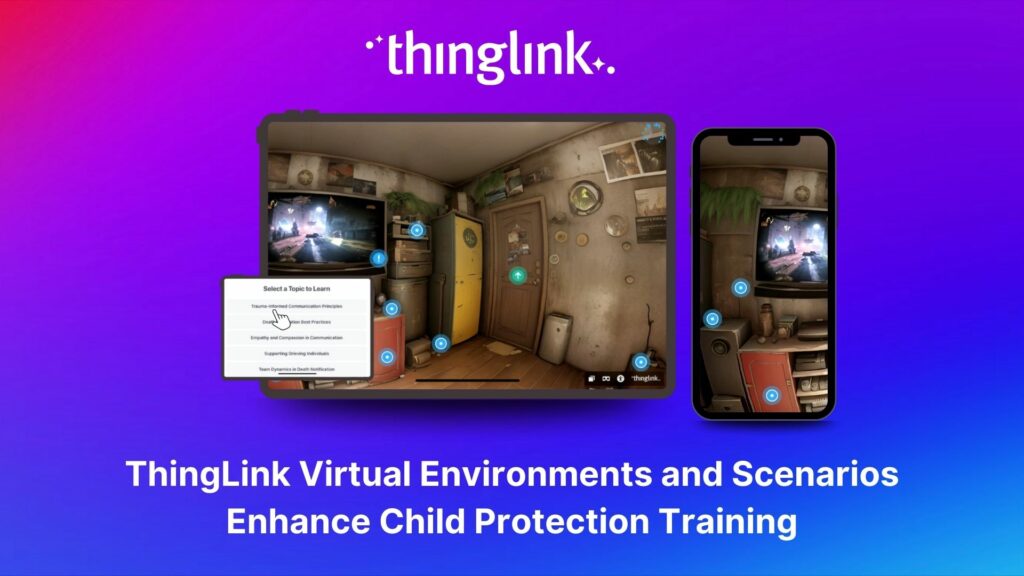
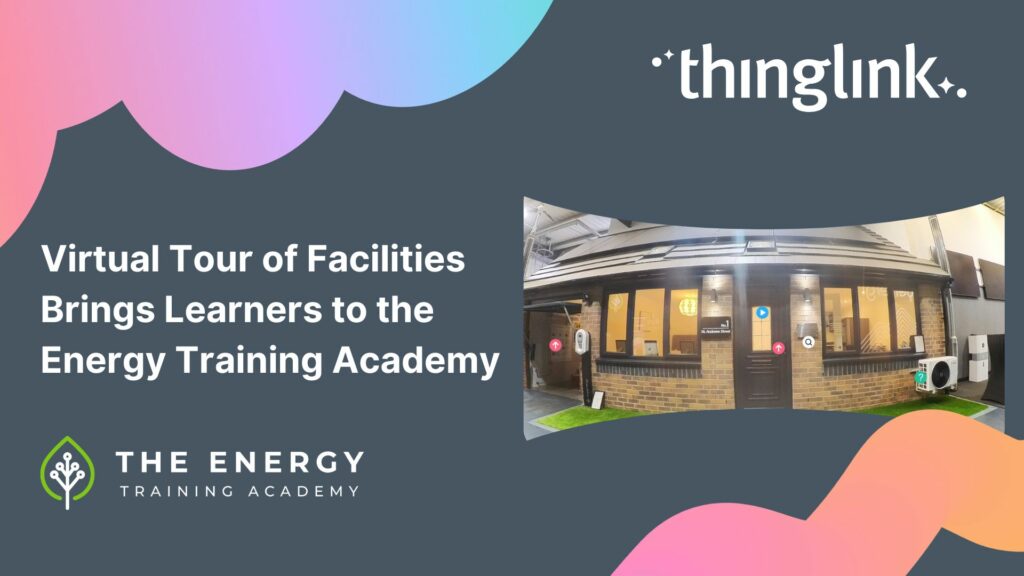
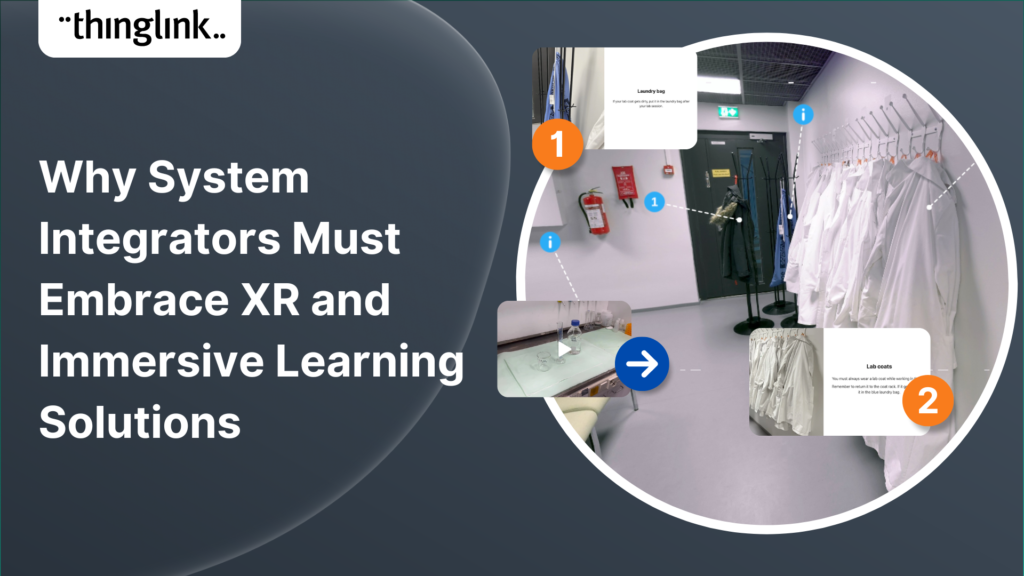
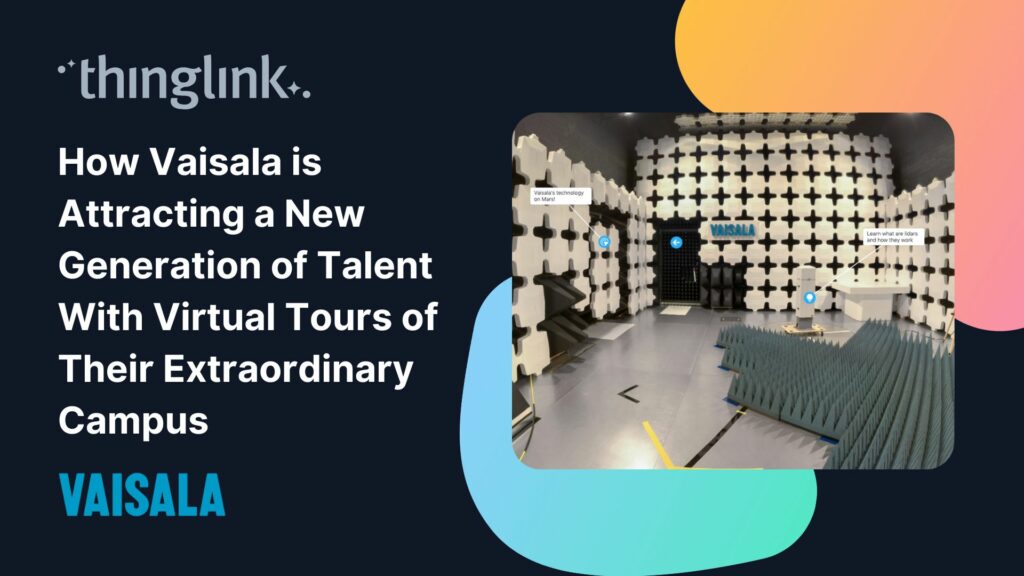
With ThingLink, you can create interactive 360° tours of real or simulated workplaces. Learners explore the environment, identify hazards, access safety information embedded directly in the scene, and build spatial familiarity before they ever step foot on site.
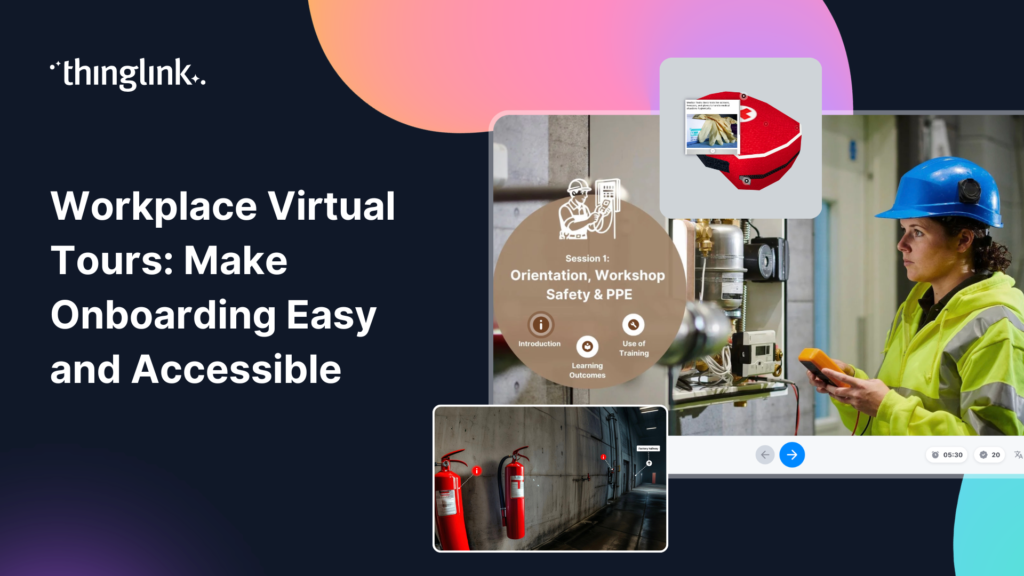
This approach works particularly well for pre-site inductions and orientation training. You can read more about the practical side of this in 360 Orientation: Offer Smarter Workplace Safety Training.
Scenario-Based Learning
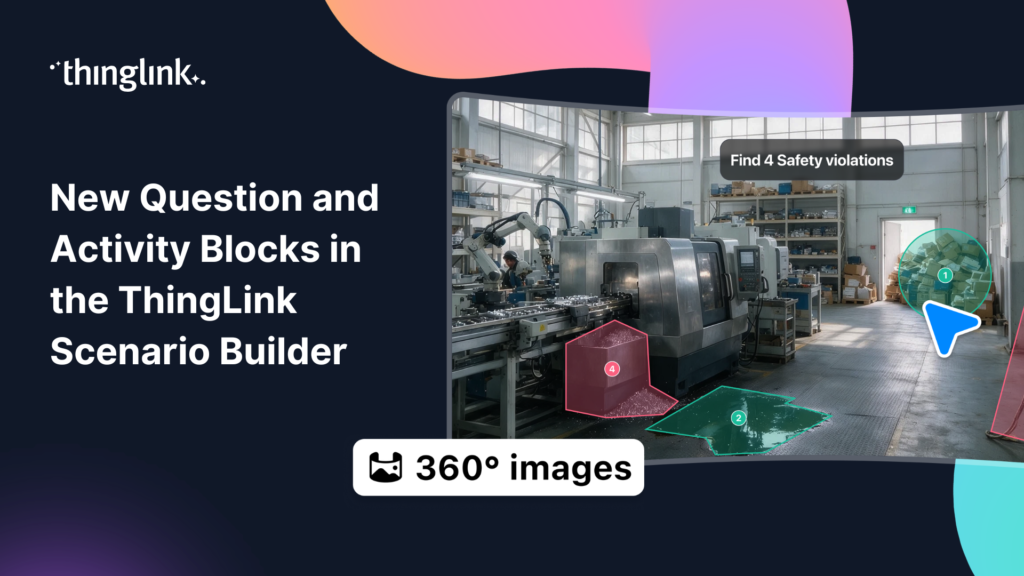
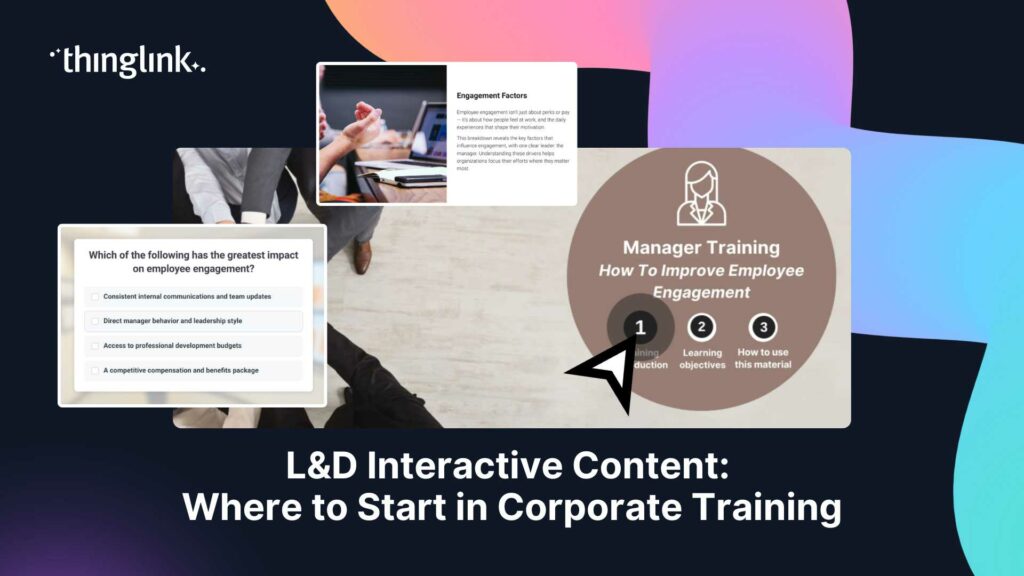
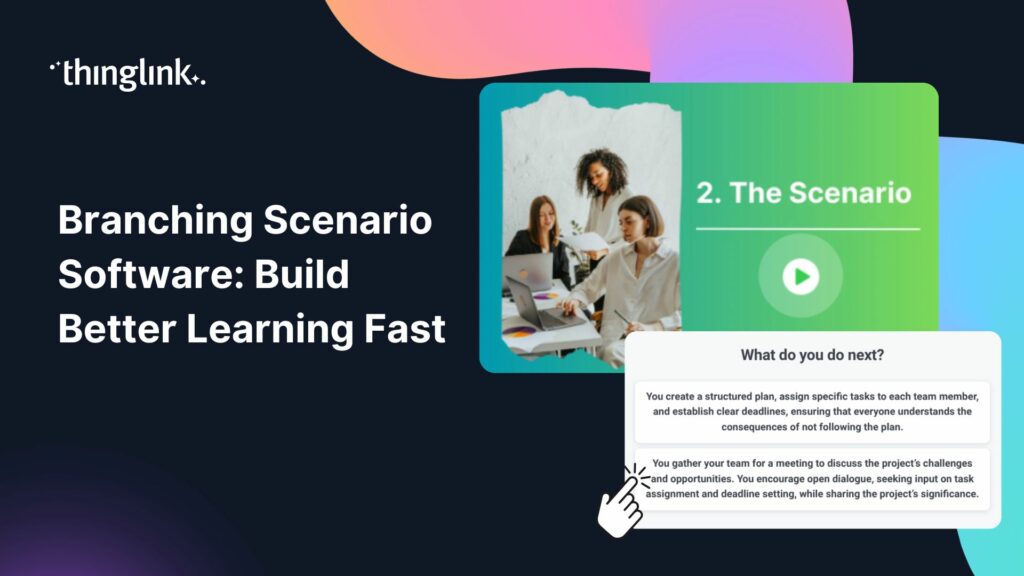
Scenario-based learning places employees inside realistic situations where their choices have consequences. You can build branching or linear decision paths, add timers to recreate the pressure of time-critical situations, and use analytics to see exactly how your learners respond.
This moves training well beyond completion tracking and into genuine behavioural insight.
Virtual Reality Safety Training
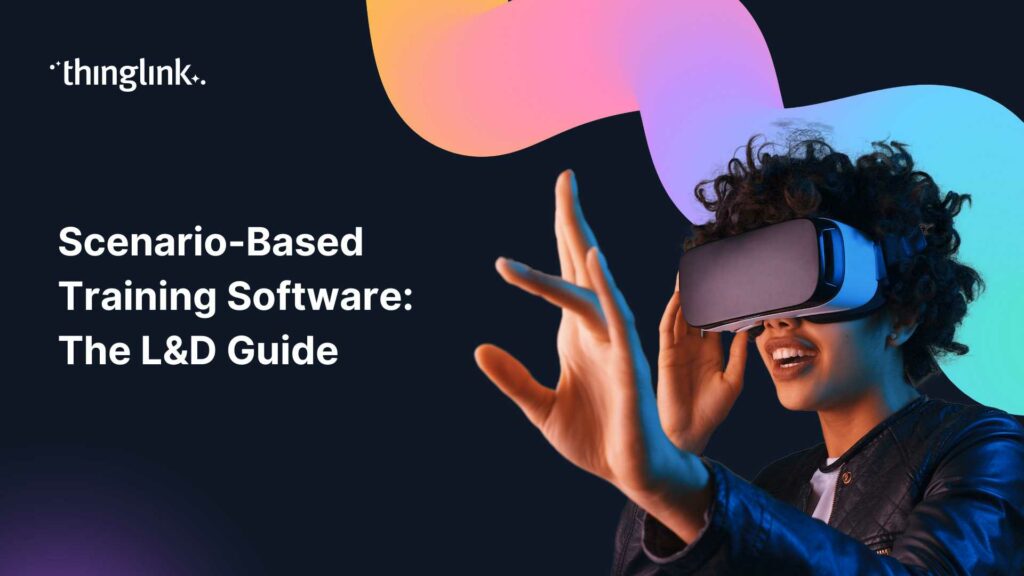
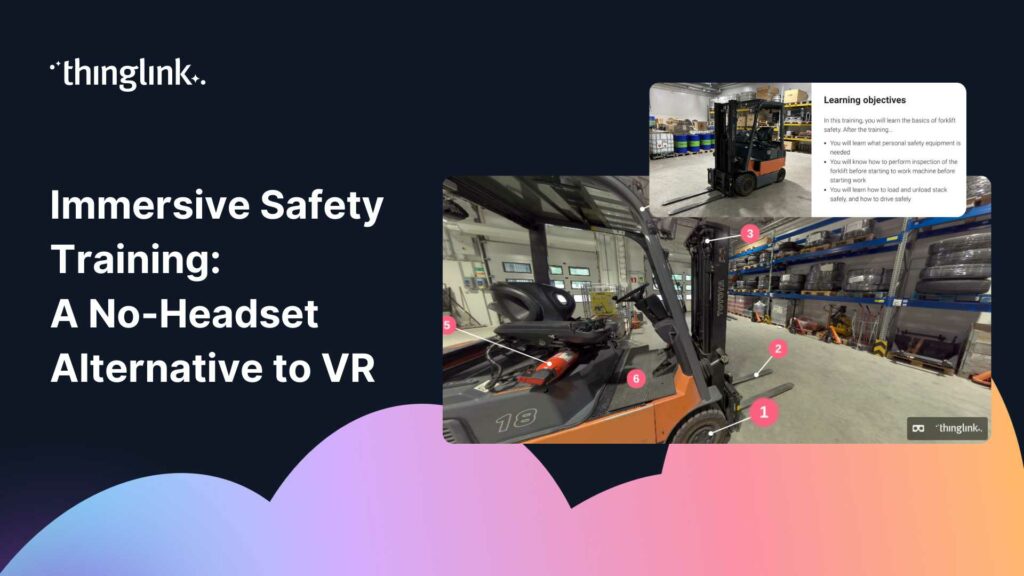
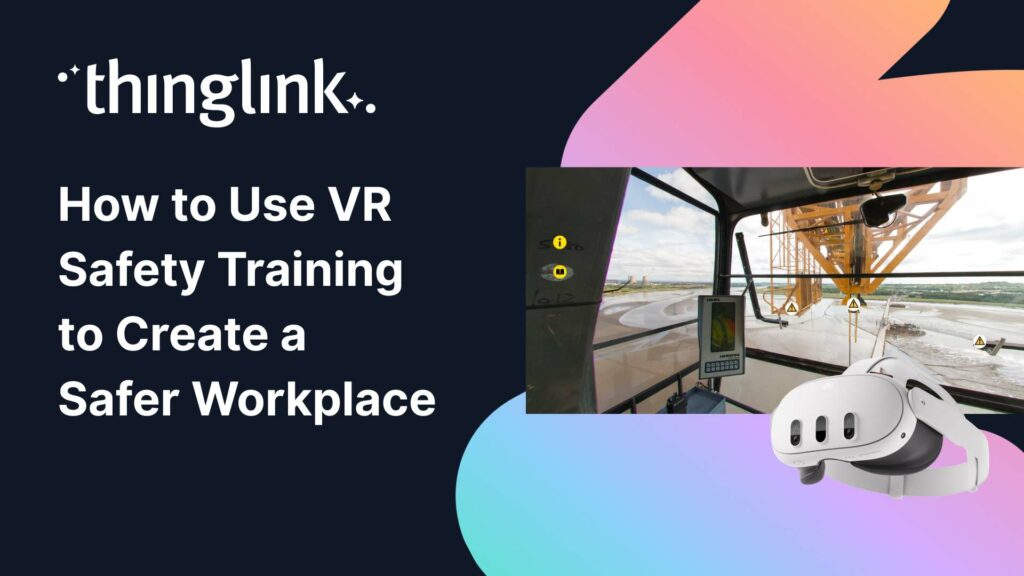
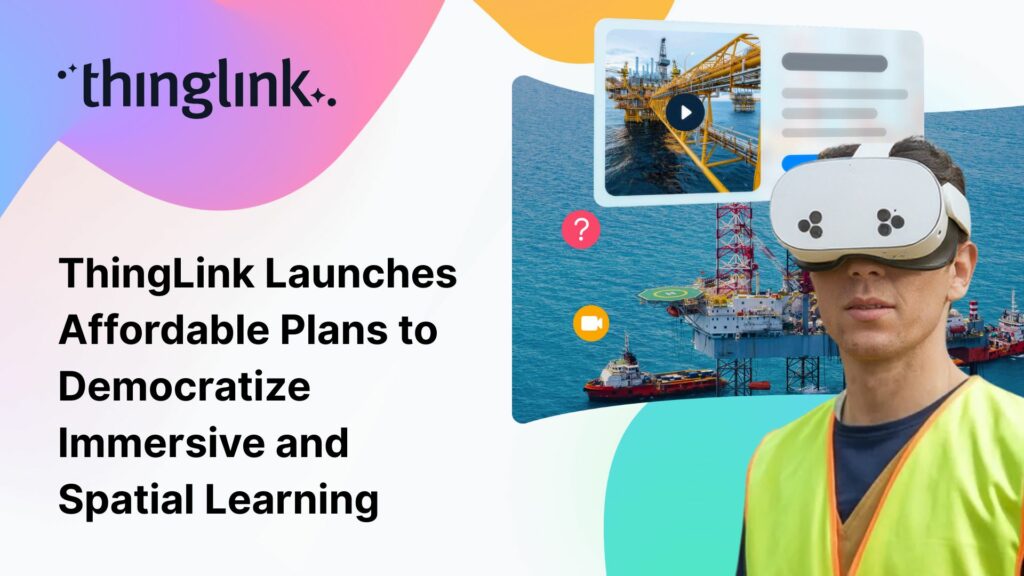
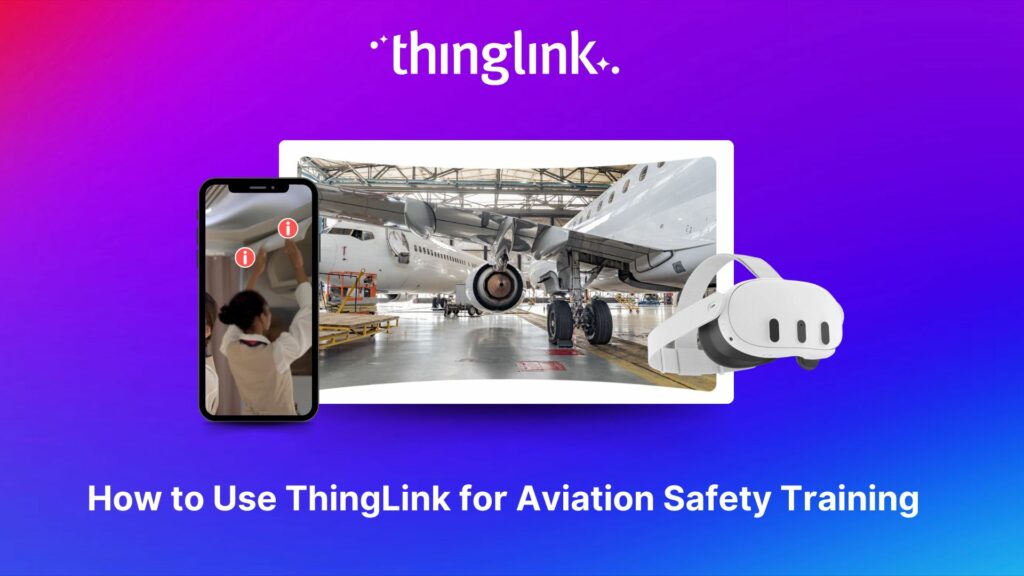
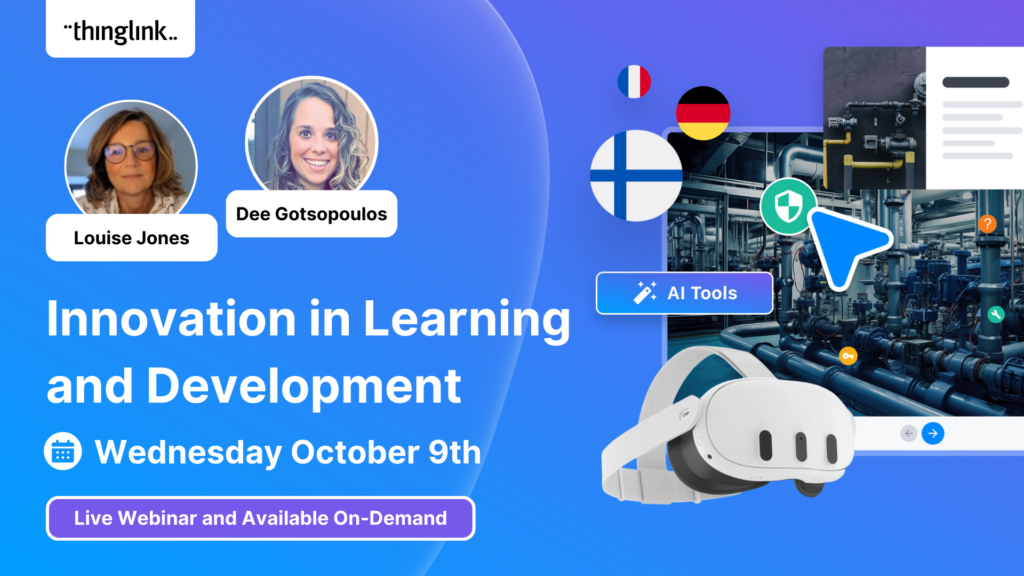
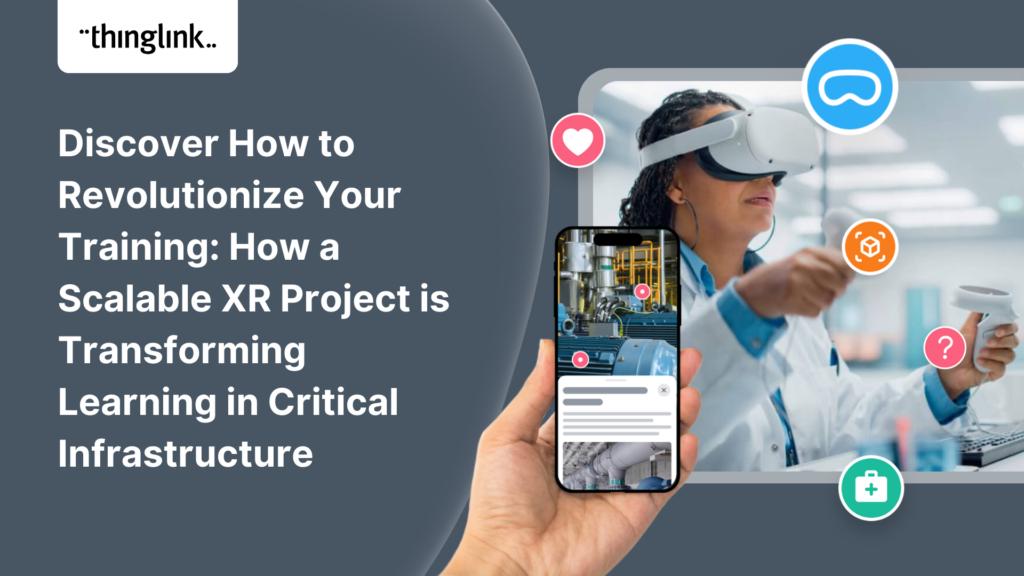
ThingLink 360° content can be delivered through VR headsets, giving learners a fully immersive experience without exposing them to real-world danger. If you are exploring VR but do not want to commit to headsets straight away, Immersive Safety Training: A No-Headset Alternative to VR outlines practical options.
Augmented Reality at the Point of Need
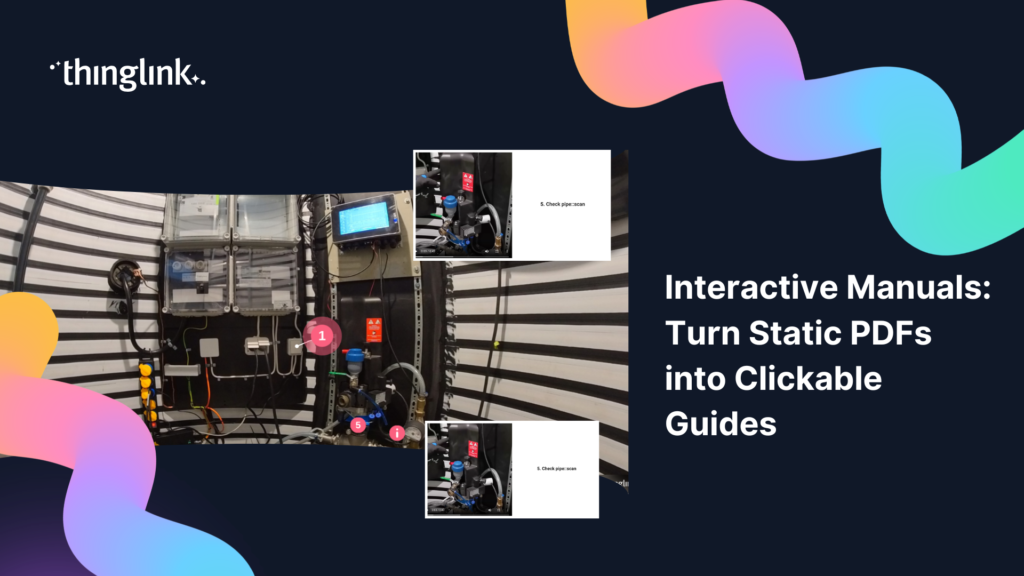
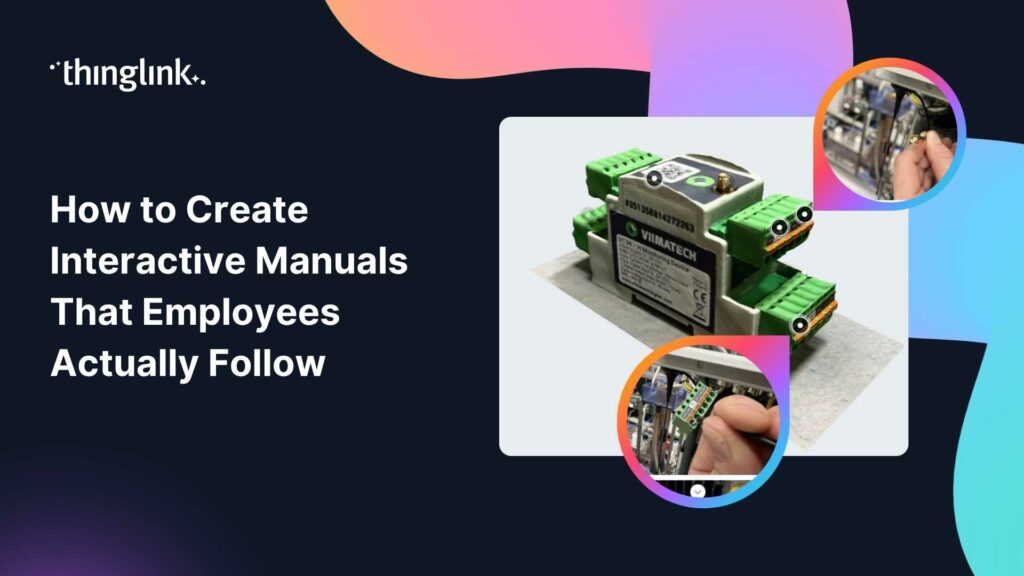
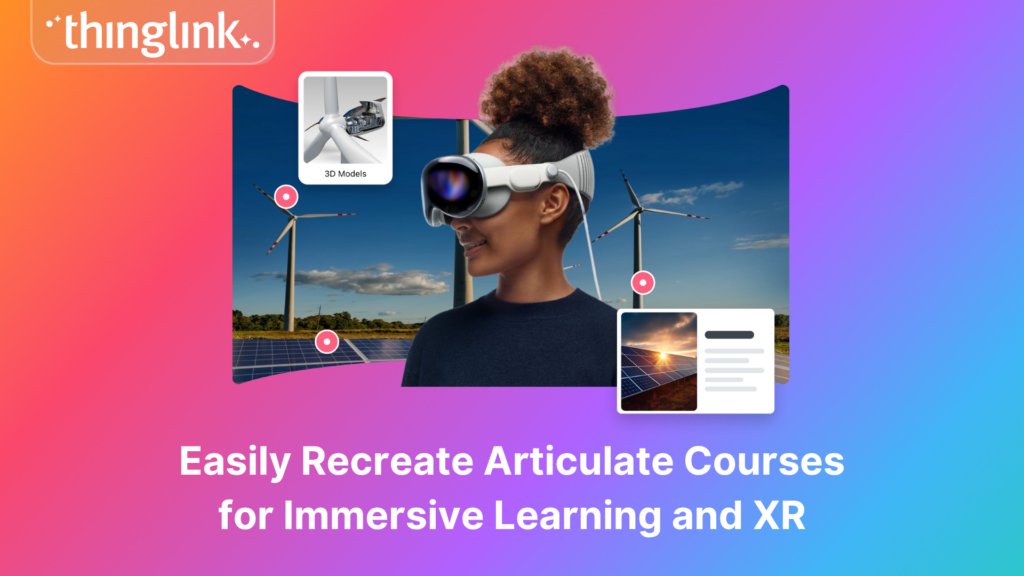
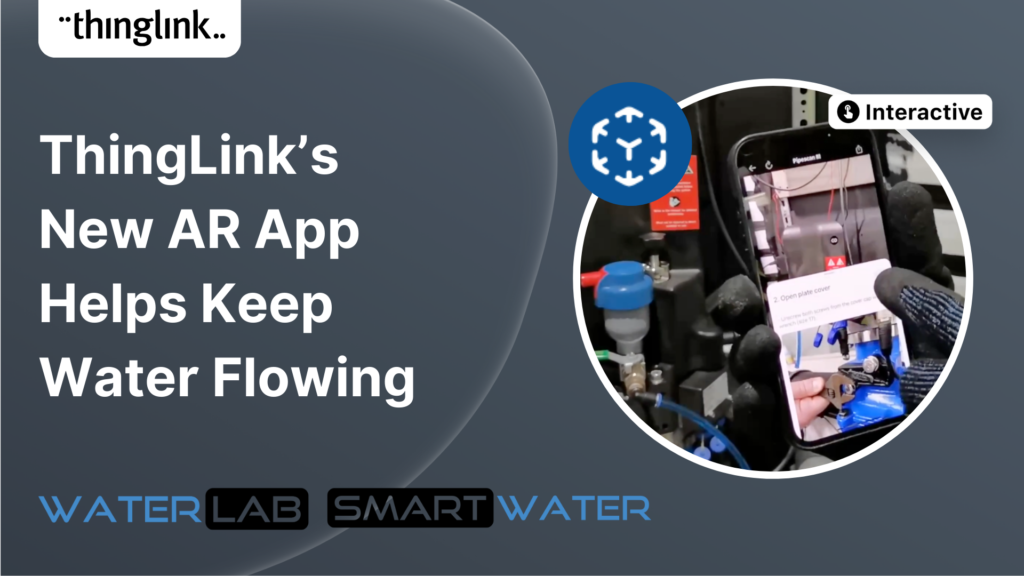
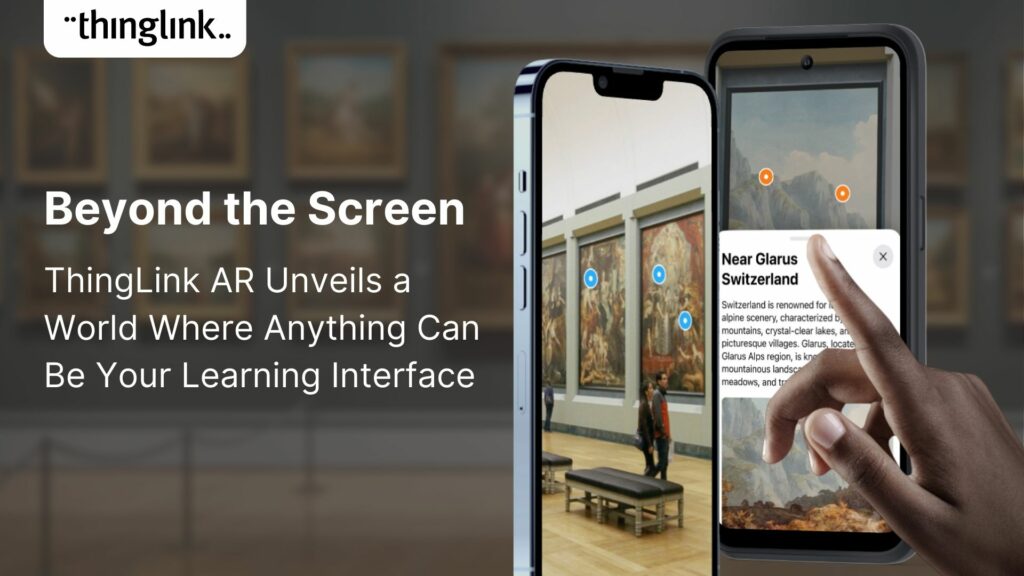
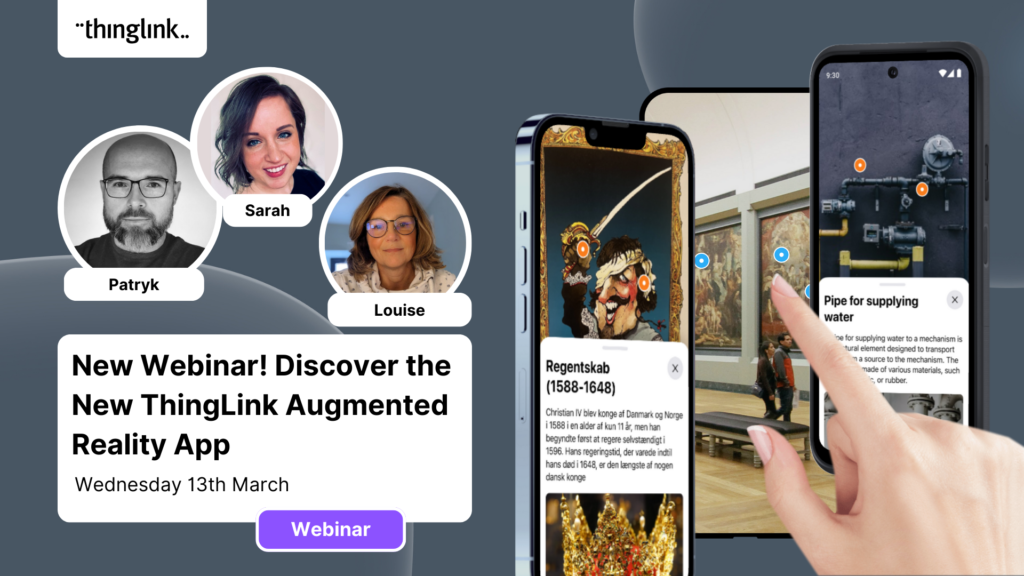
ThingLink's AR tools allow real objects and equipment to become interactive learning resources. Employees scan an object with a mobile device and access relevant guidance, training, or troubleshooting information on the spot. This is especially useful for equipment training, refresher learning, and field technician support.
Digital Twins and 3D Environments
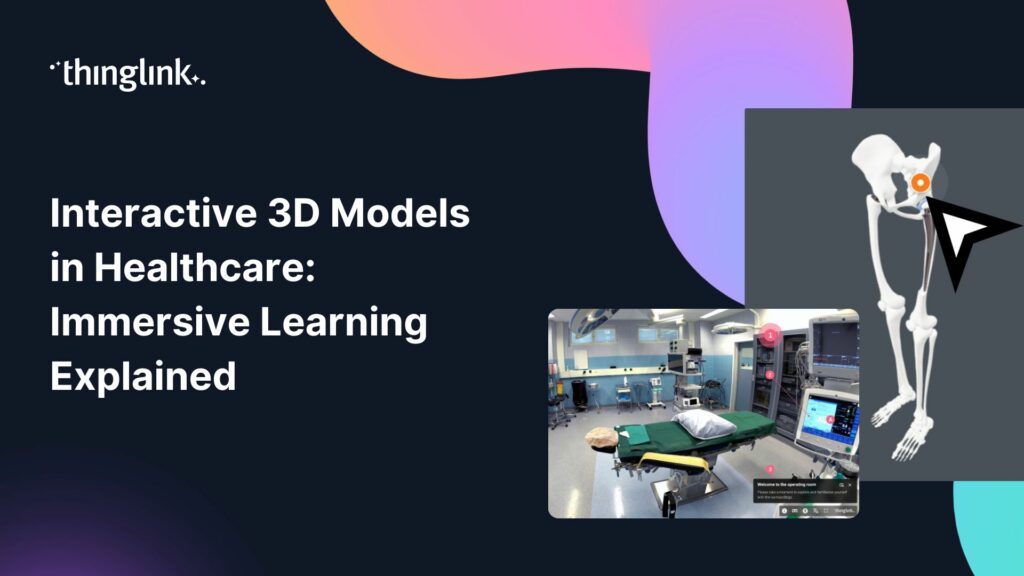
You can create interactive replicas of facilities, assets, or machinery for familiarisation, procedural training, and troubleshooting. Digital twins give learners a safe space to understand complex systems before working with them in real life.
Shared Immersive Spaces
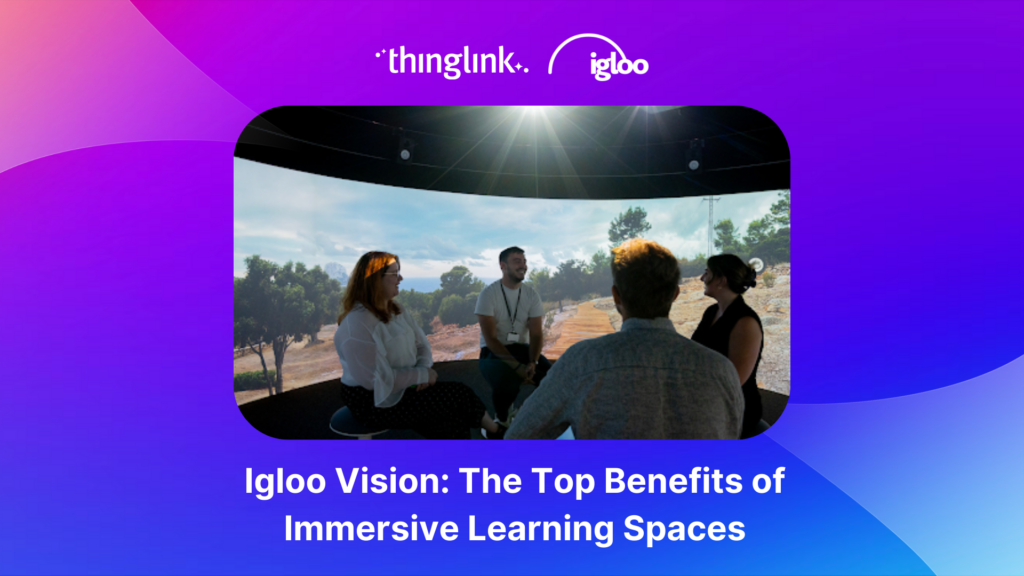
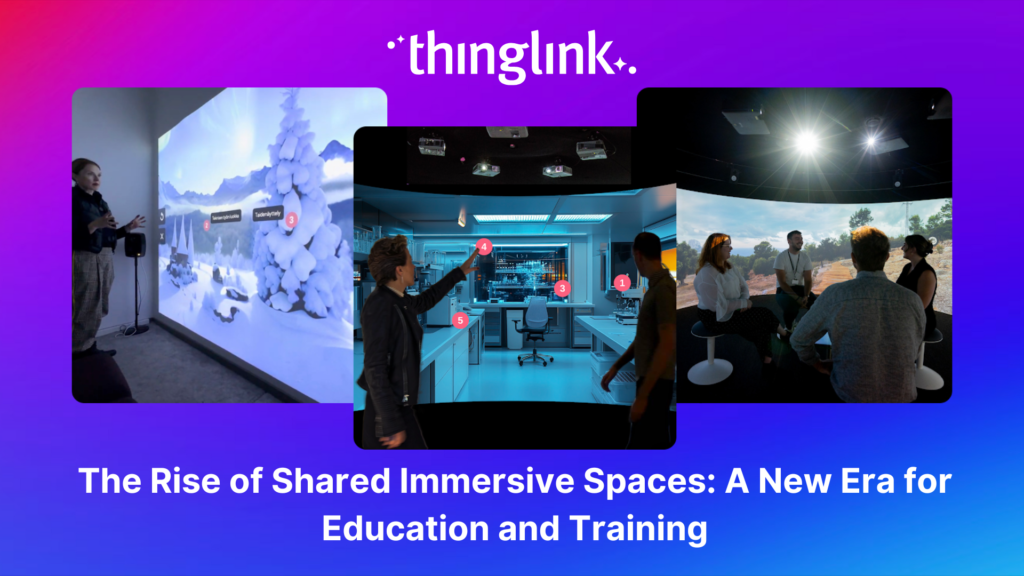
ThingLink integrates with shared immersive spaces, including Immersive Interactive rooms and Igloo Vision environments, allowing groups to train together inside large-format immersive environments. Hazards can appear overhead, around, or beneath learners, creating a genuinely collaborative and spatially realistic experience. To understand the broader opportunity here, The Rise of Shared Immersive Spaces: A New Era for Education and Training is worth reading.
Why Organisations Are Moving to Immersive Safety Training
In action! Explore this example.
The reasons L&D teams are making the switch from traditional training go beyond novelty. Immersive learning delivers measurable improvements across several areas that matter to safety-focused organisations.
You can expect to see:
- Improved learner engagement and knowledge retention
- Realistic practice without real-world risk
- Reduced travel, trainer, and facility costs
- Faster onboarding and time to competency
- Consistent training delivery across global teams
- Easier content updates and translation into multiple languages
- Fewer errors and safety incidents
- More participatory, decision-driven learning
- Training that meets the expectations of a digitally fluent workforce
Research into VR and immersive learning methods consistently shows improvements in learning speed, knowledge retention, confidence, and procedural performance compared with many traditional approaches. For a closer look at what the evidence says, Latest Research into VR Methods of Employee Training: What You Need to Know summarises the key findings. You can also explore Immersive Learning vs Traditional Training: What the Data Shows for a broader comparison.
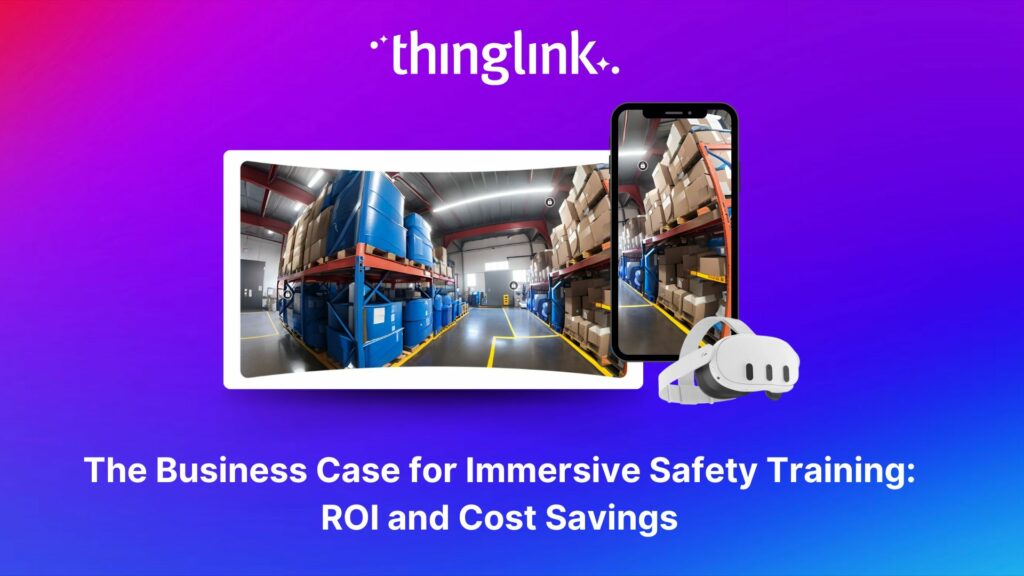
If you are building an internal business case, The Business Case for Immersive Safety Training: ROI and Cost Savings provides a practical framework for calculating return on investment.
Creating Immersive Safety Training with ThingLink
ThingLink combines several authoring tools in one platform, giving your team everything needed to build, deliver, and analyse immersive safety training without external developers.
Multimedia Editor
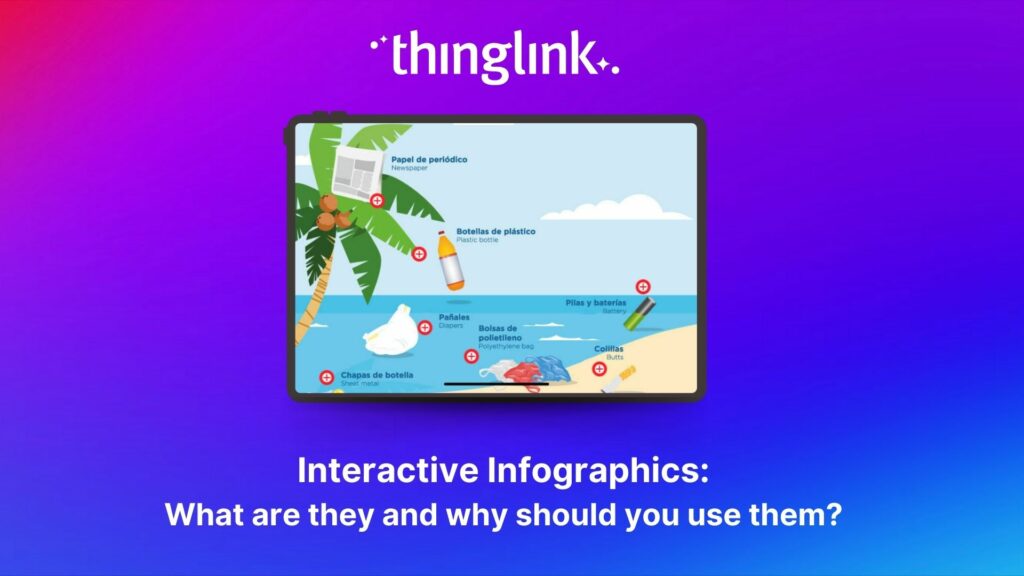
The ThingLink Multimedia Editor lets you add interactive hotspots to images, video, 360° environments, and other visual media. Each tag can contain safety instructions, hazard information, emergency procedures, demonstration videos, documents, links, images, 3D objects, questions, and supporting resources.
You can use authentic photographs and 360° imagery of your own workplaces, or generate supporting visuals using ThingLink's AI-powered tools. The result is a rich, layered learning environment built around your actual context.
Scenario Builder
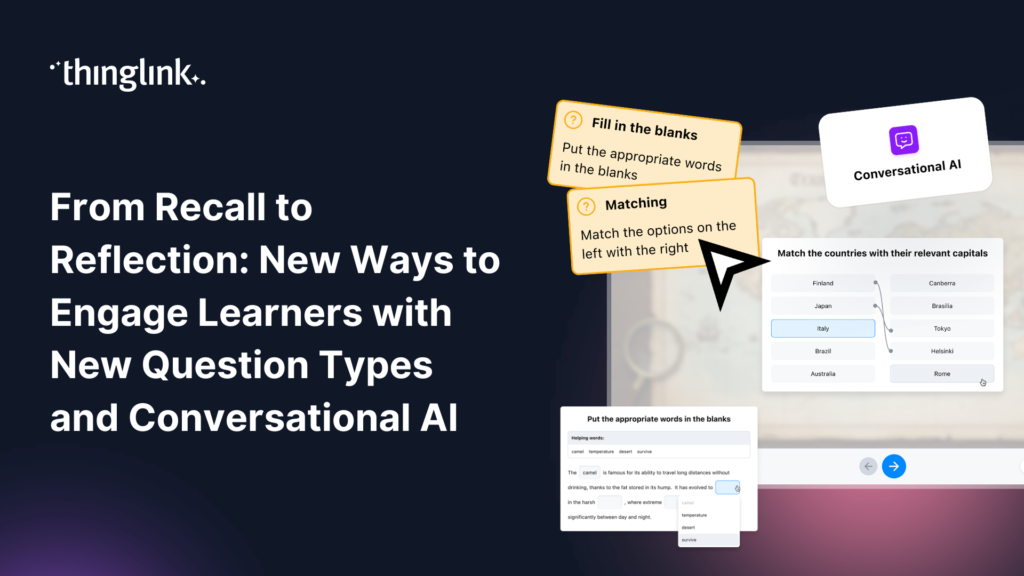
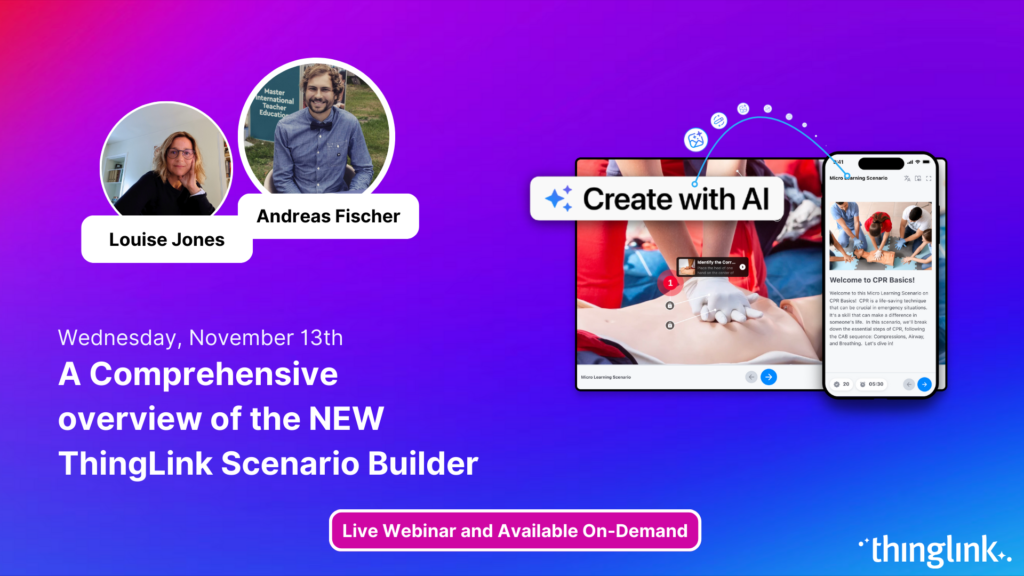
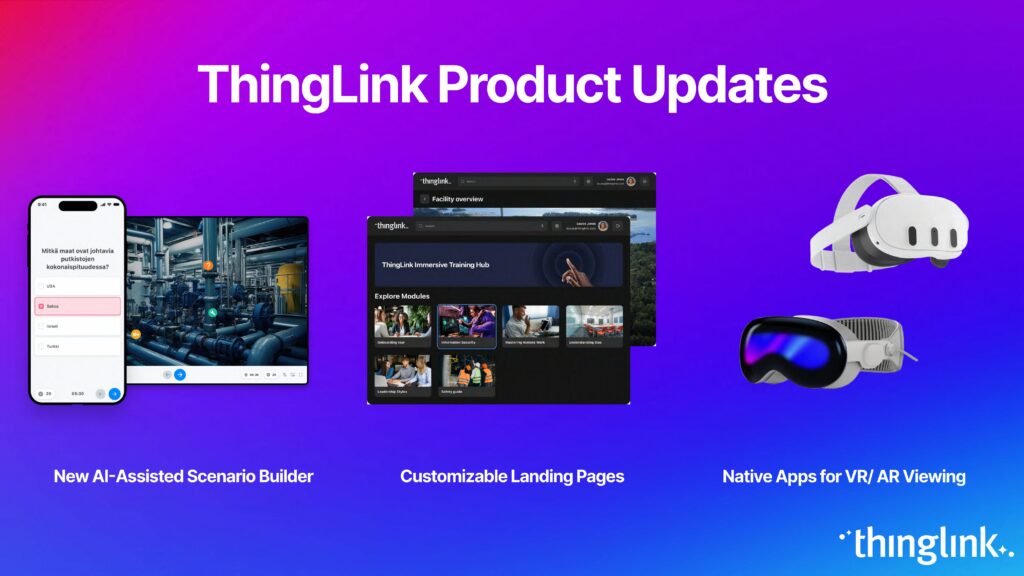
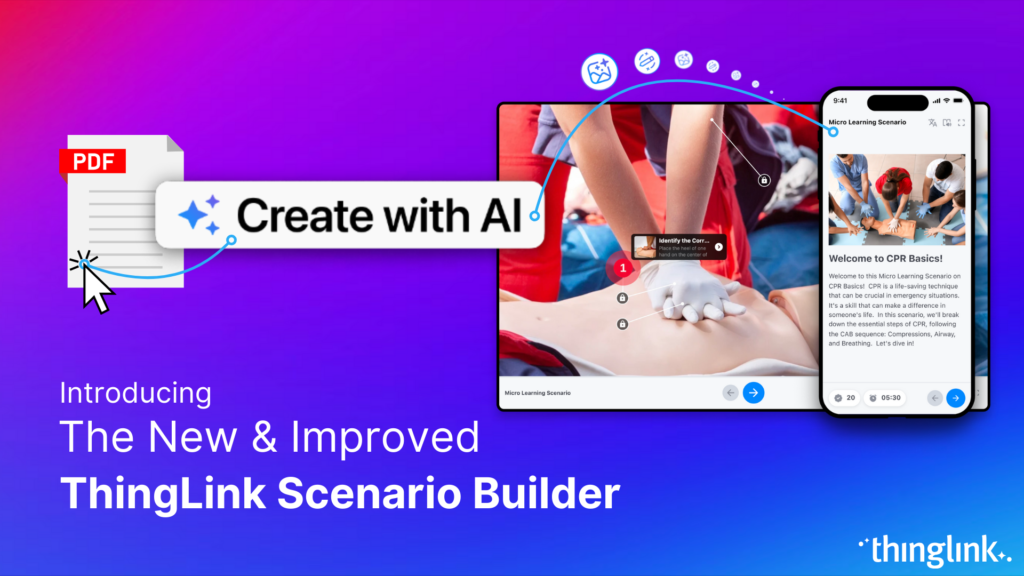
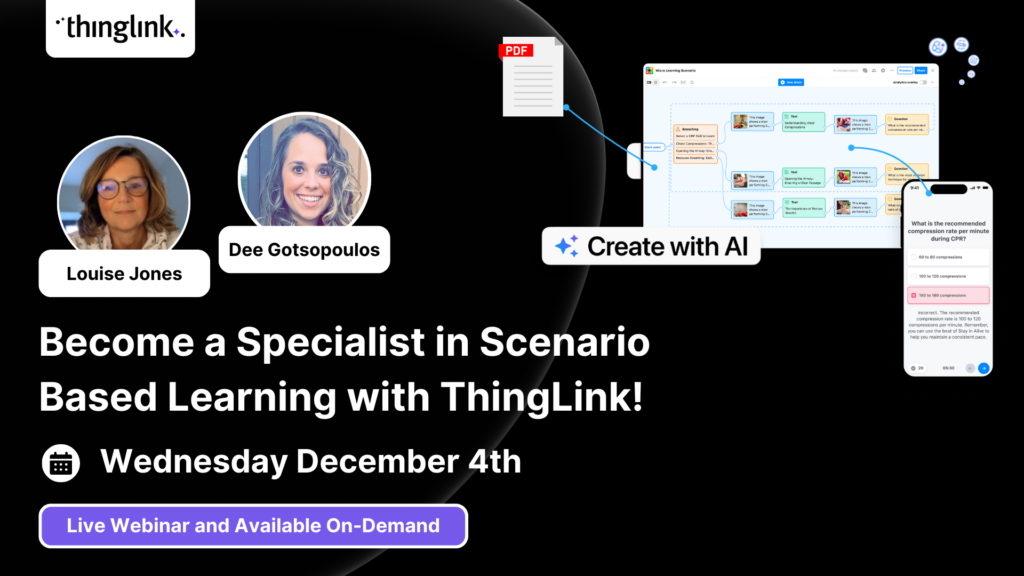
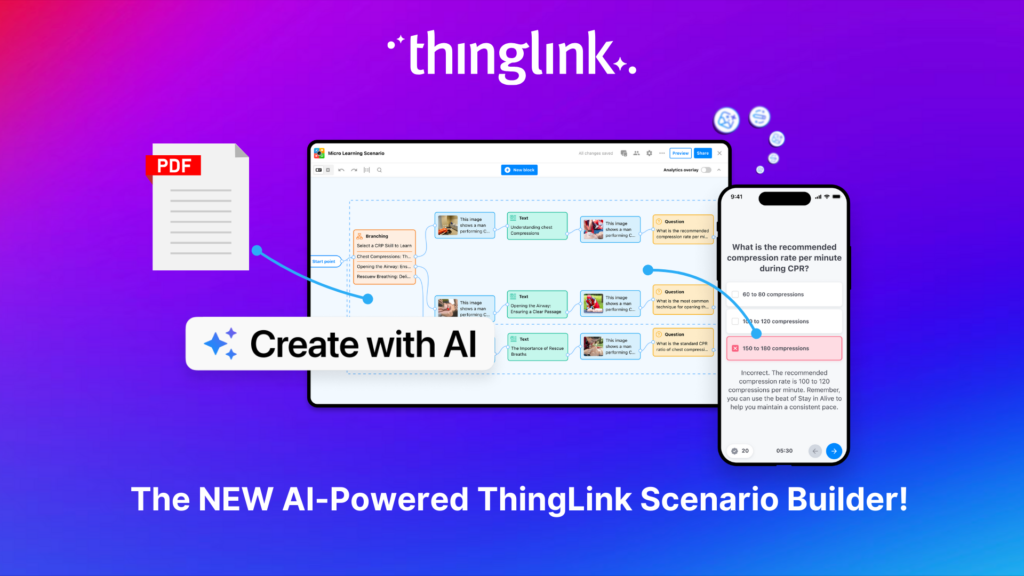
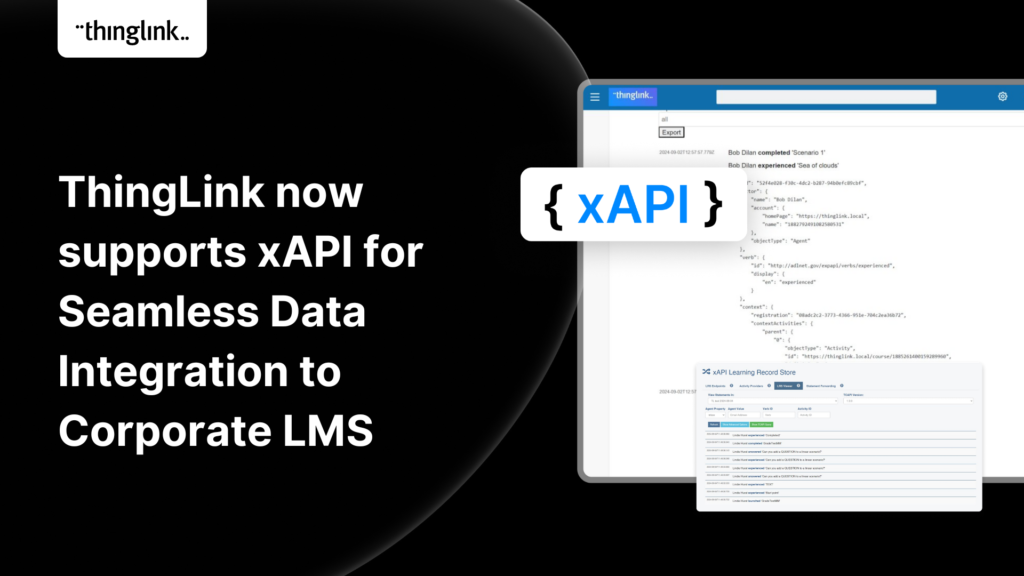
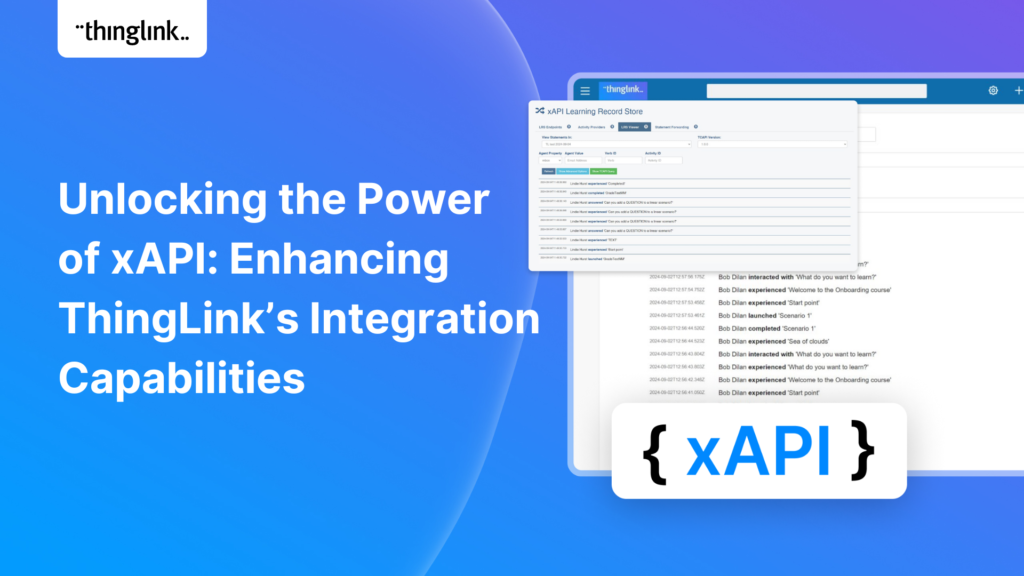
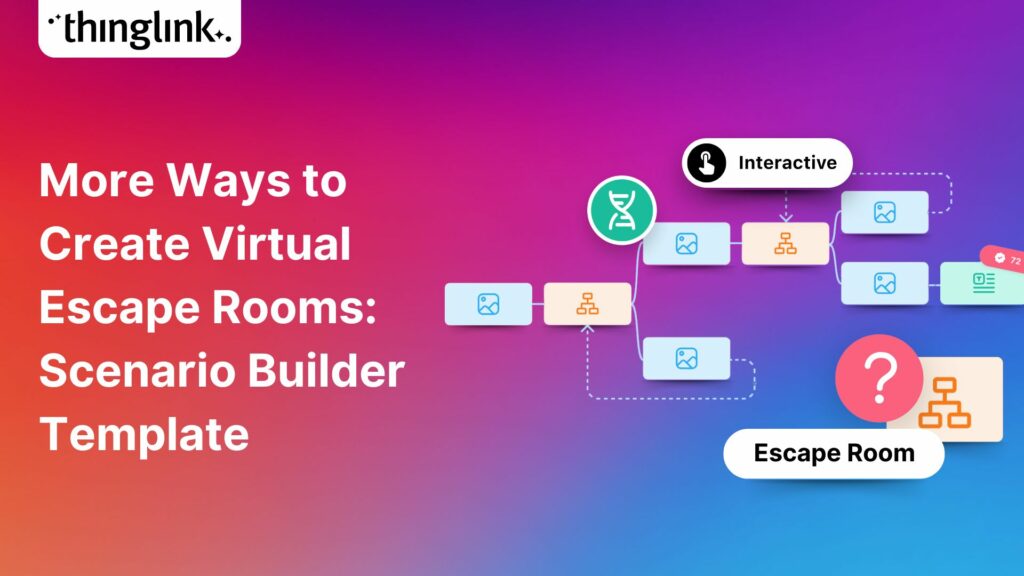
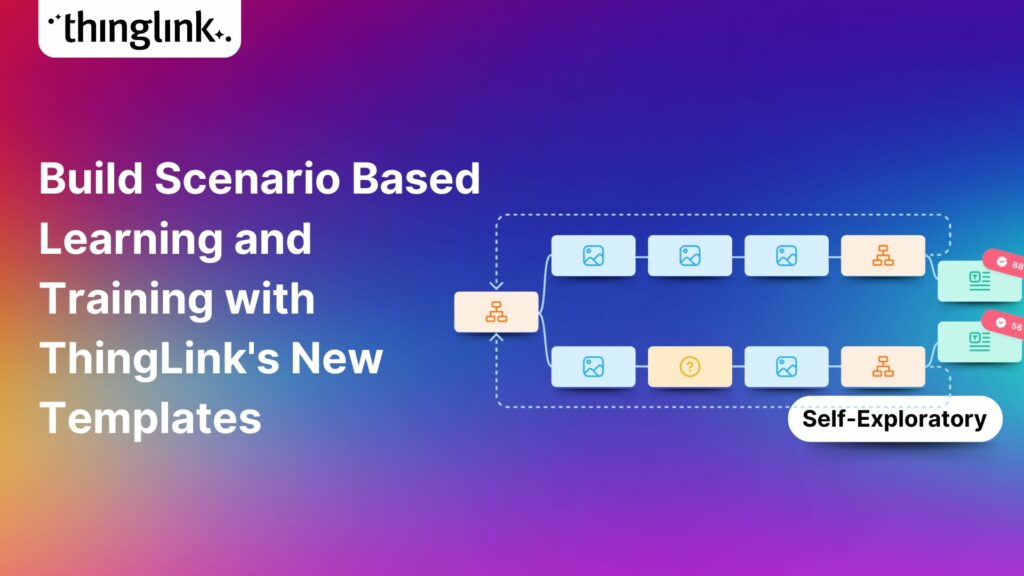
ThingLink's Scenario Builder makes it straightforward to create interactive safety courses where learners make decisions, solve problems, and practise procedures. You can build branching scenarios, assessments, and timed activities, incorporate 360° environments, and review learner decisions through analytics and xAPI tracking.
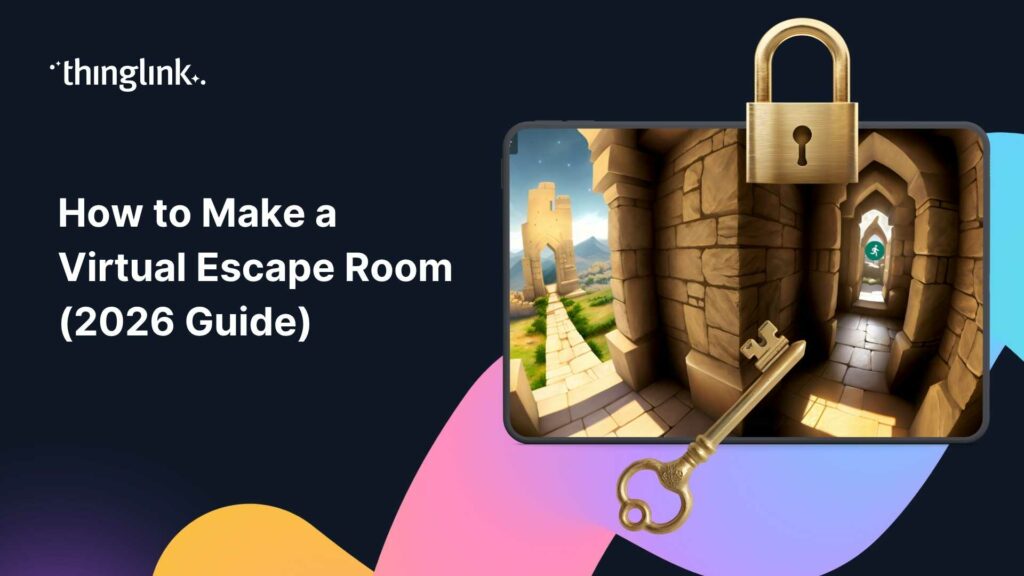
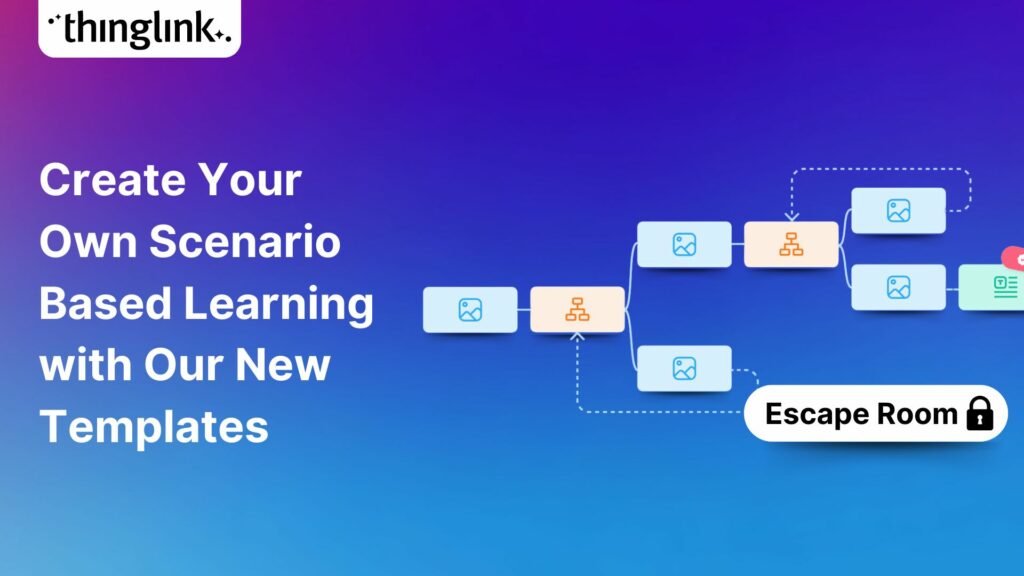
This gives you genuine insight into how your people respond to workplace situations, not just whether they clicked through a course. For ideas on how far you can push scenario design, How to Create Virtual Escape Rooms for Employee Training shows a creative application of the same tools.
Augmented Reality
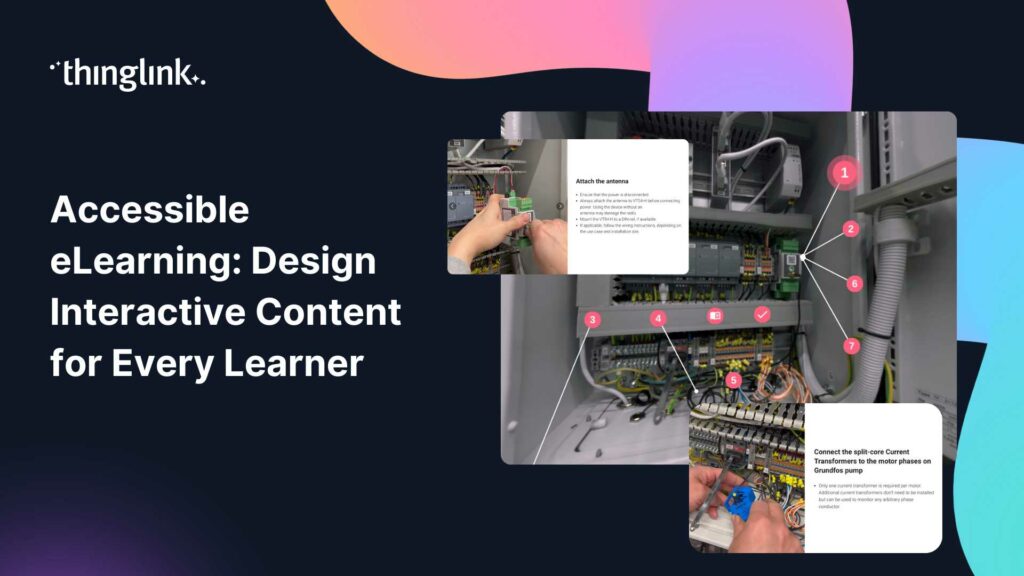
ThingLink's AR tools transform real objects and equipment into interactive learning resources. This is particularly effective for equipment familiarisation, refresher training, and supporting employees working independently in the field, where just-in-time guidance can make the difference between a safe outcome and an incident.
AI-Assisted Authoring: Build Faster Without Cutting Corners
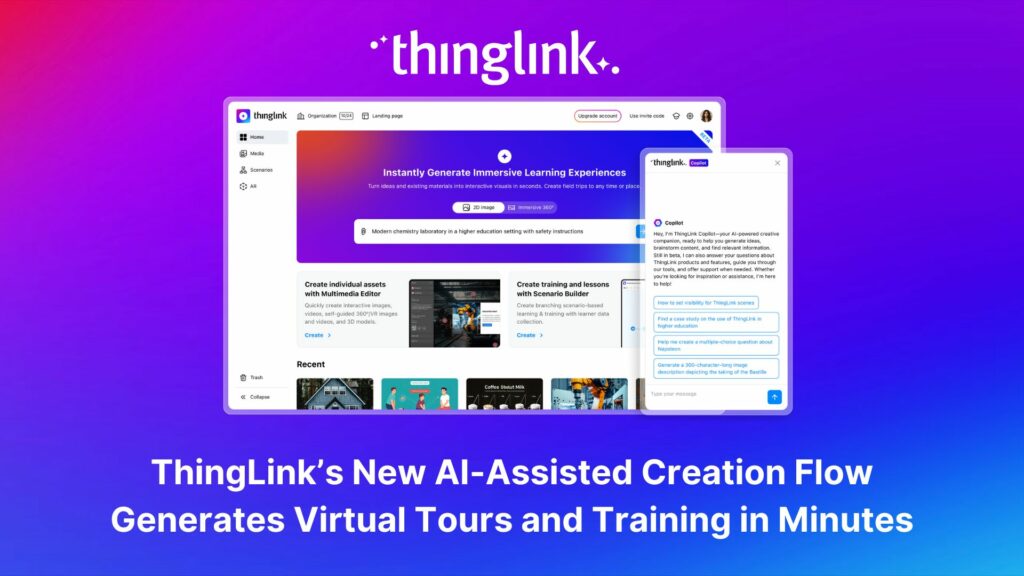
One of the most common barriers to immersive training is the time it takes to build. ThingLink's AI authoring tools are designed to reduce that barrier significantly.
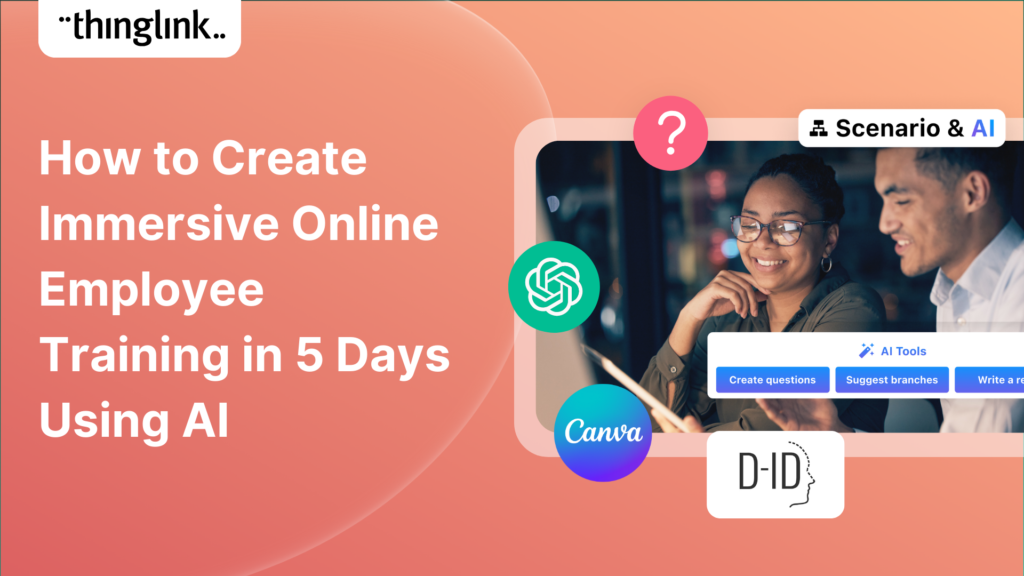
Within the platform, AI can help you generate 2D and 360° imagery, suggest interactive tags, create scenario branches, generate quiz questions, produce automated recaps, assist with writing, suggest images, and convert text into interactive ThingLink scenes.
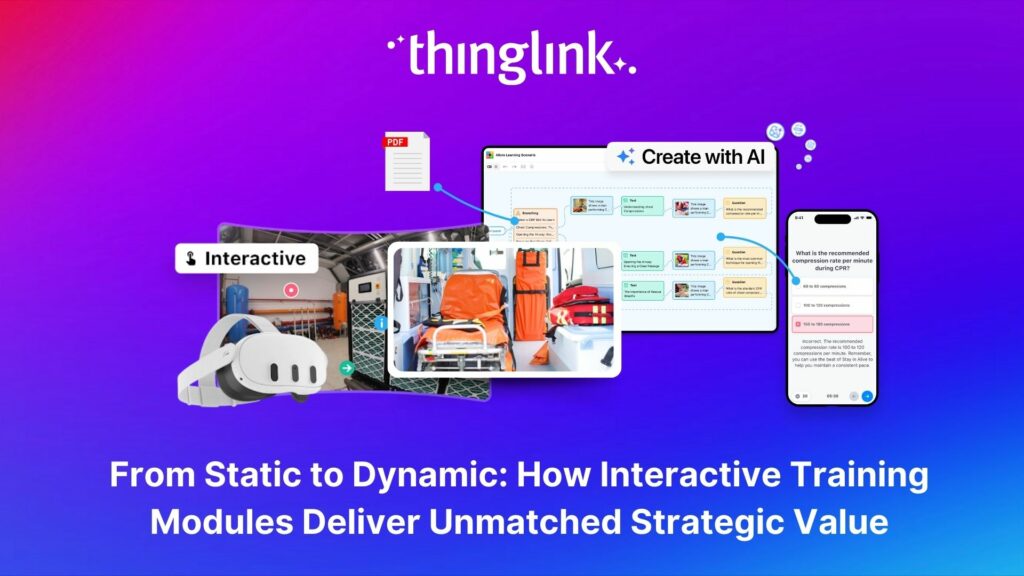
Existing PDFs and presentations can also be transformed into interactive learning experiences, reducing the amount of content that needs to be recreated from scratch. If you want to see just how fast this can move, How to Create Immersive Online Employee Training in 5 Days Using AI walks through a real workflow.
Accessibility and Global Safety Training Delivery
Immersive training only works if every employee can access it. ThingLink is built with inclusive delivery in mind, supporting diverse and geographically distributed workforces.
Platform features include automatic translation into multiple languages, Microsoft Immersive Reader, accessibility-focused viewing options, screen-reader support, keyboard navigation, alt text, captions and transcripts, and adjustable text and contrast settings.
These features mean you can launch a single piece of training content and confidently reach colleagues in different countries, roles, and learning contexts.
Deliver Safety Training Across Every Device and Platform
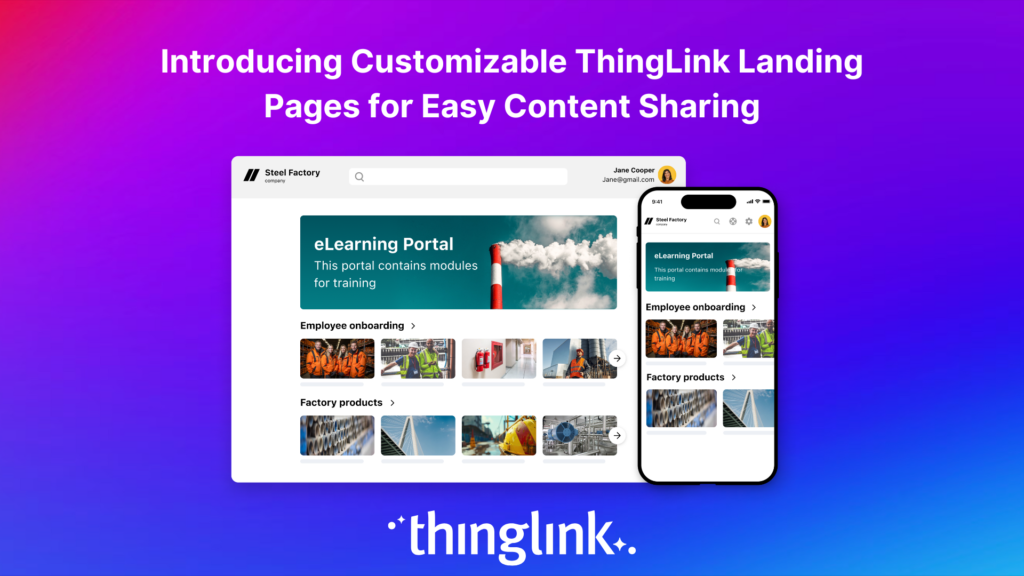
Your ThingLink content works across desktop and laptop computers, smartphones and tablets, VR headsets, shared immersive spaces, and your existing LMS. You can also share via direct link or branded ThingLink landing pages.
ThingLink supports LMS integration through LTI 1.3 and works alongside platforms including Canvas, Moodle, Blackboard, D2L Brightspace, and Thinkific. For guidance on connecting ThingLink with Thinkific specifically, this step-by-step support article walks you through the process. Single sign-on options include Microsoft Entra ID, Okta, and Google Workspace.
Immersive Safety Training Use Cases by Sector
ThingLink supports safety training across a wide range of industries. Here are some of the most common applications.
Manufacturing
Factory orientation, forklift training, hazard identification, and emergency procedures are all well-suited to immersive formats. 360° walkthroughs and scenario-based assessments help workers understand their environment before they begin.
Construction
Site induction, hazard awareness, accident prevention, and equipment familiarisation can all be delivered immersively. New starters can explore a site virtually before their first day, reducing risk and shortening onboarding time.
Healthcare
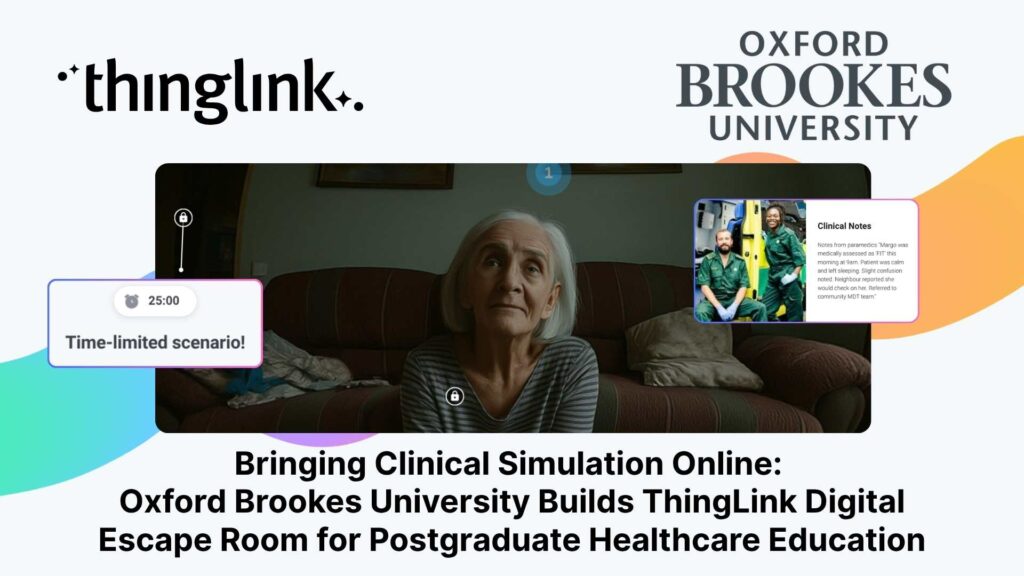
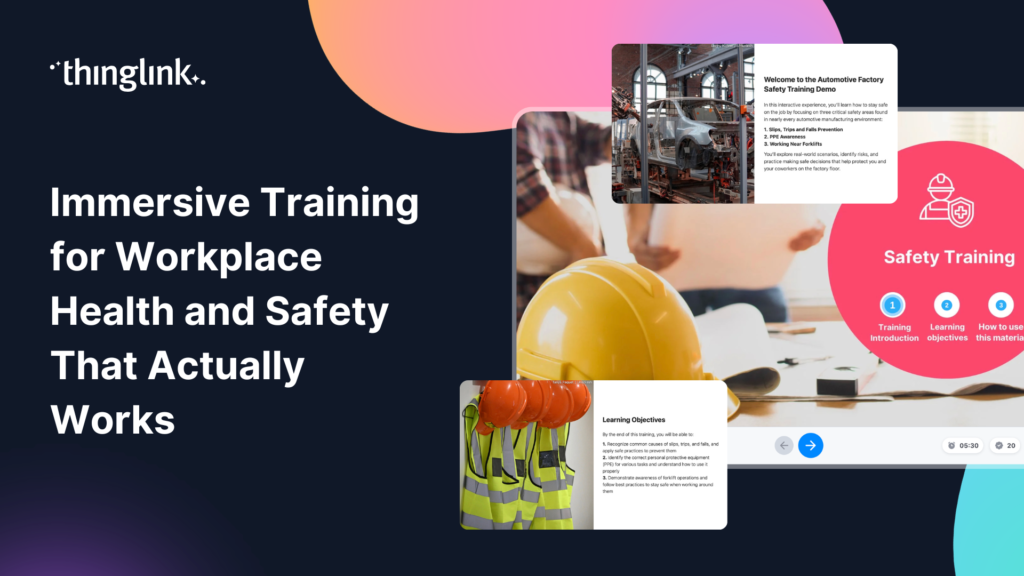
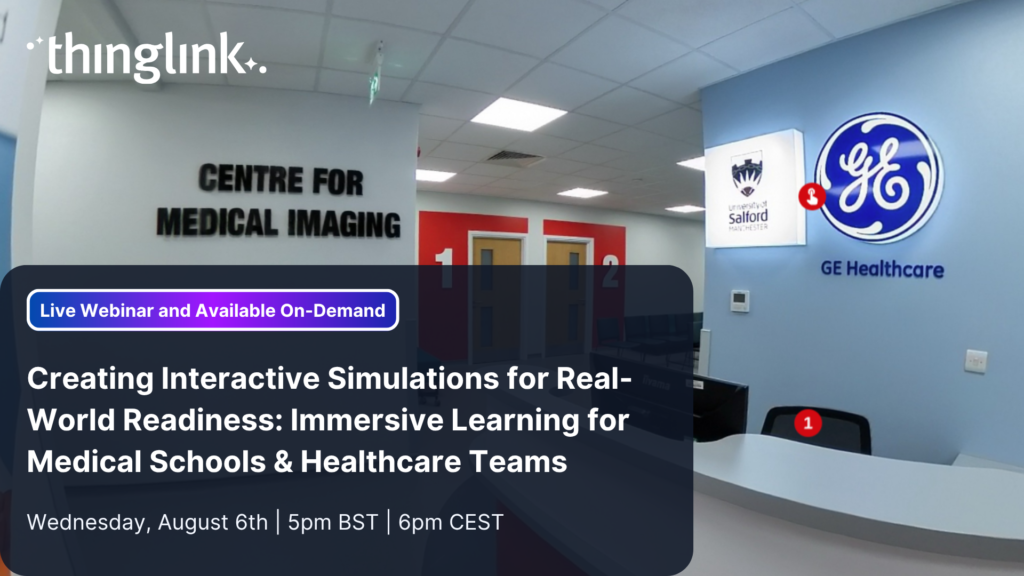
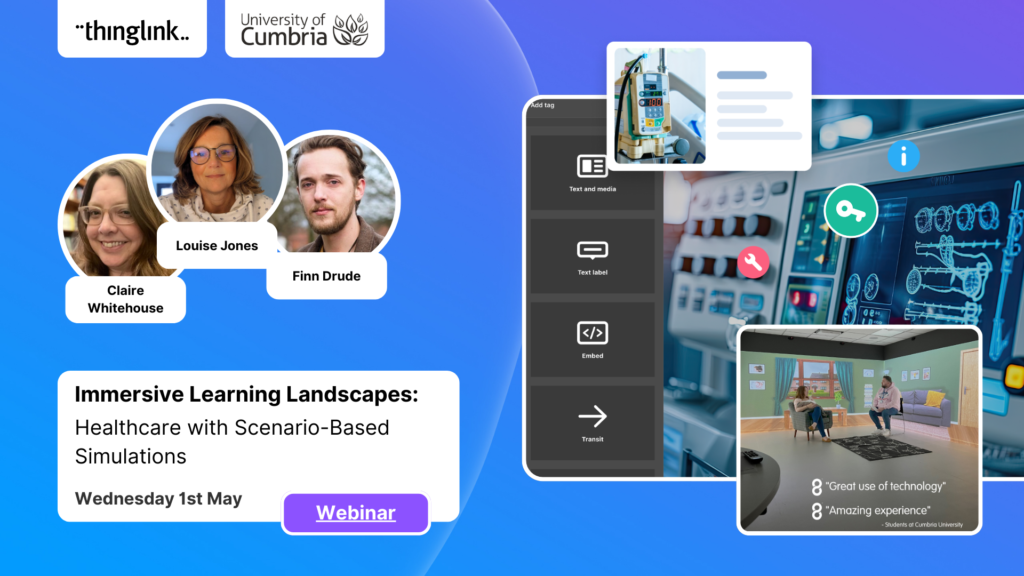
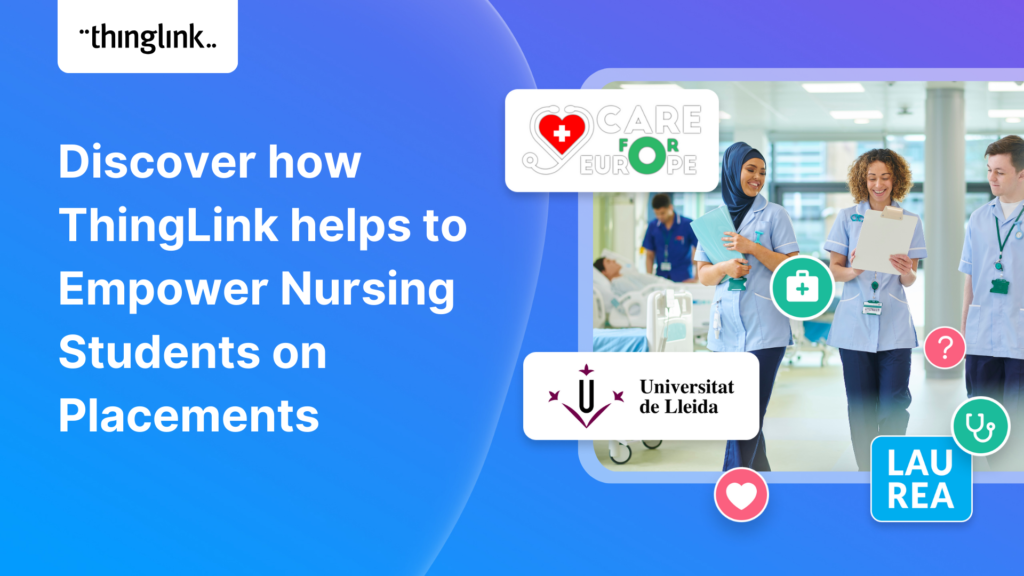
Emergency response training, patient safety protocols, infection control procedures, and multi-agency simulations benefit from the realism that immersive environments provide. You can explore this in more depth in Immersive Training for Workplace Health and Safety That Actually Works and How to Create Immersive Learning for Medical Schools and Healthcare Teams.
Energy and Utilities
Substation orientation, emergency procedures, field troubleshooting, and technician support are areas where the stakes are high and realistic practice is essential. Immersive training lets employees build confidence with complex environments without exposure to live hazards.
Real Organisations Using ThingLink for Safety Training
Organisations across sectors are already using ThingLink to strengthen their safety programmes. Here are a few examples.
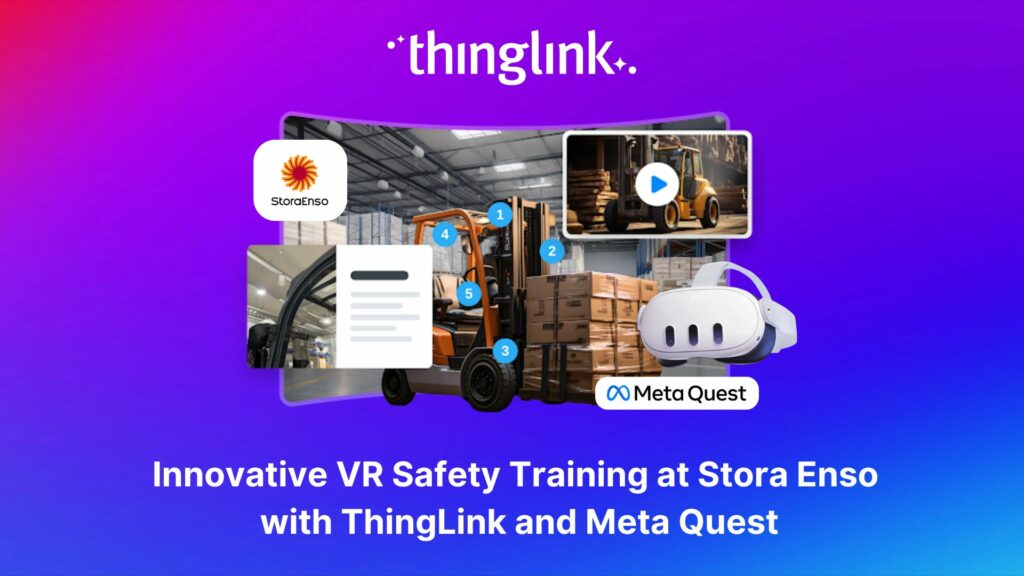
Stora Enso built multilingual forklift and warehouse training using 3D and 360° environments, scenarios, and VR headsets. The training was translated into 11 languages and delivered globally. You can read the full story in Innovative VR Safety Training at Stora Enso with ThingLink and Meta Quest.
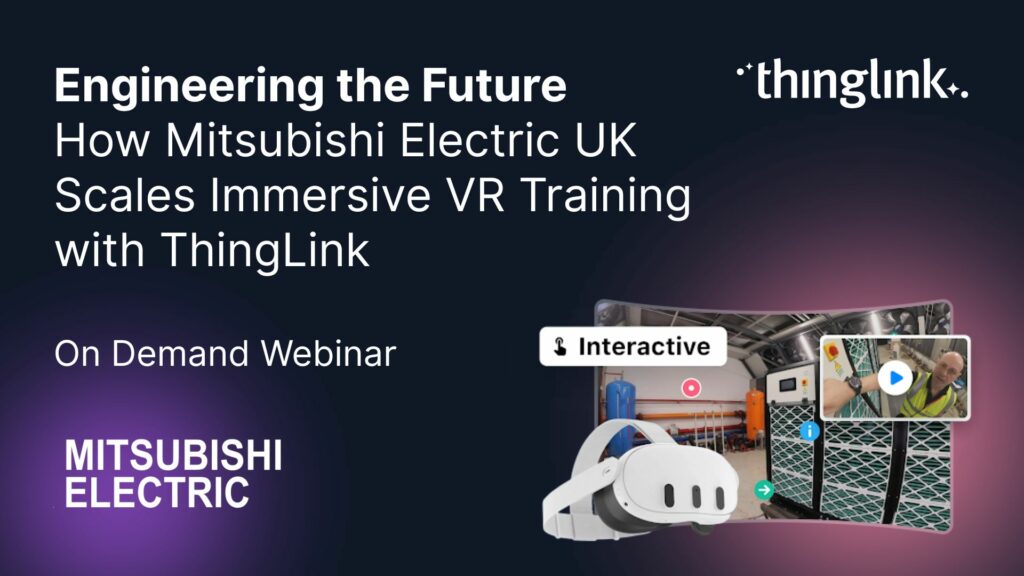
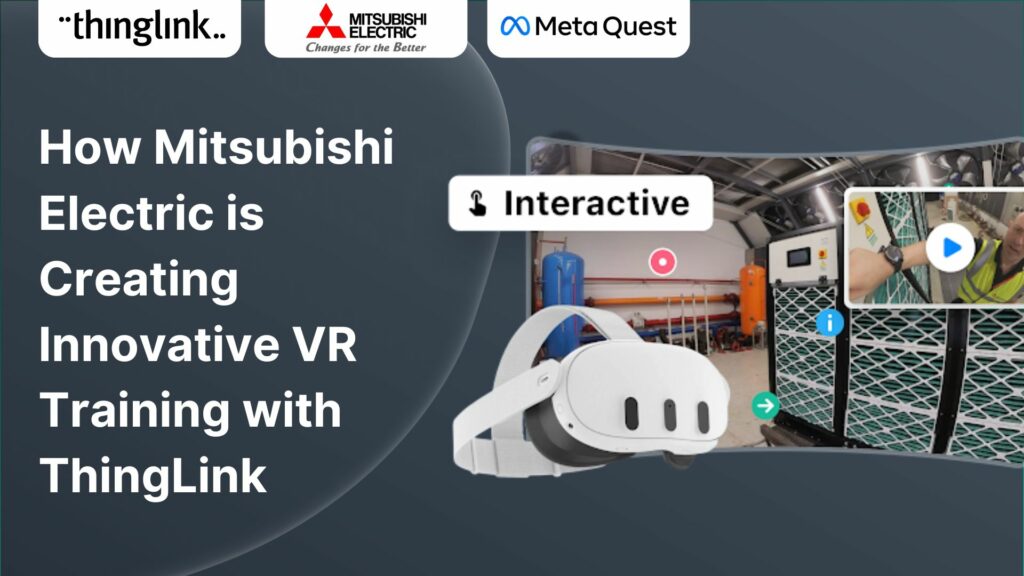
Mitsubishi Electric UK introduced ThingLink and VR into its blended training programme. The organisation reported high learner satisfaction alongside significant reductions in training-related costs and travel.
WaterLAB uses ThingLink AR to support field technicians with equipment troubleshooting, helping improve accuracy and reduce the risk of errors in the field.
Fingrid created more than 100 virtual safety briefings for electrical substations, reducing the need for employees to travel to individual sites for face-to-face orientation.
How to Get Started with Immersive Safety Training
The best starting point is identifying a workplace, procedure, or safety challenge where realistic practice would add real value. Think about situations where a wrong decision in training could prevent a wrong decision on site.
From there, you have two routes. You can transform existing PDFs, presentations, images, and training materials into interactive ThingLink experiences. Or you can build something new using real-world 360° media and ThingLink's AI-assisted authoring tools.
Once your content is ready, you can share it across desktop, mobile, VR, immersive spaces, or your existing LMS, with no specialist development required.
ThingLink gives your Learning and Development team a practical, scalable way to create safety training that reflects the real world and prepares employees to navigate it safely.