How to Create an Online Course Without a Developer
You have the expertise. You know what your team needs to learn. But every time you picture building an online course, you hit the same wall: you need a developer, a budget you don’t have, and a timeline that doesn’t work.
Here’s the truth: you don’t need any of that. The tools available to L&D professionals today mean you can go from idea to interactive course faster than you think, without writing a single line of code. This guide walks you through exactly how to create an online course using ThingLink, and why more corporate training teams are choosing this approach.
Why Most Online Course Projects Stall Before They Start
Talent development managers and L&D leads consistently cite the same blockers: limited budget, no in-house technical resource, and content that looks flat or dated once it’s finally published. Traditional eLearning authoring tools often require steep learning curves, expensive licences, and IT involvement just to get started.
The result? Valuable training projects sit in backlogs for months. Compliance deadlines get missed. Onboarding experiences feel like a chore rather than a welcome.
The good news is that a new generation of no-code creation tools has changed the equation entirely.
What “No-Code” Actually Means for Training Teams
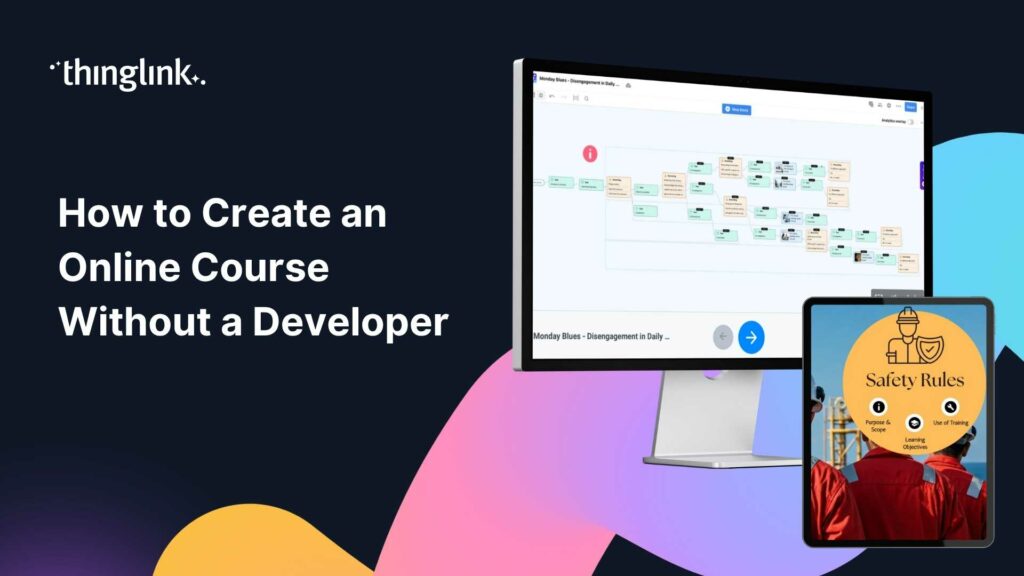
In action! Explore this example.
No-code doesn’t mean low quality. It means the technical complexity is handled for you, so you can focus entirely on the learning experience you’re designing.
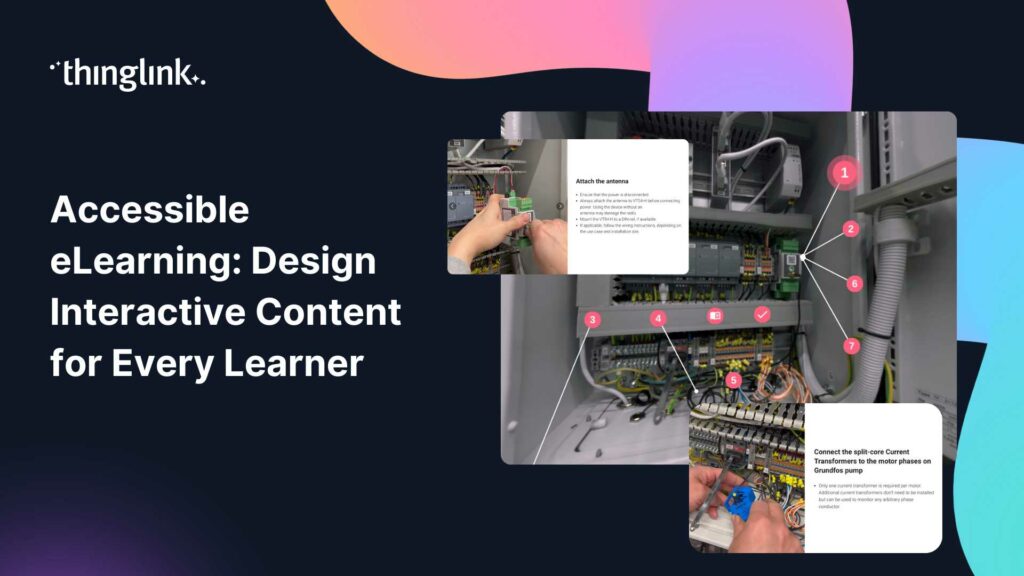
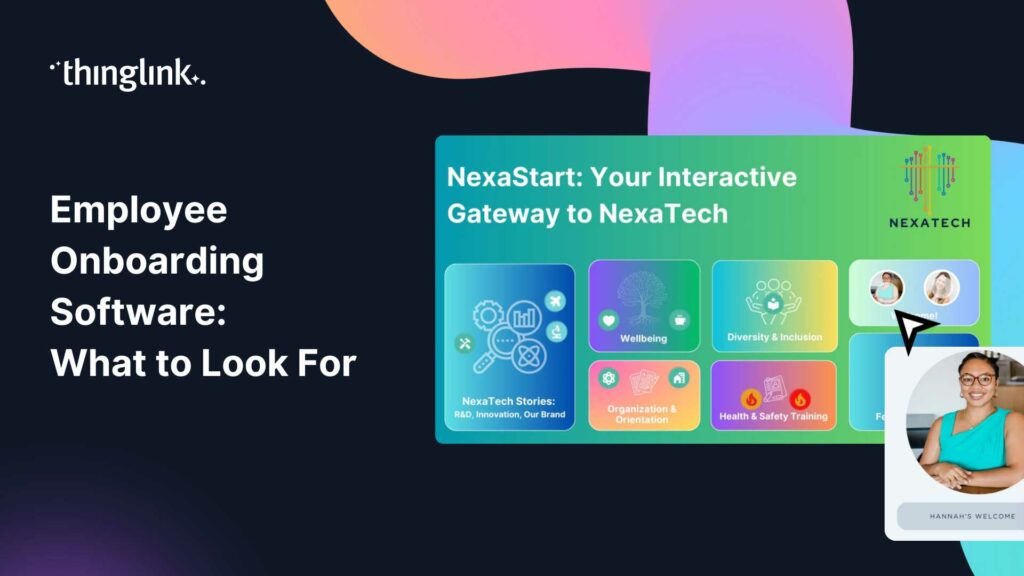
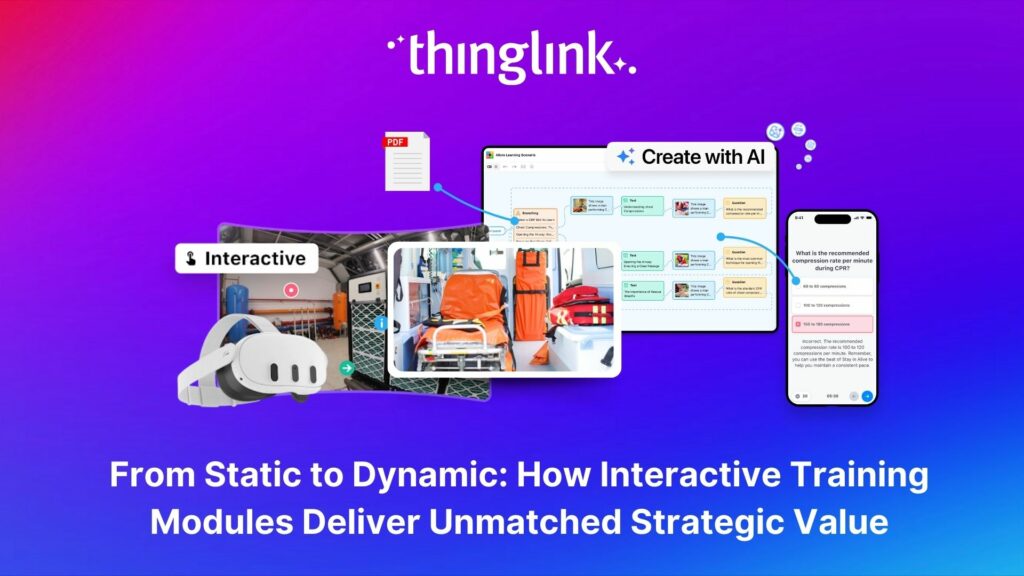
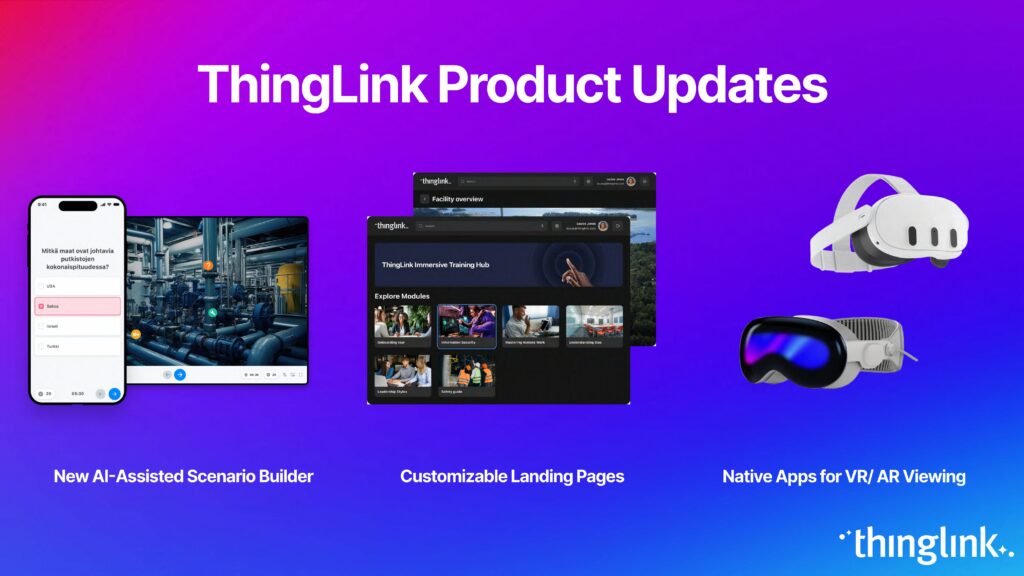
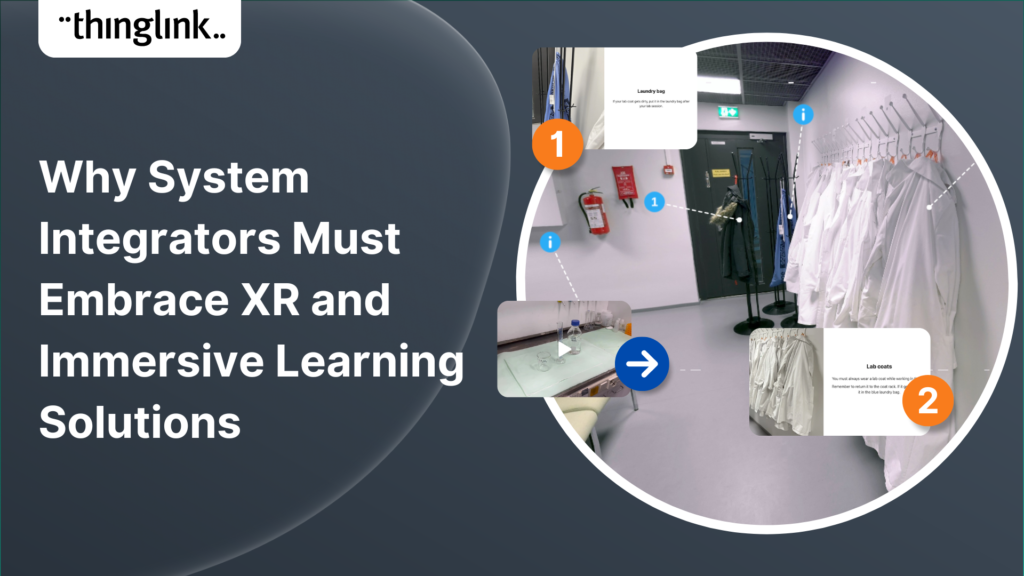
With ThingLink, you work inside a visual editor. You upload images, videos, or 360° photography, and you layer in interactive content directly on top. That content can be text, audio, video clips, quizzes, links to documents, or even branching scenario pathways. The editor is browser-based, which means there’s nothing to install, and your whole team can collaborate without needing anyone from IT.
This is how a compliance training lead at a multinational can build a fully interactive scenario in an afternoon. It’s also how a Head of Learning and Development can give subject matter experts the ability to contribute content directly, without a handoff to a developer at every stage.
How to Create an Online Course Step by Step with ThingLink
Step 1: Define Your Learning Objective
Before you open any tool, get specific about what learners need to be able to do differently after completing the course. One clear behavioural outcome is worth more than ten vague topics.
For a compliance training course, that might be: “After completing this module, employees will correctly identify the three steps required when reporting a data breach.” For onboarding, it might be: “New hires will confidently navigate the physical workplace and know who to contact for each type of request.”
This objective shapes every decision you make in the next steps.
Step 2: Choose Your Visual Foundation
ThingLink courses are built on visual media. Your starting point might be:
- A photograph of your actual workplace or facility
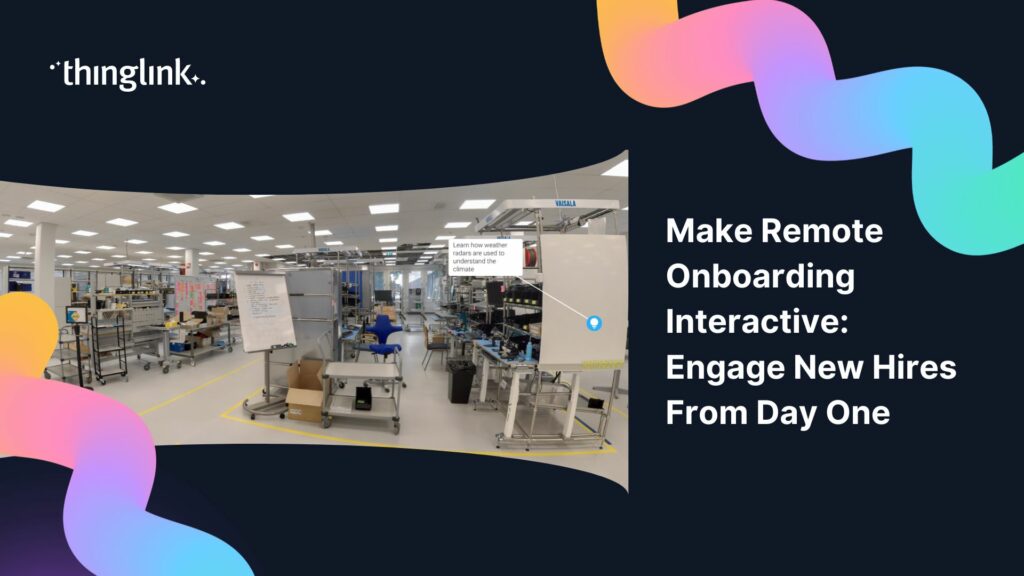
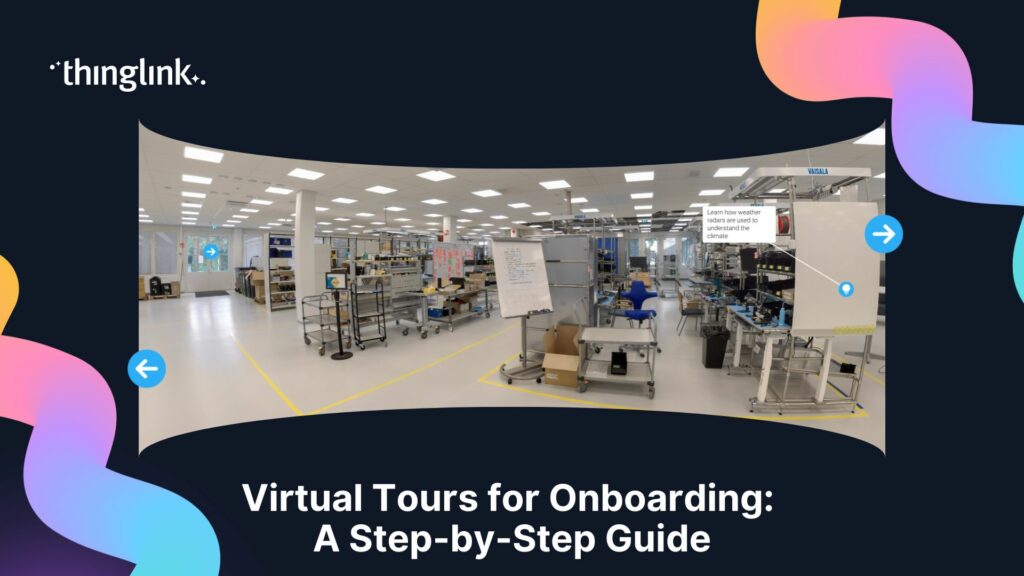
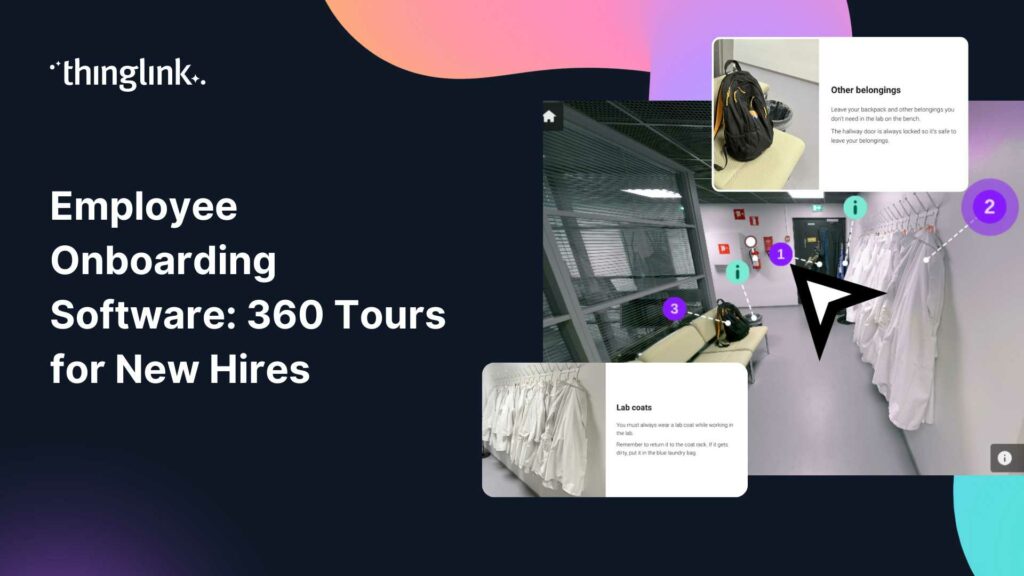
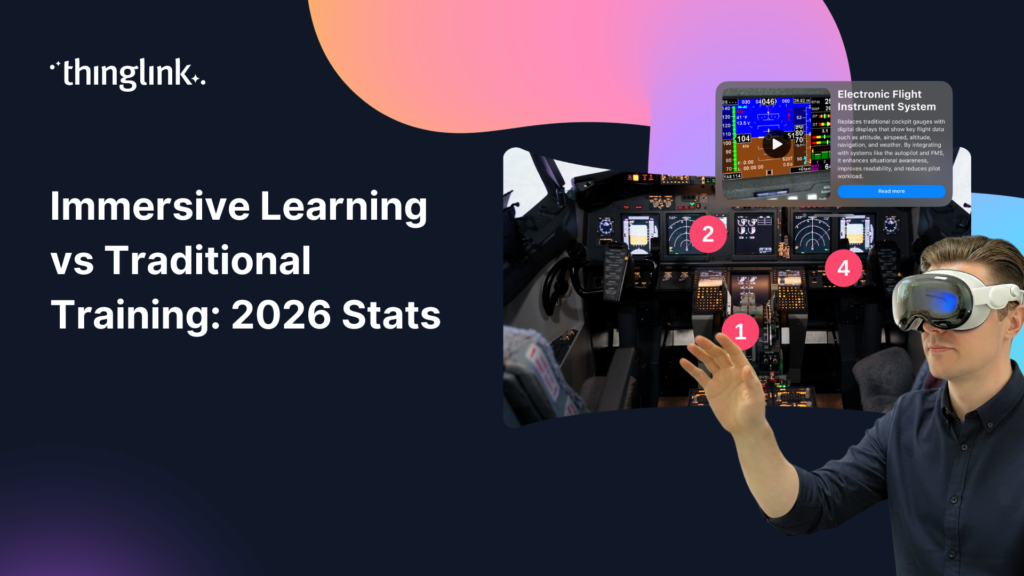
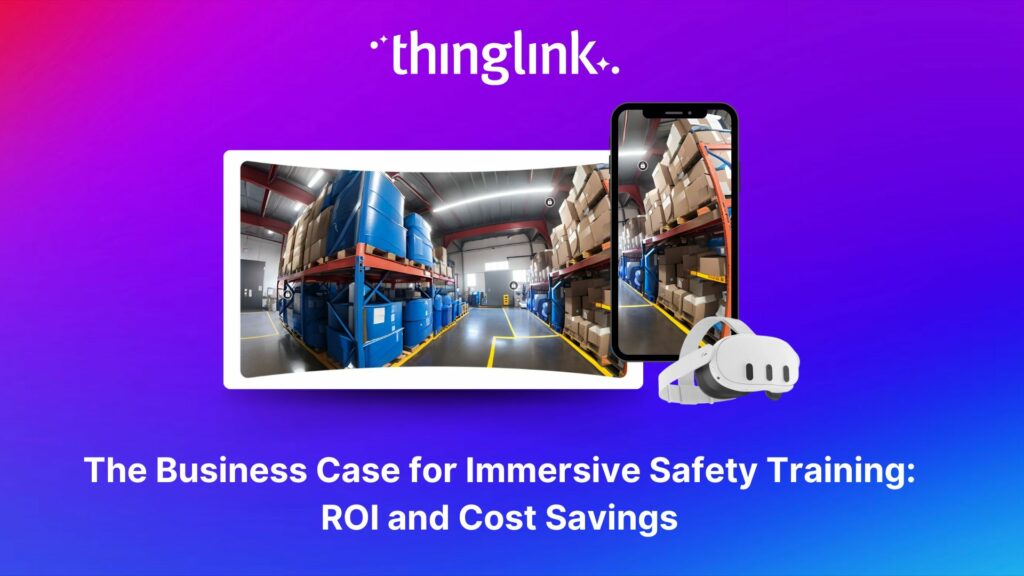
- A 360° image of a key environment (a factory floor, a store, a lab)
- A video walkthrough you’ve already recorded
- A custom graphic or diagram you’ve designed
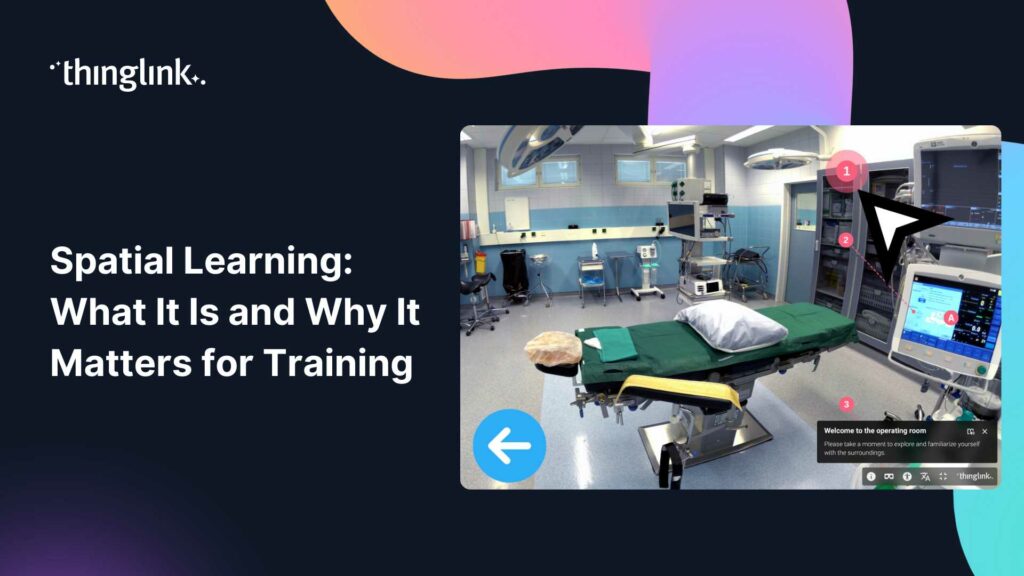
You don’t need professional photography to start. Many teams begin with smartphone images and upgrade their visuals over time. If your course covers a physical environment, a 360° image creates genuine immersion that flat slides simply can’t match. You can learn more about how to approach this in the guide to how to create 360 virtual tours.
Step 3: Build in Interactivity Layer by Layer
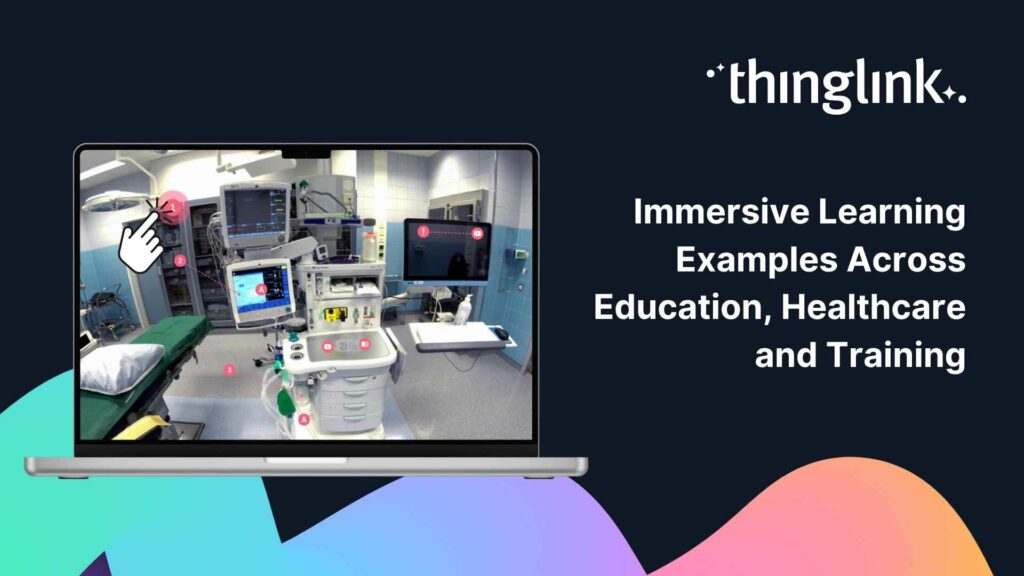
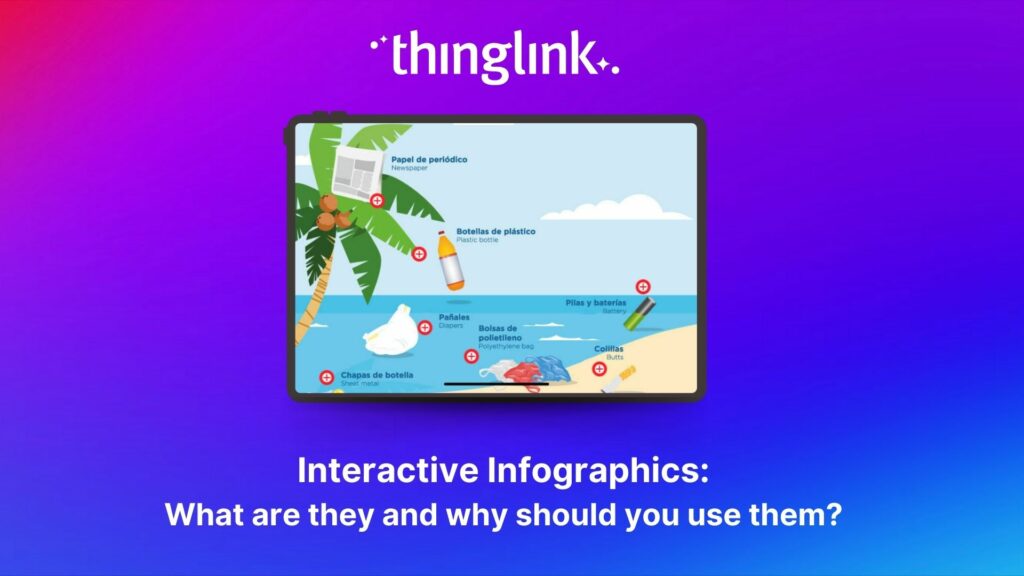
This is where ThingLink becomes genuinely powerful for course creators. You add “tags” or hotspots directly onto your visual. Each tag can contain almost any type of content.
Some practical examples for corporate training:
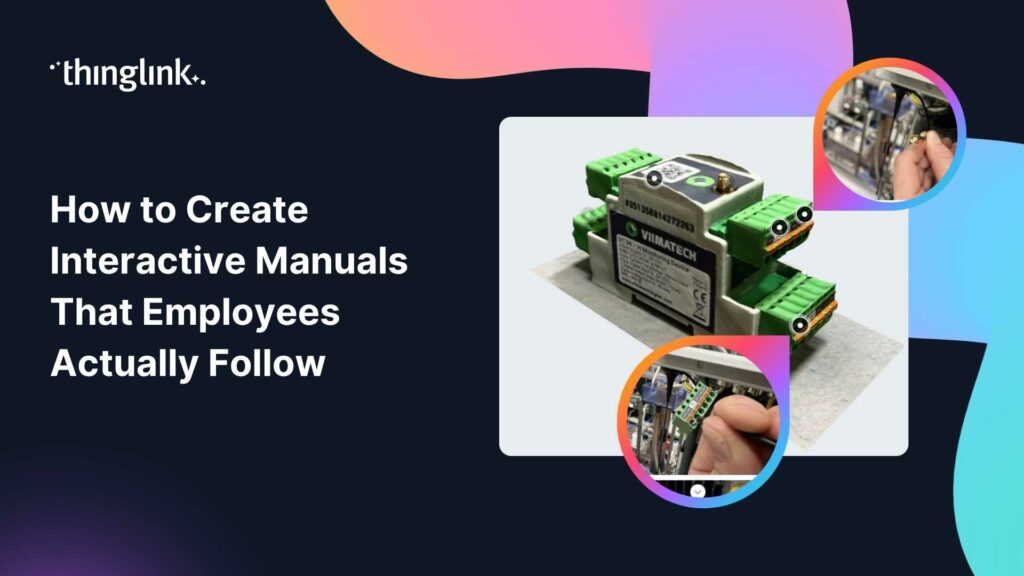
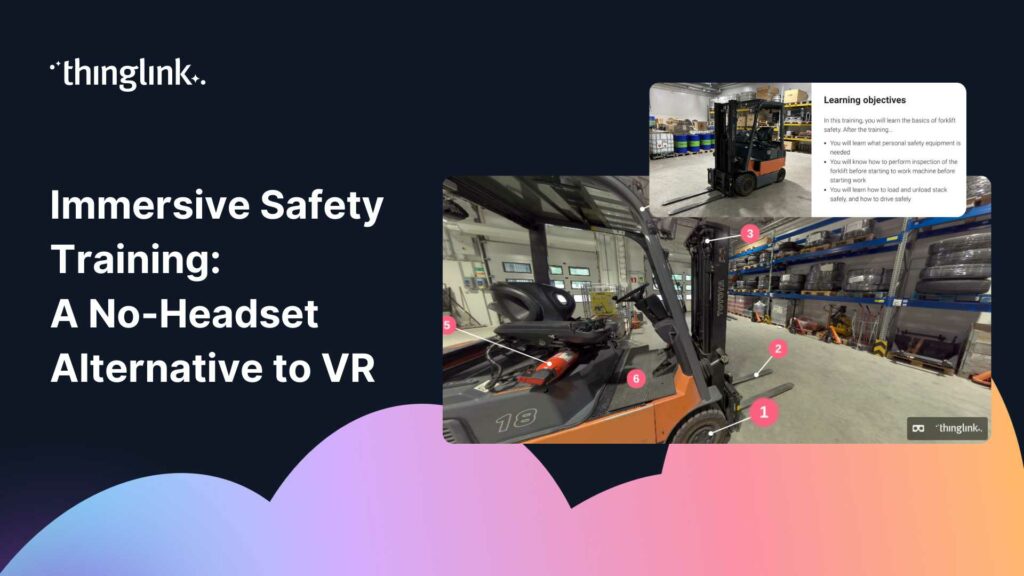
- A hotspot on a piece of machinery that opens a video explaining safe operation
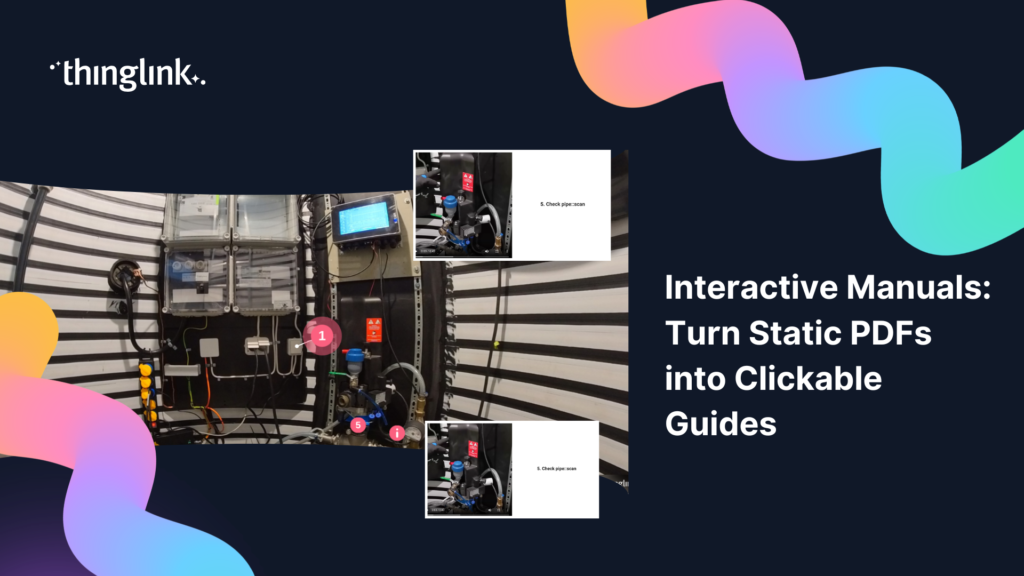
- A clickable area on a process diagram that reveals a step-by-step checklist
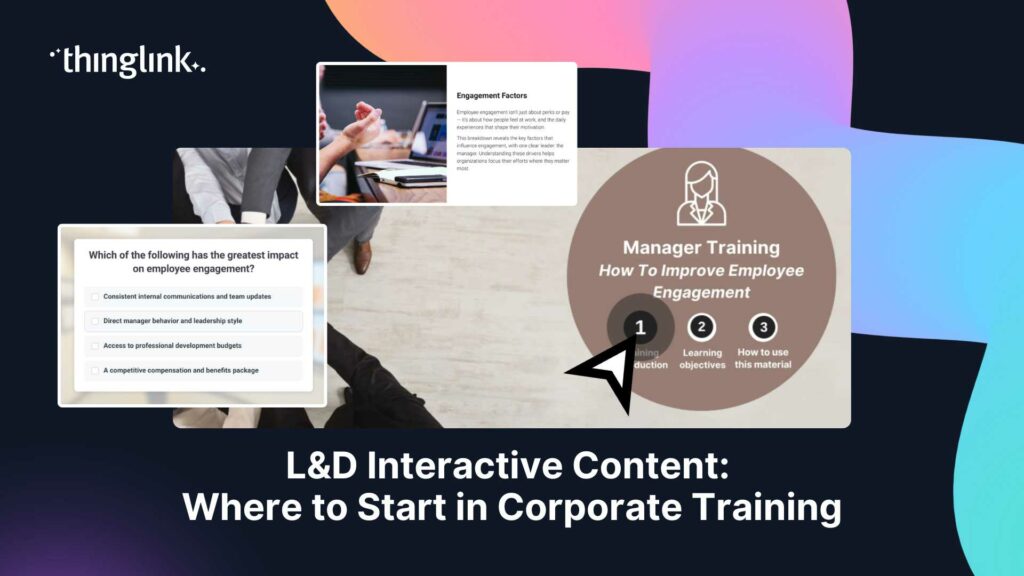
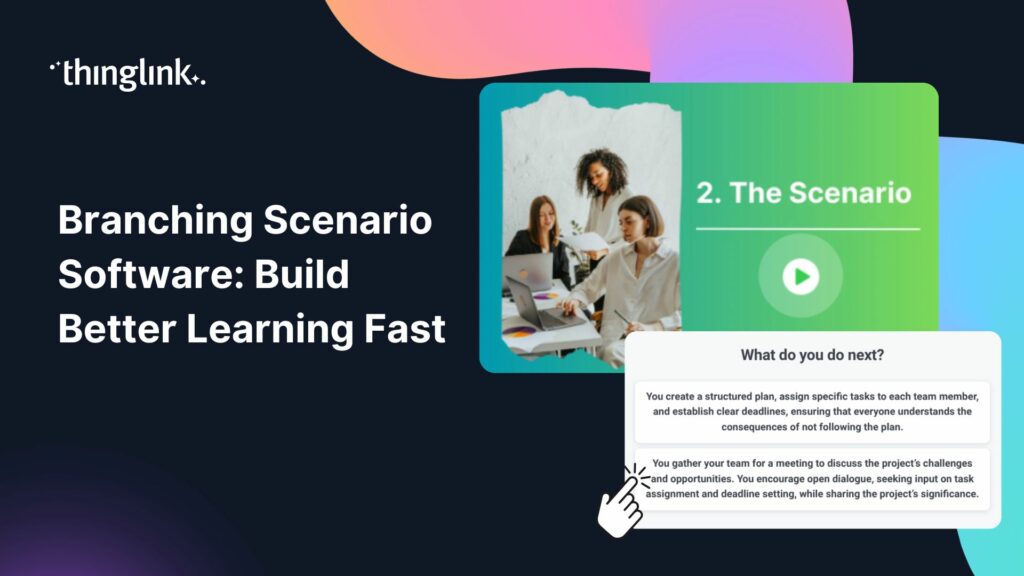
- A branching decision point where learners choose how to respond to a customer complaint
- An audio clip from a subject matter expert explaining a regulation in plain language
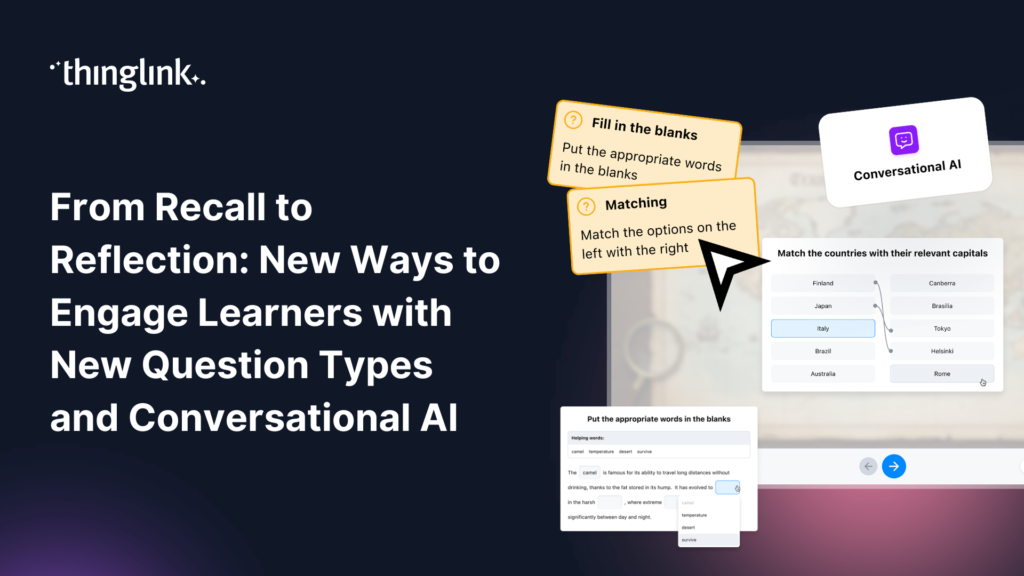
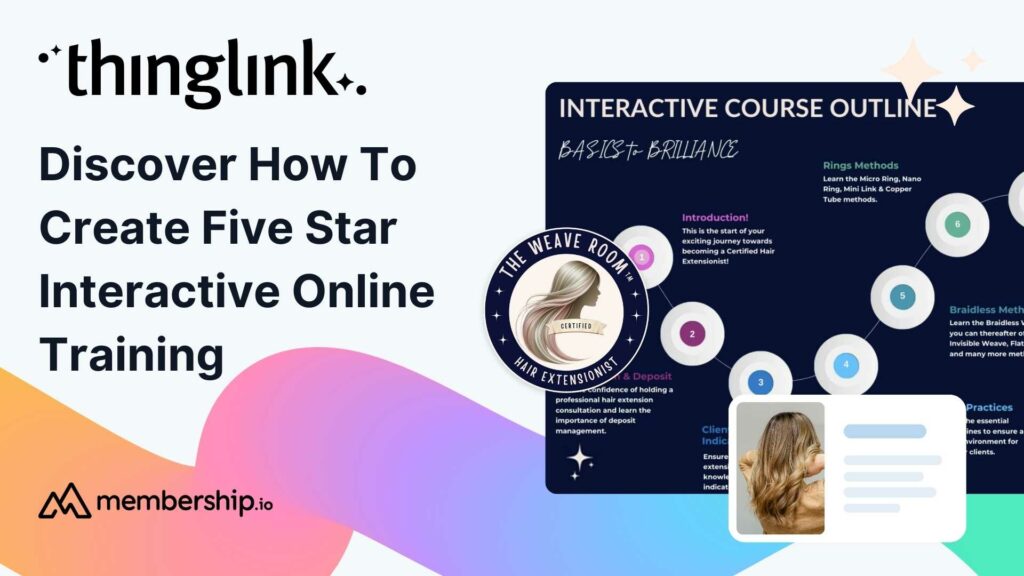
Interactivity isn’t decoration. It directly improves knowledge retention because learners are making active choices rather than passively watching slides scroll by. If you want to see what this looks like in practice for training contexts, the post on five star interactive online training is a useful reference.
Step 4: Add Scenario-Based Learning for High-Stakes Topics
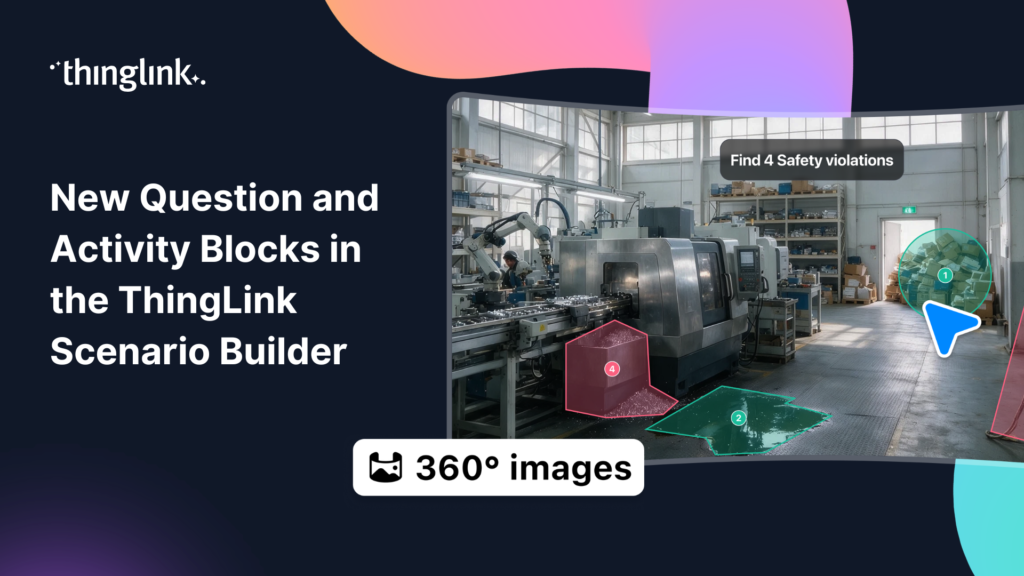
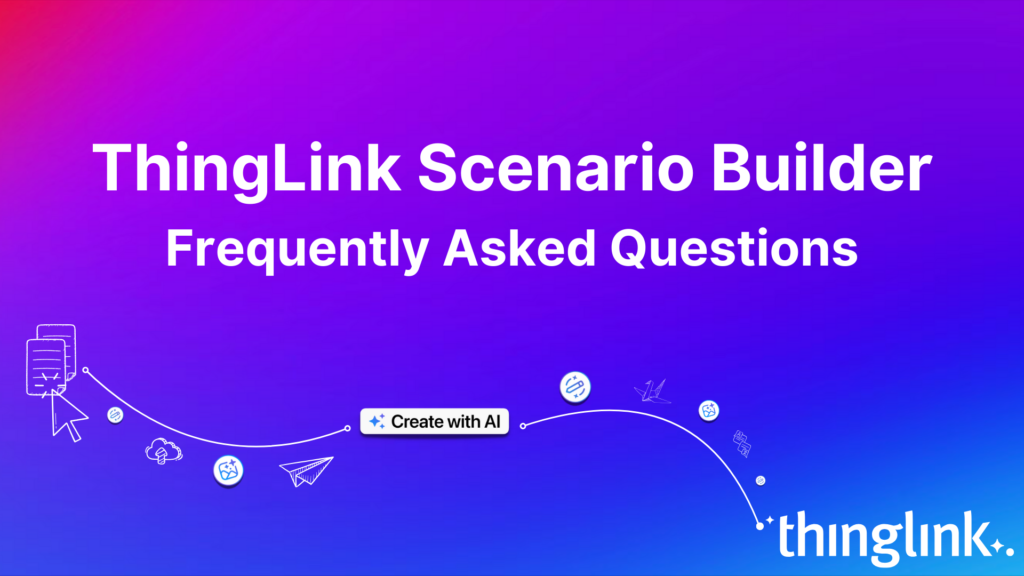
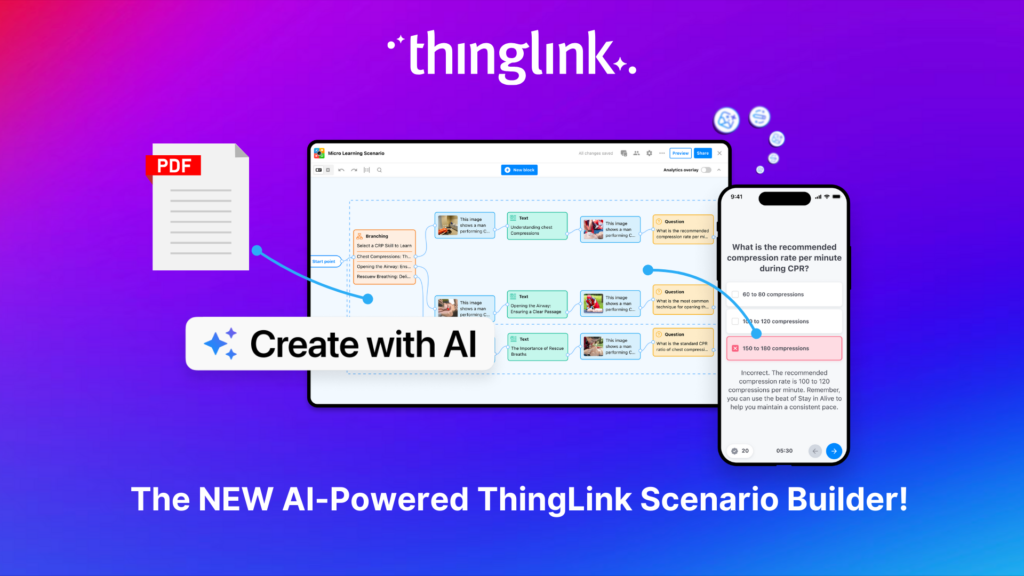
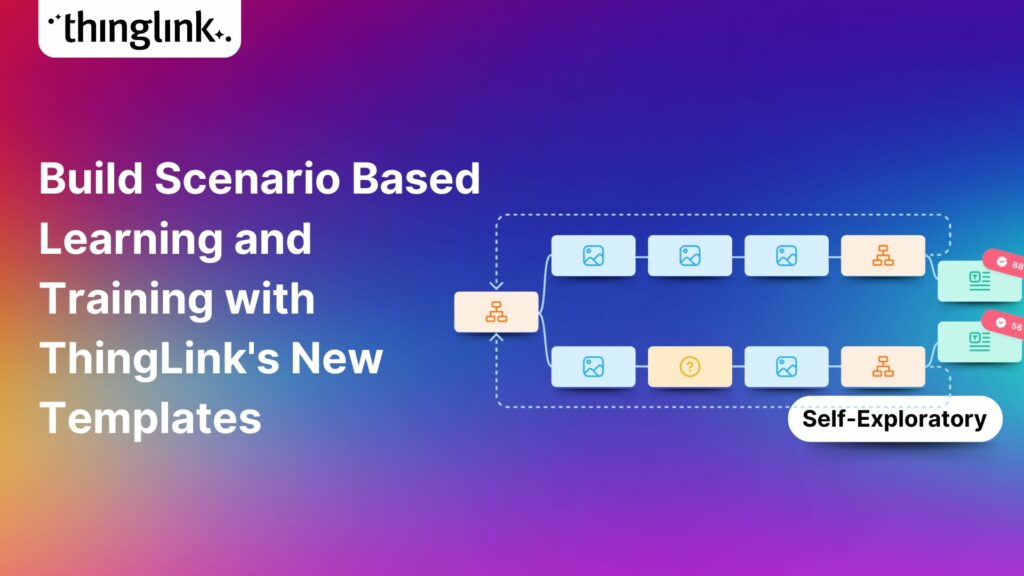
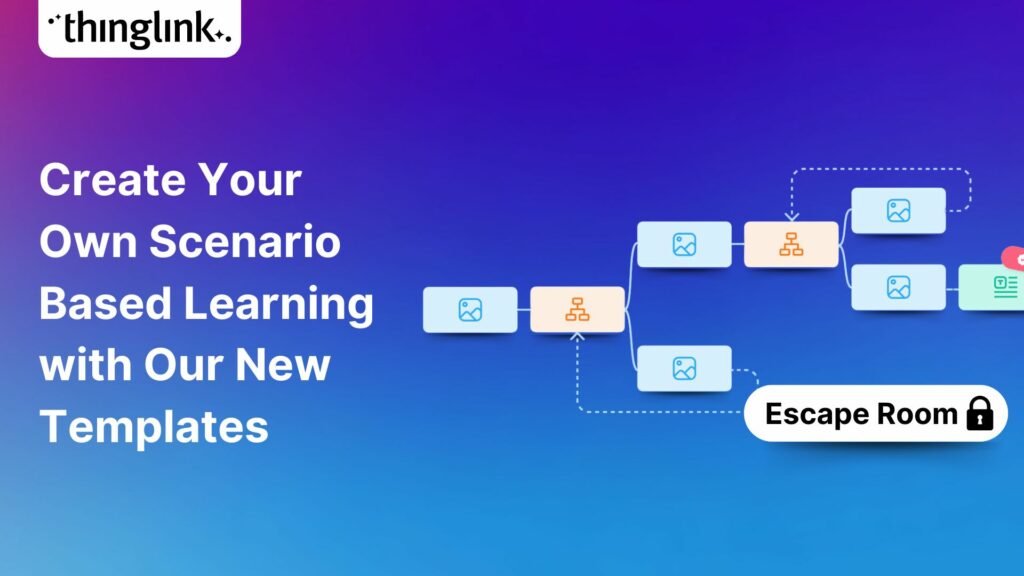
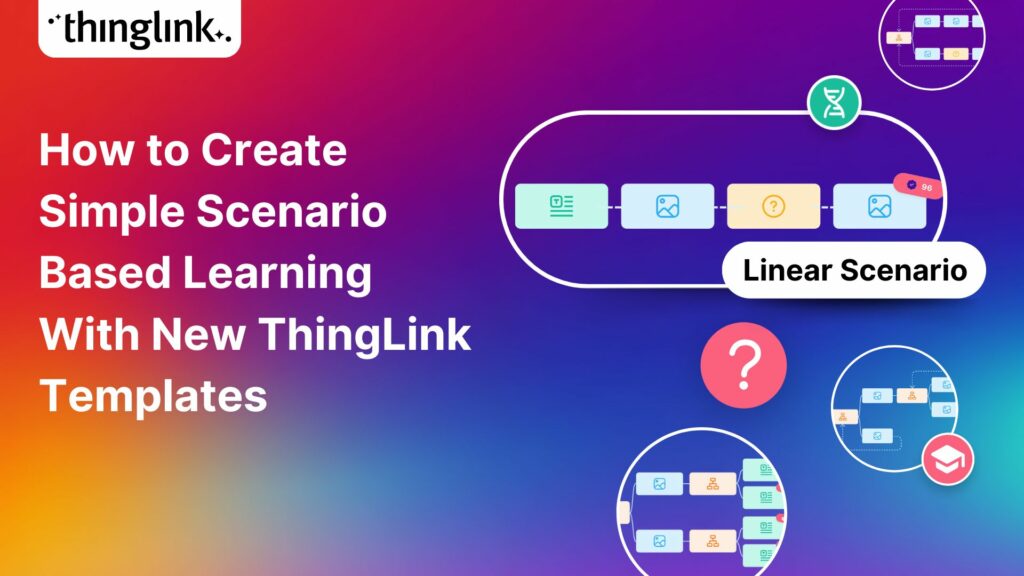
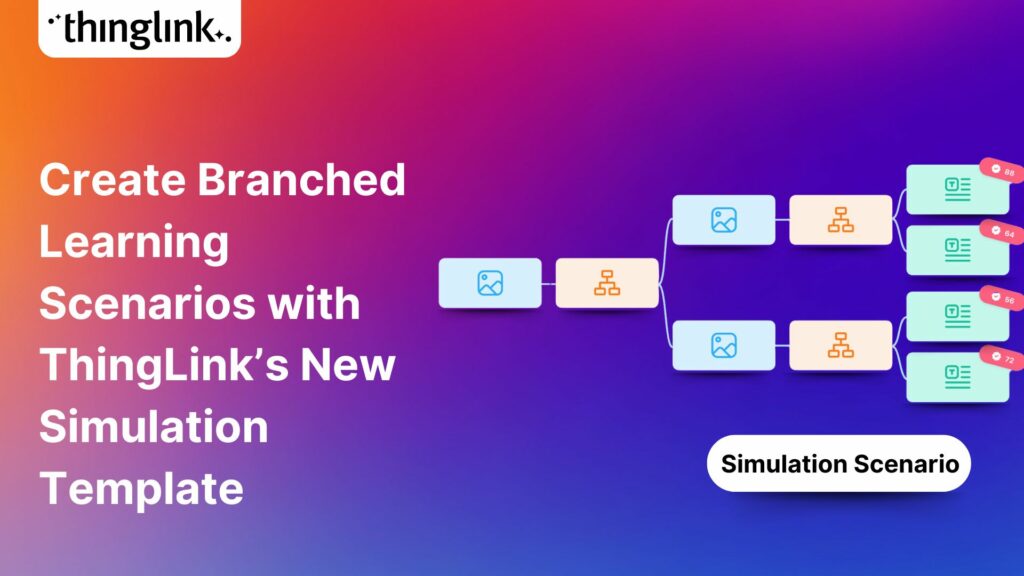
For topics where real-world decision-making matters, compliance training and safeguarding being two clear examples, scenario-based learning is the gold standard. ThingLink’s scenario and simulation tools let you build branching pathways where each choice leads to a different outcome.
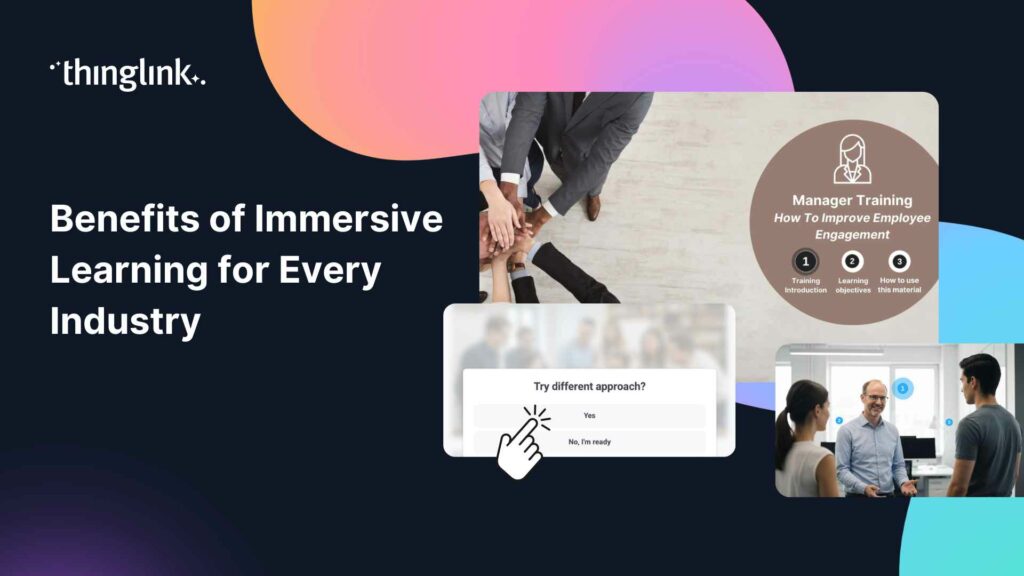
This approach works especially well for soft skills training, customer service, leadership development, and any situation where context and judgement matter more than simple recall. Learners feel the consequence of their choices in a safe environment, which is far more effective than reading a policy document.
You can explore ThingLink’s purpose-built tools for this at our Scenario Simulations page.
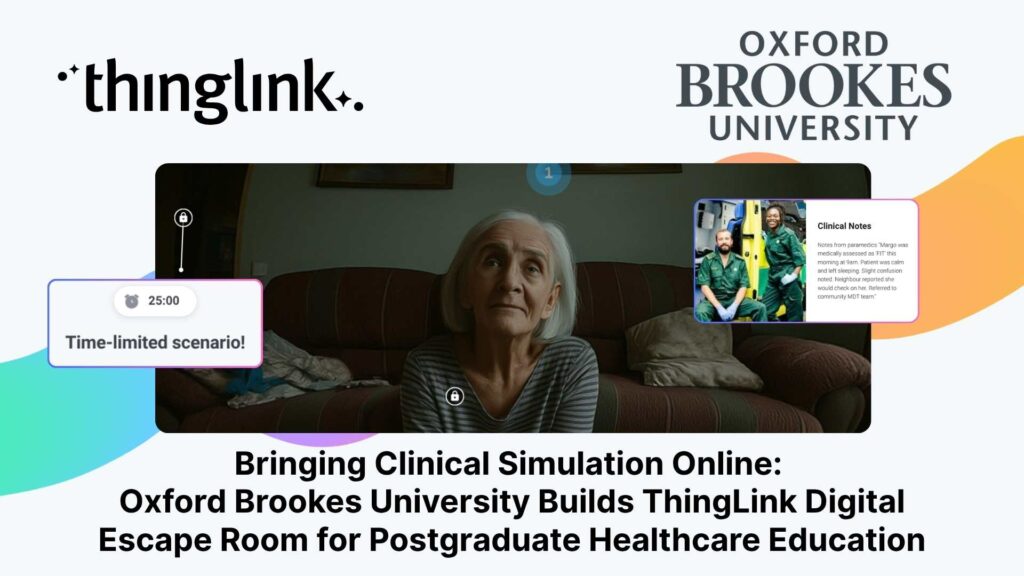
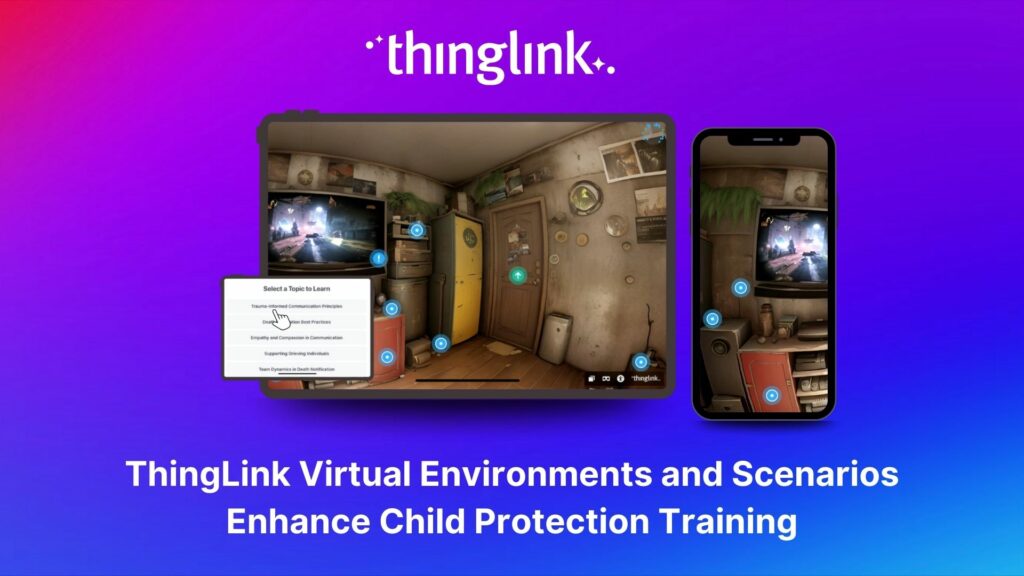
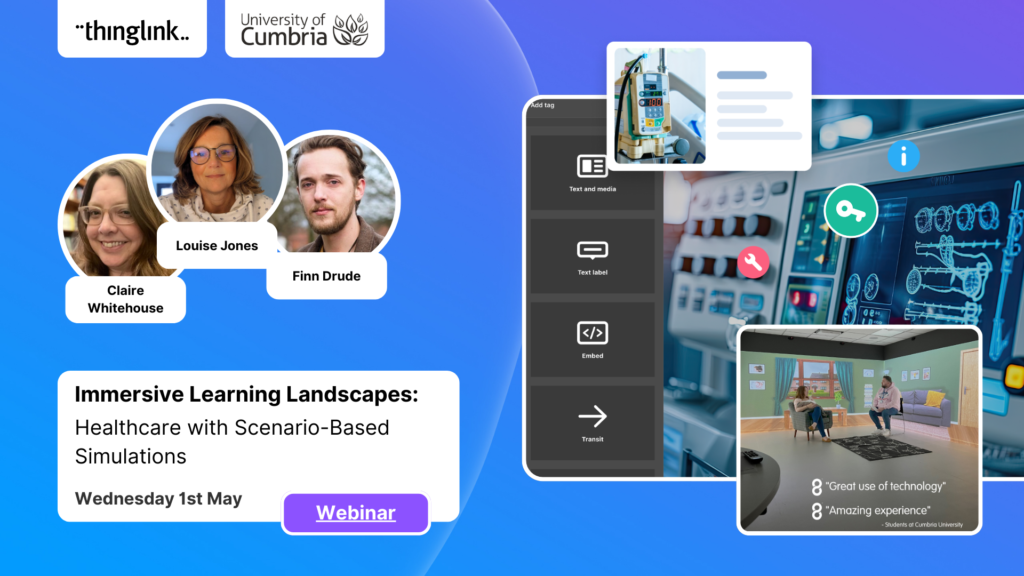
One publicly documented example is a child protection training programme that used ThingLink virtual environments and scenarios to help professionals practise difficult conversations and decisions. You can read the full story here: ThingLink Virtual Environments and Scenarios Enhance Child Protection Training.
Step 5: Embed, Share, or Publish to Your LMS
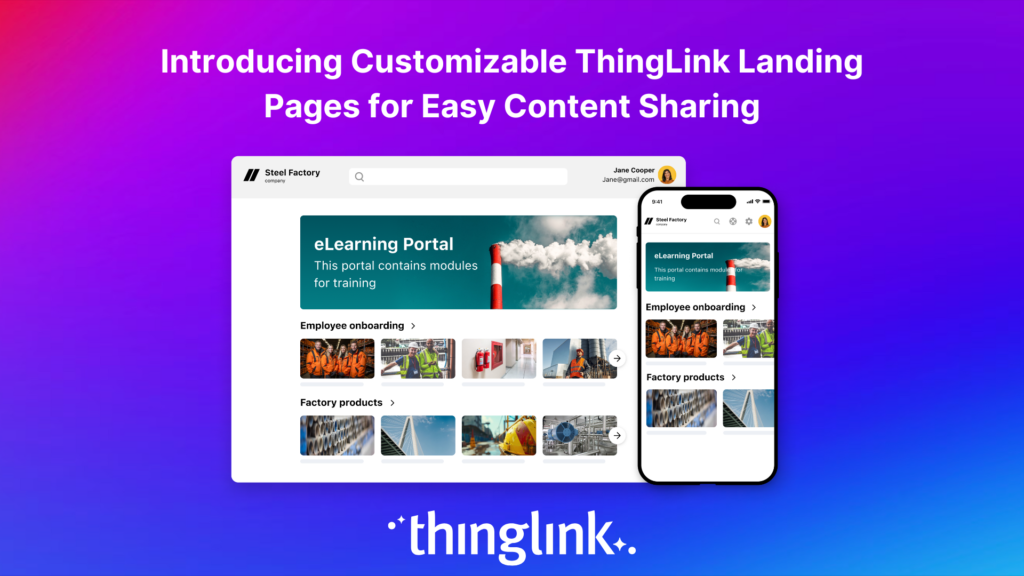
Once your course is built, ThingLink gives you several routes to delivery. You can share a direct link, embed the experience into an existing intranet or LMS, or export it as SCORM for tracking completion and quiz scores.
This means you don’t have to rebuild your entire training infrastructure. ThingLink works alongside the systems you already use.
For enterprise teams looking at deployment at scale, ThingLink for Enterprise covers the options available for larger organisations, including team collaboration features, admin controls, and integrations.
What Real Organisations Are Building
It’s worth grounding this in real examples rather than staying abstract.
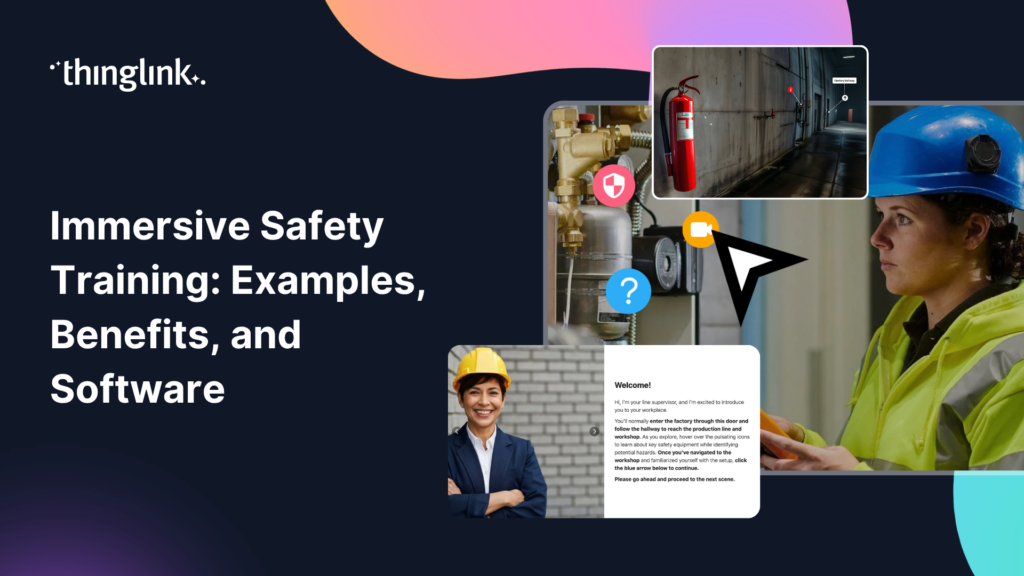
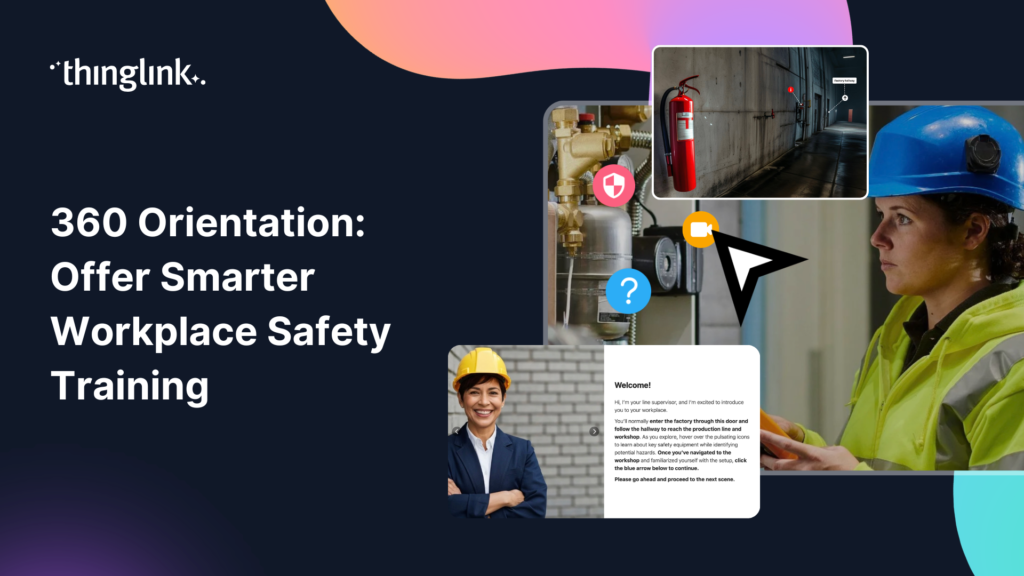
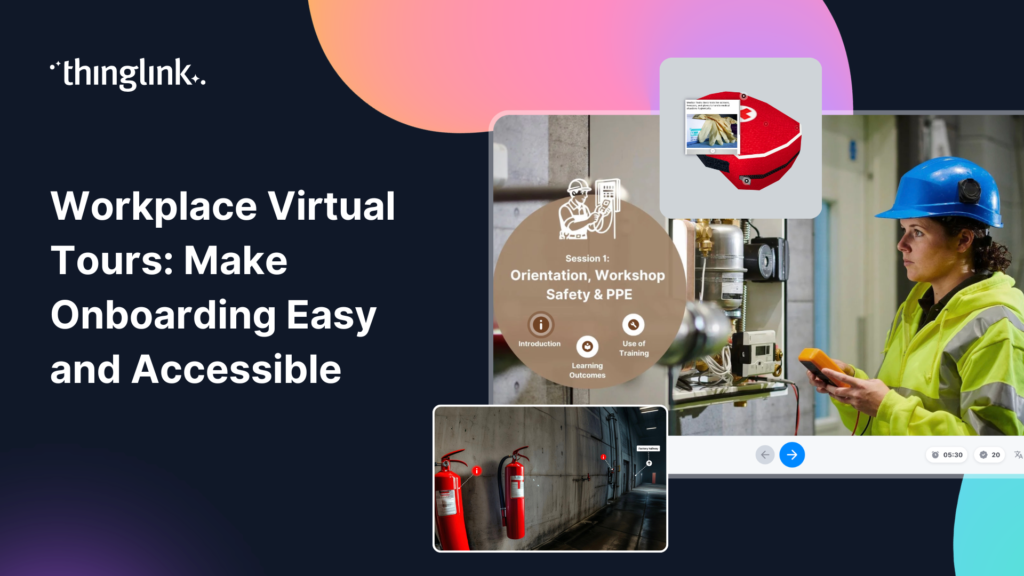
Fingrid, a Finnish energy transmission company, used ThingLink to create virtual safety briefings for new hires. Instead of requiring every new employee to visit physical sites for induction, they built an interactive 360° environment that lets people explore the facility, learn safety protocols, and complete their briefing remotely. The result was a more consistent experience delivered at scale, with significant reductions in both cost and carbon footprint. You can read the full case study: How Fingrid Creates Virtual Safety Briefings for New Hires with ThingLink.
This is the kind of outcome that was previously only achievable with large production budgets and development teams. Fingrid built it with ThingLink, using their own subject matter experts and existing photography of their sites.
Using AI to Speed Up Course Creation
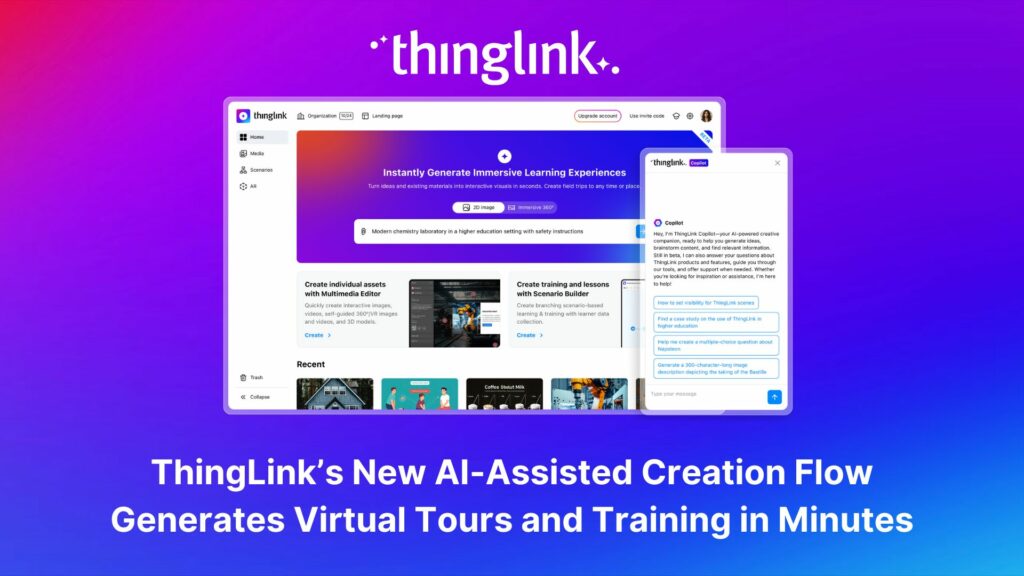
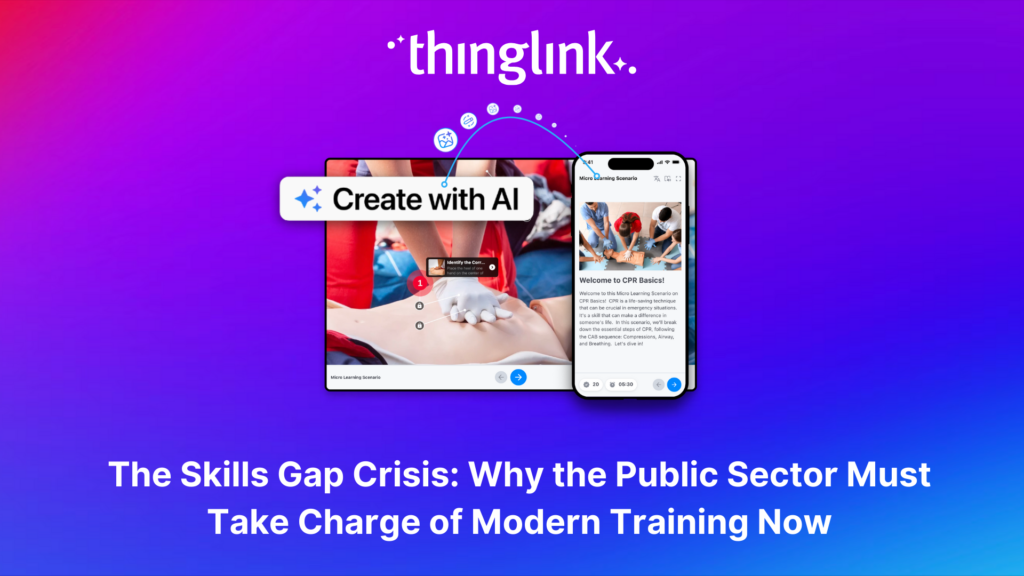
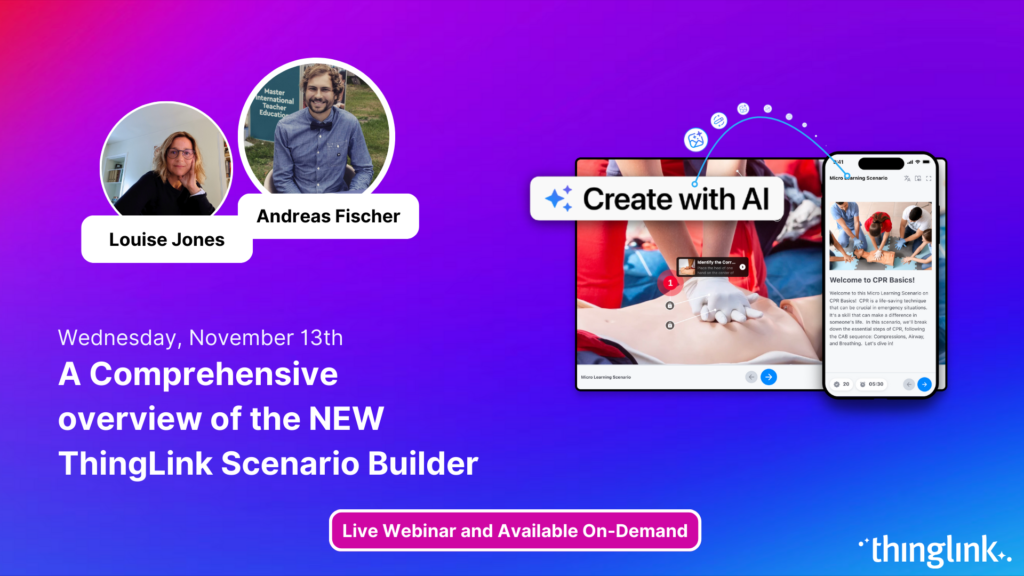
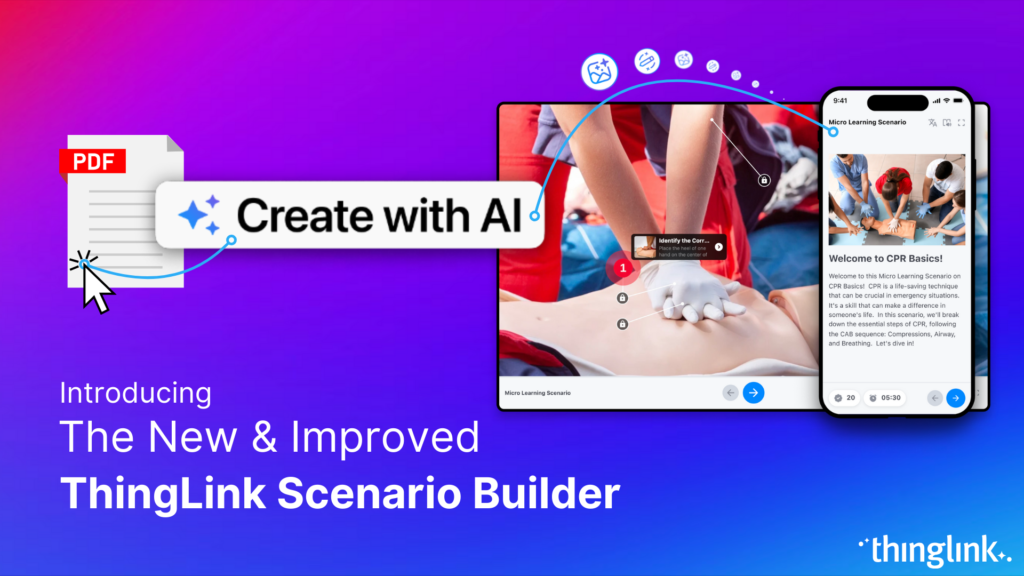
If the prospect of generating all your course content from scratch feels daunting, ThingLink’s AI-assisted tools can help you move faster. AI features in ThingLink can help you generate scenario scripts, draft learning content, and suggest interaction structures based on your topic.
This is particularly useful for learning experience designers who are building courses across multiple subject areas simultaneously, or for HR development managers who need to spin up training quickly in response to a regulatory change.
The key point is that AI in this context is a productivity tool. You still bring the expertise, the context, and the learning design thinking. The AI helps you produce more, faster.
Common Questions from L&D Teams
Do I need design skills to use ThingLink?
No. The editor is built for content creators, not designers. You work with your own images and media, so the visual style reflects your organisation naturally. Many teams find they produce better-looking content in ThingLink than in traditional slide-based tools.
Can I track learner completion and scores?
Yes. ThingLink supports SCORM export, which allows your existing LMS to track completion, time-on-task, and quiz results. You can also use ThingLink’s built-in analytics to monitor engagement with specific content areas.
What if I want to include immersive or VR elements?
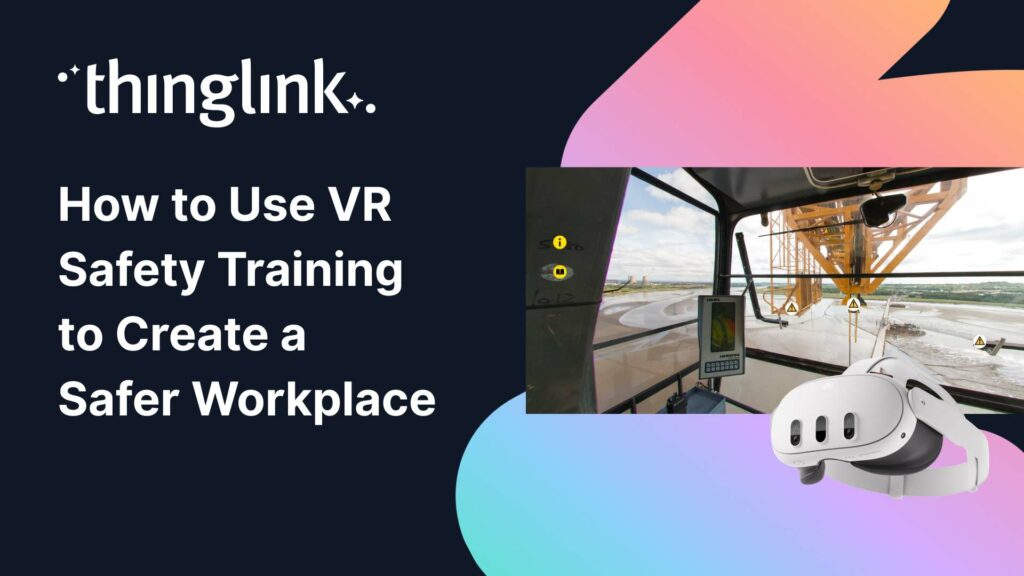
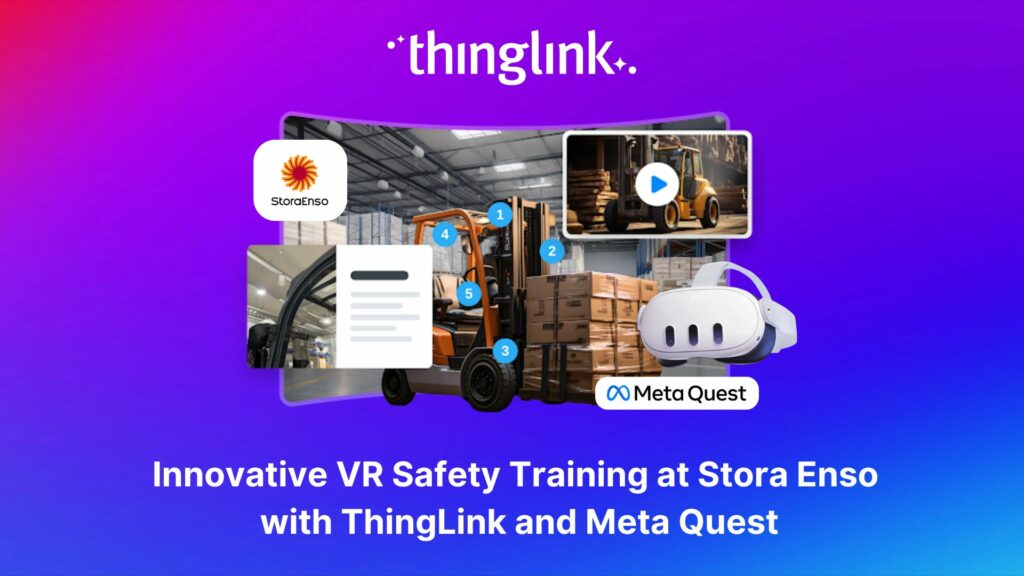
ThingLink supports 360° images and videos natively, which means learners can explore immersive environments without a VR headset, just a browser or mobile device. If your organisation uses VR headsets, ThingLink content is also compatible with those devices. For safety-critical industries, the post on VR safety training covers this in more depth.
How long does it take to build a course?
A focused single-topic module with interactive hotspots and a short scenario can be completed in a day by someone familiar with the platform. ThingLink offers a creator course to help new users get up to speed quickly: Learn to Create Interactive and Immersive Experiences with the New ThingLink Creator Course.
Why This Matters for Your Training Strategy
The ability to create online courses without developer dependency isn’t just a cost saving. It fundamentally changes the speed at which your organisation can respond to learning needs.
When a new regulation lands, you can update training within days. When a new product launches, your sales team can have an interactive briefing ready before the campaign goes live. When a workplace incident highlights a knowledge gap, you can address it immediately rather than waiting for a development cycle.
That kind of agility is increasingly a competitive advantage. Organisations that can learn and adapt faster than their competitors don’t get there by accident. They invest in the right tools and give their L&D teams the autonomy to act.
ThingLink is built for exactly that. If you want to explore what it looks like for an enterprise training team, visit our Enterprise Hub to see the full picture.
Start Building Your First Interactive Course Today
You already have what you need to get started: subject matter expertise, a learning objective, and an audience who deserves better than a static PDF or a fifty-slide deck.
ThingLink gives you the tools to turn that expertise into a genuinely engaging, interactive learning experience, without a developer, without a production agency, and without months of lead time.
Explore the platform, see what other training teams have built, and take the first step toward a more agile, impactful approach to workplace learning.