Branching Scenario Software: Build Better Learning Fast
Your learners are sitting through another click-through compliance module. They’re reading, clicking next, reading, clicking next. And by the time they close the browser, most of what they read is already gone.
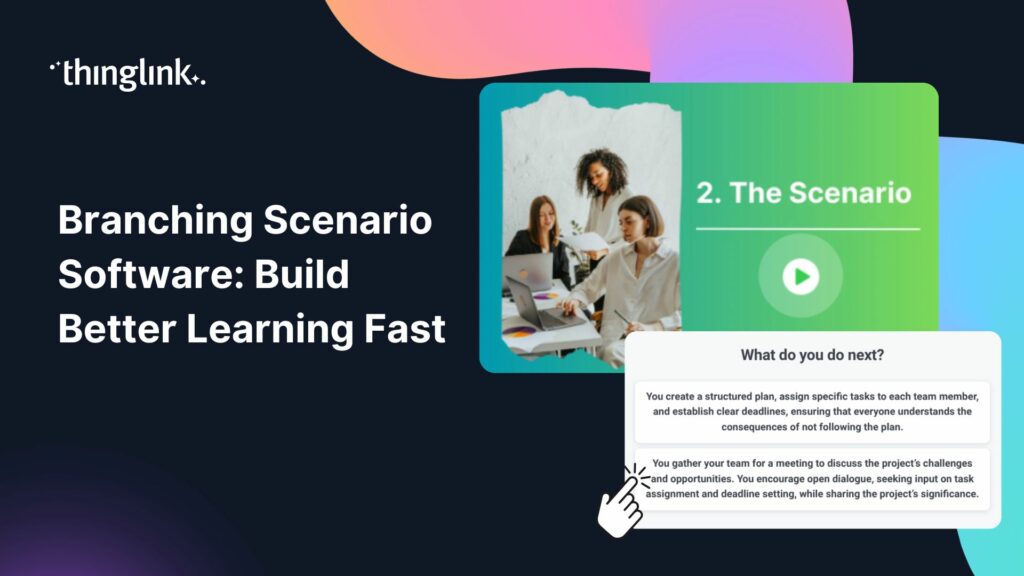
There’s a better way. Branching scenarios put learners inside a situation, ask them to make a real decision, and show them the consequences. They learn by doing, not by passively consuming. And with the right branching scenario software, you can build these experiences faster than you might think.
What Is a Branching Scenario?
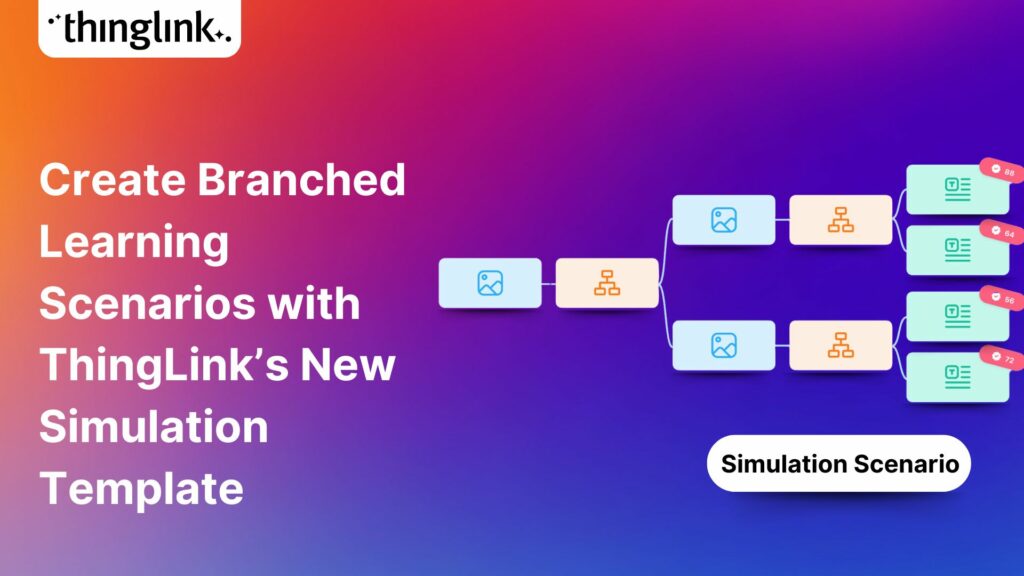
A branching scenario is an interactive learning experience where the learner makes choices, and each choice leads to a different path through the content. Think of it as a choose-your-own-adventure story, but built around your training objectives.
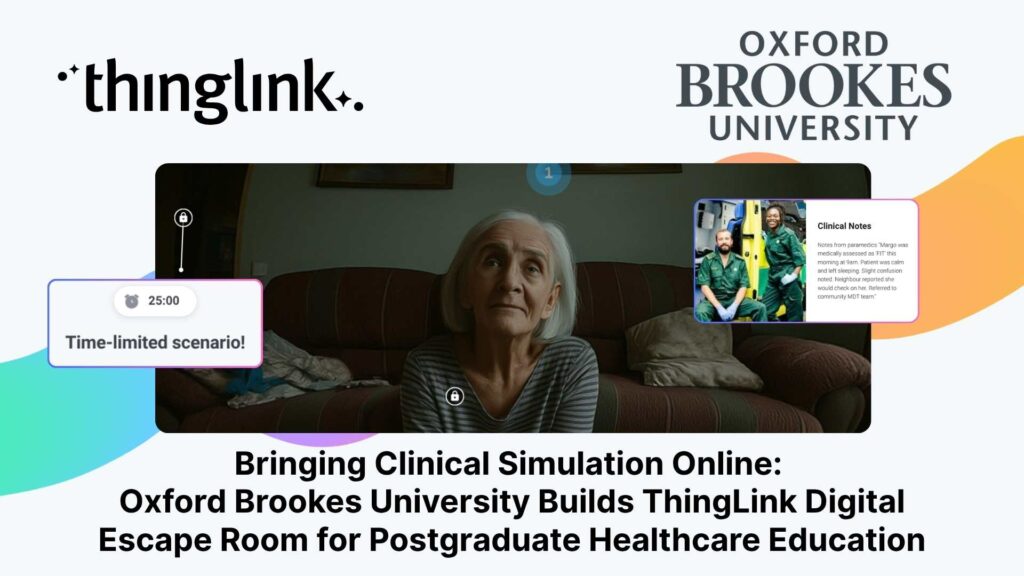
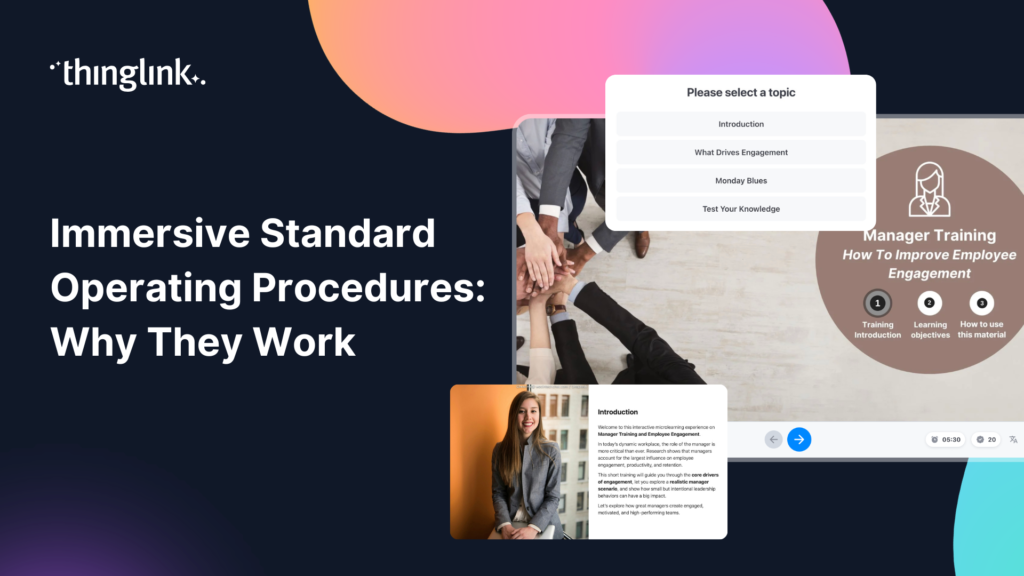
Instead of presenting one linear route through information, a branching scenario reflects how real situations actually unfold. A new manager faces a difficult conversation with a team member. A healthcare worker assesses a patient and must decide what to prioritise. A customer service rep handles a complaint that could go several ways. The learner chooses a response, sees what happens, and either moves forward or faces a consequence that teaches them something.
This structure mirrors the messiness of real work, which is exactly why it works so well for building judgment and decision-making skills.
Why Branching Scenarios Work
In action! Explore this example.
The research case for scenario-based learning is strong, but the practical case is even more compelling. Branching scenarios:
- Create psychological safety. Learners can make the wrong call, face the consequence, and try again without real-world stakes.
- Build transferable skills. Because the scenario simulates a real context, the learning transfers more easily to the actual job.
- Increase engagement. Choices create investment. Learners want to know what happens next.
- Reveal knowledge gaps. The paths learners take tell you where they’re struggling, not just whether they passed a test.
If you’re thinking about how branching scenarios fit into a broader immersive learning strategy, our guide to immersive learning is a good place to start.
What Makes Great Branching Scenario Software?
Not all tools are created equal. When you’re evaluating branching scenario software for your organisation, here’s what actually matters.
A visual, intuitive authoring interface
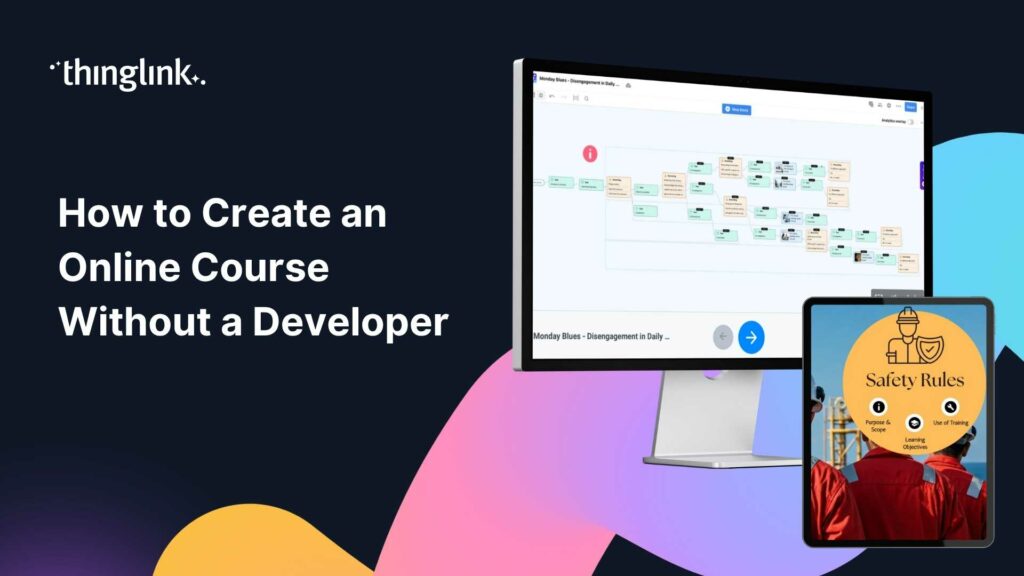
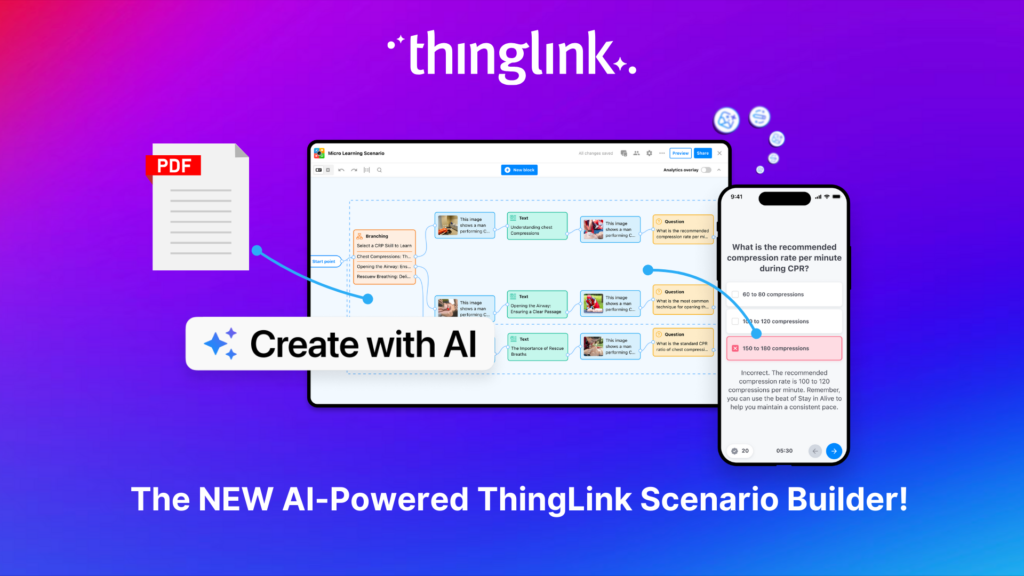
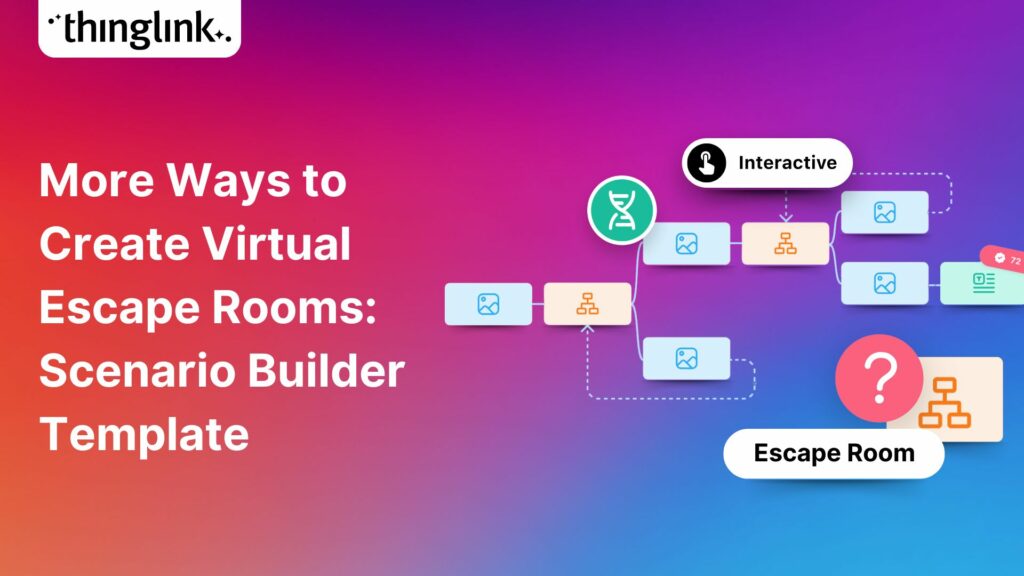
Building a branching scenario involves managing multiple paths, decision points, and outcomes. If your authoring tool makes that feel like untangling cables in the dark, your designers will struggle. Look for a tool that lets you see the full branching structure visually, so you can spot dead ends, balance path complexity, and review the learner journey at a glance.
AI-assisted content creation
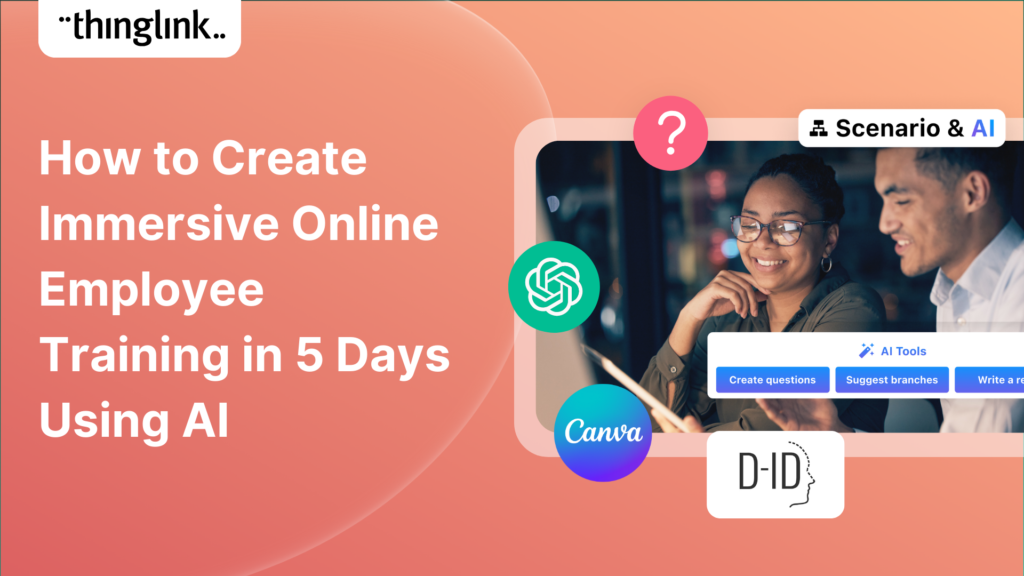
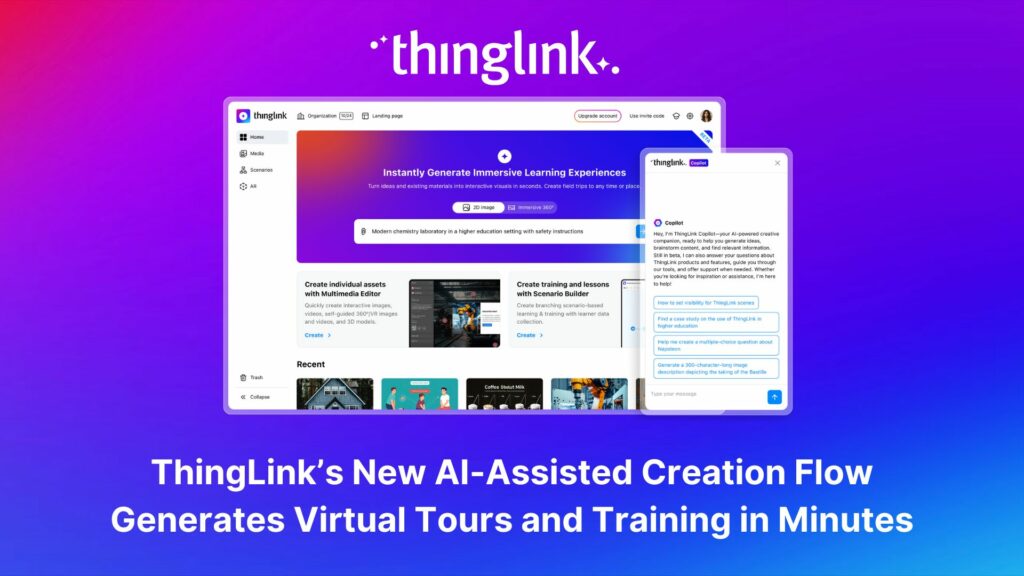
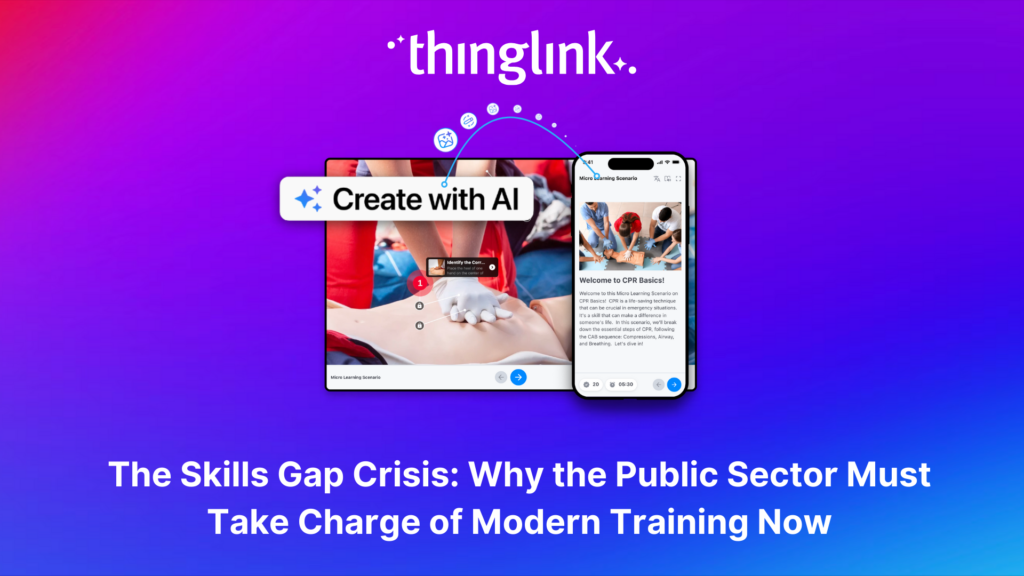
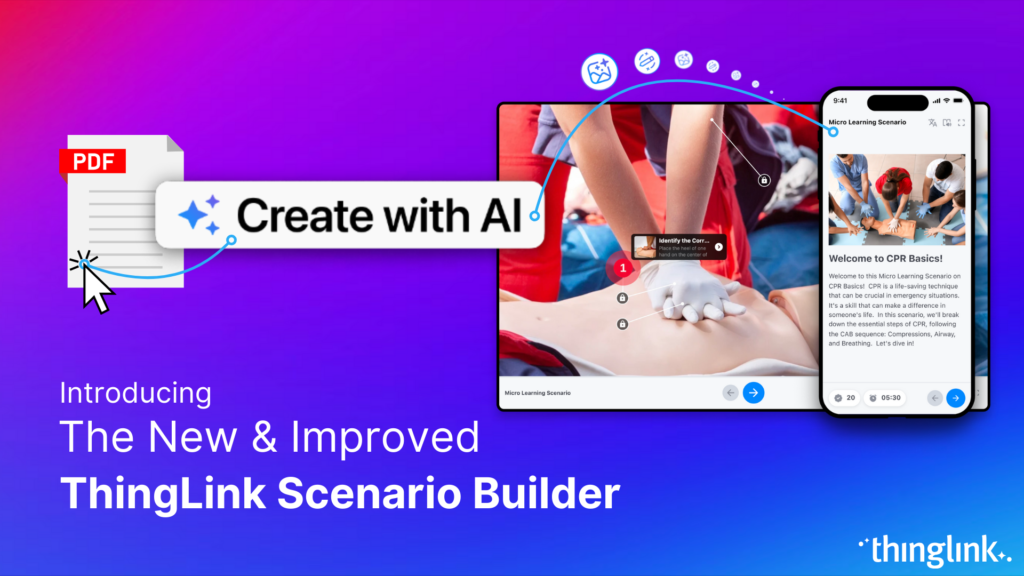
One of the biggest blockers to building branching scenarios is the time it takes to write believable dialogue, realistic consequences, and varied paths for every decision point. AI assistance can dramatically reduce that burden. ThingLink’s Scenario Builder includes an AI-assisted creation flow that helps you generate scenario content, character dialogue, and branching structures from a simple brief. You can read more about how this works in our FAQ on the next generation of ThingLink.
Immersive visual environments
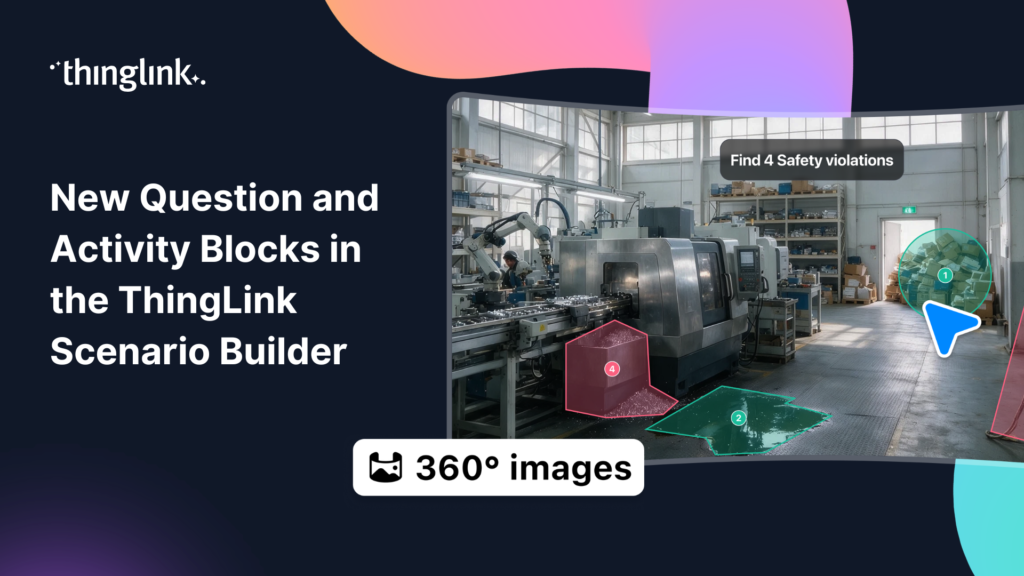
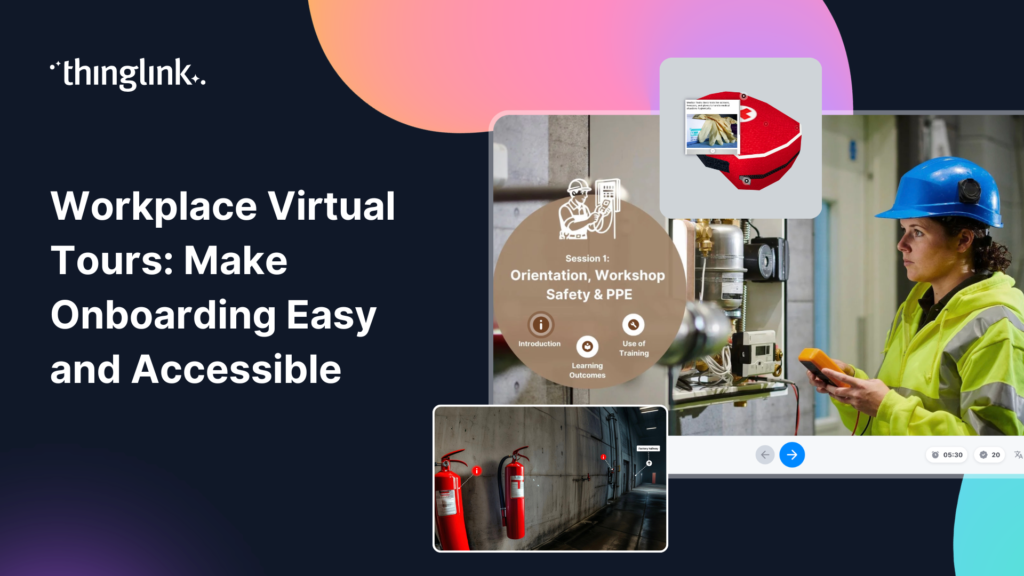
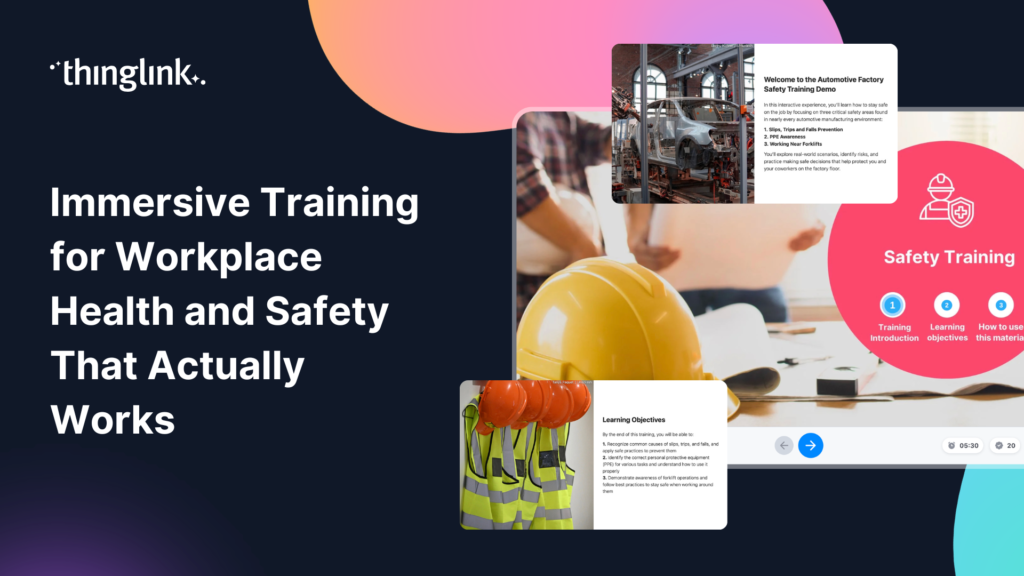
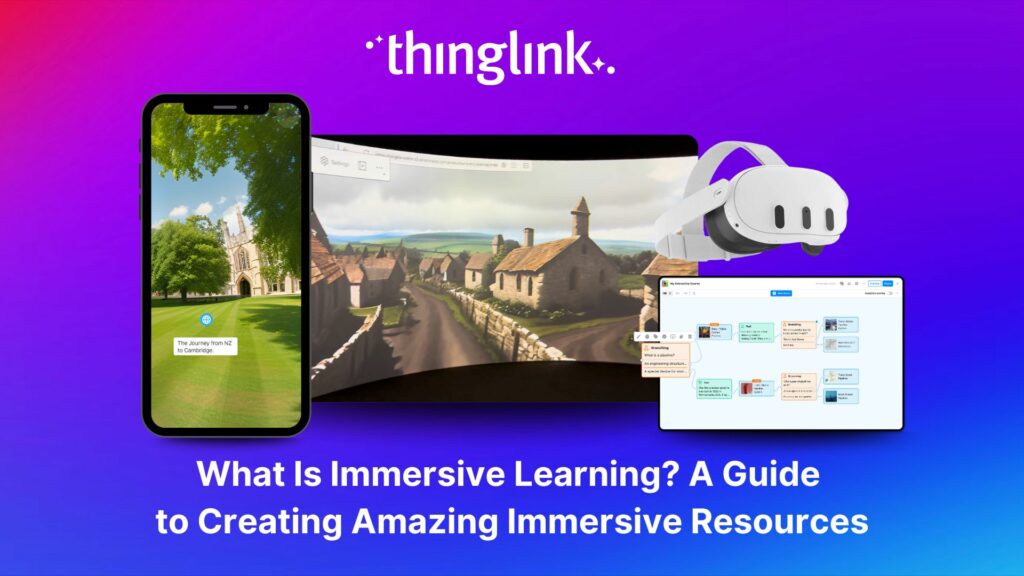
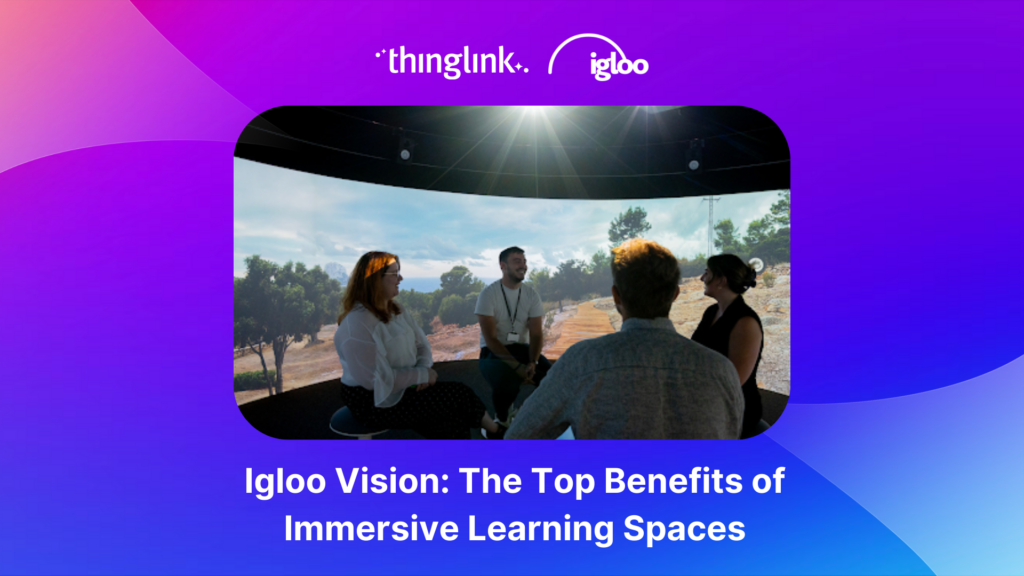
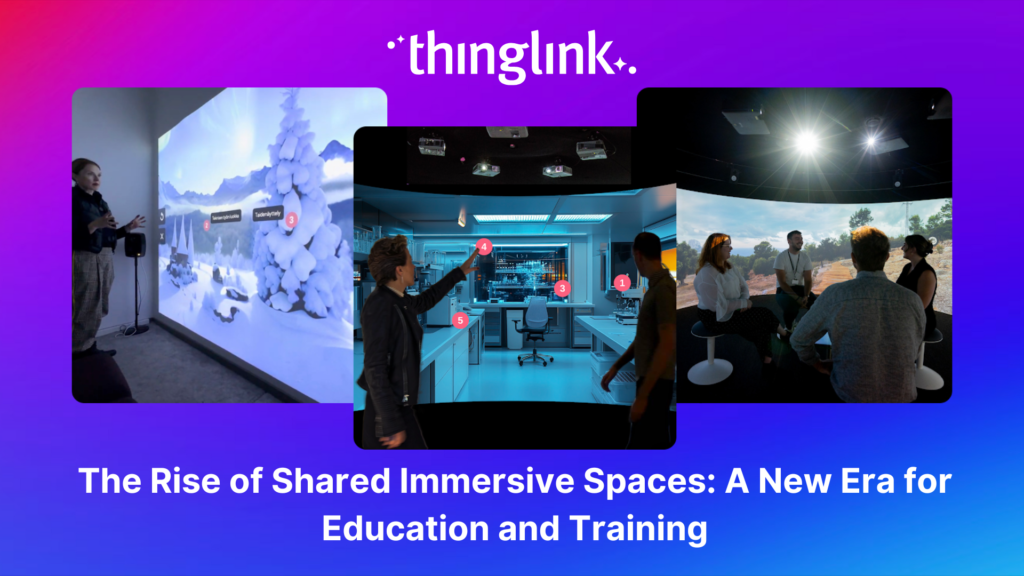
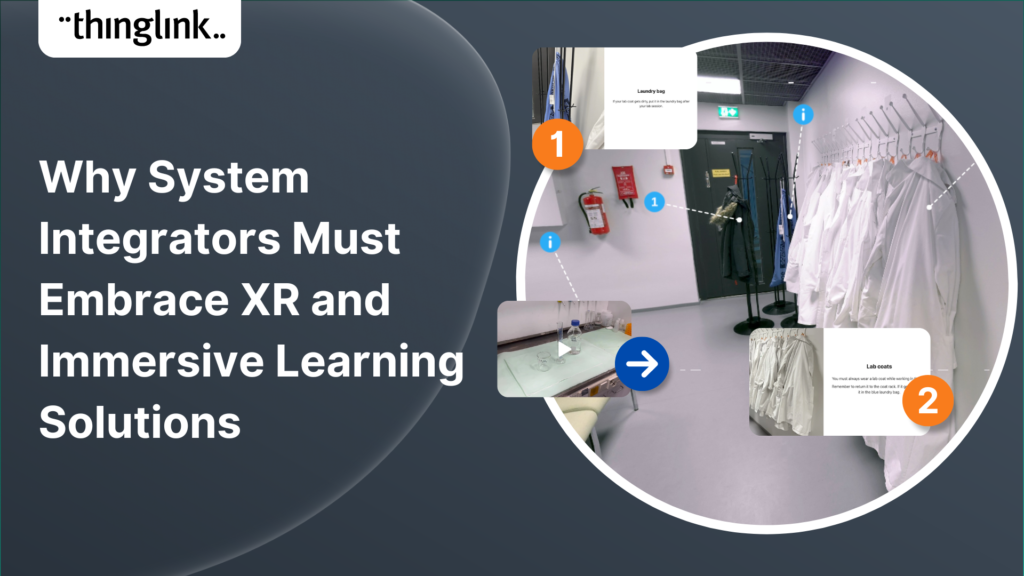
Context matters enormously in scenario-based learning. A branching scenario set in a photorealistic environment, a 360-degree scene, or a bespoke virtual space feels more real than a text-and-avatar interface. ThingLink supports immersive backdrops including 360-degree images and virtual environments, so learners feel situated in the world where the scenario is happening.
Audio narration and character voice
Adding audio narration to a scenario transforms the experience. It reduces cognitive load, supports learners with different reading abilities, and makes character interactions feel more human. ThingLink’s Scenario Builder supports audio narration directly within scenarios. Find out how to add audio narration to your immersive learning experiences.
Ready-to-use templates
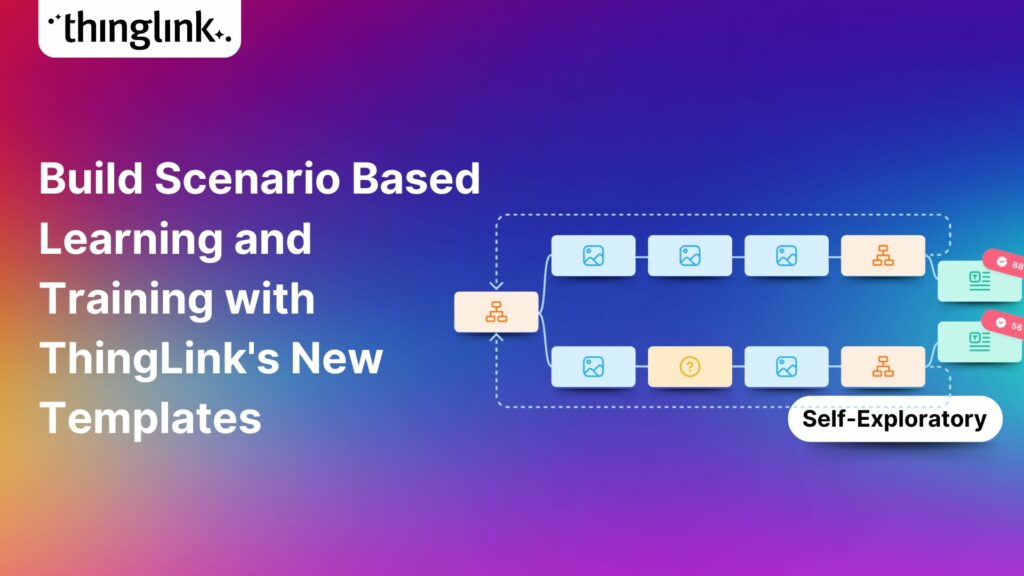
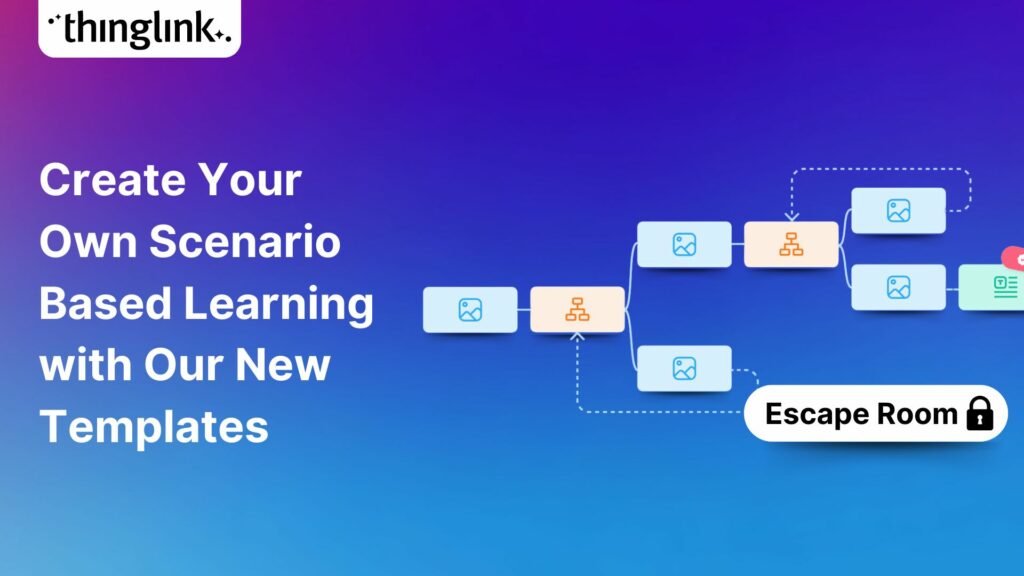
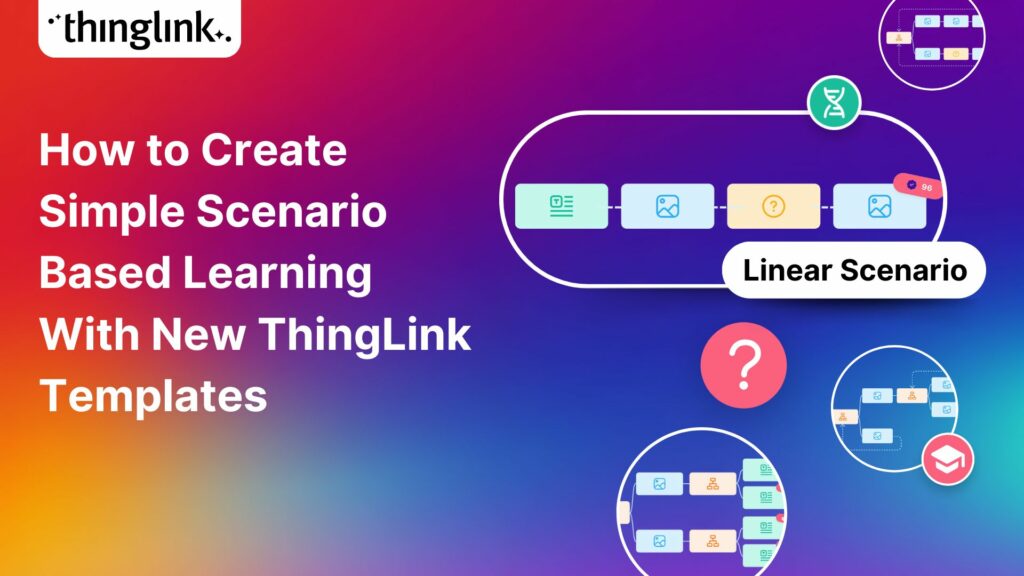
Starting from a blank canvas slows down every project. Good branching scenario software includes templates for common training scenarios, covering situations like performance conversations, compliance dilemmas, onboarding decisions, and customer interactions. ThingLink offers a growing library of scenario templates designed for real employee training contexts. Explore the ThingLink scenario templates.
Flexible sharing and delivery
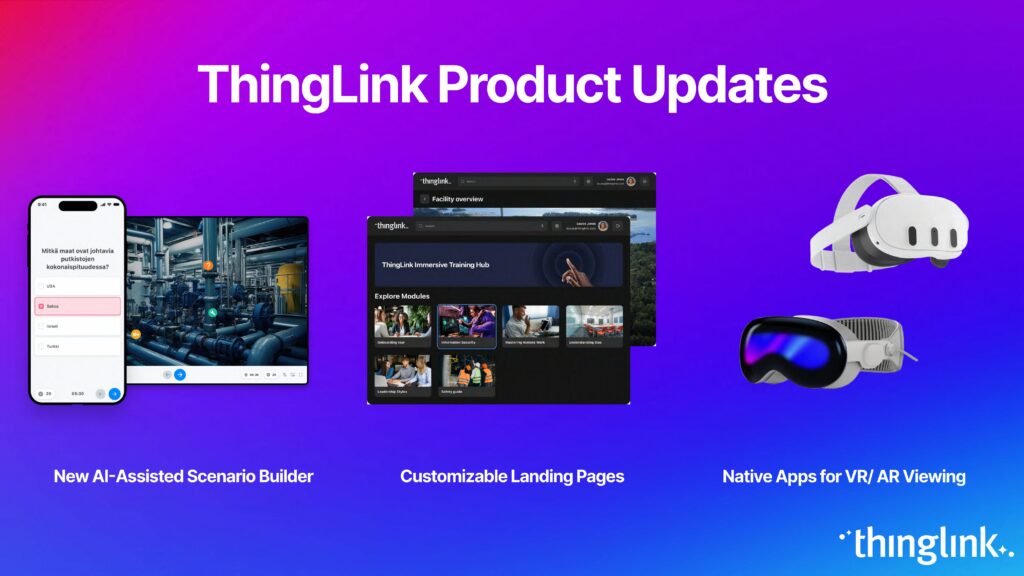
Your scenario needs to reach your learners, whether that’s through an LMS, a direct link, a QR code, or a dedicated learning portal. ThingLink gives you multiple delivery options. You can publish scenarios to ThingLink’s organisational landing page, which acts as a customisable learning centre where learners only see the content relevant to them. Learn how the organisational landing page works.
You can also control exactly who sees what by assigning content to specific learner groups, which is especially useful when you’re running different training programmes across teams or departments. See how to display landing page content to specific groups.
For privacy and access control, ThingLink’s visibility settings let you restrict scenarios to your organisation, share via a private link, or open content publicly. Review the privacy and visibility settings. Full details on sharing and access options are covered in the sharing and viewing scenarios support article.
How to Build a Branching Scenario: A Simple Framework
You don’t need to start with a complex 20-node decision tree. Most effective branching scenarios follow a simple structure.
Step 1: Define the learning objective
What decision or judgment do you want learners to improve? Be specific. “Understand safeguarding policy” is too broad. “Identify when a disclosure requires immediate escalation” is a scenario you can actually build around.
Step 2: Write the realistic situation
Set the scene. Who is the learner? Where are they? What has just happened? The more specific and believable the situation, the more engaged your learner will be.
Step 3: Map your decision points
Identify the two or three moments in the scenario where a real choice needs to be made. For each decision point, write two to four plausible responses, not just one obviously correct answer and one absurd wrong one. Realistic distractors teach more than easy choices.
Step 4: Build consequences, not just feedback
Every path should lead somewhere meaningful. Consequences can be immediate (the character reacts differently) or delayed (a new situation emerges because of the earlier choice). Avoid generic “that’s incorrect, try again” messages. Show the learner what happened as a result of their decision.
Step 5: Use your authoring tool efficiently
This is where the right branching scenario software saves you hours. ThingLink’s Scenario Builder is designed to make this process quick and intuitive, whether you’re building from scratch or adapting a template.
Branching Scenarios in Practice
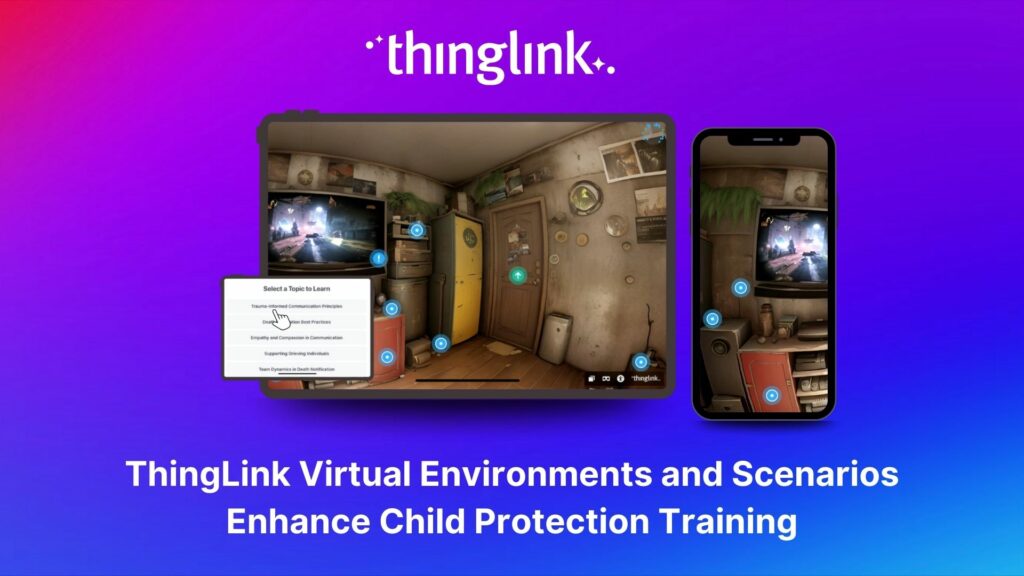
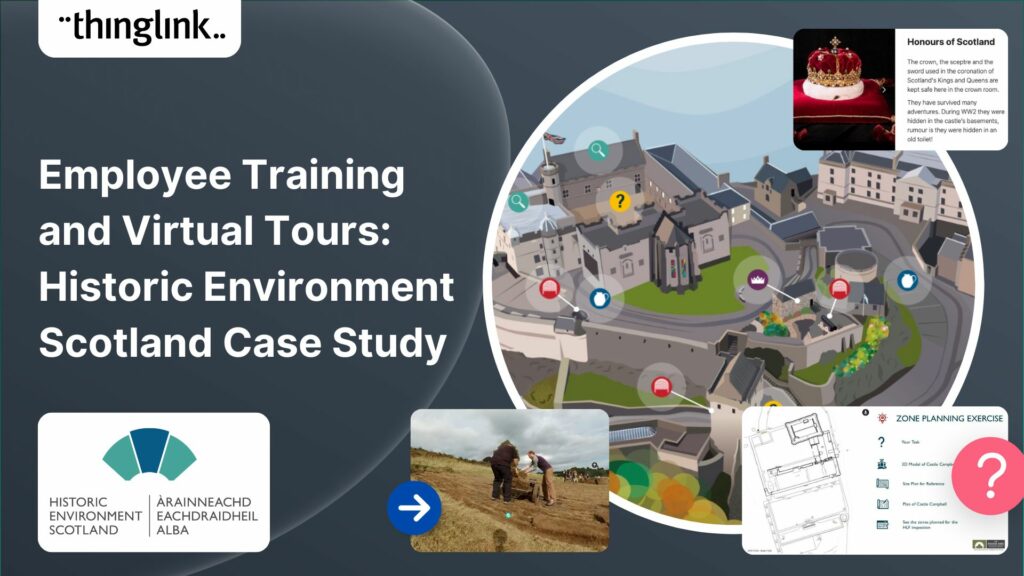
One strong example of branching scenarios used for high-stakes training is in child protection and safeguarding contexts, where learners need to practise recognising and responding to complex, sensitive situations without real-world risk. ThingLink virtual environments and scenarios have been used to support exactly this kind of training, placing practitioners inside realistic environments where they must make judgment calls and see the outcomes. Read more about how ThingLink scenarios support child protection training.
Start Building with ThingLink’s Scenario Builder
If you’re ready to move beyond passive e-learning and give your learners experiences they’ll actually remember, branching scenario software is the place to start.
ThingLink’s Scenario Builder combines AI-assisted authoring, immersive visual environments, audio narration, flexible templates, and straightforward sharing tools into one platform. You can create your first scenario without a development background, and your learners can access it anywhere, including in VR.
Explore ThingLink Scenario Builder and see how quickly you could have your first scenario live.