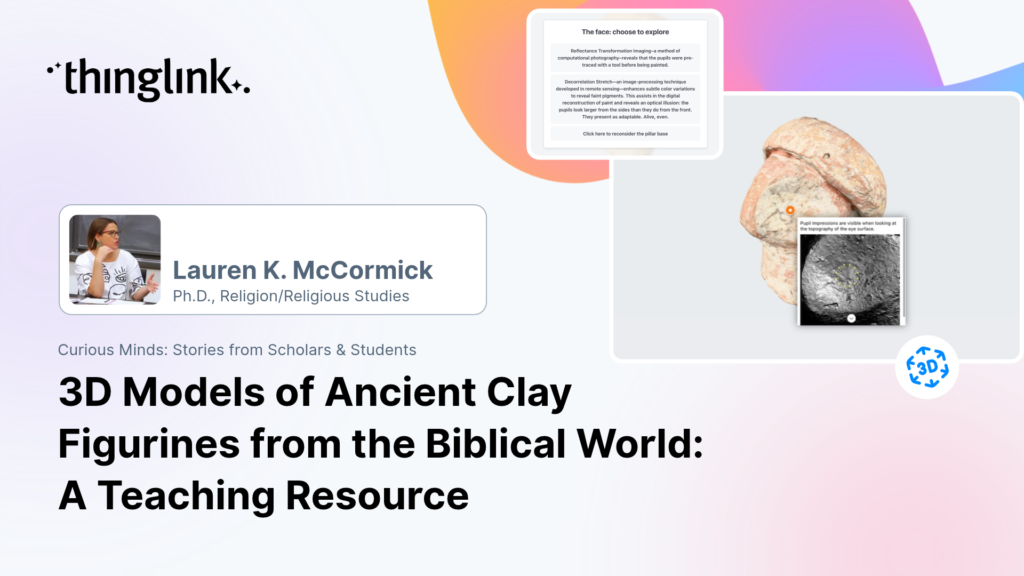
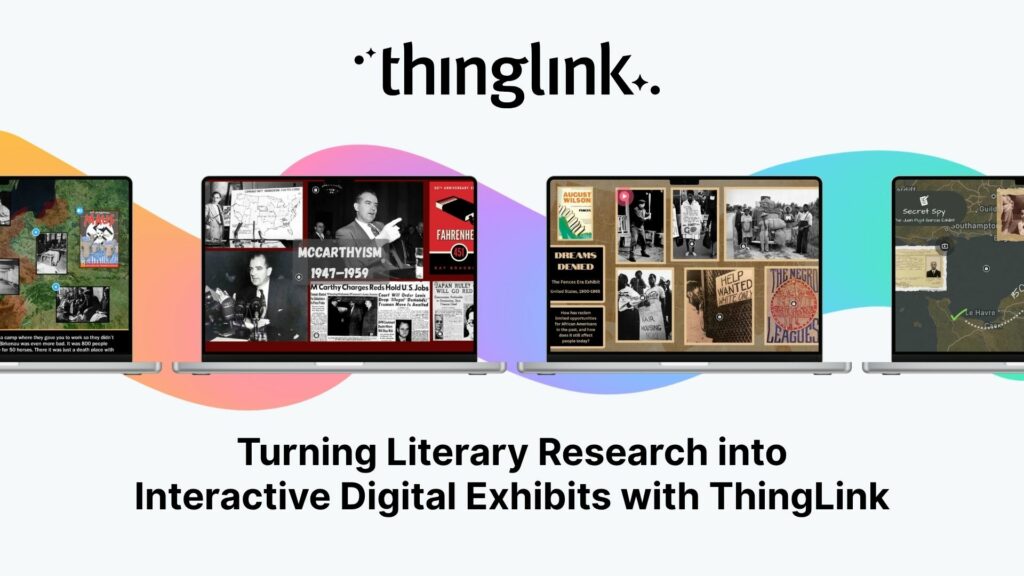
Lauren K. McCormick (PhD) 3D Models of Ancient Clay Figurines from the Biblical World: A Teaching Resource Lauren K. McCormick is a specialist in ancient Near Eastern...
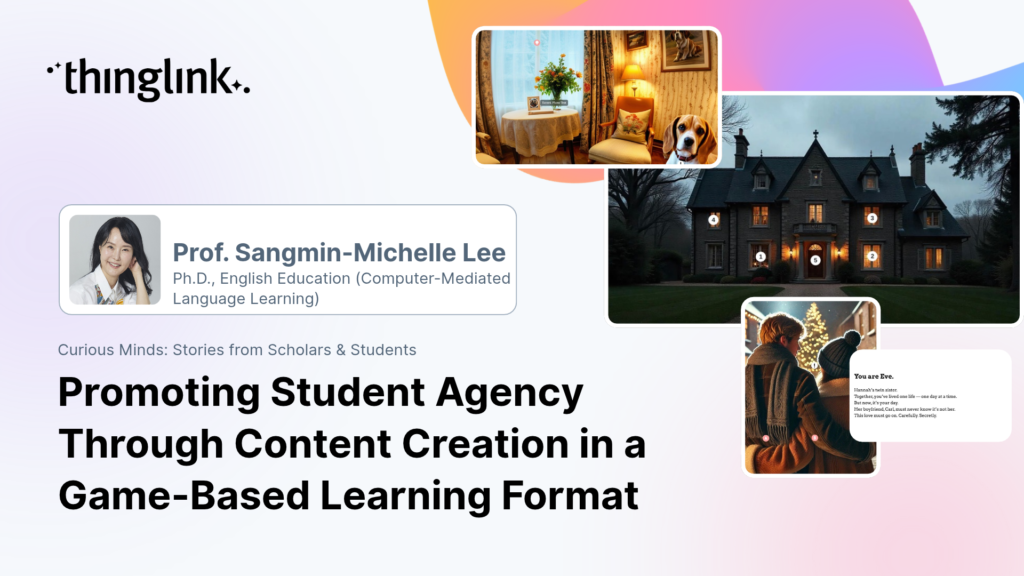
Prof. Sangmin-Michelle Lee Department of Metaverse at Kyung Hee University, Korea Promoting Student Agency Through Content Creation in a Game-Based Learning...
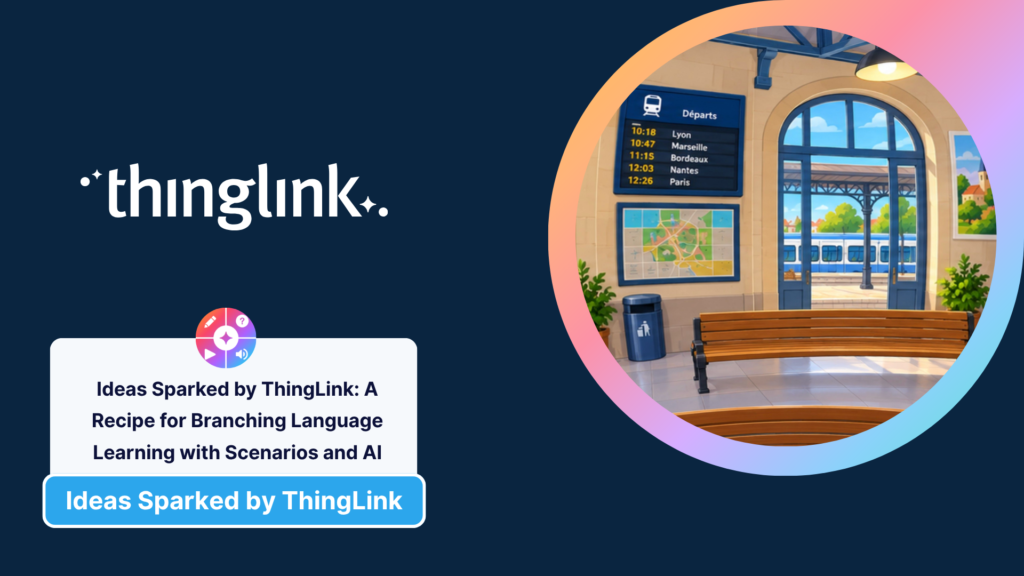
This is a recipe for taking the interactive and immersive language-learning experiences we created in our first two activities and building them into a branching...
 Louise Jones
11 min read
Louise Jones
11 min read
This is a recipe for taking a simple interactive language-learning activity and building it into a connected immersive experience using the ThingLink Multimedia...
Louise Jones
12 min read
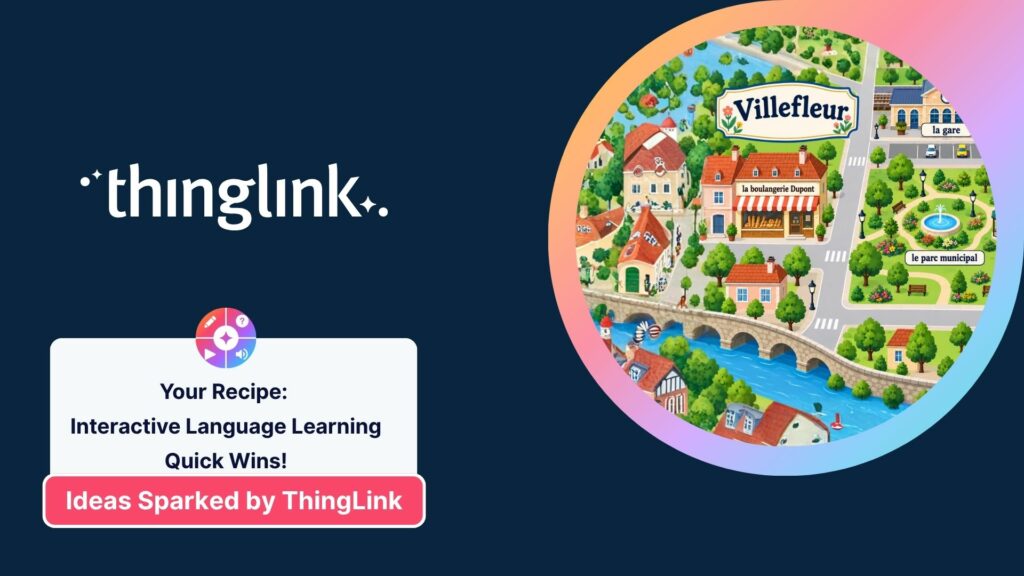
This is a recipe for creating interactive language-learning experiences with ThingLink, using visual prompts, AI, audio, questions and everyday contexts to help...
Louise Jones
10 min read
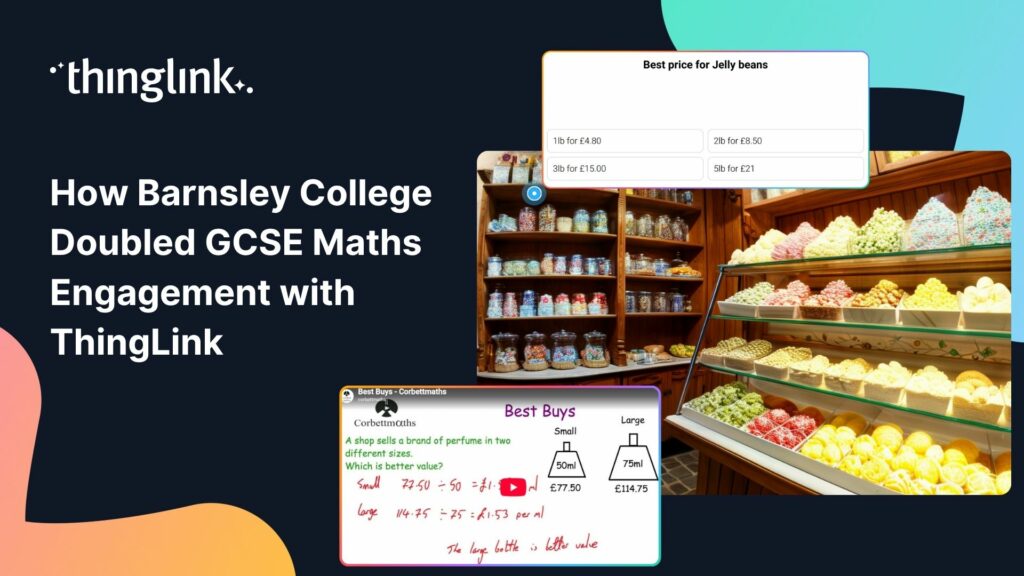
The Background Barnsley College is a Further Education college in South Yorkshire, England, which caters for over 8000 students across a number of campuses. It...
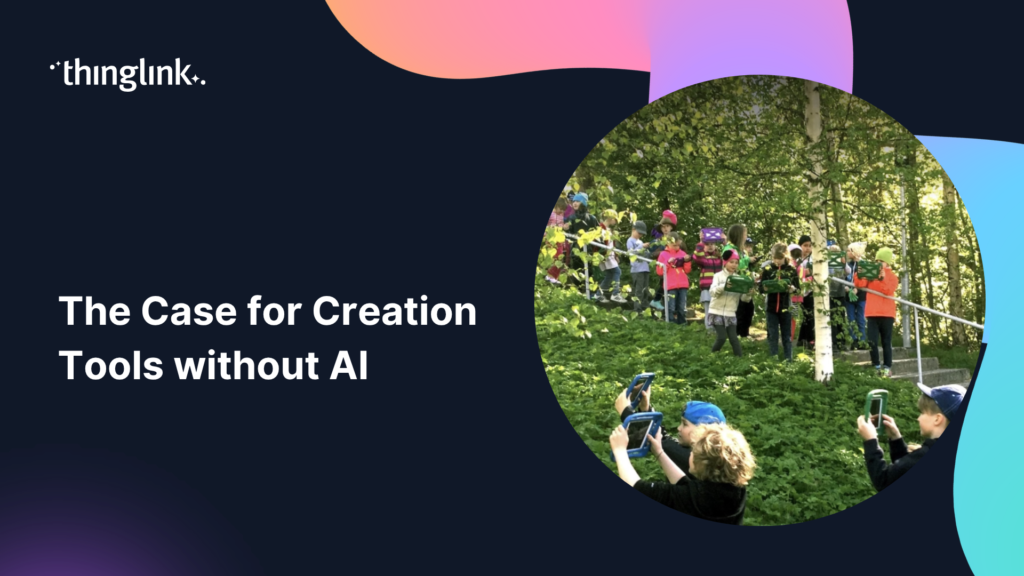
As schools navigate the shift toward proactive, interactive and deep learning, teachers need practical tools that make student thinking and agency visible....
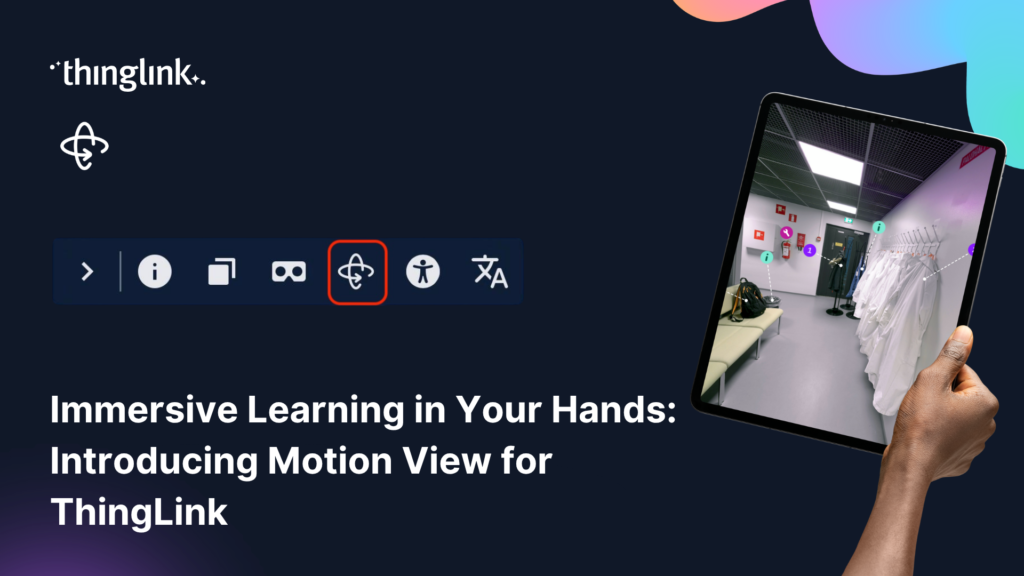
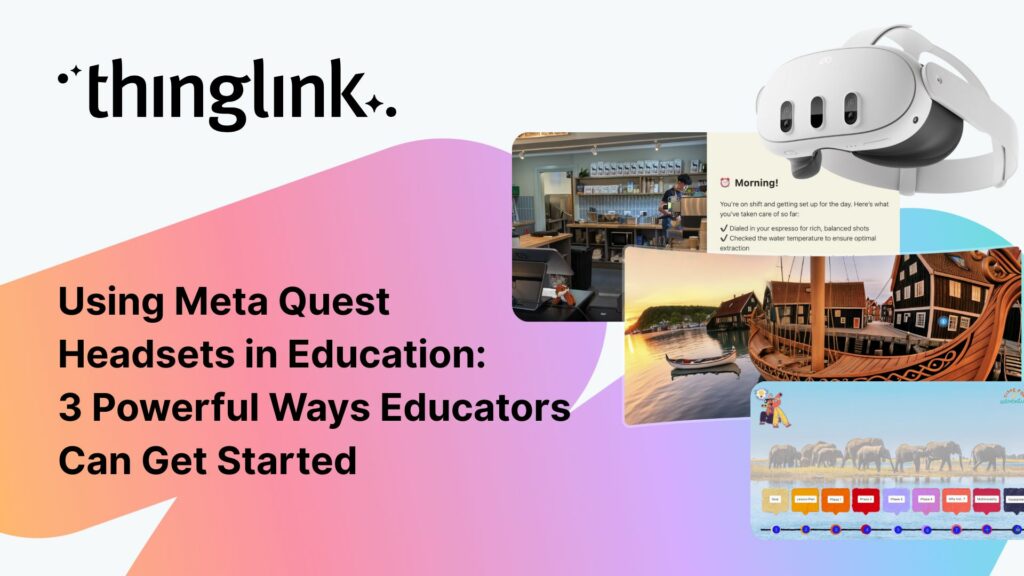
Virtual reality headsets are an incredibly powerful way for learners to explore immersive learning experiences. By placing learners inside an environment and allowing...
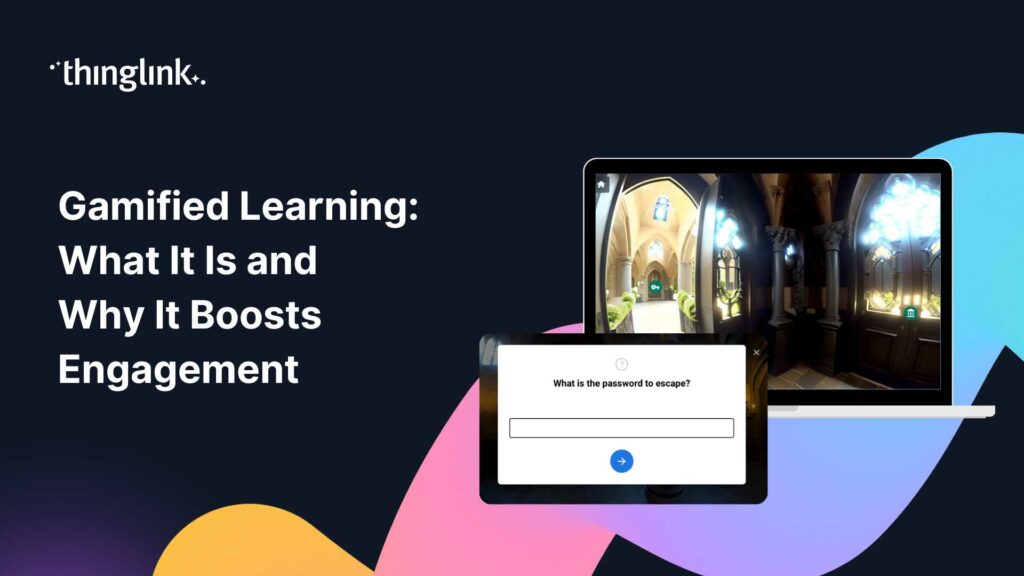
Ideas Sparked by ThingLink: A Recipe for an Interactive Escape Room This is the recipe to build a ThingLink escape room using the ThingLink Multimedia Editor. Looking...
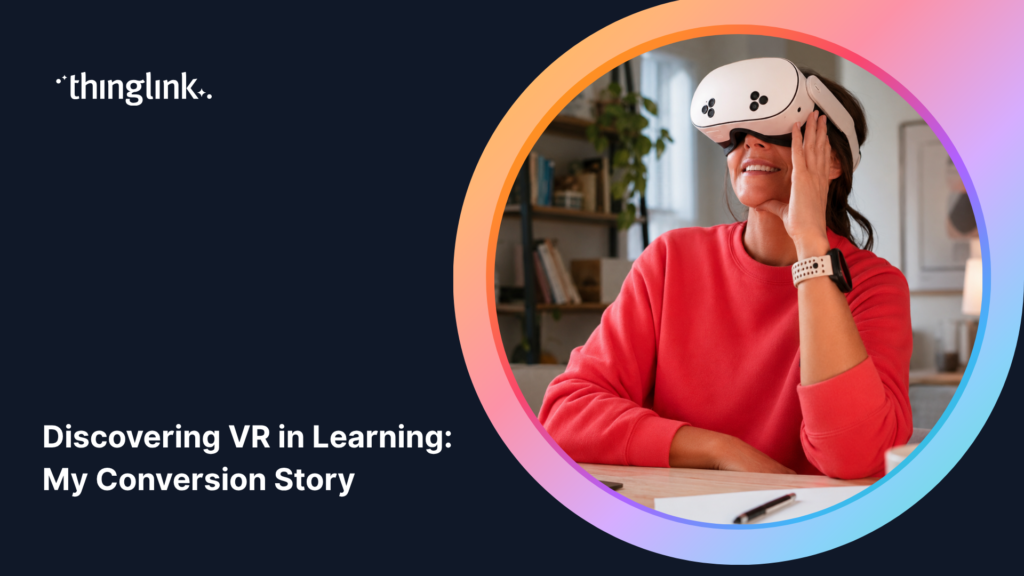
I’ll Be Honest: I Used to Keep VR at Arm’s Length If you have ever felt slightly suspicious of VR headsets in education, or thought they were a bit ...
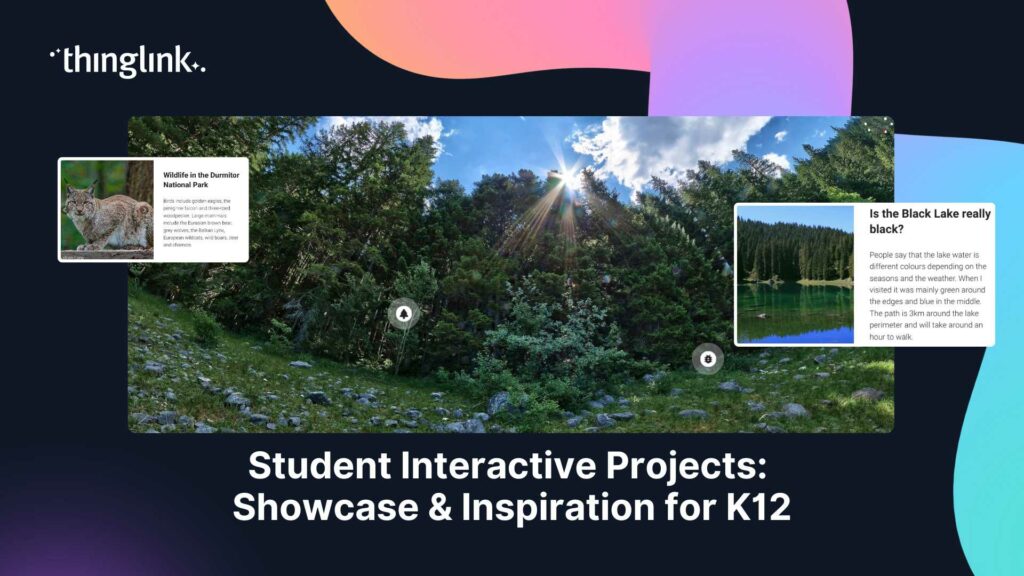
What if your students did not just study a topic, but actually built something with it? Student interactive projects flip the script on traditional assessments....
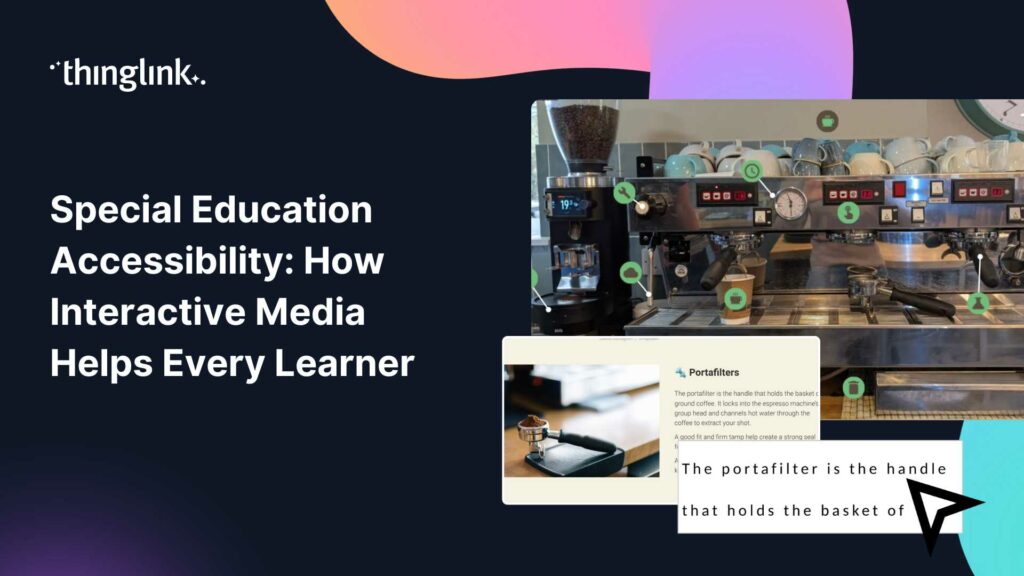
What if every student in your classroom could access the same learning experience, regardless of their communication style, sensory needs, or cognitive profile?...
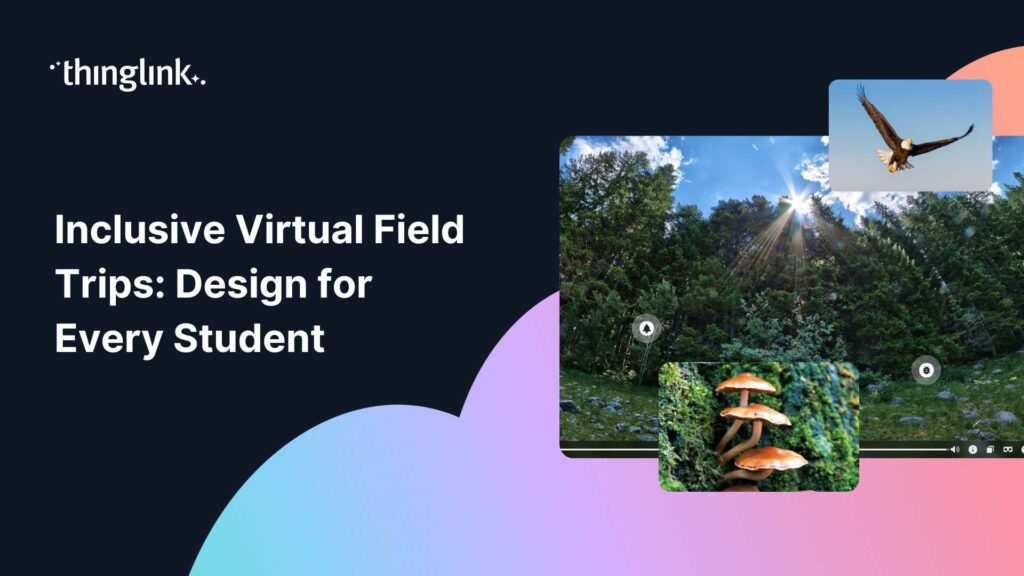
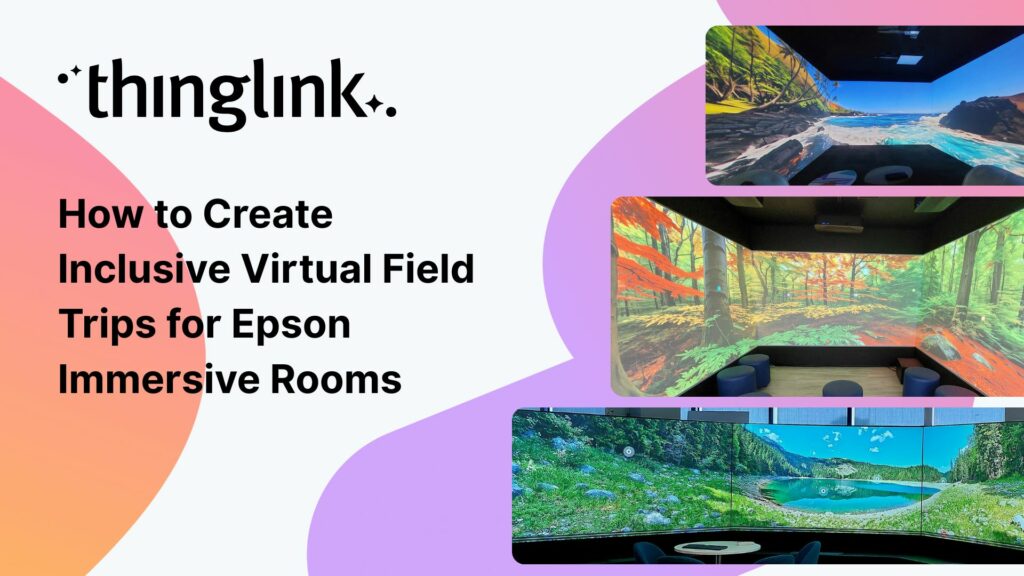
What if every student in your class could visit a mountain observatory, explore a religious site, or step inside a science museum, regardless of mobility, geography,...
Digital Storytelling Techniques for the Modern Classroom Humans have always told stories. But the tools we use to tell them have changed dramatically, and so has...
What if your students could stand inside a working observatory, walk the floors of a historic building, or explore a rainforest ecosystem — all before lunch? ...
What if your students could stand inside a volcano, walk the halls of a world-class museum, or explore a university campus without leaving the classroom? Virtual...
What If Learning Felt More Like Playing? Imagine your students leaning forward in their seats, eager to find out what happens next. Imagine a lecture hall where...
When English teacher Bayly DiPilato set out to reimagine her end-of-year assessment, she had a clear goal: replace the traditional research paper with something...
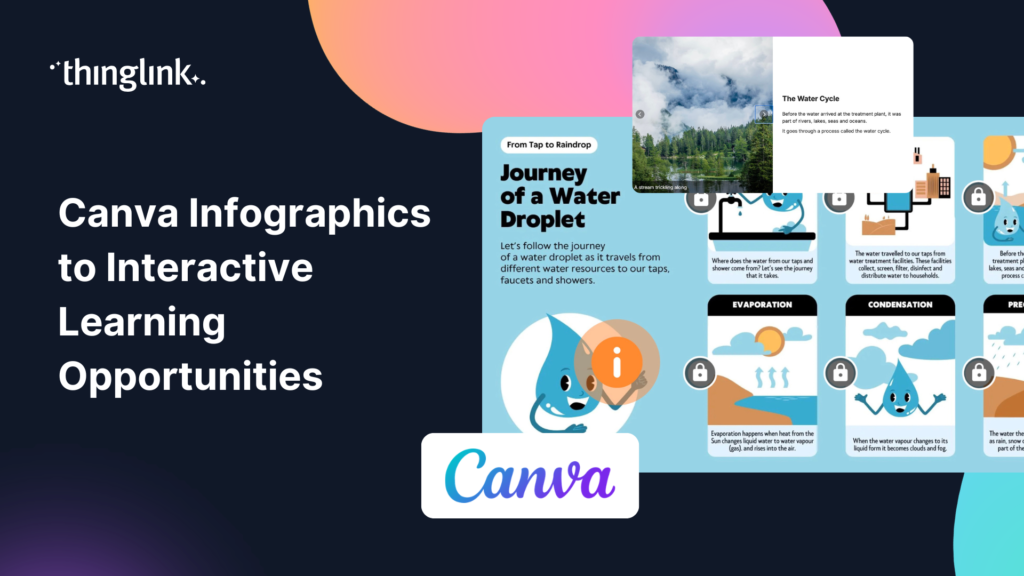
You’ve spent time building a beautiful infographic in Canva. Your students glance at it, maybe read a few bullet points, and move on. Sound familiar? Static...
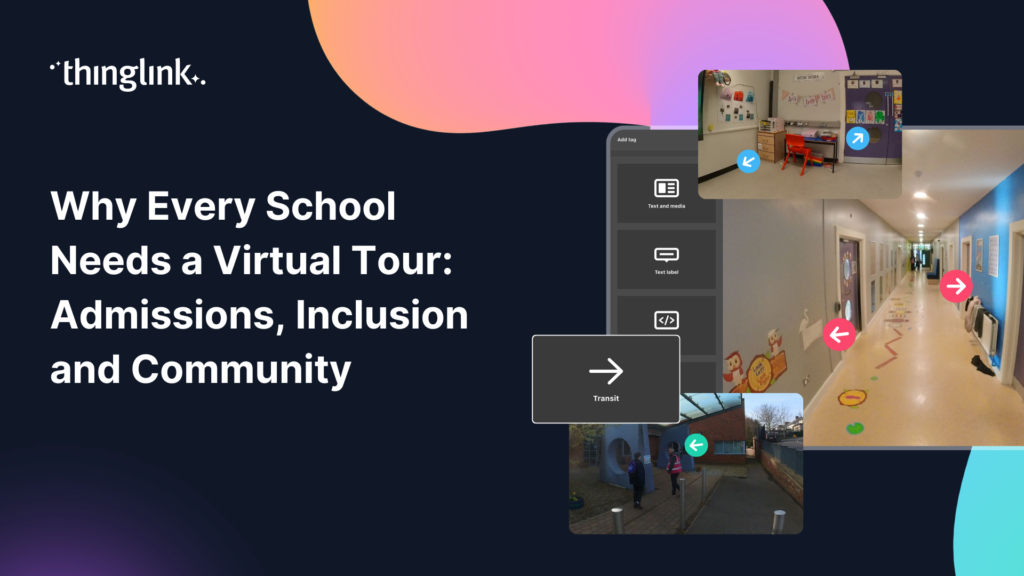
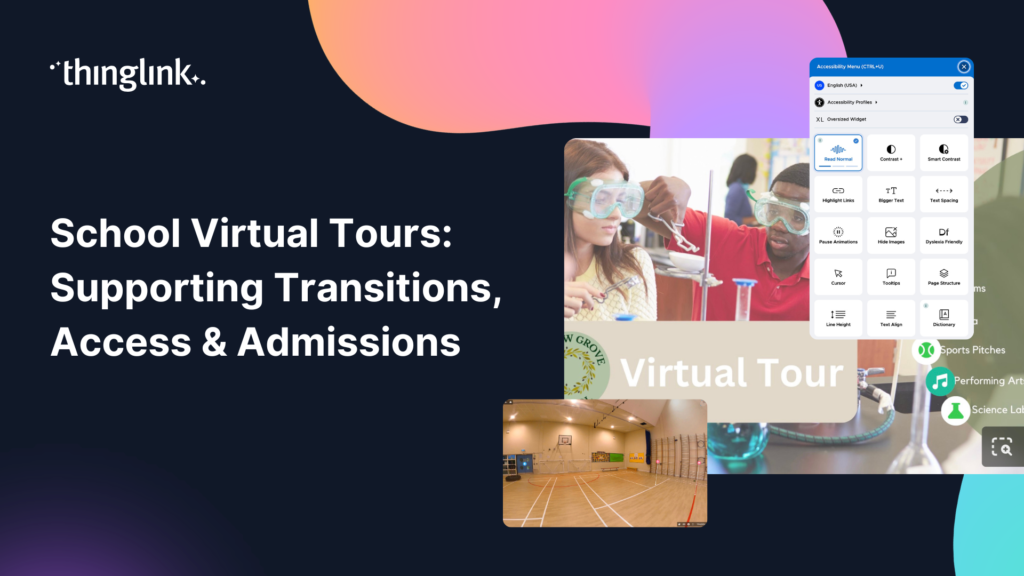
What if every prospective family could walk your school’s corridors before they ever set foot through the door? What if a student with anxiety about starting...
Starting a new school is one of the biggest changes a child faces. For many students, especially those with additional needs, the anxiety of walking into an unfamiliar...
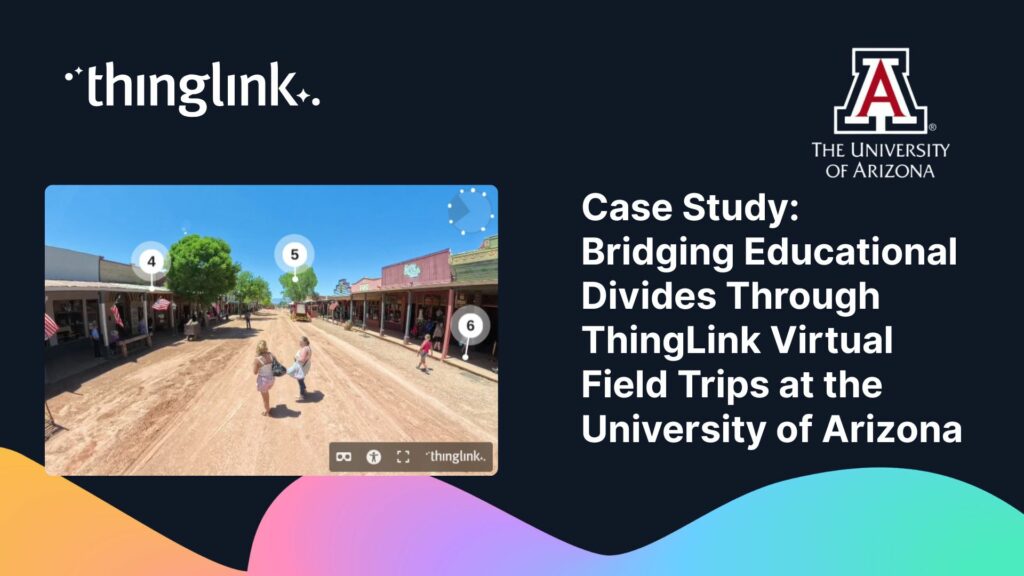
Christopher Sanderson, PhD, is a Senior Lecturer in the Department of Teaching, Learning, and Sociocultural Studies in the College of Education at the University...
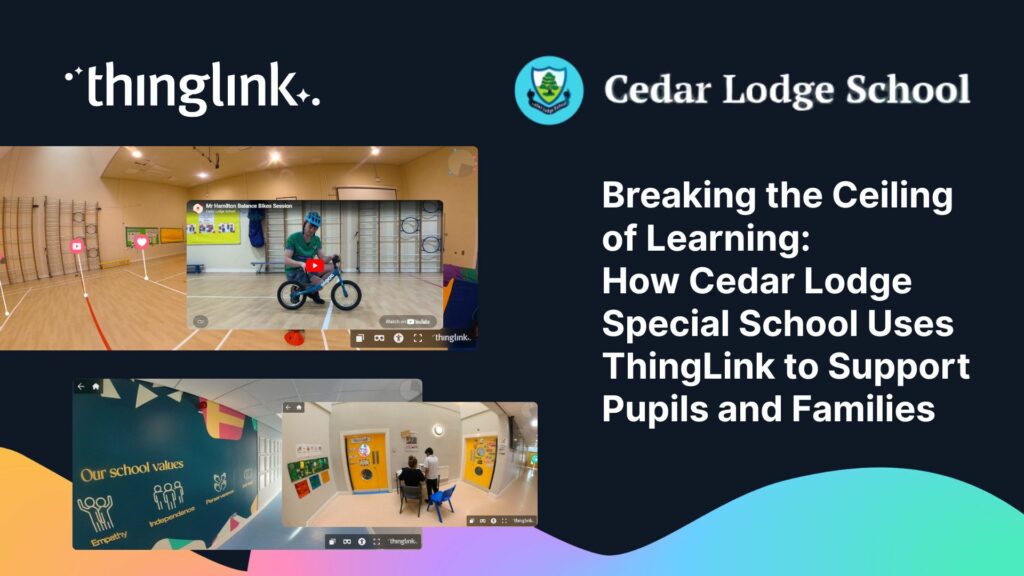
At Cedar Lodge School, Principal Chris Murphy and his team are using ThingLink and other digital tools to create learning experiences that “break the ceiling ...
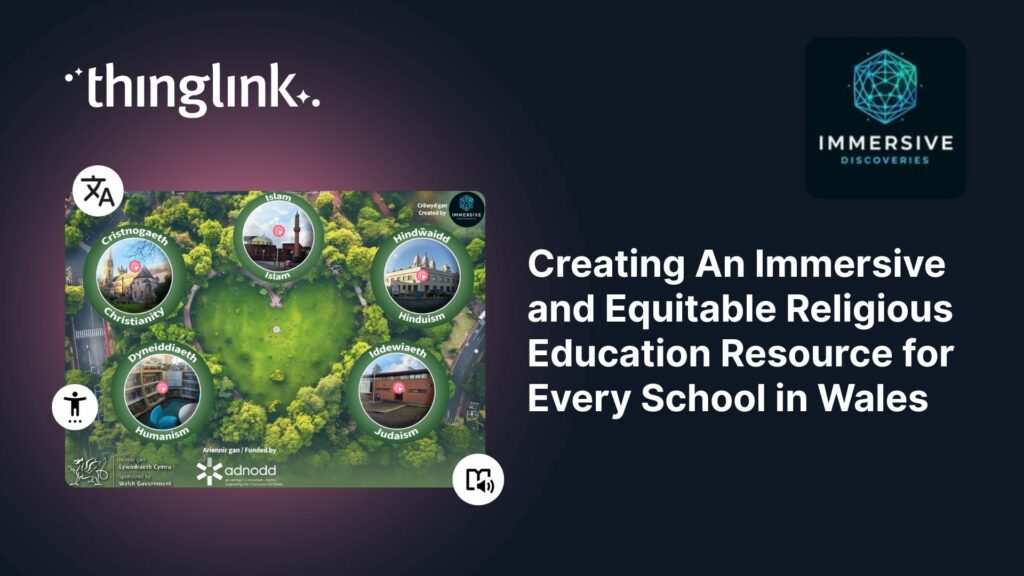
Educator Gemma Zeeman is founder of Immersive Discoveries, and a Qualified Teacher who has taught from Reception to Year 6. She currently works as a Research Assistant...
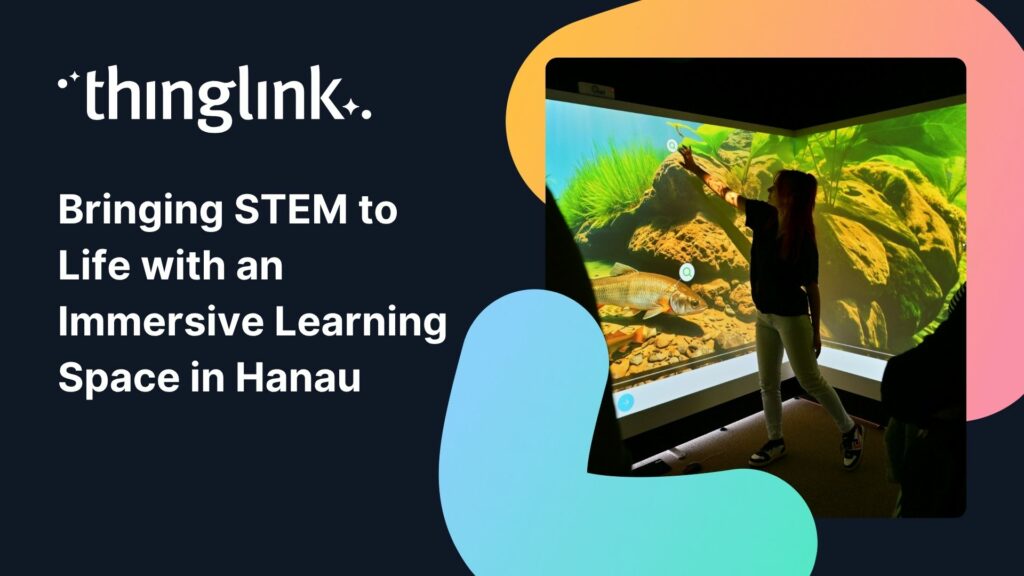
How Kathinka-Platzhoff-Stiftung used ThingLink to build an innovative STEM-focused immersive learning environment – and open it to the whole community. Location:...
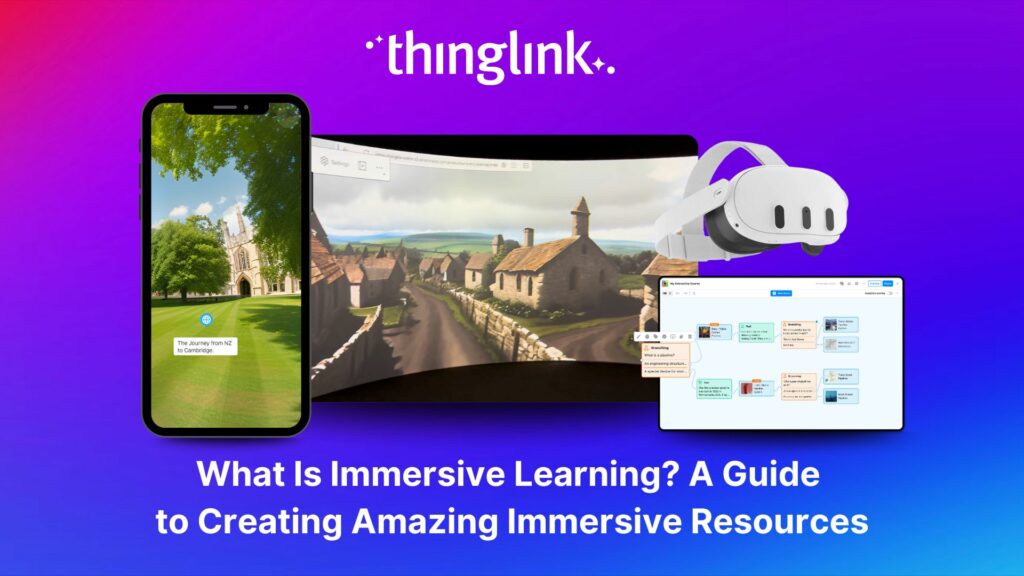
What is Immersive Learning? Immersive learning is a modern approach to education and training that uses interactive, spatial experiences to place learners in real-world...
East Renfrewshire Council’s Education Department sought to improve how they delivered training, shared resources, and communicated with teachers across a diverse...
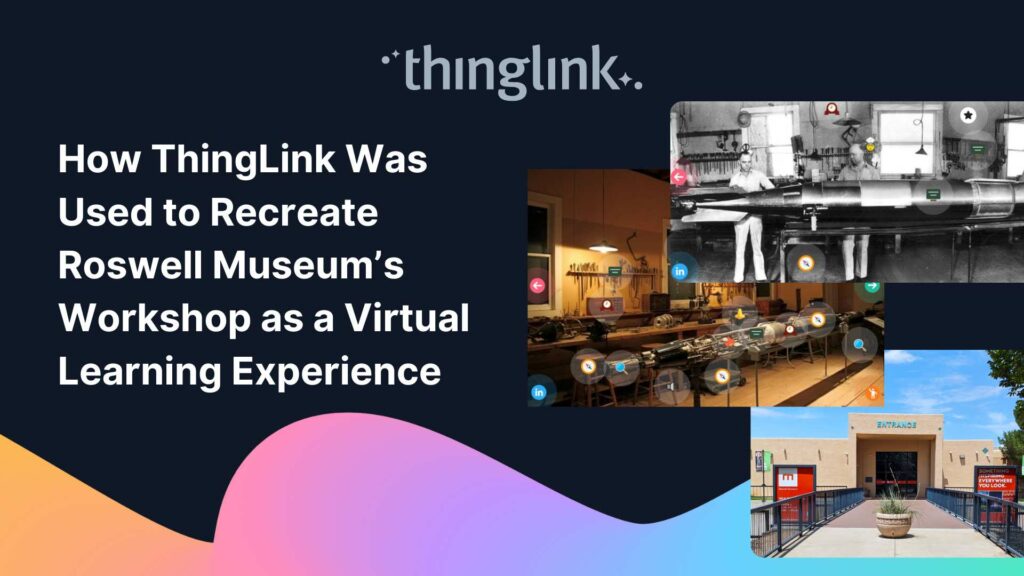
Background: A Museum Lost to Flooding When catastrophic flooding occurred at the Roswell Museum in New Mexico in October 2024, the loss went far beyond physical...
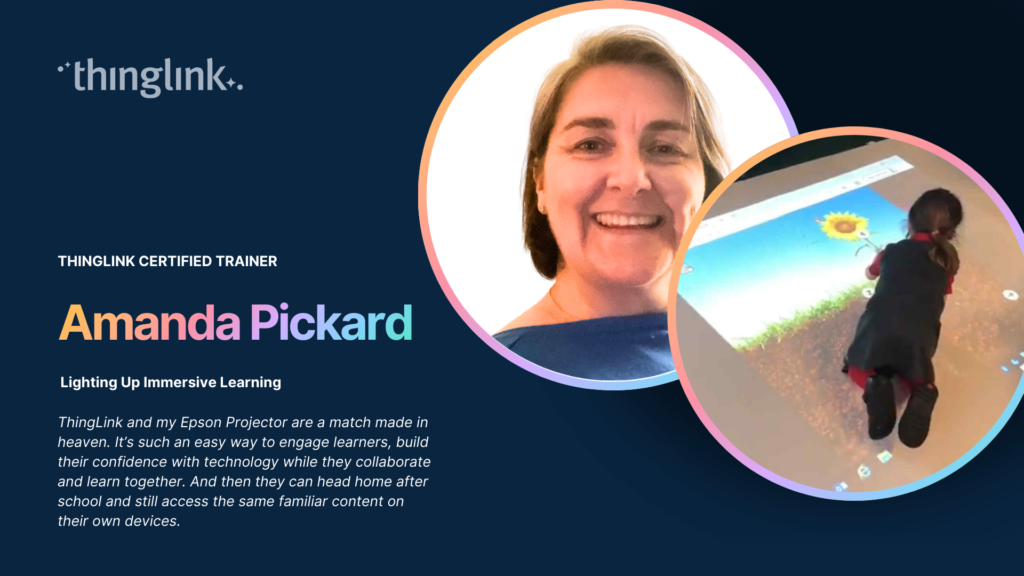
By ThingLink Certified Trainer Amanda Pickard There are moments in teaching when something does more than simply work well. It reshapes the entire learning experience....
Background Tankespirerne (translated as “Thought Sprouts”) is a Danish educational consultancy led by Martin Kongshave, elementary school teacher and practitioner...
Transforming Education with Gamified Learning Experiences Education stands on the edge of a significant transformation, driven by innovative technologies that redefine...
This teacher training resource for students on the PGCE course (Post Graduate Certificate in Education) demonstrates how ThingLink can be used to create interactive...
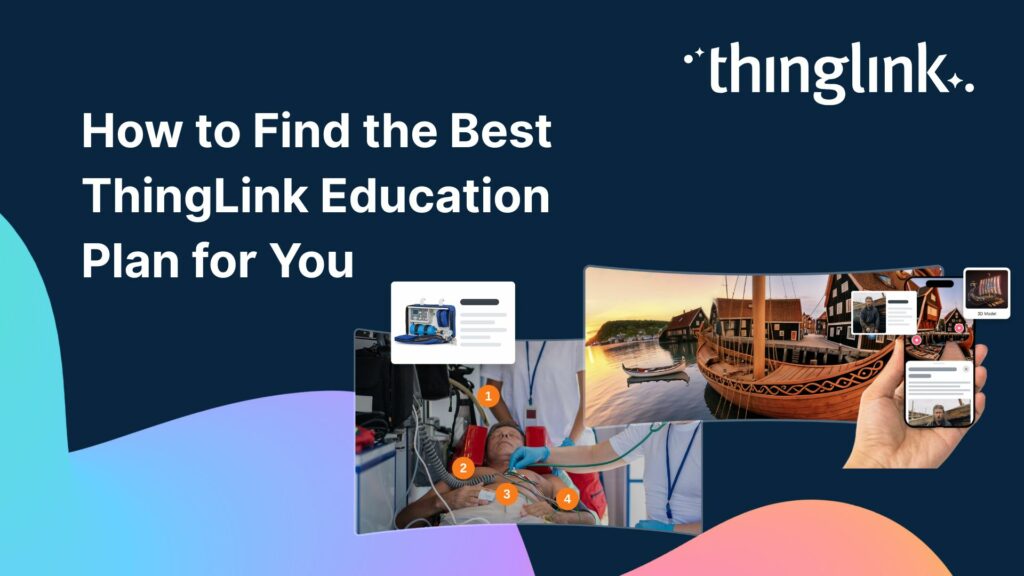
Plans for Every Educator and Every Institution We’ve listened to educators about what they need from their ThingLink plans for their students, school districts,...
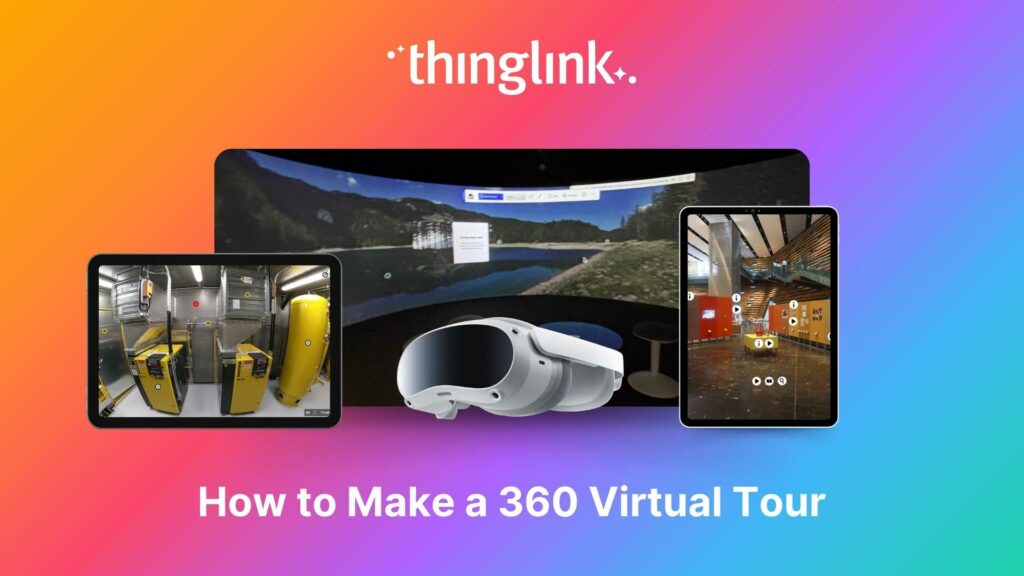
Looking for an easy way to create immersive 360° virtual tours or virtual expeditions that work seamlessly in Virtual Reality (VR)? ThingLink is the ultimate all-in-one...
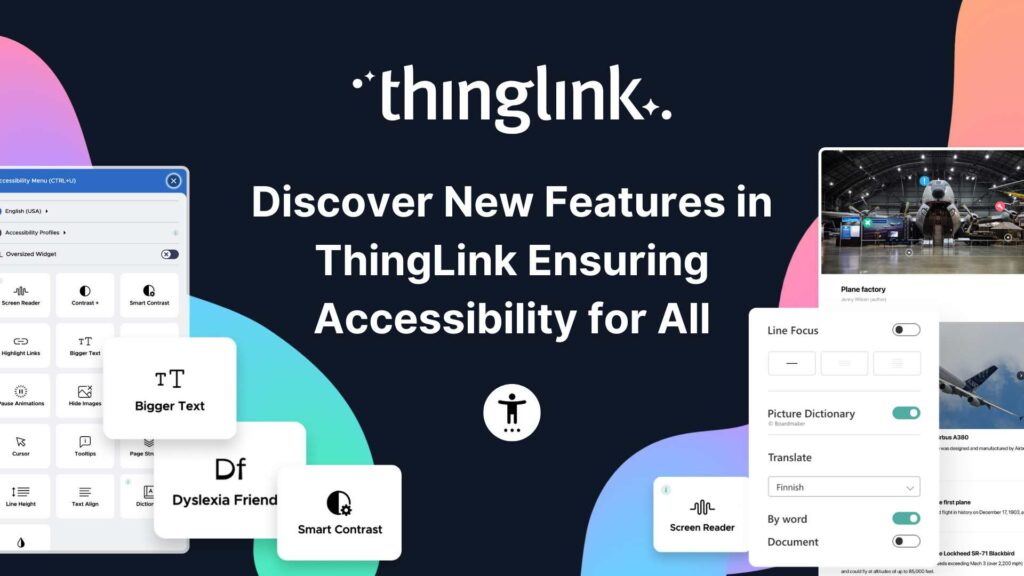
Creating accessible learning experiences is critical for educators, trainers and student creators, but it need not be daunting! ThingLink is a platform that allows...
✨ ThingLink Idea Spark: Cultural Experience Make remote places across the globe accessible for students to explore on their school devices, such as laptops or...
¿Alguna vez has deseado llevar a toda tu clase a la selva amazónica, a la superficie de Marte o a los pasillos del Louvre o del Smithsonian… todo antes del ...
Ever wished you could take your entire class to the Amazon rainforest, the surface of Mars, or the halls of the Louvre or the Smithsonian… all before lunch? ...
A medida que el aprendizaje inmersivo continúa transformando las aulas en todo el mundo, cada vez más escuelas y universidades están comenzando a explorar el...
Para que tu camino en la creación de contenido educativo en XR sea lo más sencillo posible, hemos seleccionado una colección de recursos gratuitos que te ayudarán...
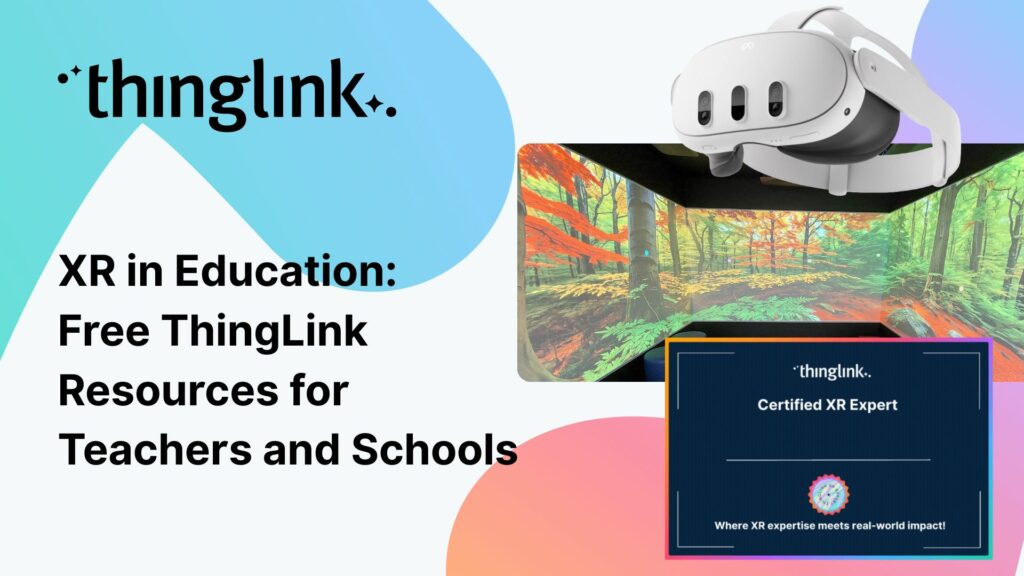
To make your journey through XR learning content creation as easy as possible, we’ve curated a collection of free resources that will help get you started. Packed...
As immersive learning continues to transform classrooms around the world, more schools and colleges are beginning to explore the potential of Meta Quest headsets...
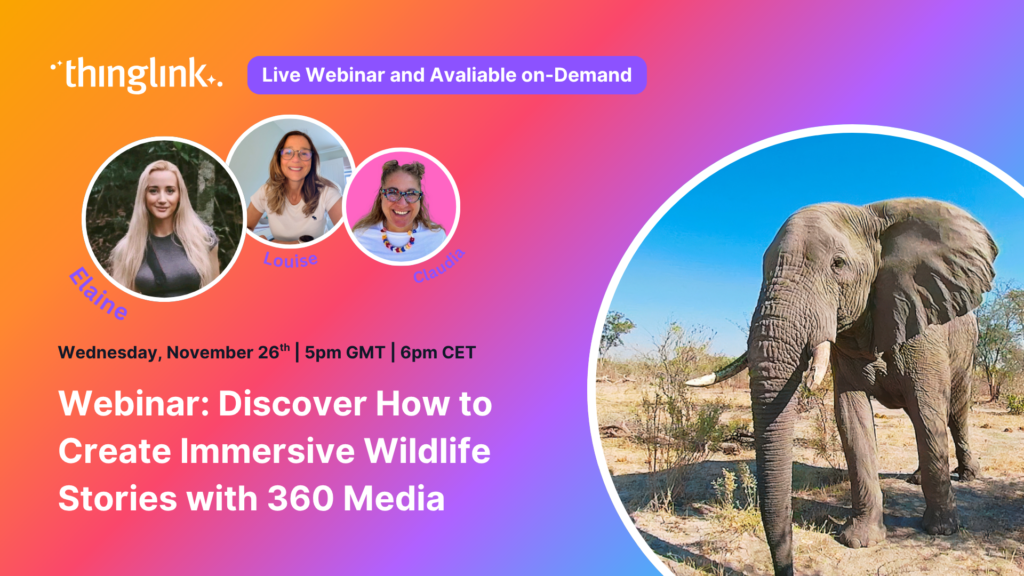
🐘 Inspire young minds to explore, protect and connect with nature using immersive storytelling, 360° content and ThingLink’s creative tools. Join us for an...
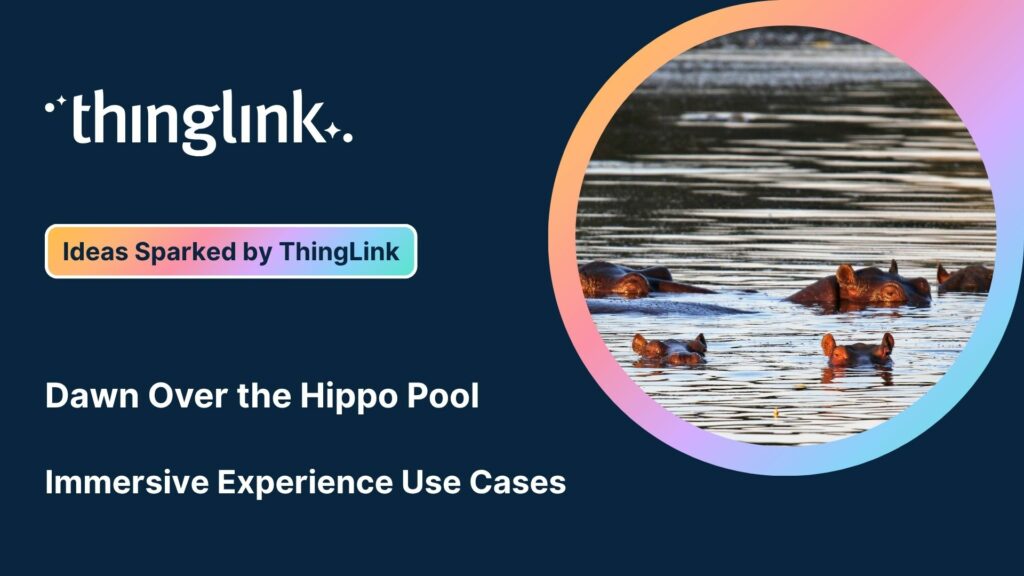
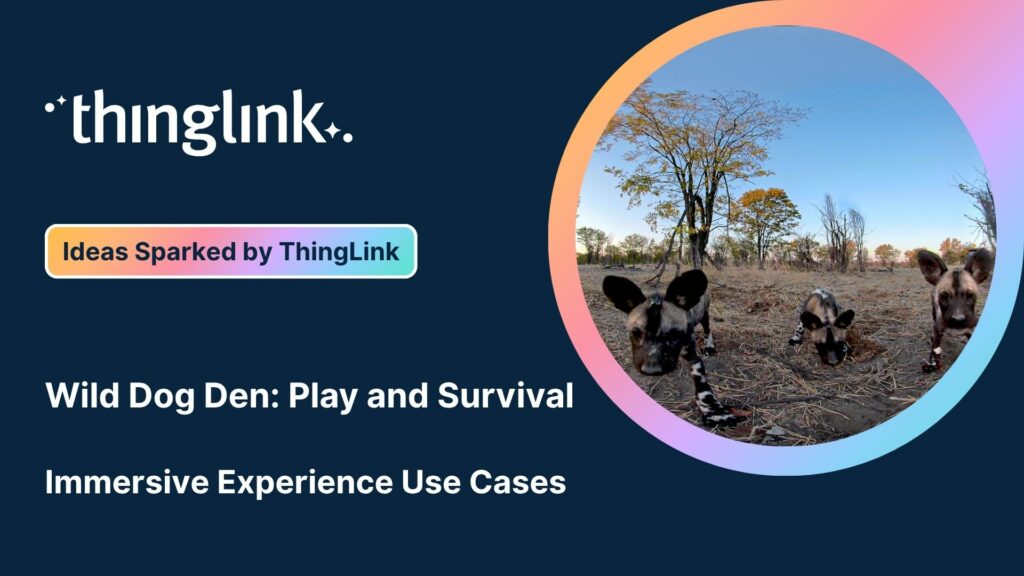
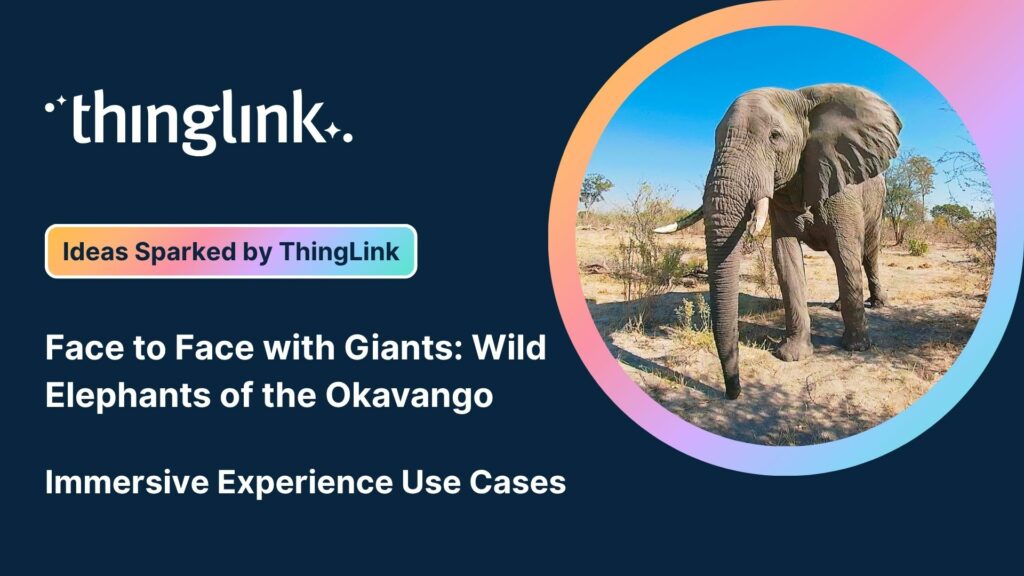
ThingLink has recently made available an inspiring set of three conservation-based 360° videos, designed for learners, educators, and anyone curious about how ...
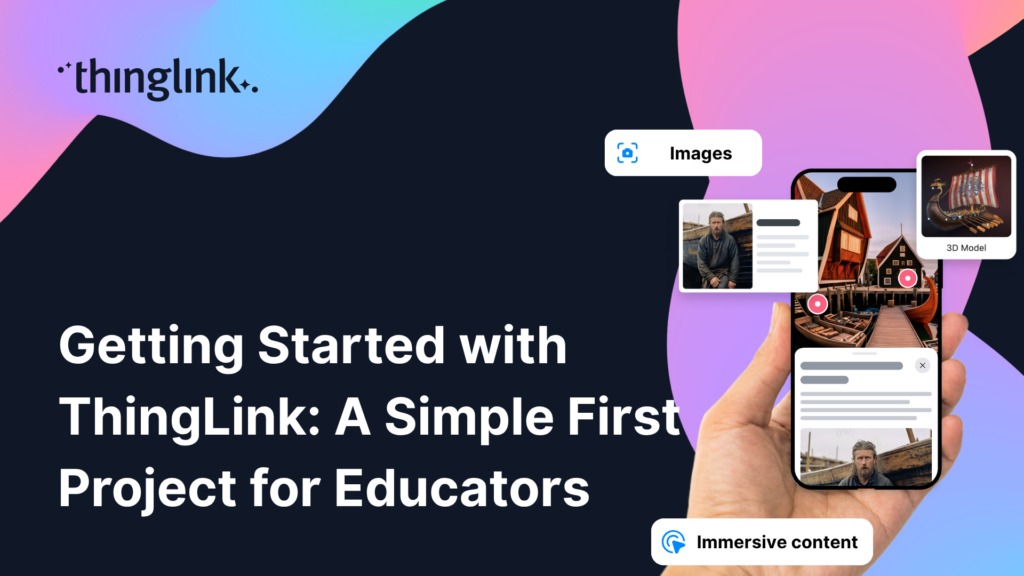
ThingLink is a fantastic tool for creating interactive and immersive images, videos, and virtual tours. It allows you to bring visuals to life by adding hotspots,...
We’re delighted to collaborate with Elaine Ford to bring you a truly unique collection of 360° video footage captured in the wild. These immersive scenes offer...
We’re delighted to collaborate with Elaine Ford to bring you a truly unique collection of 360° video footage captured in the wild. These immersive scenes offer...
We’re delighted to collaborate with Elaine Ford to bring you a truly unique collection of 360° video footage captured in the wild. These immersive scenes offer...
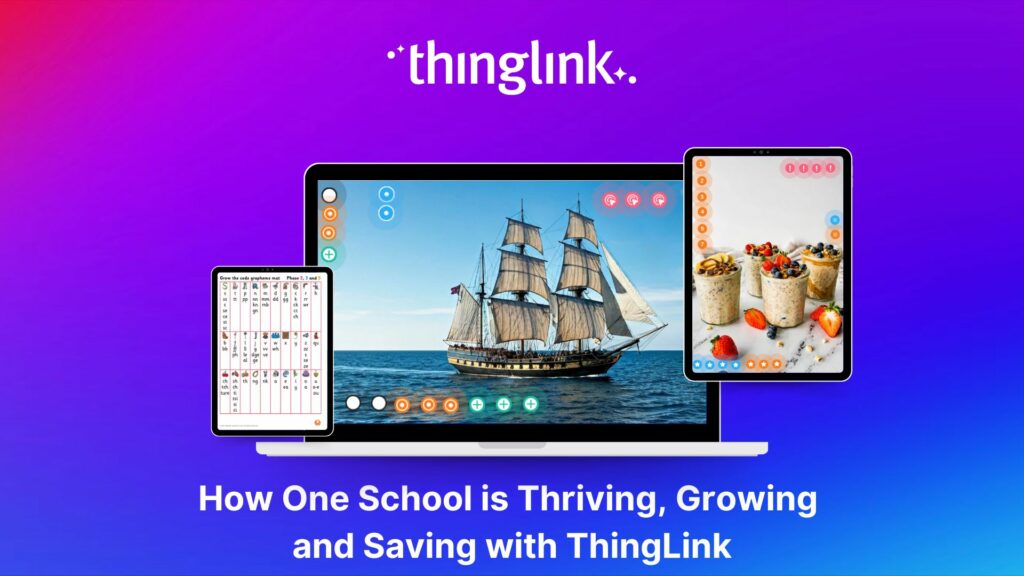
At Hackbridge Primary, the introduction of ThingLink has transformed teaching and learning in a range of ways. In just a year, staff have seen shifts in how pupils...
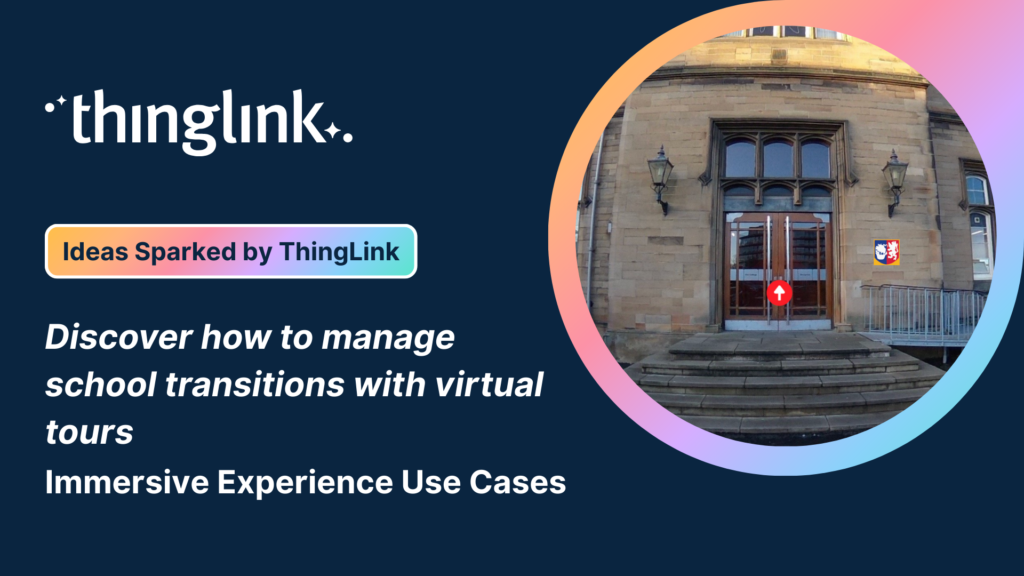
✨ ThingLink Idea Spark: School Transitions Starting a new school can be exciting but also daunting for young people and their families. This immersive experience...
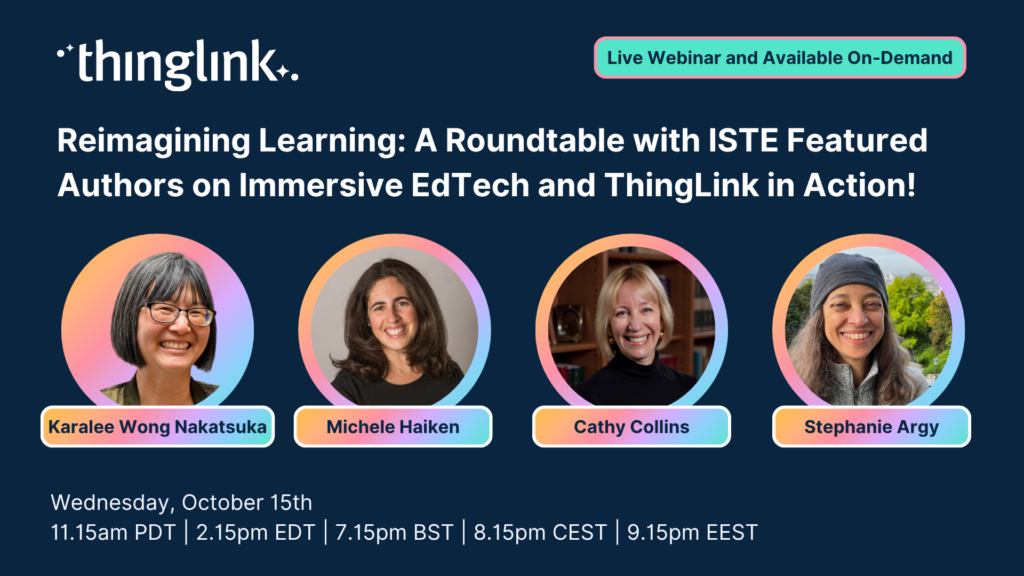
Webinar: Reimagining Learning: A Roundtable with ISTE Authors on Immersive EdTech and ThingLink in Action! ✨ Featuring ISTE Recognised Authors: Karalee ...
✨ ThingLink Idea Spark: Secrets of the Pyramids: Maths in Ancient Architecture Bring ancient engineering to life with immersive VR. In this experience, students...
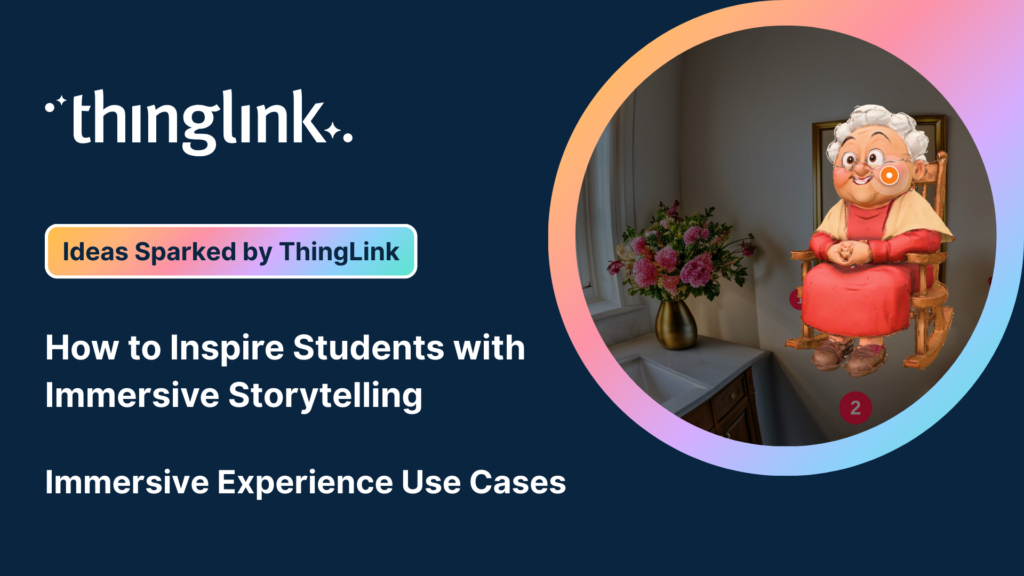
✨ ThingLink Idea Spark: The Power of a Story – Immersive Storytelling for Students This immersive lesson helps students strengthen their storytelling skills...
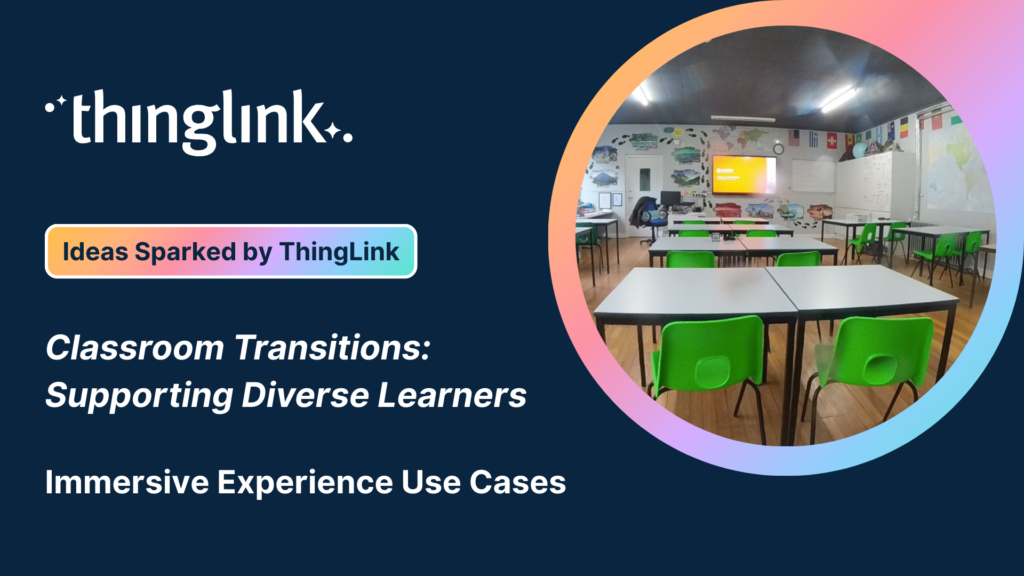
✨ ThingLink Idea Spark: Classroom Transitions Starting a new class or moving into a different learning space can feel exciting or overwhelming. This quick immersive...
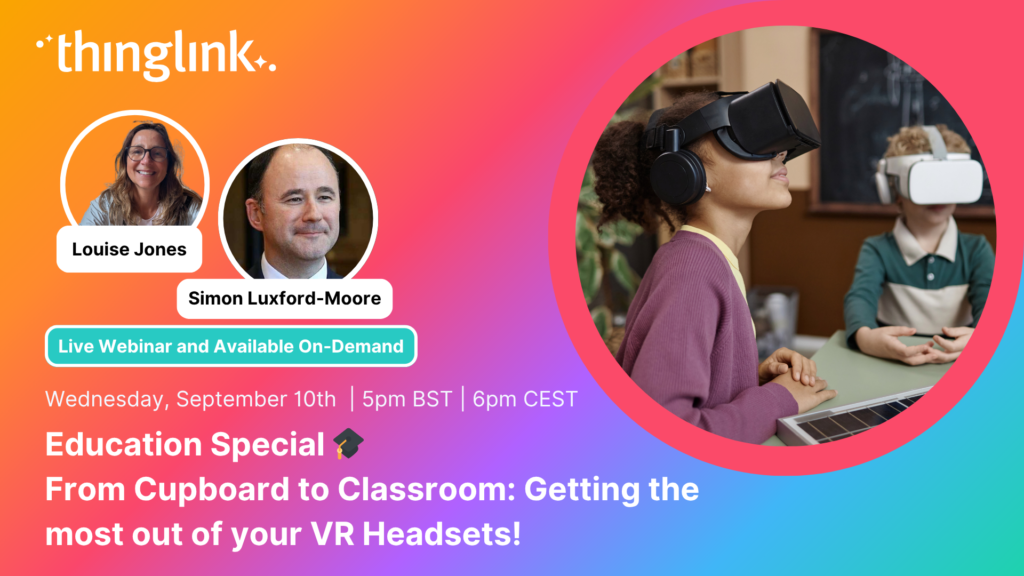
Education Special | From Cupboard to Classroom: Getting the most out of your VR Headsets! Have a set of VR headsets sitting in the cupboard, barely touched since...
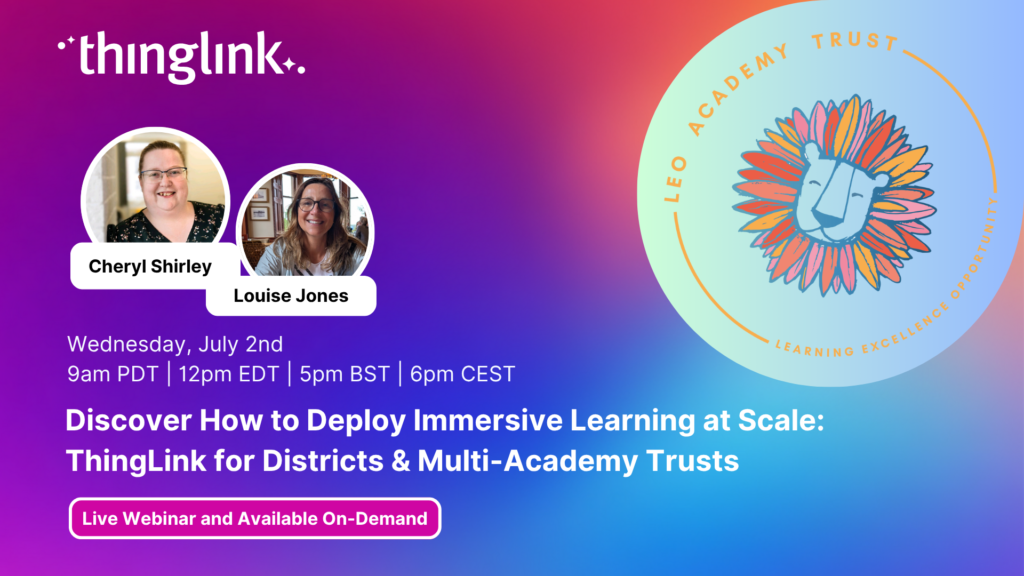
LEO, a forward-thinking British multi-academy trust, has pioneered a structured, pedagogy-first approach to digital learning that has driven significant gains in...
Louise Jones
10 min read
New Caney Independent School District (ISD) added ThingLink to their roster of online learning resources in 2020 and it soon became a valuable tool with many applications....
At ThingLink, our mission is to empower educators, trainers, and content creators to build truly impactful digital learning experiences. We believe that great learning...
Solve System-Wide Challenges with Easy Creation, XR/VR Integration & Interactive Content Join Louise, ThingLink and Cheryl Shirley, Director of Digital Learning...
The other day I was watching my close friend’s seven-year-old son do something that completely stopped me in my tracks (if you’ll excuse the pun). Nico...
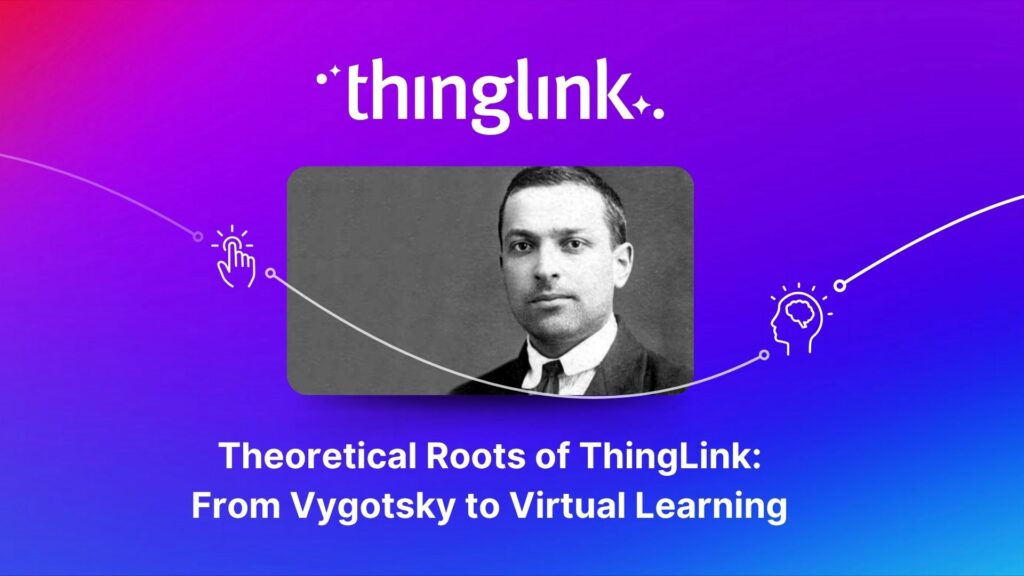
The foundations of ThingLink are rooted in the socio-cultural theory of learning developed by Lev Vygotsky. My own journey began in 2003 at the Center for Activity...
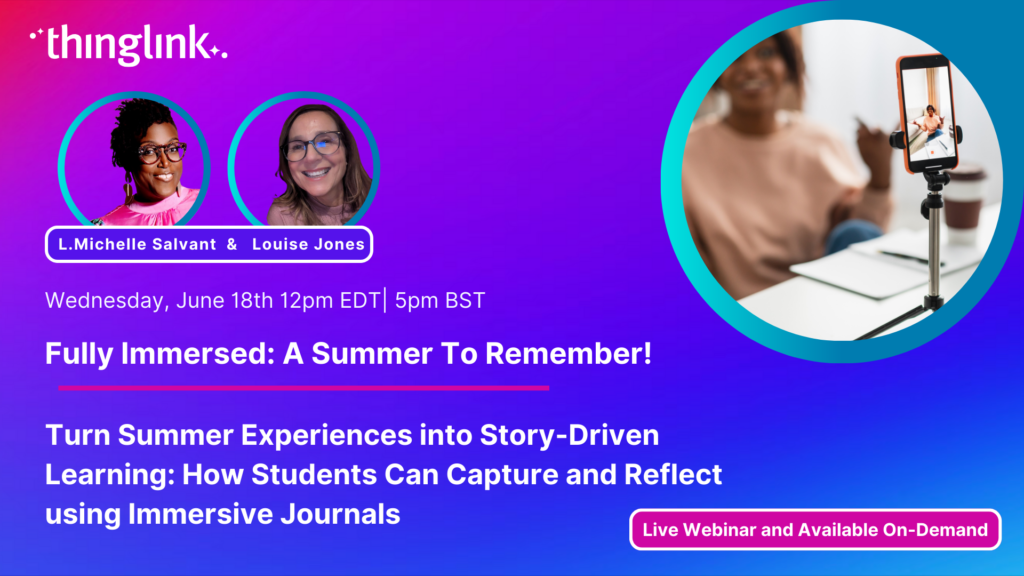
Turn Summer Experiences into Story-Driven Learning: How Students Can Capture and Reflect using Immersive Journals Make it a Summer to Remember Join Louise Jones...
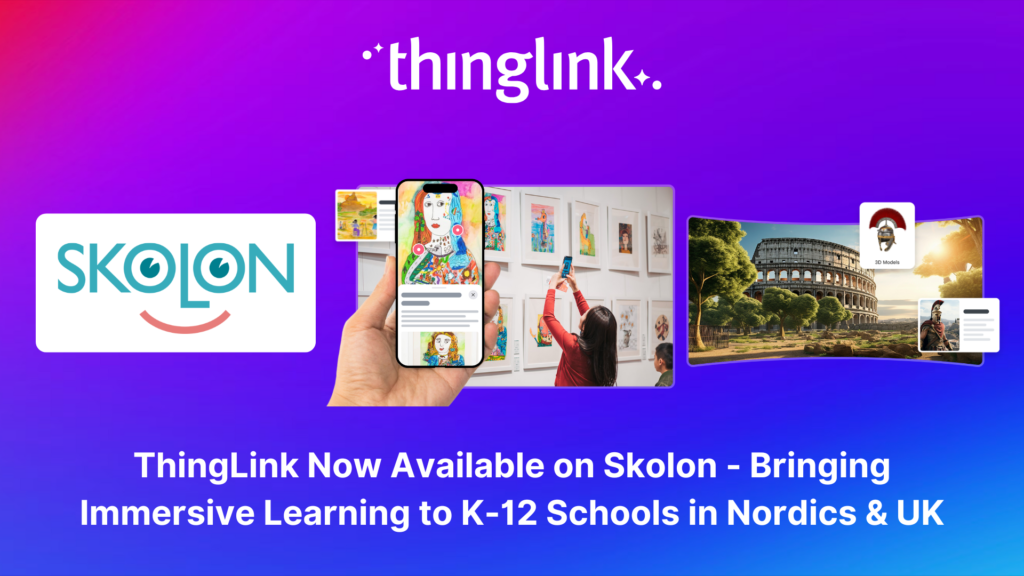
Stockholm, April 8th, 2025 – ThingLink, the leading platform for creating and sharing immersive learning experiences across platforms and devices, is now available...
Immersive learning technologies like ThingLink are transforming education! Research shows they improve engagement, comprehension, and knowledge retention—making...
Spring into Immersive Learning! 🌱 Join your hosts Louise and Claudia for a playful and engaging session on the rise of immersive learning! We’ll explore new...
Join us for an inspiring and practical webinar where Crosthwaite Primary School share how they’ve designed their curriculum to foster creativity, community collaboration,...
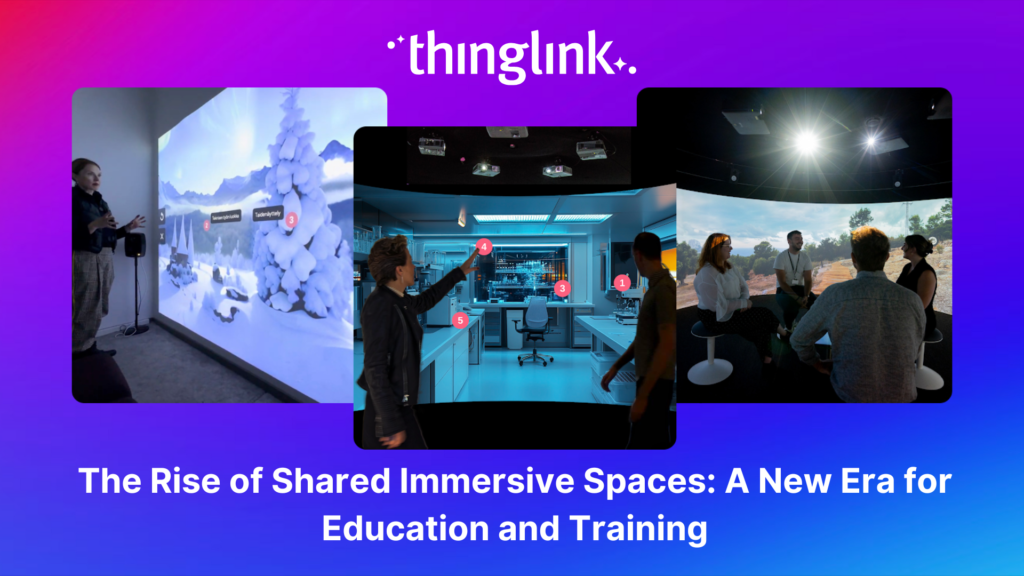
The increasing interest and adoption of shared immersive spaces in recent years reflects a shift in the way we see the future of learning, future of education, ...
Join us for an unmissable webinar celebrating a year of innovations with ThingLink! 🌟 We are excited to invite you to discover all the incredible updates we’ve...
Join us for an exclusive look into how Canva and ThingLink complement each other to create a powerful toolkit for immersive learning experiences! Are you ready ...
Introduction With the development of new technologies, the boundaries between physical and digital learning spaces are being redefined. Yet, these environments ...
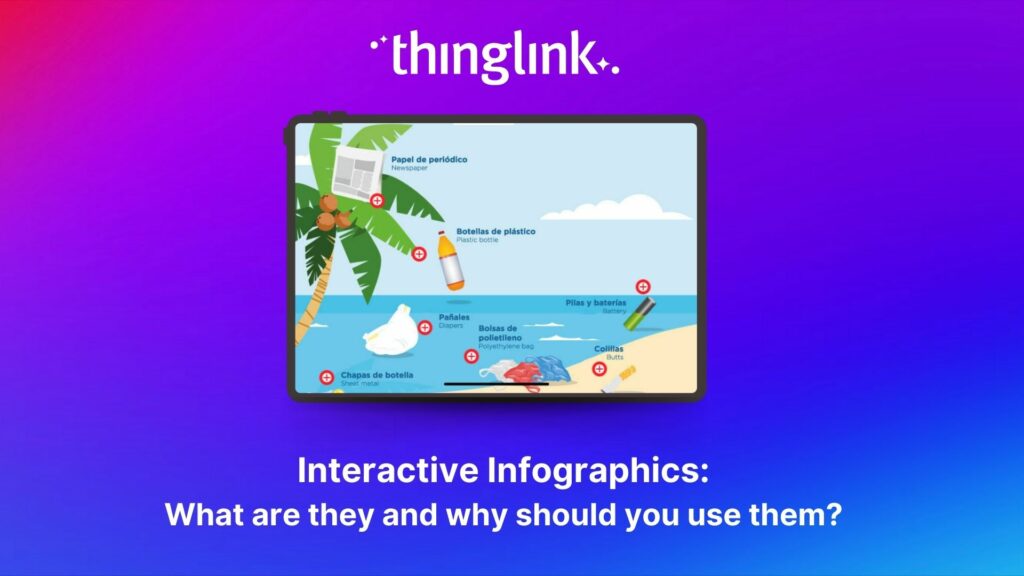
Infographics are the fastest and easiest way to present any complex information. In this blog we’ll show you how to create interactive infographic designs even...
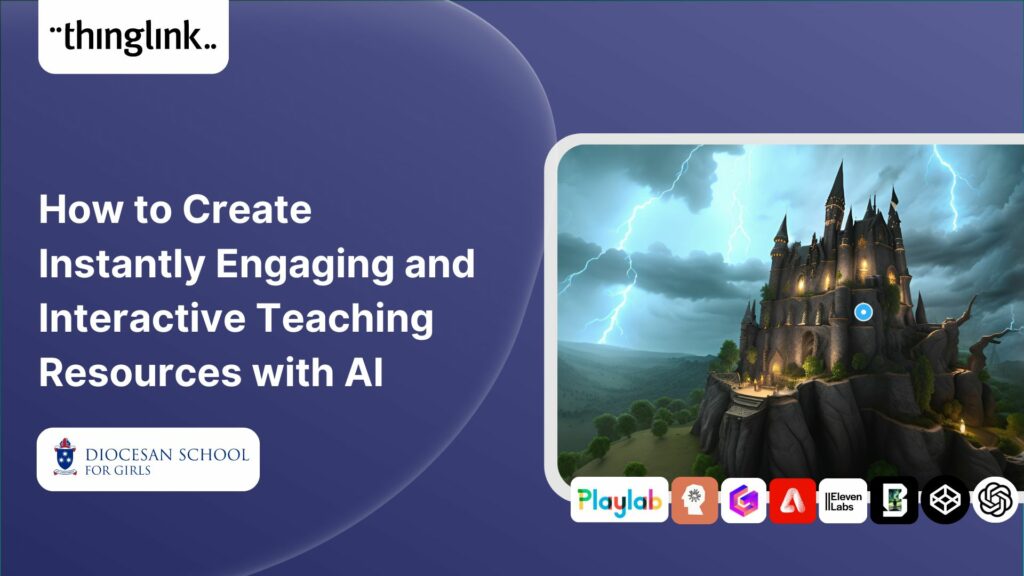
Rob McCrae is the AI Lead and ICT Director at Diocesan School for Girls in Auckland, New Zealand, an independent school of 1600 students aged 5-18. Earlier this...
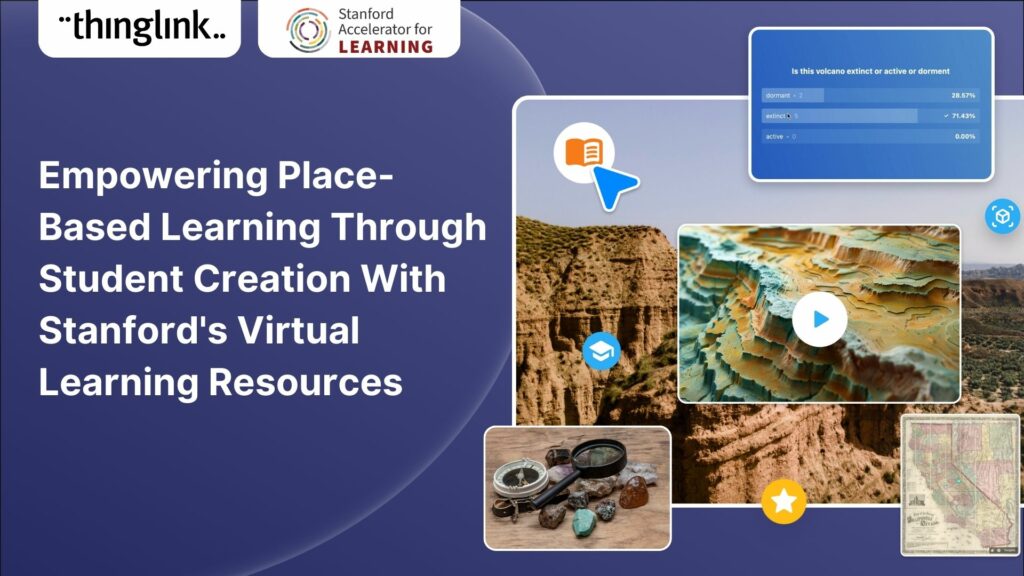
For educators looking to encourage student creation, Stanford University’s essential guide will show you how to use content from real-life Field Trips in ...
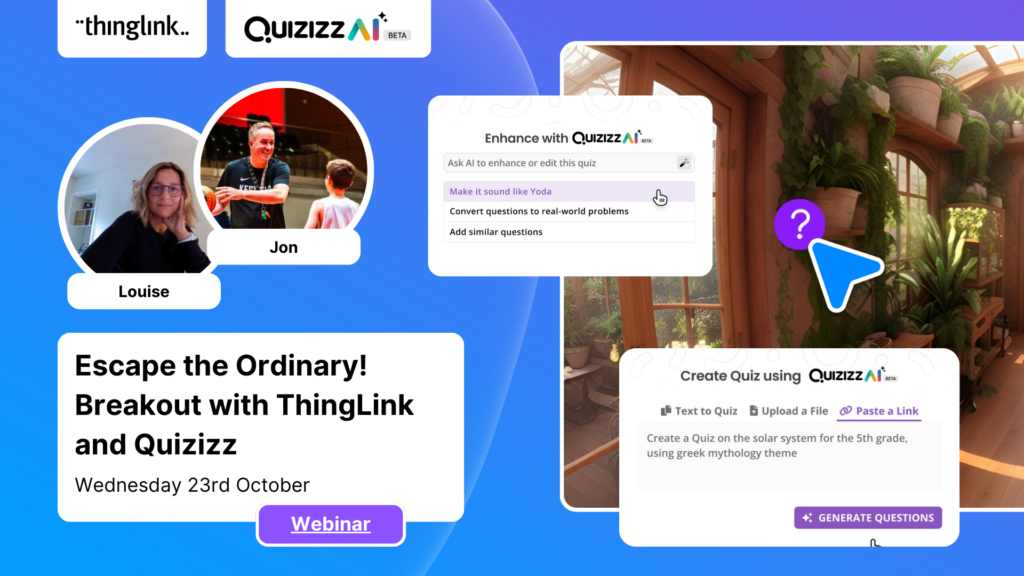
Escape the Ordinary! Breakout with ThingLink and Quizizz Immersive Escape Rooms and Breakouts can be very effective and engaging for all learners. Our past webinars...
It’s that time of year for the FREE annual ‘Return to Learn’ webinar! Join us for an exciting and informative webinar as we present the latest ThingLink updates,...
This case study features Rachel Silverman, a talented secondary English language arts teacher from Phormes Education in Germany. Rachel is a passionate advocate...
Our team is excited to be back at ISTE, and we look forward to reconnecting with old friends and meeting new ones in Denver, Colorado! Here are some topics and ...
If you’re heading out on an educational trip this end of term, don’t forget your 360 camera to ensure you can re-create the trip as a virtual tour. ...
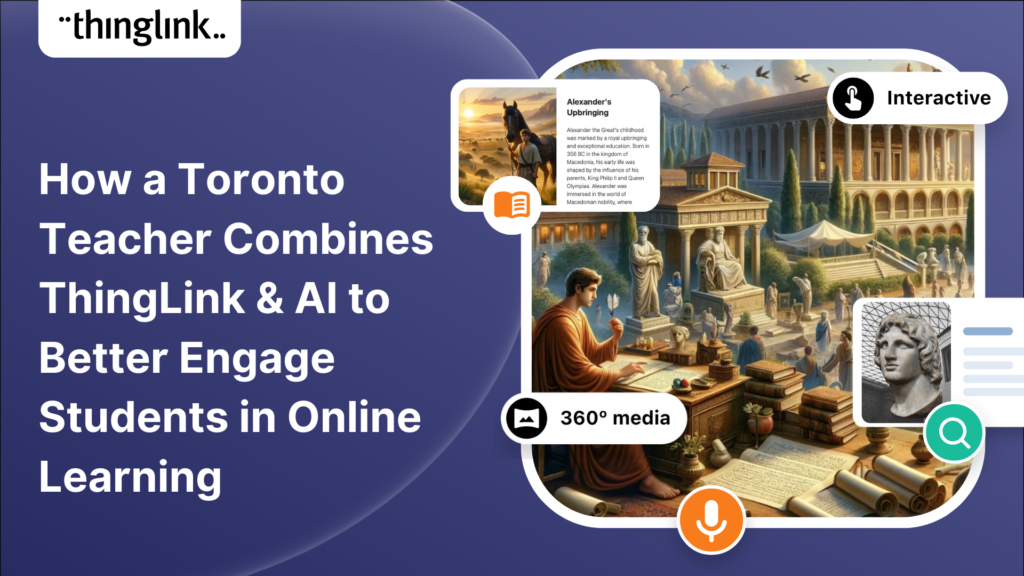
In this case study we are showcasing the inspiring work of Toronto teacher and ThingLink creator Joseph D’Aquila. Joseph’s creative use of AI tools and ThingLink...
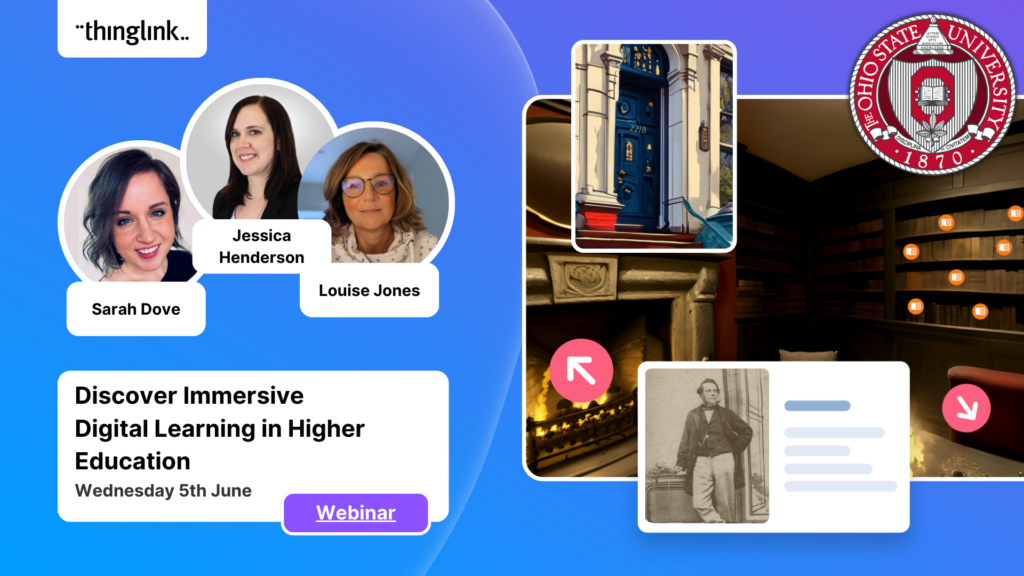
Are you an educator, instructional designer, or higher education professional seeking innovative ways to engage your students? Our upcoming webinar, “Discover...
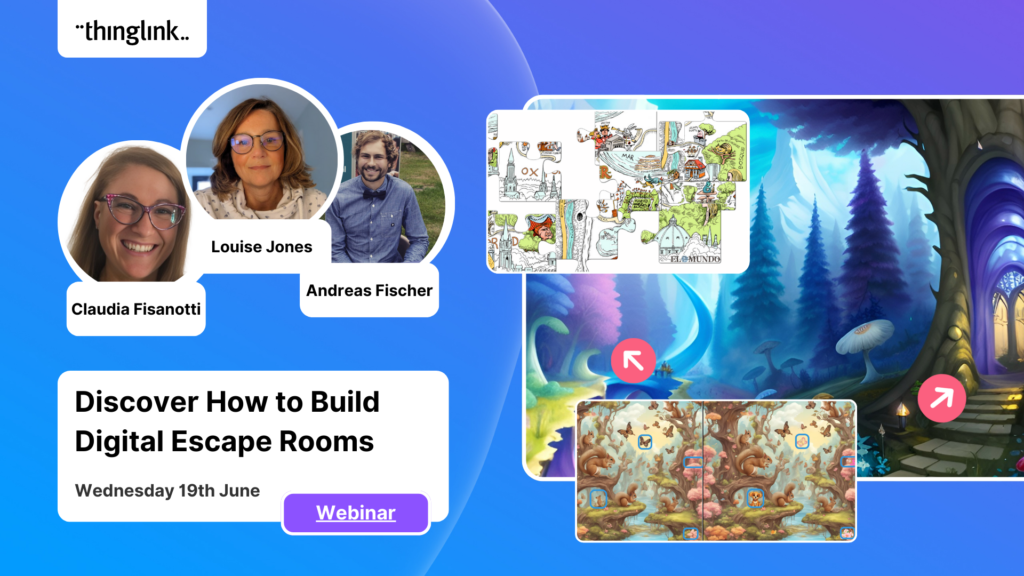
Are you an educator, corporate trainer, or just someone passionate about innovative immersive learning experiences? Our upcoming webinar, “How to Build Digital...
Sabine Römer and Sarah Görlich are part of the e-learning department at the Ruhr University in Bochum, Germany. Together, they form a dynamic partnership that...
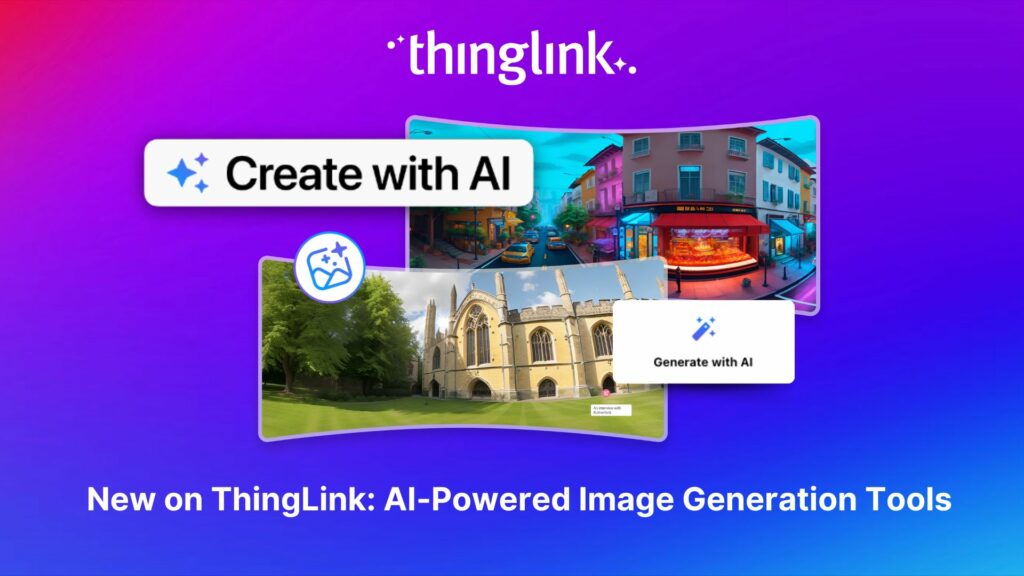
All ThingLink accounts will now include AI-powered tools (with controls) to enable educators and learners to generate images to use with the ThingLink editor. Effective...
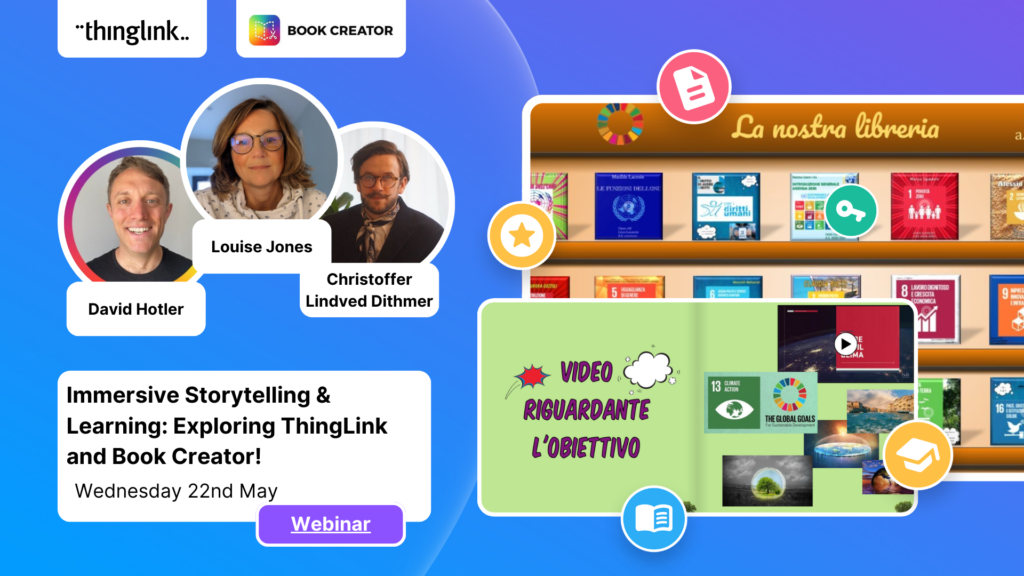
Update! This webinar is truly unmissable! Sign up to receive the recording to see how Christoffer inspired everyone with his amazing presentation and live demonstrations....
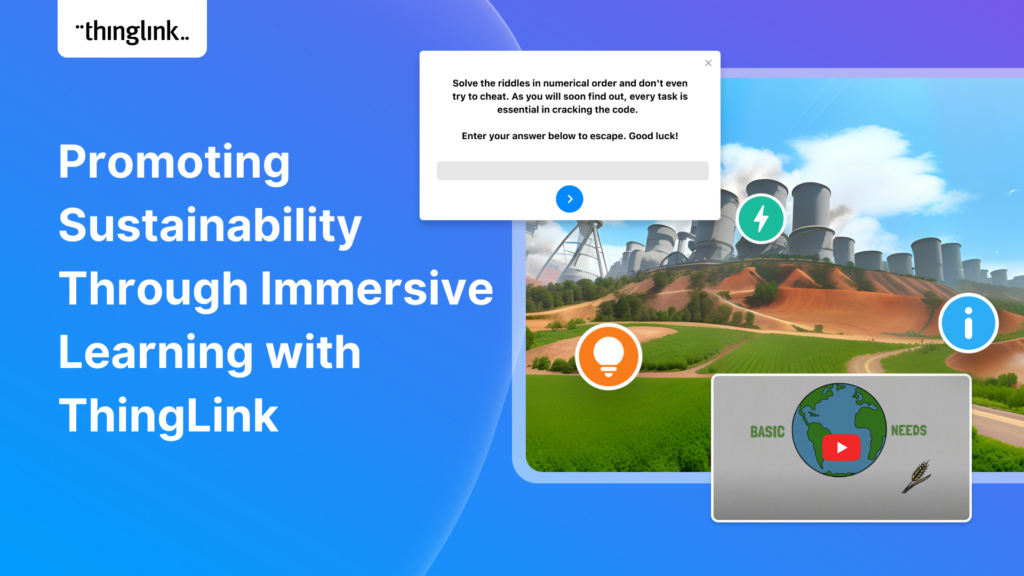
The world faces numerous sustainability-related challenges, threatening the future of our planet. Those issues are often hard to grasp without direct exposure to...
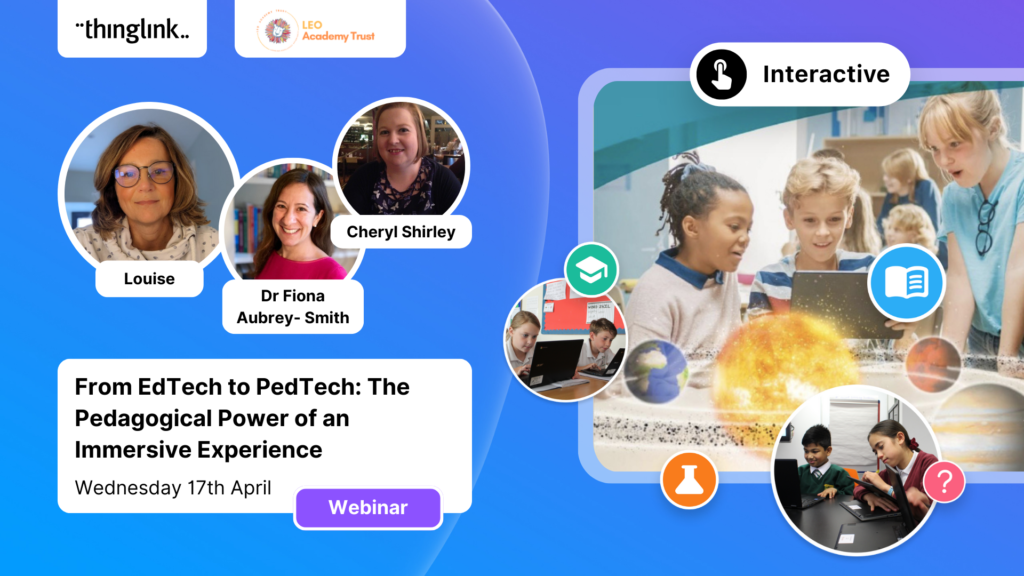
Now On-Demand! ThingLink is absolutely thrilled to present an exclusive webinar titled “From EdTech to PedTech: The Pedagogical Power of an Immersive Experience.”...
We are delighted to invite you to our webinar! ThingLink Host Louise Jones welcomed special guest star Jon Neale from Quizizz for a fun discussion and live demonstration...
What a webinar! “Discover Immersive Learning with ThingLink and Adobe Express,” draws upon insights from the recent BETT Education Technology Show. ...
Regardless of subject, presenting your data and findings in an engaging and understandable way can be a challenge! Fortunately, ThingLink provides you with the ...
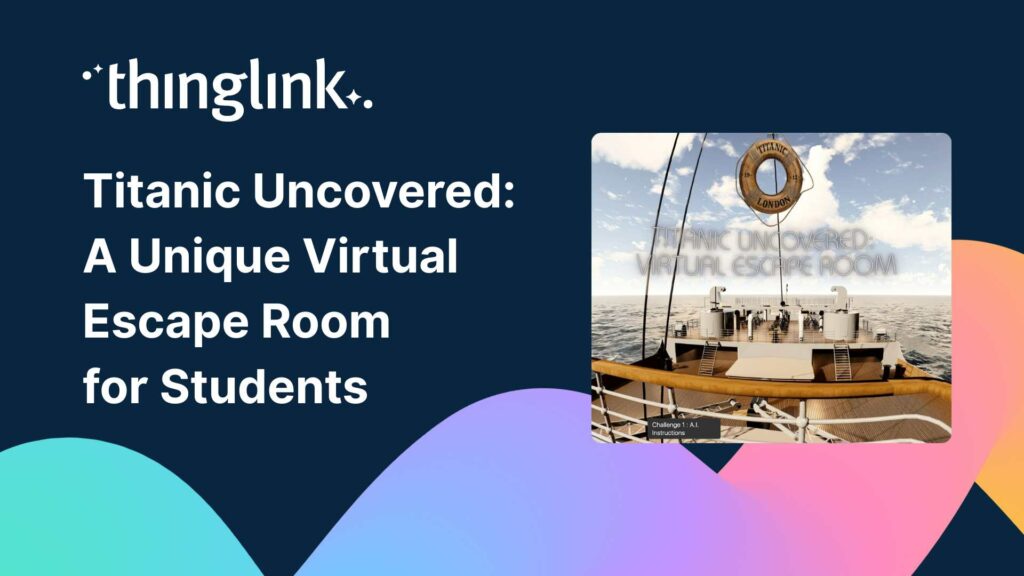
Educator Dwitney Bethel has created an incredible digital escape room using ThingLink’s Scenario Builder, set during the tragic maiden voyage of the Titanic...
Unlock the Secrets to Crafting Mesmerizing 360° Visuals for a Game-Changing Learning Experience! The future of immersive learning is not just about consuming content—it’s...
In addition to using interactive media and virtual reality to create your teaching materials, why not also give your students the tools and technology to become...
Over the last few years, teachers and other educators have successfully transitioned their classrooms, lecture halls and labs to the cloud, set up digital learning...
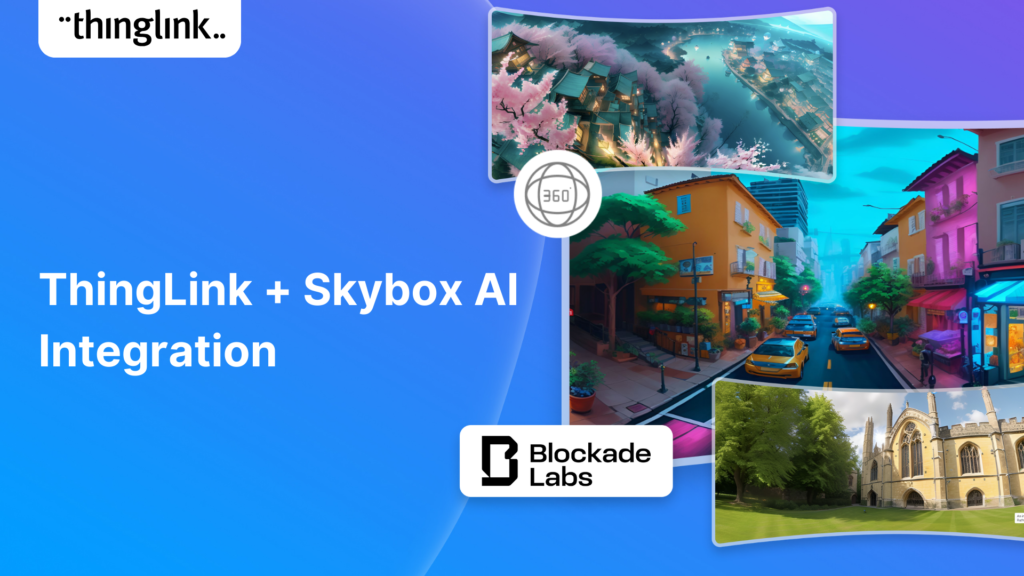
Unleash imagination to design unique environments inspired by literature, mythology, historical periods, and more. With Skybox AI and ThingLink, you’re not...
ThingLink, an award-winning immersive learning technology platform is announcing a strategic partnership with Blockade Labs, creators of Skybox AI, an innovative...
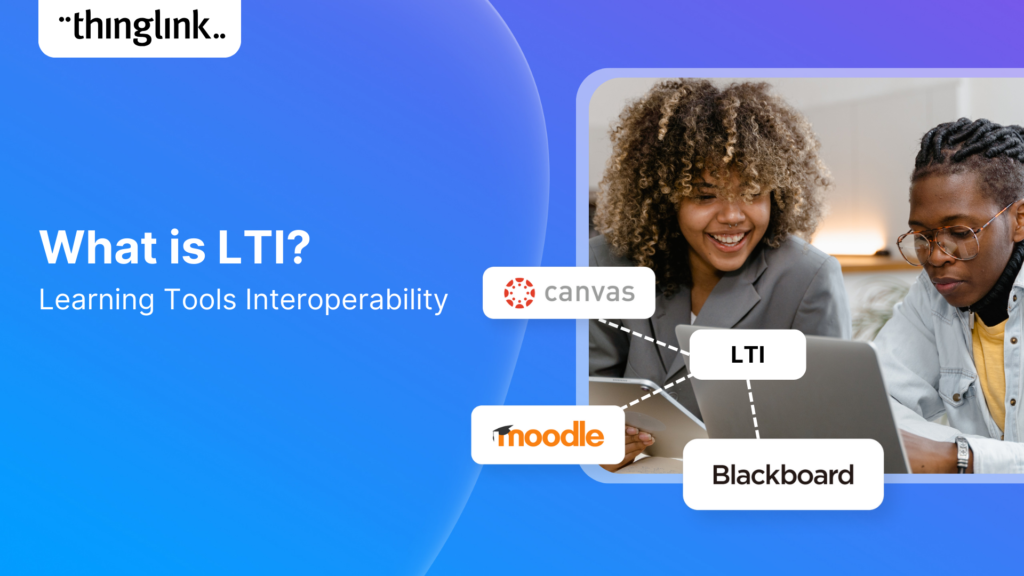
Learning Tools Interoperability (LTI) is a widely-adopted industry standard in the fields of education and corporate learning and development. It was developed ...
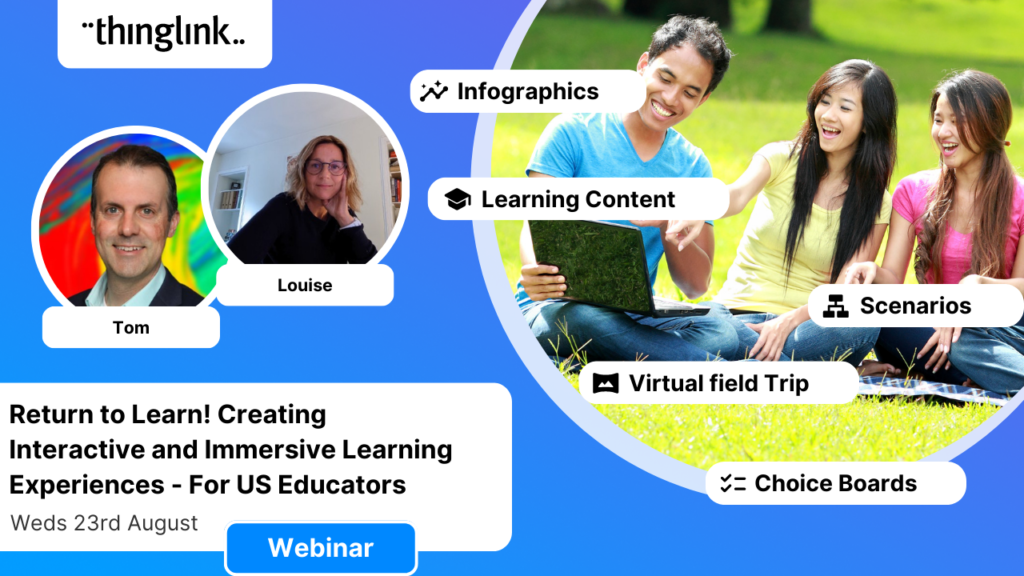
Our webinar for US Educators with Special Guest Host Tom Mullaney. It was absolutely fabulous! Dive Deep into the World of Immersive and Interactive Learning with...
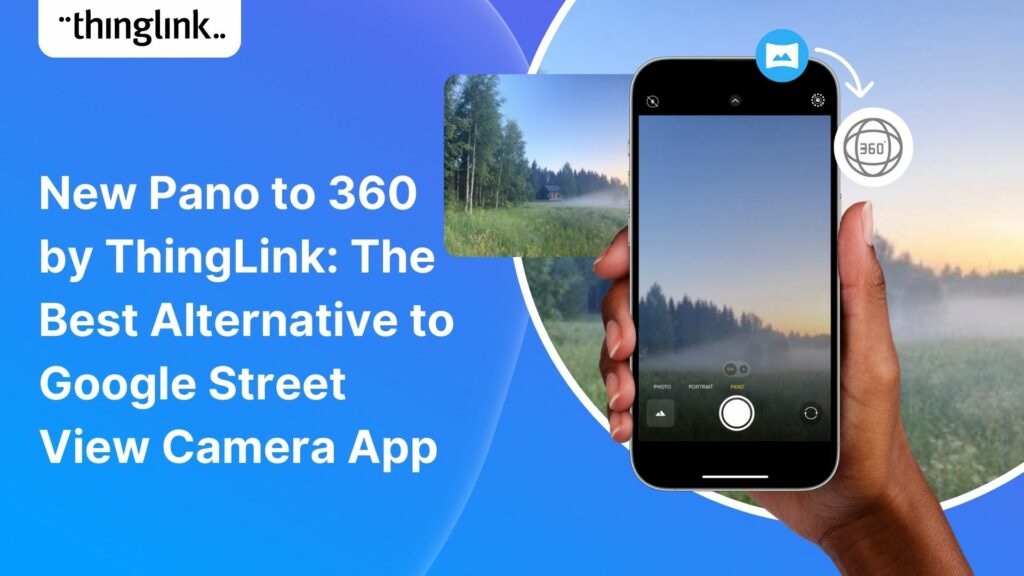
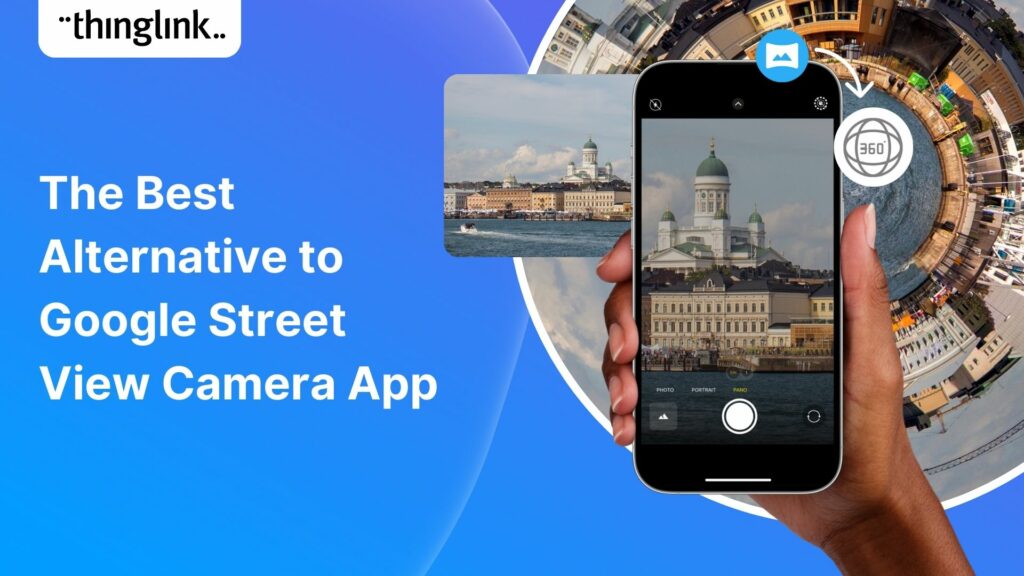
Dive into a universe of detail with Pano to 360: no more multiple shots, just easy, fully immersive 360 photospheres! Since Google decided to retire the beloved...
Ever since Google discontinued its much-loved Street View Camera App, users around the world have been searching for a worthy alternative. The good news? Your search...
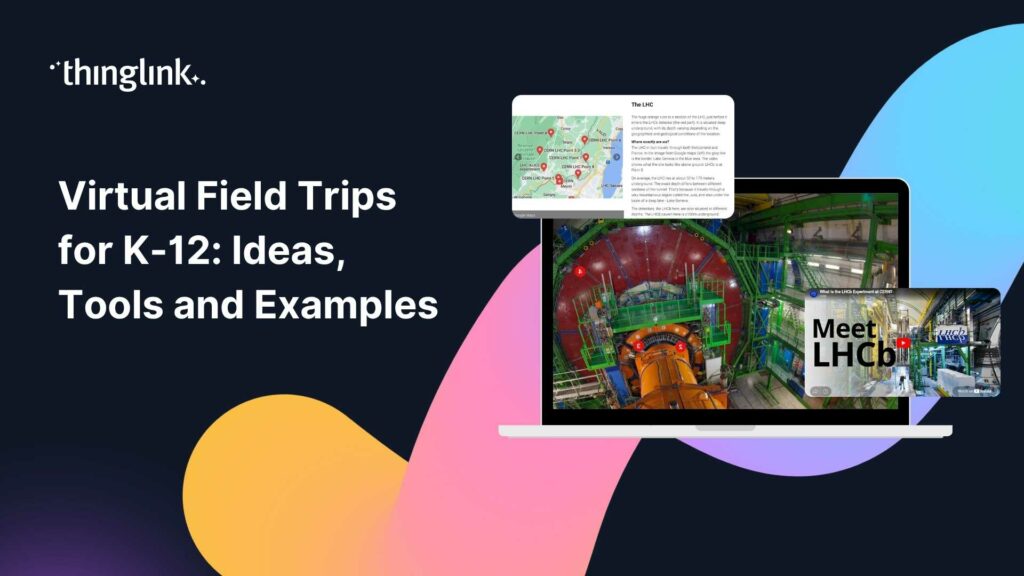
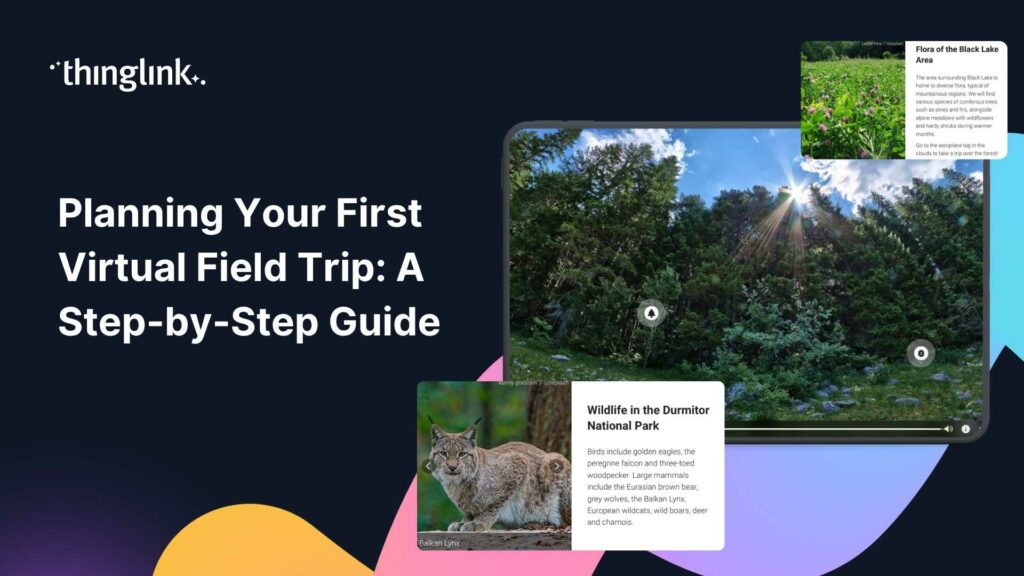
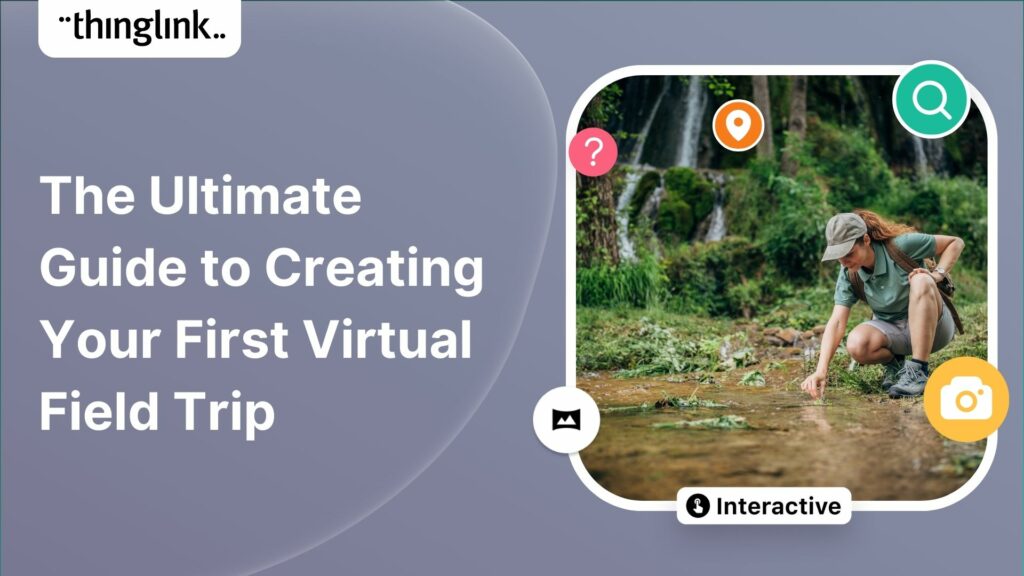
Virtual field trips are an ideal way to immerse learners in real world environments without ever leaving the classroom, lab or lecture theatre. There are a number...