The Best Immersive Learning Tools in 2026 (Complete Comparison Guide)
If you’ve started exploring immersive learning tools, you’ve likely noticed how quickly the options begin to blur together. Many platforms promise more engaging, interactive learning, but once you look more closely, the differences become harder to define.
Some tools are built around VR, others extend traditional eLearning with interactive elements, and many use similar language even though what they actually enable is very different. As a result, what should be a straightforward decision often becomes more complex, especially when you’re trying to choose something that will work in practice for your learners, your team, and your goals.
This guide is meant to make that decision a little clearer. It compares immersive learning tools, along with interactive and traditional eLearning platforms that are often considered as alternatives.
Understanding the Different Levels of Immersive Learning
Not all learning tools create the same type of experience.
Terms like interactive, engaging, and immersive are often used interchangeably, but in reality, they represent different approaches to how learners interact with content. Understanding these differences is key to choosing the right tool.
At a high level, learning tools tend to fall into three categories.
Tool
What You Can Create
Where it Works Best
Key Tradeoff
ThingLink
Immersive and spatial learning environments using images, video, and 360° content
Real-world training, onboarding, and scalable learning across use cases
Not designed for fully custom-coded simulations, focusing instead on flexible, no-code experience creation
Uptale
360° and VR-based training simulations
Simulation-based training in controlled environments
Can require additional setup and coordination to scale across teams
CenarioVR
Scenario-based 360° training experiences
Structured training programs and guided scenarios
Adapting or updating scenarios can take more time
Viar360
360° visual walkthroughs and training
Visual storytelling and guided training
Experiences tend to be more linear with limited interaction
Warp VR
VR-based simulation training
Soft skills training in VR environments
Requires VR hardware for full experience
CoSpaces Edu
3D virtual environments and scenes
Creative and exploratory learning
Less aligned with structured training workflows
Adobe Captivate
Interactive simulations and training modules
Complex training scenarios and simulations
Requires more time and expertise to build and maintain
Genially
Interactive presentations and media
Engaging content and visual storytelling
Interactions are typically surface-level rather than context-driven
Nearpod
Interactive lessons and activities
Classroom instruction and guided learning
Experiences are primarily teacher-led rather than self-directed
Articulate 360
Slide-based eLearning courses
Structured course creation and compliance training
Content is typically linear and less adaptable to real-world context
Easygenerator
Simple course-based eLearning
Fast, SME-driven course creation
Limited flexibility beyond structured course formats
1. Traditional eLearning (Structured, Linear Learning)
This is the most familiar format for most teams. Content is presented in a structured, slide-based format, where learners move step by step through information, often followed by quizzes or assessments.
These tools are effective for:
- delivering structured knowledge
- compliance training
- simple course creation
However, they focus primarily on content delivery, rather than helping learners apply knowledge in real-world situations.
2. Interactive Learning (Enhanced Engagement)
Interactive tools build on traditional eLearning by adding multimedia, branching paths, and clickable elements. Learners engage more actively with the material, rather than simply progressing through slides.
These tools are useful for:
- adding engagement to existing content
- creating guided simulations
- supporting more dynamic learning experiences
While more engaging, these experiences are still often content-driven and guided, rather than fully immersive.
3. Immersive Learning (Contextual, Real-World Experiences)
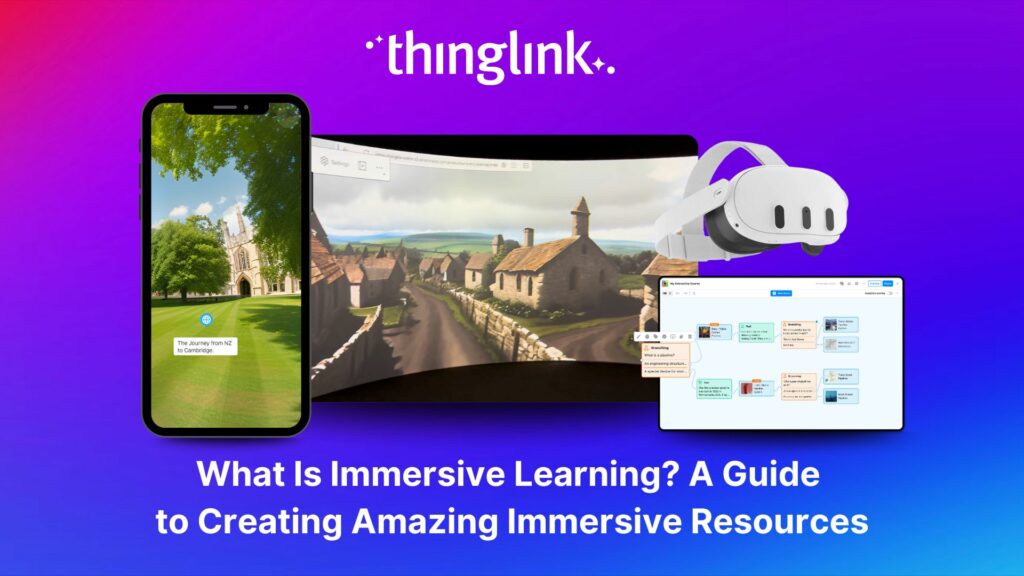
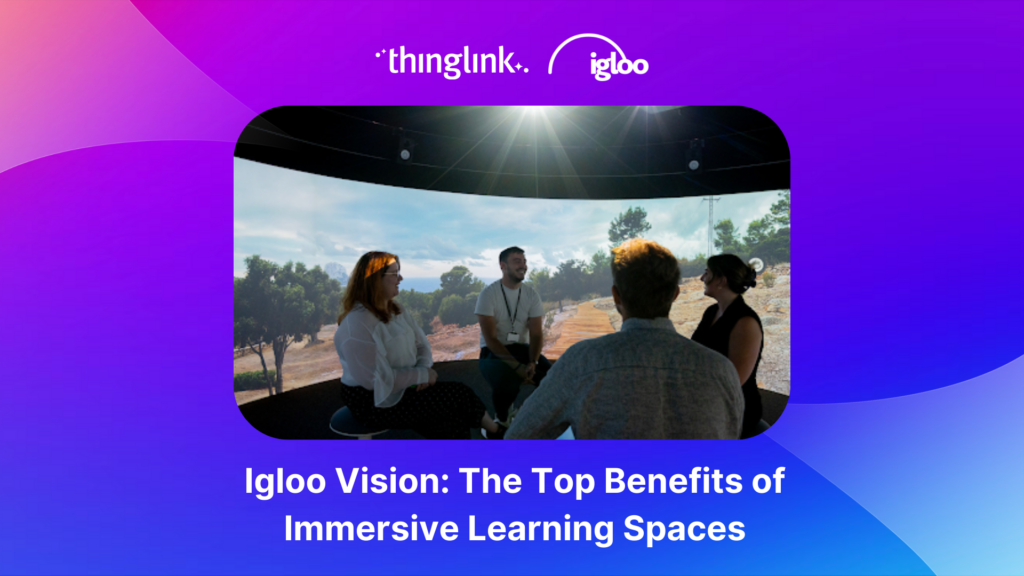
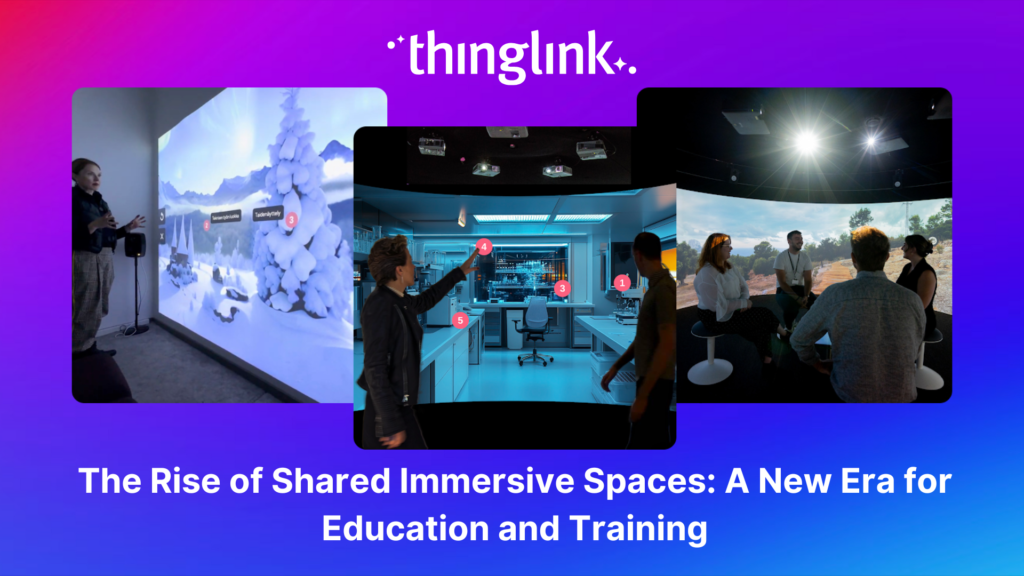
Immersive learning takes a different approach. Instead of presenting information step by step, it places learners inside environments where they can explore, observe, and apply knowledge in context.
This often includes:
- 360° environments
- scenario-based learning
- spatial or XR experiences
In this model, learning is less about consuming content and more about experiencing and applying it, which can make it easier to transfer knowledge into real-world situations.
Why This Distinction Matters
The right tool depends on what you’re trying to achieve.
If your goal is to deliver structured information, traditional tools may be enough. If you want to increase engagement, interactive tools can help. But if you need learners to build confidence and apply skills in realistic situations, immersive learning becomes much more relevant.
For many teams, the shift toward immersive learning isn’t about replacing existing tools, but about expanding what learning can actually do.
With that in mind, here’s how the top tools compare across these different approaches.
Best Immersive Learning Platforms
These tools are designed specifically to create immersive, environment-based learning experiences.
ThingLink
Best for: Scalable immersive learning across any device
Pricing: Custom pricing for Enterprise and Education; individual plans available
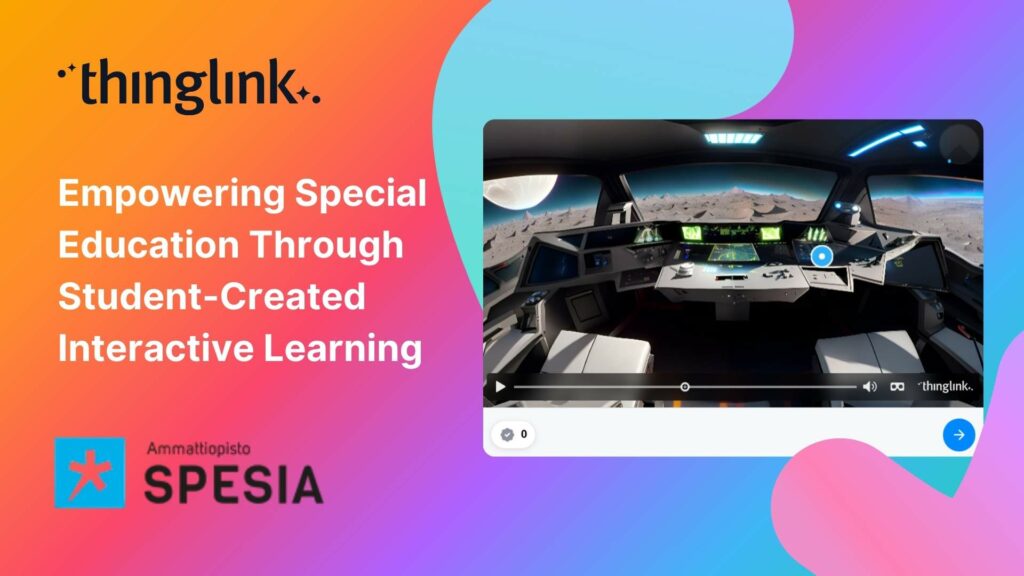
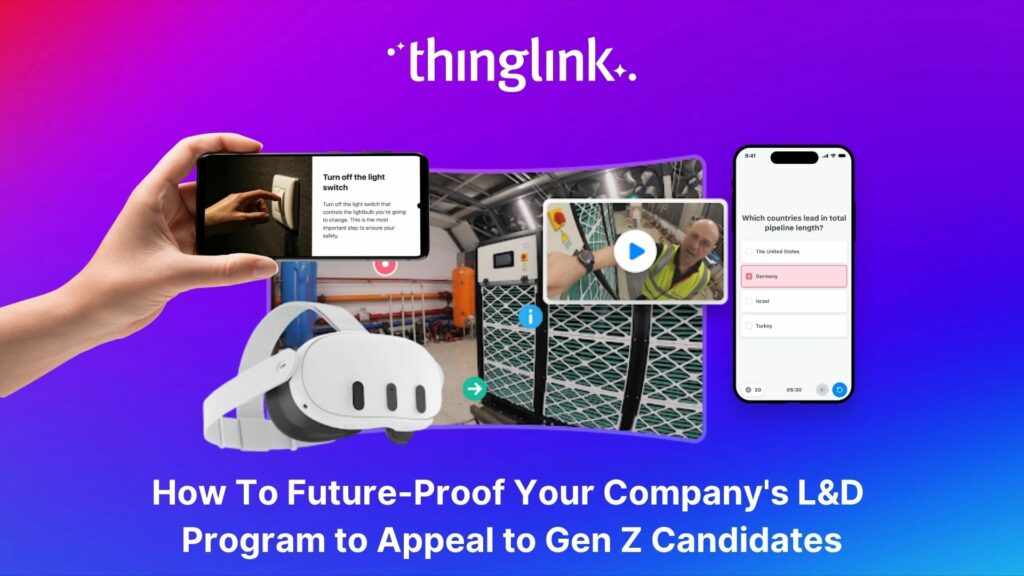
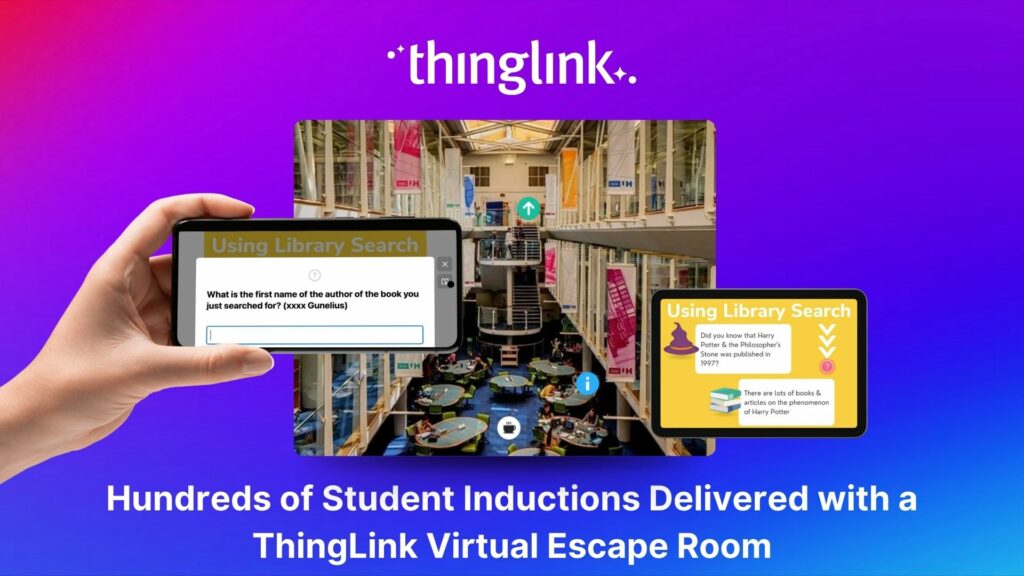
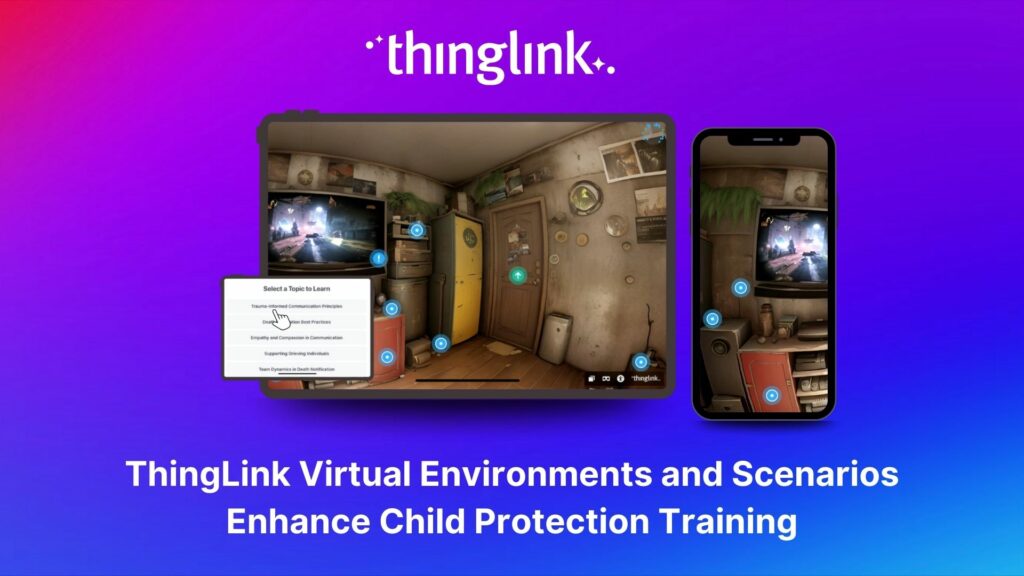
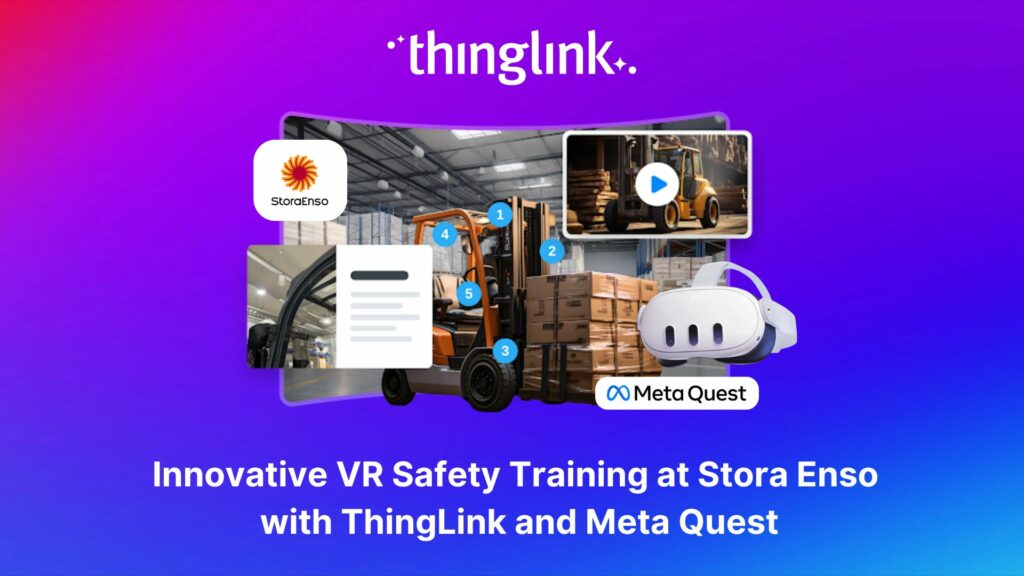
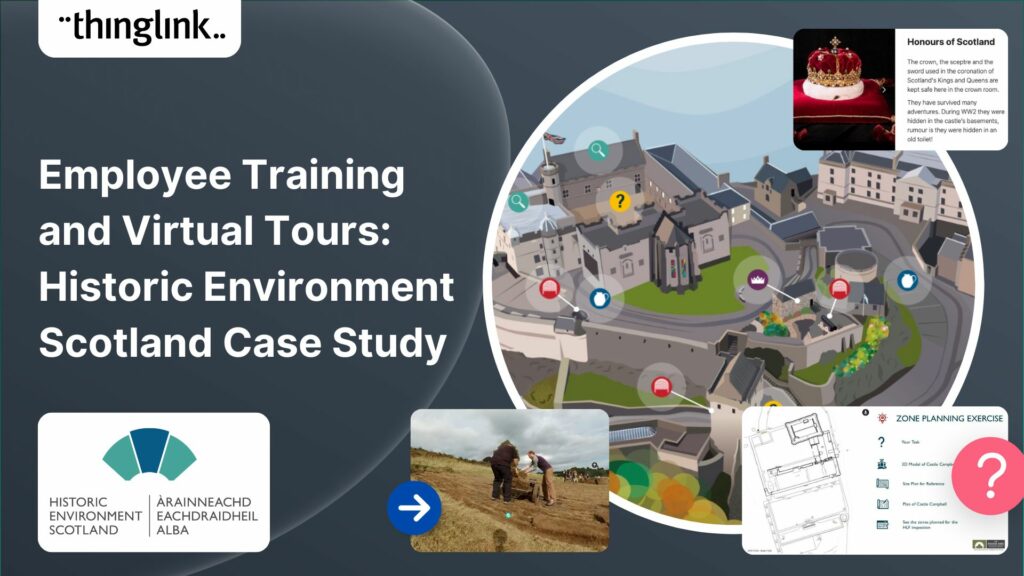
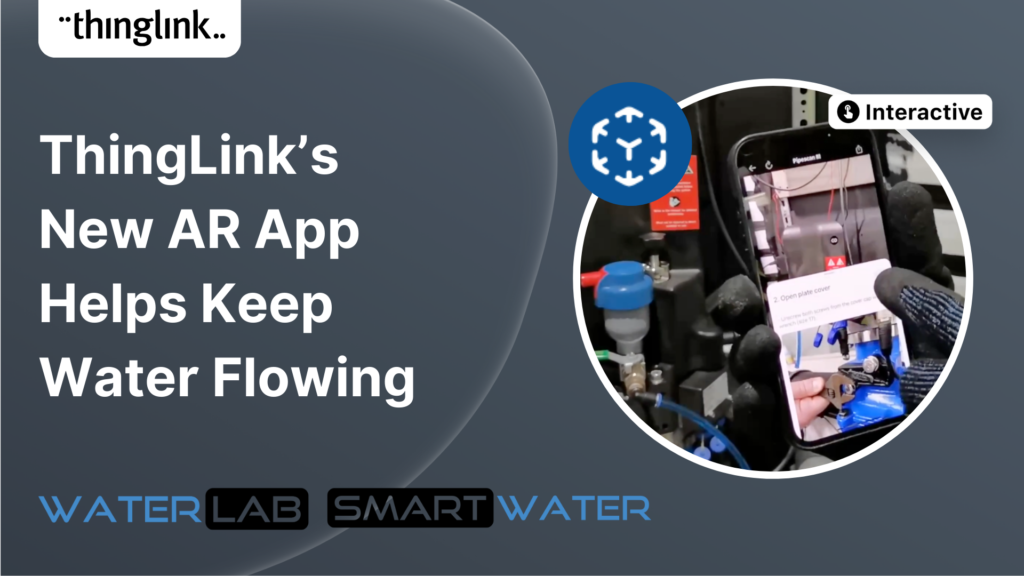
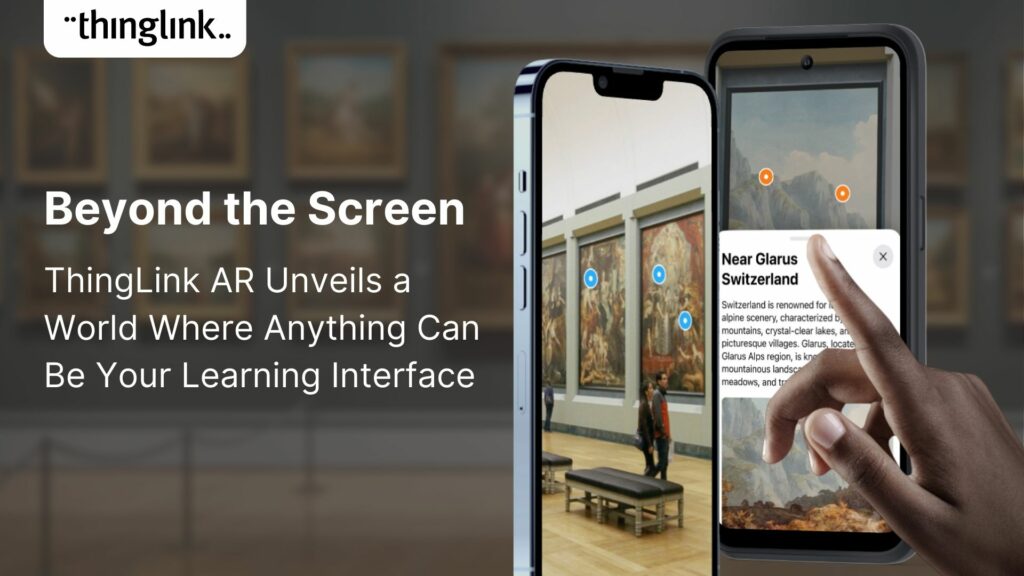
ThingLink is designed to make immersive learning practical at scale. Instead of relying on complex development workflows or specialized hardware, it allows teams to create interactive environments using images, video, and 360° content that work across desktop, mobile, LMS, and XR devices.
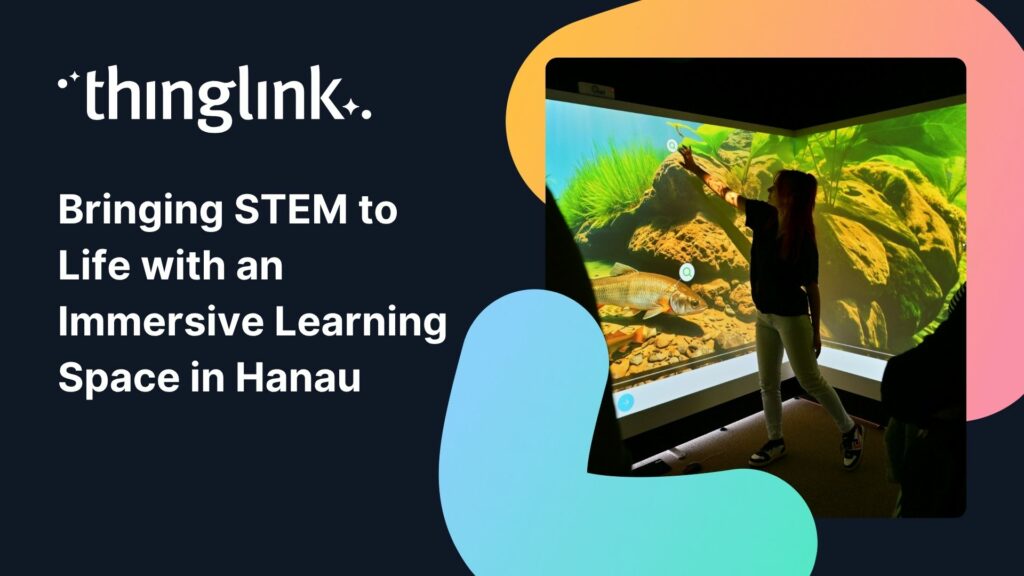
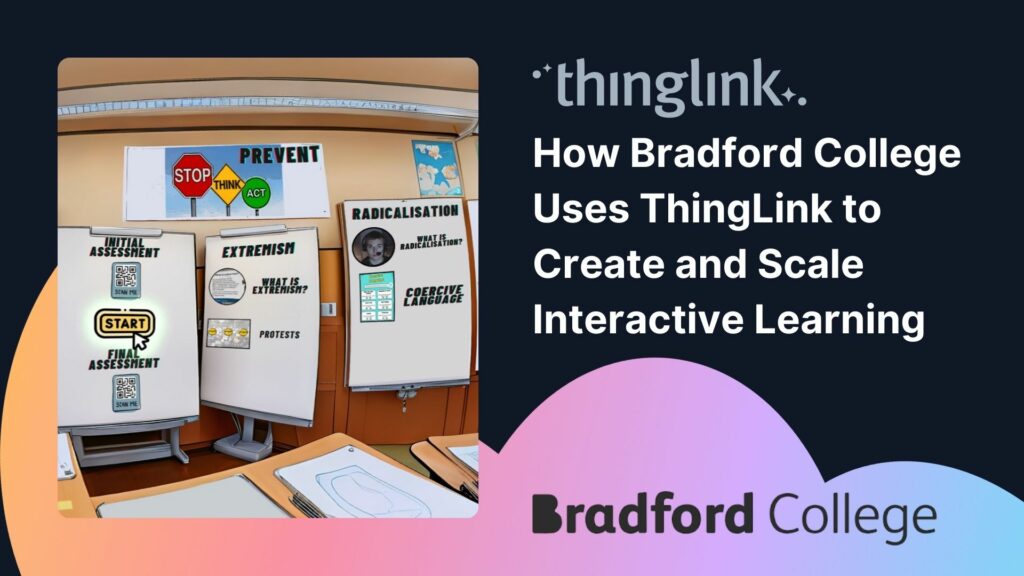
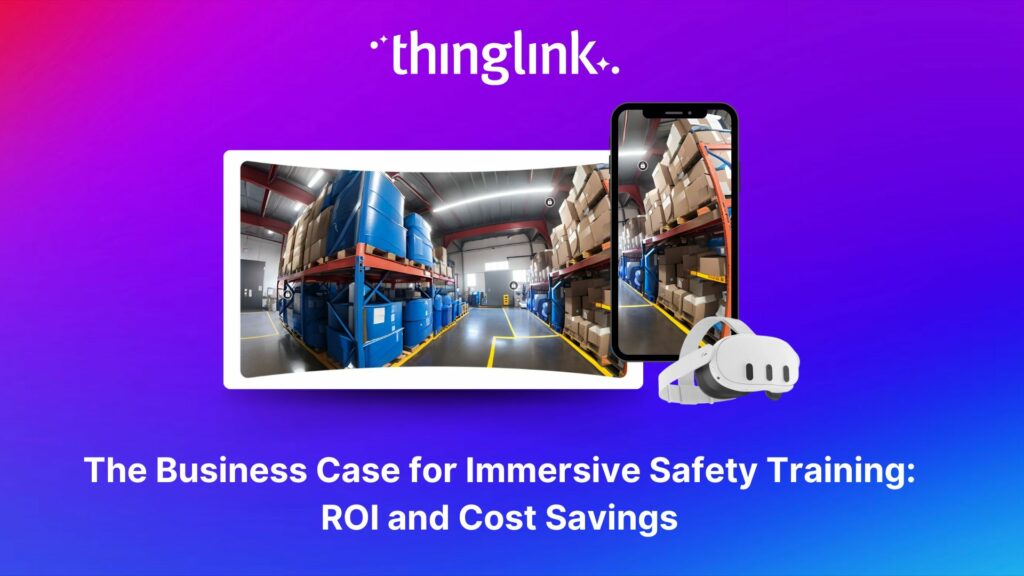
Learners aren’t limited to moving through slides. They can move through spaces, exploring and applying knowledge in context. This makes it easier to connect learning to real-world situations, whether that’s safety training, onboarding, or vocational education.
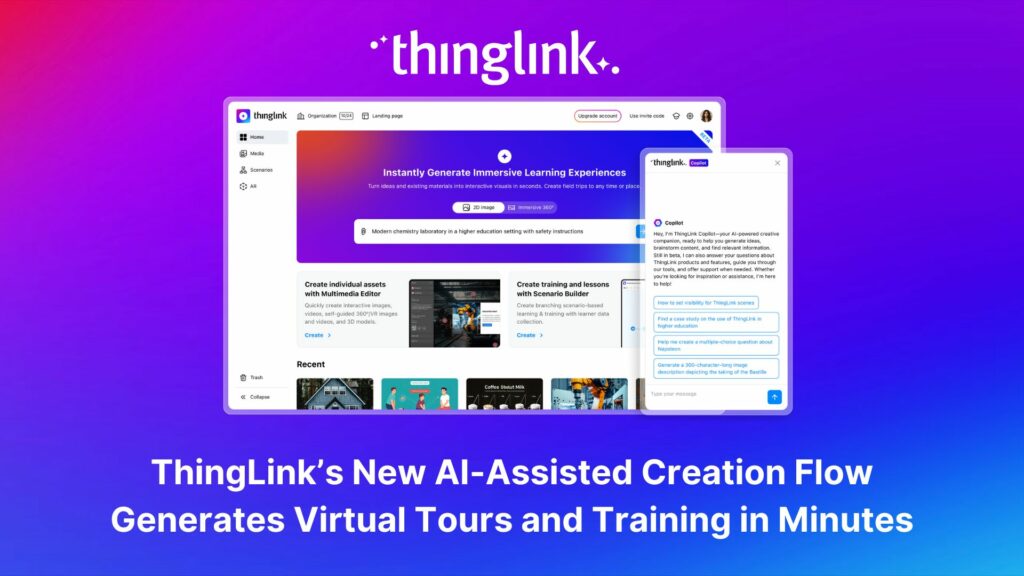
Because content can be created and updated directly by subject matter experts, teams can move quickly and adapt experiences over time. Assessment can also be embedded into the experience, allowing learners to demonstrate understanding as they progress.
Uptale
Best for: VR-based immersive training
Pricing: Custom pricing
Uptale is a VR and 360° training platform designed to create simulation-based learning experiences. It works across desktop, mobile, and VR, with a strong focus on immersive scenarios delivered through headset-based environments.
It is particularly well suited for organizations building structured simulations in controlled environments, especially where VR infrastructure is already in place.
CenarioVR
Best for: Scenario-based 360° training
Pricing: ~$1,999–$4,788/year
CenarioVR focuses on guided, scenario-based learning using 360° content. It allows teams to create structured experiences where learners move through predefined paths and decision points.
This approach works well for compliance training and structured simulations, though it can require more effort to adapt and scale as training needs evolve.
Viar360
Best for: 360° storytelling and training
Pricing: Subscription-based
Viar360 enables teams to build 360° learning experiences with a focus on visual storytelling and guided navigation. It’s useful for creating immersive walkthroughs and training scenarios, though experiences tend to follow more linear paths.
Warp VR
Best for: VR soft skills training
Pricing: Starts around ~$450/month
Warp VR is designed for immersive soft skills training delivered through VR. It provides structured simulations where learners can practice decision-making in controlled environments.
Its focus on VR delivery makes it effective for specific use cases, though less flexible across devices.
CoSpaces Edu
Best for: 3D learning experiences and classroom projects
Pricing: Free tier; paid plans available
CoSpaces Edu allows users to build 3D environments and interactive experiences. It is often used in education for creative projects and exploratory learning, though it is less focused on structured training at scale.
Simulation & Interactive Learning Tools
These tools introduce interactivity and simulation, but are not fully immersive platforms.
Adobe Captivate
Best for: Simulation-based training
Pricing: ~$33.99/month
Captivate supports advanced simulations and branching scenarios, including some VR capabilities. It is powerful, but often requires more time and expertise to develop content.
Genially
Best for: Interactive content and presentations
Pricing: Free tier; paid plans available
Genially enables the creation of interactive media, including clickable content and visual storytelling. While engaging, it is not designed for immersive, environment-based learning.
Nearpod
Best for: Classroom instruction
Pricing: Free tier; paid plans available
Nearpod allows educators to create interactive lessons with embedded media and activities. It includes some VR elements, but is primarily designed for guided, teacher-led instruction.
Traditional eLearning Authoring Tools
These tools focus on structured course creation rather than immersive learning.
Articulate 360
Best for: Traditional eLearning development
Pricing: ~$1,399/year
Articulate is widely used for building structured, slide-based courses. It is effective for delivering content, but does not focus on immersive or spatial learning experiences.
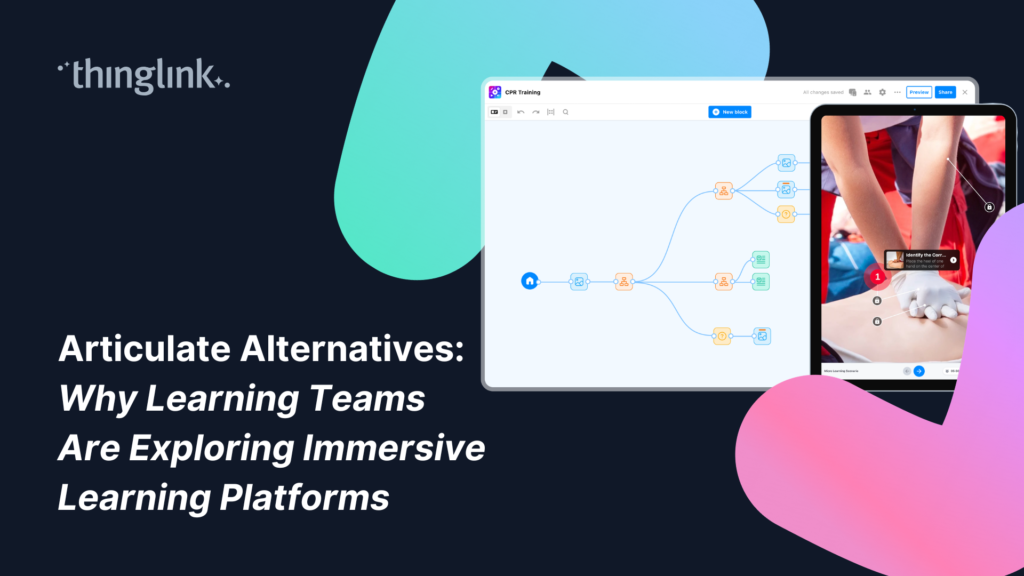
Many teams don’t fully replace Articulate. Instead, they use it alongside immersive tools to extend existing courses into more engaging, real-world experiences.
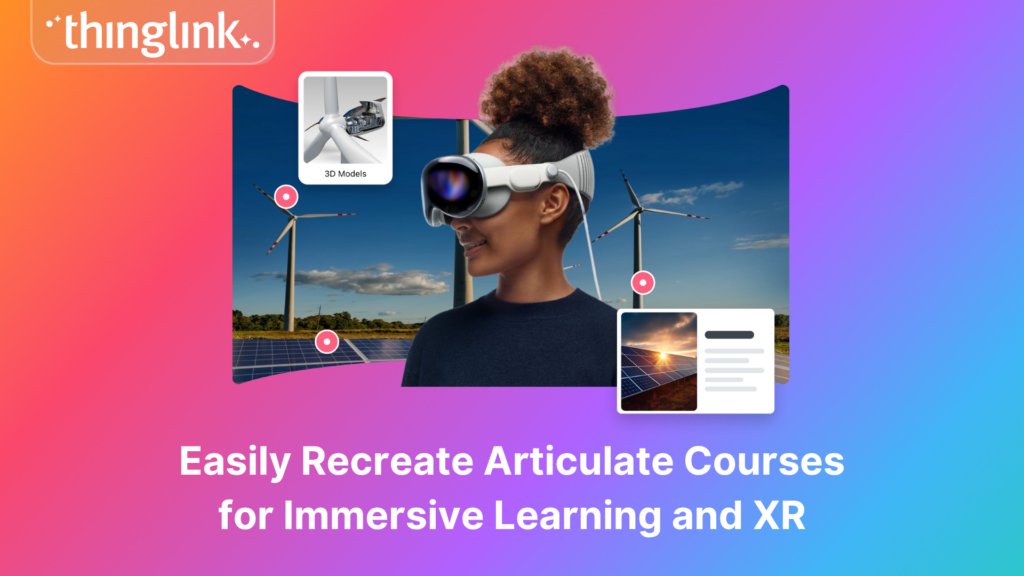
If you’re exploring that approach, you can see how to recreate Articulate courses for immersive learning and XR using ThingLink.
For a deeper comparison of Articulate and ThingLink, see our guide to Articulate alternatives.
Easygenerator
Best for: Simple, SME-driven course creation
Pricing: ~$99/month+
Easygenerator is designed to make course creation accessible to subject matter experts. It simplifies the process of building structured eLearning content, but is not built for immersive or environment-based learning.
Why Many Teams Choose ThingLink for Immersive Learning
When you step back and compare these tools, the biggest difference comes down to how easily you can create, adapt, and scale immersive learning.
Many platforms are strong within a specific category, whether that’s traditional eLearning, interactive content, or VR-based simulations. ThingLink stands out by helping bridge these approaches in a way that fits into everyday workflows.
Teams often choose ThingLink when they need a more flexible way to create and scale immersive learning, especially when they need:
- immersive learning that works across devices
- faster content creation and iteration
- real-world, contextual learning experiences
- an approach that can scale across teams and use cases
Instead of treating immersive learning as something separate, it becomes part of how training is created and delivered on a regular basis.
Final Thoughts
Immersive learning is evolving quickly, but the most important question is not just what a platform can do. It’s how well it helps you create learning experiences that translate into real-world understanding.
For many teams, the difference becomes clear over time. Not in how immersive something looks, but in how easy it is to create, adapt, and use consistently.