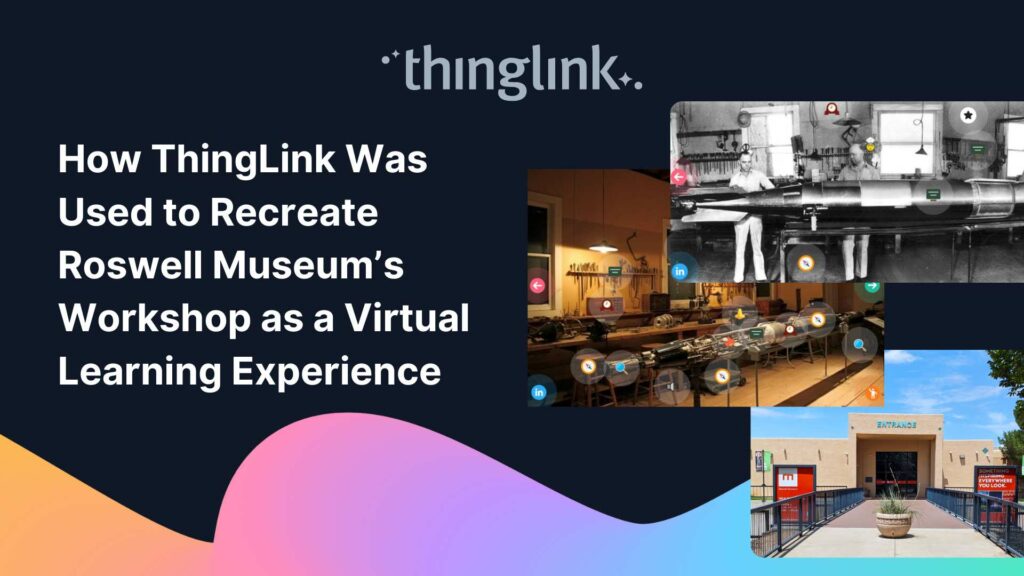
Background: A Museum Lost to Flooding When catastrophic flooding occurred at the Roswell Museum in New Mexico in October 2024, the loss went far beyond physical...
 Kyla Ball
6 min read
Kyla Ball
6 min read
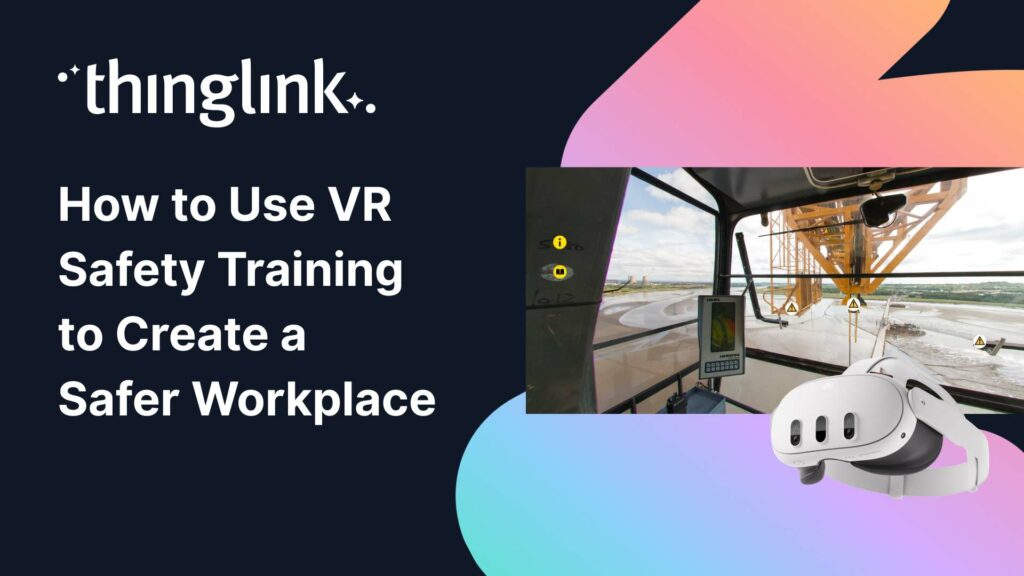
Protecting employee health and safety is one of the most fundamental responsibilities of any organization. Especially in high-risk industries, even a single incident...
Kyla Ball
6 min read
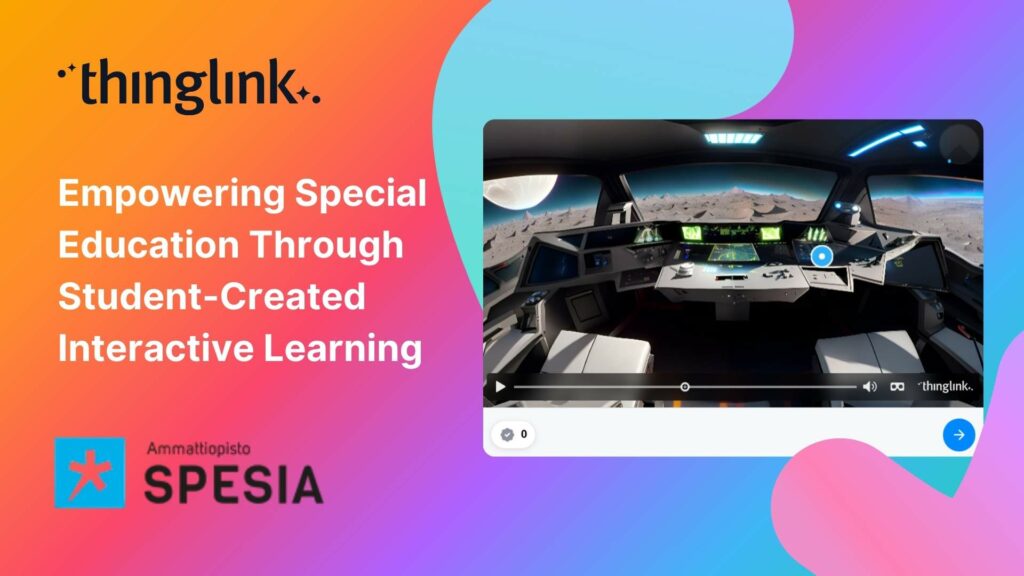
For students at Spesia vocational and special education college, ThingLink isn’t just a learning platform, but a tool for designing and building their own interactive...
Kyla Ball
5 min read
Background Tankespirerne (translated as “Thought Sprouts”) is a Danish educational consultancy led by Martin Kongshave, elementary school teacher and practitioner...
Kyla Ball
5 min read
Instructure is the global EdTech organization used by over 19 million unique users annually. It’s probably best-known as the home of Canvas, their flagship product...
Kyla Ball
5 min read
With more than 7,000 learners but only two dedicated digital learning designers, Bradford College faces a challenge familiar to many Further Education institutions:...
Kyla Ball
4 min read
Transforming Education with Gamified Learning Experiences Education stands on the edge of a significant transformation, driven by innovative technologies that redefine...
Kyla Ball
5 min read
Are you ready to captivate your audience with an immersive, interactive experience? Digital escape rooms offer a unique way to engage, educate, and entertain your...
This teacher training resource for students on the PGCE course (Post Graduate Certificate in Education) demonstrates how ThingLink can be used to create interactive...
Kyla Ball
4 min read
For many higher and further education institutions, the integration of new technologies like AV equipment often presents a double-edged sword. While advancements...
Kyla Ball
6 min read
Nutrition and dietetics higher education programs face a critical challenge common across healthcare studies: effectively connecting theoretical knowledge with ...
Kyla Ball
9 min read
Some further education courses can move online easily, but how do you engage your online students in hands-on subjects involving machinery, materials and complex...
Kyla Ball
5 min read
ThingLink has recently made available an inspiring set of three conservation-based 360° videos, designed for learners, educators, and anyone curious about how ...
Kyla Ball
4 min read
From transmission network operators in Finland to a renewables training academy in Scotland, manufacturers in the U.S., and global industrial leaders, ThingLink...
Kyla Ball
6 min read
At Hackbridge Primary, the introduction of ThingLink has transformed teaching and learning in a range of ways. In just a year, staff have seen shifts in how pupils...
Kyla Ball
5 min read
The New ThingLink Creator Plans are available as flexible monthly subscriptions, widening access for creators, trainers, and educators worldwide. Today, ThingLink...
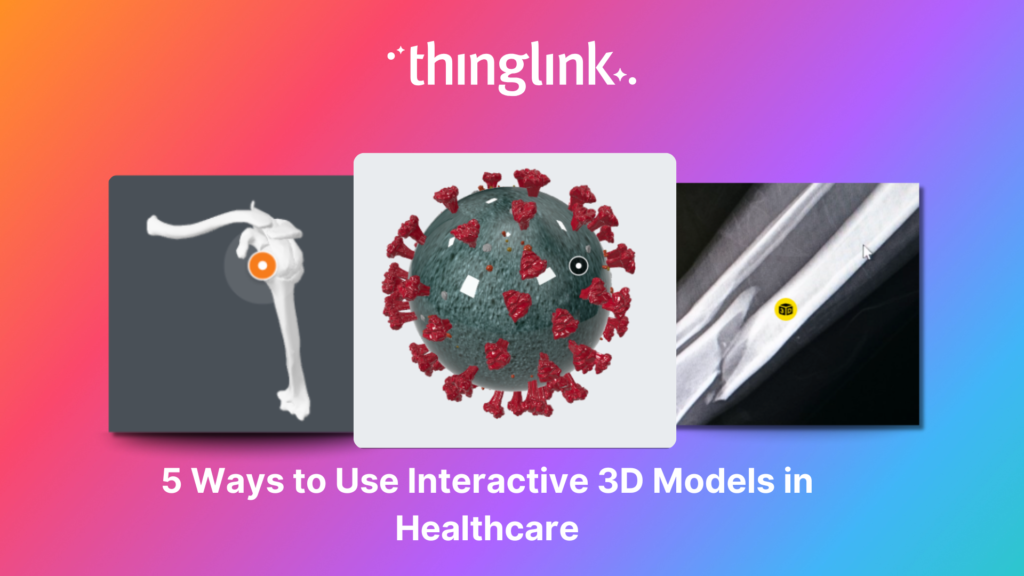
As technology continues to advance, virtual reality, augmented reality and 3D models are becoming much more commonplace across all industries, particularly healthcare. ...
As organizations continue to invest in digital learning, awareness and demand for immersive learning experiences in employee training are at an all-time high. Traditional...
Kyla Ball
6 min read
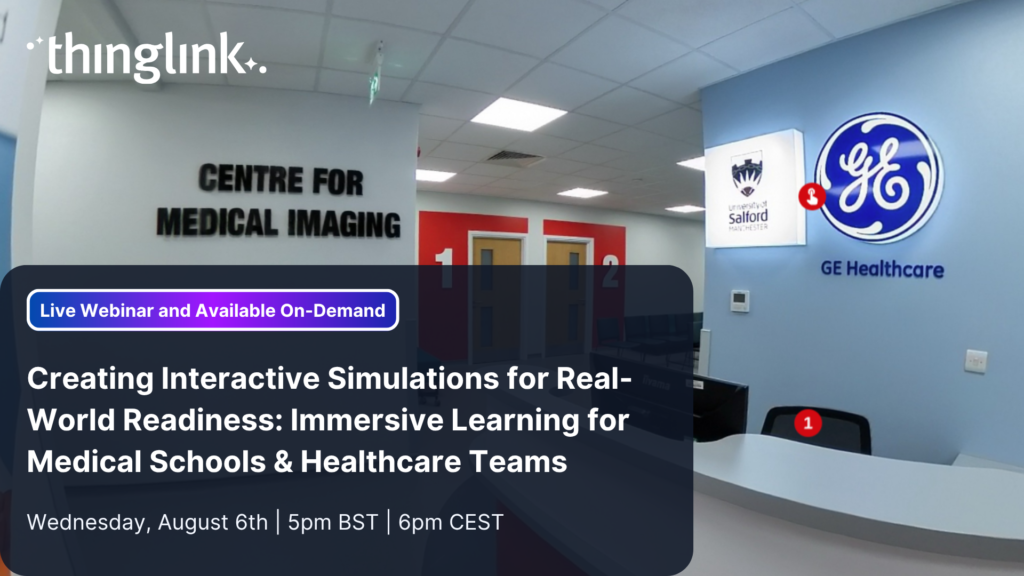
Creating Interactive Simulations for Real-World Readiness: Immersive Learning for Medical Schools & Healthcare Teams Where and When 📅 Date: Now On-Demand...
LEO, a forward-thinking British multi-academy trust, has pioneered a structured, pedagogy-first approach to digital learning that has driven significant gains in...
 Louise Jones
10 min read
Louise Jones
10 min read
New Caney Independent School District (ISD) added ThingLink to their roster of online learning resources in 2020 and it soon became a valuable tool with many applications....
At ThingLink, our mission is to empower educators, trainers, and content creators to build truly impactful digital learning experiences. We believe that great learning...
When their usual arts venue became unavailable for Nottingham College’s end-of-year show, the organizers found the ideal way to recreate and share the works...
Kyla Ball
4 min read
The global workforce is constantly evolving, which means that the strategies that companies use to attract and retain top talent have to evolve to keep pace. As...
Kyla Ball
5 min read
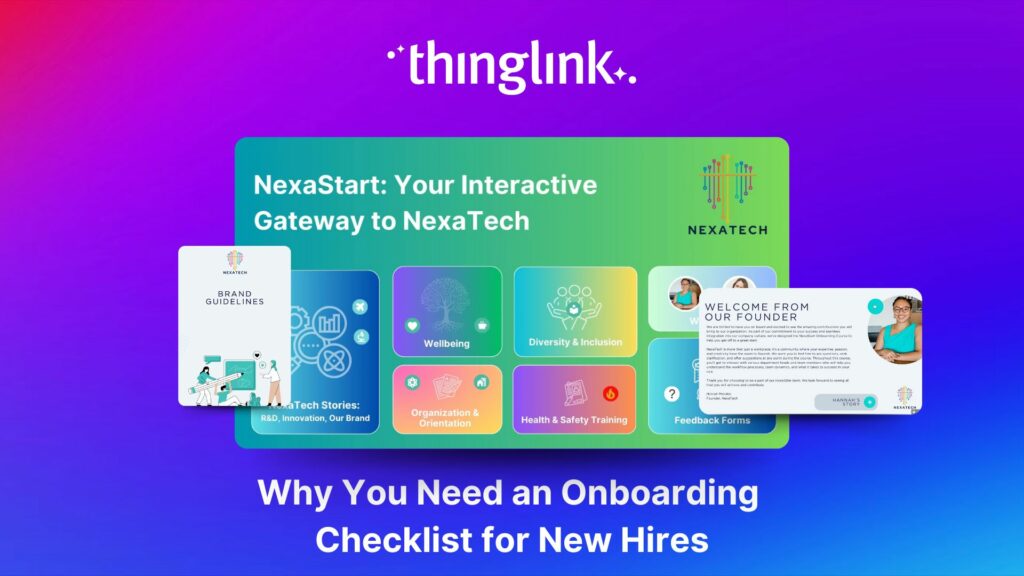
Welcoming a new employee should be an exciting time for any organization — but without a clear onboarding checklist, it can quickly become overwhelming for both...
Kyla Ball
5 min read
How Mitsubishi Electric UK Scales Immersive VR Training with ThingLink Securing the Next Generation of Engineers: How Mitsubishi Electric is Solving the Talent ...
Whether bringing new hires up to speed or developing existing talent, an immersive approach to onboarding and upskilling delivers more engaging, memorable and scalable...
Kyla Ball
9 min read
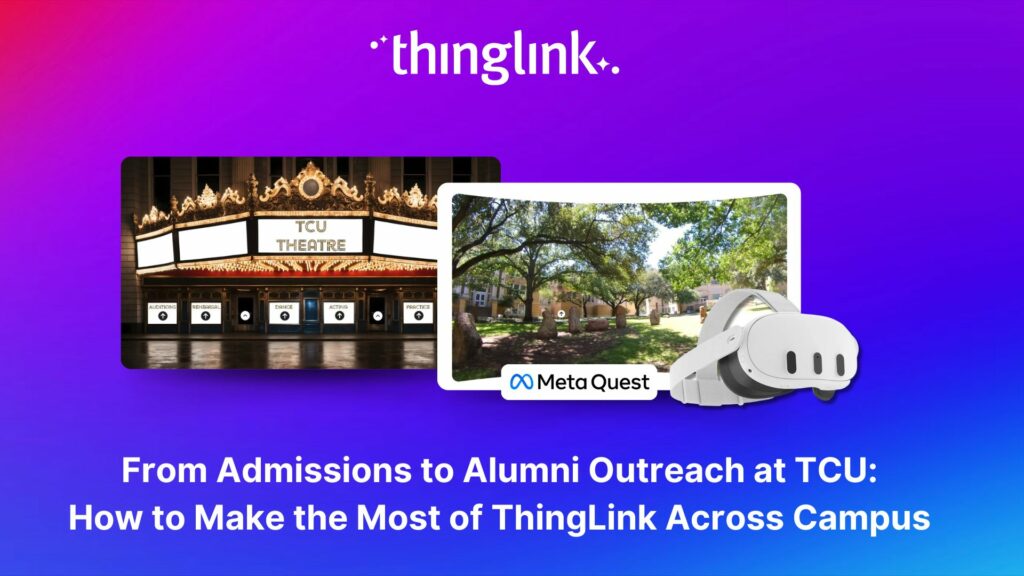
Background Texas Christian University (TCU) is a private university of around 9000 undergrads, situated in the city of Fort Worth within the Dallas Fort Worth metroplex....
Kyla Ball
7 min read
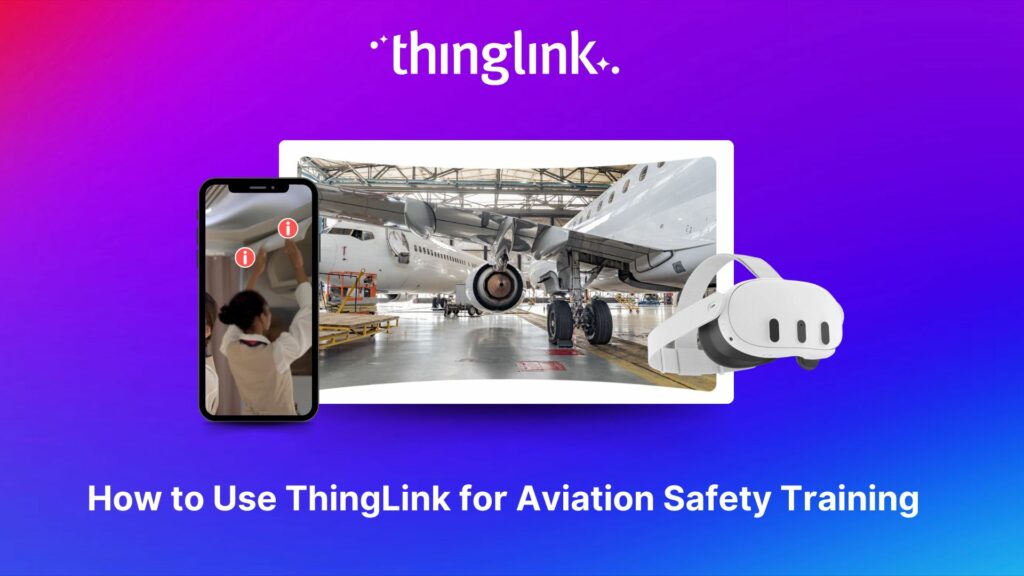
The high-stakes nature of aviation safety demands effective and engaging training methods. Traditional employee training approaches such as instructor-led training...
Kyla Ball
5 min read
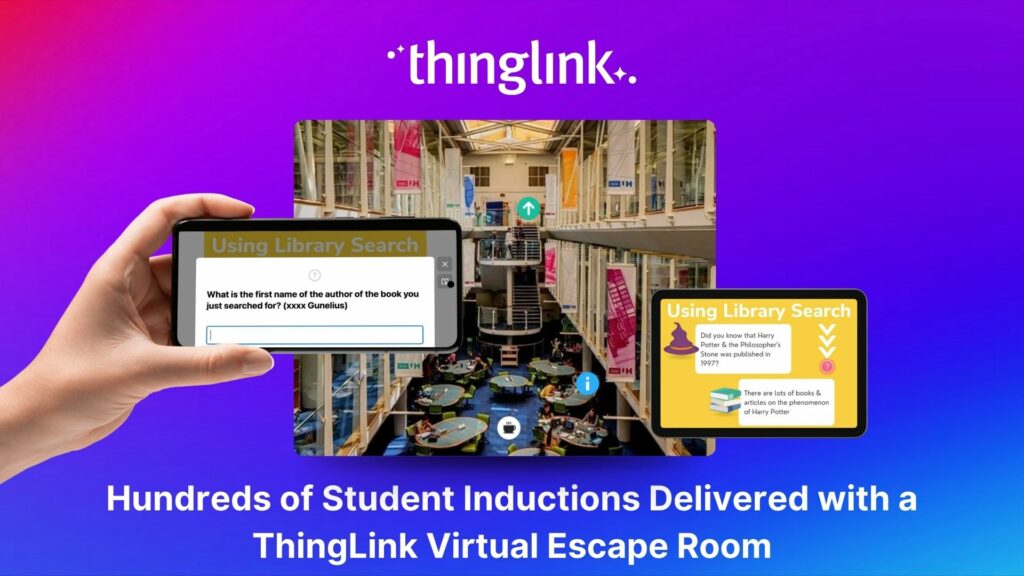
Louise Conway, Information Manager at the University of Hertfordshire (UK) has created an ingenious, engaging virtual escape room to ensure that new students are...
Kyla Ball
7 min read
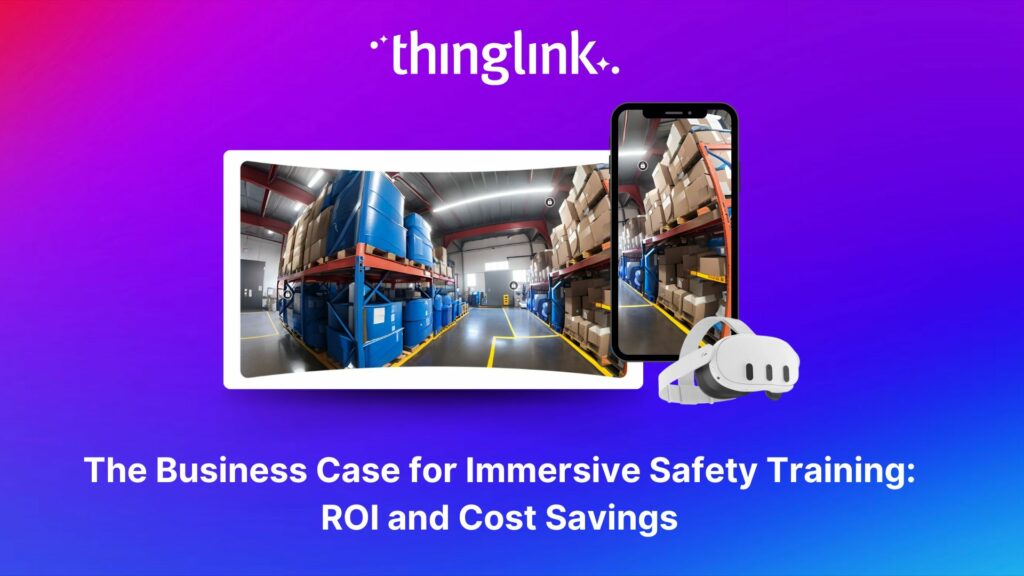
The human and financial costs associated with an accident at work are potentially catastrophic for any business, both in the immediate term and in terms of reputational...
Kyla Ball
11 min read
💡 Did you know that organizations with a strong onboarding process improve new hire retention by 81% and productivity by over 50%?!* The days before and at the...
ThingLink, the AI-assisted immersive content creation platform for training and education, continues to grow its global team alongside the expansion and development...
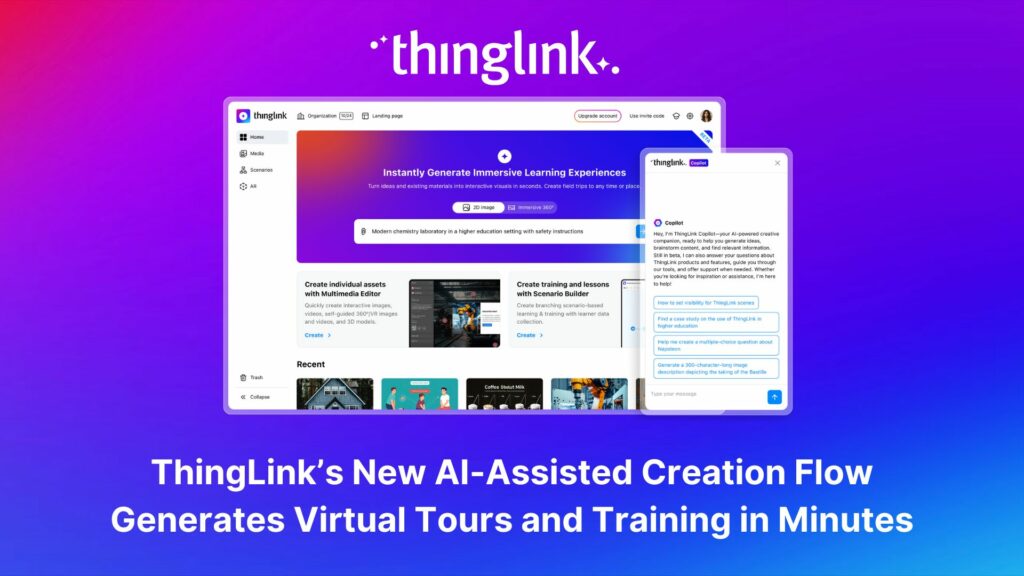
As digital transformation accelerates across industries, the demand for intuitive AI tools that empower non-technical users to create sophisticated learning experiences...
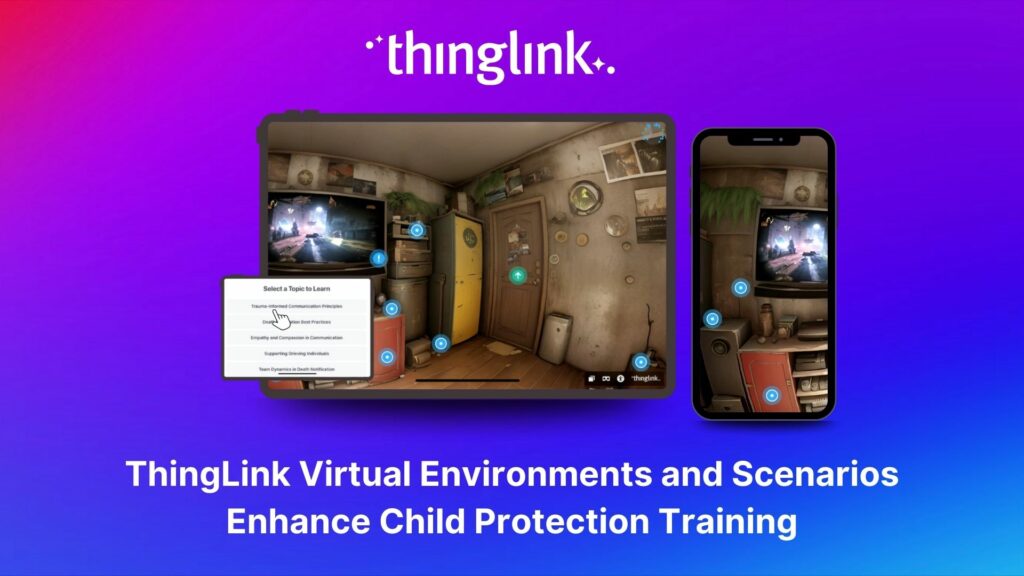
Background Zero Abuse Project (founded in 2018) is a non-profit organization based in the US. Their mission is “To protect children from abuse and sexual assault,...
Kyla Ball
8 min read
As the modern workforce evolves, creating employee training programs that are engaging, impactful, and scalable has been a growing challenge for organizations. ...
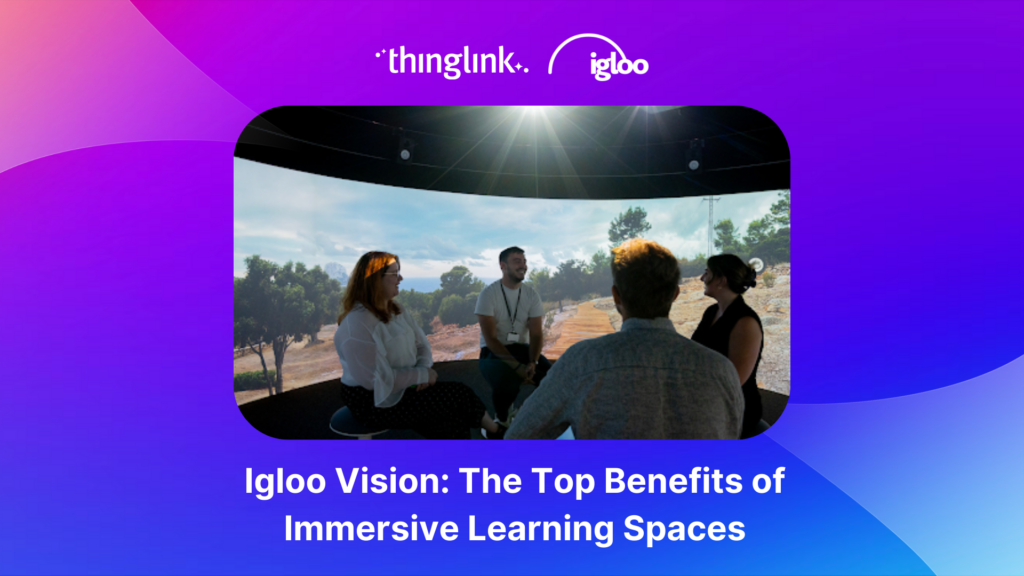
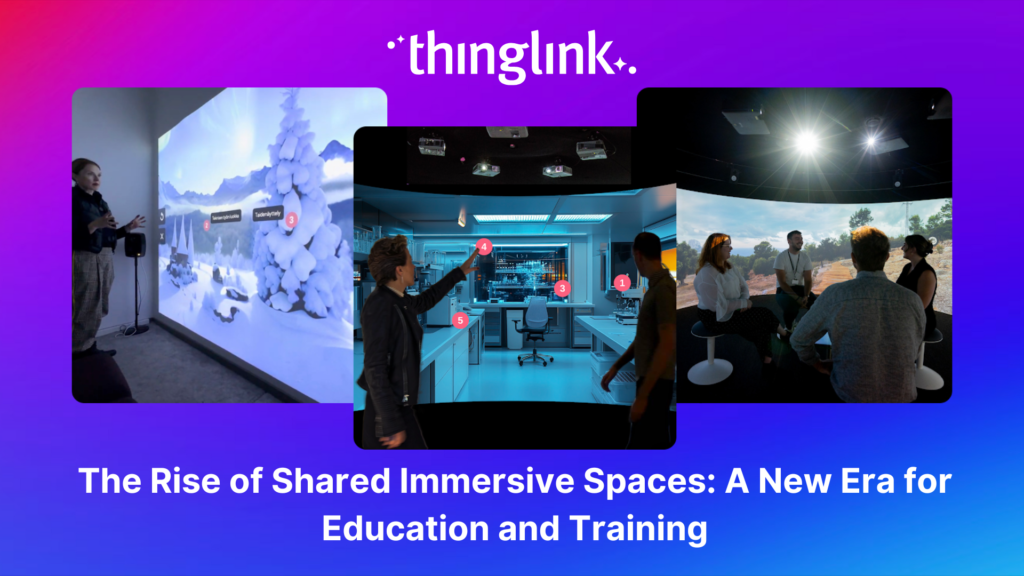
The increasing interest and adoption of shared immersive spaces in recent years reflects a shift in the way we see the future of learning, future of education, ...
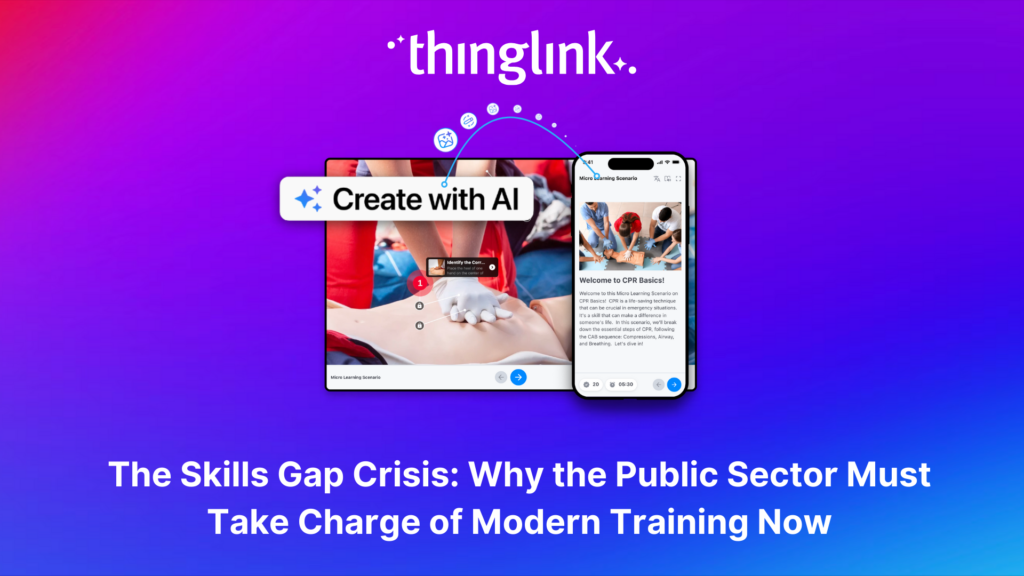
The world of work is evolving faster than ever, transforming industries and creating new demands on the workforce. While the private sector and higher education...
As organizations transition from a Generation X-dominated workforce to one led by Millennials and Generation Z, the need to modernize training programs has become...
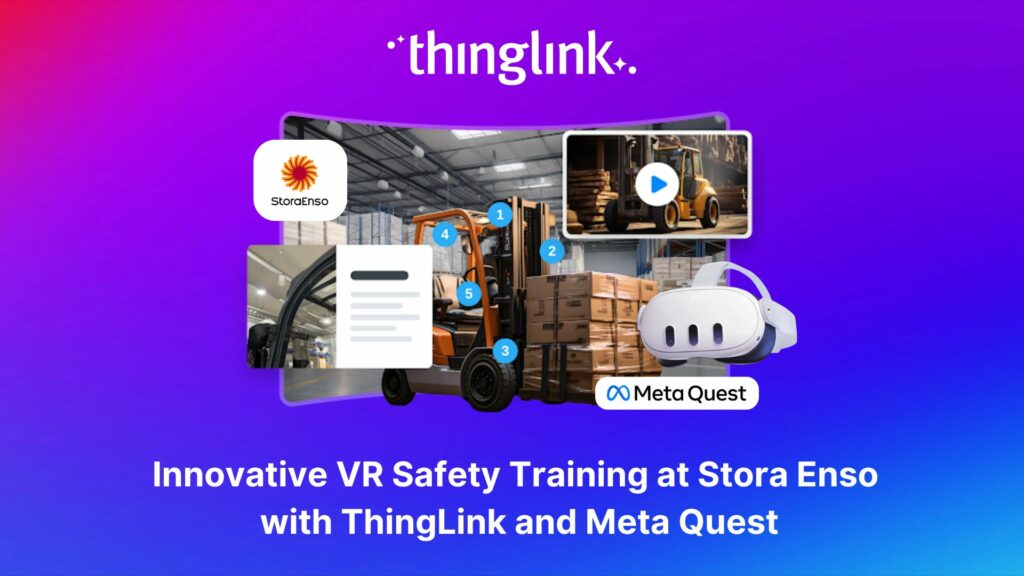
Updated 18.6.2025 Background Stora Enso is a company based in Finland and Sweden, and develops solutions based on wood and biomass for a diverse range of industries...
Kyla Ball
5 min read
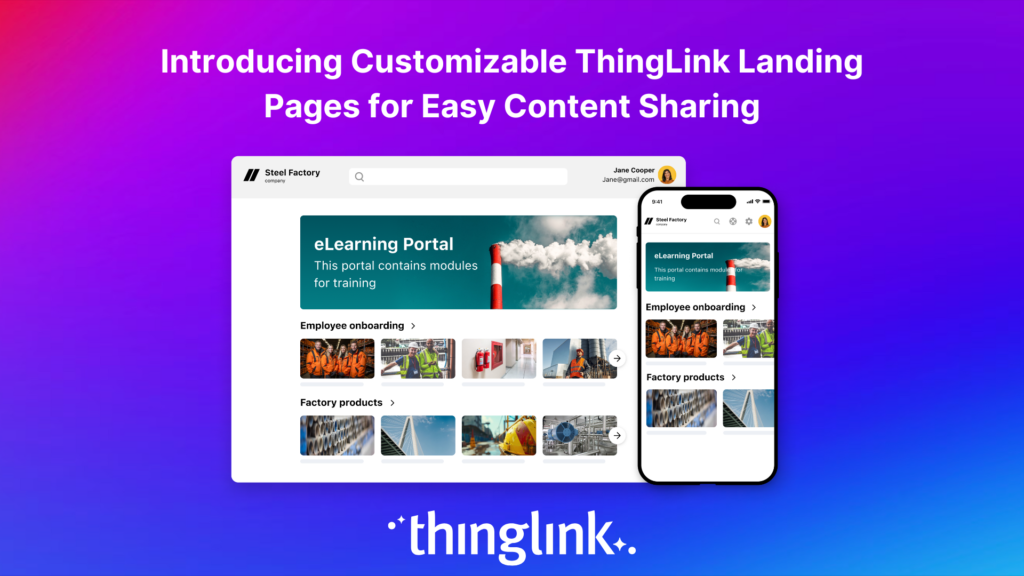
Following recent updates and improvements to ThingLink Scenario Builder, ThingLink now allows organizations to create customizable landing pages for easy sharing...
Here are some commonly asked questions and answers, if you do not find an answer that resolves your question please do not hesitate to get in touch with us at support@thinglink.com...
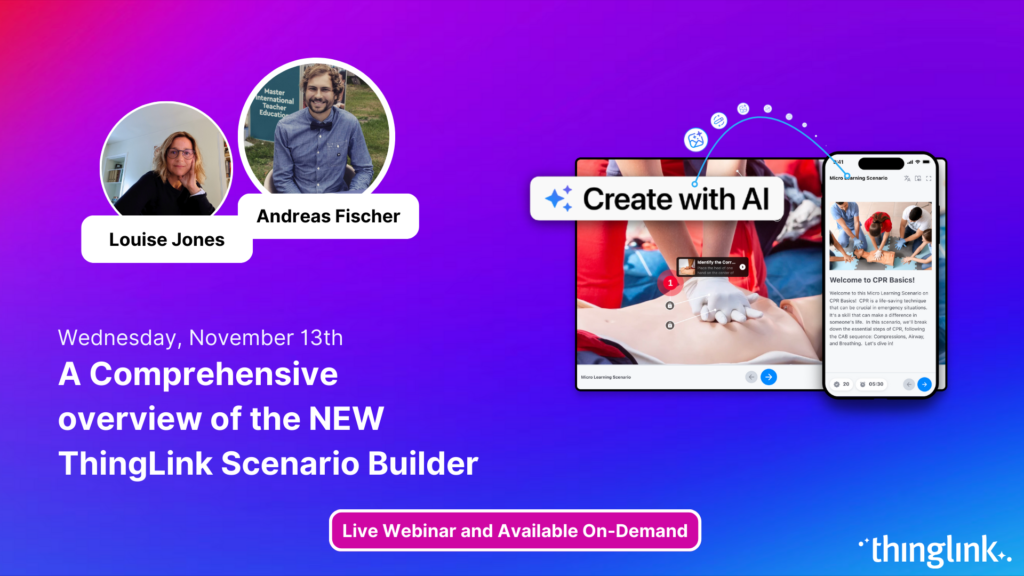
Join us for an exciting exploration of ThingLink’s updated Scenario Builder! In this session, we’ll showcase two powerful paths for scenario creation: building...
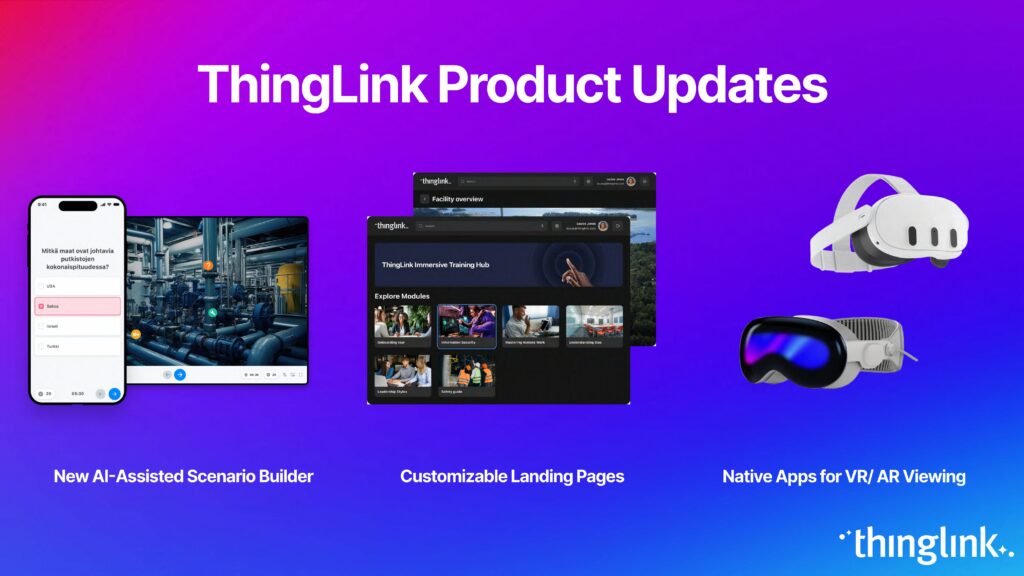
Over the next few weeks, ThingLink will be rolling out a series of new or updated products that are essential for any organization that is looking to modernize ...
Introduction With the development of new technologies, the boundaries between physical and digital learning spaces are being redefined. Yet, these environments ...
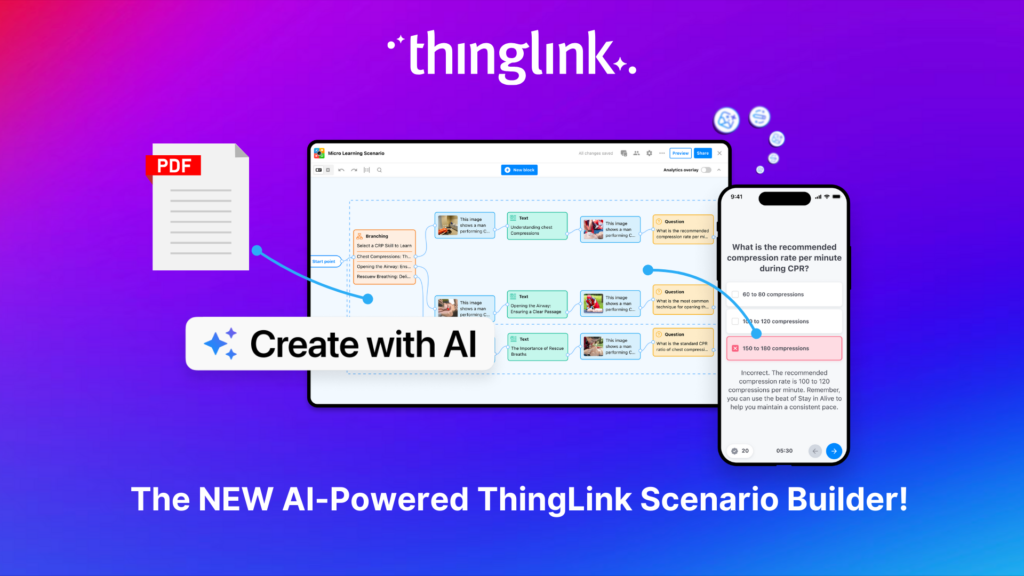
Updates and improvements to ThingLink’s Scenario Builder offer a quick and easy solution for creating immersive learning and interactive training experiences,...
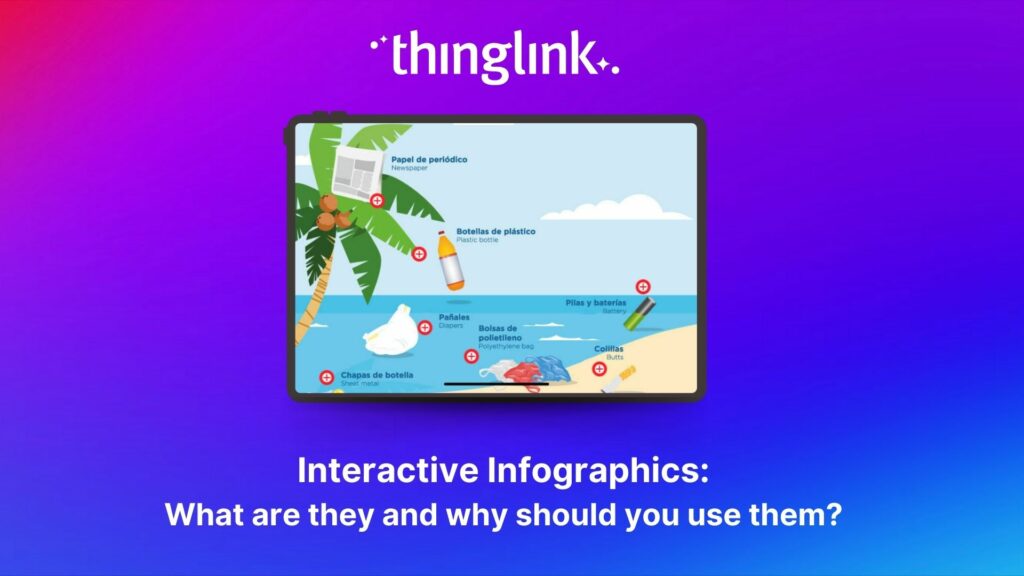
Infographics are the fastest and easiest way to present any complex information. In this blog we’ll show you how to create interactive infographic designs even...
Discover the New ThingLink Scenario Builder and Ways to Transform the Static to Interactive In Fall 2024, ThingLink revolutionized the world of Scenario Based Learning...
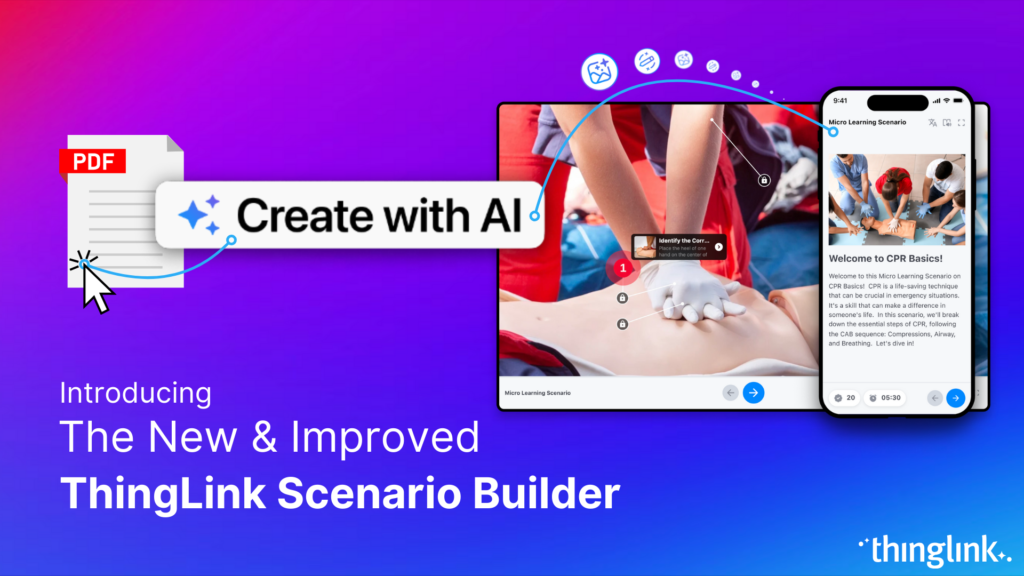
Meet the new and improved ThingLink Scenario Builder, your ultimate tool for transforming static content into immersive, interactive experiences. With AI-powered...
Rob McCrae is the AI Lead and ICT Director at Diocesan School for Girls in Auckland, New Zealand, an independent school of 1600 students aged 5-18. Earlier this...
Kyla Ball
5 min read
In this case study we explore how an innovative training provider is using ThingLink to help attract and develop the next generation of heating engineers ready ...
Kyla Ball
6 min read
To help you stay ahead, we’re excited to present our webinar “Innovation in Learning and Development”, where we’ll explore these emerging trends...
Mitsubishi Electric was founded over a century ago and now has offices around the world. The first Mitsubishi Electric UK (MEUK) office opened in 1969 and since...
Kyla Ball
7 min read
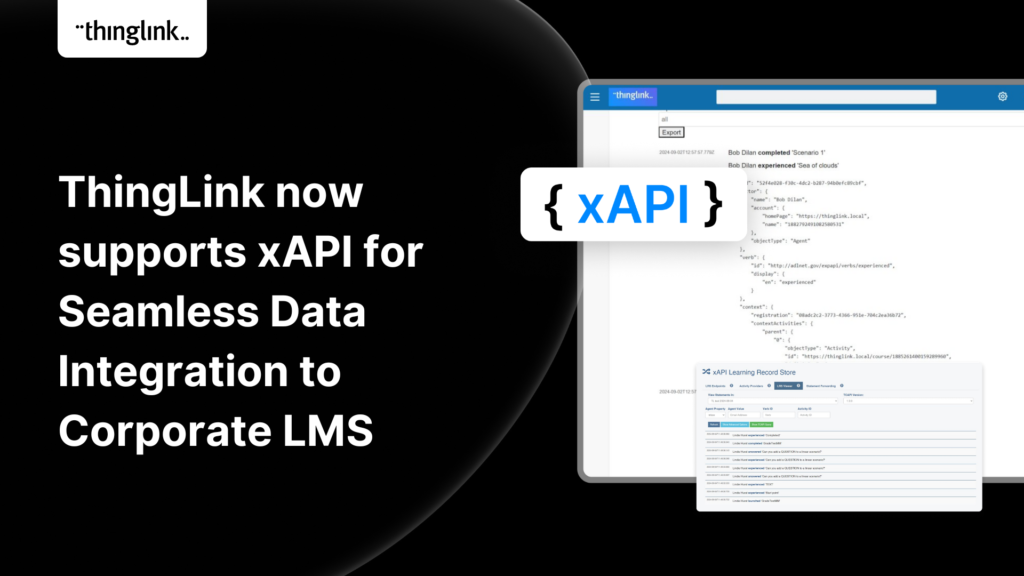
We are delighted to share that ThingLink now supports xAPI for tracking and sharing analytics from immersive learning experiences with other learning systems. This,...
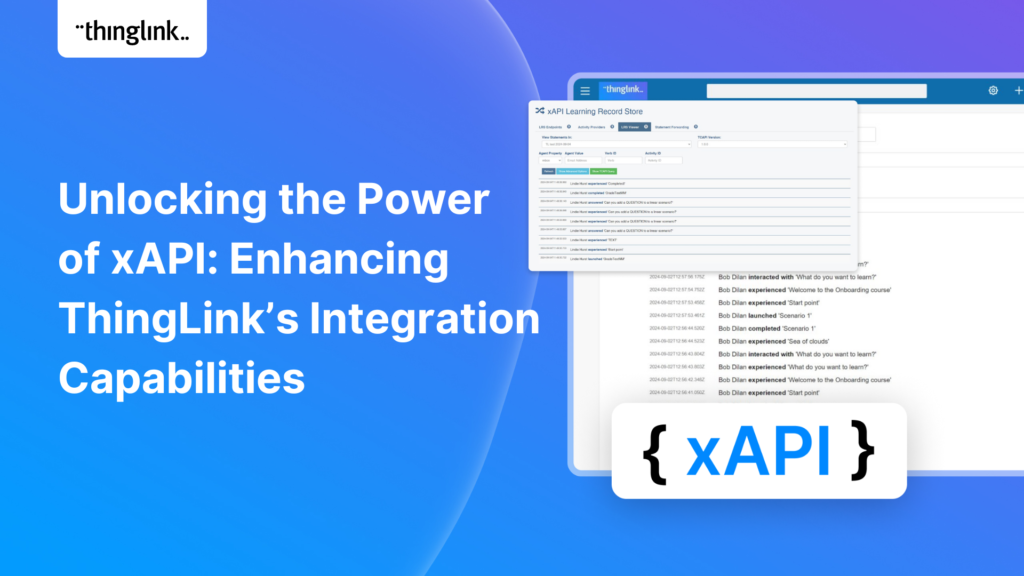
Unlocking the Power of xAPI: Enhancing ThingLink’s Integration Capabilities Introduction: In the fast-evolving world of digital learning, tracking and analyzing...
Introduction: Operational resilience is no longer just about maintaining business continuity; it’s about staying adaptable and responsive to evolving challenges....
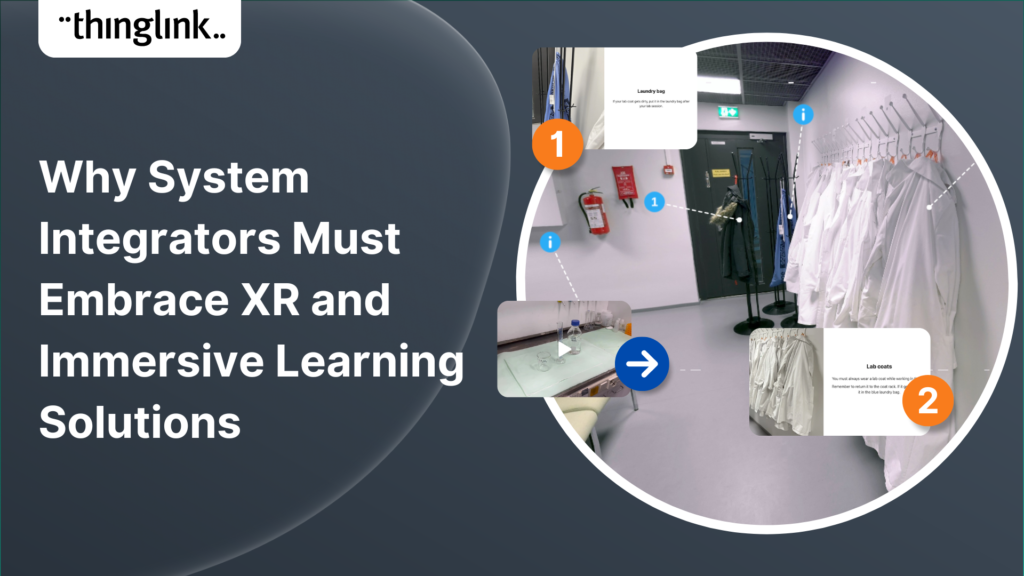
In an era where learning experiences are rapidly evolving, system integrators hold a critical role in helping organizations upgrade their digital learning infrastructures....
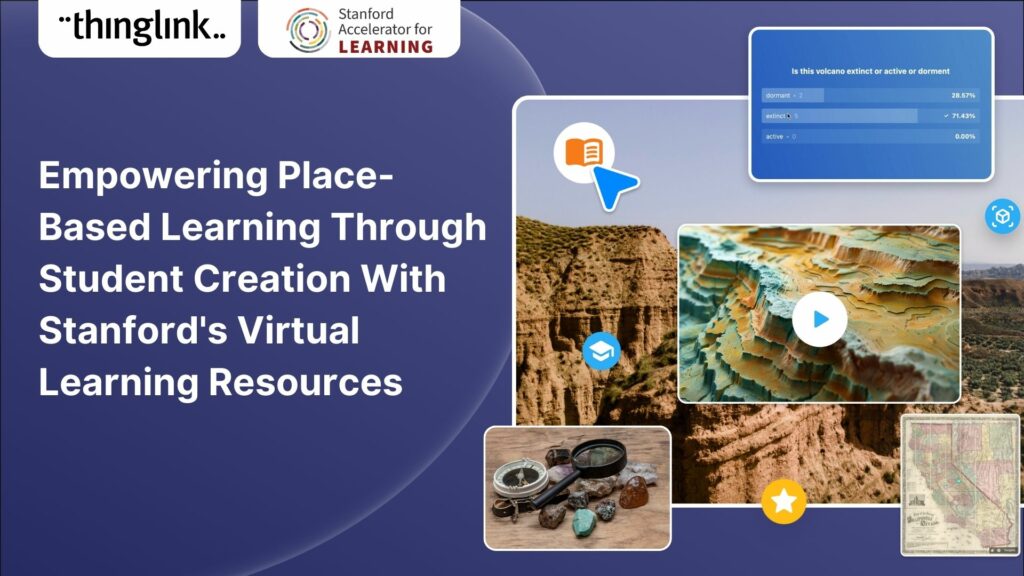
For educators looking to encourage student creation, Stanford University’s essential guide will show you how to use content from real-life Field Trips in ...
Kyla Ball
7 min read
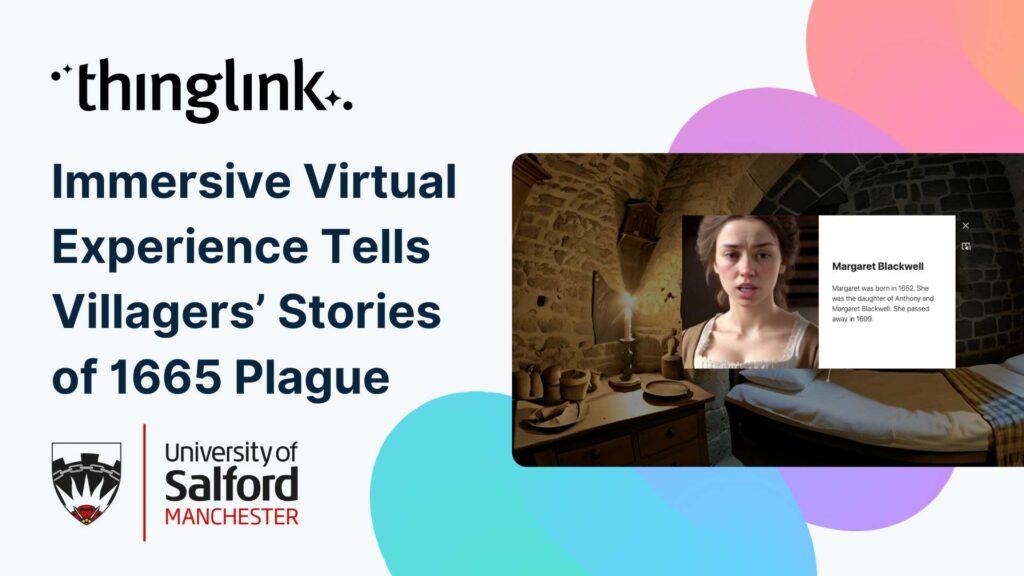
Immersive Virtual Experience Tells Villagers’ Stories of 1665 Plague A team at the University of Salford have created an immersive virtual experience of Eyam,...
Kyla Ball
3 min read
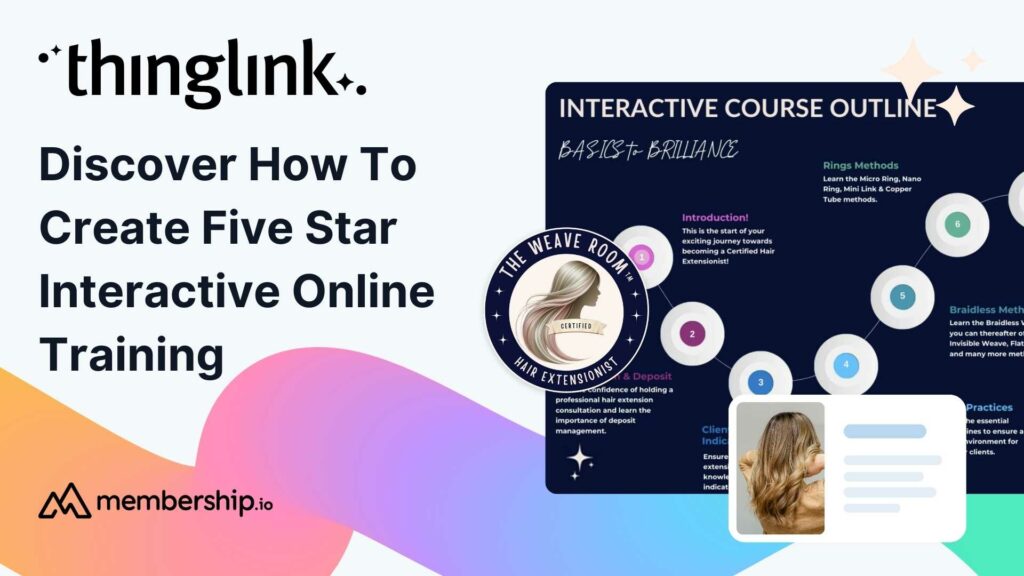
This post presents the background of how the The Weave RoomTM created an engaging, interactive and polished online training course with ThingLink, which was so ...
ThingLink now holds the ISO 27001 certification, a globally recognized standard for information security management. This accomplishment underscores our commitment...
Caring for Scotland’s Heritage Historic Environment Scotland (HES) was formed in 2015 when Scottish Government agency Historic Scotland merged with the Royal ...
Kyla Ball
9 min read
This case study features Rachel Silverman, a talented secondary English language arts teacher from Phormes Education in Germany. Rachel is a passionate advocate...
Creating accessible online course content is critical for educators, trainers and content creators, but it need not be daunting! ThingLink is a platform that allows...
Finding engaging and effective methods to train employees is crucial for both individual skill development and team cohesion in any organisation. An escape room...
Kyla Ball
7 min read
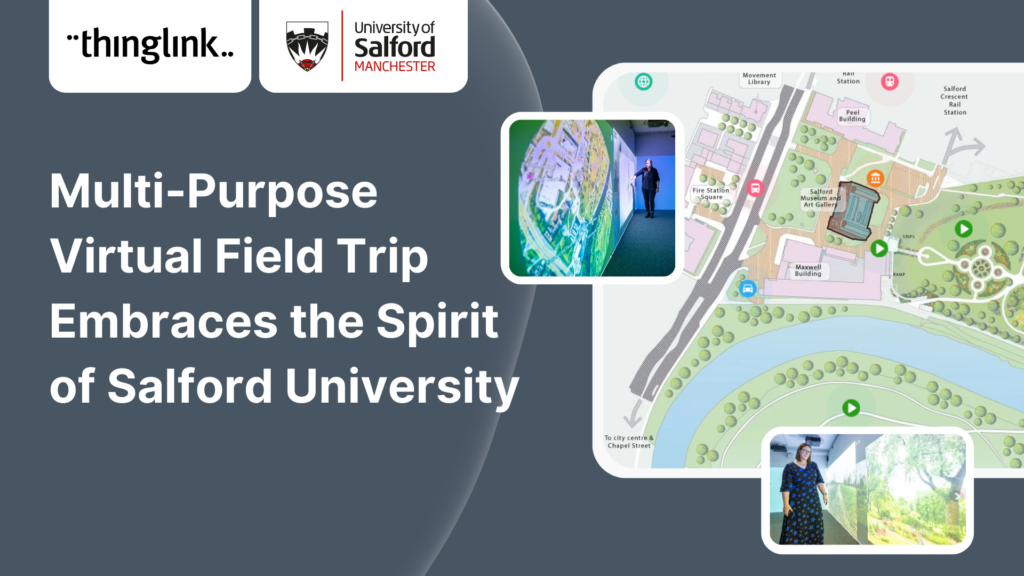
In this case study we look at an inspiring example of collaboration between a university and its local community. The university has created a multi-purpose interactive...
Kyla Ball
6 min read
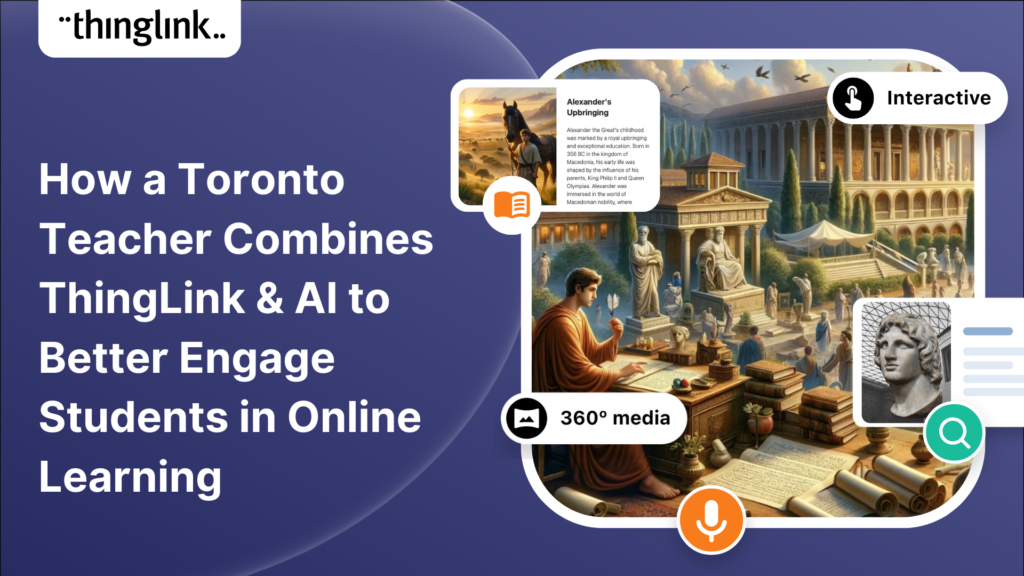
In this case study we are showcasing the inspiring work of Toronto teacher and ThingLink creator Joseph D’Aquila. Joseph’s creative use of AI tools and ThingLink...
Kyla Ball
4 min read
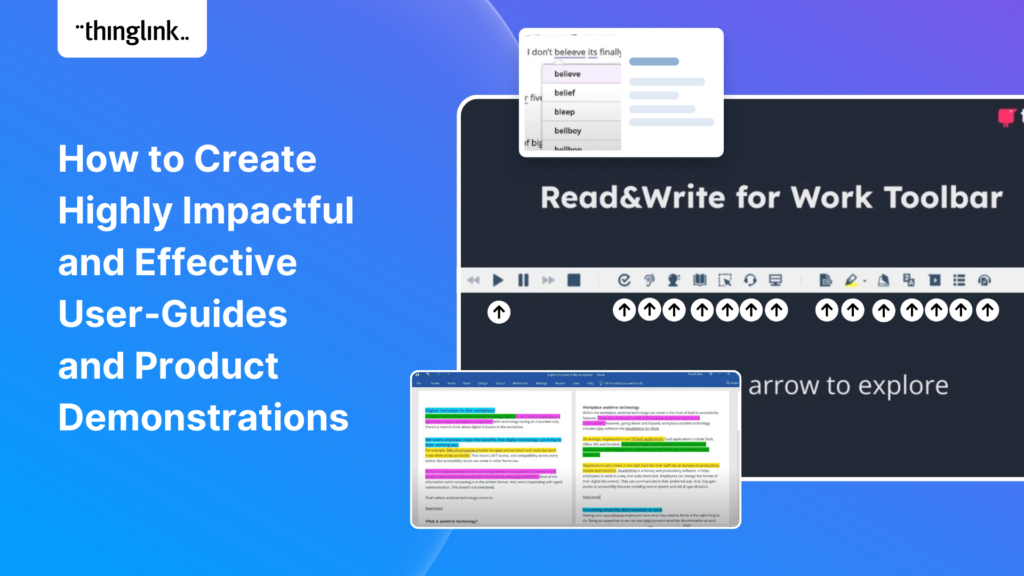
Optimize Your User Guides or Product Marketing Strategies with Interactive Product Demonstrations Using ThingLink Capturing your target audience’s attention...
Sabine Römer and Sarah Görlich are part of the e-learning department at the Ruhr University in Bochum, Germany. Together, they form a dynamic partnership that...
Katrina Lilly is a teacher at Te Aratai College in New Zealand, and recently finished a Masters in Contemporary Education at AcademyEx. As part of her masters she...
Kyla Ball
6 min read
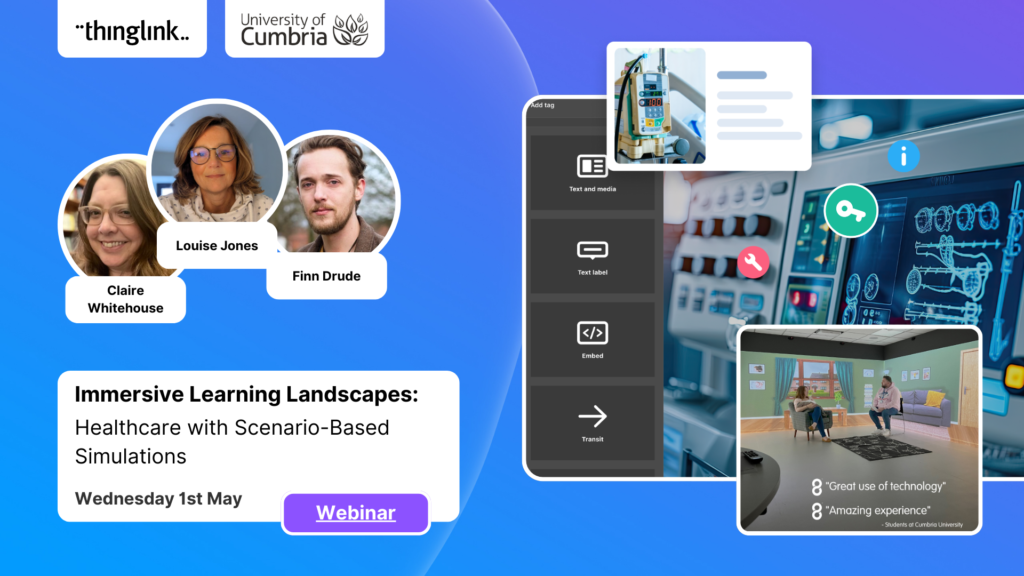
ThingLink has become an essential tool across numerous industries, making the learning experience more relevant and relatable at every stage. The impact in healthcare...
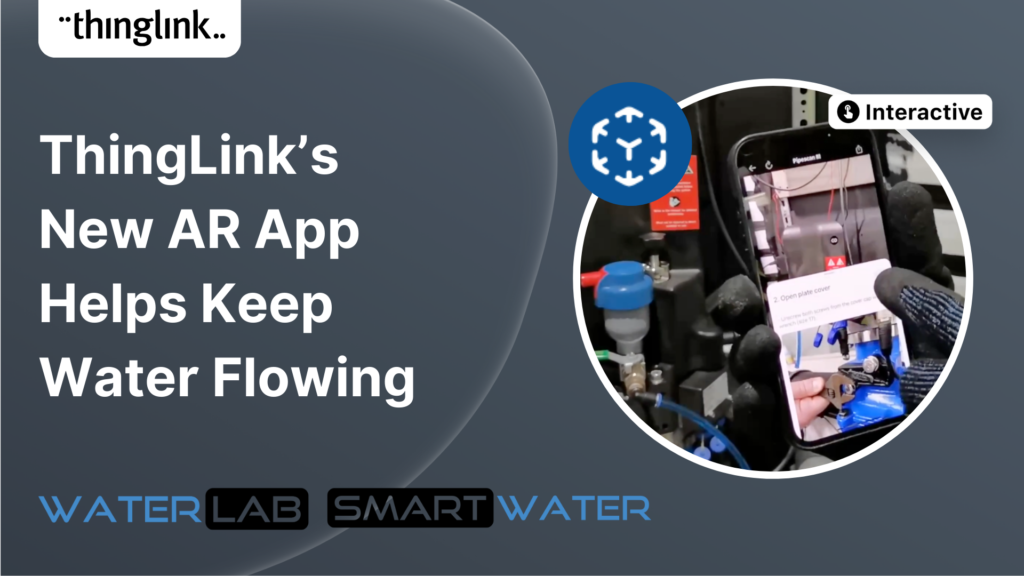
ThingLink’s AR Solution Helps Operators Troubleshoot Critical Water Network Issues Clean, safe water on demand is a fundamental expectation and mainstay...
Kyla Ball
7 min read
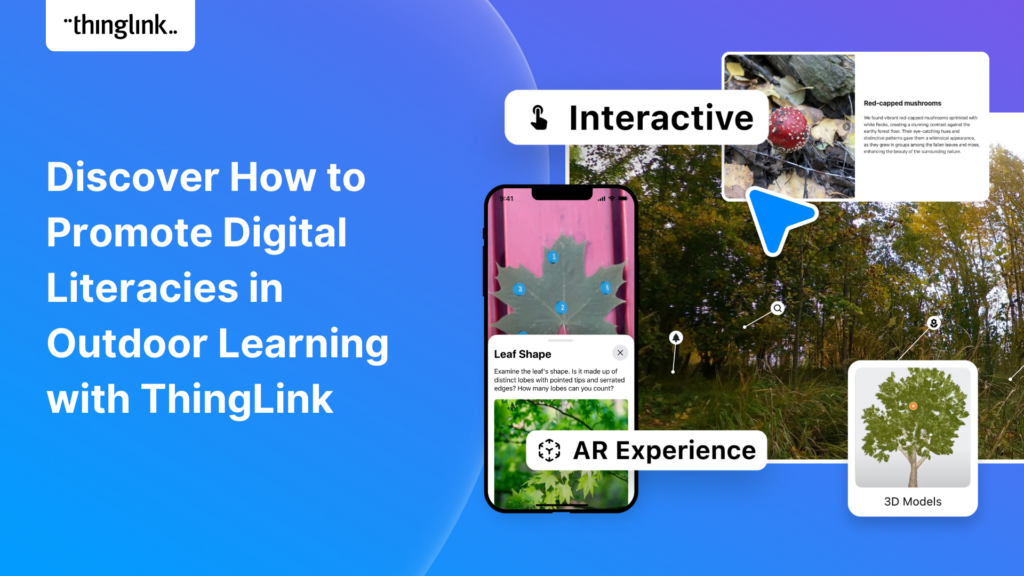
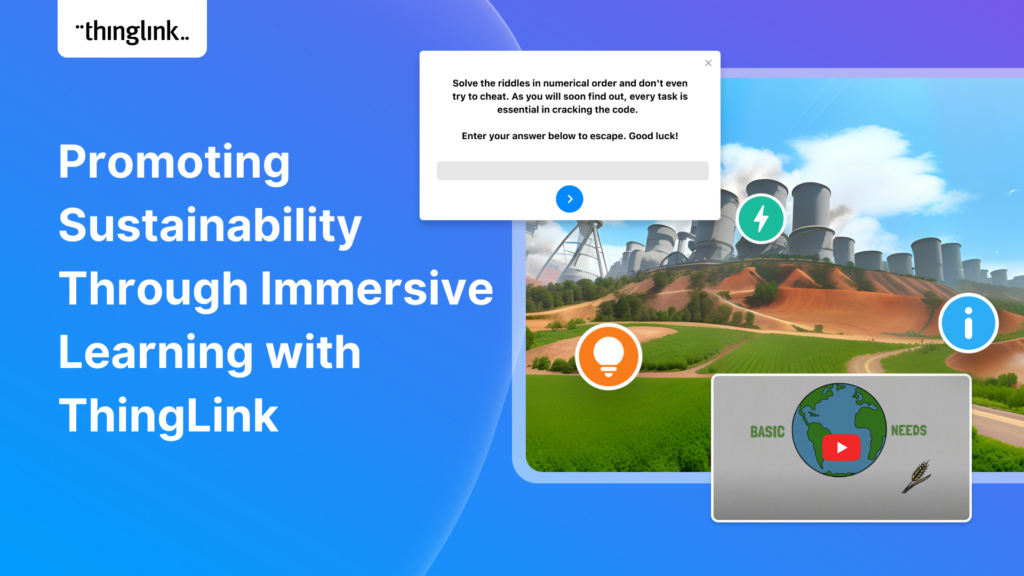
The world faces numerous sustainability-related challenges, threatening the future of our planet. Those issues are often hard to grasp without direct exposure to...
Discover the future of nursing education with the “Care for Europe” project, where immersive tours and interactive modules seamlessly prepare students...
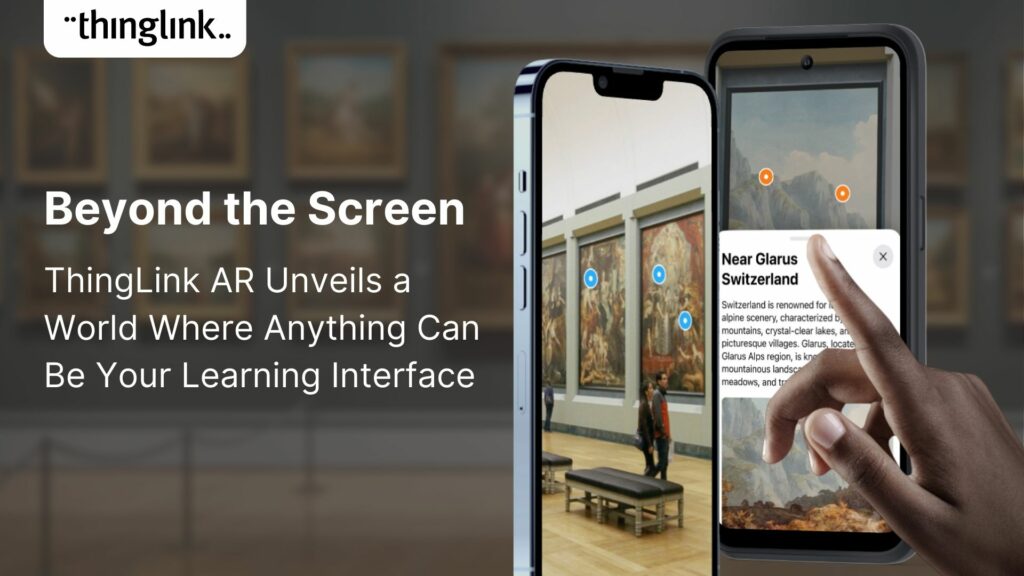
💡 ThingLink Launches their AR Solution: Augmented Reality Simplified for All 📱 Breathe life into the ordinary with ThingLink’s brand new Augmented Reality...
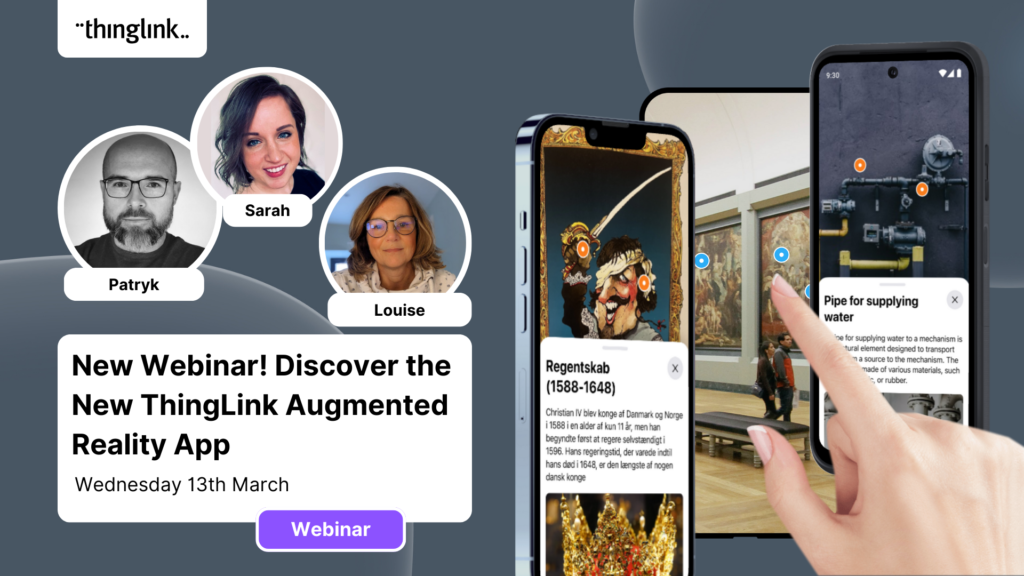
Discover the new ThingLink Augmented Reality App! In this exclusive free webinar Louise from ThingLink is joined by Special Guests Patryk Wójtowicz, Savonia University...
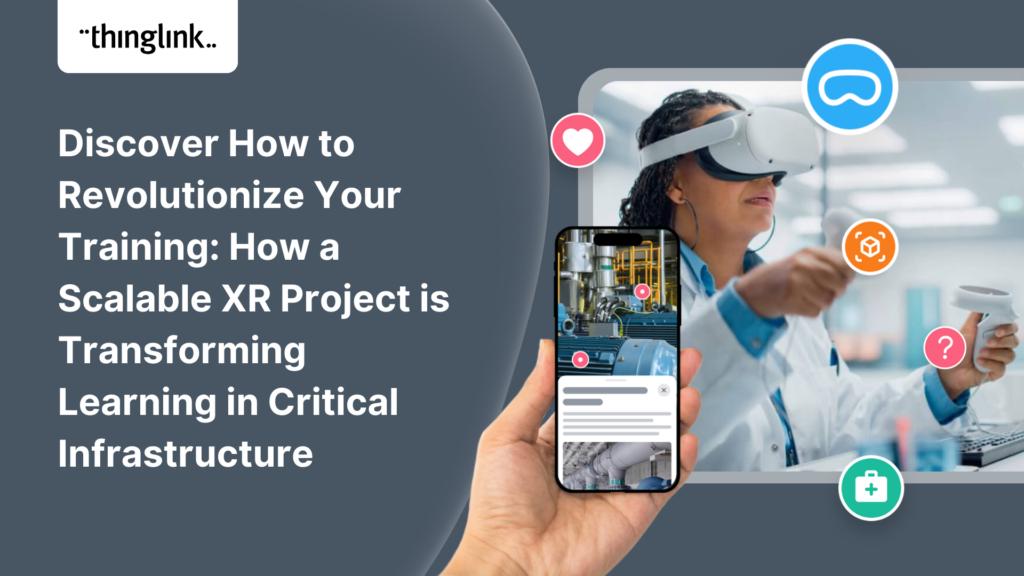
Scalable XR Project, spearheaded by ThingLink Oy, embarks on a transformative journey to redefine the landscape of XR technology in learning and development. This...
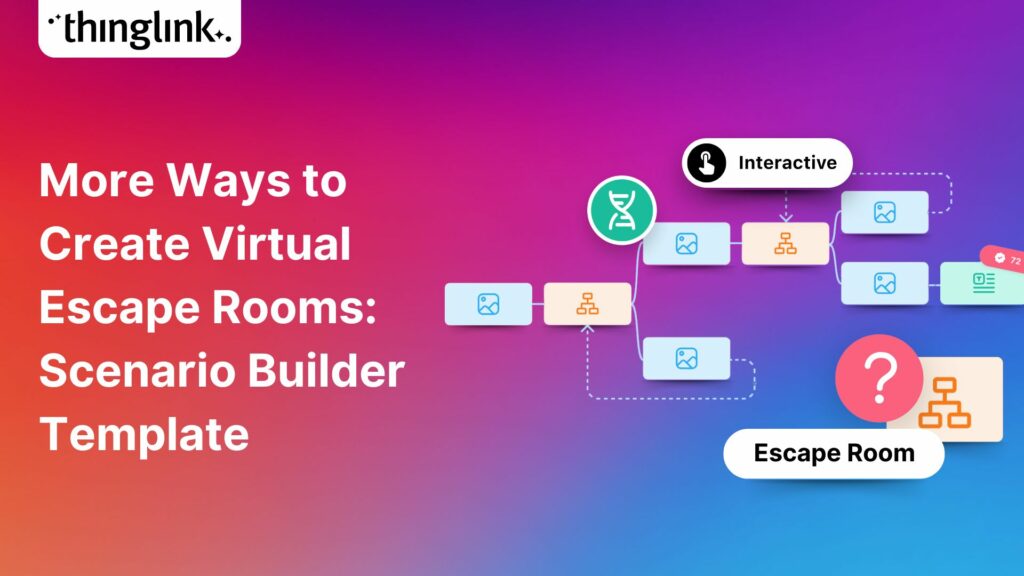
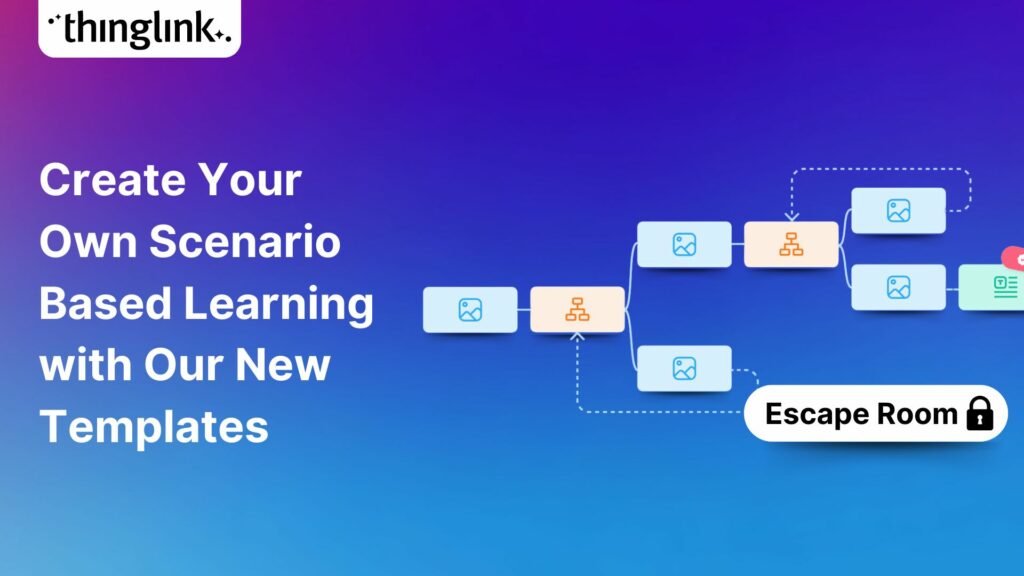
Creating a Virtual Escape Room is now even easier with ThingLink’s Scenario Builder ready-made template! Escape rooms (sometimes called breakout rooms) have...
Kyla Ball
4 min read
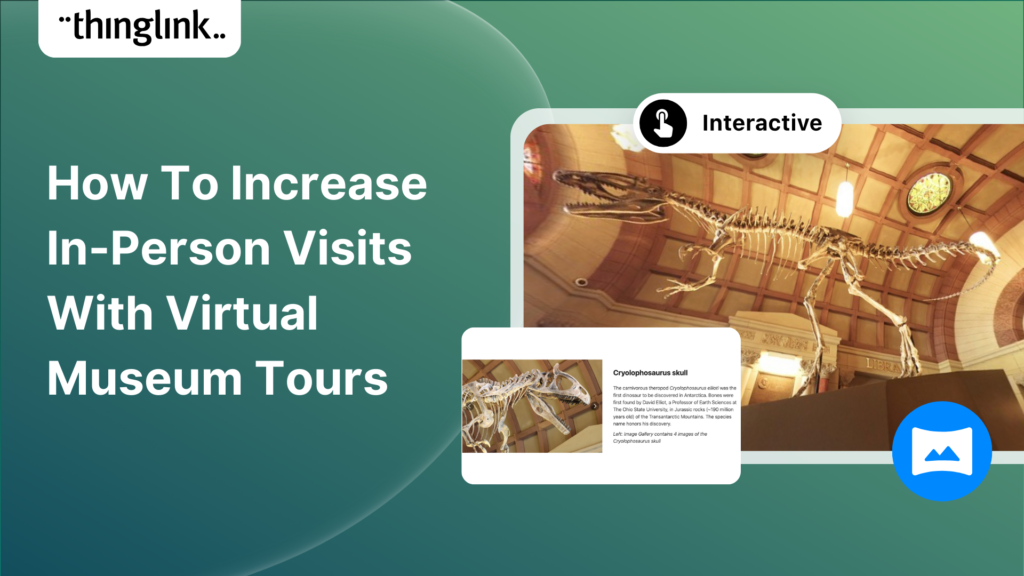
Museums worldwide are finding innovative ways to enhance their visitor experiences both on and offline. One such innovation is the virtual museum tour. Perhaps ...
Kyla Ball
4 min read
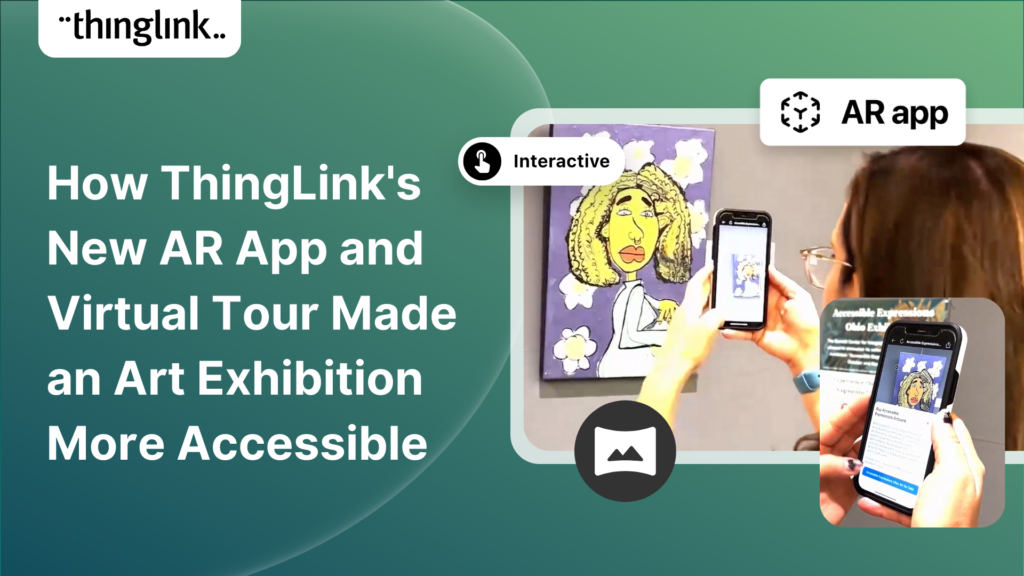
In the fall of 2023, Ohio State University’s College of Arts and Sciences Office of Distance Education (ASC ODE) began a collaboration with the college’s...
Kyla Ball
6 min read
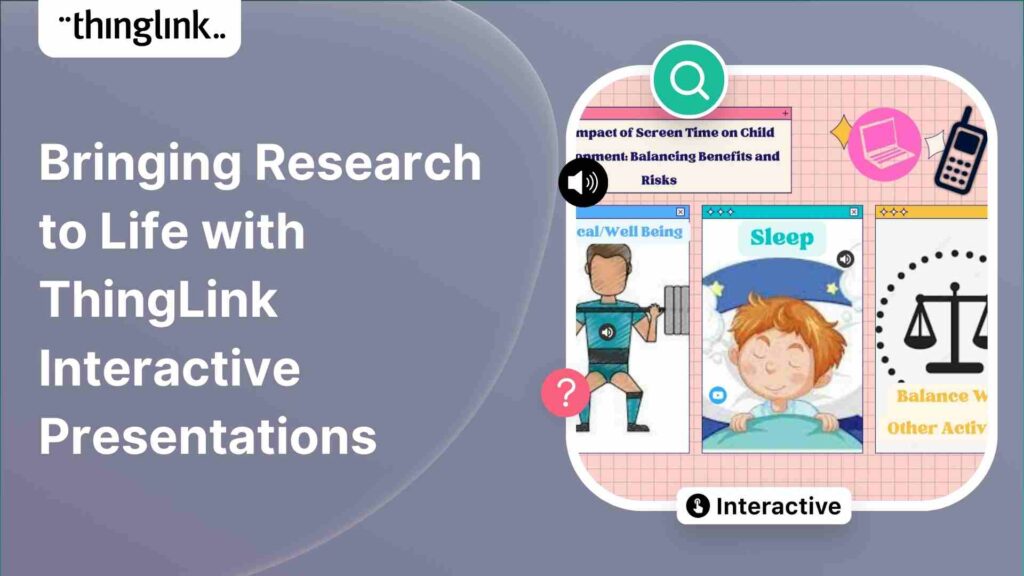
Regardless of subject, presenting your data and findings in an engaging and understandable way can be a challenge! Fortunately, ThingLink provides you with the ...
Kyla Ball
4 min read
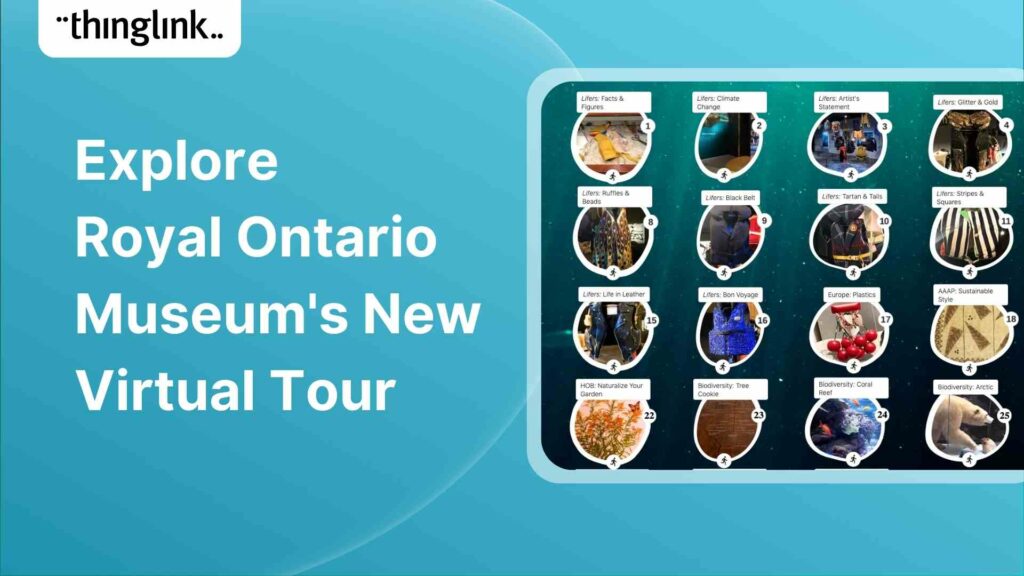
Behind the scenes at the museum Established in 1914 in Toronto, the Royal Ontario Museum (ROM) exhibits global art, culture, and natural history. It’s one...
Kyla Ball
4 min read
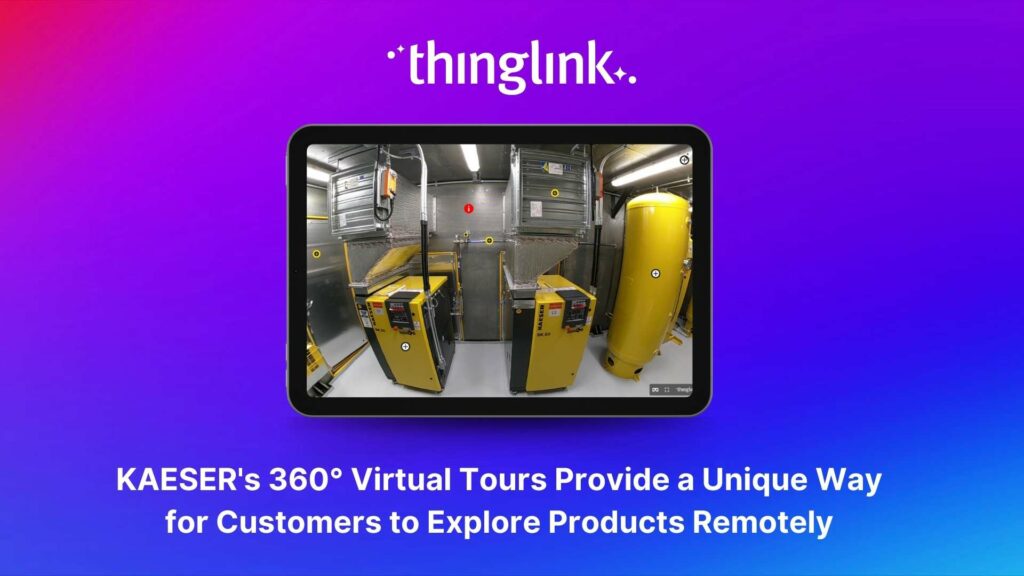
About KAESER KAESER Compressors is one of the world’s leading manufacturers and providers of compressed air products and services. They manufacture compressed ...
Kyla Ball
3 min read
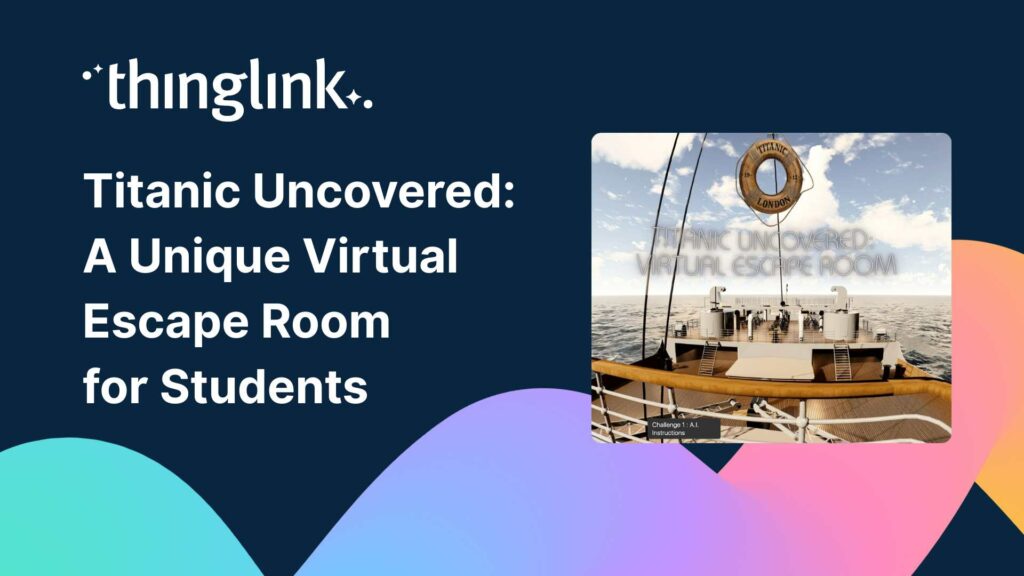
Educator Dwitney Bethel has created an incredible digital escape room using ThingLink’s Scenario Builder, set during the tragic maiden voyage of the Titanic...
Kyla Ball
8 min read
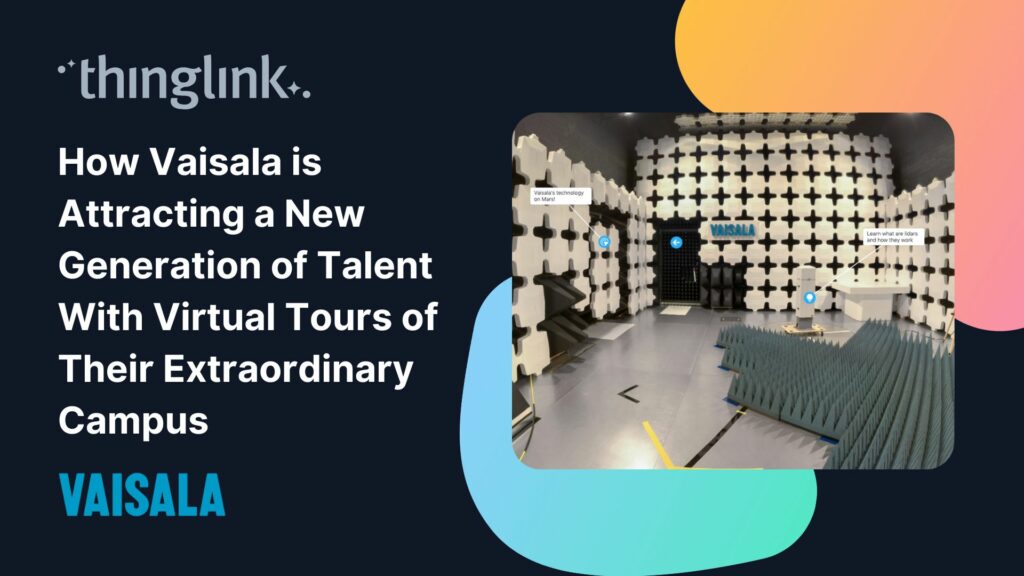
In this case study we look at how a global leader in weather and environmental measurements has opened up its incredible new R&D center and some of its other...
Kyla Ball
6 min read
ThingLink was honored to be named as Top Extended Reality XR Firm at the European Metaverse Awards. A record 123 top companies were short-listed as finalists in...
Start creating your interactive online courses and modules with ThingLink’s Scenario Builder templates In the age of eLearning, many educators and corporate trainers...
Kyla Ball
5 min read
Creating an online course or module is now easier than ever using ThingLink Scenario Builder templates In the world of elearning and corporate training, creating...
Kyla Ball
5 min read
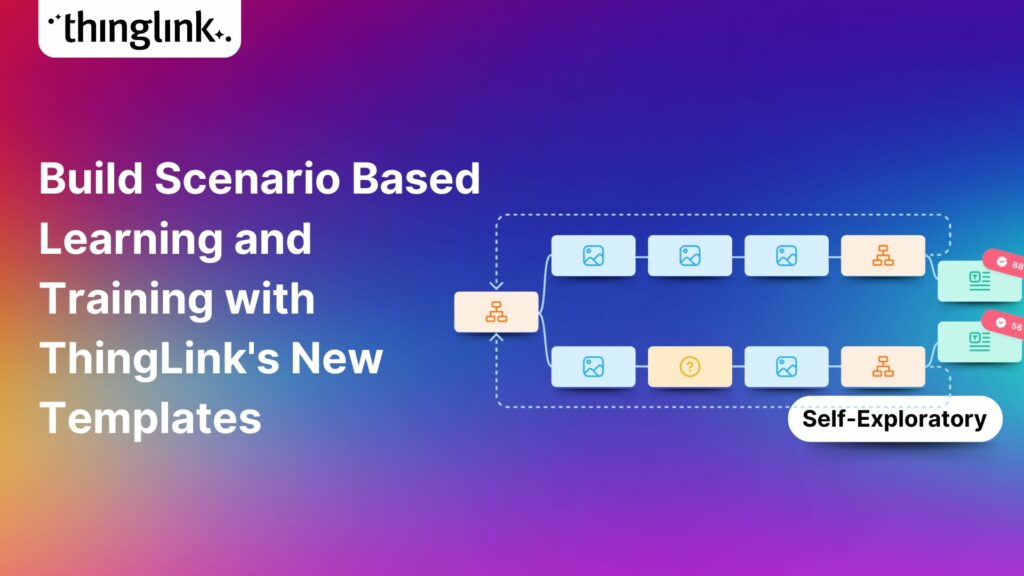
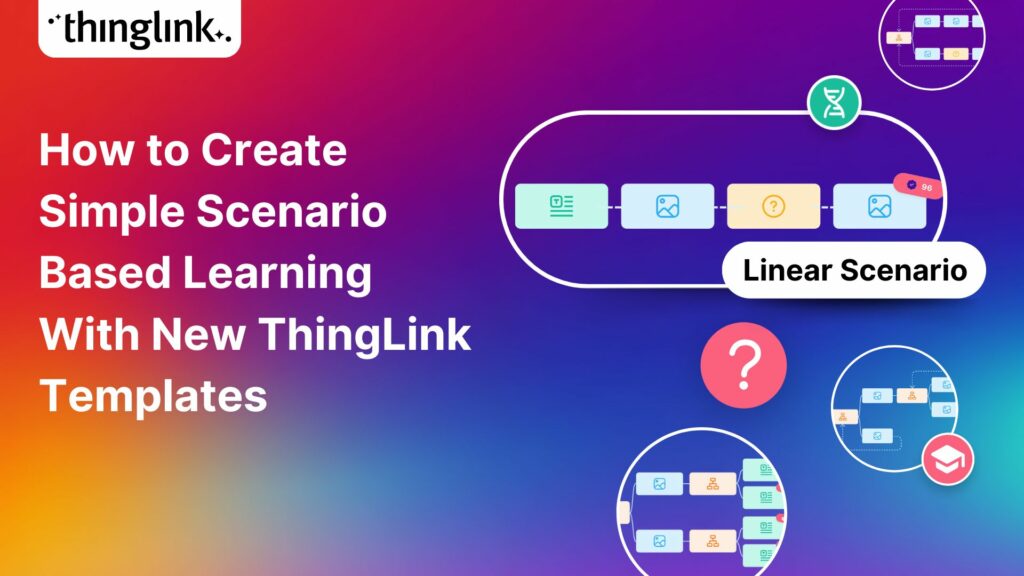
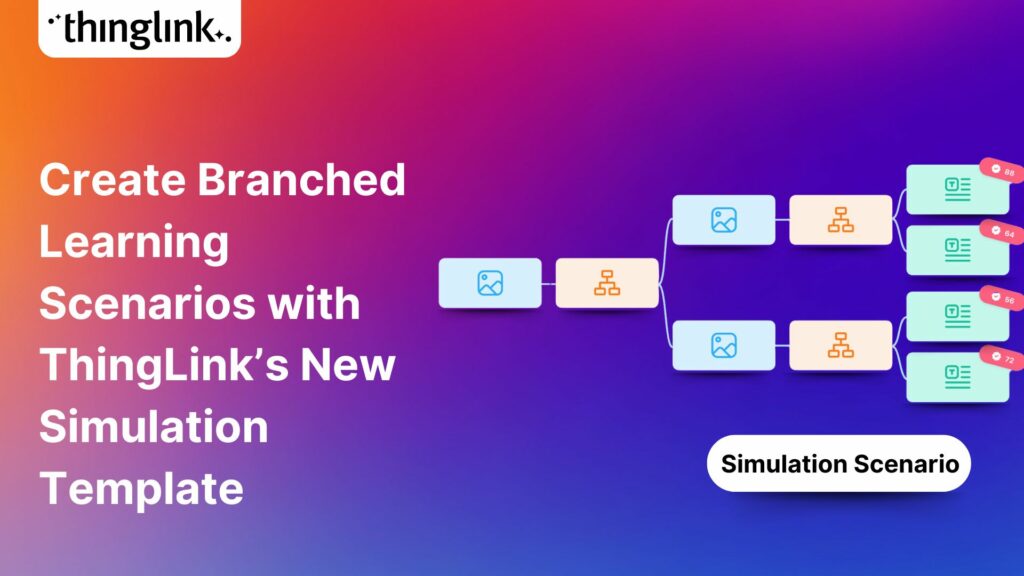
We recently launched new ThingLink Scenario Builder Templates – our latest tools to help you create impactful interactive, scenario-based training. In this...
Kyla Ball
5 min read
ThingLink’s Scenario Builder Templates are the newest arrival in our ever-growing set of assistant tools to help you build your own bespoke training and learning...
Kyla Ball
5 min read
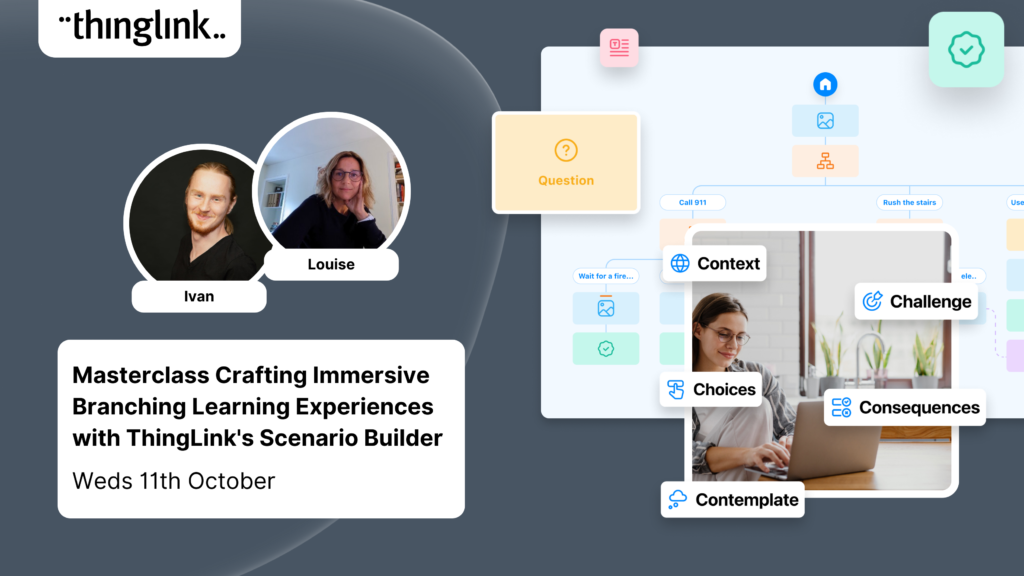
New Webinar! Masterclass in Crafting Immersive Branching Learning Experiences with ThingLink Scenario Builder In the world of eLearning, branching scenarios have...
In addition to using interactive media and virtual reality to create your teaching materials, why not also give your students the tools and technology to become...
Kyla Ball
5 min read
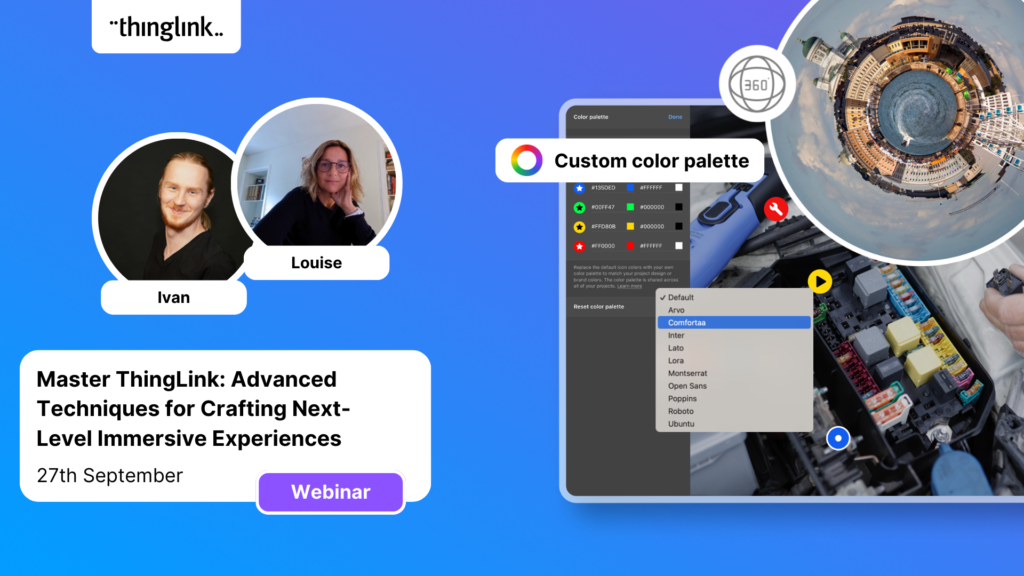
On-Demand Webinar on Advanced Features of ThingLink! Master ThingLink: Advanced Techniques for Crafting Next-Level Immersive Experiences The future of learning ...
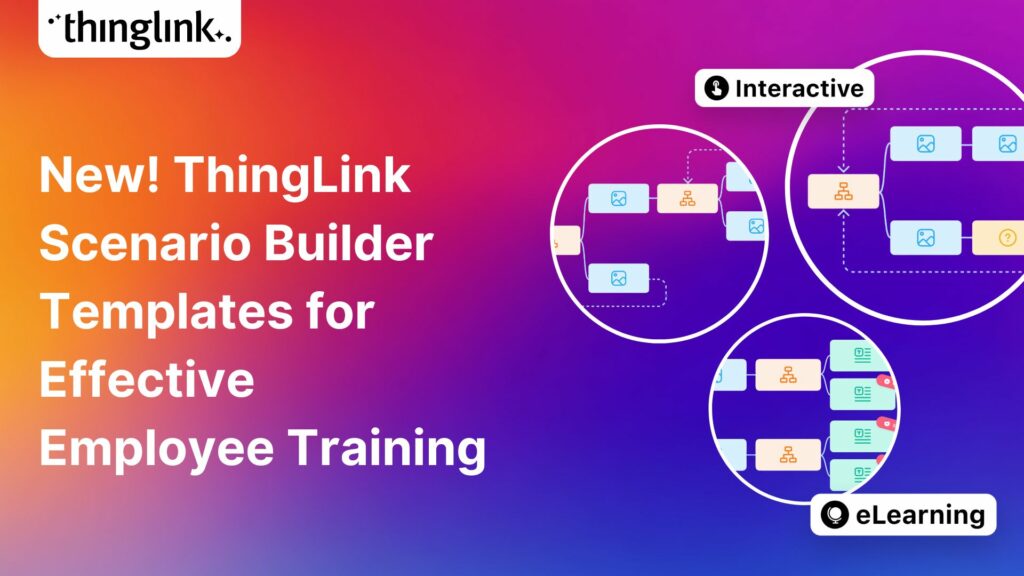
We’re excited to unveil new ThingLink Scenario Builder Templates – the latest in a range of assistant tools to help you create amazing interactive training...
Kyla Ball
6 min read
This article provides an overview of integrating ThingLink into Canvas courses using the Learning Tools Interoperability (LTI) 1.3 standard. This integration allows...
This article provides an overview of integrating ThingLink into Moodle courses using the Learning Tools Interoperability (LTI) 1.3 standard. This integration allows...
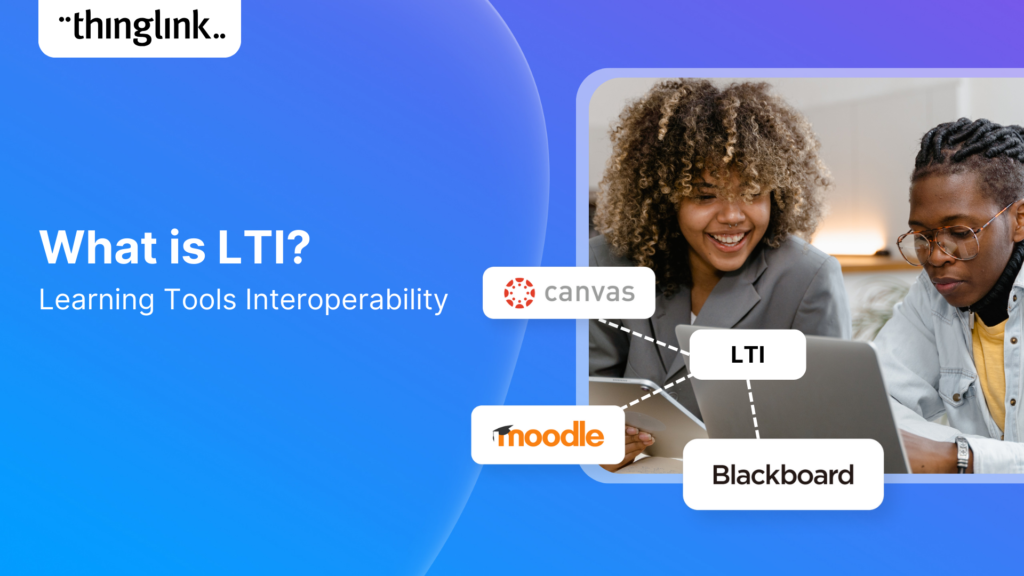
Learning Tools Interoperability (LTI) is a widely-adopted industry standard in the fields of education and corporate learning and development. It was developed ...
Virtual training and elearning has undoubtedly revolutionized the delivery of corporate training, learning and development. It offers both employees and employers...
Kyla Ball
11 min read
At ThingLink we are constantly striving to source and share with our creators the very best and most useful AI tools. To meet our criteria they must produce high...
Kyla Ball
6 min read
Dive into a universe of detail with Pano to 360: no more multiple shots, just easy, fully immersive 360 photospheres! Since Google decided to retire the beloved...