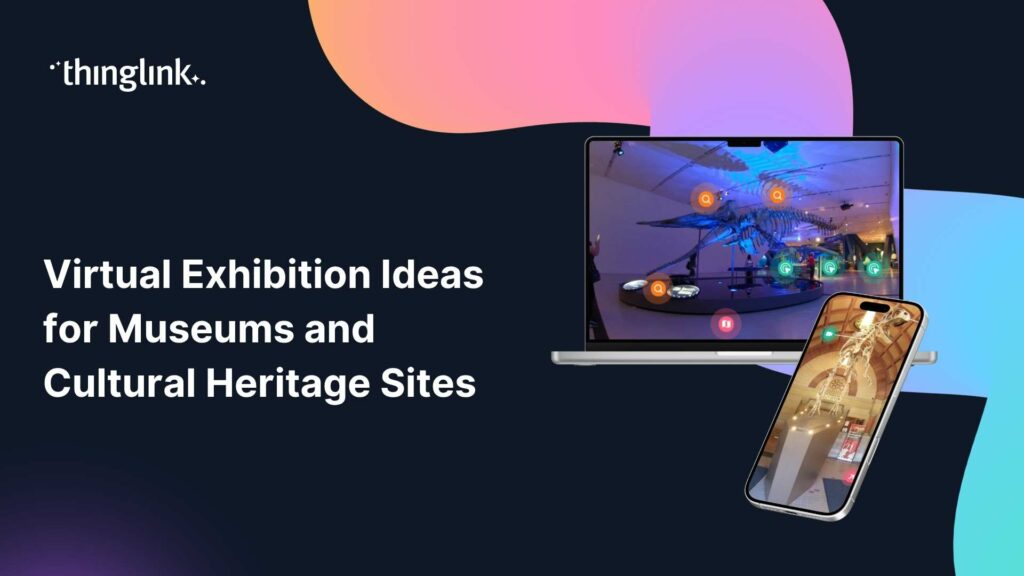
Virtual Exhibition Ideas for Museums and Cultural Heritage Sites
What Could Your Collection Look Like Online?
Imagine a visitor exploring your gallery at midnight, zooming in on a centuries-old artifact, listening to a curator’s voice note, and clicking through to a short documentary, all without leaving their living room. That is not a distant aspiration. It is what a well-built virtual exhibition can deliver today.
For curators, museum educators, gallery owners, and art lecturers, the opportunity to extend your collection beyond four physical walls has never been more accessible. This post brings together practical virtual exhibition ideas you can adapt for your own institution, along with real examples of how cultural heritage organisations are already doing it.
What Is a Virtual Exhibition?
In action! Explore this example.
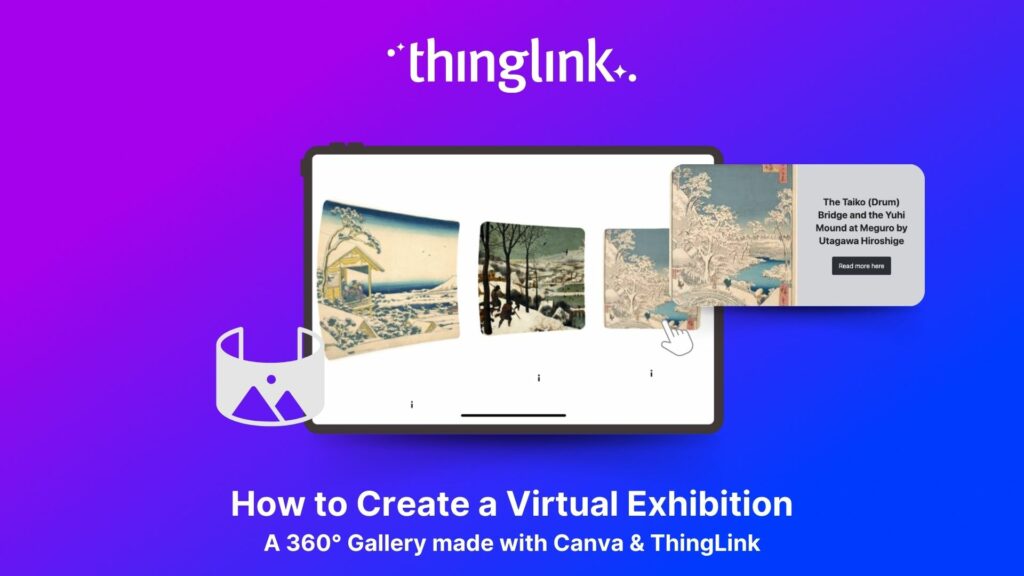
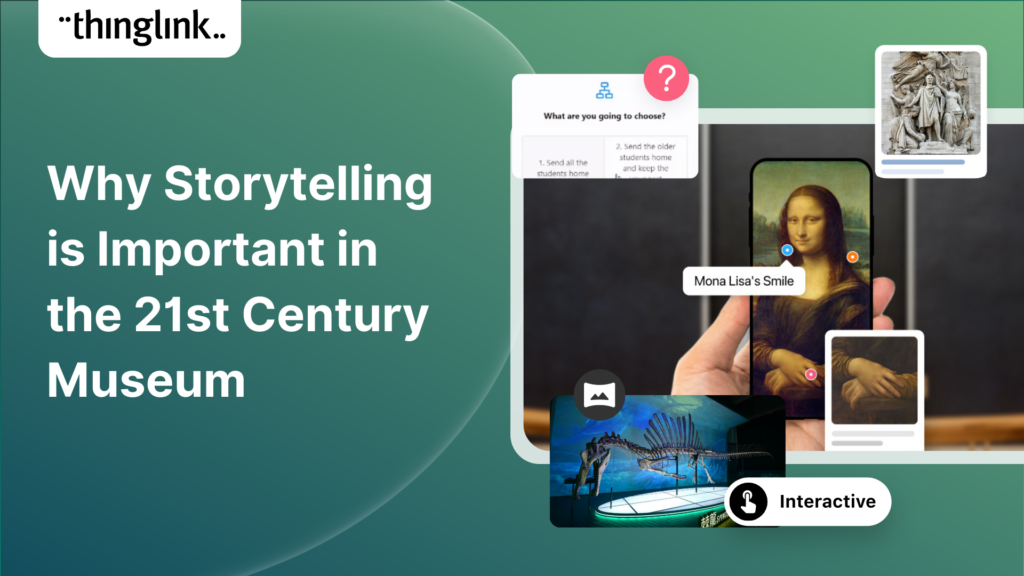
A virtual exhibition is a digital experience that replicates or extends a physical exhibition online. It can be as simple as a series of interactive images layered with information, or as immersive as a fully navigable 360° space with embedded video, audio, and linked resources.
The best virtual exhibitions do more than scan a brochure. They give visitors agency: the ability to explore at their own pace, dive deeper into the stories behind individual works, and access content that would never fit on a physical wall label.
ThingLink is the platform that many of the world’s leading museums and cultural institutions use to build exactly this kind of experience. Find out how it works and what it can do for your institution.
Virtual Exhibition Ideas Worth Exploring
Not every idea will suit every institution. Browse the following concepts and think about which fits your collection, your audience, and your capacity best.
1. The 360° Walkthrough Gallery
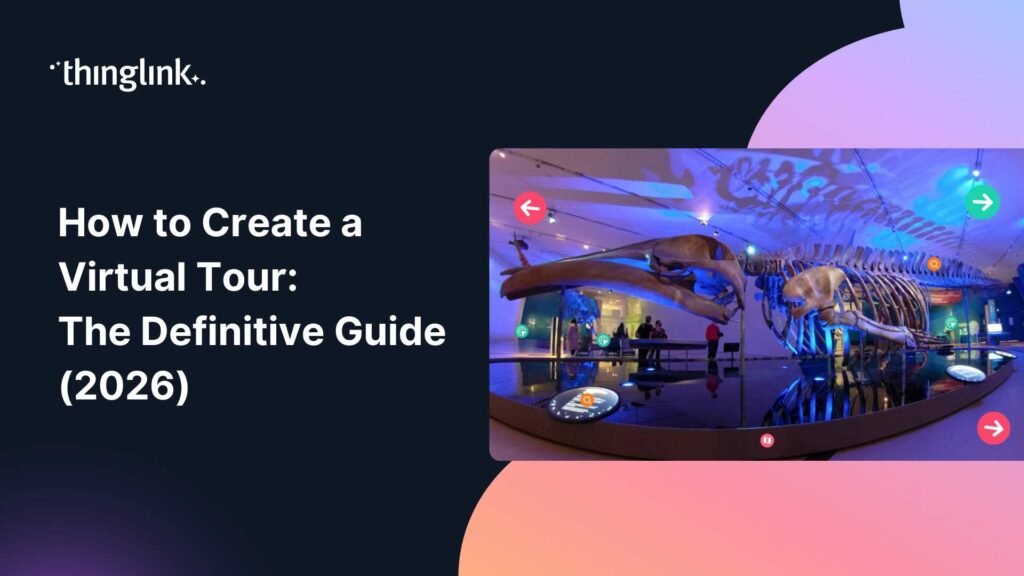
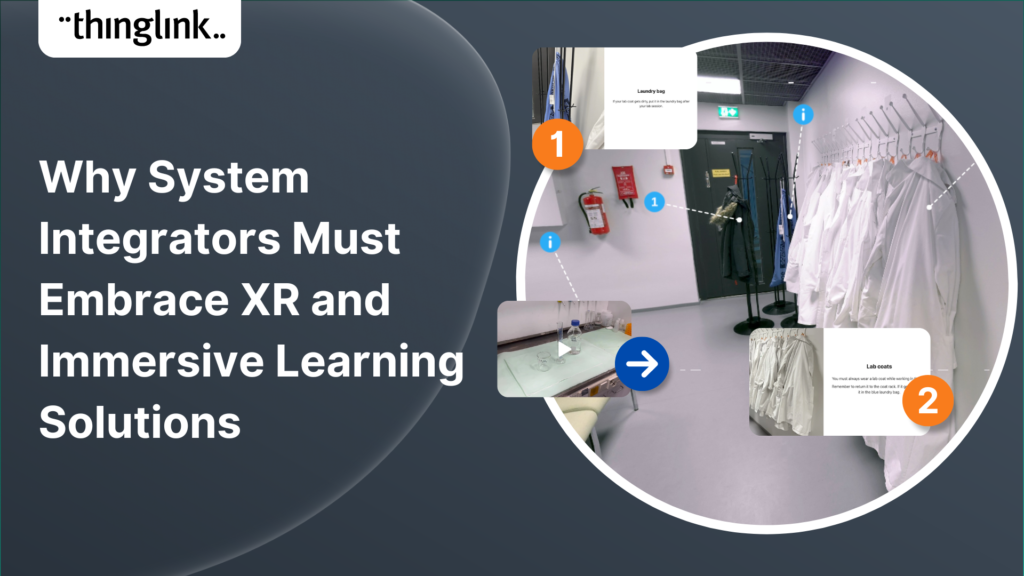
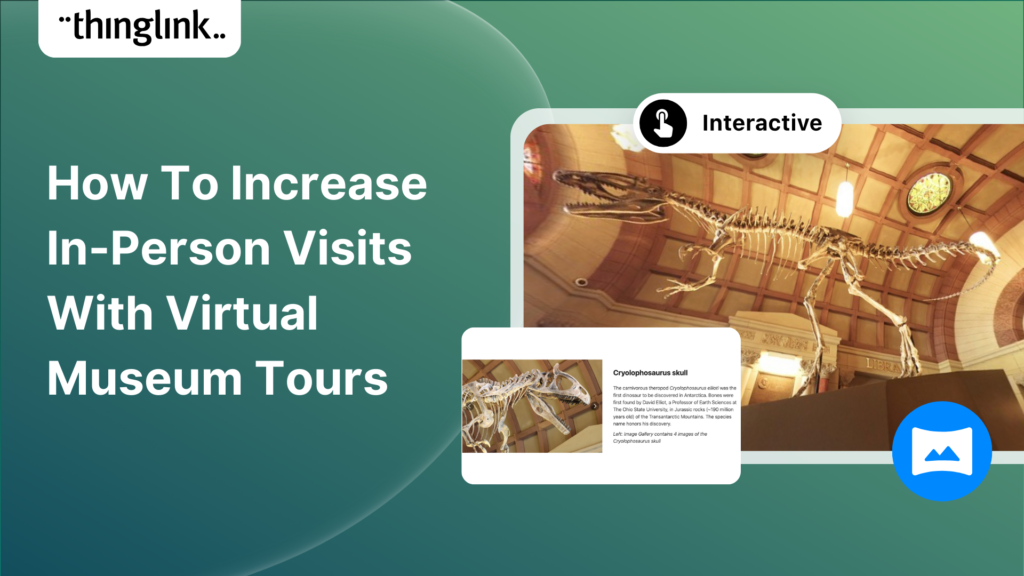
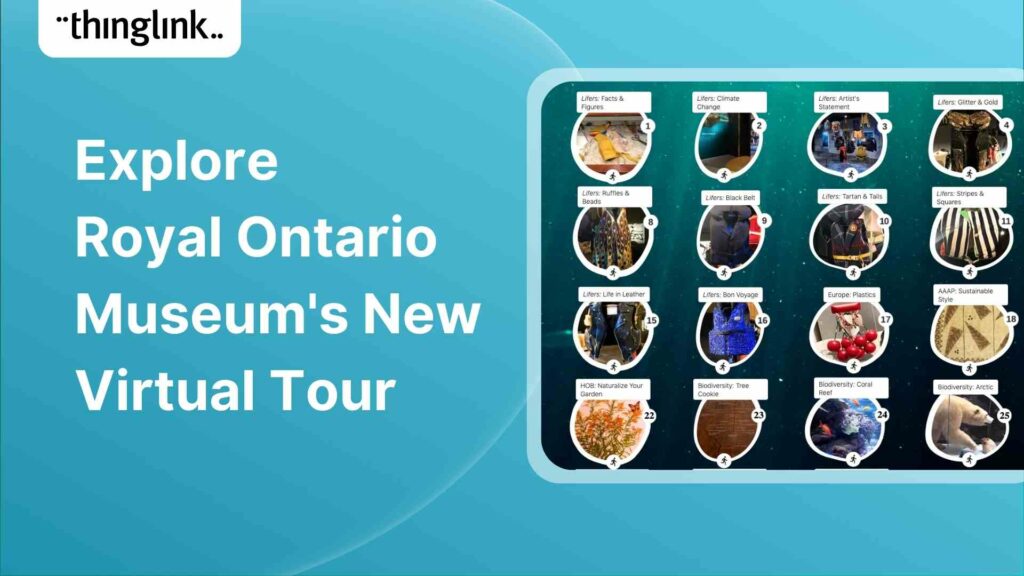
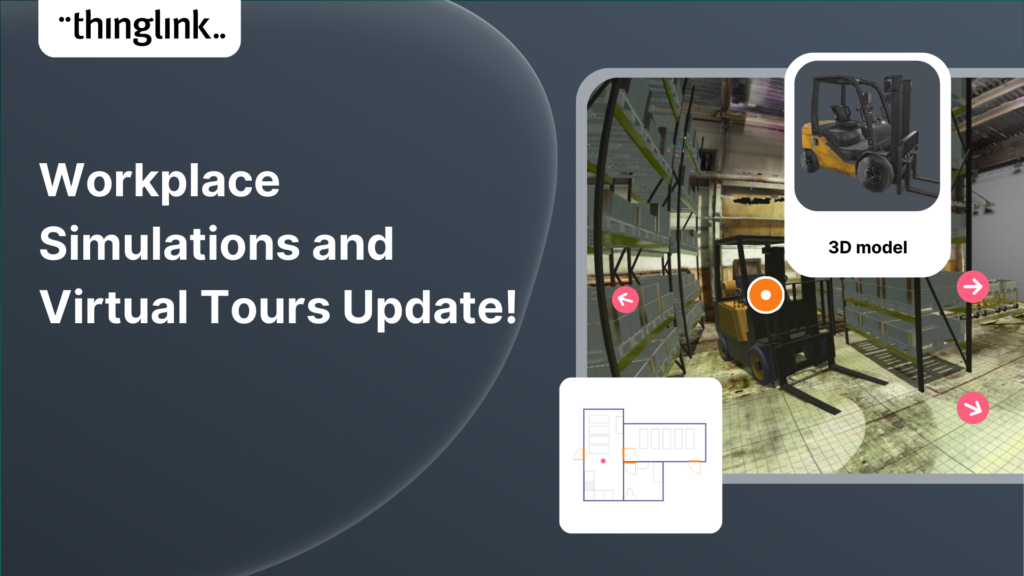
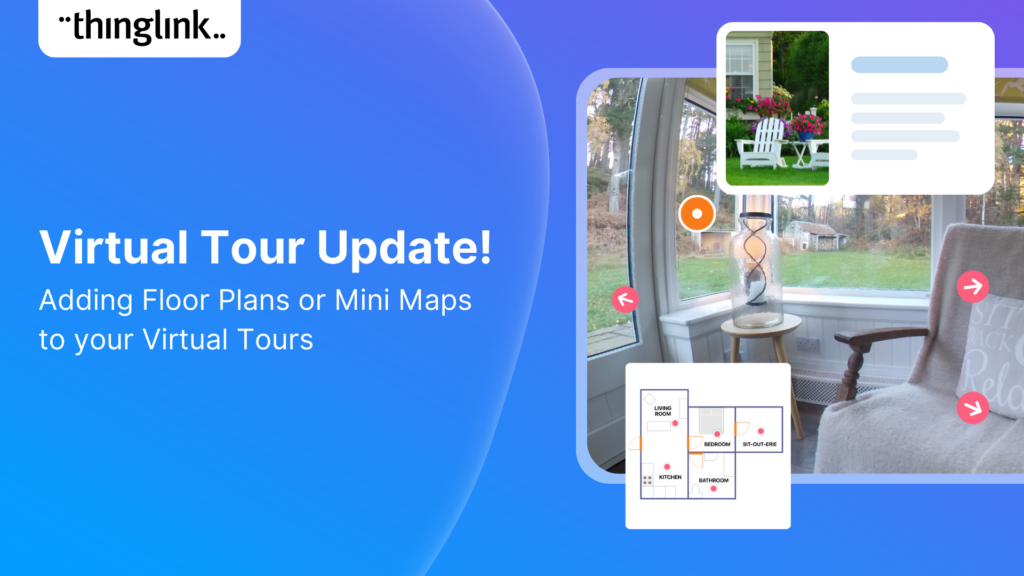
This is the virtual exhibition format most people picture first. You photograph your gallery space in 360°, then add interactive hotspots to individual artworks, objects, or display panels. Visitors can navigate from room to room, click on a painting to read extended notes, watch a conservation video, or hear the artist speak.
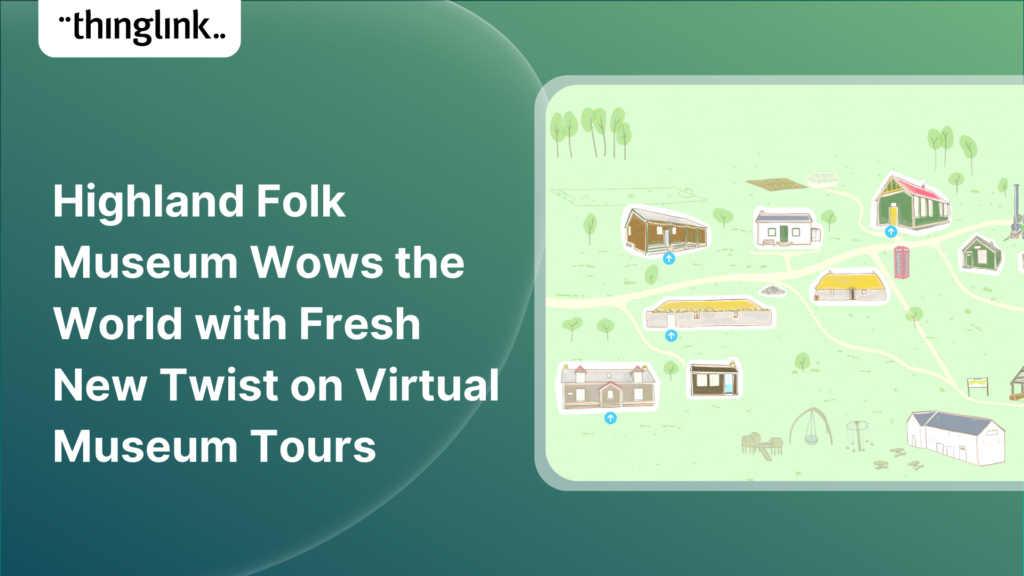
The Highland Folk Museum took this approach and created a virtual museum tour that reached audiences far beyond its Highland location. Their experience demonstrates how a heritage site with a strong physical identity can translate that atmosphere into a compelling online journey. Read more about how the Highland Folk Museum built their virtual tour.
If you want a practical guide to building this kind of experience, How to Make an Interactive Virtual Tour is a good place to start.
2. The Thematic Story Exhibition
Some of the most powerful virtual exhibitions are not organised by room, but by theme or narrative. You choose a story your collection tells, then build a layered digital journey through it.
One inspiring example is a student-led virtual exhibition exploring history’s forgotten women. A group of students curated a compelling interactive exhibition that wove together portraits, documents, and commentary into a coherent narrative. The project reached a global audience. Explore how students created a virtual exhibition on history’s forgotten women.
For a cultural institution, this format works especially well for temporary exhibitions with a strong curatorial argument. It lets the voice of the curator come through in a way that a room-by-room walkthrough sometimes cannot.
3. The Augmented Reality Layer
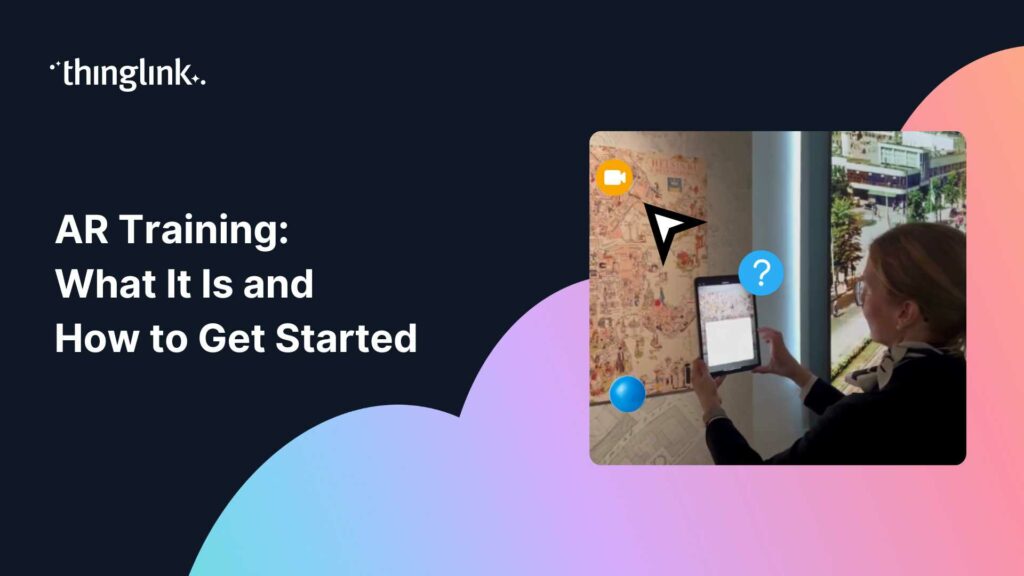
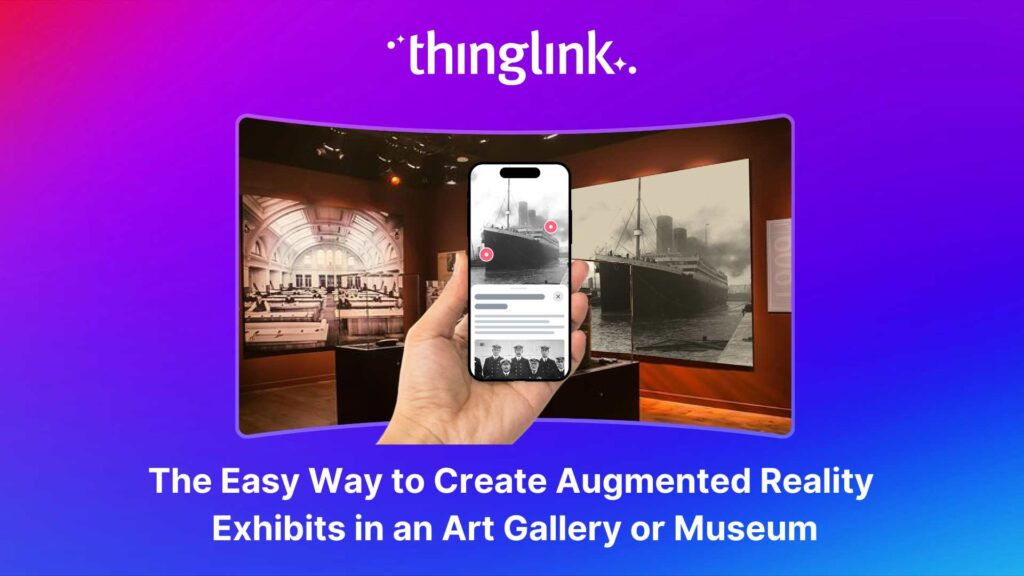
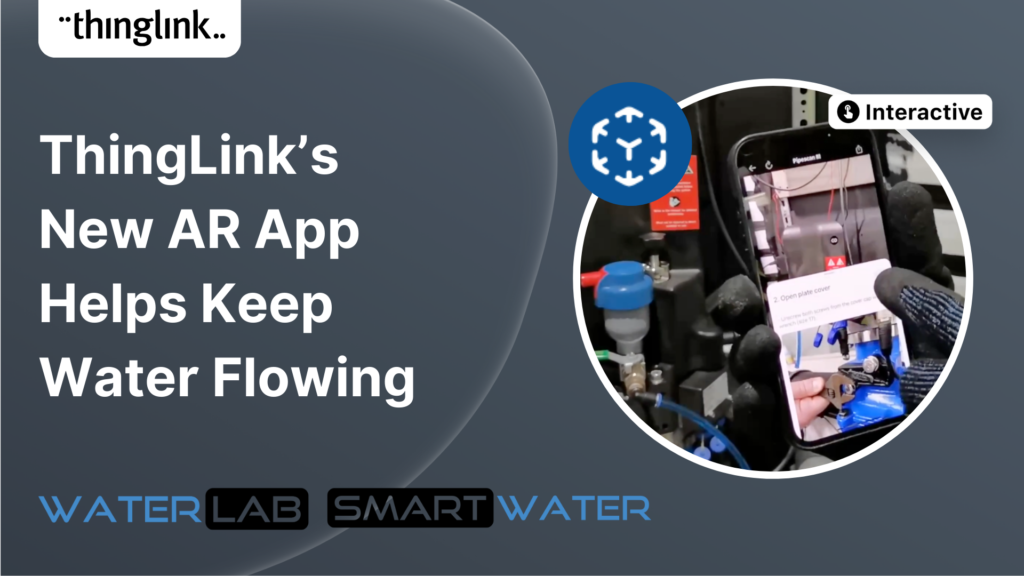
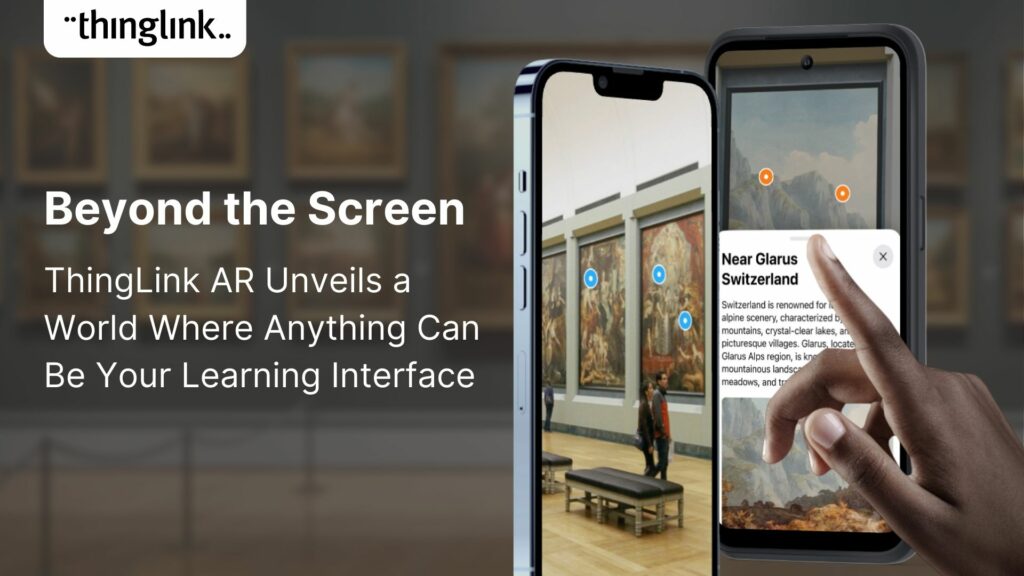
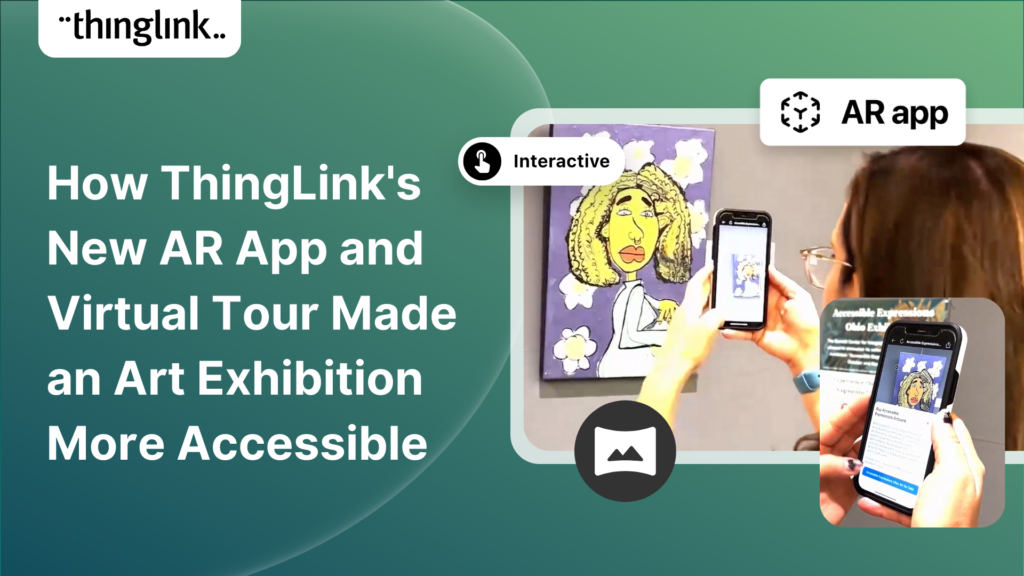
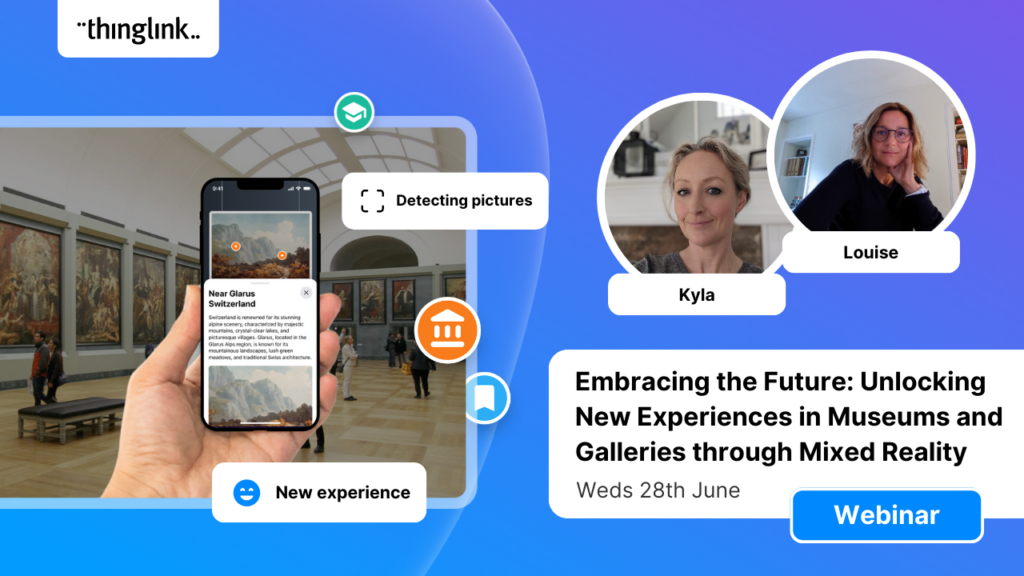
Augmented reality (AR) gives physical visitors an enriched in-gallery experience by overlaying digital content on real-world objects. A visitor points their device at an artifact and sees a 3D animation, a historical photograph, or a curator’s video appear over it.
This is not as technically complex as it might sound. ThingLink makes it straightforward to add AR layers to gallery exhibits without needing specialist development skills. See how to create augmented reality exhibits in an art gallery or museum.
AR is particularly effective for heritage sites where original objects cannot be displayed. You can show what a fragile manuscript looked like intact, or animate how a historical tool was used, all triggered by a simple QR code or image scan.
4. The Regional or Multi-Venue Tour
If you work with multiple partner institutions, a virtual exhibition can bring them together under one roof. Visitors move between venues, collections, and voices in a single seamless experience.
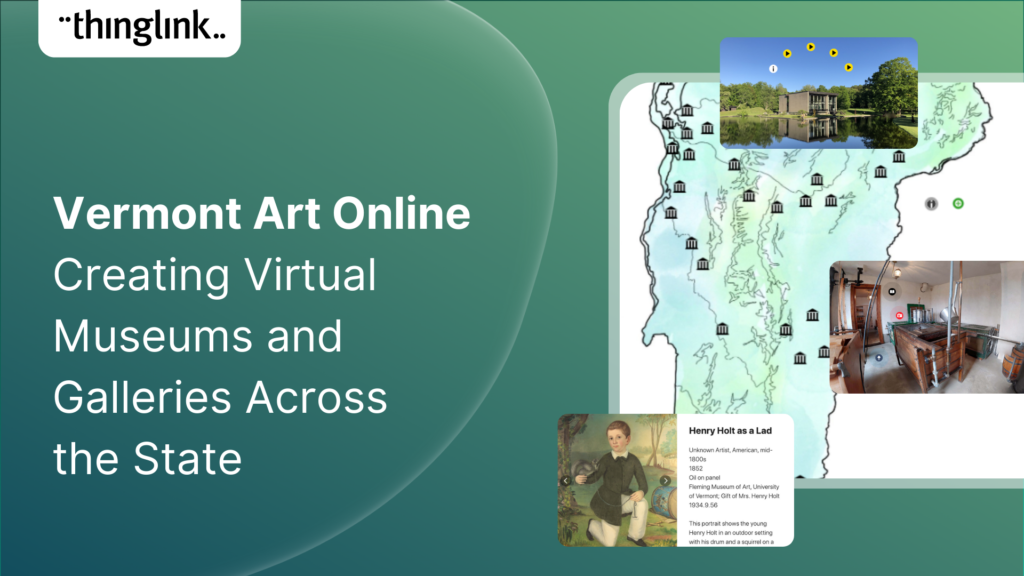
Vermont Art Online used ThingLink to create a virtual tour connecting multiple museums and galleries across the state, making their combined cultural offer accessible to communities who could not travel to each venue in person. Read about how Vermont Art Online brought culture to their communities.
This format is also ideal for regional cultural strategies, funding bids, and school group visits where travel to multiple sites is not practical.
5. The Living History Experience
Cultural heritage is not only about objects. It is about lives, events, and places. A living history virtual exhibition recreates a moment in time, inviting visitors to step into it.
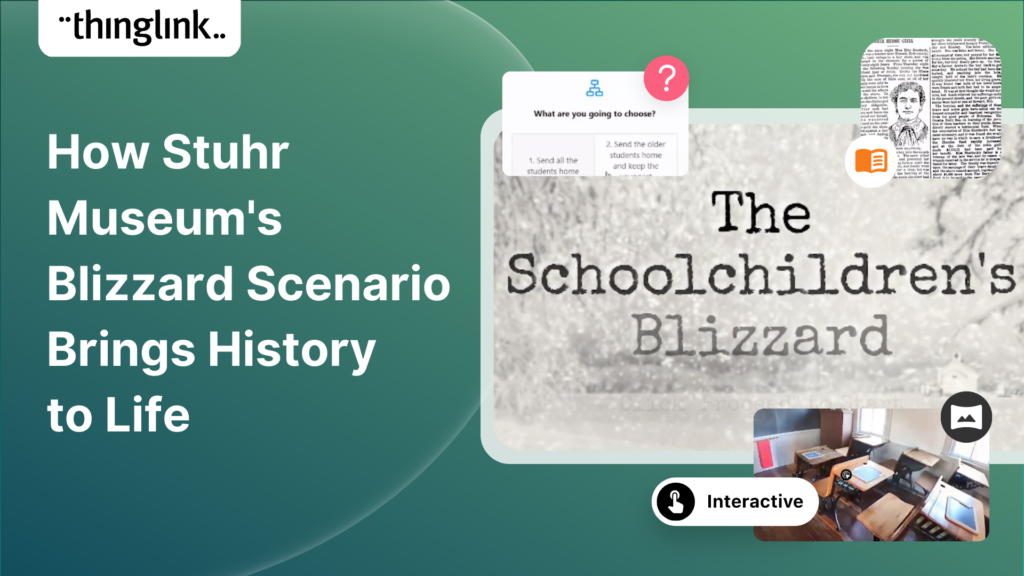
One remarkable example used immersive virtual experience tools to tell the stories of three real-life ordinary teachers from the pioneer period in America. The project gave voice to historical community members in a way that no conventional display could achieve.
For heritage sites with a strong local or community story, this approach creates genuine emotional connection and can perform exceptionally well on social media.
6. The Workshop Recreated as a Virtual Learning Experience
Museums and heritage sites often run hands-on learning programs. What happens to that learning when the visitor cannot attend in person? A virtual recreation of your workshop or learning space can bring the experience online, complete with interactive tasks, instructional videos, and embedded resources.
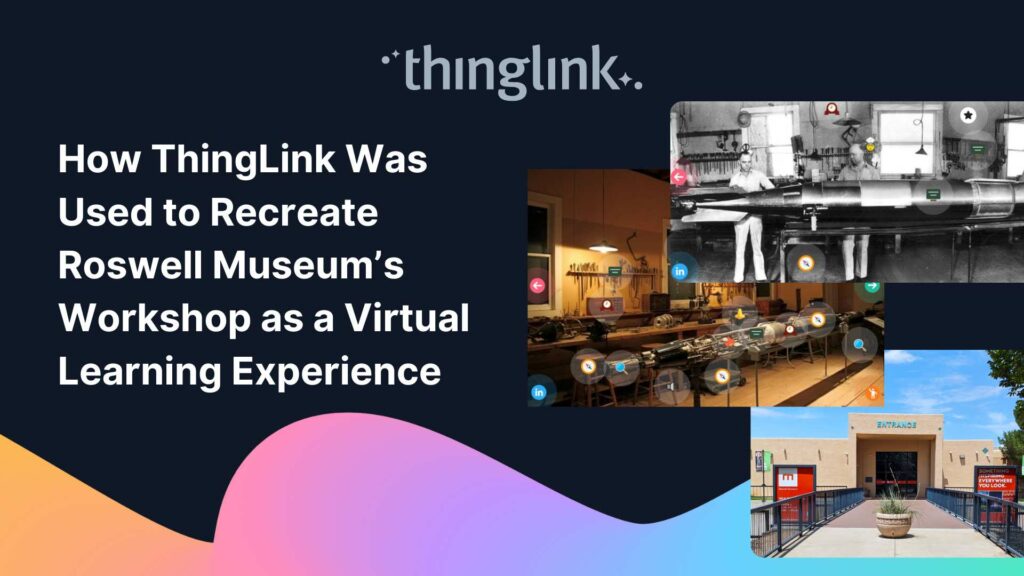
ThingLink was used to recreate a museum workshop as a full virtual learning experience, allowing schools and learners to access the program remotely without losing the sense of place or the depth of engagement. Find out how ThingLink recreated Roswell Museum’s workshop as a virtual learning experience.
This is a strong option if you have an education program that currently relies entirely on physical attendance.
7. The VR Art Show for Student or Emerging Artists
Virtual exhibitions are not only for established collections. They are also a powerful platform for showcasing new and emerging work, especially when a physical show is not possible or affordable.
One college used ThingLink to create a VR art show for graduating students, sharing the exhibition worldwide and giving students a professional online portfolio they could share with employers and collaborators. Discover how one college created a VR art show shared worldwide.
For art lecturers and gallery educators, this is a format worth running as a regular end-of-year event. It builds digital skills alongside creative ones.
Making Your Virtual Exhibition Accessible and Inclusive
A virtual exhibition has the potential to reach audiences who face barriers to physical attendance: people with mobility impairments, those in remote locations, international visitors, and learners with different access needs.
To make the most of that potential, build accessibility into your exhibition from the start. Add text descriptions to every image. Include captions on all video and audio content. Choose colour contrast ratios that meet accessibility standards. Ensure your navigation works with keyboard controls as well as mouse or touch.
ThingLink experiences can be embedded directly into existing websites, which means you can also surround the exhibition with your institution’s standard accessibility tools and support resources.
How to Start Building Your Virtual Exhibition
The most common hesitation institutions face is technical. Many curators and museum educators assume that building a virtual exhibition requires a specialist developer, a large budget, or weeks of production time.
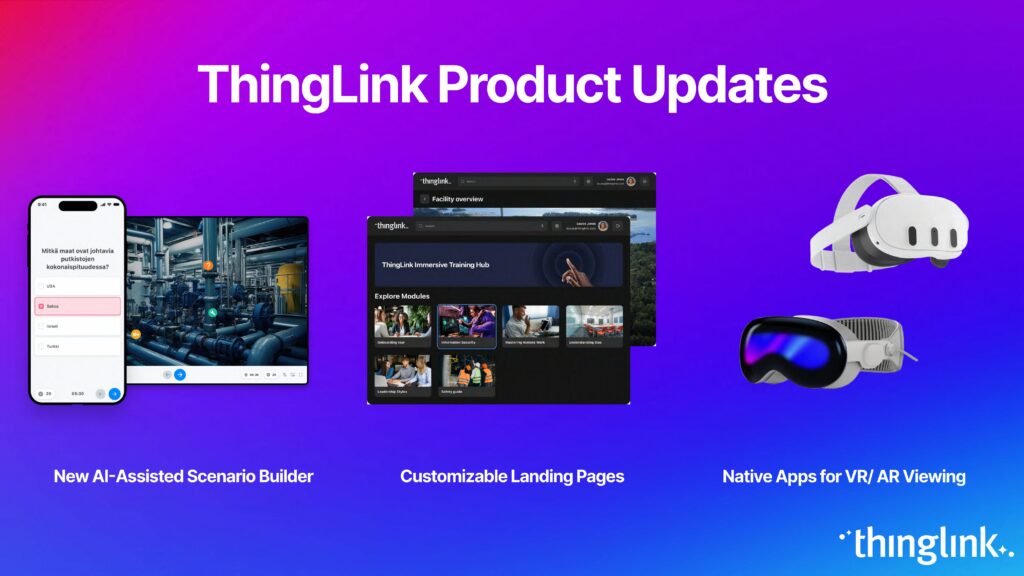
With ThingLink, that is not the case. The platform is built for people who know their content deeply, not for people who know code. You upload your images or 360° photographs, add interactive hotspots, embed media, and publish. The AI-assisted creation flow can generate a working draft of your experience in minutes, giving you a strong starting point to build on. Learn how ThingLink’s new AI-assisted creation flow generates virtual tours and experiences in minutes.
If you want to explore more advanced options, including 3D environments built in Unity, ThingLink also offers tools for that. Find out how to create a 3D virtual tour and share it easily with the ThingLink Unity Plugin.
Why Virtual Exhibitions Matter Beyond the Pandemic
The surge in virtual exhibitions during 2020 and 2021 was driven by necessity. What has emerged since then is something more interesting: institutions discovering that virtual exhibitions are not a substitute for the physical experience. They are a different kind of experience, with their own distinct value.
A virtual exhibition can reach a student in a country that has never hosted your collection. It can offer a depth of contextual information that physical wall space cannot accommodate. It can be updated as your curatorial thinking evolves. And it can outlast any temporary show, remaining available to visitors, researchers, and educators indefinitely.
For cultural heritage sites in particular, the ability to document and share threatened or fragile collections online is increasingly important. The virtual exhibition is not just a marketing tool. It is a form of preservation.
Ready to Create Your Virtual Exhibition?
Whether you are planning a 360° gallery walkthrough, a thematic narrative experience, or an immersive living history project, ThingLink gives you the tools to build it without needing a developer.
Start by reading the complete guide to creating a virtual exhibition with ThingLink.
You can also explore how to make an interactive virtual tour for step-by-step guidance on the technical side.
Your collection has stories to tell. A virtual exhibition is how you tell them to the world.