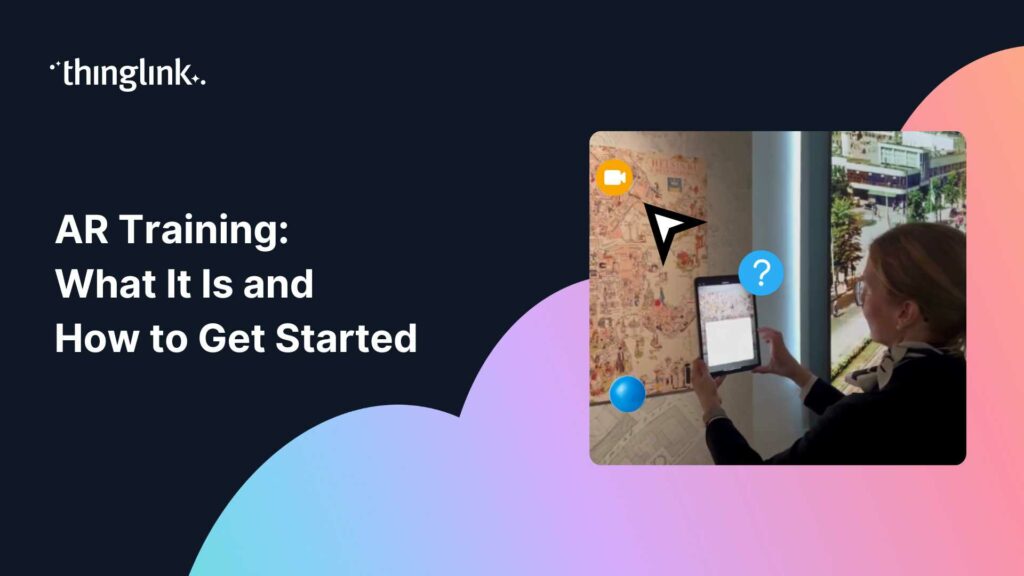
AR Training: What It Is and How to Get Started
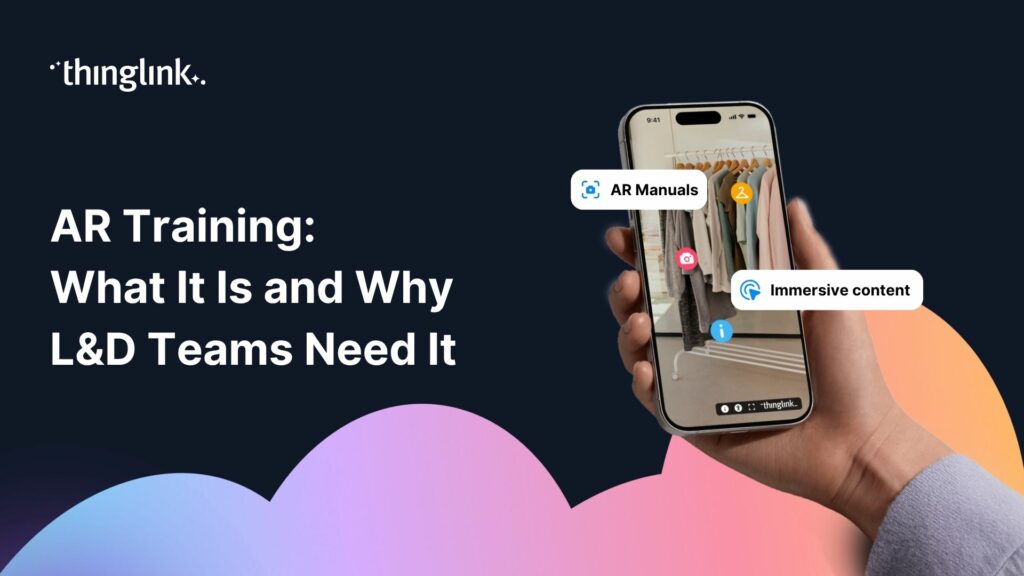
What if your learners could point a phone at a piece of equipment, a product, or even a printed workbook, and instantly unlock a layer of interactive guidance on top of it? That is the promise of AR training, and it is more achievable than most learning designers realise.
Augmented reality in training does not require a massive budget, a dedicated dev team, or a warehouse full of headsets. Done well, it meets learners in the physical spaces where their work actually happens. This guide breaks down what AR training is, why it matters for workplace learning, and how you can start building it today.
What Is AR Training?
Augmented reality (AR) overlays digital content, text, images, video, audio, or interactive hotspots, onto the real world. Unlike virtual reality, which replaces your environment entirely, AR adds a layer on top of it. Learners stay grounded in their actual context while receiving just-in-time support, instructions, or assessments.
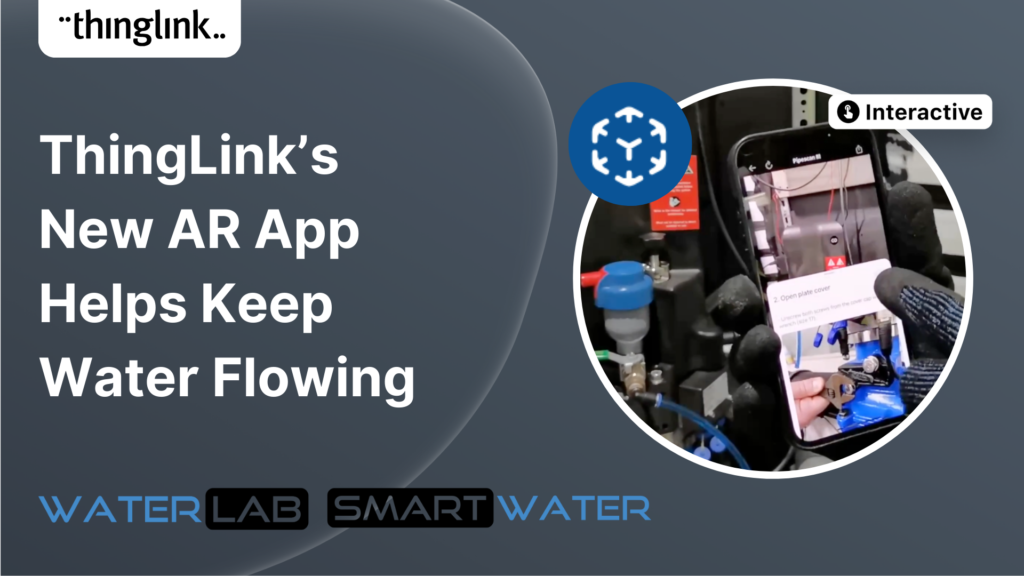
In a training context, AR can turn a physical object, a printed poster, or a real-world location into a learning interface. A technician can scan a machine and see a step-by-step repair guide appear over the relevant parts. A new retail employee can scan a shelf layout and receive product knowledge prompts in real time. The physical world becomes the content.
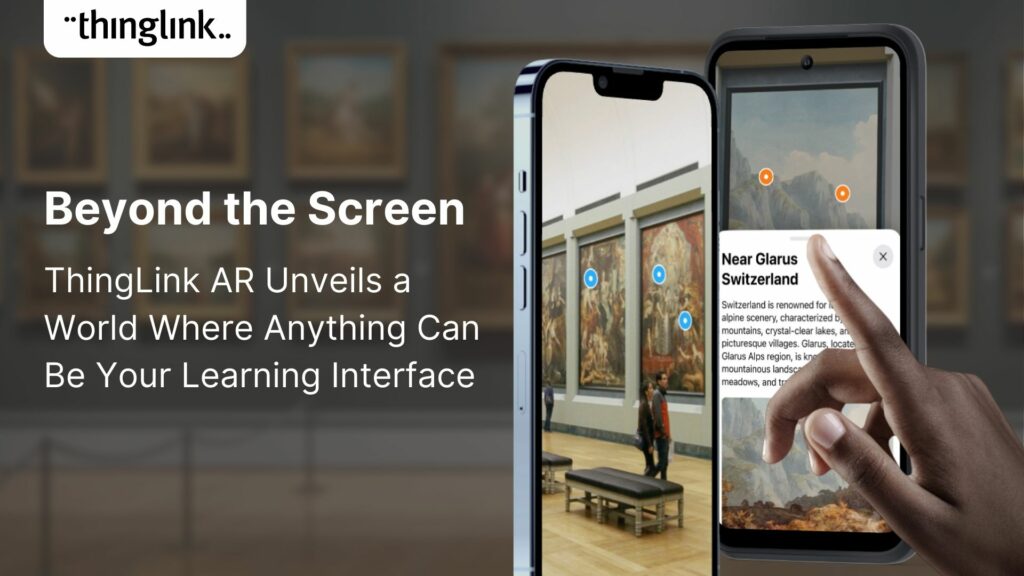
To understand how this works in practice, explore Beyond the Screen with ThingLink AR: Discover a World Where Anything Can Be Your Learning Interface.
Why AR Training Works: The Learning Design Case
Context is one of the most powerful drivers of retention and transfer. When learners encounter information in the environment where they will actually apply it, the cognitive load of bridging theory and practice drops significantly. This is a core argument for immersive approaches across the board, and AR makes it possible even without full virtual environments.
Context is King: The Promise of Virtual Experiences in Corporate Learning makes the case clearly: learners remember what they do, not just what they read. AR keeps performance support and assessment embedded in the workflow, rather than separated from it in a classroom or LMS module.
For learning designers, this translates into a few practical advantages.
It Reduces the Gap Between Learning and Doing
Traditional eLearning asks learners to absorb information and then transfer it independently to a new situation. AR reduces that gap by placing the learning content inside the situation itself. The physical environment becomes a scaffold.
It Scales Across Different Learner Contexts
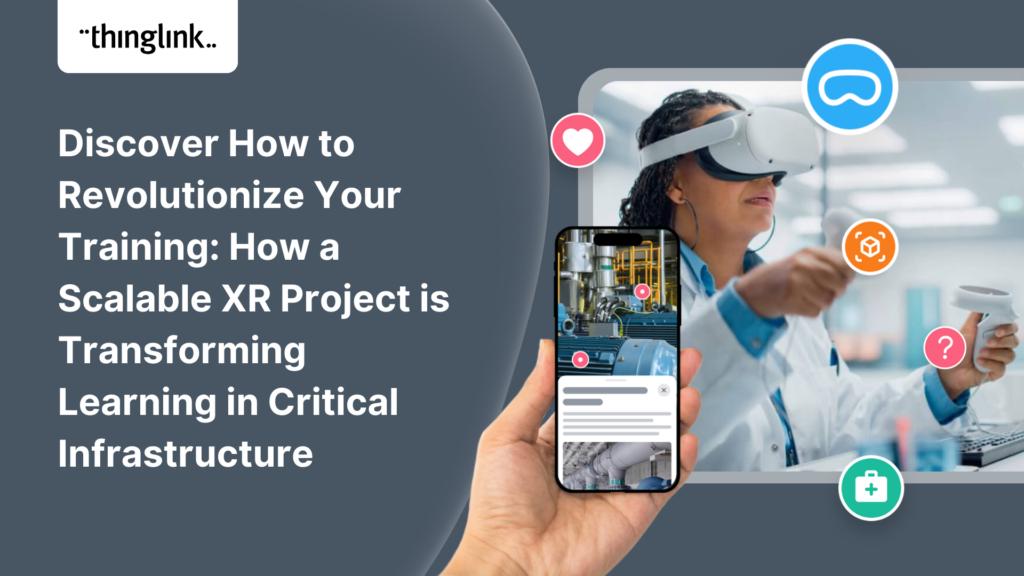
AR does not require everyone to be in the same room or on the same device at the same time. A single well-designed AR experience can support learners across different sites, shifts, or roles, all interacting with the same physical objects or spaces. This scalability is explored in depth in A New Scalable Model for XR Training: Combining 360° and 3D Environments for Agile Simulations.
It Works Alongside Your Existing Content
You do not need to rebuild your entire curriculum to introduce AR. Many organisations start by enhancing existing resources with an AR layer, adding interactive hotspots to printed materials, physical spaces, or on-site equipment. See how this approach works in our on-demand webinar Enhance Your Existing Courses with Immersive and Authentic Learning Assets.
Where AR Training Is Being Used Right Now
AR is already active across industries, and learning designers are finding creative entry points at every level of complexity.
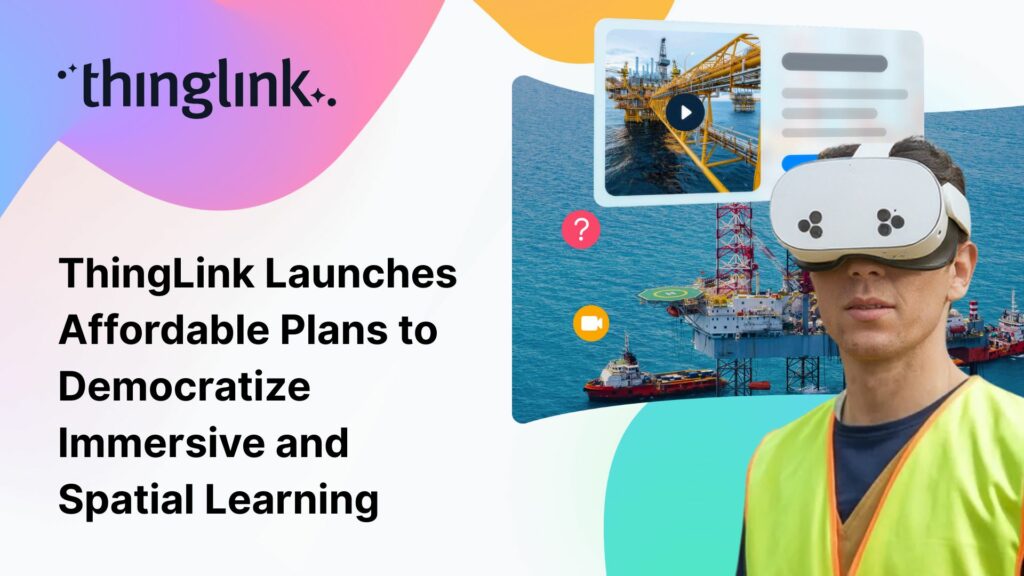
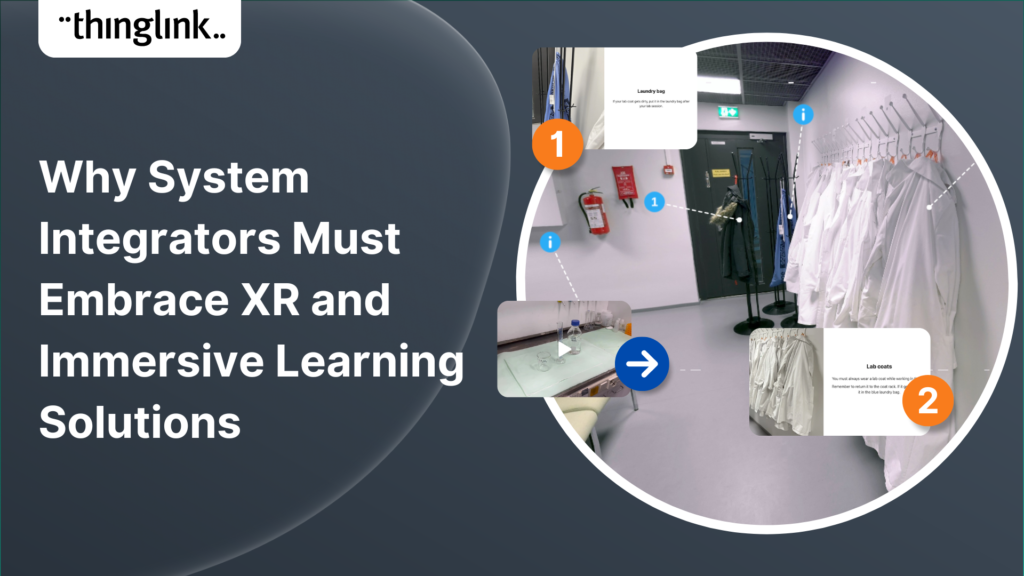
In manufacturing and industrial training, AR supports on-the-job procedural guidance without pulling workers away from the floor. In safety training, AR overlays hazard identification prompts onto real or simulated environments, reinforcing awareness in the exact spaces where risks exist. For a real-world example of immersive safety training in action, read about Innovative VR Safety Training at Stora Enso with ThingLink and Meta Quest.
In customer-facing roles, AR can simulate real service scenarios in authentic environments. Virtual Learning Environments to Train Students in Customer Service shows how immersive environments replicate the texture and pressure of real interactions, building the kind of confident, contextual competence that classroom instruction alone cannot deliver.
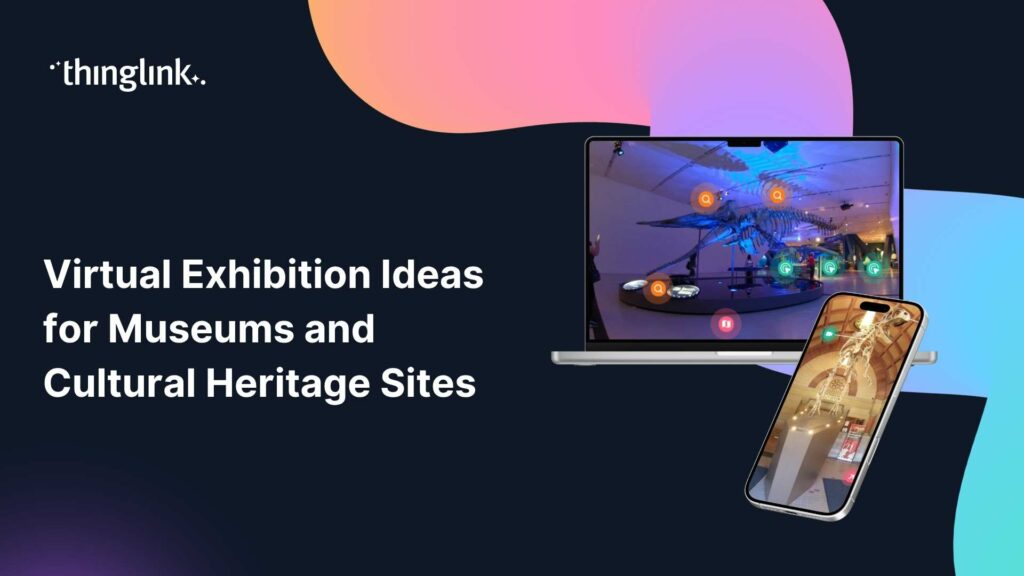
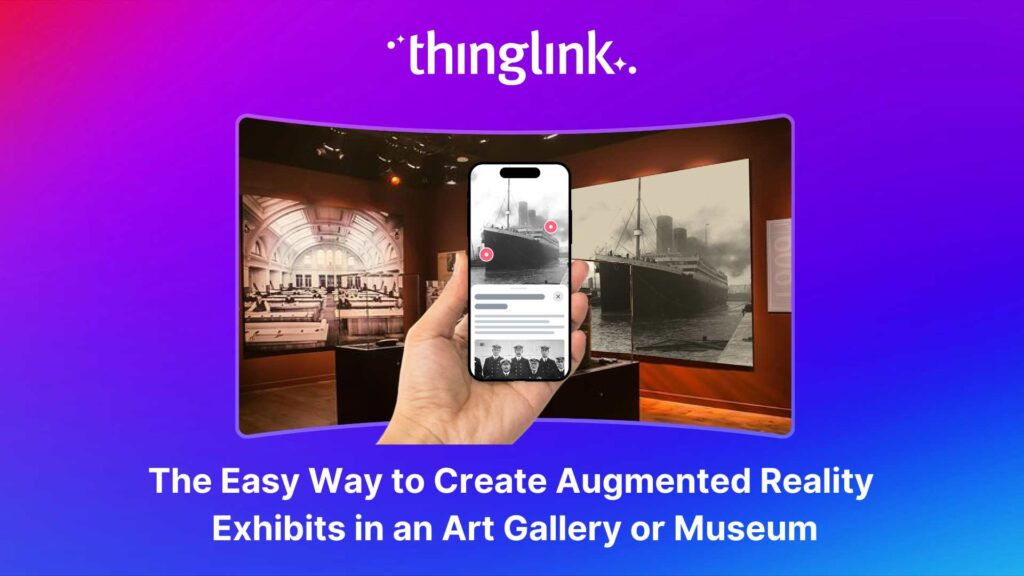
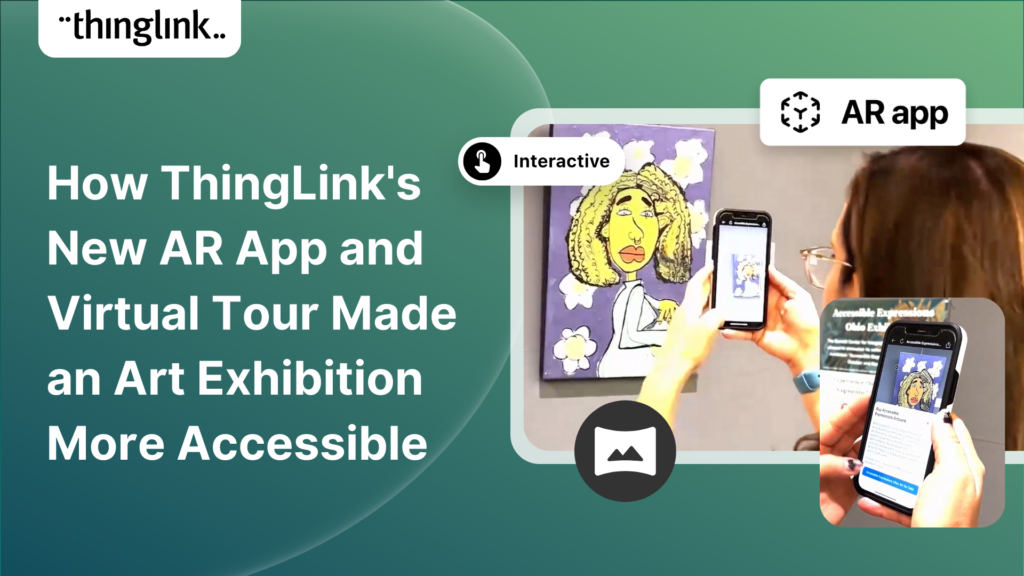
Even in cultural and informal learning settings, AR is creating new possibilities. The Easy Way to Create Augmented Reality Exhibits in an Art Gallery or Museum demonstrates how AR can layer rich content onto physical exhibits, a model directly applicable to training environments like showrooms, labs, or retail floors.
How to Build AR Training with ThingLink
ThingLink gives learning designers a practical, no-code route into AR training, without requiring specialist development skills or expensive hardware.
Start with an Image or Space You Already Have
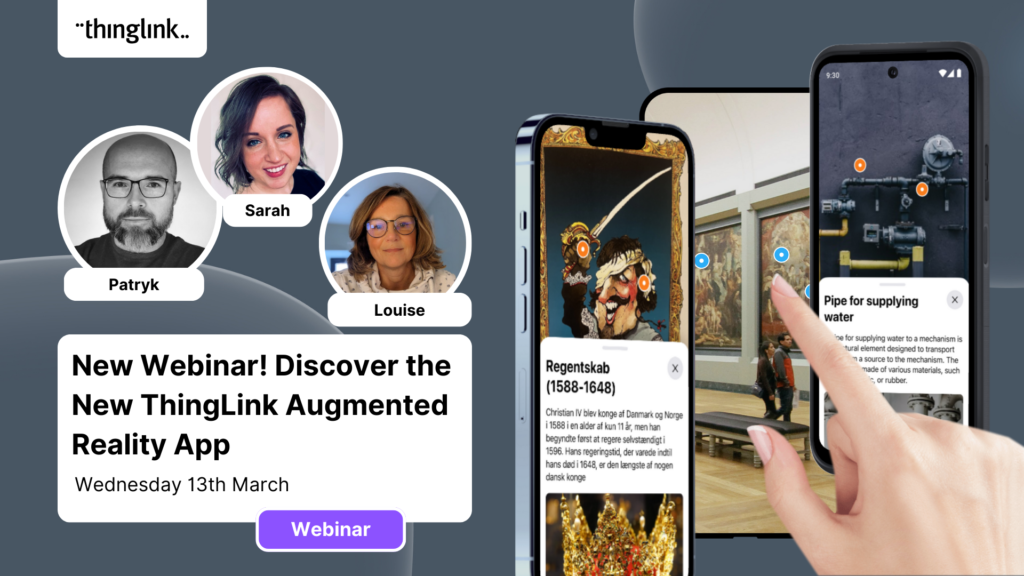
You can begin with a photo of a real workspace, a product, a piece of equipment, or any physical object relevant to your training. Upload it to ThingLink and add interactive hotspots that deliver text, video, audio, quizzes, or links. Learners can then access this experience on any device, including mobile, pointing their camera at the scene or scanning a trigger image in a physical space.
Use the Scenario Builder for Branching and Decision-Making
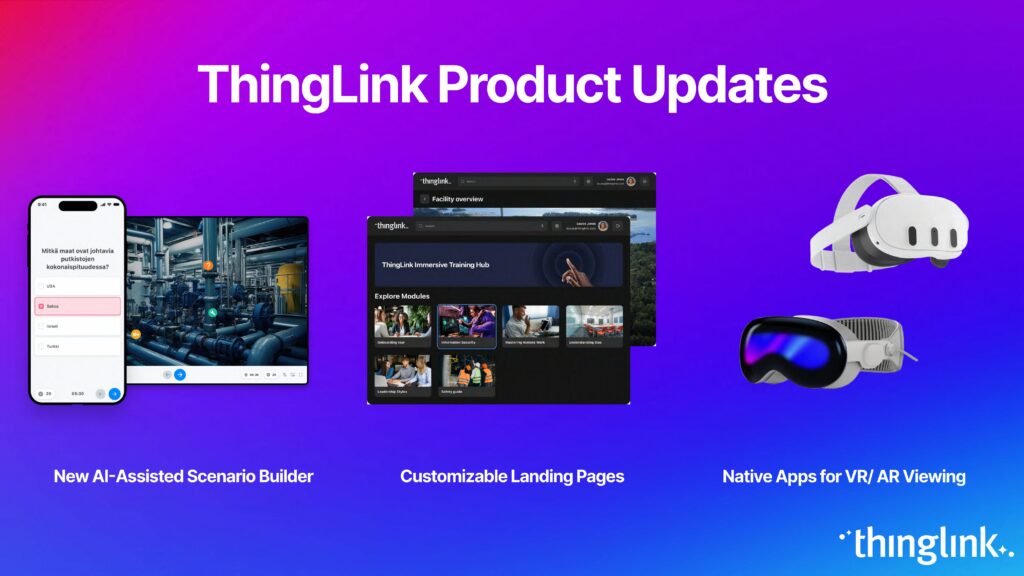
For training that involves process, judgment, or soft skills, ThingLink’s Scenario Builder lets you create branching interactive scenarios without writing a single line of code. You can convert existing PDF training materials directly into interactive scenarios using the built-in AI tools. Get an overview in the Scenario Builder editor overview and explore the AI features in Scenario Builder editor AI tools.
Add Conversational AI for Practice and Reinforcement
ThingLink’s Conversational AI block lets learners engage in an AI-powered chat within a scenario. In Tutor mode, the AI guides learners through your material. In Practice mode, it simulates a real situation and asks learners to respond, ideal for customer service, compliance, or interpersonal skills training. Learn more in the Conversational AI support article.
Track Progress with Built-In Analytics
Once your AR training is live, you can monitor learner progress directly from the analytics dashboard. The scenario statistics view shows you each learner’s status across multiple scenarios at a glance, making it straightforward to identify where learners are succeeding and where they might need additional support. See how it works in the Landing page analytics dashboard support article.
What to Build First: A Practical Starting Point
If you are new to AR training, the best entry point is usually a workflow you already know well. Pick one task, one physical location, or one product that learners consistently find challenging. Create a ThingLink experience layered over a real image of that context. Add three to five hotspots with targeted support content. Pilot it with a small group, gather feedback, and iterate.
You do not need to solve all of your training challenges on day one. AR training is most effective when it grows organically from real learner needs, and ThingLink is designed to let you build, test, and refine quickly.
Ready to see what immersive learning looks like in practice? Explore what immersive learning really means, and then take your first step into AR training with ThingLink.