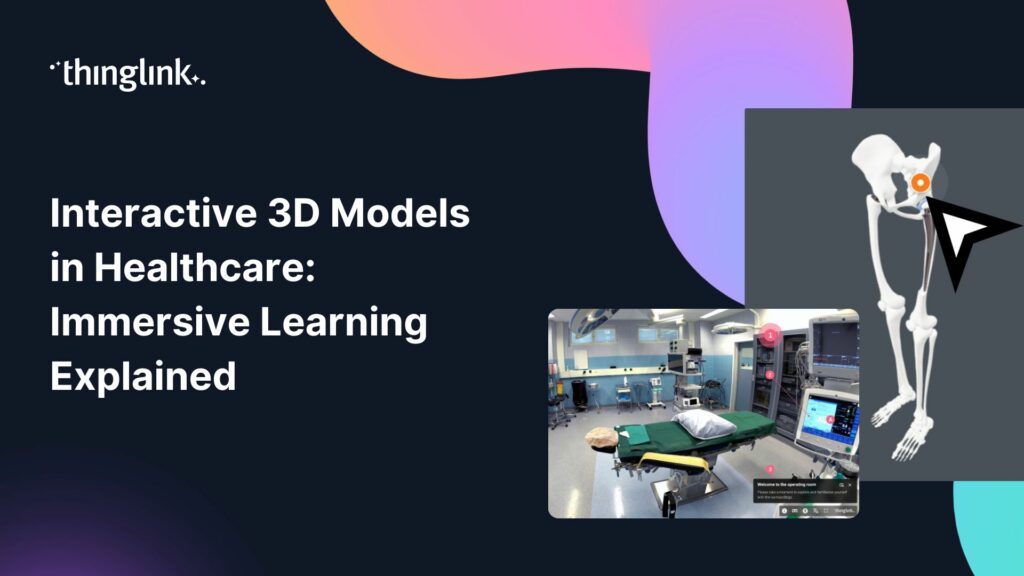
Interactive 3D Models in Healthcare: Immersive Learning Explained
What if your clinical training materials could let learners rotate a beating heart, explore a surgical site, or inspect medical equipment from every angle, without ever entering a simulation lab? Interactive 3D models in healthcare are making exactly that possible, and learning and development teams across the sector are taking notice.
This post breaks down what interactive 3D models are, why they matter for healthcare education, and how tools like ThingLink and the ThingLink Capture app make them easier to create than you might expect.
Why Healthcare Education Needs More Than Flat Content
Healthcare is one of the most complex training environments in the world. Clinical learners need to understand anatomy, equipment, procedures, and protocols with a level of precision that static PDFs and slide decks simply cannot deliver.
Traditional content formats ask learners to imagine spatial relationships from two-dimensional images. Interactive 3D models ask learners to explore them directly. That shift from passive reading to active exploration is backed by decades of learning science, and it is especially powerful in high-stakes fields where understanding structure and sequence can be the difference between a correct and an incorrect clinical decision.
If your team is still relying on printed materials or linear e-learning modules, the post From Static to Dynamic: How Interactive Training Modules Deliver Unmatched Strategic Value is a useful starting point for making the case internally for a richer approach.
What Are Interactive 3D Models in Healthcare?
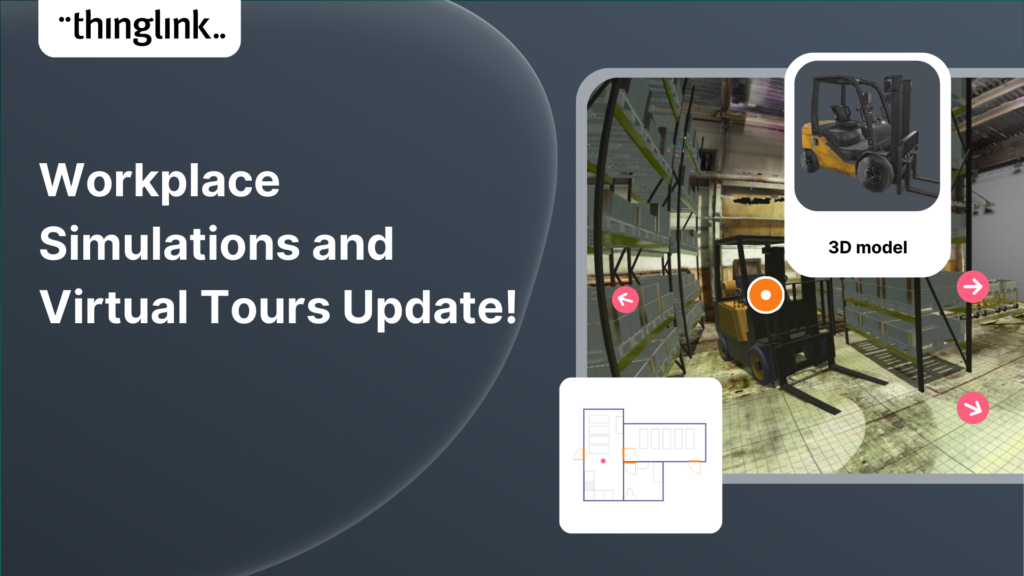
An interactive 3D model is a digital representation of a physical object or environment that learners can rotate, zoom into, and interact with. In a healthcare context, this could be a human organ, a piece of diagnostic equipment, a medical device, a ward layout, or a surgical instrument.
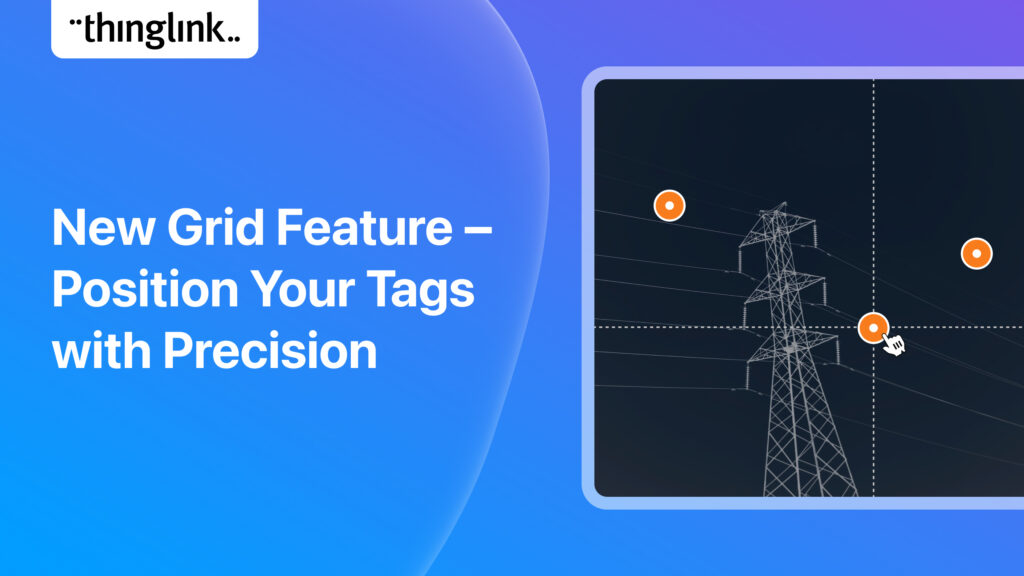
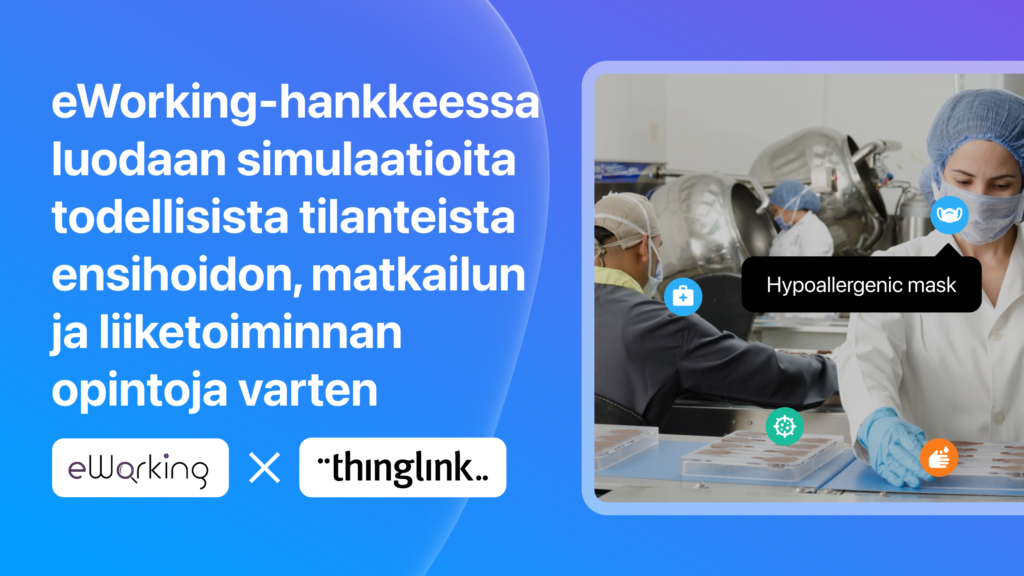
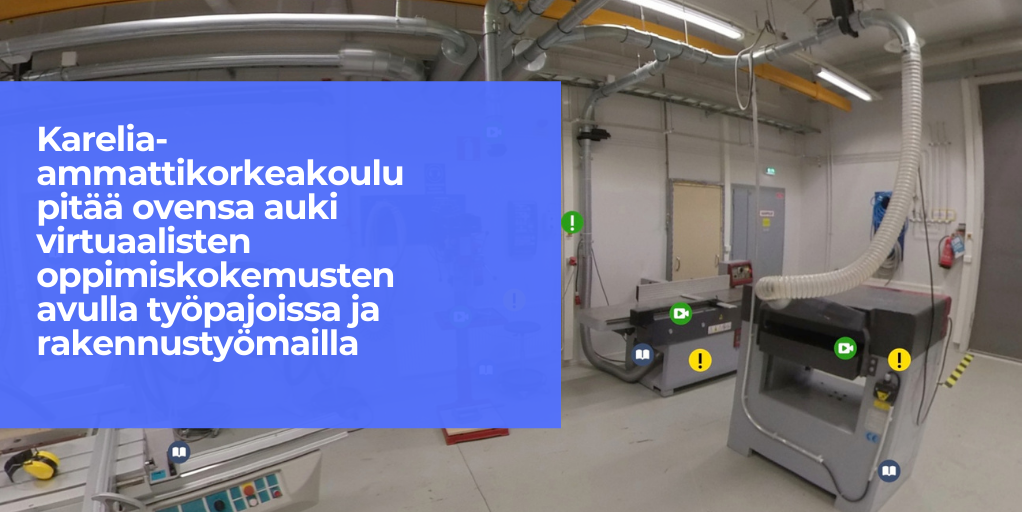
What makes these models truly powerful for learning is the addition of interactive hotspots: clickable or tappable points layered onto the model that reveal text, images, audio, video, or even embedded quizzes. Instead of passively observing a 3D structure, learners can click on the femoral artery to read about its clinical significance, or tap a ventilator component to watch a short video on correct calibration.
This is the core of what ThingLink enables with interactive 3D content.
How ThingLink Capture Brings Real Objects Into Digital Learning
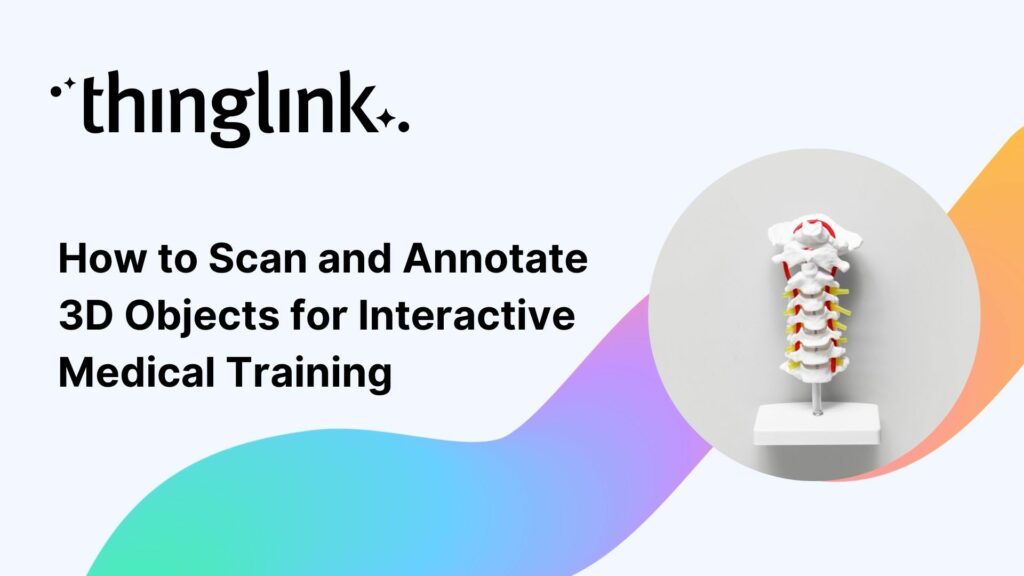
One of the most exciting developments for healthcare L&D teams is the ThingLink Capture app. Capture allows you to scan real physical objects using your smartphone or tablet and generate an interactive 3D model directly from that scan.
This means your team no longer needs a budget for expensive 3D modelling software or specialist design agencies. A nurse educator can scan a physical IV line setup. A clinical skills trainer can scan a resuscitation manikin. A medical device company can scan their latest piece of equipment. Once scanned, that model is brought into ThingLink where interactive hotspots can be added, content can be layered on, and the experience can be shared with learners at scale.
The launch of this capability is detailed in Launch of ThingLink Capture Enables Integration of Scanned 3D Objects in Interactive Learning Experiences, and the broader vision behind it is explored in From 3D Scanning to Interactive Spatial Overlays: How ThingLink Makes Spatial Learning Accessible to Millions.
Who Is This For?
The ThingLink Capture workflow is designed for educators and L&D professionals, not 3D artists. If you can take a photo, you can use Capture. This makes it particularly valuable for:
- Clinical skills educators who work with physical training equipment
- Medical device manufacturers creating product training
- Hospital L&D teams developing onboarding content for new clinical staff
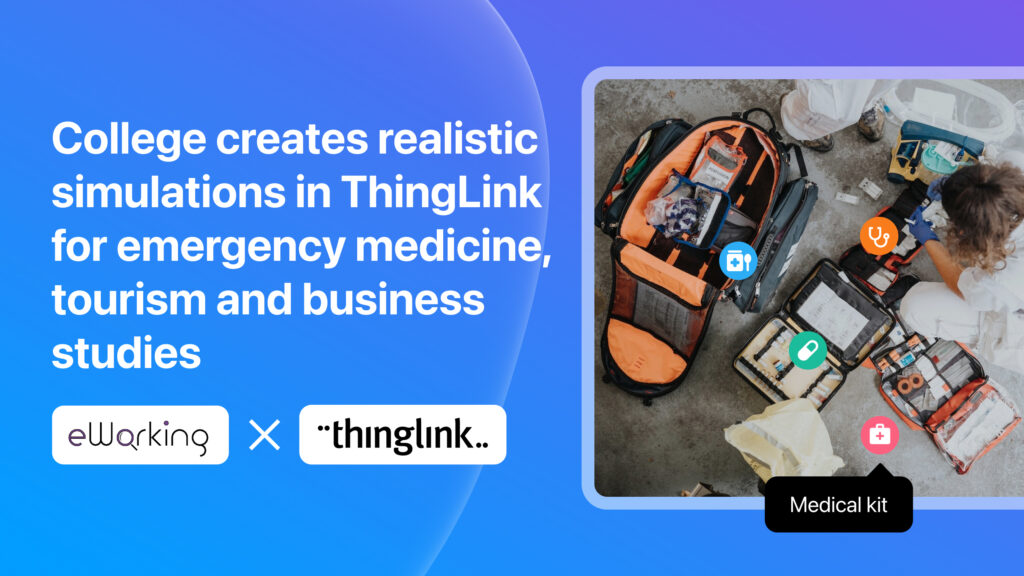
- Healthcare simulation teams looking to extend the life of their physical resources into digital formats
Key Use Cases for Interactive 3D Models in Healthcare Training
Anatomy and Physiology Education
Learners can explore labelled 3D anatomical structures at their own pace, rotating models to understand spatial relationships that flat diagrams cannot convey. Hotspots can link to clinical explanations, video demonstrations, or self-assessment questions.
Medical Equipment Familiarisation
Onboarding new staff to unfamiliar equipment is a persistent challenge in healthcare settings. An interactive 3D model of a specific device, with hotspots explaining each component and its function, gives learners a safe and repeatable way to build familiarity before they encounter the real thing. This approach mirrors the logic behind immersive standard operating procedures, which you can read about in Immersive Standard Operating Procedures: Why They Work.
Procedural and Safety Training
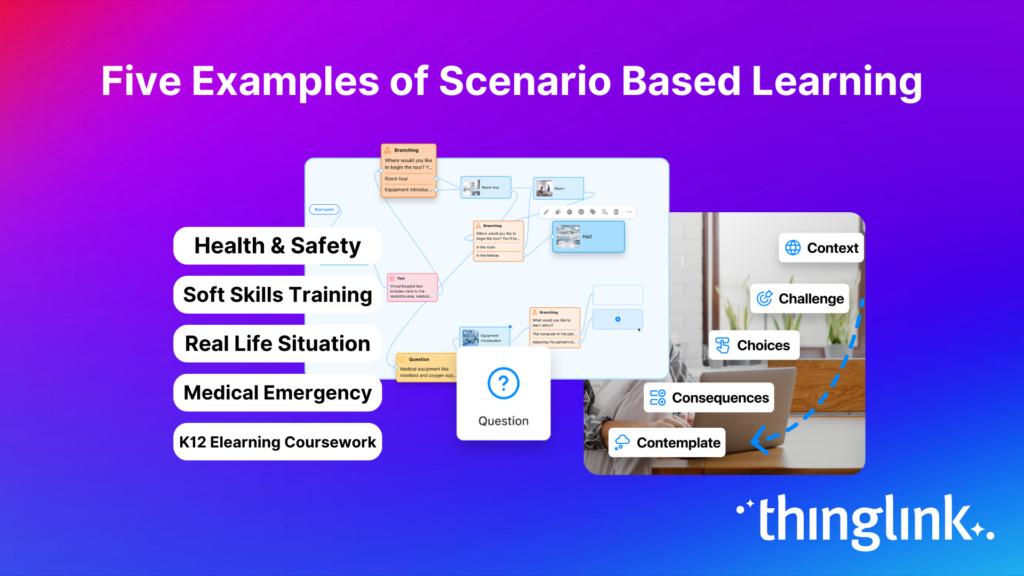
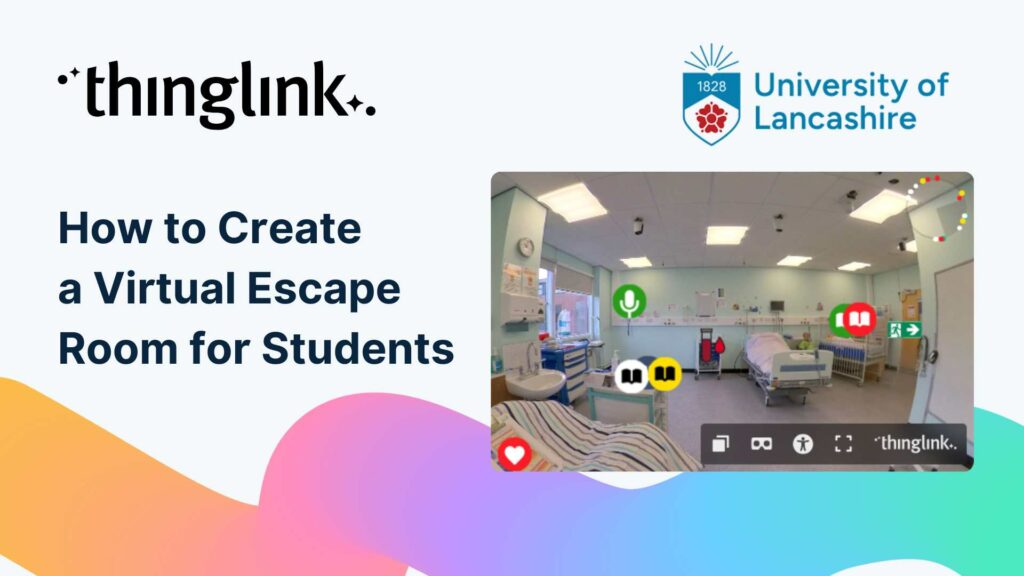
Interactive 3D environments can guide learners through step-by-step clinical procedures, with branching paths that respond to learner choices. Combined with ThingLink’s scenario-based learning tools, this supports realistic decision-making practice in a consequence-free setting. For more on safety training approaches, see How to Improve Workplace Safety Training with Interactive Content.
Remote and Self-Directed Learning
Not every learner can access a simulation lab. Interactive 3D models are accessible from any device with a browser, which means a junior doctor studying at home, a community nurse completing mandatory training, or a student on clinical placement can all access the same high-quality content. ThingLink’s privacy and visibility settings give your organisation full control over who can access what, whether that is a single ward team or your entire trust. You can learn more about managing access in the Privacy (Visibility) Settings support article.
Distributing Interactive 3D Content Across Your Healthcare Organisation
Creating great content is only half the challenge. Getting it to the right learners, at the right time, is equally important.
ThingLink’s organisational landing page acts as a customisable learning hub where you can publish and distribute interactive experiences to specific teams or learner groups. You can assign content by job role, department, or training stage, ensuring that a junior nurse sees different content from a senior registrar. The Organisational Landing Page support article walks you through setup, and the Display Landing Page Content to Specific Groups guide explains how to manage group-level access.
For teams using an existing LMS, ThingLink content can also be embedded directly, giving you flexibility without requiring you to rebuild your existing infrastructure.
Getting Started With Interactive 3D Models in Healthcare
You do not need a large team or a specialist technical background to start creating interactive 3D learning experiences. The ThingLink Capture app and the ThingLink editor are designed to be accessible to educators and L&D professionals at all levels.
If you want to build your confidence with the platform before diving into 3D content, the ThingLink Creator Course is a great place to start. It covers the fundamentals of creating interactive and immersive experiences from scratch.
Interactive 3D models in healthcare are not a future aspiration. They are a practical, accessible tool that your team can start using today to improve clinical understanding, reduce knowledge gaps, and deliver training that learners actually engage with.
Ready to explore what is possible? Read more about the ThingLink Capture app to see how 3D scanning fits into your content workflow.