How Careeria Centralises Interactive Learning Materials with ThingLink
What if every learning material you created was automatically accessible, instantly translatable, and embeddable anywhere without a single login headache? For Careeria, a Finnish vocational education provider serving around 10,000 students a year, that is exactly what ThingLink makes possible.
This post walks through how Careeria solved six real content management challenges by adopting ThingLink as one central home for interactive learning materials, video, and immersive content across Moodle, the staff intranet, and external websites.
Organisation Snapshot
Careeria is a multidisciplinary vocational education and training provider based across Porvoo, Helsinki, Vantaa, and Kerava in Finland, with nationwide online services. Its staff create digital materials for everyday teaching, communication, and instructions, reaching young people, adult learners, companies, and organisations. Teaching and support staff are the primary content creators, working inside a Microsoft environment and delivering through Moodle and multiple web platforms.
If you work in a similar setting, you may recognise the challenges Careeria faced before ThingLink.
The Challenge: Six Problems with Scattered Learning Content
Careeria’s digital materials lived in many places at once. That created a set of practical problems that will feel familiar to anyone managing vocational learning content at scale.
Embedding Was Fragile
Linked and embedded materials often required students to log in separately. That made the online learning experience less seamless and regularly caused technical friction that disrupted learning.
Updating Was Repetitive and Risky
The same material was frequently used across many Moodle courses. As Careeria put it directly: “When a material changes, the same change may have to be made in dozens of separate places at worst, and we may not even know about all of them.”
Translations Were Slow
Producing language versions of learning materials took significant time and required specialist language expertise that not every staff member had.
Accessibility Was Hard Work
Making materials accessible on many platforms was a labour-intensive task that required dedicated specialist knowledge, rather than something that happened automatically.
Video Had No Good Home
Careeria operates in a Microsoft environment, but Microsoft Stream did not offer seamless embedding inside Moodle, leaving video content without a practical distribution channel.
Immersive Content Needed a Platform
Careeria wanted to use 360, VR, and AR content in its teaching, but its previous tool for hosting this content felt cumbersome and added another system for staff to manage. Vocational education providers exploring immersive content will find this challenge explored further in our post on how ThingLink supports TVET and higher education pedagogy.
The Solution: One Platform for All Learning Materials
Careeria adopted ThingLink as a single, central platform for creating and distributing interactive learning materials. The rollout started with basic ThingLink training for all staff, followed by targeted training for specific use cases. Both training streams now run on a regular schedule in Careeria’s internal training calendar, making it easy for new staff to get started.
From there, the team moved case by case, building confidence and proven practice before scaling. ThingLink is now used across six key areas.
Centralised Content Shared Across Multiple Moodle Courses
Instead of duplicating materials across courses, Careeria creates one ThingLink and embeds it wherever it is needed. A single edit in ThingLink updates the content everywhere instantly.
Campus Base Maps
Careeria’s campus maps are built in ThingLink and embedded across the intranet and web, giving students and visitors an interactive, always-current reference.
Learning Materials Embedded in Moodle
Teachers build interactive learning materials in ThingLink and embed them directly in Moodle courses. Students access them without being asked to log in to a separate system.
Project Materials
Project documentation and resources are created and shared through ThingLink, keeping everything in one place and easy to update as projects evolve.
Shared and Embedded Videos
Internally produced videos are hosted in ThingLink and embedded in Moodle and other environments, replacing the friction that came with Microsoft Stream in this context.
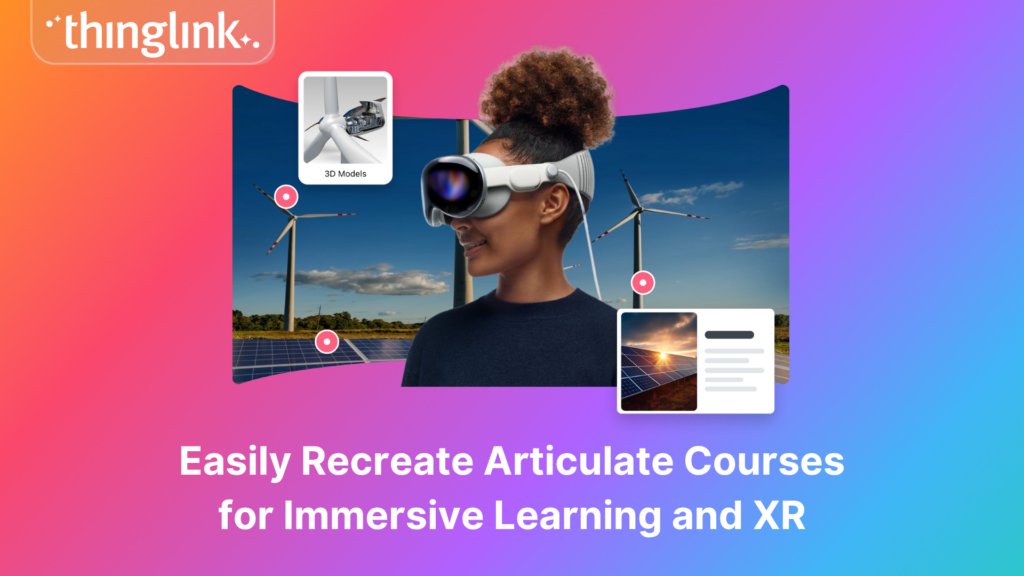
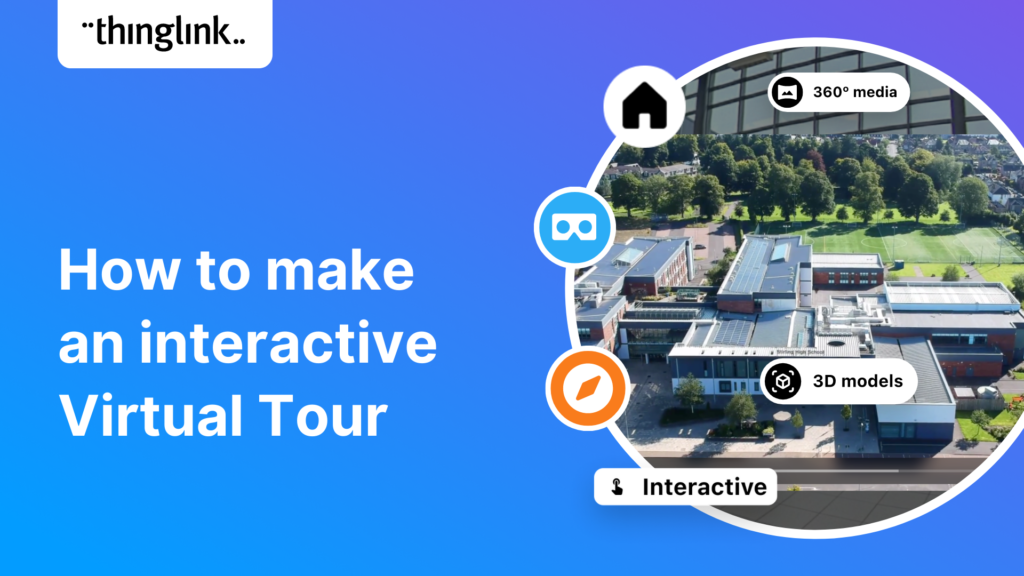
360, VR, and AR Content
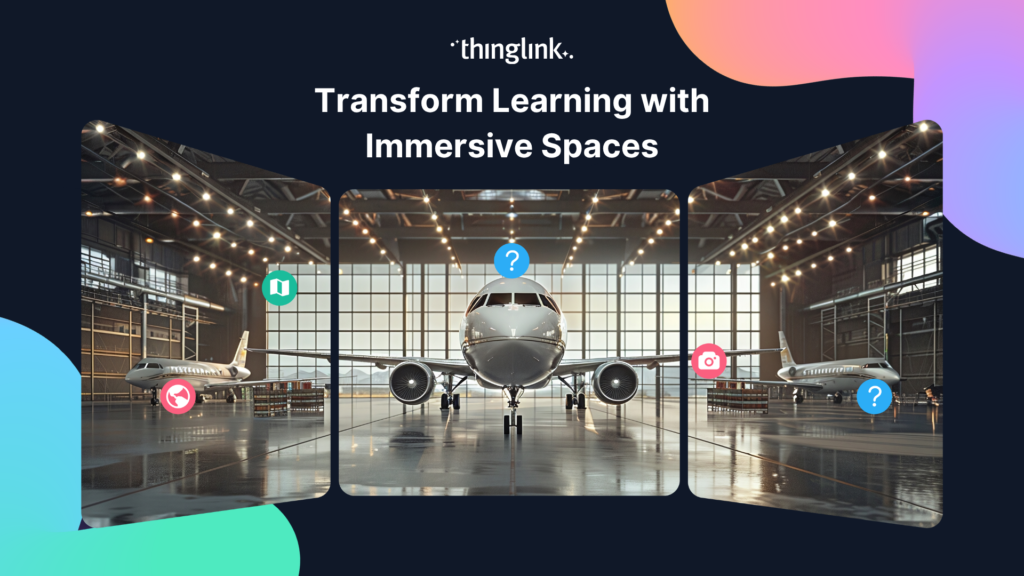
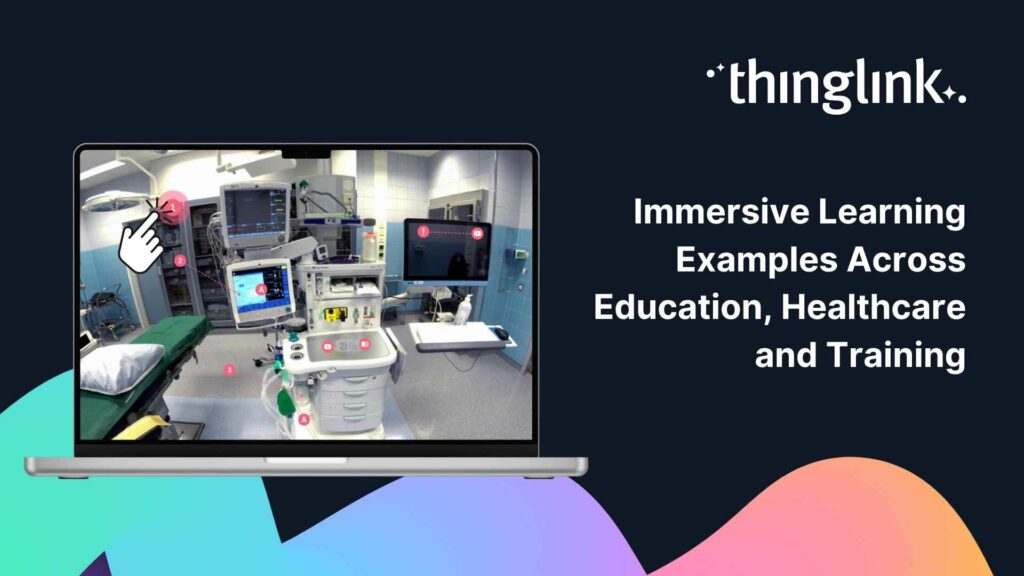
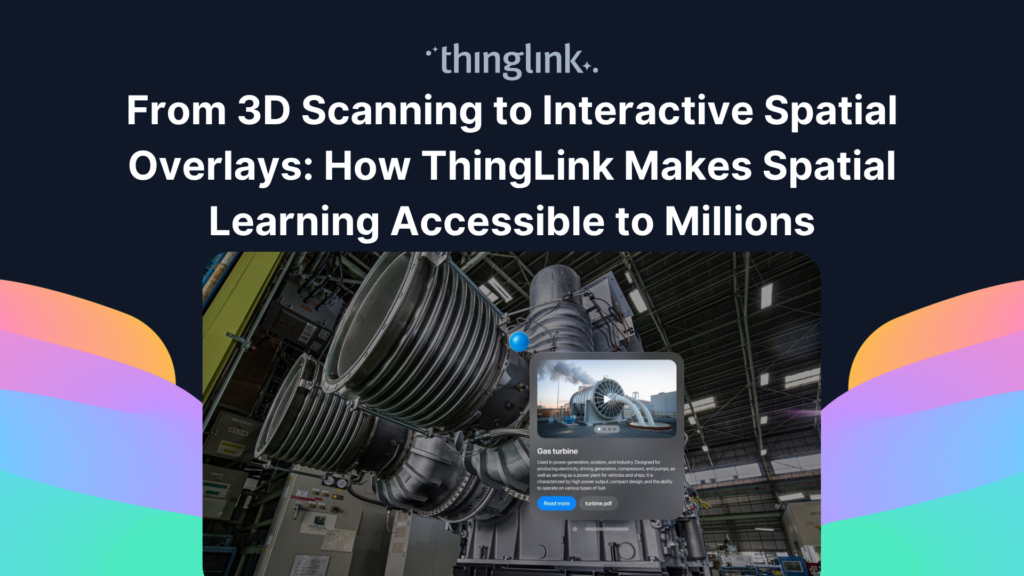
ThingLink now hosts all of Careeria’s immersive content, from 360-degree images to VR and AR experiences. It replaced a separate tool that staff found difficult to use and hard to embed. For inspiration on what this kind of immersive vocational content can look like, see how another Finnish vocational college created live virtual tours with ThingLink.
The Benefits: What Changed for Careeria’s Staff and Students
Update Once, Not in Dozens of Places
Because each ThingLink material is embedded rather than copied, a single edit updates the content everywhere it appears. Careeria describes ThingLink as an efficiency tool for centralised learning materials: the time saving compounds the more widely the platform is used.
Embeds That Work Across Moodle, the Intranet, and Websites
Staff now have one consistent method for sharing materials across every platform Careeria uses. Students get a smoother, uninterrupted learning experience because they are not redirected to log in somewhere else.
Faster Translations, With a Human Still Checking
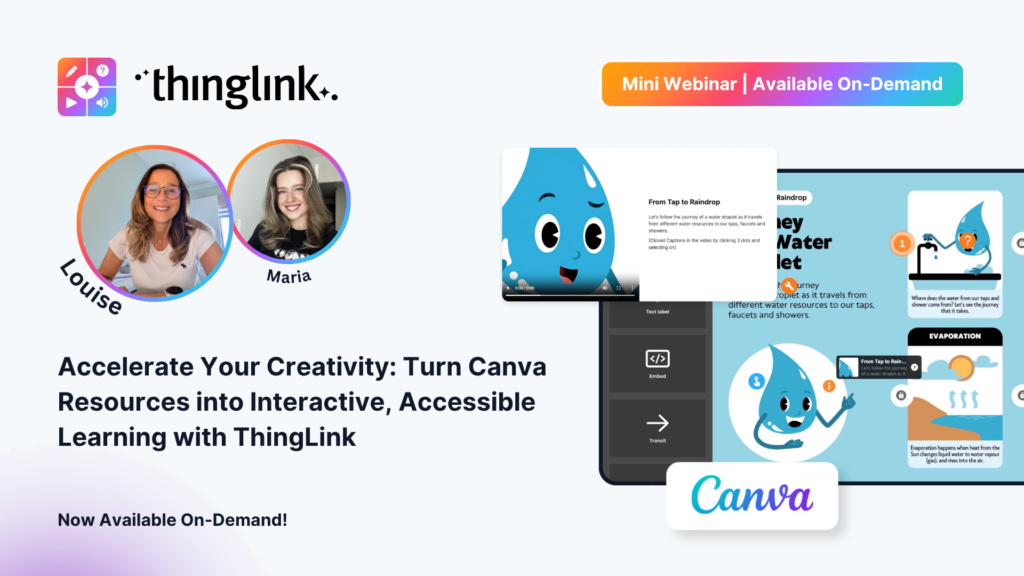
Careeria uses ThingLink’s built-in AI to generate draft translations of learning materials quickly. Important content is still reviewed by a skilled person, but Careeria finds that the AI translations often work surprisingly well, reducing the specialist workload significantly.
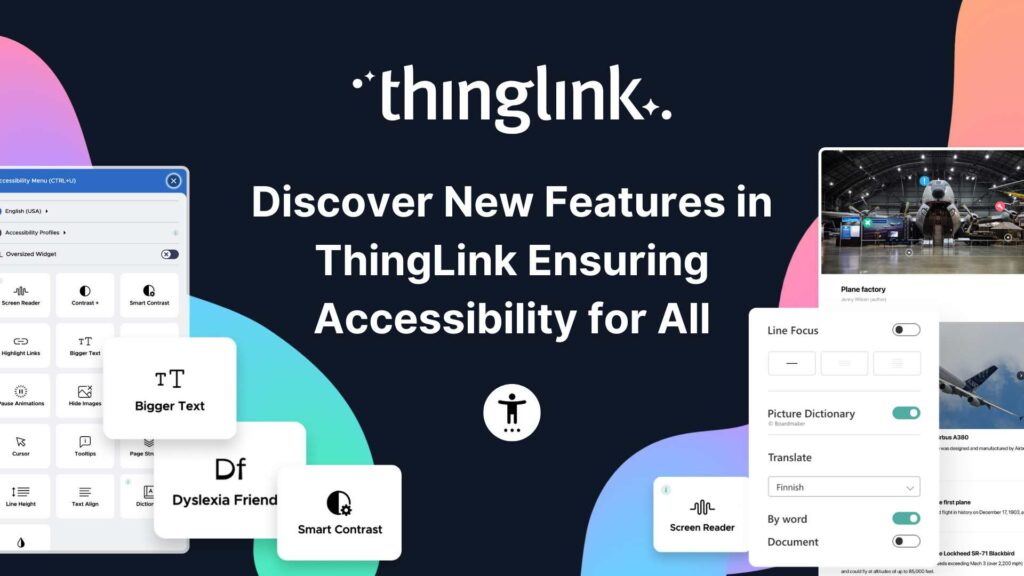
An Accessible Version of Every Material, Automatically
ThingLink’s accessible view gives every material an accessible alternative without teachers needing to do extra work. The only requirement is that images do not carry essential information as embedded text, or that any such text is also included as actual text. As Careeria’s Teemu Eskola explained:
“The fact alone that ThingLink automatically provides an accessible view of every material means the number of accessible materials grows at the same pace as our use of ThingLink.”
This matters enormously in vocational education, where diverse learner needs are the norm rather than the exception. If you are thinking about how to make your own materials more inclusive, student engagement and accessibility go hand in hand.
One Platform for Video and Immersive Content
ThingLink replaced a separate, cumbersome tool for hosting 360, VR, and AR content. For this use case in particular, ThingLink is not just an efficiency gain: it is what makes the use case possible at all. Curious what immersive learning looks like in practice? See how interactive virtual work environments are being created for vocational students.
Results: What Careeria Has Seen So Far
Careeria is transparent about its evidence: formal quantitative data has not been collected. What is clear is that targeted solutions and real-world trials have proven to work, and time savings scale with adoption.
The impact varies by use case in a meaningful way. For centralised interactive learning materials, ThingLink makes existing work more efficient. For 360, VR, and AR content, it is an enabler: without it, the work simply would not happen. For accessibility, every new material created in ThingLink is automatically an accessible material, so the accessible content library grows without any additional effort.
That pattern: efficiency where work already exists, and new capability where it did not before, is a compelling case for any vocational education provider evaluating where to invest.
What Comes Next for Careeria
Careeria’s next phase is scaling the practices that have already been proven in real use. This happens through two channels: regular internal training sessions open to all staff, and digital teams embedded in each unit who help colleagues bring proven approaches into their own teaching and communication.
The model is deliberate and sustainable. Start with targeted use cases, prove them, train staff, and then spread what works. If you are at a vocational college thinking about a similar journey, exploring how ThingLink is used in TVET settings is a practical starting point.
Start Building Your Own Centralised Learning Materials
Careeria’s story shows that the biggest wins in vocational education often come not from doing entirely new things, but from doing existing things more efficiently: creating once, embedding everywhere, and letting the platform handle accessibility and translation by default.
ThingLink is built to support exactly that. Whether you want to centralise your Moodle content, host your first 360 tour, or give every learning material an accessible view automatically, you can get started today.
See how ThingLink supports vocational and technical education and explore what is possible for your institution.