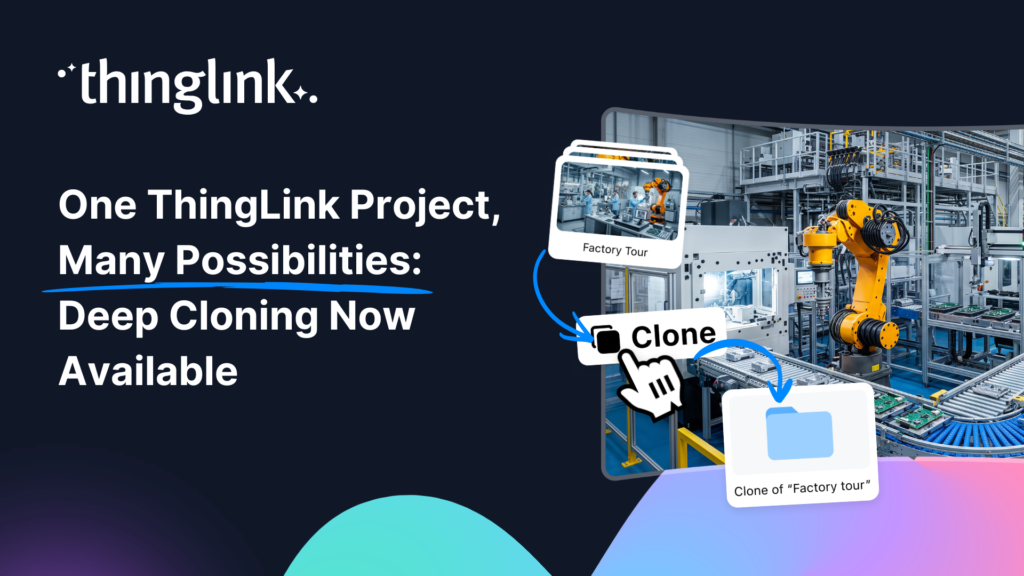
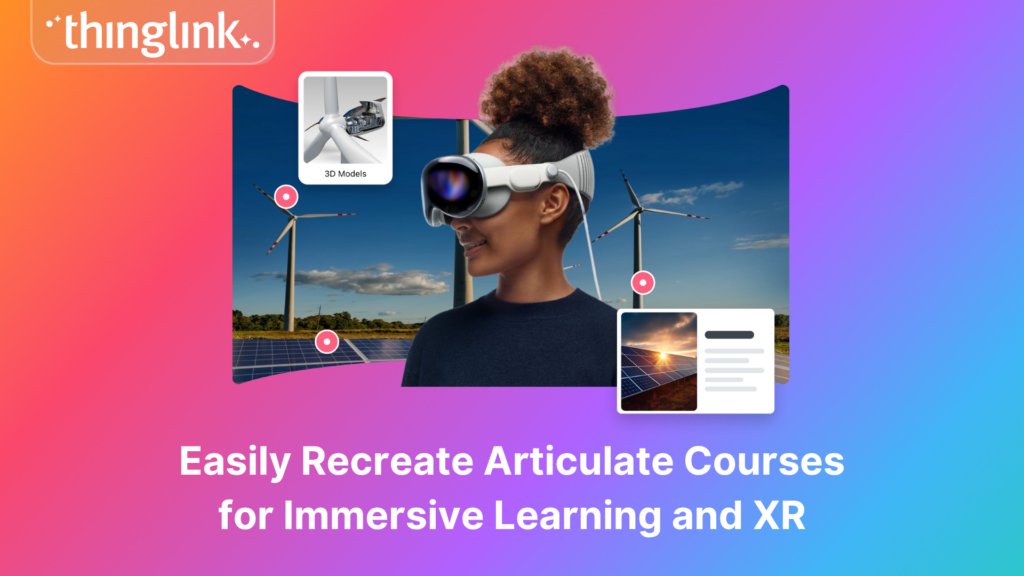
Your best ThingLink project should not have to stay in one form forever. Whether you want to tailor it for a new audience, refresh it for an upcoming school year,...
What does it actually feel like to teach with ThingLink? Not from a product page, not from a feature list, but from the people who use it every day in classrooms,...
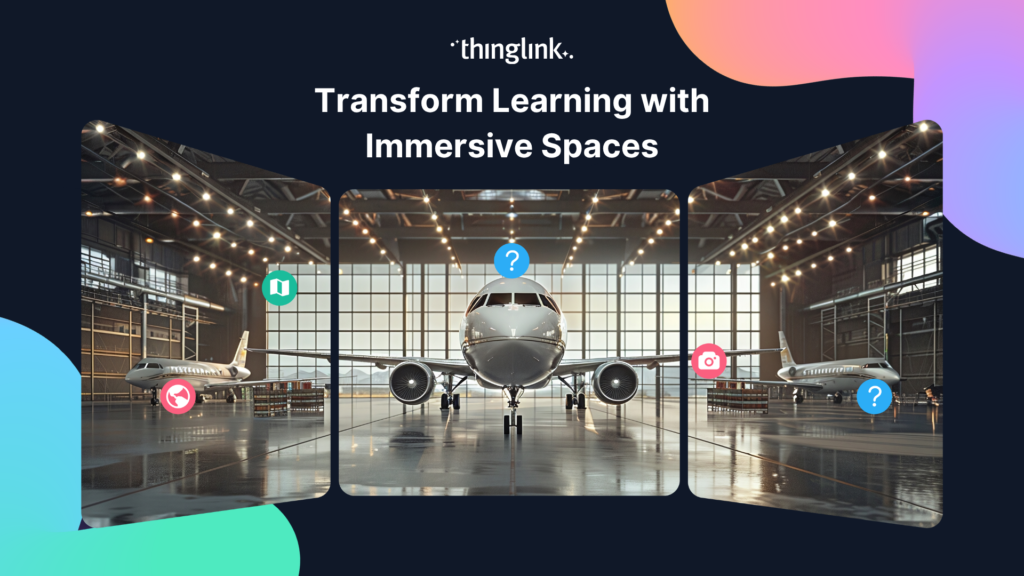
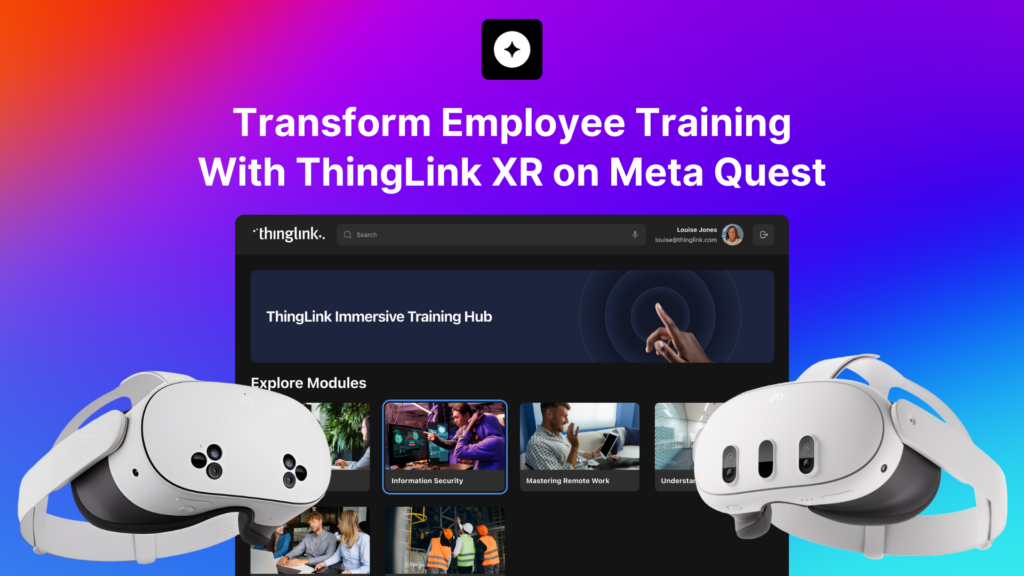
What If Your Training Room Could Transport Your Team Anywhere? Imagine walking into a meeting room and finding yourself inside a realistic oil refinery, a hospital...
Virtual reality headsets are an incredibly powerful way for learners to explore immersive learning experiences. By placing learners inside an environment and allowing...
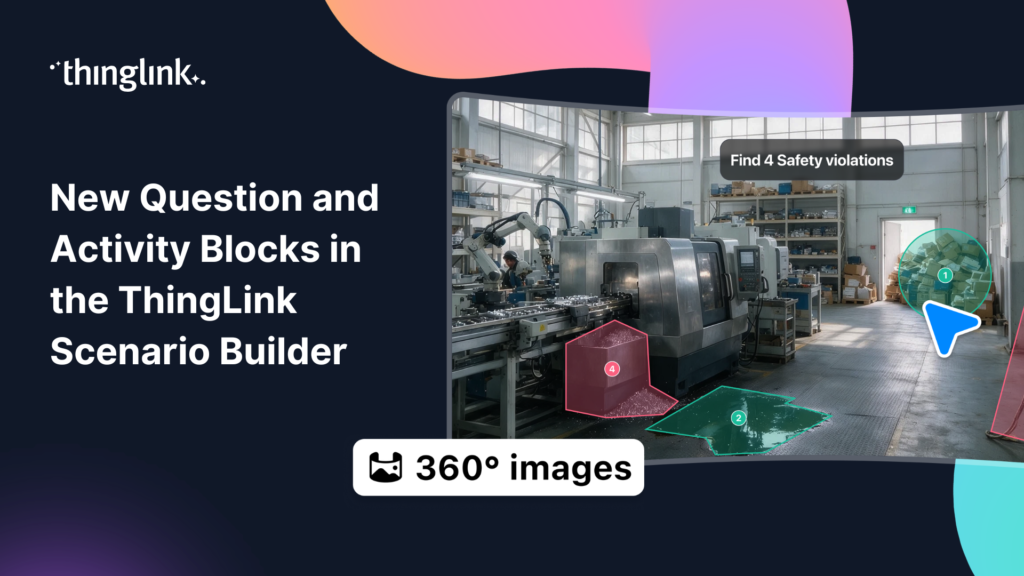
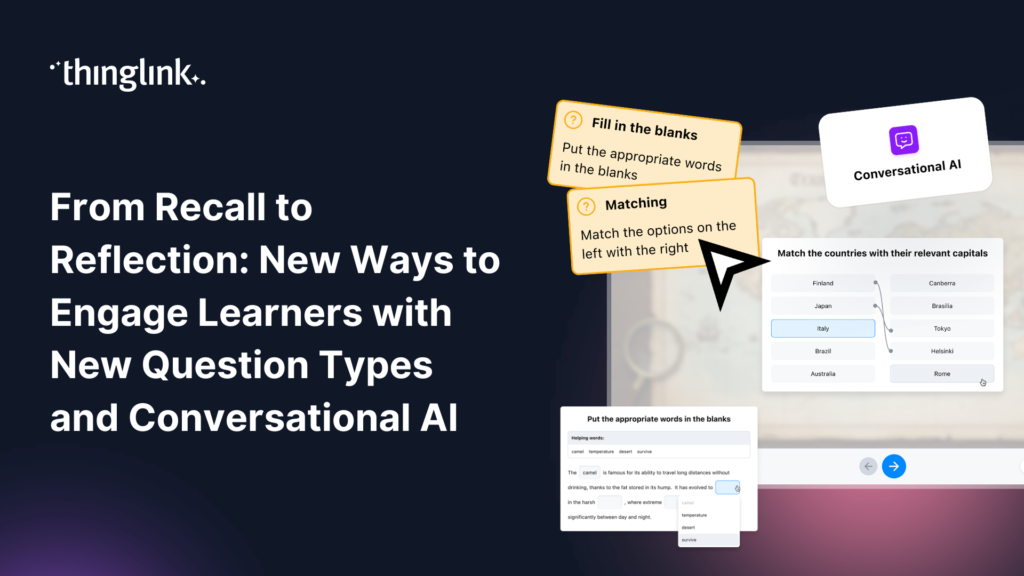
ThingLink Scenario Builder now includes an expanded range of Question and Activity blocks, giving creators more ways to collect learner responses and build interactive...
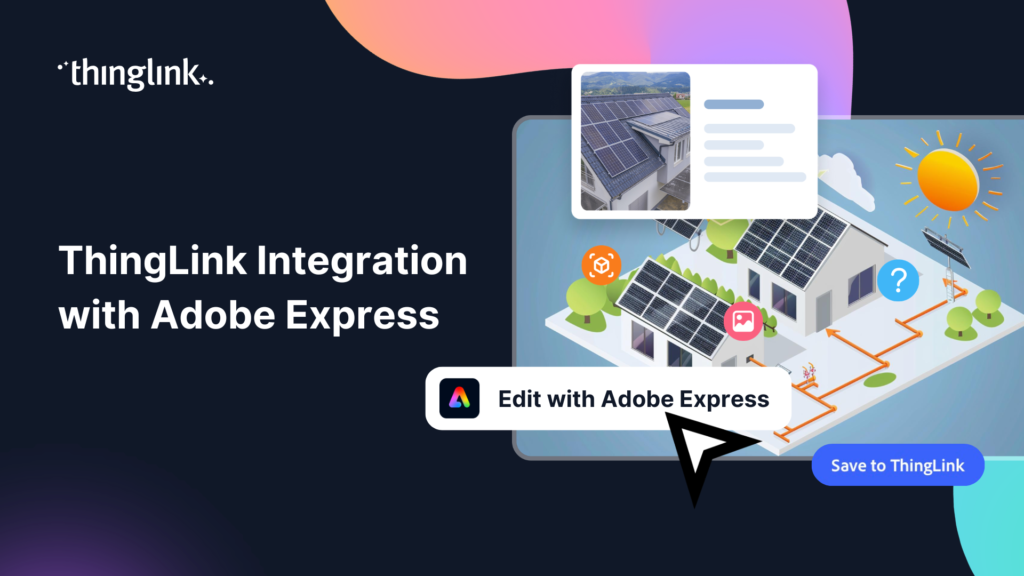
We’re thrilled to announce a brand-new integration between ThingLink and Adobe Express, making it easier than ever to design stunning visuals and turn them...
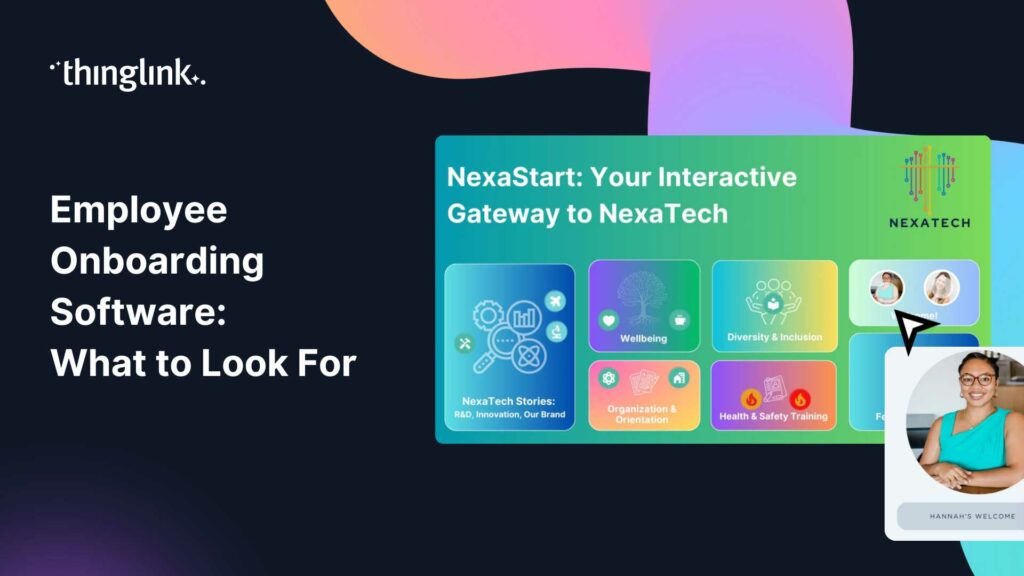
Your new hire has signed the contract. Now comes the part that shapes everything: onboarding. Research consistently shows that the first weeks in a role have an...
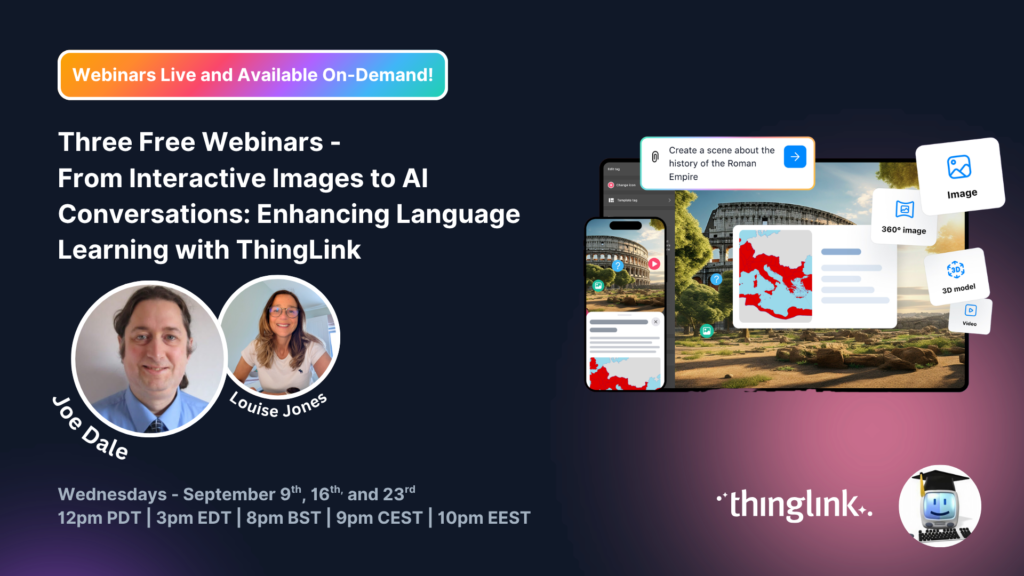
A totally unmissable free three-part webinar series with Joe Dale and Louise Jones Language learning is entering an exciting new chapter. As educators explore how...
Why Traditional Training Is No Longer Enough Your learners are switching off. Slide decks, compliance click-throughs, and passive video modules have been the backbone...
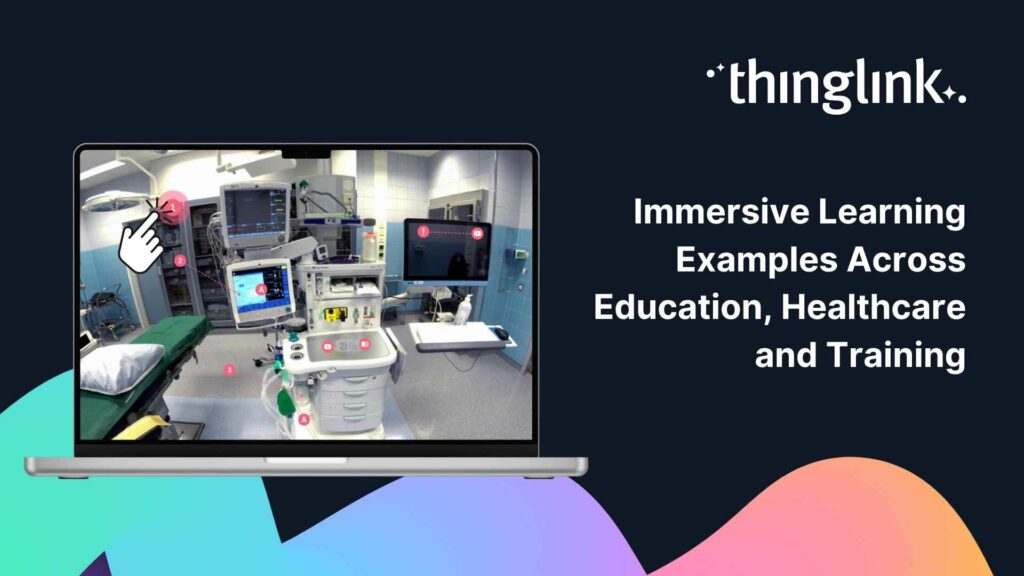
What Does Immersive Learning Actually Look Like in Practice? You have probably heard the term immersive learning used a lot lately. But when you work in healthcare...
Your students can solve a quadratic equation on a worksheet. But ask them to work out the best mobile phone contract, calculate how much paint they need for a room,...
Static infographics are great at grabbing attention. But what if your audience could click into the data, watch a product demo, or explore a process at their own...
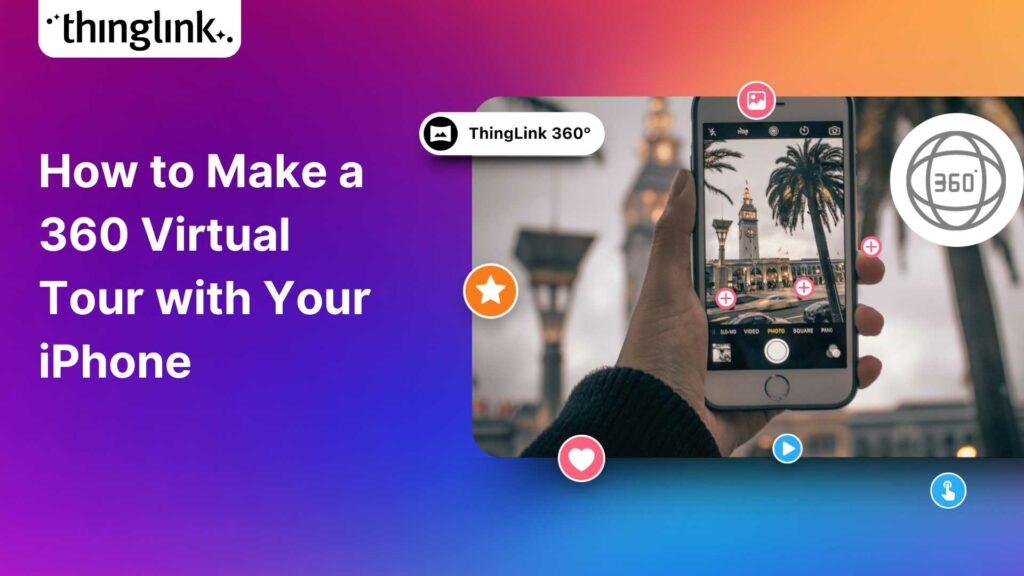
Turn Your iPhone Into a 360 Virtual Tour Creator What if the most powerful 360 virtual tour software you need is already in your pocket? With ThingLink’s ...
Great learning experiences don’t rely on a single type of interaction. Sometimes learners need to recall key facts. Sometimes they need to recognize patterns,...
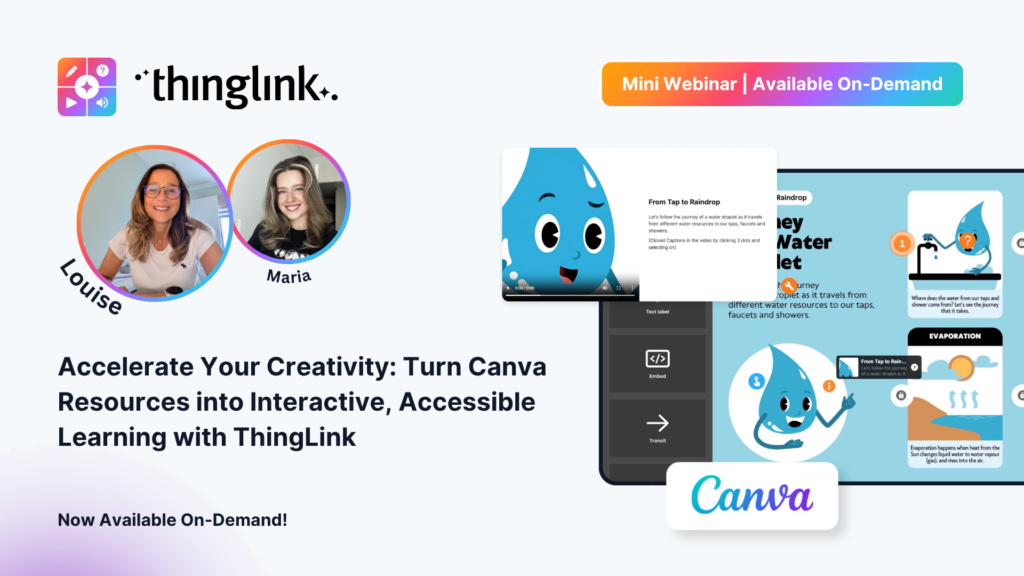
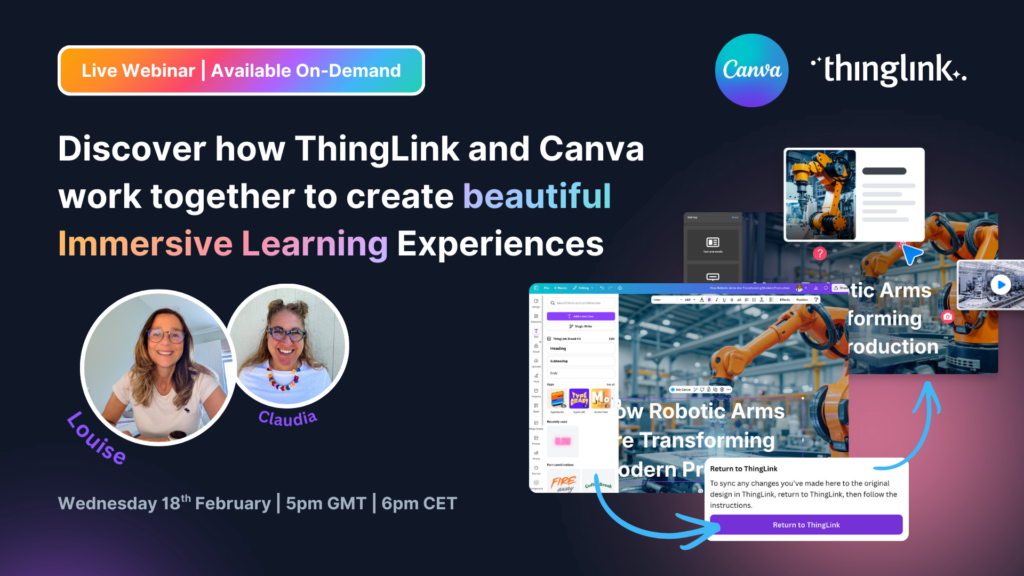
Your Canva Resources Deserve to Do More You have already put in the work. You have designed the posters, built the infographics, and created the visual guides. ...
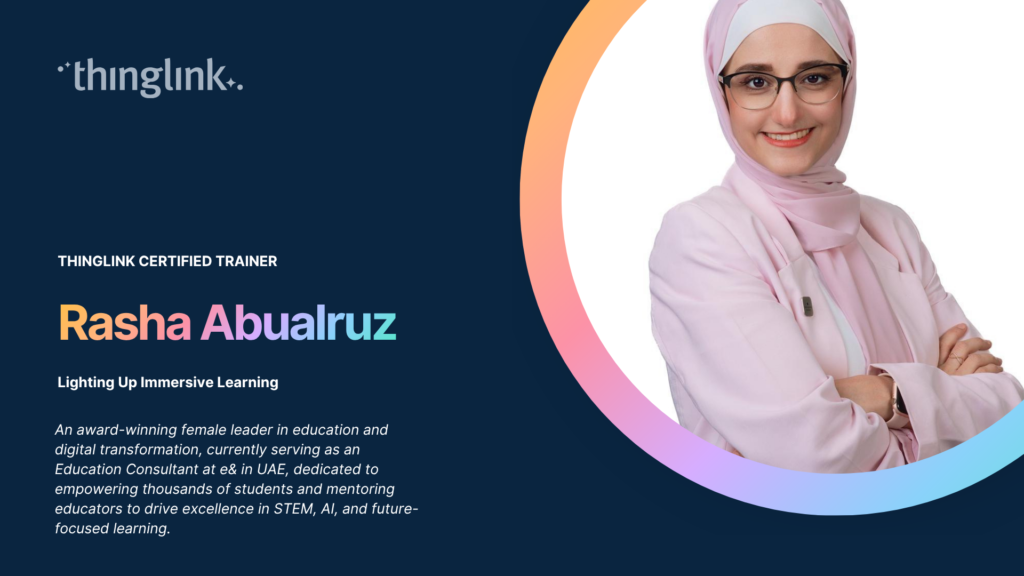
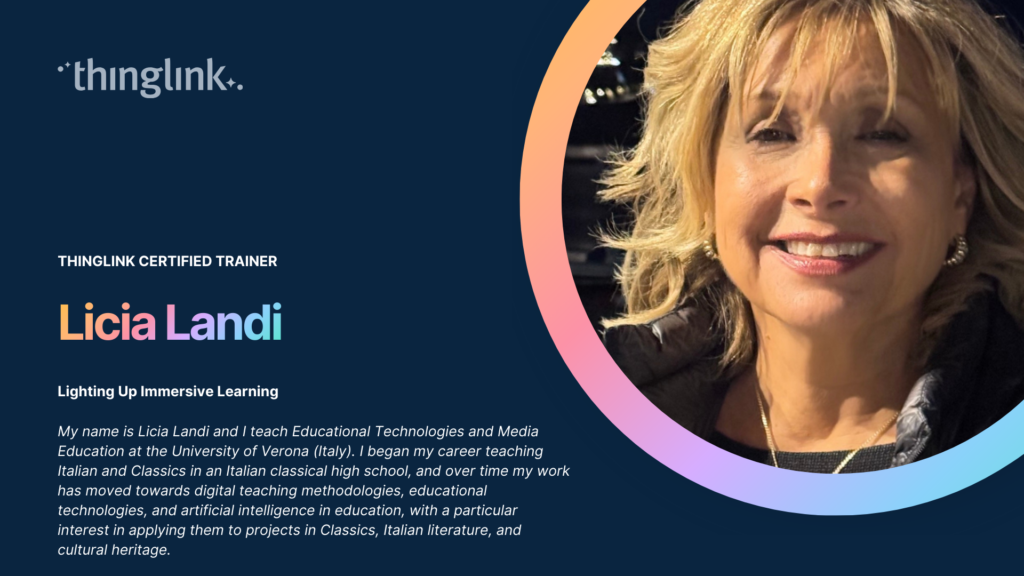
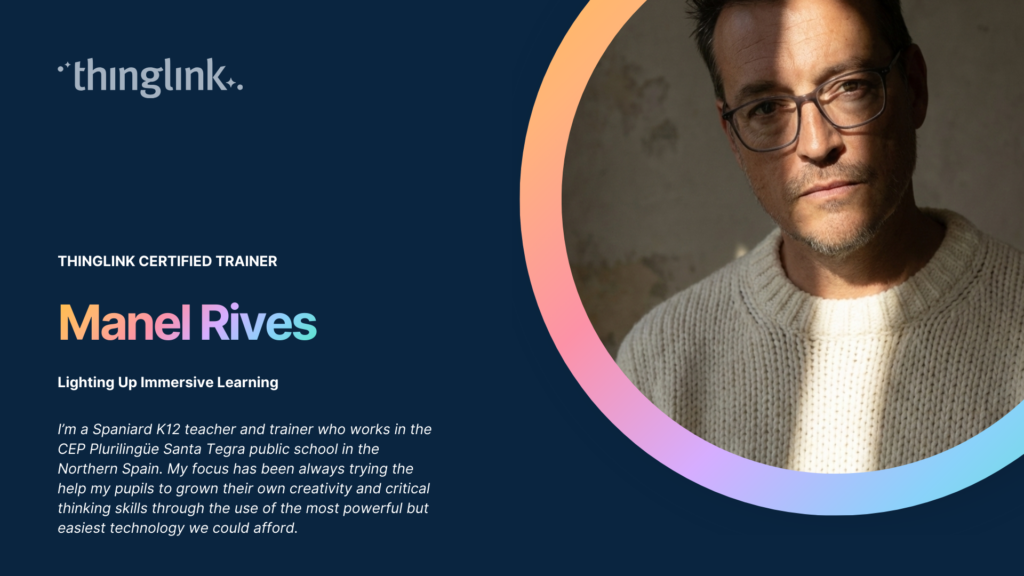
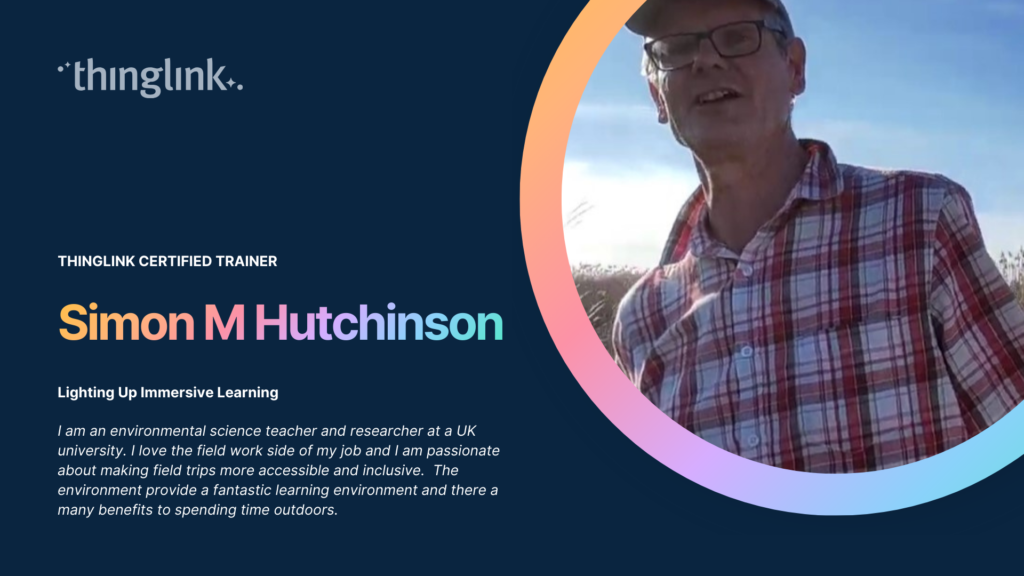
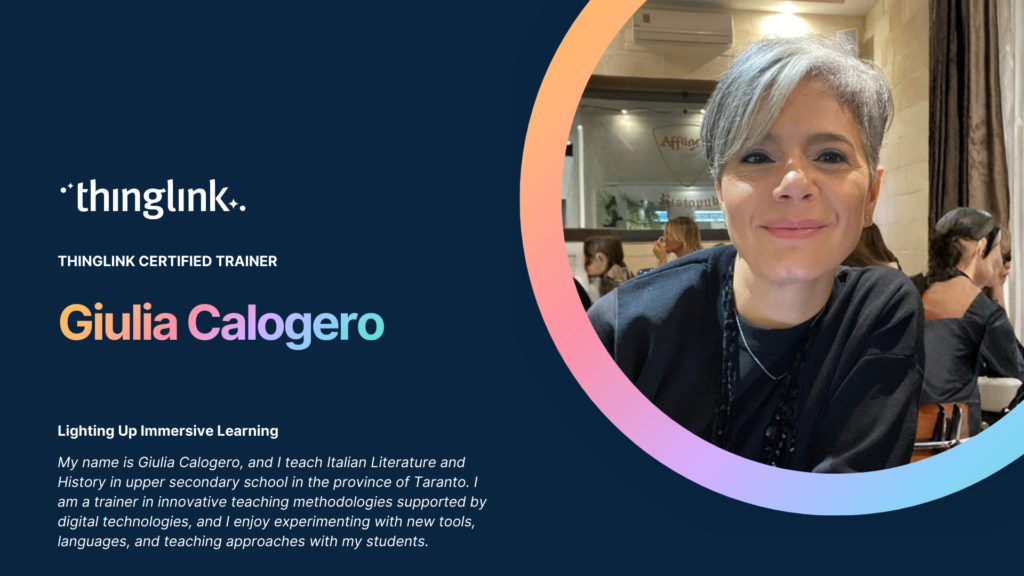
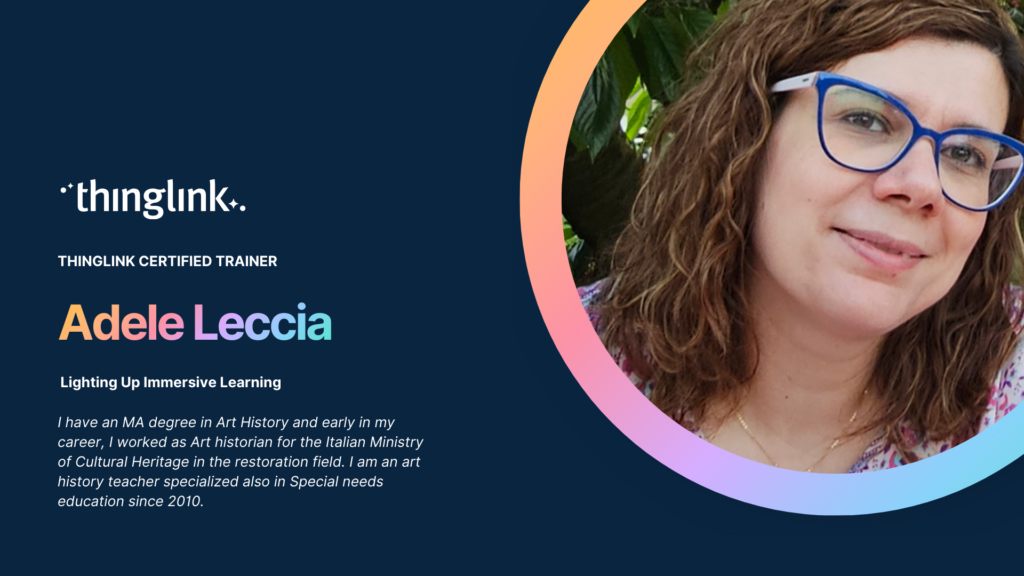
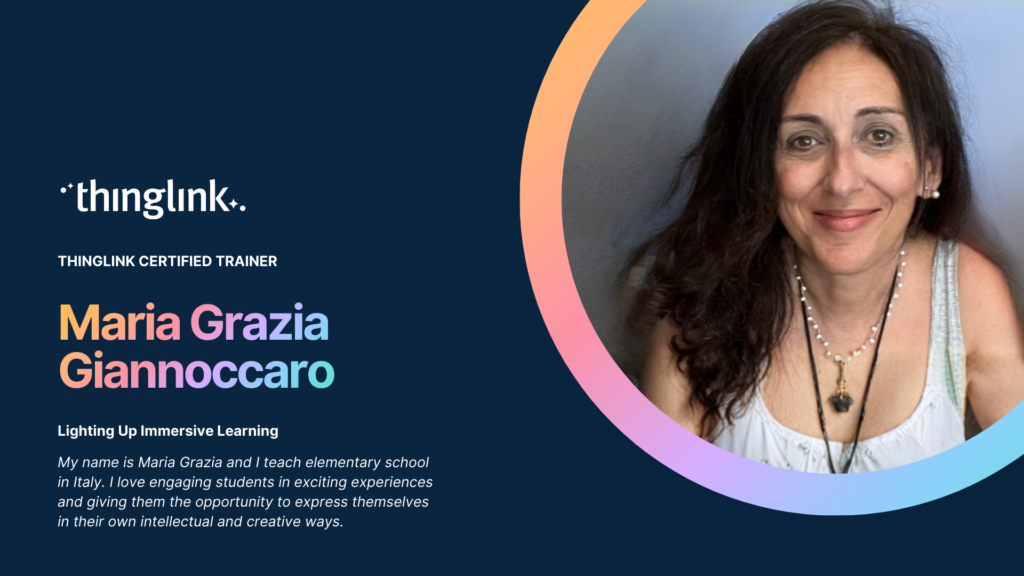
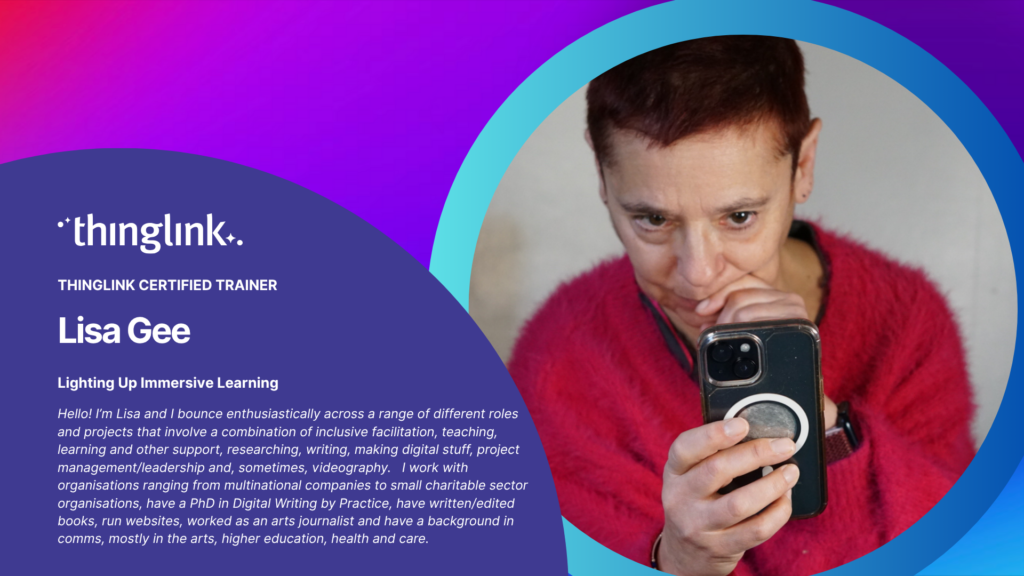
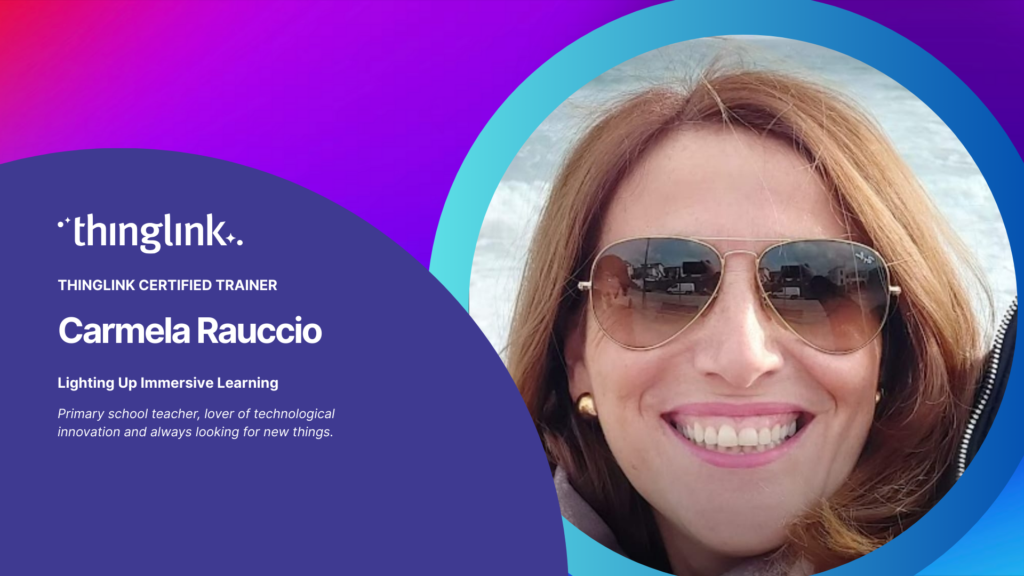
ThingLink Luminaries is a series of guest blog posts highlighting certified trainers who are creating interactive and immersive experiences to make learning...
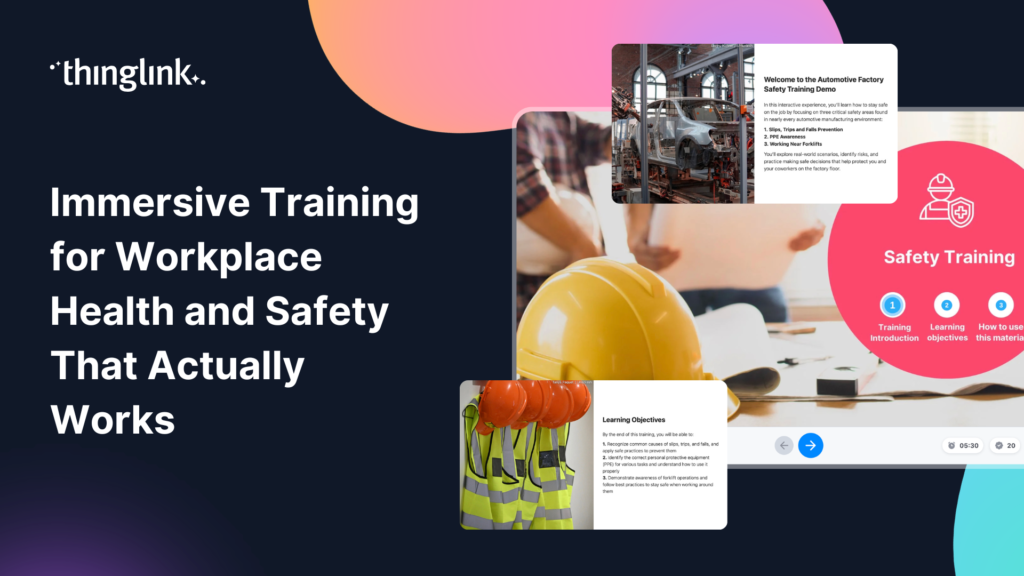
What if your team could practise responding to a chemical spill, a fire evacuation, or a machinery fault — before anything went wrong in real life? That is the...
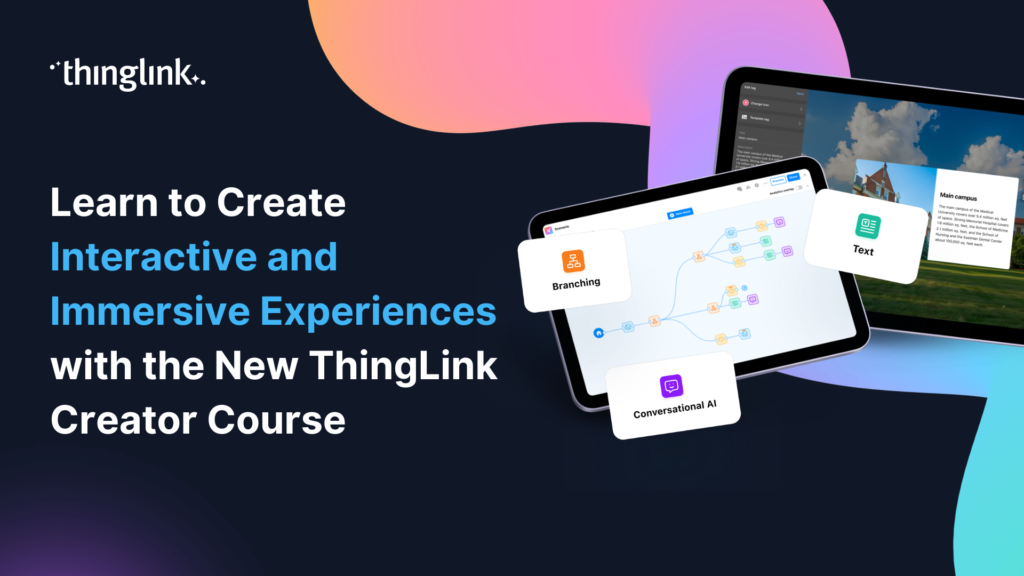
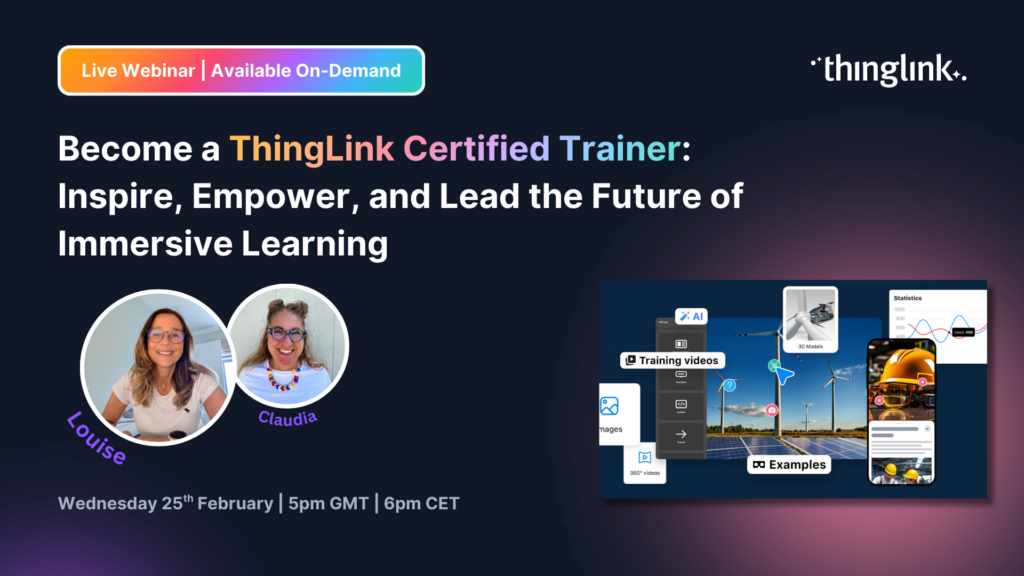
🚀 The Official ThingLink Certified Creator Course is now live! Whether you’re completely new to ThingLink or looking to deepen your skills, the new Certified...
On 01 June 2026, ThingLink’s updated Terms of Use and Privacy Policy will come into effect. These updates are intended to make our legal documents clearer, better...
 Ivan Kiprin
3 min read
Ivan Kiprin
3 min read
ThingLink Luminaries is a series of guest blog posts highlighting certified trainers who are creating interactive and immersive experiences to make learning...
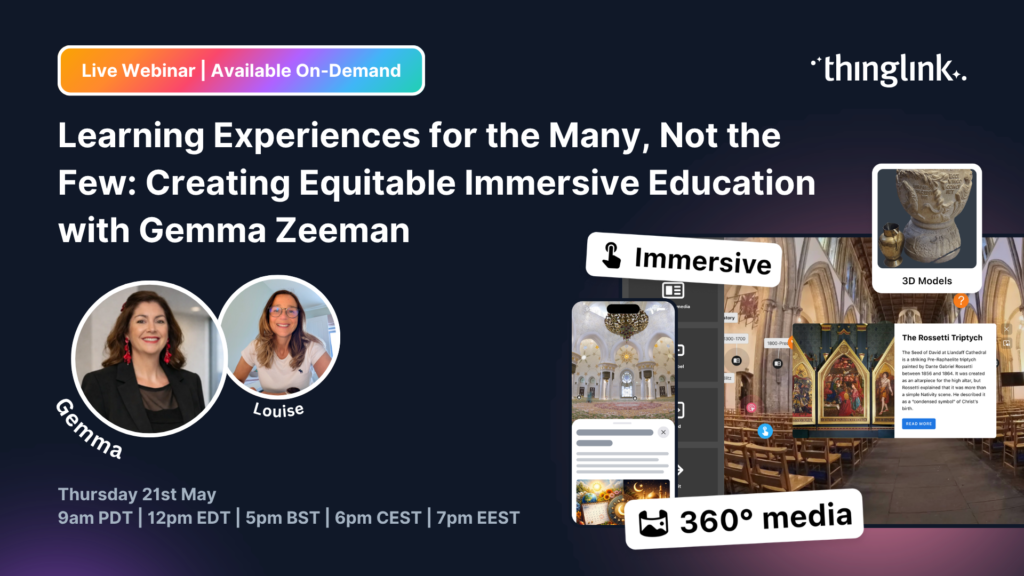
Join us for a very special ThingLink Spotlight webinar with Gemma Zeeman, founder of Immersive Discoveries and a ThingLink Certified Trainer, as we explore how ...
Accessibility is often discussed through the lens of compliance, but inclusive learning requires something truly deeper. In this webinar, hosted by Louise Jones...
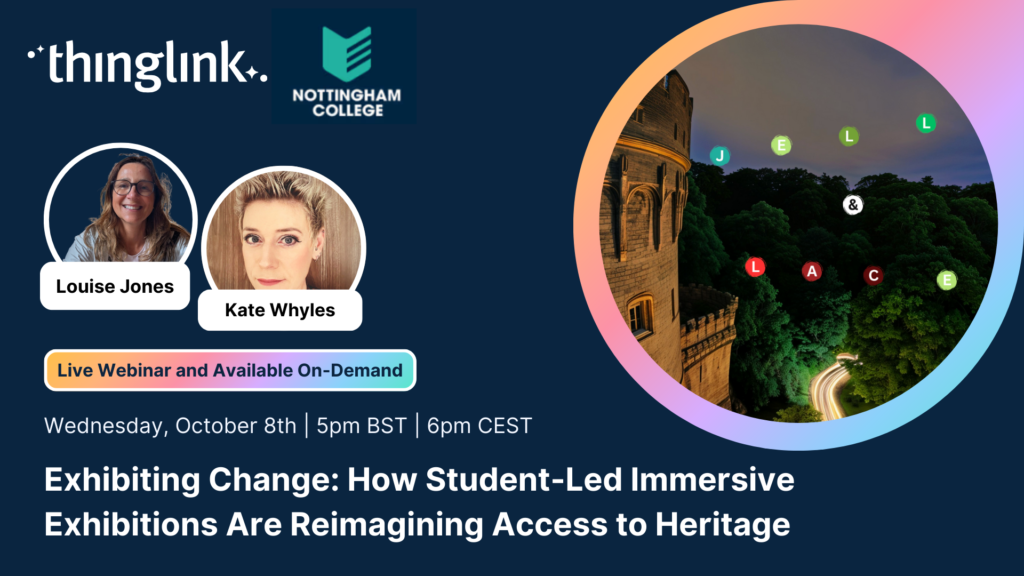
Join Kate Whyles, Digital Innovation and Development Coach at Nottingham College, and Louise Jones, Chief Community Officer at ThingLink, for an inspiring webinar...
Move beyond accessibility checklists and discover how to intentionally design immersive learning environments that empower every learner with dignity, autonomy,...
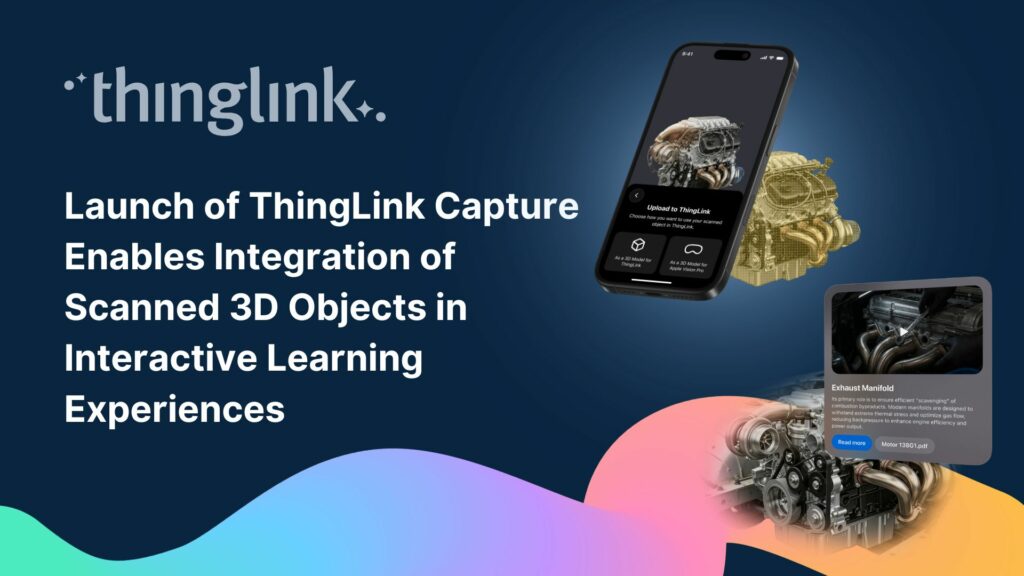
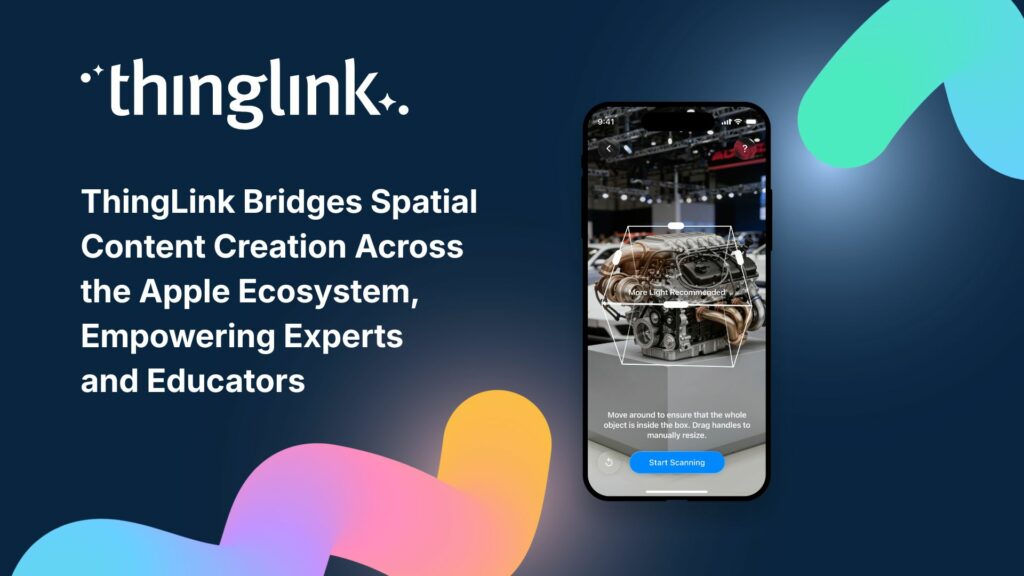
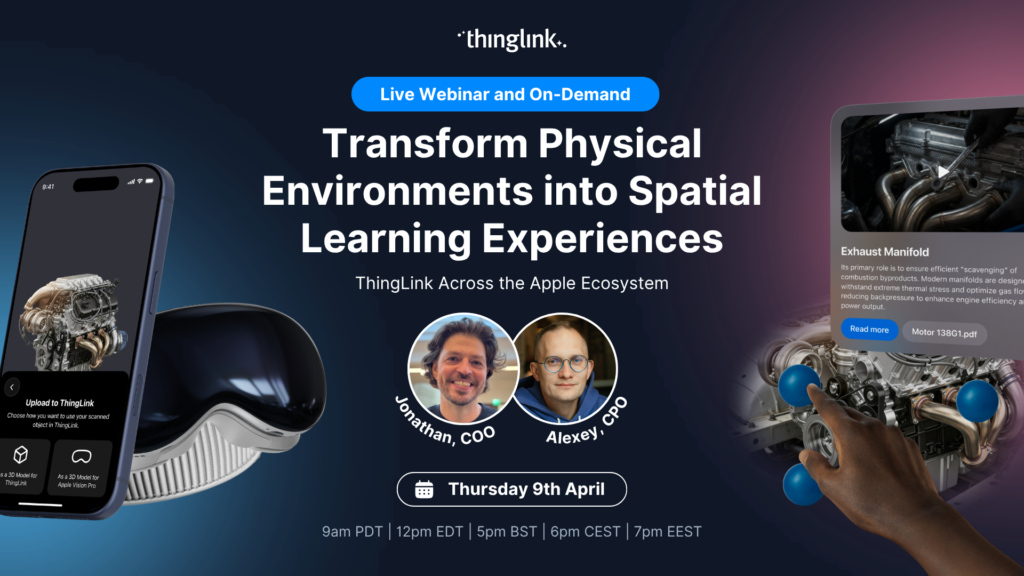
Helsinki, Finland – 7 April 2026 New end-to-end workflow allows organizations to scan physical objects with iPhone or iPad and turn them into interactive ...
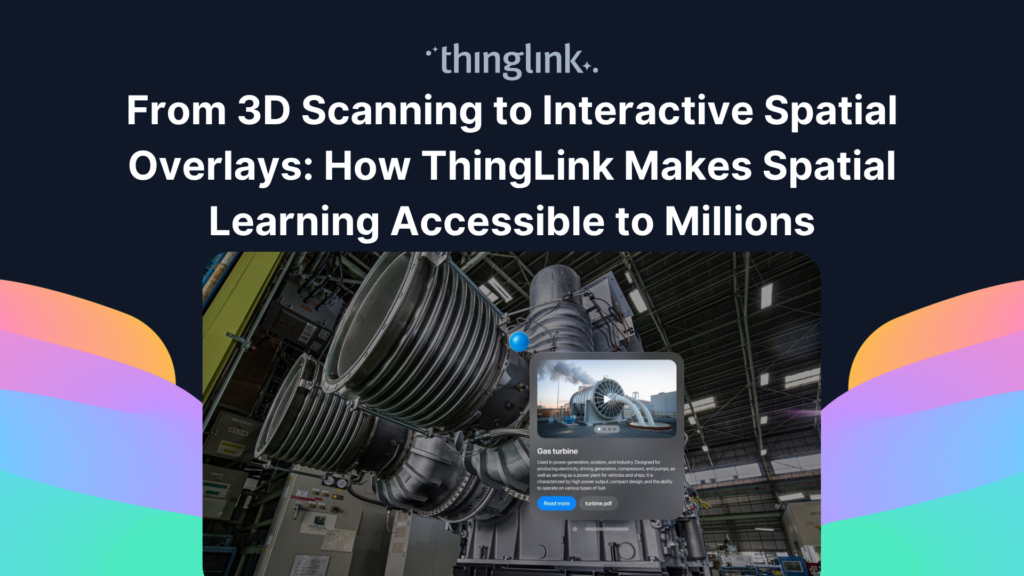
From iPhone to iPad to Mac to Apple Vision Pro Today, we are officially introducing ThingLink Capture, our new iOS 3D-scanning app, alongside an enhanced version...
Oltre i semplici prompt: come integrare l’intelligenza artificiale generativa e Skybox AI per creare contenuti immersivi e interattivi pronti da subito per...
You didn’t miss out! Watch our extra special launch webinar introducing ThingLink Capture, our new iOS 3D scanning app, alongside the latest version of ThingLink...
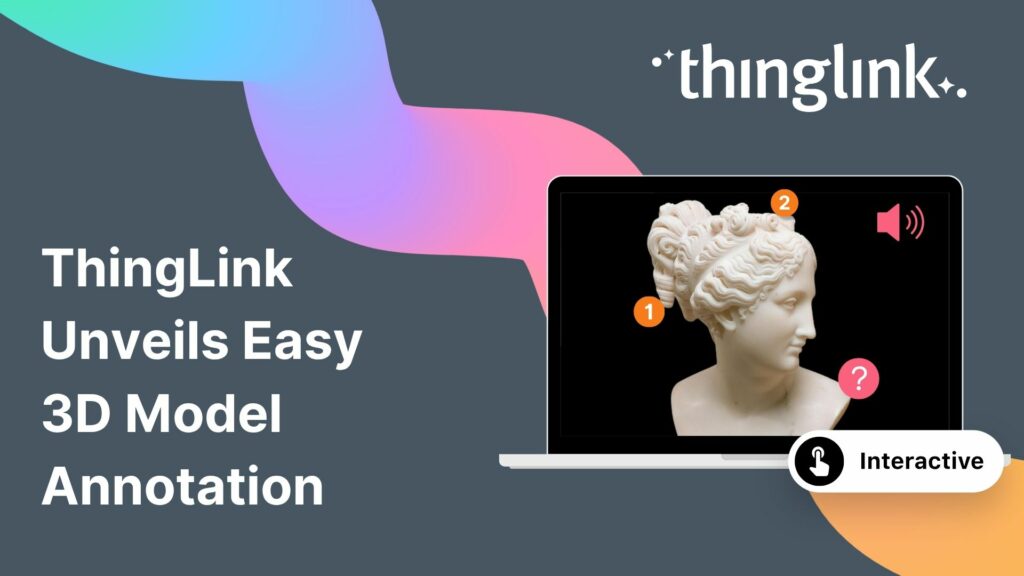
The interactive media platform ThingLink now supports 3D model annotation. In addition to images and videos, ThingLink content creators can now also enhance 3D ...
Helsinki, 12 March 2026 ThingLink has entered into a strategic partnership with Vervenest Technologies Private Limited to support the expansion of immersive learning...
Explore the impressive new ThingLink Scenario Builder features and learn how to create immersive simulations, microlearning, and branching experiences your way....
Helsinki, 2 March 2026 ThingLink has signed a Memorandum of Understanding (MoU) with the National Skill Development Corporation (NSDC), under the Ministry of Skill...
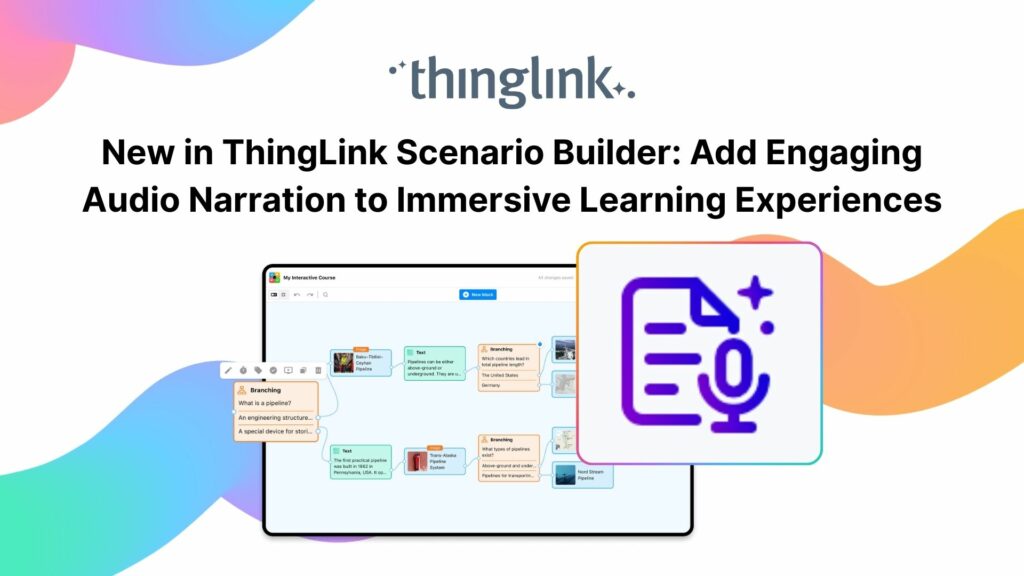
Your text becomes a part of your learning experience, create immersive, podcast-worthy audio every time. We’re excited to introduce a new audio narration feature...
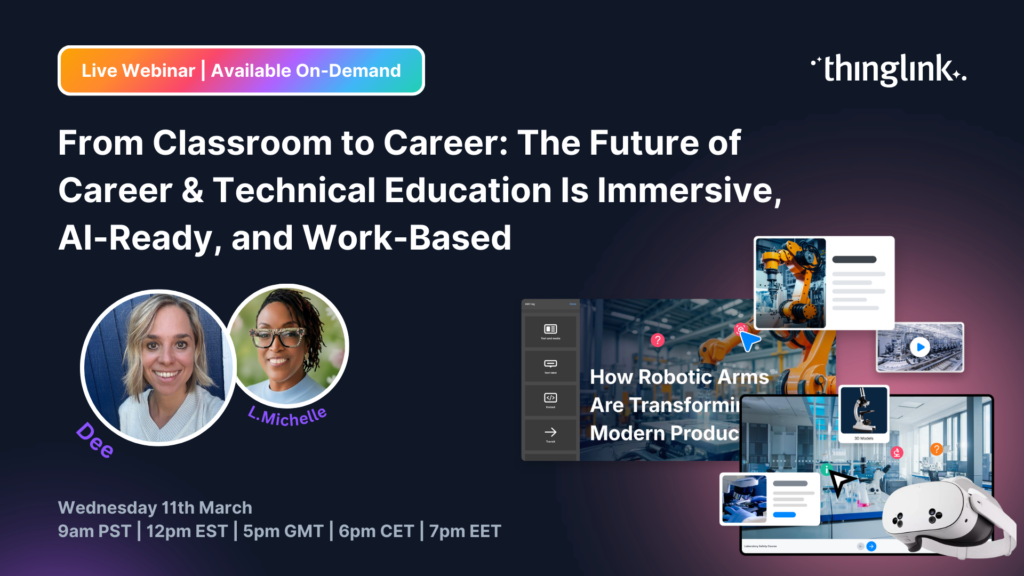
How Vocational Education and CTE Leaders Can Build Culturally Relevant, Skills-Driven Learning for the Modern Workforce Career & Technical Education leaders...
Resumen del seminario web ¿Has oído hablar del aprendizaje inmersivo, pero no tienes claro cómo funciona en la práctica? Tanto si eres educador, profesional...
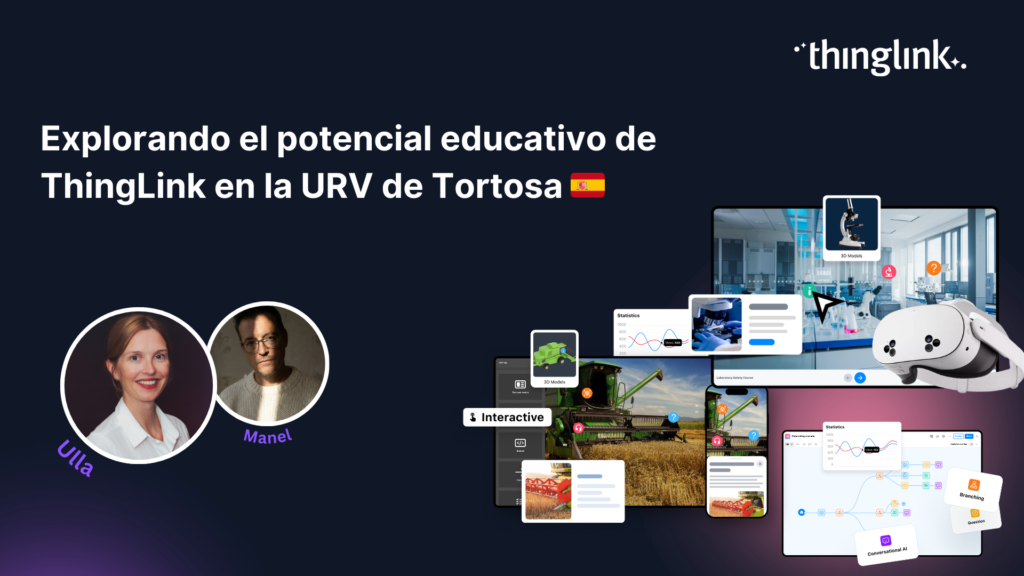
El pasado 2 de febrero, las instalaciones de la Universitat Rovira i Virgili (URV) en Tortosa, Tarragona, acogieron un dinámico taller dedicado a explorar las ...
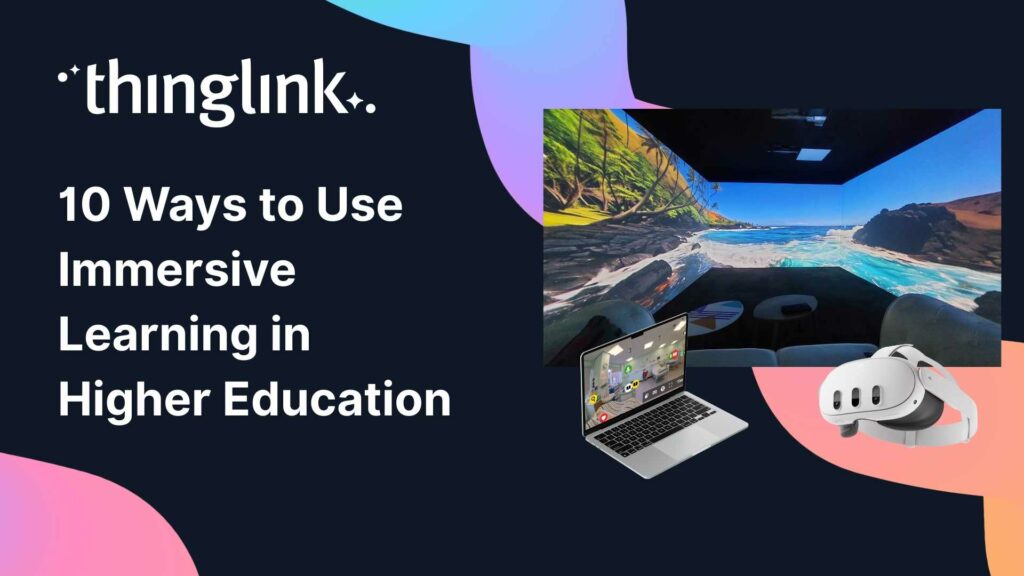
If you’re an educator or administrator in Higher Education, you’ll be familiar with the term “immersive technologies,” but how do they truly...
Webinar Overview In a world where immersive learning is shaping the future of education and training, ThingLink is growing rapidly across sectors, languages, and...
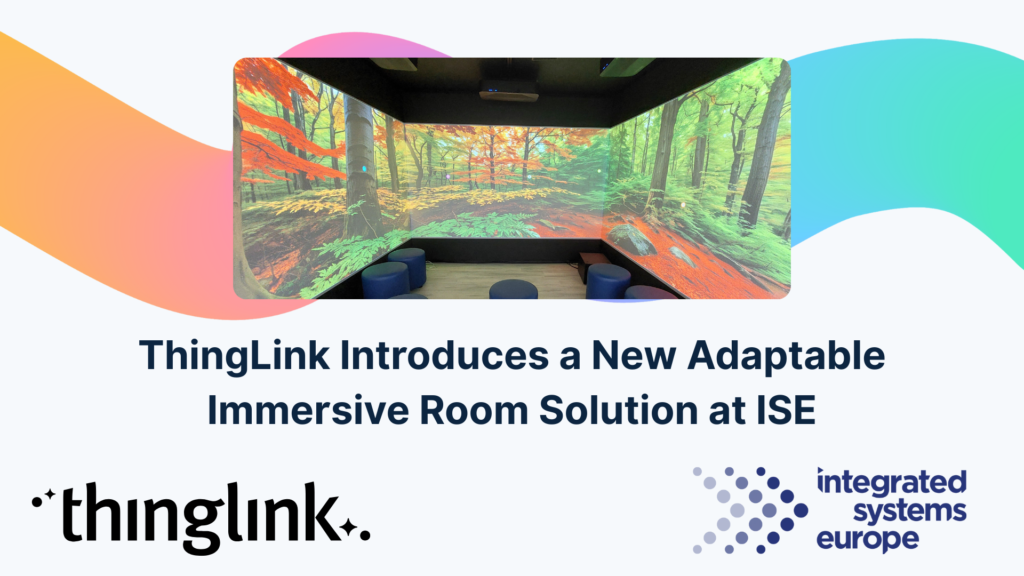
At ISE Barcelona this week, in collaboration with Epson Europe, we are introducing ThingLink’s new adaptable immersive room solution, designed for AV hardware...
Webinar Overview Creating impactful learning isn’t just about delivering information. It’s about crafting an experience that looks, feels, and sounds right....
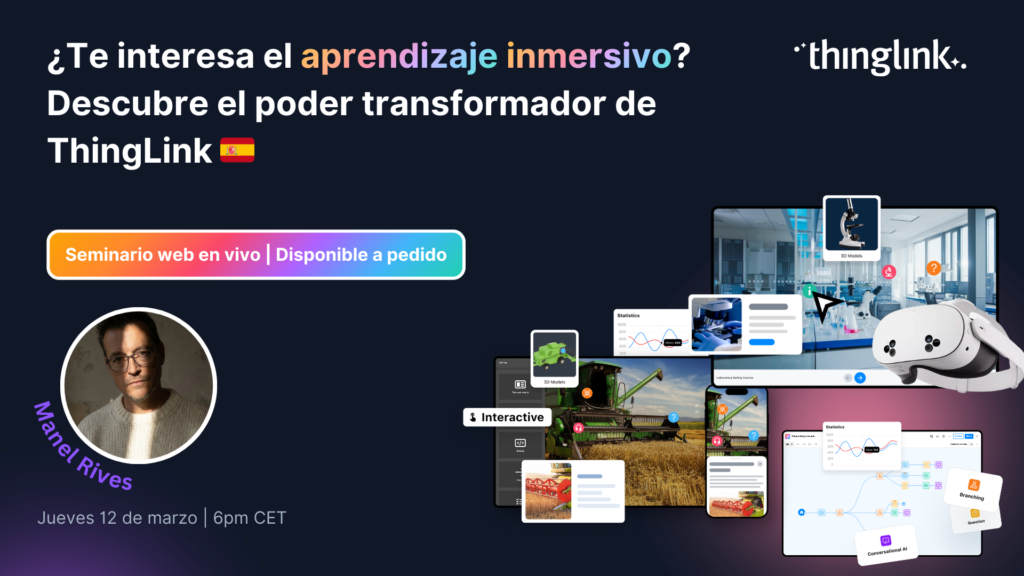
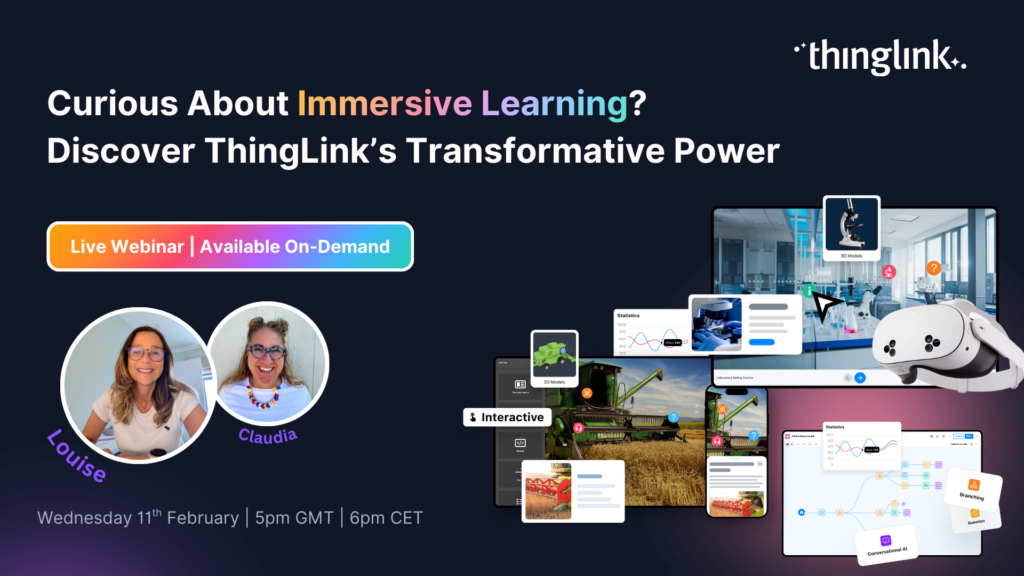
Curious About Immersive Learning? Discover ThingLink’s Transformative Power Have you heard the buzz around immersive learning but aren’t quite sure what it ...
ThingLink Luminaries is a series of guest blog posts highlighting certified trainers who are creating interactive and immersive experiences to make learning...
ThingLink Luminaries is a series of guest blog posts highlighting certified trainers who are creating interactive and immersive experiences to make learning...
ThingLink Luminaries is a series of guest blog posts highlighting certified trainers who are creating interactive and immersive experiences to make learning...
ThingLink Luminaries is a series of guest blog posts highlighting certified trainers who are creating interactive and immersive experiences to make learning...
ThingLink Luminaries is a series of guest blog posts highlighting certified trainers who are creating interactive and immersive experiences to make learning...
ThingLink Luminaries is a series of guest blog posts highlighting certified trainers who are creating interactive and immersive experiences to make learning...
ThingLink Luminaries is a series of guest blog posts highlighting certified trainers who are creating interactive and immersive experiences to make learning...
Why Organizations Are Moving Their Training Into XR Traditional training methods struggle when you need people to remember complex procedures, navigate unfamiliar...
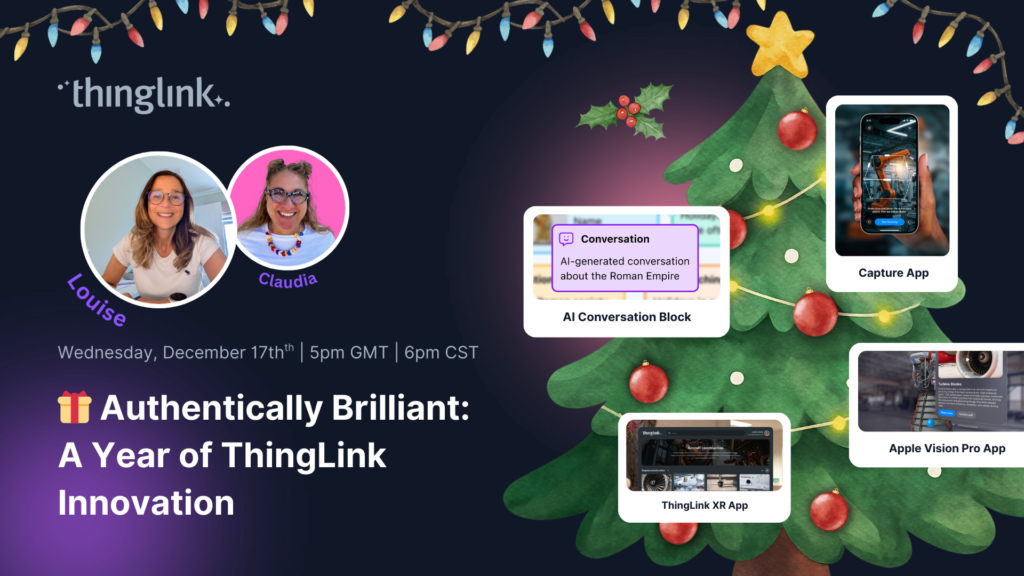
Authentically Brilliant! A Year of ThingLink Innovation 2025 was the year ThingLink brought digital learning closer to real life. Join Louise and Claudia as they...
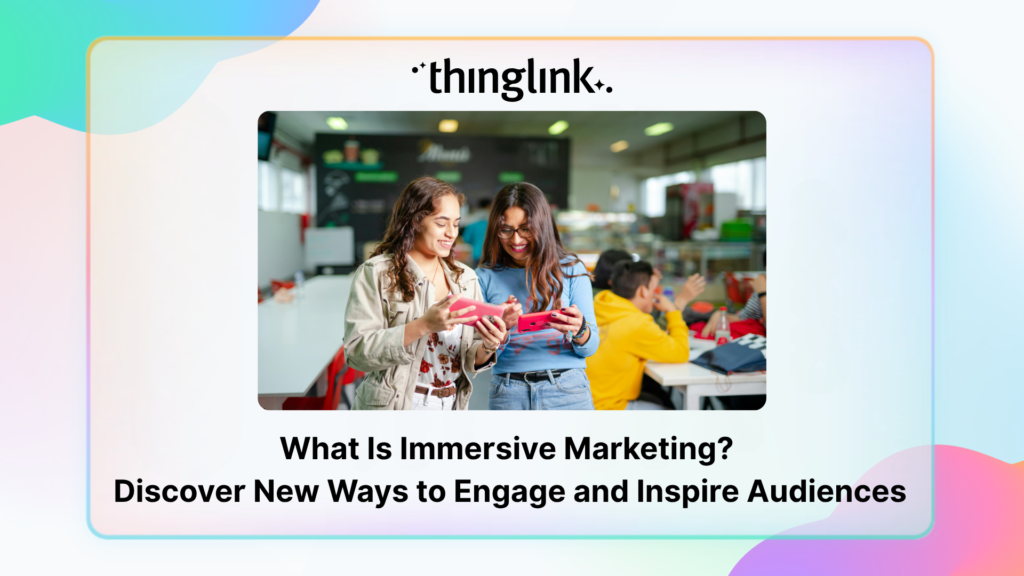
How can marketers truly attract and engage consumers in the saturated world of digital marketing? Attention is hard to earn and easy to lose. Audiences want something...
Creating accessible learning experiences is critical for educators, trainers and student creators, but it need not be daunting! ThingLink is a platform that allows...
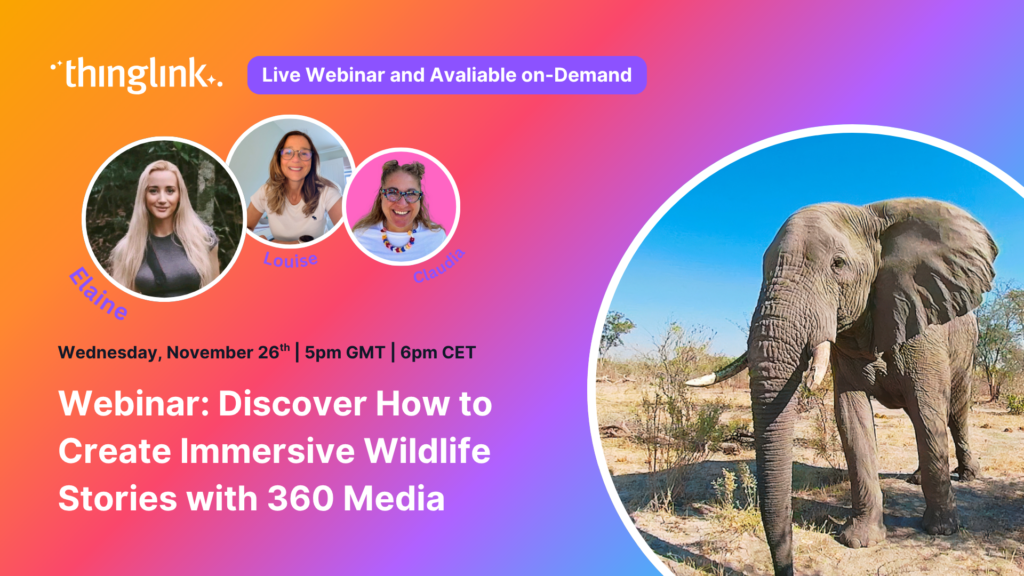
🐘 Inspire young minds to explore, protect and connect with nature using immersive storytelling, 360° content and ThingLink’s creative tools. Join us for an...
For over a decade, we have been on a mission: to make the world easier to understand by connecting digital knowledge to real-life environments. From interactive...
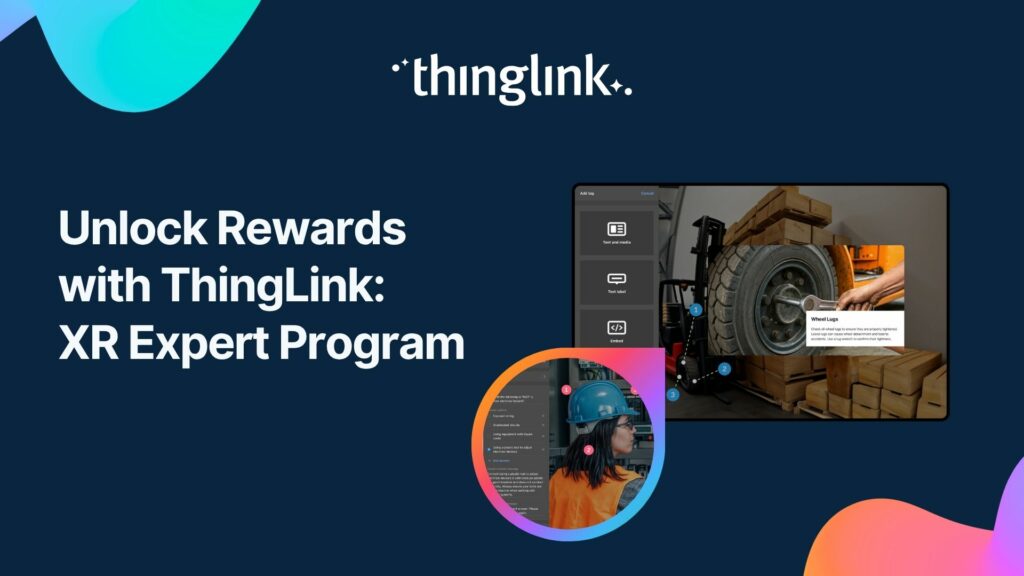
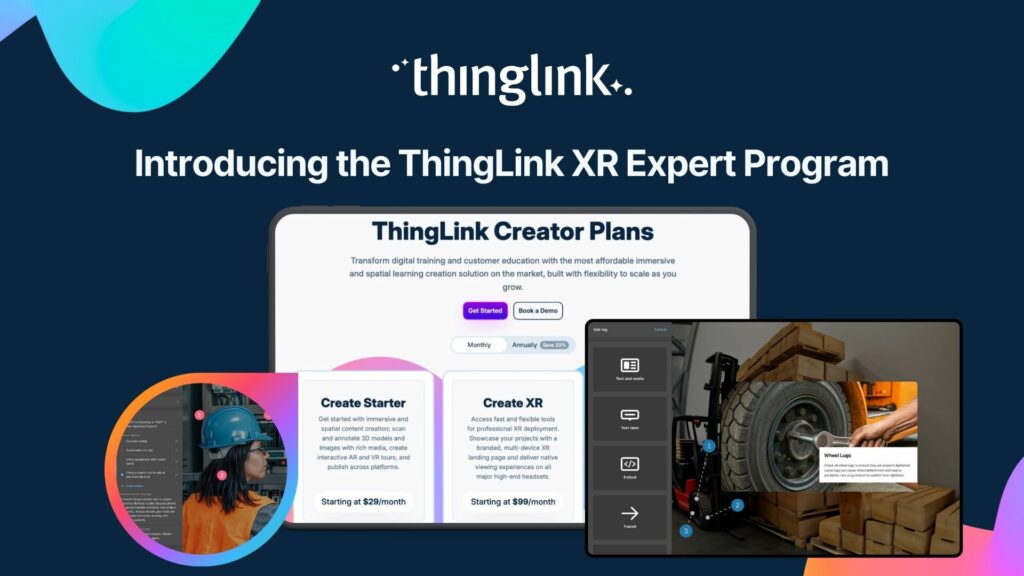
ThingLink now offers a program to reward you for sharing immersive learning with others: the XR Expert Program. Here’s more information on how it works. ThingLink...
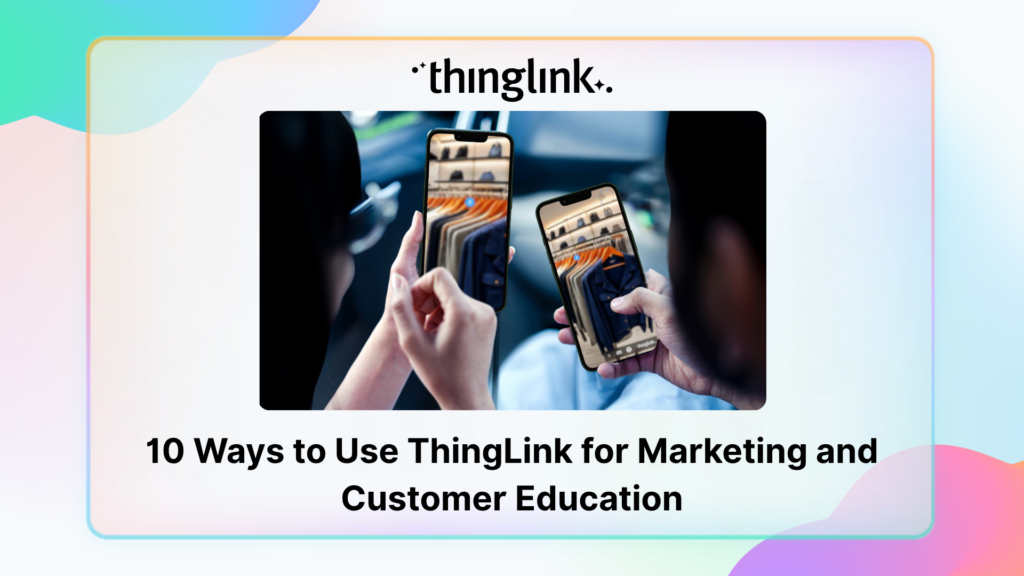
Customer education is core to marketing, not a separate tactic. It can be as simple as helping customers learn that your brand or product exists, or as deep as ...
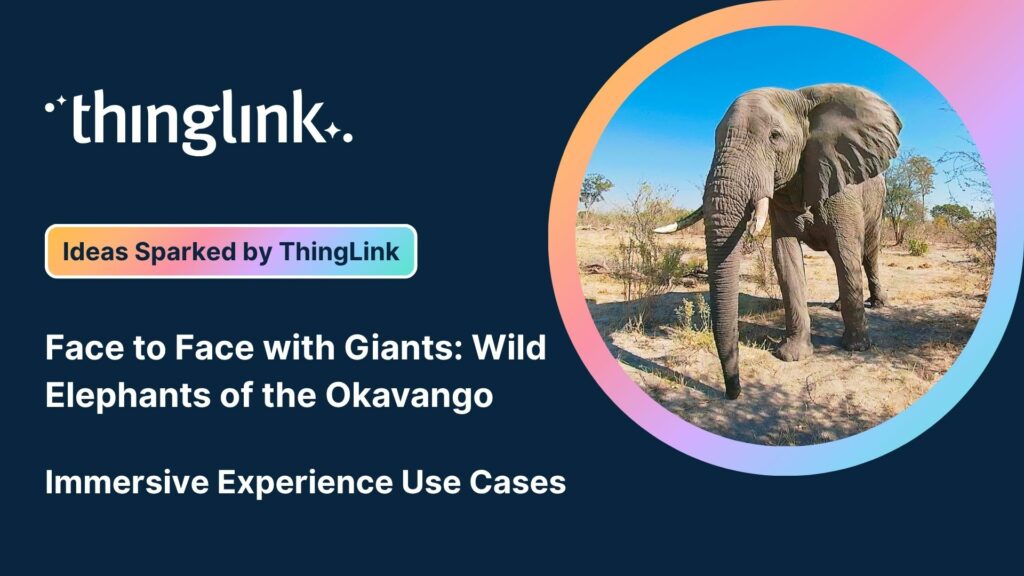
We’re delighted to collaborate with Elaine Ford to bring you a truly unique collection of 360° video footage captured in the wild. These immersive scenes offer...
Are marketers a type of educator? As the Marketing Manager here at ThingLink, I’ve been pondering this question after I recently told one of my colleagues, “I...
 Louise Jones
11 min read
Louise Jones
11 min read
We’re excited to launch the ThingLink XR Expert Program, a new initiative designed for consultants, trainers, and influencers who want to be at the forefront ...
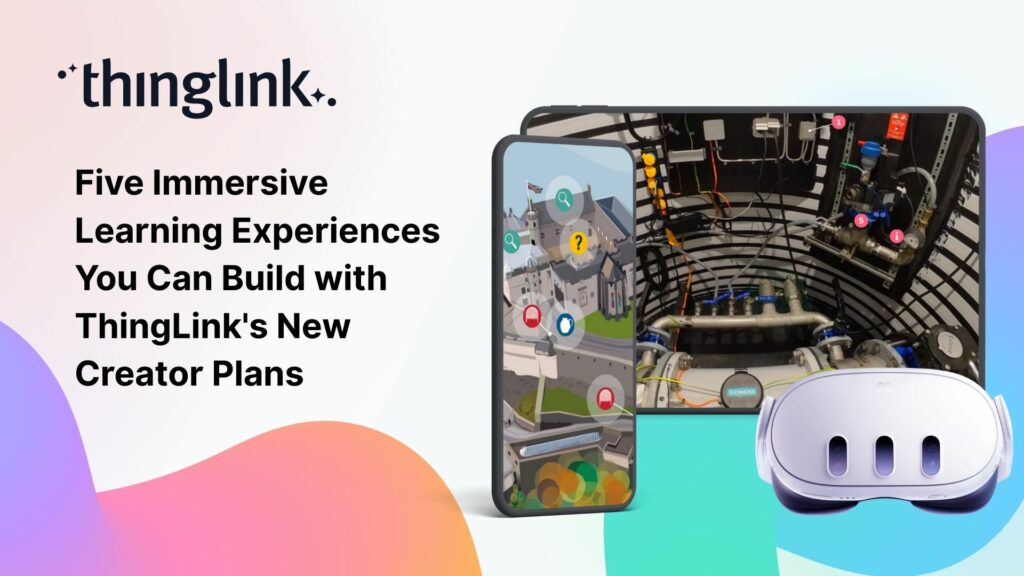
We believe immersive learning should be within reach for everyone, not just large organizations and institutions. That’s why ThingLink’s new Creator plans are...
Join Nottingham College’s Digital Innovation and Development Coach (and ThingLink Certified Trainer) Kate Whyles to hear about two inspiring case studies where...
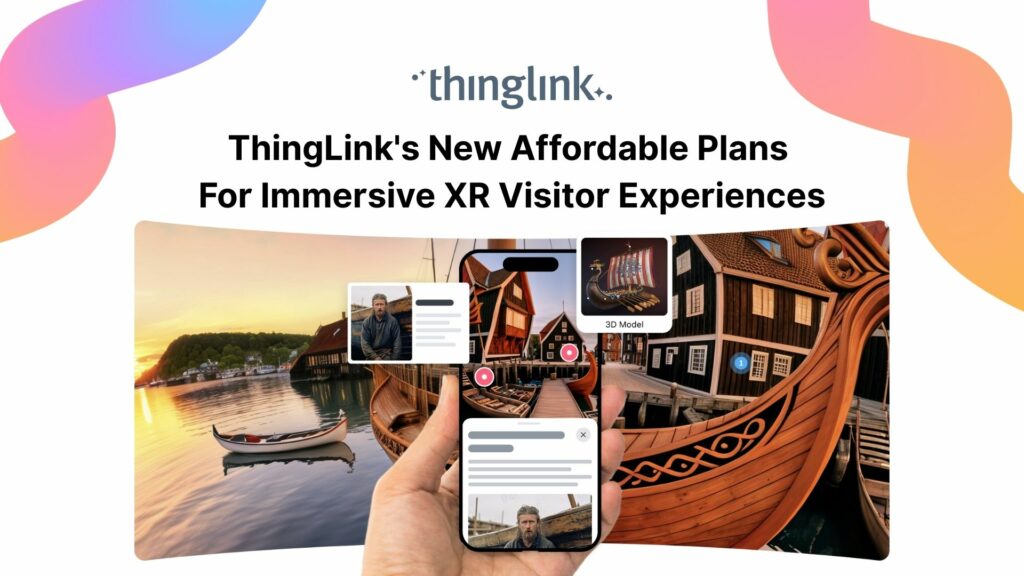
Flexible monthly subscriptions now make it easier for cultural institutions to bring collections and exhibitions to life with interactive tours and spatial storytelling....
The New ThingLink Creator Plans are available as flexible monthly subscriptions, widening access for creators, trainers, and educators worldwide. Today, ThingLink...
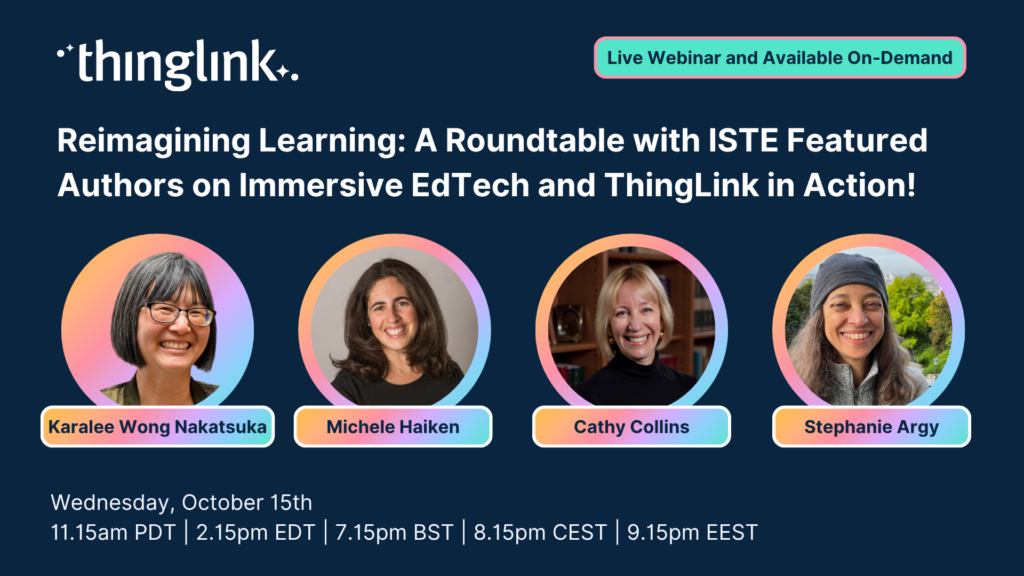
Webinar: Reimagining Learning: A Roundtable with ISTE Authors on Immersive EdTech and ThingLink in Action! ✨ Featuring ISTE Recognised Authors: Karalee ...
ThingLink Luminaries is a series of guest blog posts highlighting certified trainers who are creating interactive and immersive experiences to make learning...
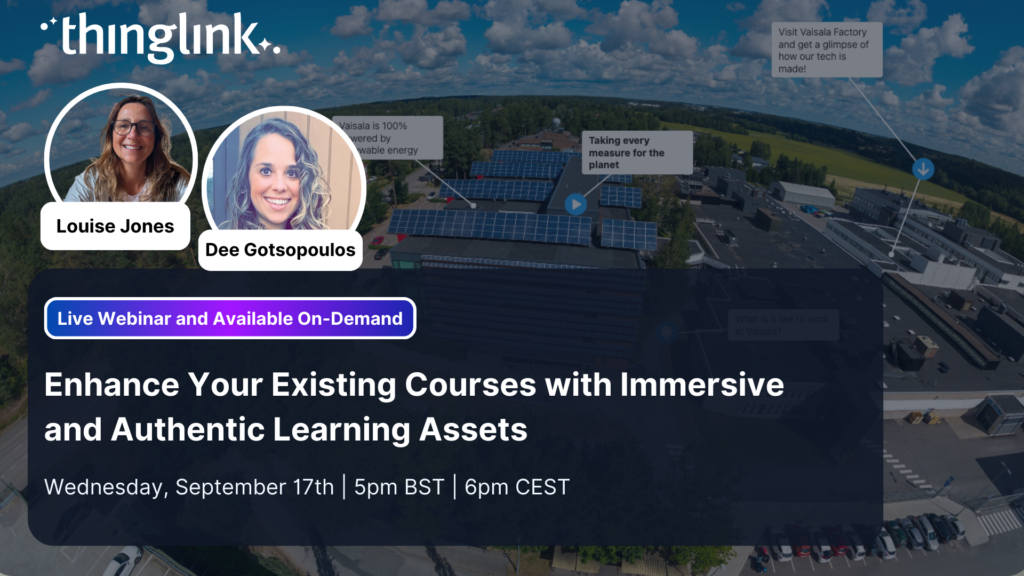
Now is the time to move beyond passive learning. As expectations shift, knowing how to quickly enhance existing content with immersive elements is no longer optional,...
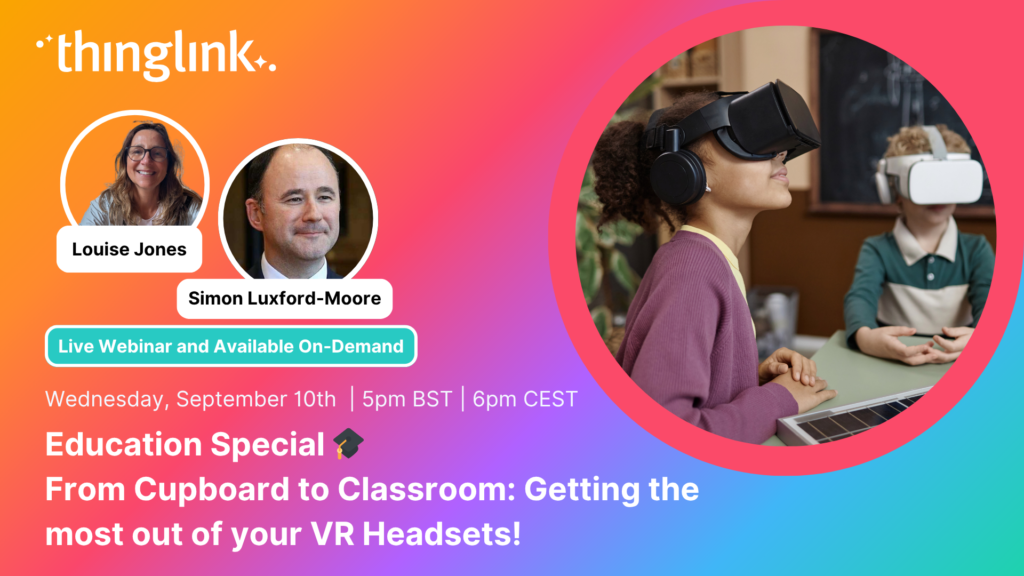
Education Special | From Cupboard to Classroom: Getting the most out of your VR Headsets! Have a set of VR headsets sitting in the cupboard, barely touched since...
As organizations continue to invest in digital learning, awareness and demand for immersive learning experiences in employee training are at an all-time high. Traditional...
ThingLink Luminaries is a series of guest blog posts highlighting certified trainers who are creating interactive and immersive experiences to make learning...
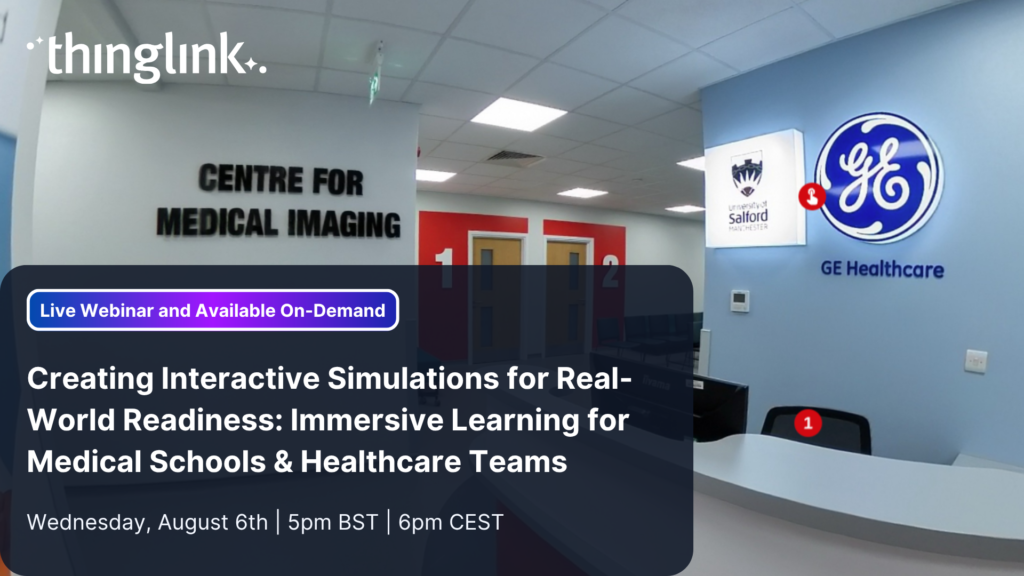
Creating Interactive Simulations for Real-World Readiness: Immersive Learning for Medical Schools & Healthcare Teams Where and When 📅 Date: Now On-Demand...
2025 is already a landmark year for ThingLink and we’re only halfway through! Join us for this exclusive mid-year webinar hosted by Louise Jones (ThingLink) and...
LEO, a forward-thinking British multi-academy trust, has pioneered a structured, pedagogy-first approach to digital learning that has driven significant gains in...
Louise Jones
10 min read
At ThingLink, our mission is to empower educators, trainers, and content creators to build truly impactful digital learning experiences. We believe that great learning...
Solve System-Wide Challenges with Easy Creation, XR/VR Integration & Interactive Content Join Louise, ThingLink and Cheryl Shirley, Director of Digital Learning...
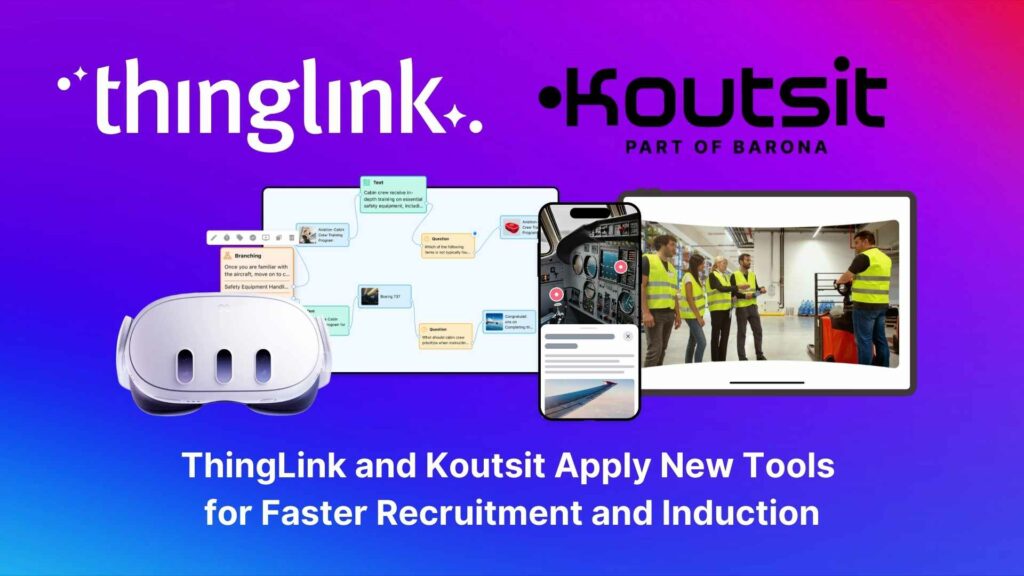
“Virtual learning paths speed up the recruitment and induction of young people,” believe Markus Apuli and Ulla-Maaria Koivula, the founders of Koutsit and ThingLink....
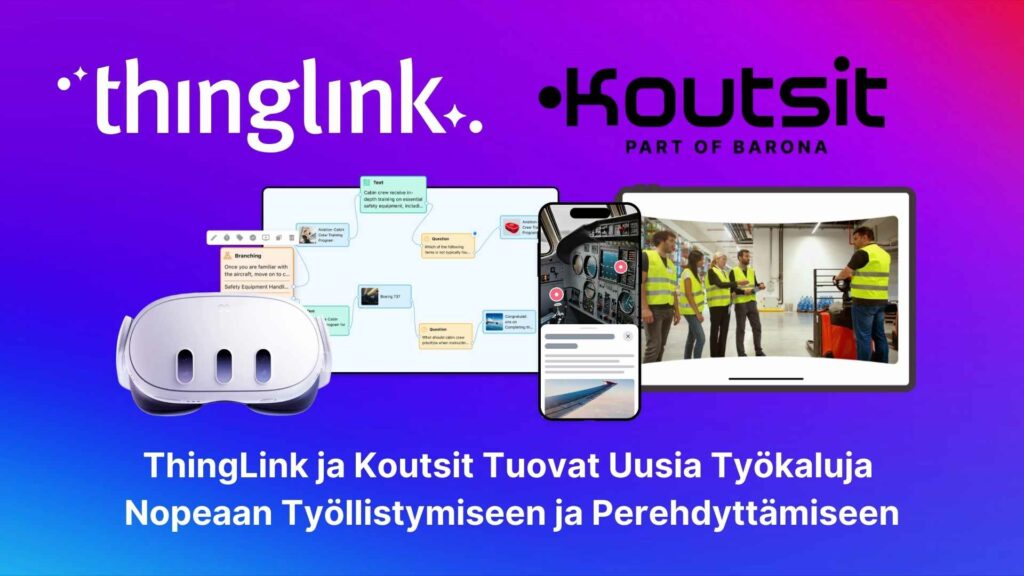
“Virtuaaliset oppimispolut nopeuttavat nuorten työllistymistä ja perehdytyksiä”, uskovat Koutsien ja ThingLinkin perustajat Markus Apuli ja Ulla-Maaria Koivula. ...
Il Mondo in Team – Viaggio cooperativo attraverso i continenti. Insegnare e creare un percorso didattico coinvolgente con l’ AI, Thinglink e un ecosistema...
ThingLink Luminaries is a series of guest blog posts highlighting certified trainers who are creating interactive and immersive experiences to make learning...
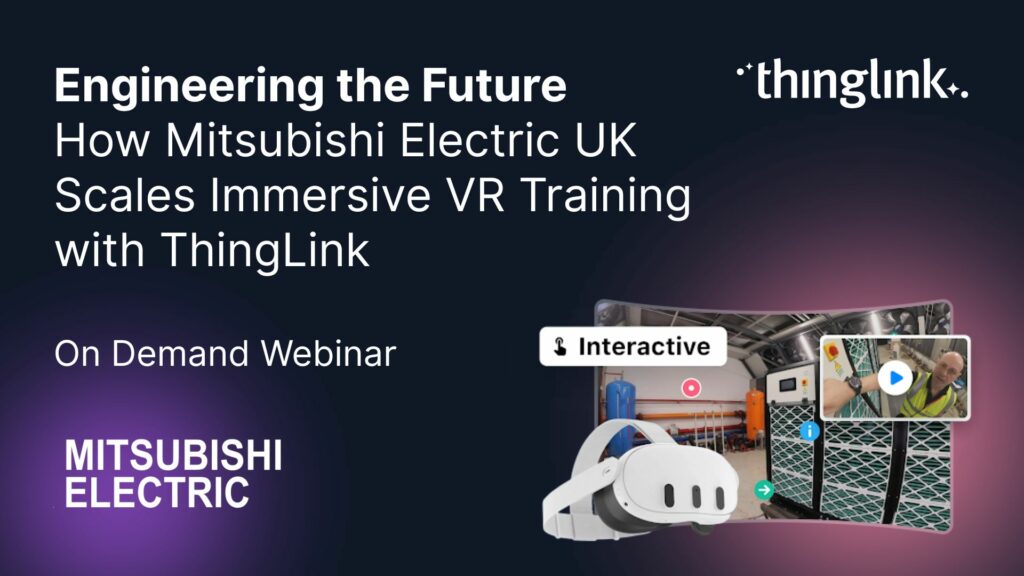
How Mitsubishi Electric UK Scales Immersive VR Training with ThingLink Securing the Next Generation of Engineers: How Mitsubishi Electric is Solving the Talent ...
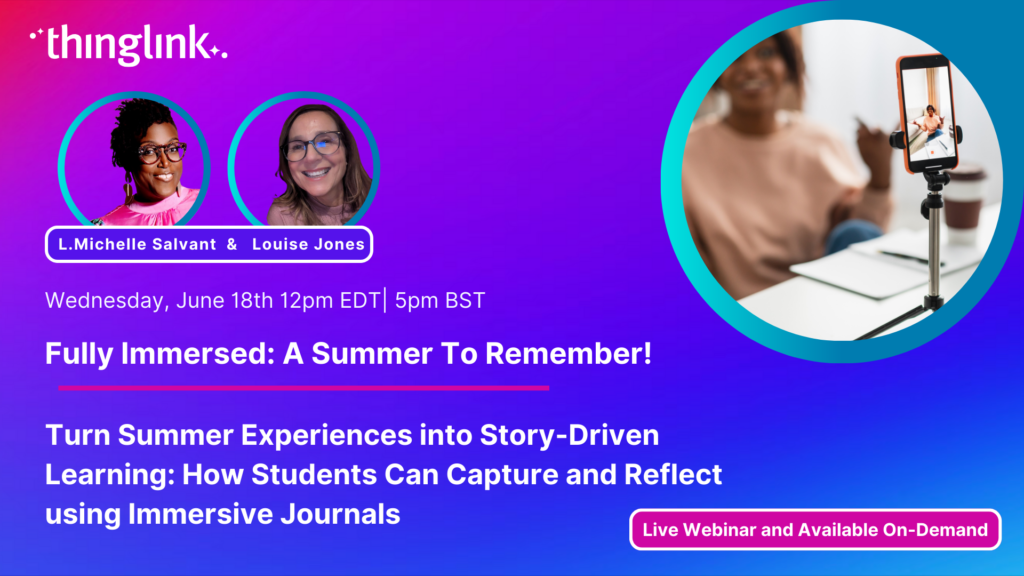
Turn Summer Experiences into Story-Driven Learning: How Students Can Capture and Reflect using Immersive Journals Make it a Summer to Remember Join Louise Jones...
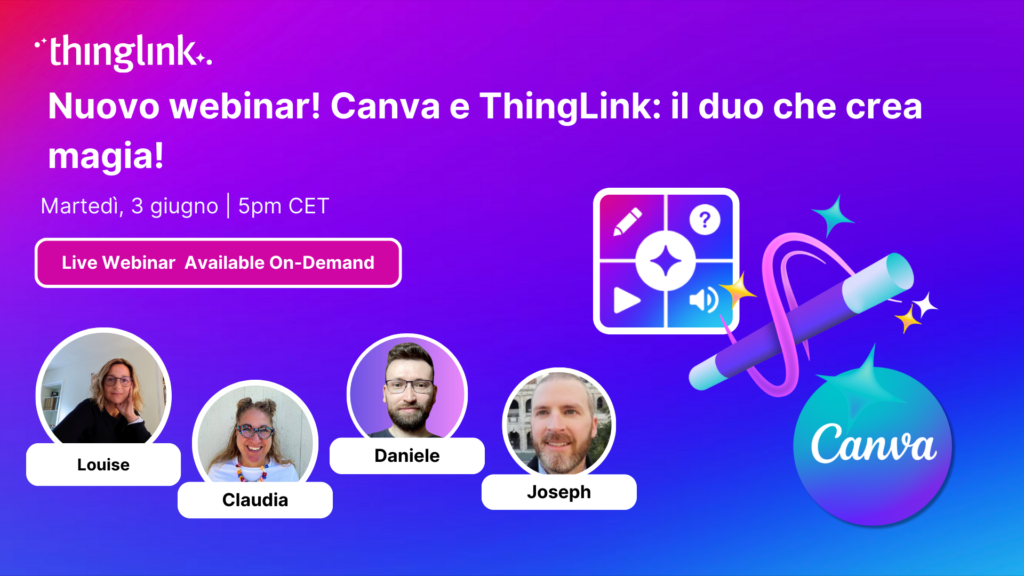
Iscriviti al nostro webinar esclusivo Partecipa al nostro webinar esclusivo condotto da Claudia Fisanotti e Daniele Martinelli, ThingLink Certified Trainer e Canvassador,...
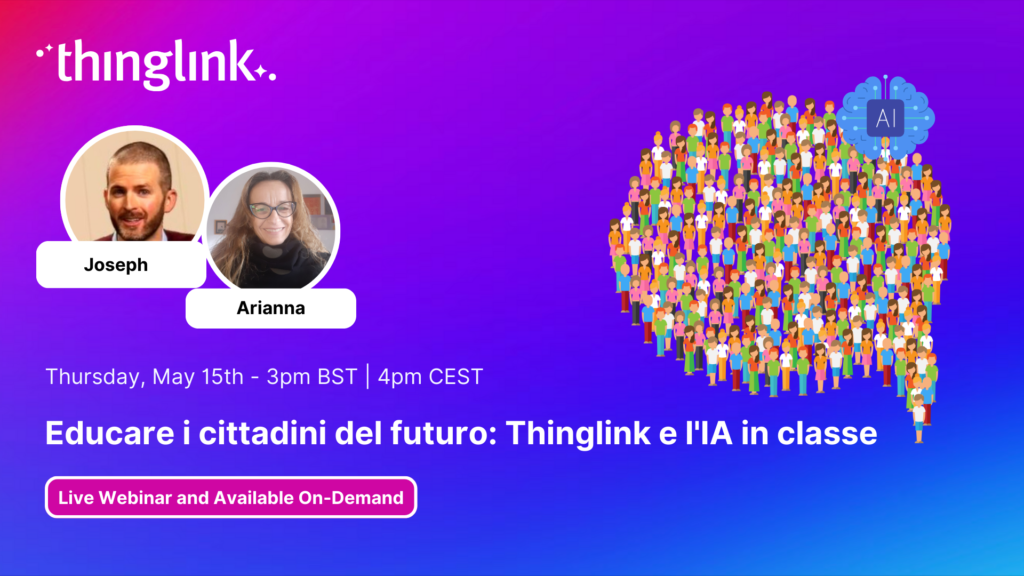
Nuovo webinar! Educare i cittadini del futuro: ThingLink e l’intelligenza artificiale in classe con i vostri ospiti Arianna Pisapia e Joseph Mayo di ThingLink....
Course overview for technical vocational students in further education Key features This is the course overview for an interactive online hair extensions course...
Create a virtual resume with information in a range of multimedia formats This example is created with the ThingLink Multimedia Editor, using the Canva integration....
This choice board keeps all the onboarding content in one place and demonstrates the wide variety of content that can be created in ThingLink. Open this example...
Virtual tours of a university theater department using 360 videos Key features The virtual tour was created by the theater arts department of Texas Christian University....
Campus tour of college to encourage enquiries and enrollment Click to open in a new tab Click to open in an Accessible Web Player view Key features In this exemplary...
Operational and safety training delivered using 360 image and 360 video This example was created in the ThingLink Multimedia Editor and demonstrates how the inspection...
Literary setting, themes and characters recreated in an escape room format This example is created with the ThingLink Multimedia Editor, using the Generate with...
Standard Operating Procedure (SOP) broken down into simple steps. This example is created with the ThingLink Multimedia Editor, it features a complex process with...
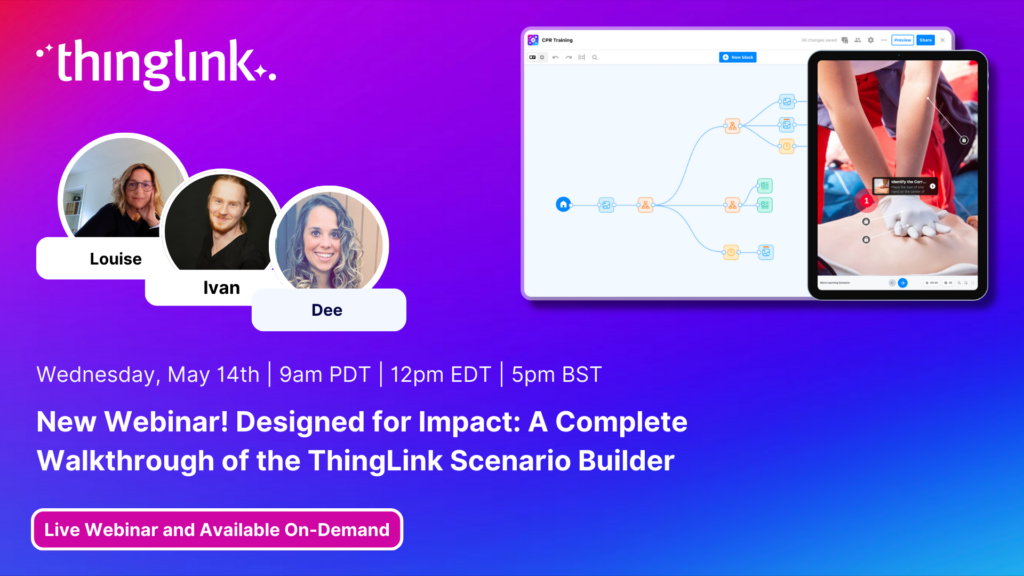
Webinar Overview Hosted by Louise Jones, Dee Gotsopoulos, and Ivan Kiprin, this exclusive webinar brings together key members of the ThingLink team to guide you...
ThingLink Luminaries is a series of guest blog posts highlighting certified trainers who are creating interactive and immersive experiences to make learning...
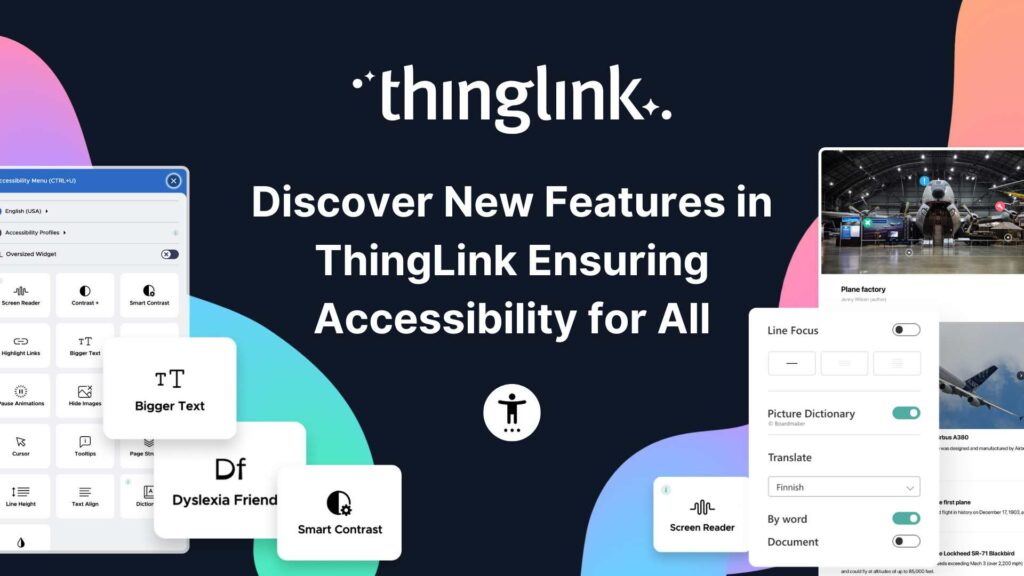
Webinar: Discover ThingLink’s Approach for Accessibility for All – Features and Inclusive Design. Explore powerful built-in accessibility features and...
Stockholm, April 8th, 2025 – ThingLink, the leading platform for creating and sharing immersive learning experiences across platforms and devices, is now available...
Immersive learning technologies like ThingLink are transforming education! Research shows they improve engagement, comprehension, and knowledge retention—making...
ThingLink Luminaries is a series of guest blog posts highlighting certified trainers who are creating interactive and immersive experiences to make learning...
ThingLink Luminaries is a series of guest blog posts highlighting certified trainers who are creating interactive and immersive experiences to make learning more...
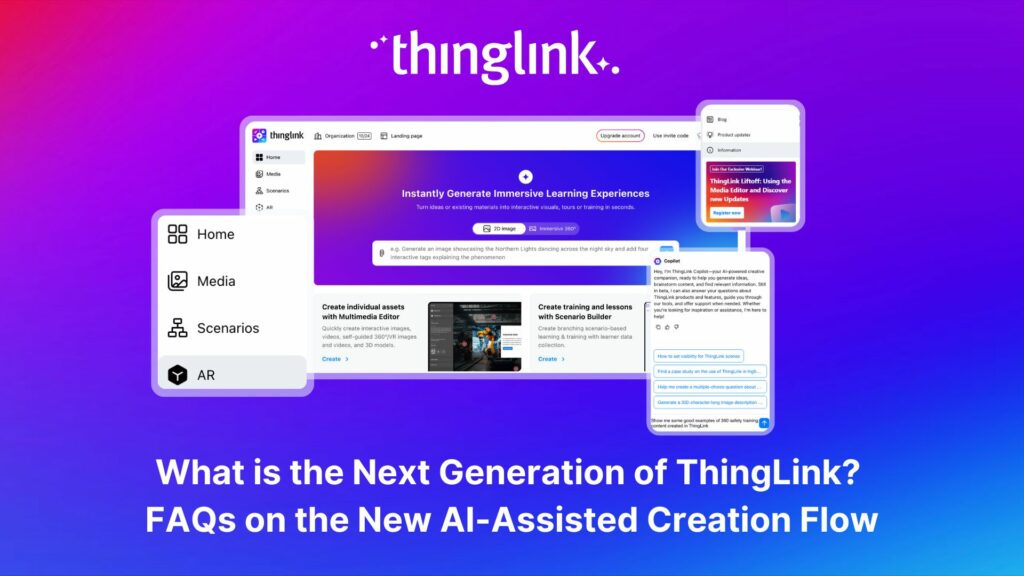
The next generation of ThingLink has launched, with the same easy-to-use immersive learning creation tools now accessible via a fresh new interface. Create...
💡 Did you know that organizations with a strong onboarding process improve new hire retention by 81% and productivity by over 50%?!* The days before and at the...
ThingLink, the AI-assisted immersive content creation platform for training and education, continues to grow its global team alongside the expansion and development...