
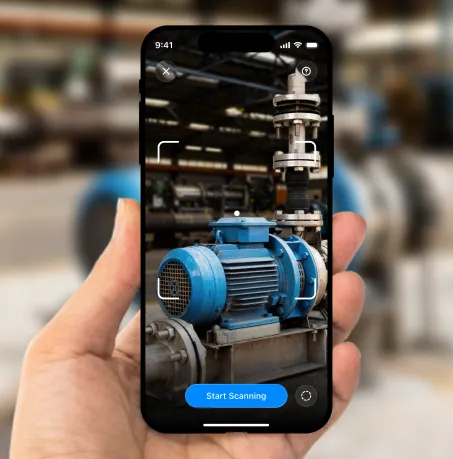

Scan
Scan an object or space with your compatible device, following the guidance in the app to move around your object to capture it from multiple angles.
📋 Discover research and real-world results from immersive vocational training!

Scan real-world objects, add interactive touchpoints in ThingLink, and share spatial learning experiences across devices.
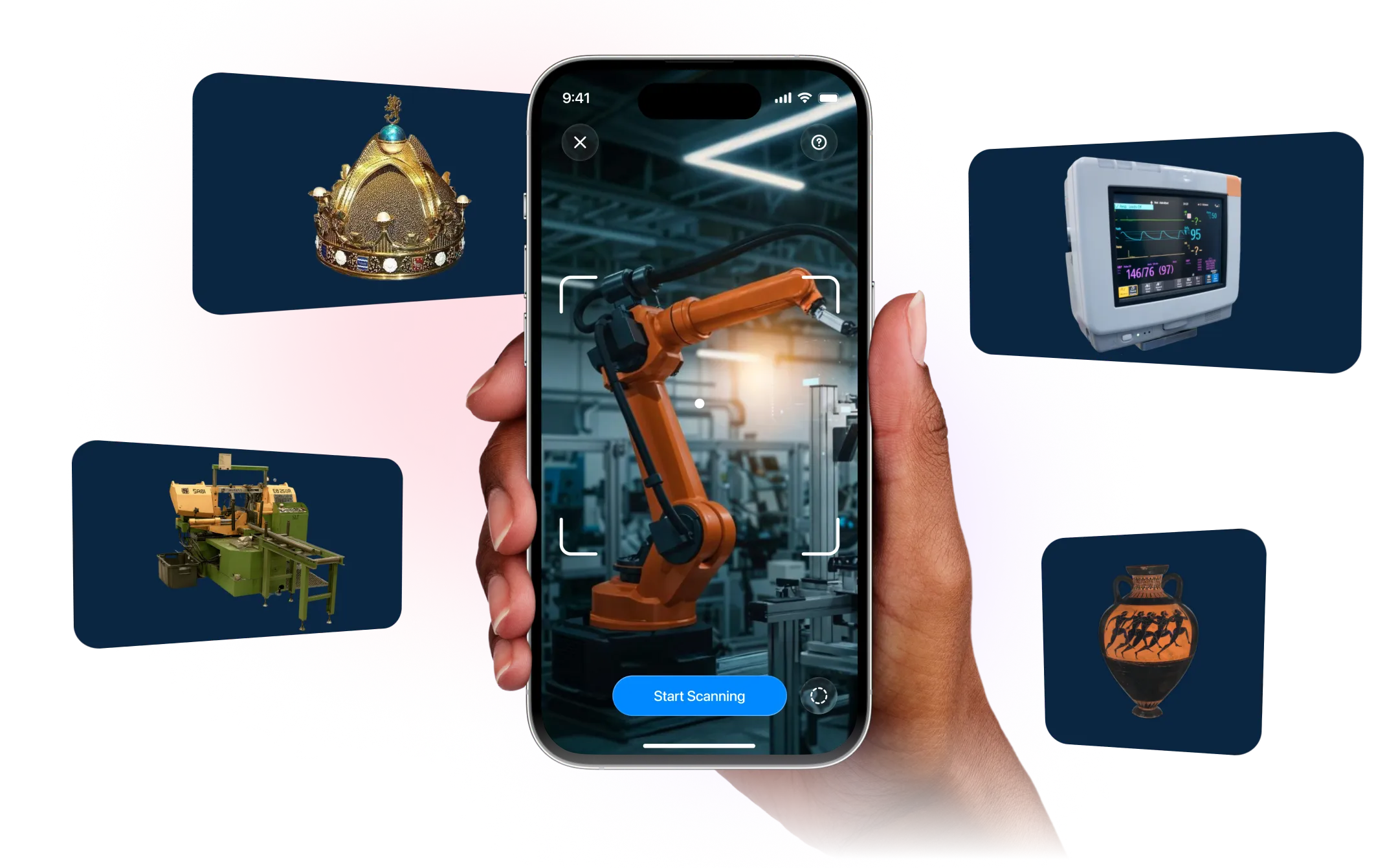
Capture real-world objects or spaces to convert them into interactive 3D models with ThingLink Capture, a 3D scanning app on iPhone Pro and iPad Pro devices with LiDAR. Upload your scan to ThingLink to add touchpoints, media, and other interactions that turn the model into an immersive spatial learning experience. ThingLink Capture is a free app, but adding interactive touchpoints in the ThingLink editor requires and active ThingLink subscription.
ThingLink Capture makes spatial content creation more accessible for teams already using a compatible iPhone or iPad Pro with LiDAR. It is the first step in ThingLink’s end-to-end spatial creation workflow, enabling users to scan an object, upload it to ThingLink, and add interactive touchpoints for viewing and use across devices, including Apple Vision Pro.
ThingLink Capture is designed to be easy to use, guiding you from scanning to sharing in a simple four-step workflow.
Scan an object or space with your compatible device, following the guidance in the app to move around your object to capture it from multiple angles.
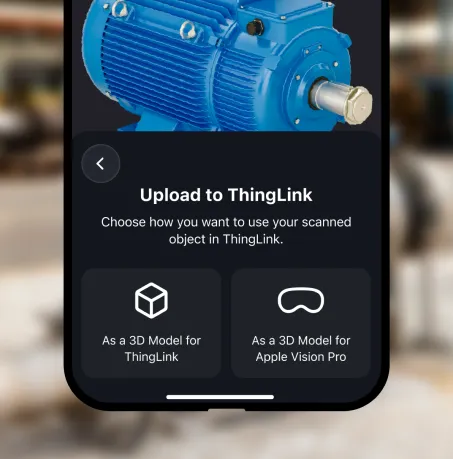

Upload the 3D model to the ThingLink Editor or directly to ThingLink for Apple Vision Pro to begin creating an interactive learning experience.
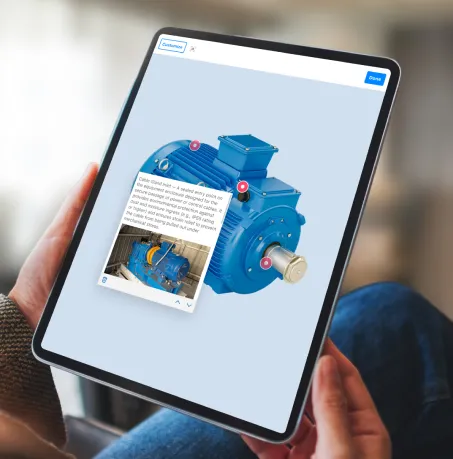

Enhance the model with interactive touchpoints containing more information, instructions, or questions.
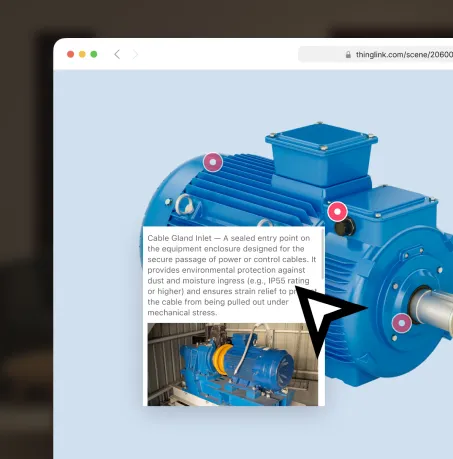

Share the interactive model via link, embed it on a website, or deliver it through your LMS for interactive learning and training experiences.
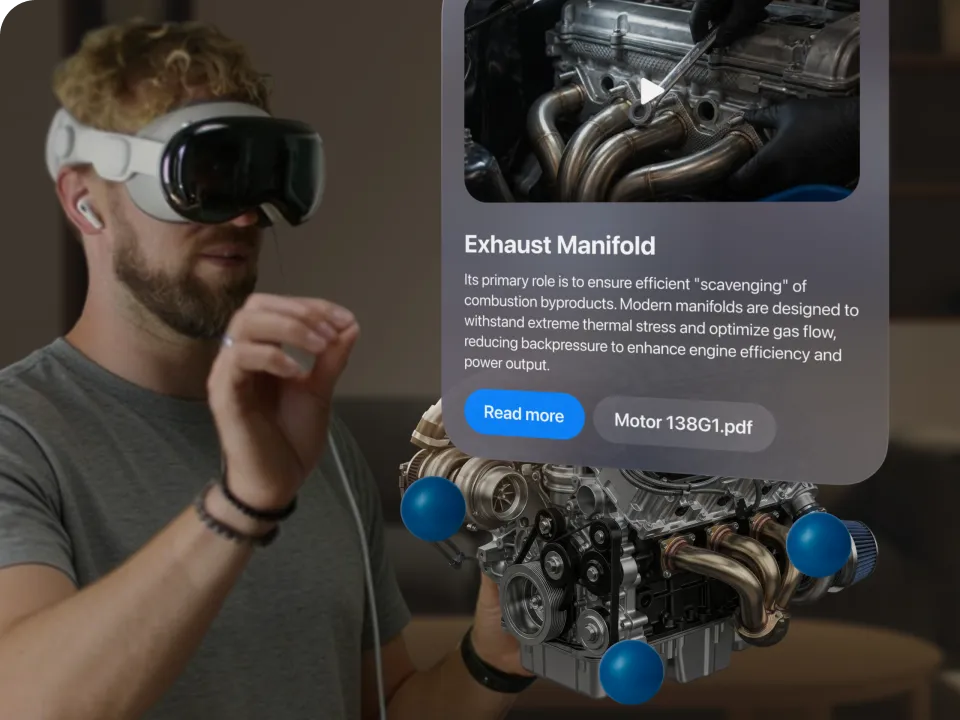
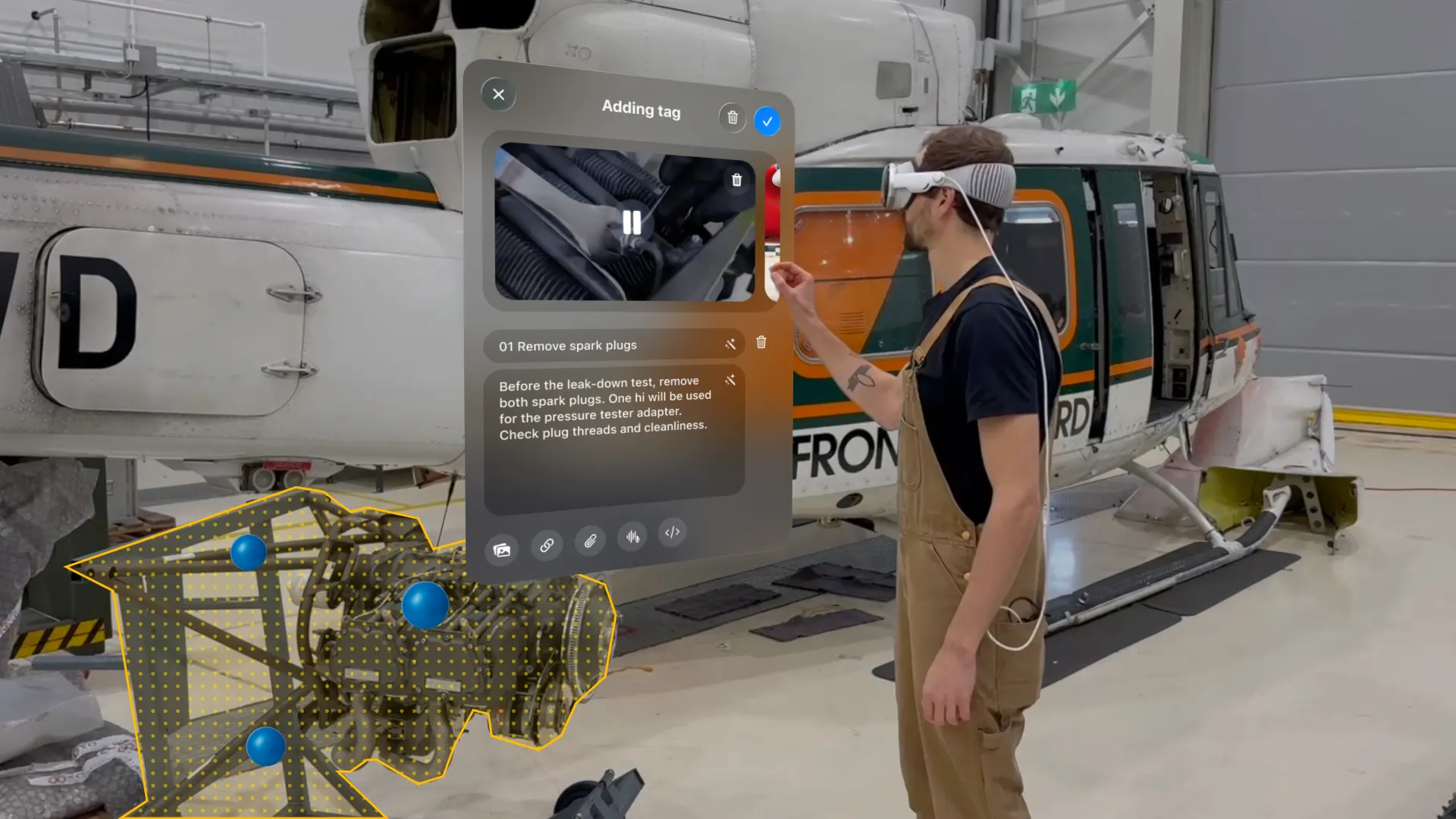
Captured 3D models can be used directly in Apple Vision Pro to create spatial learning experiences anchored in real-world environments. Using the scanned model, the headset can recognize the object in its physical environment and anchor interactive instructions directly onto it. Users can add and edit media touchpoints, explore the object from any angle, and experience contextual learning content layered onto the real object, all directly within the headset.
Help learners explore, understand, and interact with real-world objects through spatial learning experiences. With ThingLink Capture, educators, trainers, and organizations can transform physical objects into rich, explorable 3D models for classroom learning, training, healthcare, cultural heritage, retail, workplace learning, and more.
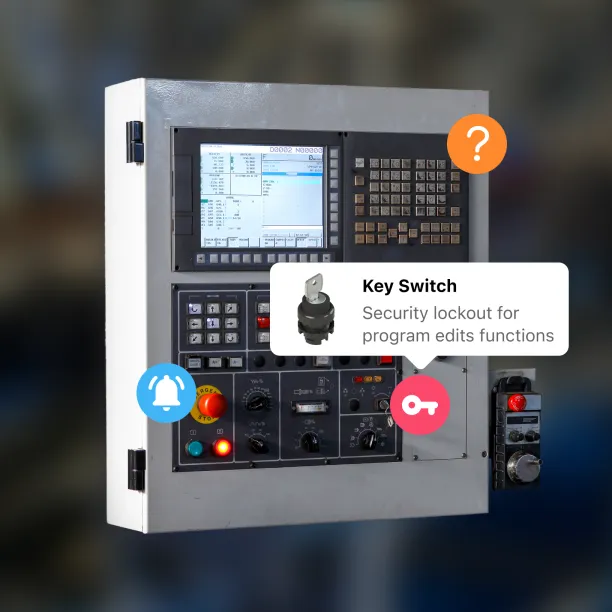
Let students, apprentices, or employees explore complex, delicate, or high-value machinery without risk to themselves or the equipment. Create interactive training experiences for instruction, troubleshooting, and skills assessment.
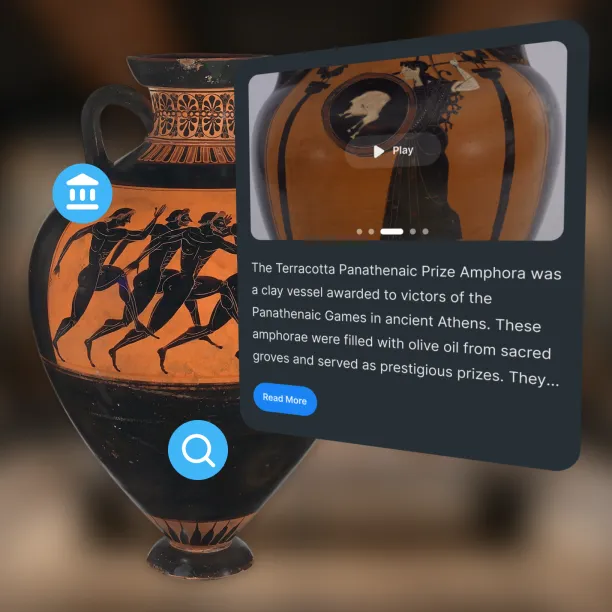
When artifacts or specimens are too fragile to handle, create detailed digital models that can be explored, annotated, and shared. Support research, museum exhibitions, and classroom learning with interactive study experiences.
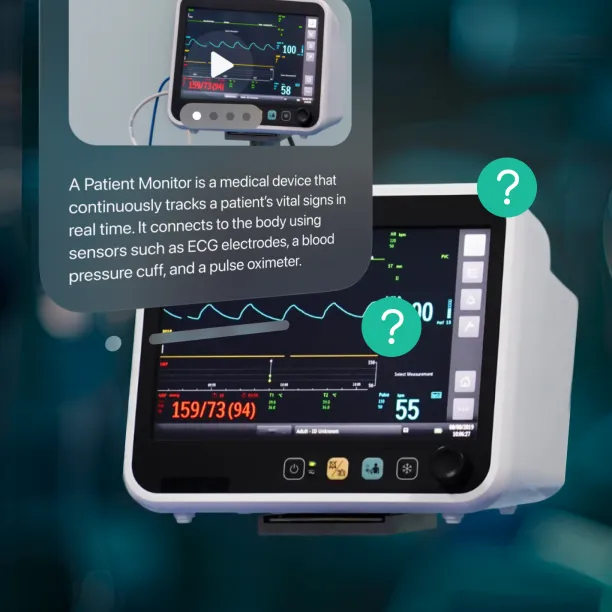
Provide healthcare students and professionals with interactive 3D models of anatomy, surgical instruments, and medical equipment. Support immersive training that builds understanding before working with real tools and procedures.
From complex machinery to cultural artifacts and medical tools, turn real-world objects into interactive spatial learning experiences with ThingLink Capture.