
📋 Discover research and real-world results from immersive vocational training!

Download Whitepaper

The Easiest Way to Create Immersive Learning Experiences in the Apple Ecosystem

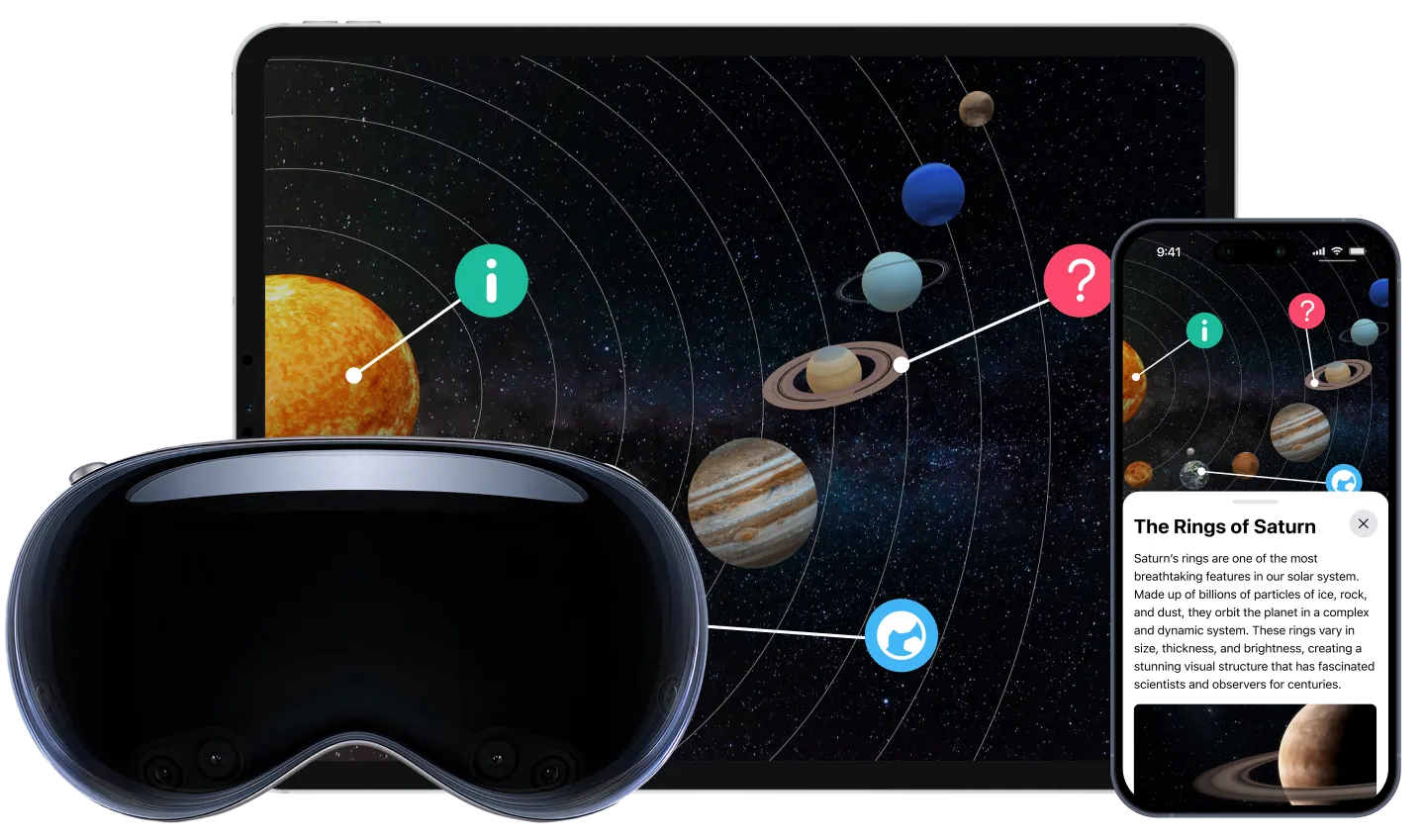
Move students from passive consumption to active creation using ThingLink on iPad, Mac, or Apple Vision Pro. Develop future skills by transforming real-life environments, projects or history into immersive learning experiences.

Empower Students as Creators

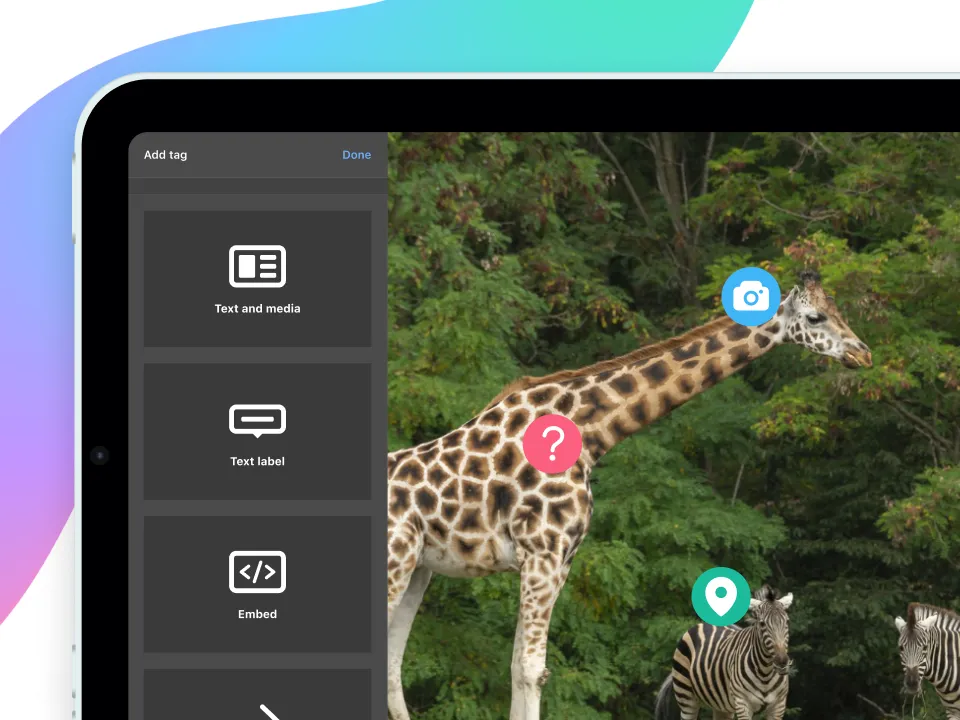
When students create, they move from consuming information to actively constructing knowledge. With ThingLink on Apple devices, learners capture real-world environments, design interactive experiences, and make their thinking visible through a multimodal overlay that shows how they interpret and communicate within a meaningful context. This helps students develop not only subject knowledge, but also agency, reflection, and real-world competence.

From Theory to Practice with Evidence-Based Learning Technology

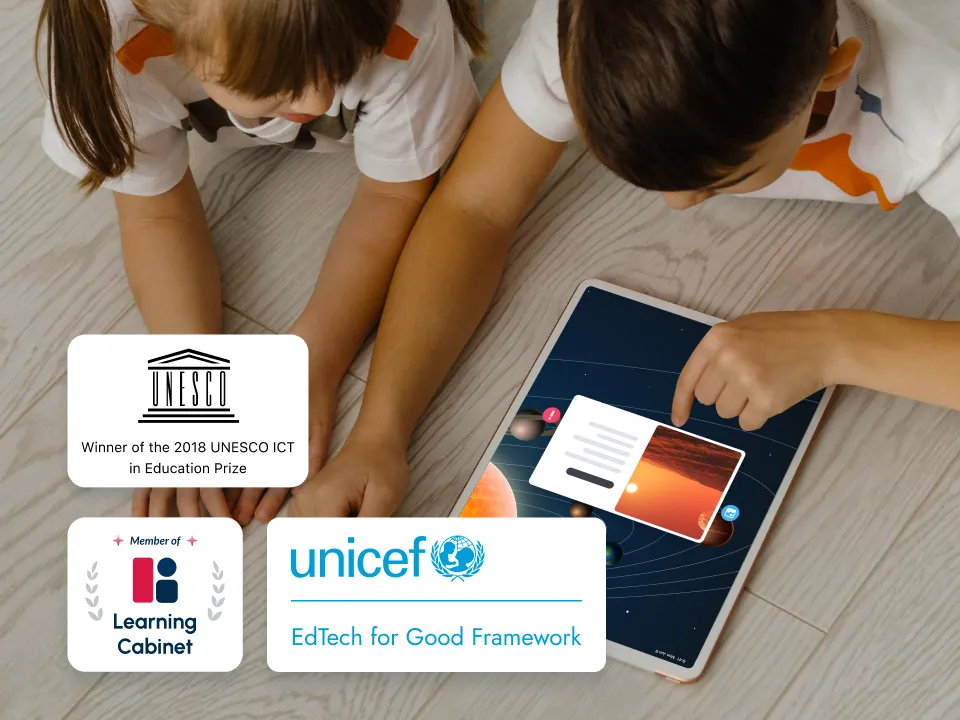
ThingLink supports contextual, active and inclusive digital learning at scale. Awarded for innovative approaches to improving access and quality of learning, ThingLink received the UNESCO ICT in Education Prize (2018) and was included in the Learning Cabinet and the EdTech for Good Framework, developed by UNICEF, Ministry for Foreign Affairs of Finland, Arm, and the Asian Development Bank (ADB), showcasing high-quality, evidence-based EdTech tools evaluated for their safety, scalability, and real learning impact solutions. worldwide.

Stanford Accelerator for Learning

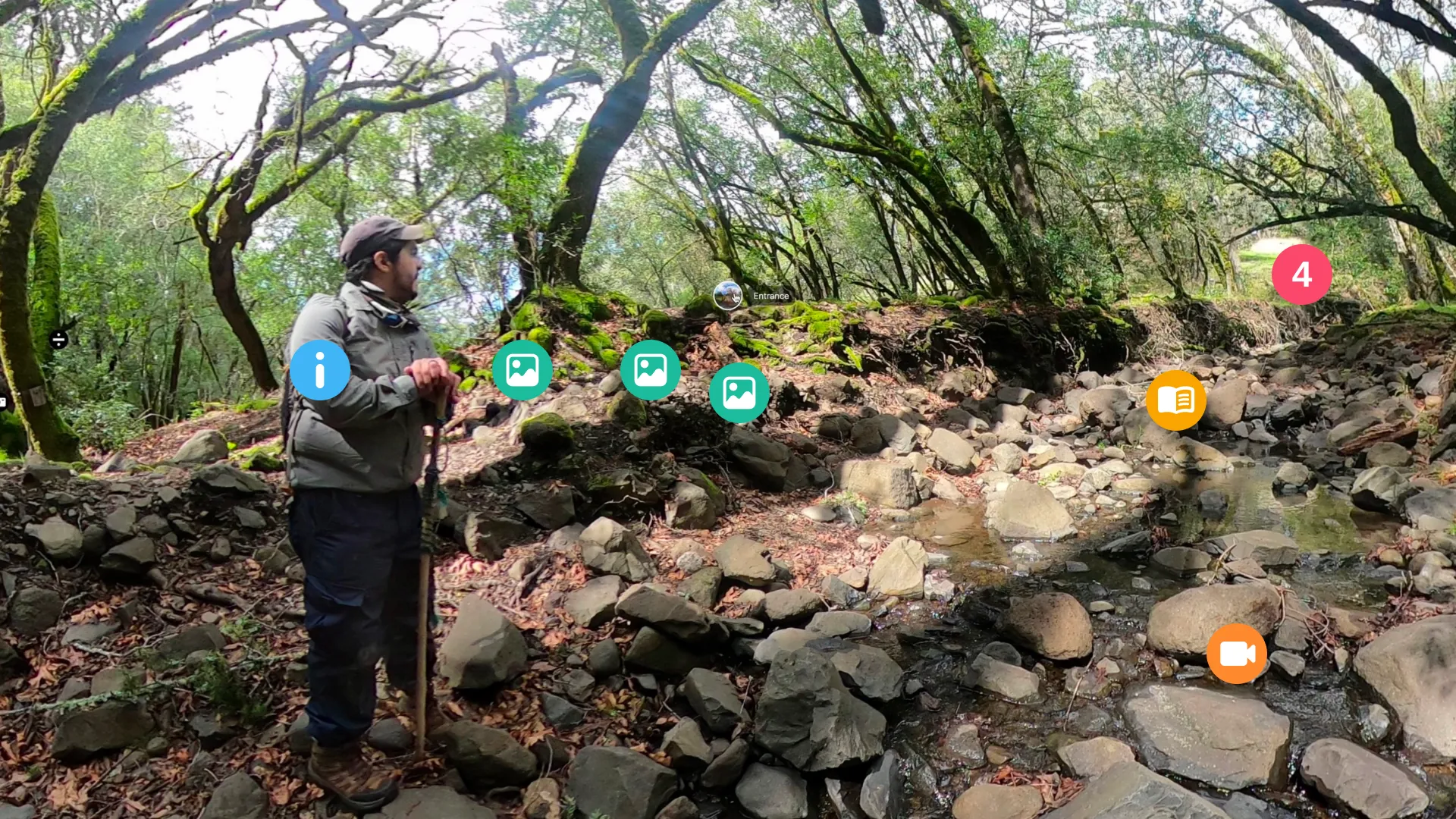
Stanford Accelerator for Learning runs a Virtual Field Trips program that develops tools and learner-centered frameworks to create and co-experience navigable worlds via immersive, 360-degree photos and videos. The program has created a growing collection of free, research-based resources that help teachers empower students to create their own virtual field trips. These include lesson plans, instructional guides, and proven frameworks developed through real classroom research, enabling educators to guide students from exploration to creation. By turning field trips into student-driven, place-based learning experiences, these resources help make learning more engaging, meaningful, and connected to the real world.

Powerful Tools to Create, Customize, and Share Real-World Learning

Use flexible tools to design content, support diverse learning needs, and empower students to create meaningful learning experiences.

Build Virtual Field Trips

Build Virtual Field Trips

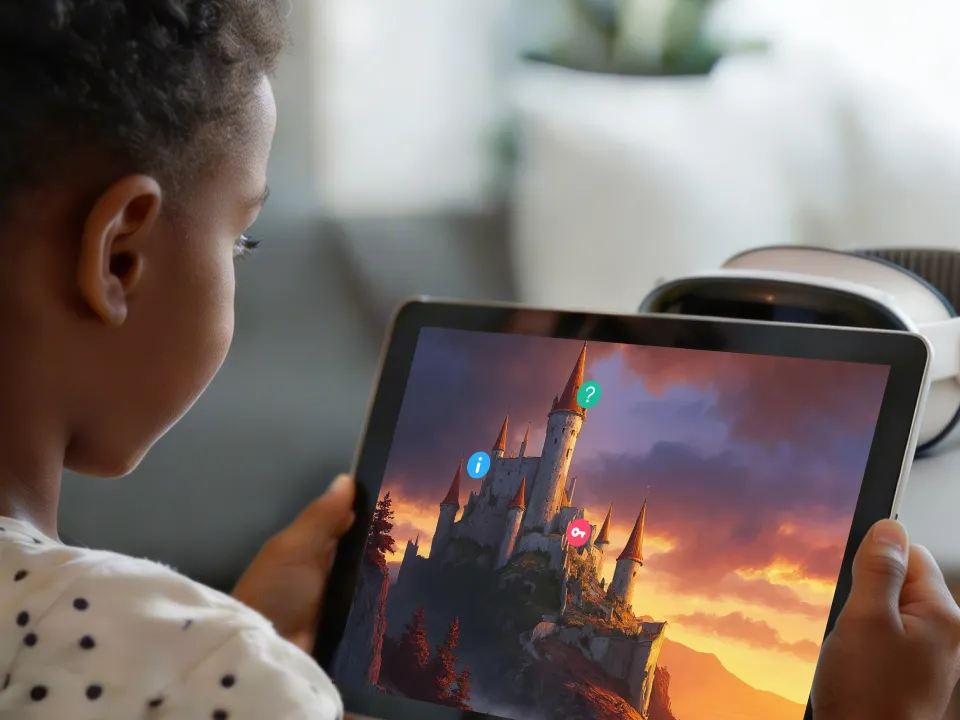
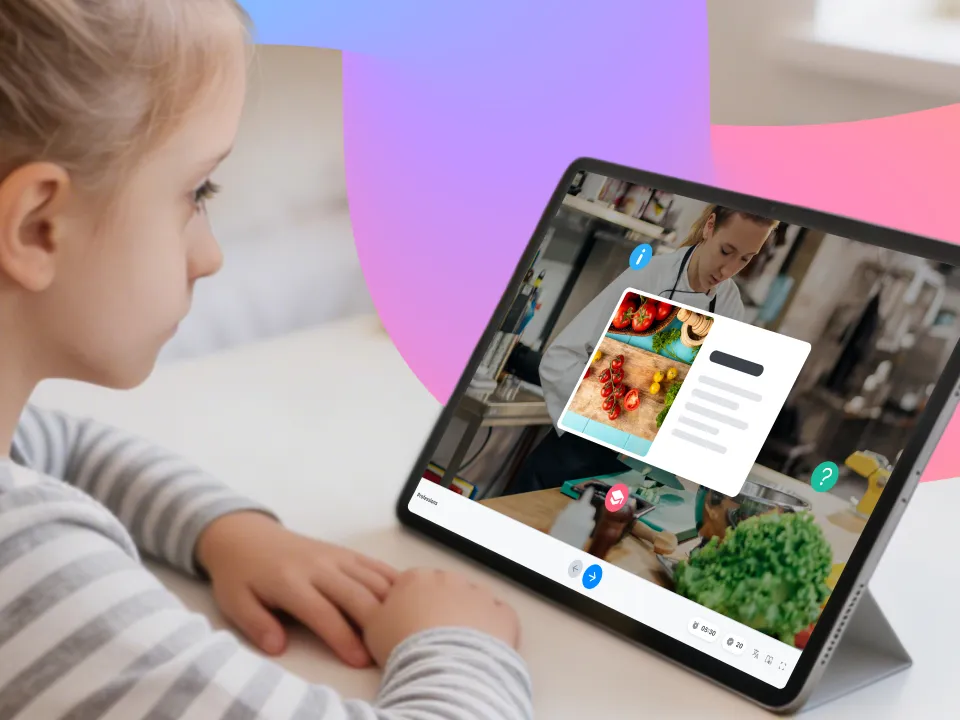
Instead of passively exploring ready-made expeditions, students can create their own Virtual Field Trips (VTFs) using their iPads. This turns observation into understanding as students actively interpret what they see, connect concepts to context, and design learning experiences for others. Combine the use of iMovie and GarageBand to create music, ambient audio or video for increased immersion.
Document STEAM Projects

Document STEAM Projects

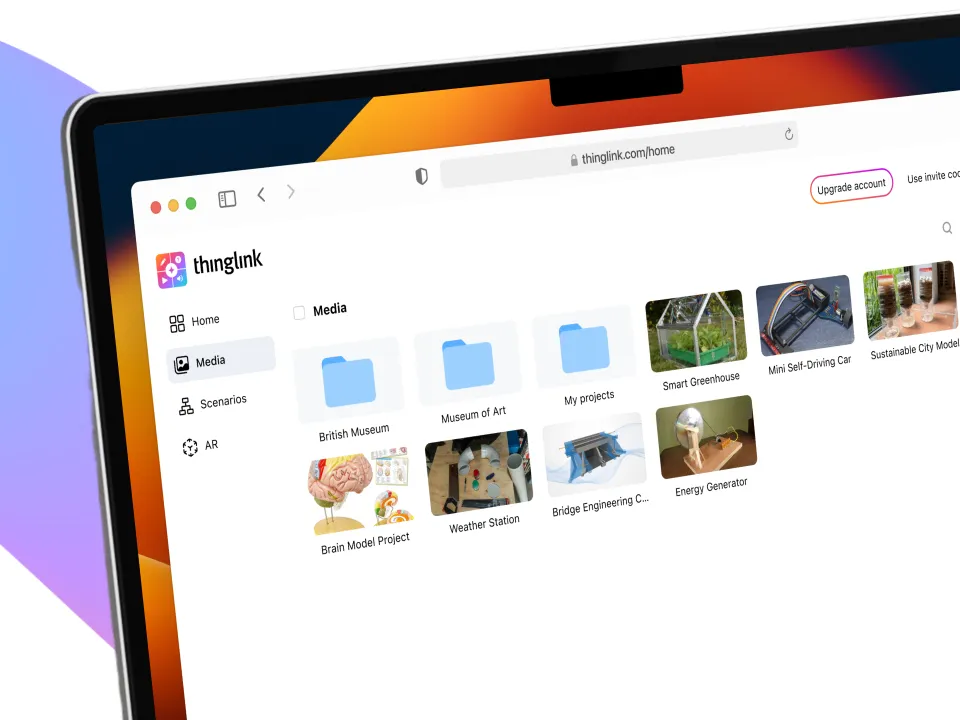
Using ThingLink on iPads or MacBooks, students can document STEAM projects, make their thinking visible, and explain how something works, step by step, turning complex concepts into clear, visual stories. By creating interactive explanations, students deepen their understanding, communicate their ideas effectively, and demonstrate competence through both process and outcome.

Contextualize Career and Technical Education

Contextualize Career and Technical Education

Give learners authentic exposure to tools, tasks, and professional contexts, while practicing decision-making in realistic situations. This makes vocational skills and career pathways more visible and meaningful, helping students connect learning to future opportunities and develop confidence in real-world settings.

Create AR Art Exhibitions

Create AR Art Exhibitions

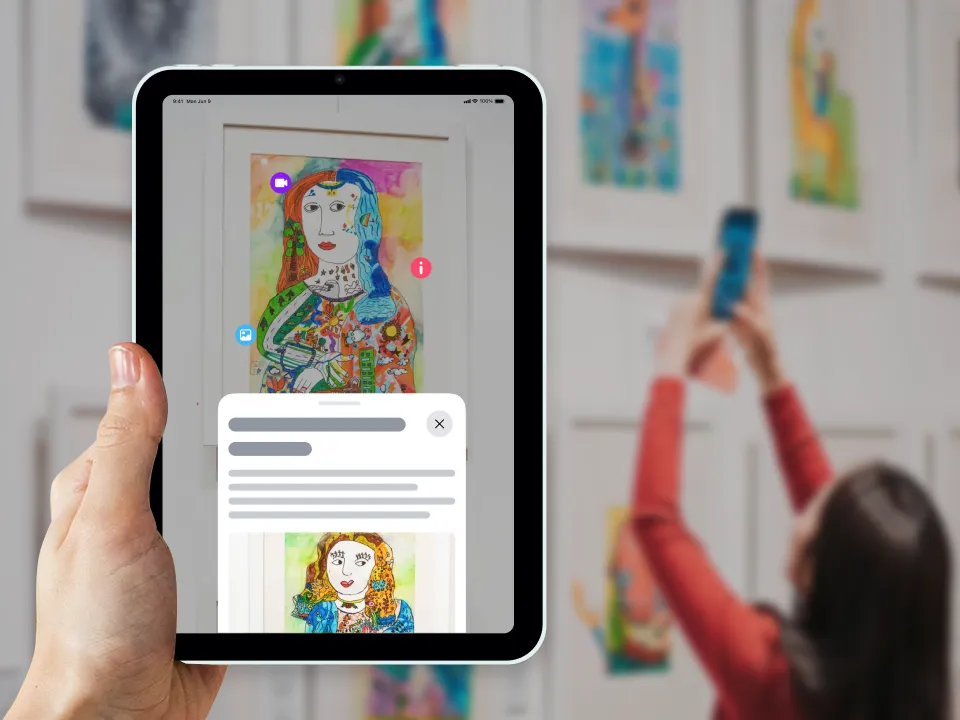
Practice digital storytelling and transform artwork into immersive AR exhibitions that extend beyond physical spaces. Students can use their iPads to capture images of their work and enrich them with artist narration, reflections, and process stories, or use ThingLink Capture to scan pieces into 3D models that can be placed in 360° environments or viewed in Apple Vision Pro.

Share Authentic Learning Portfolios

Share Authentic Learning Portfolios

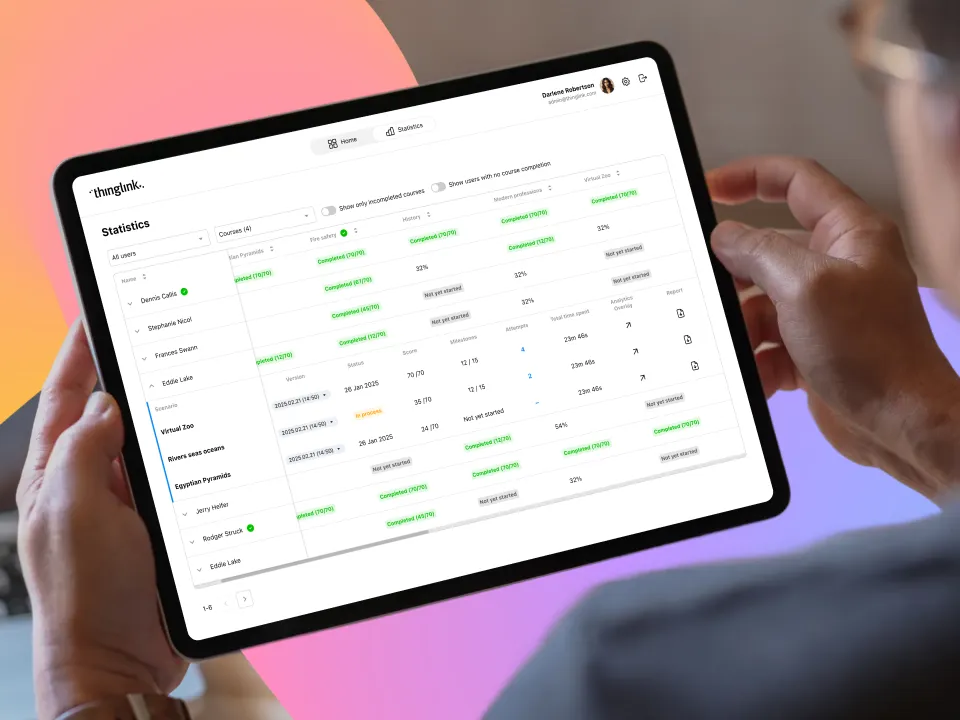
A learning portfolio created with ThingLink shows how students approached a task, what decisions they made, and how their understanding developed. Combining personal experience, contextual creation, and reflection, ThingLink helps provide authentic evidence of learning, and is a powerful tool for meaningful assessment.

Support Accessible and Inclusive Learning for Diverse Needs

Support Accessible and Inclusive Learning for Diverse Needs

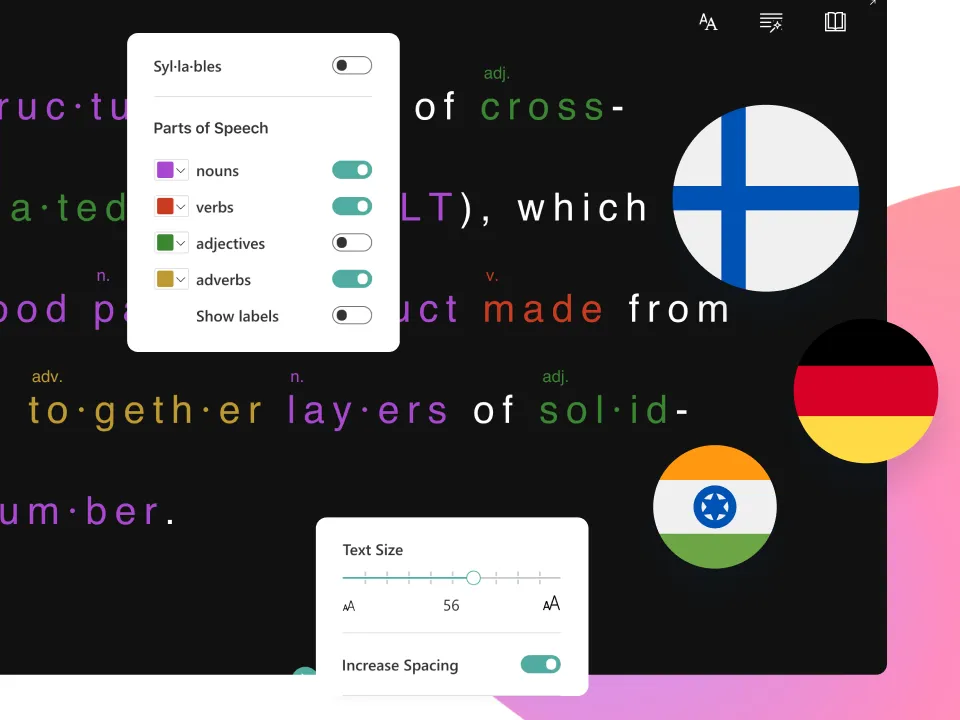
Leverage the wide array of accessibility features in ThingLink on Apple devices to support inclusive learning experiences for diverse needs. ThingLink’s key accessibility features include Immersive Reader, a WCAG-compliant Accessibility Player, and automatic translation tools into 40+ language, helping more students access and engage with content. Read our Accessibility statement here.

Designed to Work Across the Apple Ecosystem

ThingLink works seamlessly across all Apple devices, supporting a smooth workflow from capture to creation to immersive and spatial exploration. Teachers and students can easily create and explore immersive experiences with iPads, iPhones, MacBooks and Apple Vision Pro. This flexibility makes it simple to collaborate and share without interruption.

ThingLink..was chosen because of its affordances for student agency and collaboration in learner-driven instruction…The agency students have in the creative process has to do with the ability to not only select what they’re including in their work, but where it is and how it’s presented, and the kind of media supporting those ideas – that’s something that doesn’t really exist in other kinds of digital presentation platforms.

Rachel Wolf, Virtual Field Trips project team,
Stanford Accelerator for Learning’s Digital Learning Initiative

Let’s Work Together!

We would be happy to hear from you! Contact our team today.