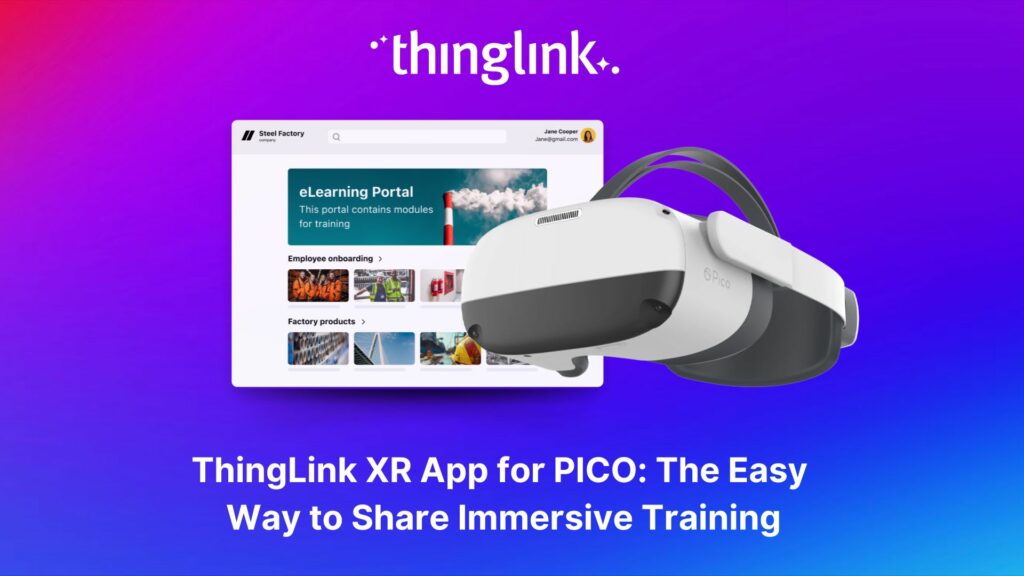
ThingLink XR App for PICO: The Easy Way to Share Immersive Training
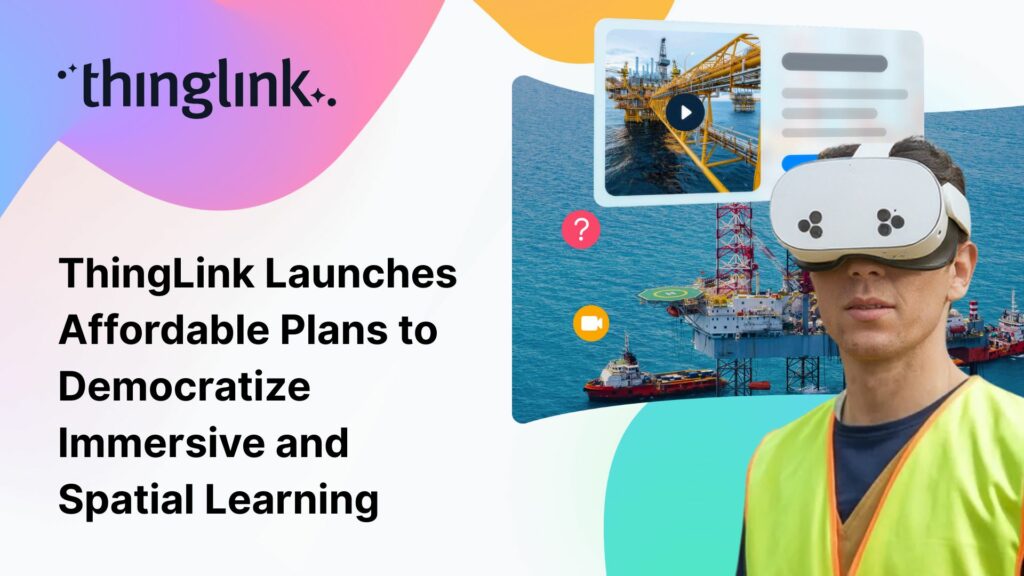
ThingLink XR for PICO makes it even easier for any organization to share their ThingLink content as immersive and interactive VR experiences using PICO headsets.
Why Traditional Training Is Not Enough Anymore
Many organizations still rely on classroom slides, PDFs, and standard e-learning for critical training. These formats are useful for sharing information, but they rarely give employees realistic practice.
As work environments grow more complex, teams need:
- Safe ways to rehearse high risk tasks
- Repeatable exposure to new sites, layouts, and equipment
- Engaging formats that improve retention and confidence
XR and VR training provide that missing layer of practice by letting learners experience scenarios that feel close to real life, without the cost and risk of live exercises.
Book a free consultation
If you’d like to learn more about how your company can save resources and effectively support employees with scalable XR and impactful training, schedule a free call with our Enterprise Executive.
ThingLink XR for PICO: Immersive Training That Is Easy to Share
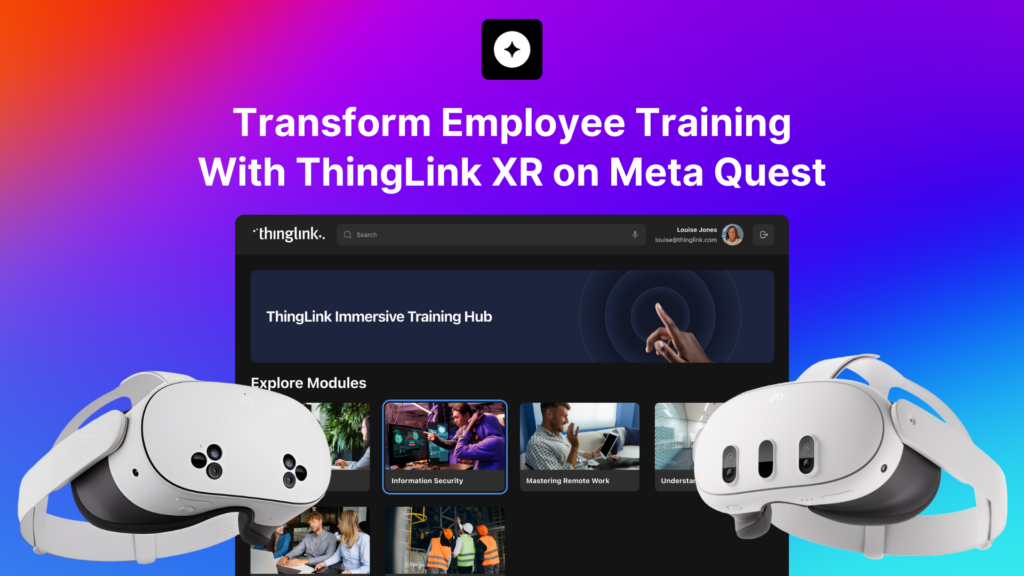
The ThingLink XR app for PICO brings your existing ThingLink content into a comfortable VR training environment.
From your ThingLink account, you can publish:
- 360° images and multi scene tours
- 360° videos
- 2D images, diagrams, and videos
- Scenarios built with ThingLink Scenario Builder
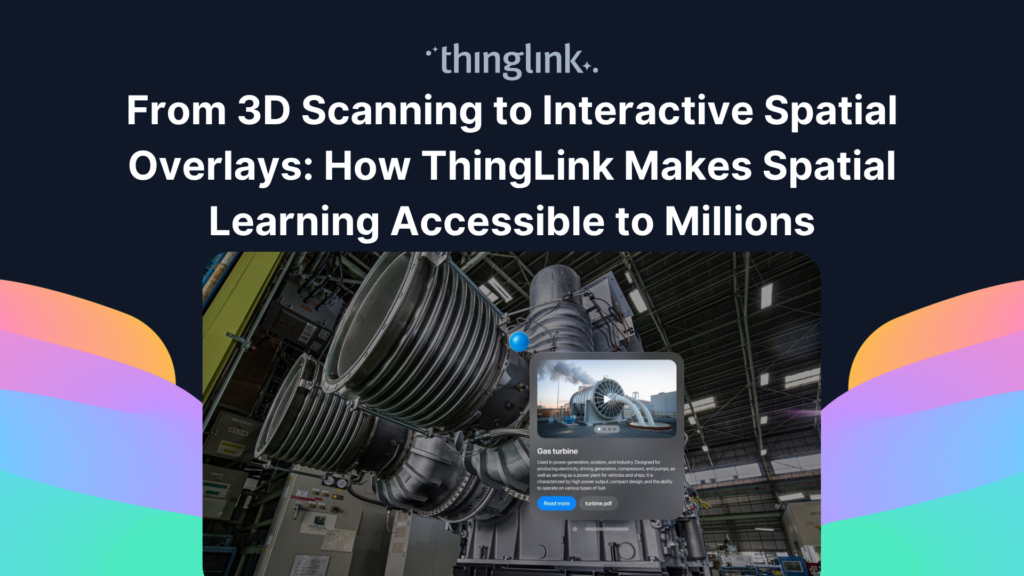
- Detailed 3D models with interactive tags
Within the XR app, learners can open this content on supported PICO headsets and explore it using the same tag types you know from ThingLink on desktop and mobile:
- Text and media tags
- Transit tags for moving between scenes or steps
- Embed tags that link out to third party content such as web pages or YouTube videos
The big advantage is that you create once in ThingLink’s multimedia editor and Scenario Builder, then share to:
- PICO headsets
- Meta Quest and other XR devices
- Laptops, tablets, smartphones
- Shared immersive spaces and large screens
What’s New in the ThingLink XR Redesign for PICO
The latest release of ThingLink XR introduces a redesigned viewing experience that makes training content look and feel better in the headset, while still working the same way for your teams.
Higher fidelity visuals
- Refreshed visuals and interface that give a cleaner, more modern feel inside PICO headsets
- Sharper rendering of 360° scenes, 2D assets, and 3D content
- Clearer hotspots and labels that are easier to scan during training sessions
All improvements are focused on clarity and comfort for extended learning sessions.
Enhanced 3D model capabilities
3D models are a powerful way to show how equipment, systems, and environments really work. The redesign introduces several features that make 3D based training more interactive:
- Tag list as a task list
Attach a structured list of tags to a model, which can be used as a checklist, inspection flow, or step by step task list. Learners can follow the sequence and make sure they have viewed each important detail. - Animated 3D models
Use animations to show movement and change. For example, demonstrate how a valve opens and closes, how a process flows, or how a component behaves during operation. - Take apart and exploded views
Show the internal structure of complex equipment by pulling pieces apart virtually. This helps learners understand how components fit together without having to dismantle real machinery.
These capabilities turn 3D models into rich micro lessons that supplement your 360° tours and scenarios.
Passthrough for non-360 learning content
The updated ThingLink XR app enables passthrough for all non-360 experiences, including:
- Scenarios
- 2D images and videos
- 3D models
This makes it easier for learners to:
- Stay aware of the real room and the people around them
- Interact with physical tools or props while still seeing digital guidance
- Experience something closer to mixed reality, with real world context and digital overlays
The goal is to support learning that feels grounded, not isolated.
Better scenario support and content discovery
To support growing XR content libraries, the redesign also delivers quality of life improvements:
- Additional support for scenarios created in ThingLink Scenario Builder when viewed in XR
- Search on the XR landing page so learners can quickly find the right course, module, or scenario from inside the PICO headset
- Stability and performance improvements that keep sessions running smoothly
A Familiar Experience for Existing Users
Although the visuals and 3D features are new, the way learners move around in the ThingLink XR app for PICO has not changed.
- The layout and navigation follow the same patterns
- Controls remain consistent for previous users
- Existing landing pages and shared links continue to work
If you already have ThingLink XR training in use, the redesign is an enhancement rather than a reset. Your content continues to work and look better at the same time.
Where PICO Based XR Training Shines
Organizations use ThingLink XR on PICO devices across many sectors, including manufacturing, energy, construction, healthcare, retail, aviation, and more.
Common use cases include:
- Onboarding at scale
Give new hires an immediate sense of sites, processes, and safety expectations, even before they visit in person. - Procedural and operations training
Walk learners through complex tasks using 360° media, scenarios, and 3D models they can revisit any time. - Health, safety, and environment training
Simulate scenarios that are too risky or disruptive to recreate physically. - Customer and partner education
Offer immersive product walkthroughs and interactive manuals for customers and partners.
Because the same content works on laptops, mobiles, and other XR devices, you can design blended programs that meet learners wherever they are.
Scalable, Multi-Platform Training With One Content Stack
ThingLink XR is designed to be flexible and scalable:
- Share the same interactive experiences to PICO, Meta Quest, Apple Vision Pro, other VR headsets, and standard devices
- Update content once in ThingLink and have it refresh everywhere it is shared, from LMS to landing pages
- Track learner engagement and interaction paths to understand how people move through scenarios and hotspots
This lowers the ongoing cost of maintaining XR training, because updates are made centrally instead of in separate apps.
Installing ThingLink XR on PICO Headsets
The ThingLink XR app is compatible with a wide range of PICO devices, including:
- PICO 4
- PICO 4 Pro
- PICO 4 Ultra
- PICO Neo3
- PICO Neo3 Pro Eye
- PICO Neo3 Link
You can install and manage the app using:
- PICO Store
- Open the Store app on your PICO headset
- Search for “ThingLink XR”
- Select “Get” to install
- PICO Business Store
- Use the PICO Business device management tools to push ThingLink XR to multiple headsets at once
- Use the PICO Business device management tools to push ThingLink XR to multiple headsets at once
- MDM platforms
- Deploy ThingLink XR via mobile device management solutions such as ArborXR
- If your platform requires an APK file, contact ThingLink Support at support@thinglink.com
Once installed, sign in, connect your landing page, and your ThingLink XR training content will be ready to launch directly from the headset library.
Start Delivering High Fidelity XR Training With PICO
If you’re looking for an easy way to deliver immersive, interactive learning on PICO headsets, the redesigned ThingLink XR app provides:
- Higher quality visuals for more convincing scenarios
- Robust tools for interactive and animated 3D models
- Passthrough for non-360 experiences that keep learners connected to the physical world
- Familiar navigation and simple deployment across your headset fleet
Book a free consultation
To explore how ThingLink XR on PICO could fit your training strategy, book a demo or speak with the ThingLink team.
Updated December 2025
This article has been updated to cover the redesigned ThingLink XR experience on PICO headsets, including higher visual fidelity, extended 3D model features, and passthrough support for non-360 content, while keeping the same simple navigation and workflows.